Imagen Alternatives
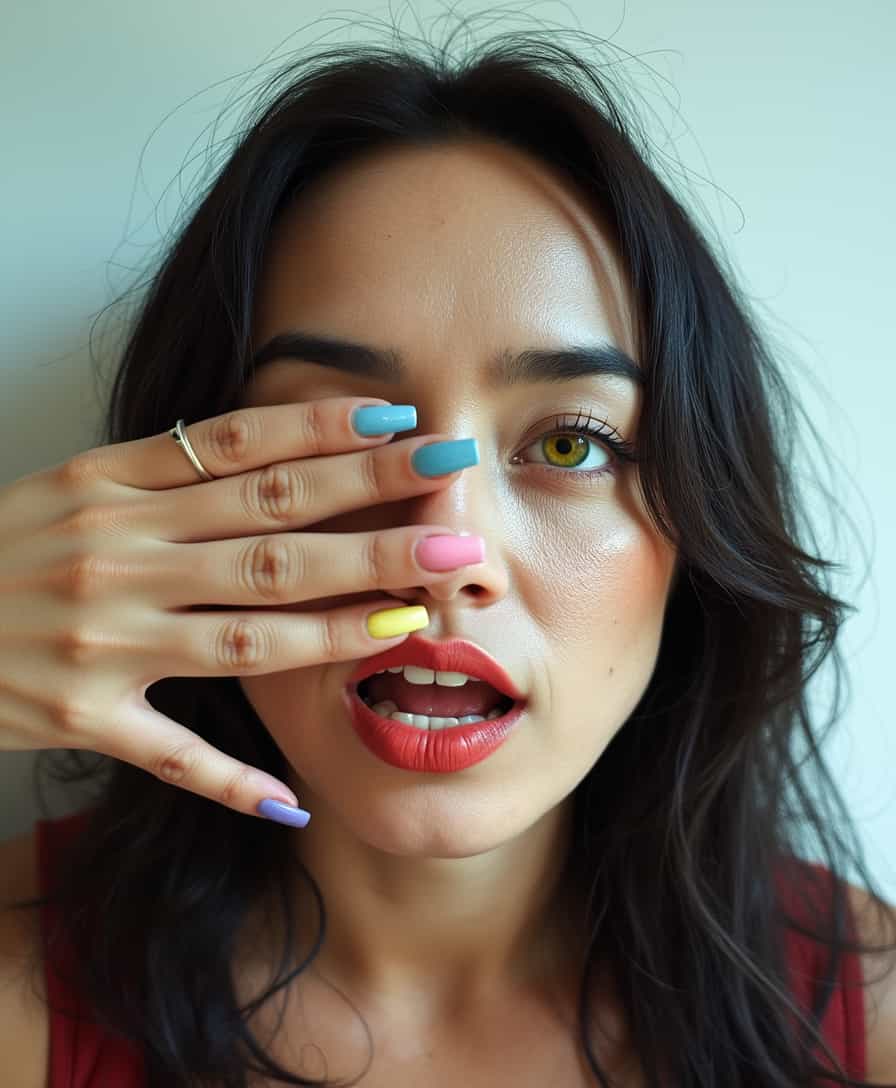
Generated on PixelDojo. Produced by PixelDojo's generation pipeline.
The best Google Imagen alternative on PixelDojo is Flux 2 Pro for the strongest overall mix of image quality and speed, while hidream is the fastest option in this test. PixelDojo compared every model on the same scene, a grand library with spiral staircases and floating candles, magical realism, warm light, then recorded real generation times. The results show meaningful differences in speed, style control, detail handling, and practical fit for creative work.
Real image examples generated on PixelDojo
Every example below was produced on PixelDojo. Hover to see the prompt.
Image from library
google-gemini-image

Marine biologists in a research vessel peer over the side
flux

Masterpiece
creative-upscaler
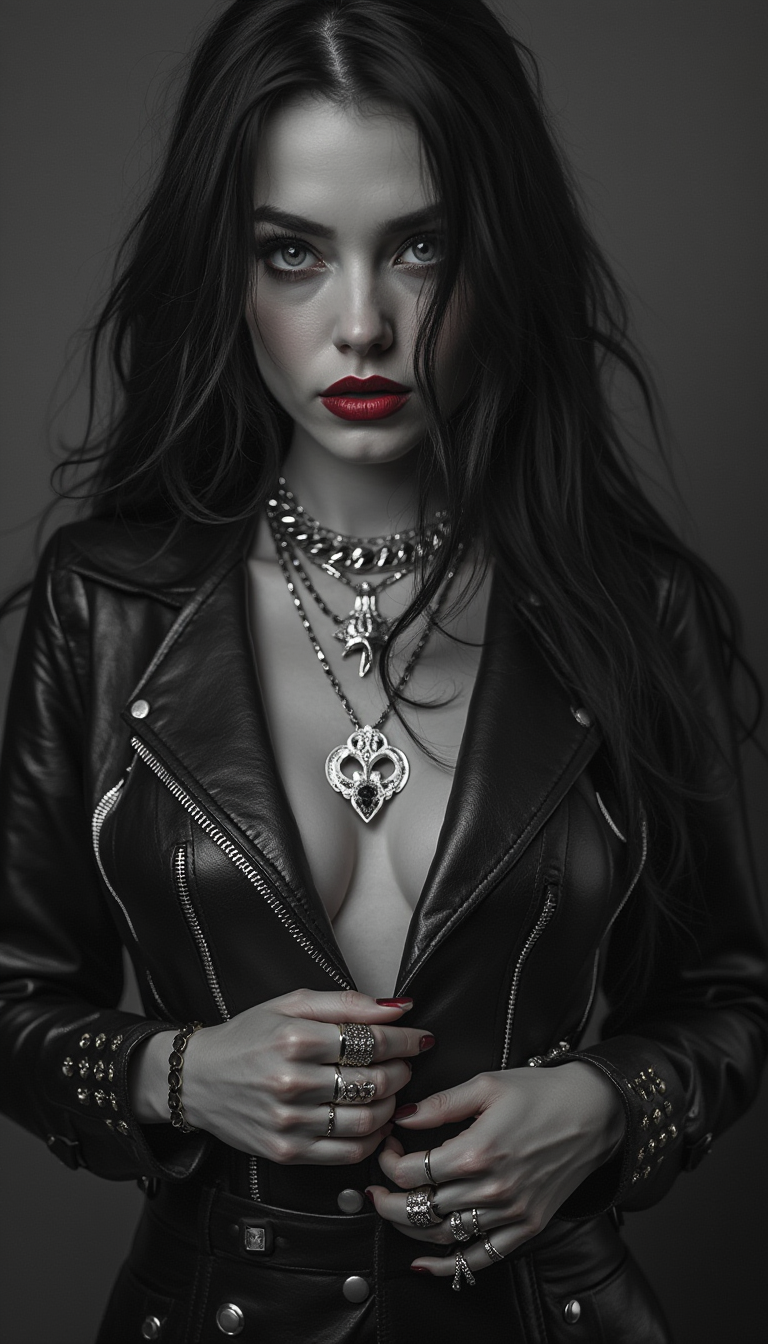
Centered
stable-diffusion

Stunning black woman sitting in a private jet seat staring out the window wearing large lu…
flux

A breathtaking digital painting of a female figure standing atop a rugged
flux
Models you can run on PixelDojo for Imagen Alternatives
Switch models without switching tools. Each one runs in the same PixelDojo studio.
What you can do with Imagen Alternatives on PixelDojo
Select Alternative Image Models
We allow creators to use models other than Imagen for their image generation tasks.
Adjust Generation Parameters
Creators modify settings like aspect ratio and detail level before producing images.
Produce Multiple Image Variations
We generate several options from one prompt to help creators explore ideas.
Export Images In Various Formats
Creators download their images in common file formats for further use.
PixelDojo ran Flux 2 Pro, Google Nano Banana Pro, GPT Image 2, Seedream 4.5, hidream, and krea-v2 on the same prompt and recorded generation times from 7.6 seconds to 174.7 seconds.
Why Choose Pixel Dojo for Imagen Alternatives
Professional-quality results with cutting-edge AI technology
Compare models on equal ground
Every option was tested with the same magical library scene, making the comparison easier to trust than model claims based on different prompts.
Choose by speed and output style
The fastest model was hidream at 7.6 seconds, while Flux 2 Pro delivered the best overall balance at 13.5 seconds.
Find the right fit for production work
PixelDojo helps creators compare leading image models in one place, so teams can pick the best tool for concept art, marketing images, story visuals, and design exploration.
How It Works
Start with the same prompt
Use a consistent scene to compare model behavior. PixelDojo used a grand library with spiral staircases and floating candles, magical realism, warm light.
Review output and timing
Look at both visual quality and generation time. Faster models can help with iteration, while slower models may still suit high-detail final images.
Generate inside PixelDojo
Pick the model that fits the job, create variations, refine the prompt, and compare results without switching tools.
Loved by creators on PixelDojo
Real feedback from people using PixelDojo, pulled from our in-product surveys.
Love how I can almost create anything
The Flux Pro Ultra is just amazing!
Very easy to use, and they have fast wan 2.2 video generation with custom loras available.
The overall quality of the site and it's amazing variety of tools. The continued updates of the UI. The unbelievable level of tech support.
THIS IS SO DOPE !
I have already recommended it to friends
Explore more AI tools on PixelDojo
AI Tools
Compare & Switch
- Best AI Image Generators
- Best AI Video Generators
- Midjourney Alternatives
- Civitai Alternatives
- Runway Alternatives
- Leonardo Alternatives
- Pika Alternatives
- Luma Alternatives
- Magnific Alternatives
- Veo Alternatives
- Flux Alternatives
- Freepik Alternatives
- Seedance Alternatives
- Seedream Alternatives
- Pixverse Alternatives
- GPT Image Alternatives
- Synthesia Alternatives
- Playground Alternatives
- NightCafe Alternatives
- Canva AI Alternatives
- ElevenLabs Alternatives
- ComfyUI Alternatives
- Fal Alternatives
- Replicate Alternatives
Common Questions
Everything you need to know about Imagen Alternatives
What is the best Google Imagen alternative overall?
Flux 2 Pro is the best overall choice in this PixelDojo comparison because it paired strong visual quality with a fast 13.5 second generation time.
Which alternative is fastest?
hidream was the fastest model in the test, generating the shared library scene in 7.6 seconds.
Which model took the longest?
GPT Image 2 took the longest in this benchmark at 174.7 seconds, making it less suited to rapid iteration in this specific test.
Was every model tested with the same prompt?
Yes. PixelDojo used the same scene for every model: a grand library with spiral staircases and floating candles, magical realism, warm light.
Can I use PixelDojo to compare these models myself?
Yes. PixelDojo gives creators access to multiple image models, making it easier to compare outputs, test prompts, and choose the right model for each project.