krea 2 online AI Generator
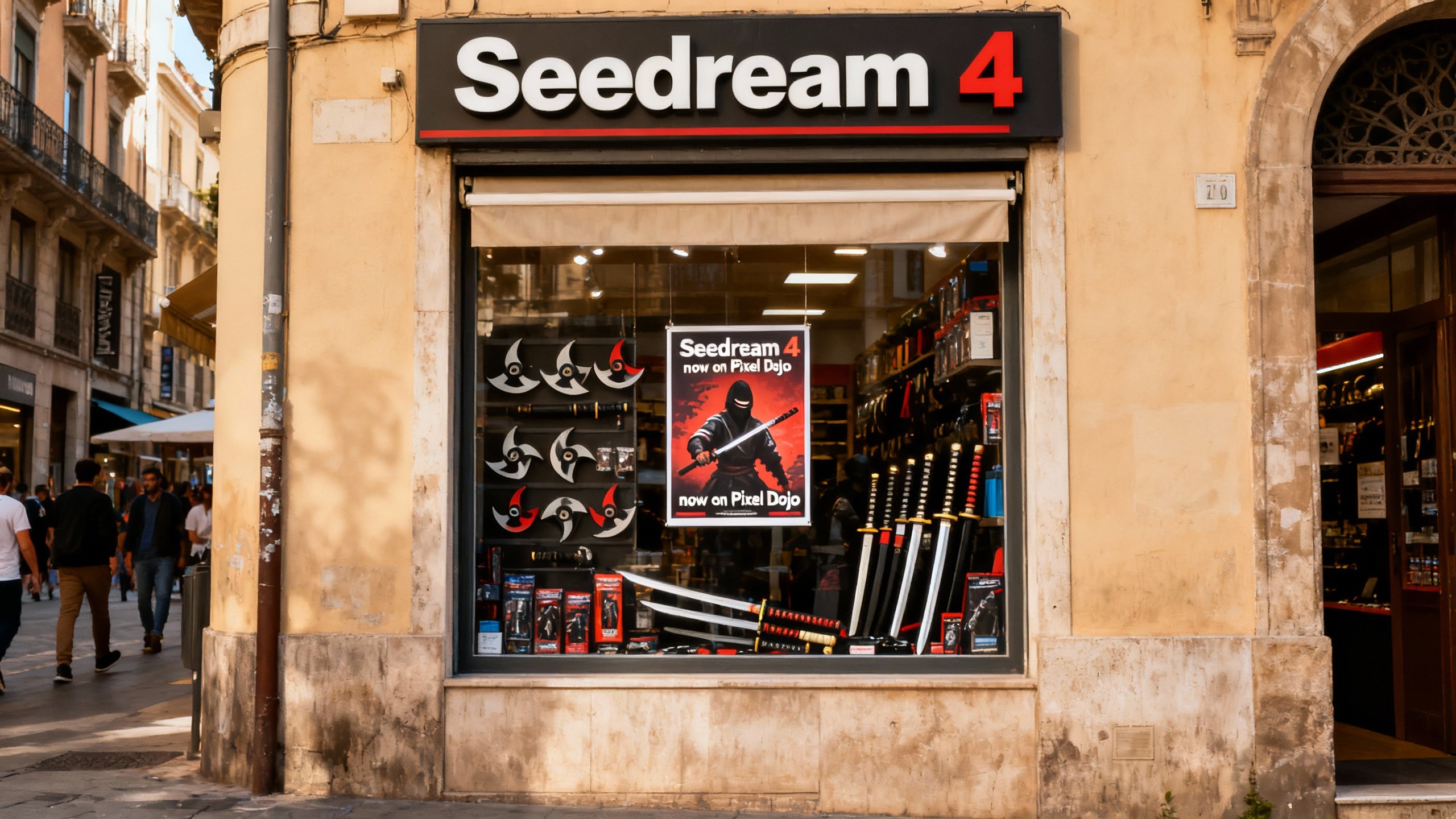
Generated on PixelDojo. Produced by PixelDojo's generation pipeline.
You want images that stand out with real aesthetic depth instead of looking like every other AI generation. Krea 2 online on PixelDojo delivers exactly that. Create photorealistic portraits with authentic skin texture and grain, cinematic scenes that feel shot on film, vibrant digital paintings, or experimental illustrations that capture any mood you imagine. PixelDojo's Krea Image tool puts Krea 2's unmatched style control in your hands so you can transfer looks from reference photos, build moodboards for consistent brand worlds, and generate high-converting visuals for marketing campaigns, social content, product shots, or personal art. No expensive software, no local hardware, no waiting days for results. Generate in seconds, iterate freely, then refine with our full suite of editing and upscaling tools. Thousands of creators already use PixelDojo to produce professional-quality Krea 2 images that convert visitors into customers and ideas into finished assets. Start today and see how quickly you can turn simple descriptions into gallery-worthy work.
Real image examples generated on PixelDojo
Every example below was produced on PixelDojo. Hover to see the prompt.
A photo of a store front called "Seedream 4"
seedream-4
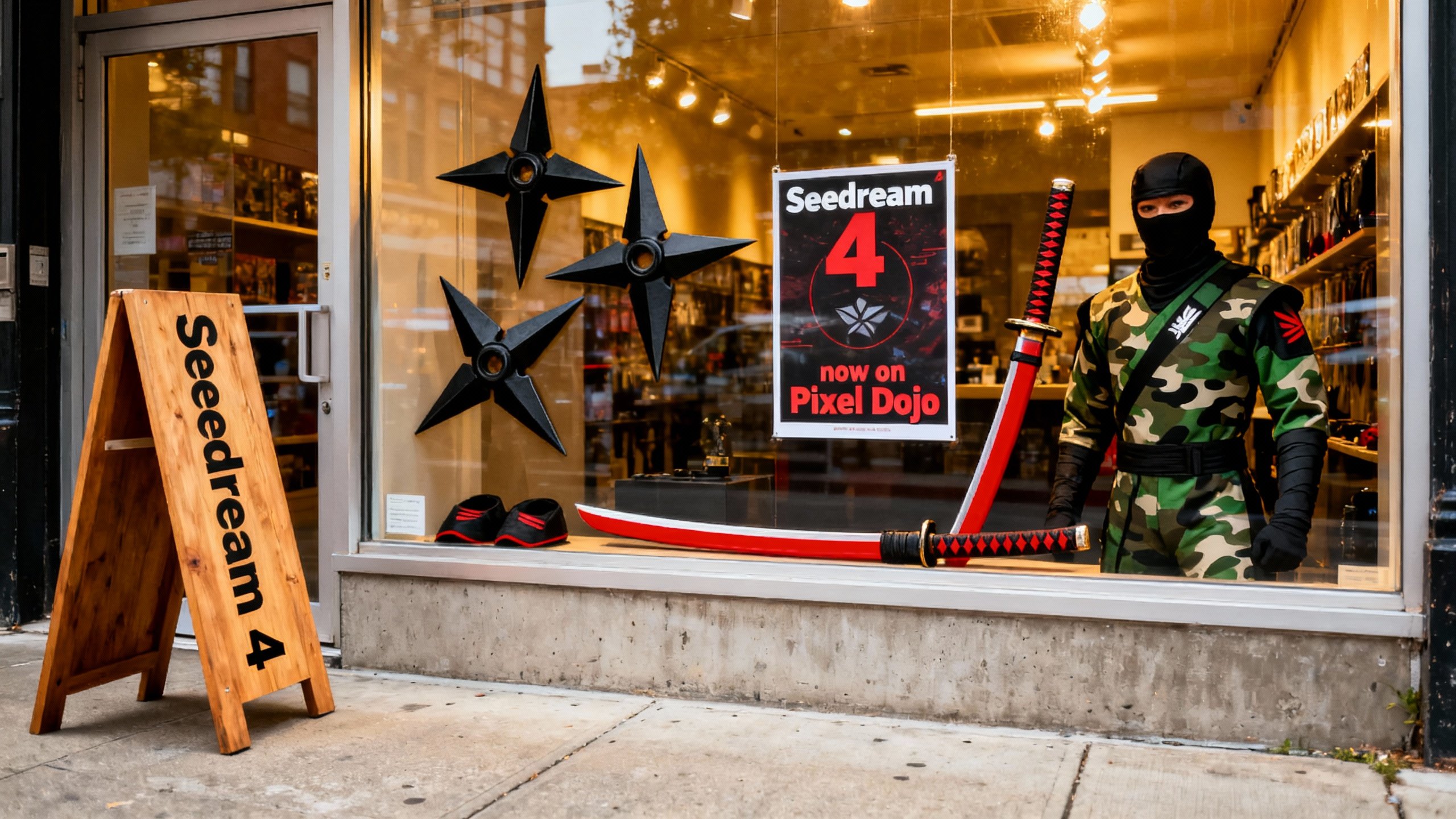
A photo of a store front called "Seedream 4"
seedream-4
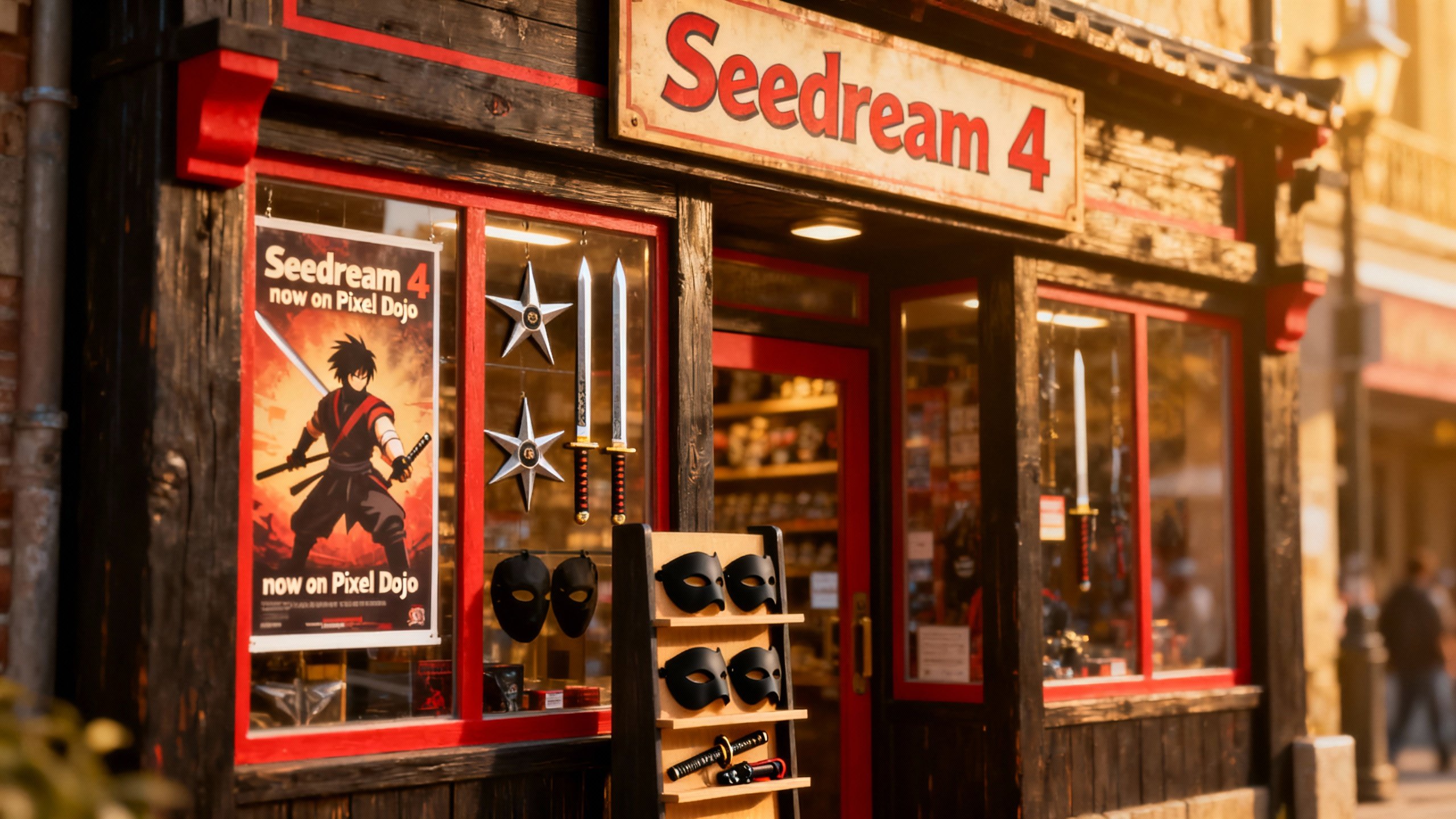
A photo of a store front called "Seedream 4"
seedream-4
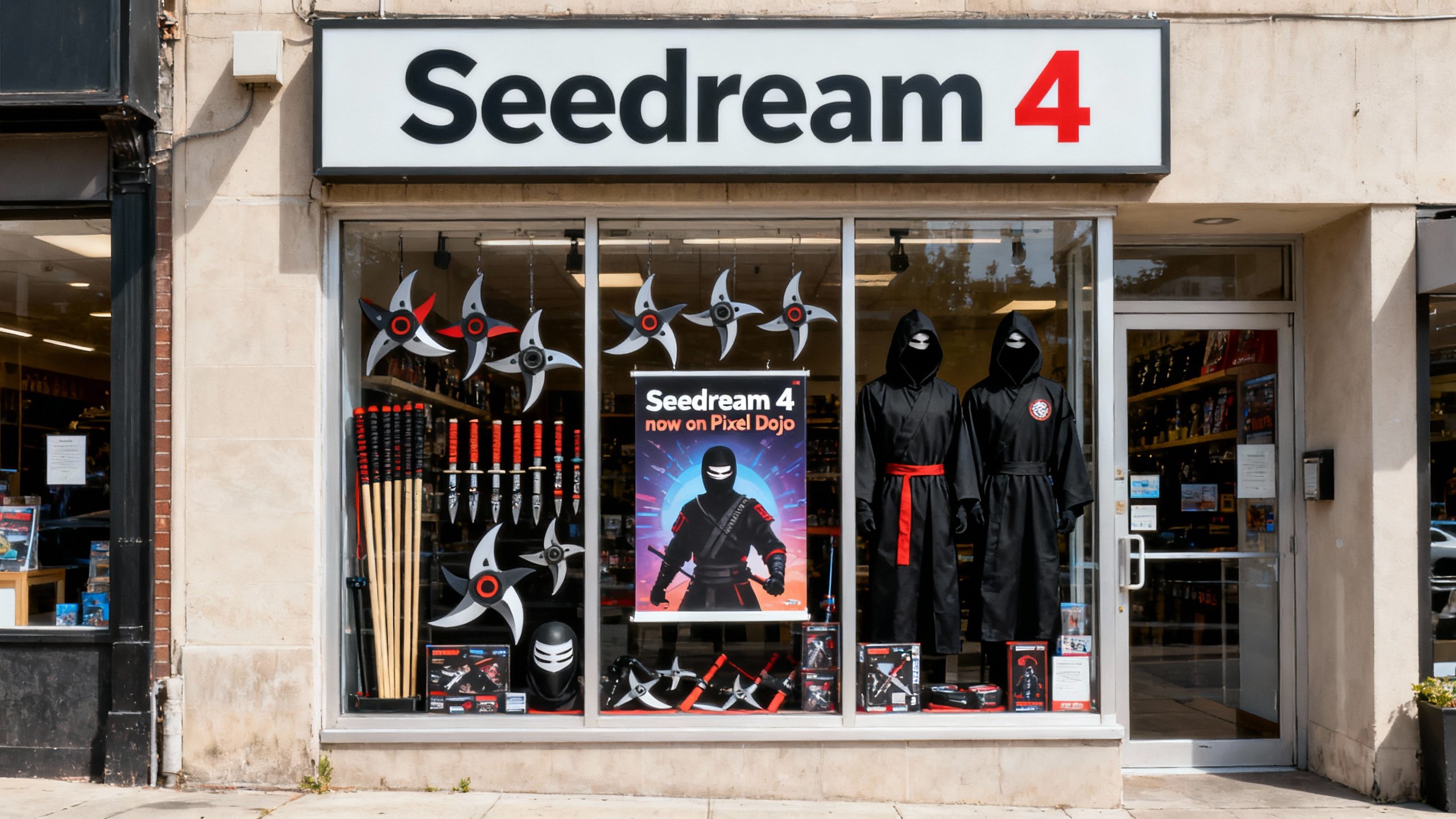
A photo of a store front called "Seedream 4"
seedream-4
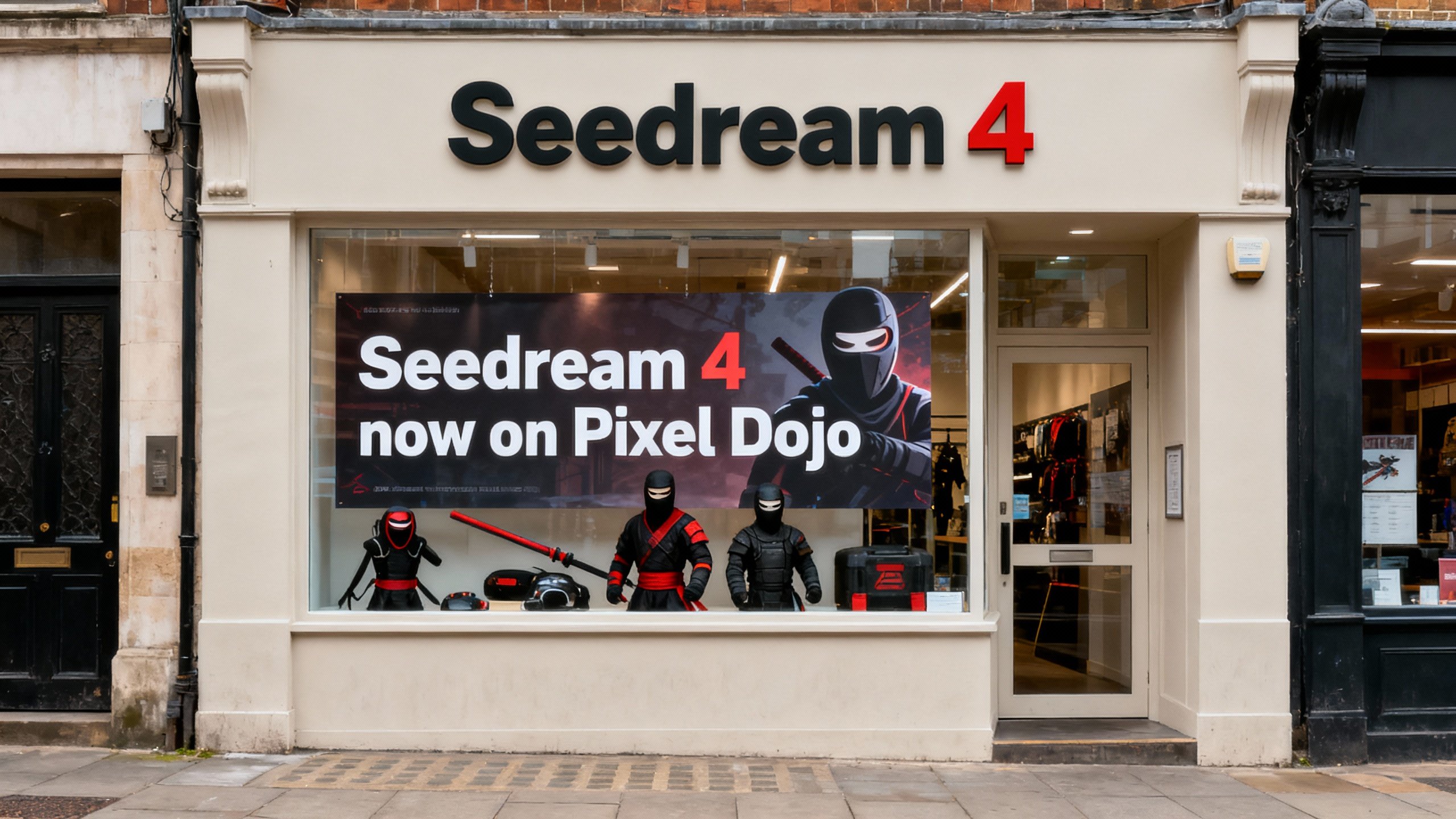
A photo of a store front called "Seedream 4"
seedream-4
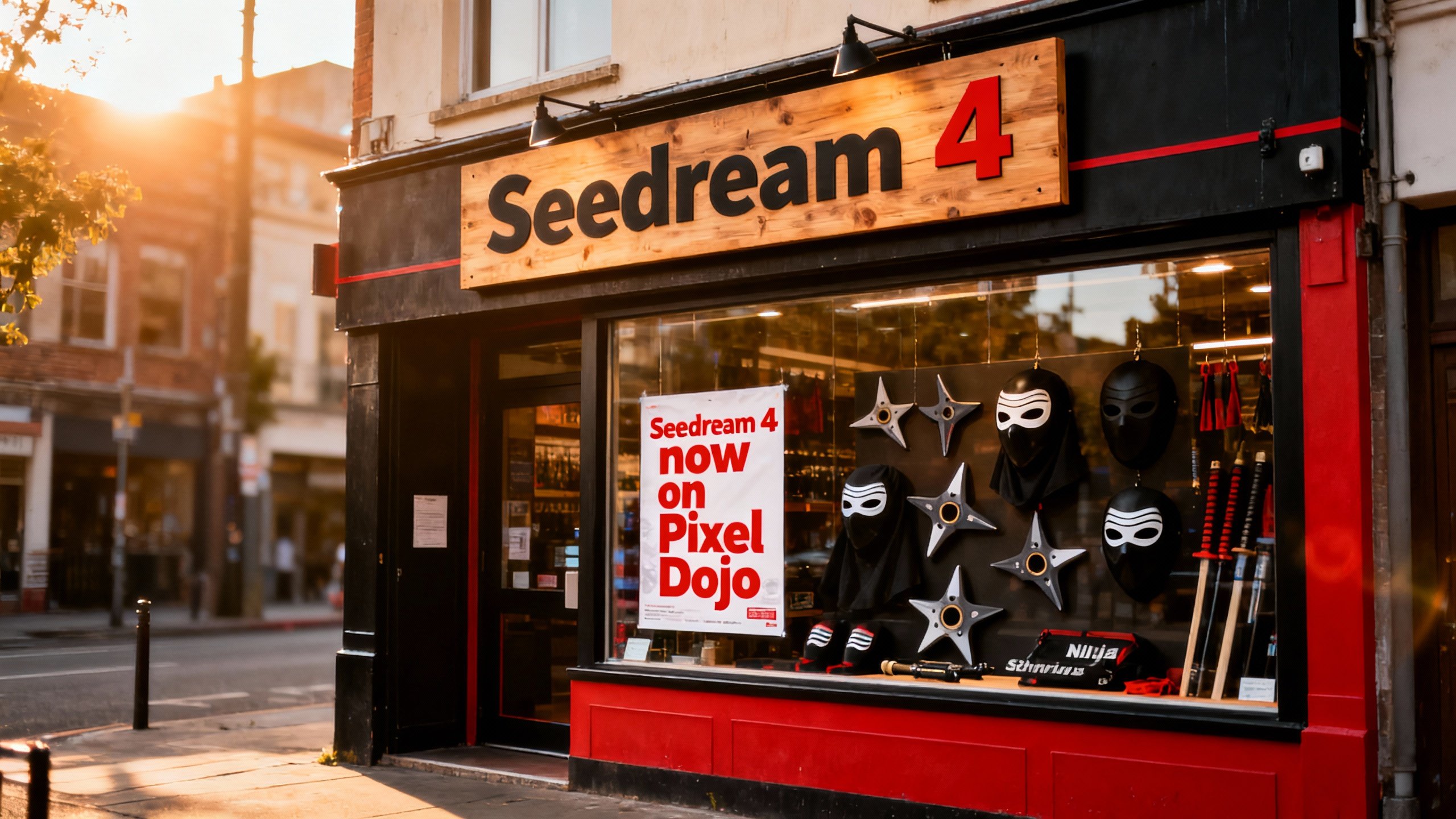
A photo of a store front called "Seedream 4"
seedream-4
Models you can run on PixelDojo for krea 2 online
Switch models without switching tools. Each one runs in the same PixelDojo studio.
What you can do with krea 2 online on PixelDojo
Krea 2 in the Browser
We host Krea 2 so you can generate images online without installing local models or GPU software. Open a session, enter a prompt, and run jobs from any modern browser.
Prompt to Image Workflow
You write text prompts and we return still images from Krea 2. Adjust wording, aspect, and basic generation settings, then regenerate until the frame matches what you need.
Iterate on Each Result
We keep your recent outputs in the workspace so you can refine a direction instead of starting from scratch. Compare takes, reuse a prompt, and continue from a frame you already like.
Creator-Ready Exports
We let you download generated images for mockups, storyboards, and concept work. Files stay in your account so you can return later and continue from the same Krea 2 session.
Loved by thousands of creators worldwide with 4.9-star ratings. Access 40+ cutting-edge AI tools including Krea Image, Flux.2 Studio, and Seedream 5. Cancel anytime with no risk.
Why Choose Pixel Dojo for krea 2 online
Professional-quality results with cutting-edge AI technology
Achieve Unique Aesthetic Looks Instantly
Break away from generic outputs and produce images with grainy film photography, clean studio lighting, or rich digital painting textures. Krea 2 online lets you match any visual direction so your marketing materials, artwork, and concepts look professionally crafted and on-brand every time.
Control Style with References and Moodboards
Upload reference images or assemble moodboards to lock in color palettes, lighting, textures, and overall mood across an entire series. PixelDojo's Krea Image tool gives you precise strength sliders so you create consistent character sheets, product lines, or campaign visuals without starting over.
Complete Workflow from Generation to Polish
Generate your Krea 2 images then immediately enhance them with Image to Image, Inpainting, Style Transfer, Background Remover, Reality Polisher, and P-Image Upscale. Turn stills into videos with Kling Video or WAN 3.0 and train custom models if you need even more personalization.
How It Works
Creating stunning Krea 2 images online takes just a few minutes on PixelDojo. Our Krea Image tool combined with editing and enhancement features lets you go from idea to finished asset without leaving the platform.
Step 1: Choose Your Tool
Sign in to PixelDojo and go to Generate Images. Select Krea Image to access Krea 2's aesthetic-first engine with built-in style transfer and moodboard support. You can also explore complementary tools like Flux.2 Studio or Seedream 5 for extra variety. Everything runs in your browser so you start creating immediately.
Step 2: Enter Your Prompt
Type a natural-language prompt that leads with the subject, then adds setting, composition, lighting, mood, and medium. Upload one or more style reference images or drop in a moodboard to transfer exact looks. Adjust creativity level from raw to high and choose aspect ratio. PixelDojo's Krea Image handles multiple references with individual strength controls so you stay in creative flow.
Step 3: Customize & Download
Hit generate and review your batch of Krea 2 images in seconds. Use Edit Images tools such as Inpainting, Change Camera Angle, Magic Lighting, or Image Outpainting to perfect details. Upscale with P-Image Upscale, Magnific Upscaler, or Clarity Pro for print-ready resolution. Download, share, or feed the stills into video tools like Kling Video or Marketing Studio. Your full project stays organized in one place.
The Pixel Dojo Advantage
Why PixelDojo outperforms other options for Krea 2 image generation
| Others | Pixel Dojo |
|---|---|
| Traditional photography and illustration | Skip location scouting, lighting setups, and hours of post-production. Generate unlimited professional Krea 2 variations in seconds with full style control that matches or exceeds traditional quality for most commercial uses. |
| Generic AI tools | PixelDojo gives you dedicated Krea Image access plus 40+ specialized tools including Flux.2 Studio, QWEN Image 2, Image Analyzer, and complete video pipelines so you never hit a wall when your project needs more than basic generation. |
| Manual photo editing | Replace tedious layer work and retouching with instant Inpainting, Style Transfer, Reality Polisher, and Background Remover. Your Krea 2 images go from good to client-ready in minutes instead of hours. |
Loved by creators on PixelDojo
Real feedback from people using PixelDojo, pulled from our in-product surveys.
Trained my Lora super fast. Still working out how to creat content wit it, but I love it so far.
I love this app
It has all the tools I can think of...
deployment rate of splendid features is incredible. Legend
large selection of tools on one platform
the amount you can do on this site
Explore more AI tools on PixelDojo
AI Tools
Compare & Switch
- Best AI Image Generators
- Best AI Video Generators
- Midjourney Alternatives
- Civitai Alternatives
- Runway Alternatives
- Leonardo Alternatives
- Pika Alternatives
- Luma Alternatives
- Magnific Alternatives
- Veo Alternatives
- Flux Alternatives
- Freepik Alternatives
- Seedance Alternatives
- Seedream Alternatives
- Pixverse Alternatives
- GPT Image Alternatives
- Synthesia Alternatives
- Playground Alternatives
- NightCafe Alternatives
- Canva AI Alternatives
- ElevenLabs Alternatives
- ComfyUI Alternatives
- Fal Alternatives
- Replicate Alternatives
Common Questions
Everything you need to know about krea 2 online
What is Krea 2 online image generation and how does PixelDojo make it accessible?
Krea 2 online image generation lets you create highly aesthetic, style-controlled images directly in your browser. PixelDojo's Krea Image tool brings the full power of Krea 2 to you without any local installation or GPU. You describe what you want, add style references or moodboards, and receive photorealistic or artistic results in seconds. Combined with our editing suite you produce finished assets ready for websites, ads, or social media. Thousands of creators already rely on this workflow because it removes every barrier between idea and output.
How do I create photorealistic images with Krea 2 online on PixelDojo?
Start in PixelDojo's Krea Image tool and write a prompt that begins with the subject followed by setting, camera details, lighting, and mood. Use phrases like 'photorealistic 35mm film photograph, visible grain, shallow depth of field' for authentic texture. Add a real photograph as a style reference to lock in lighting and color. Generate, then apply Reality Polisher and P-Image Upscale for extra sharpness and resolution. This combination consistently delivers portraits, product shots, and environments that look professionally photographed.
Can I use style references and moodboards with Krea 2 on PixelDojo?
Yes. PixelDojo's Krea Image fully supports Krea 2's advanced style transfer. Upload multiple reference images and control how strongly each one influences color, texture, lighting, and composition. For broader creative direction, create a moodboard from a collection of images so the model understands overall atmosphere, recurring motifs, and mood. This is the fastest way to keep an entire campaign or character series visually consistent without rewriting prompts every time.
Is Krea 2 available to try for free on PixelDojo?
You can start generating Krea 2 images immediately on PixelDojo with no credit card required. Our platform includes 40+ cutting-edge AI tools loved by thousands of creators worldwide. Explore Krea Image, Flux.2 Studio, Seedream 5, and the full editing and video suite. Cancel anytime if it is not the right fit. Most users stay because the combination of speed, quality, and complete workflow saves them both time and money.
What are the best techniques for Krea 2 image generation online?
Lead every prompt with the main subject, then layer setting, composition, lighting, mood, and medium. Keep the first sentence focused so the model knows what matters most. Use style references for precise looks and moodboards for overall universes. Start with a slightly vague prompt to explore directions, then tighten it. Adjust the creativity slider higher when you want the model to add artistic interpretation. After generation, always run Image Analyzer or Reality Polisher to catch and fix small details before upscaling.
How can I enhance and use my Krea 2 images after generating them on PixelDojo?
PixelDojo turns generation into a complete production pipeline. Use Inpainting or Image Outpainting to add or remove elements, Change Camera Angle for new perspectives, and Style Transfer to try additional looks. Remove backgrounds instantly, apply Magic Lighting, then upscale with Magnific Upscaler or Clarity Pro. Feed stills into Kling Video, WAN 3.0, or Marketing Studio to create motion. Train a custom LoRA with Flux Trainer if you need a recurring character. Everything stays in one account so your Krea 2 images become the foundation of larger projects.