lora for stable diffusion AI Generator
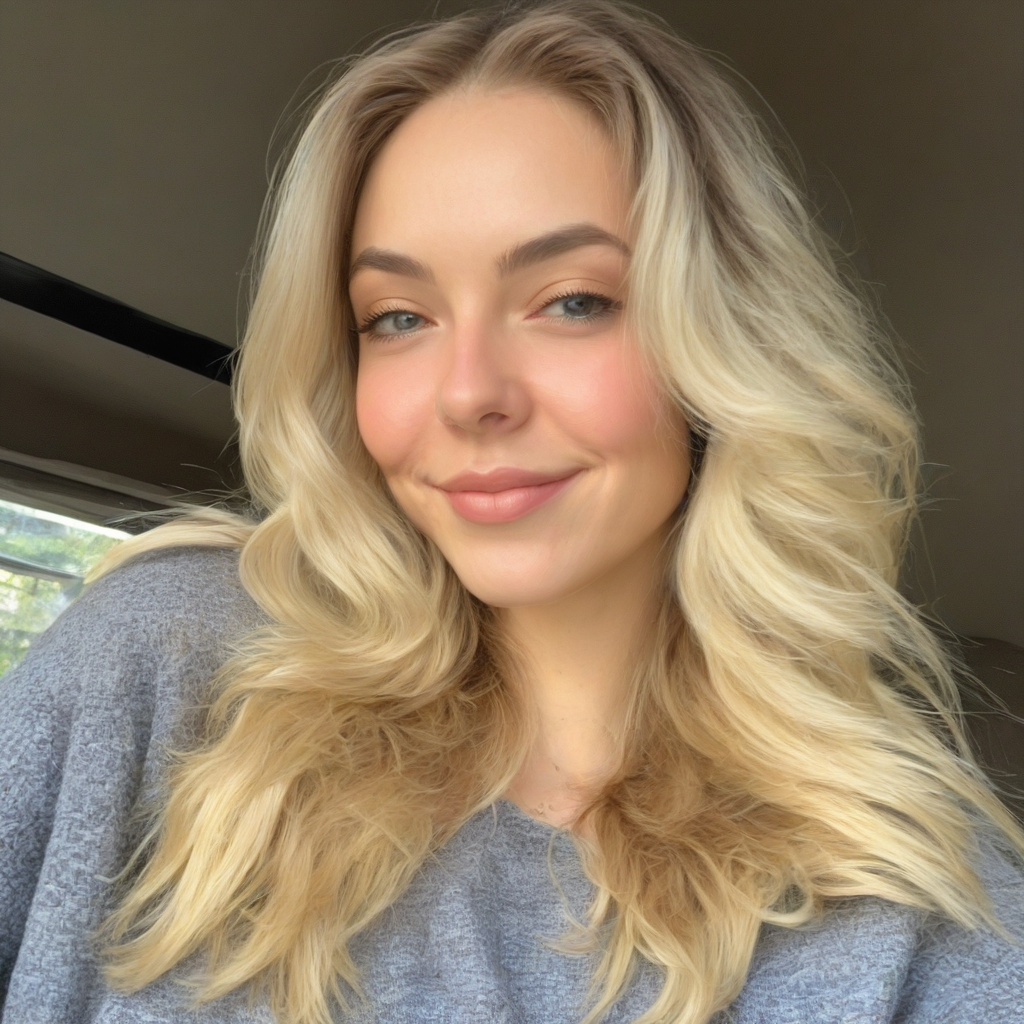
Generated on PixelDojo. Produced by PixelDojo's generation pipeline.
Unlock the full potential of your AI-generated art with LoRA (Low-Rank Adaptation) models in Stable Diffusion. At PixelDojo, we empower you to infuse unique styles, characters, and concepts into your creations, making them truly one-of-a-kind. Whether you're an artist seeking to replicate specific aesthetics or a designer aiming for consistent character designs, our suite of AI tools simplifies the process, allowing you to achieve professional results effortlessly.
Real image examples generated on PixelDojo
Every example below was produced on PixelDojo. Hover to see the prompt.
lora for stable diffusion on PixelDojo
stable-diffusion
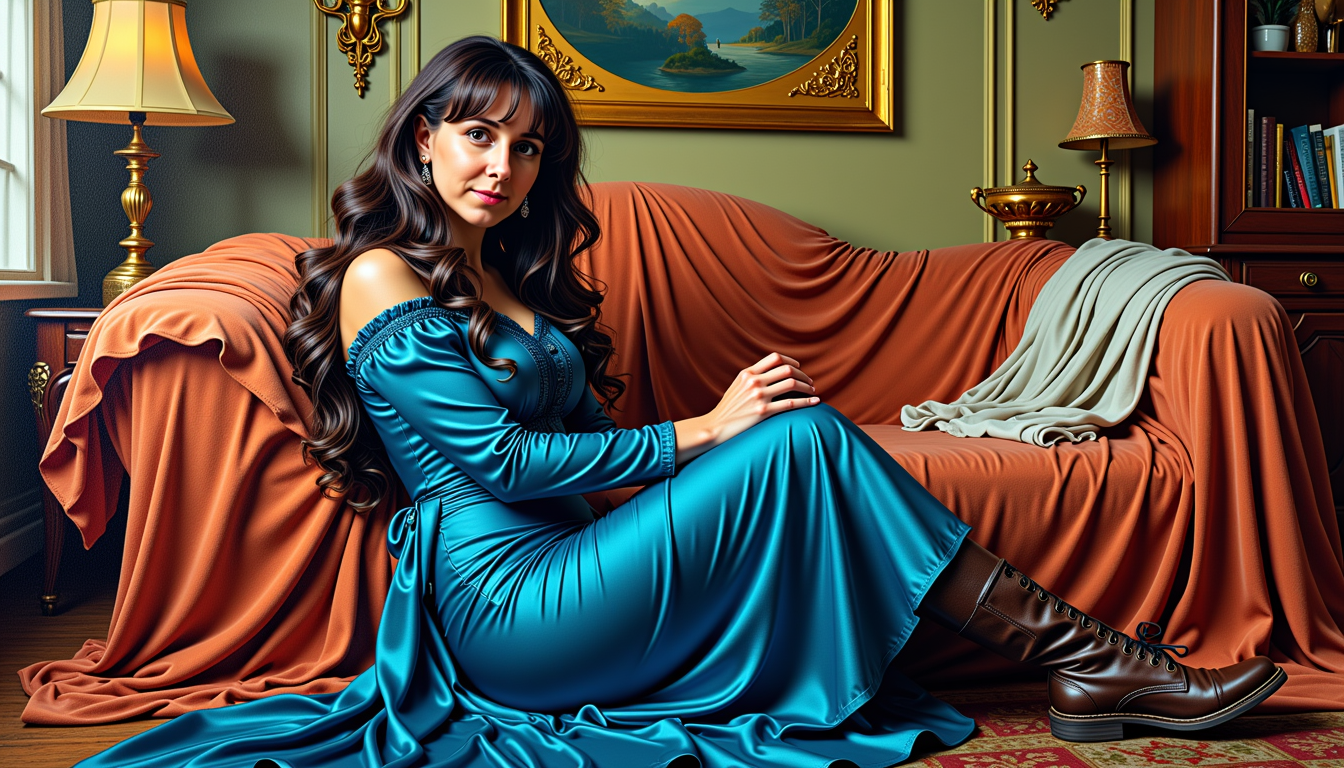
lora for stable diffusion on PixelDojo
stable-diffusion
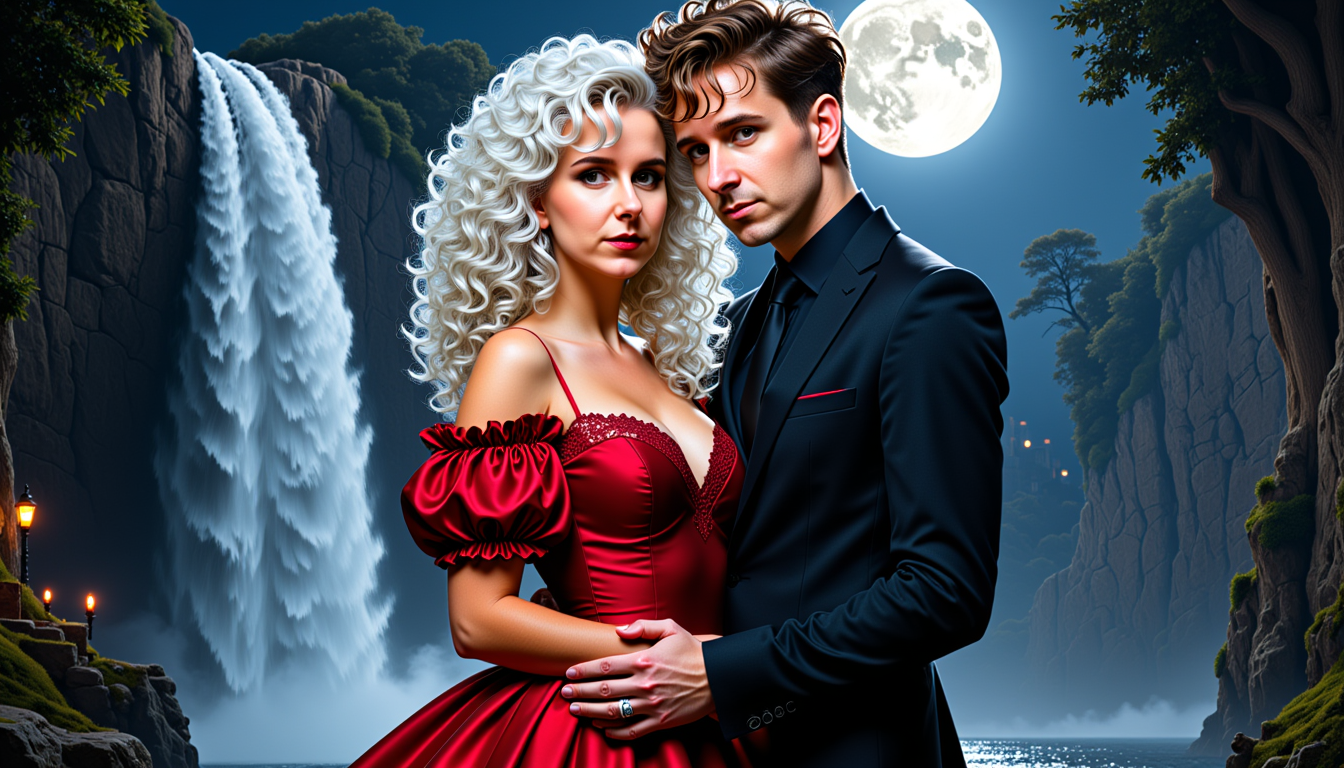
MO-LoRa-Pixie
stable-diffusion
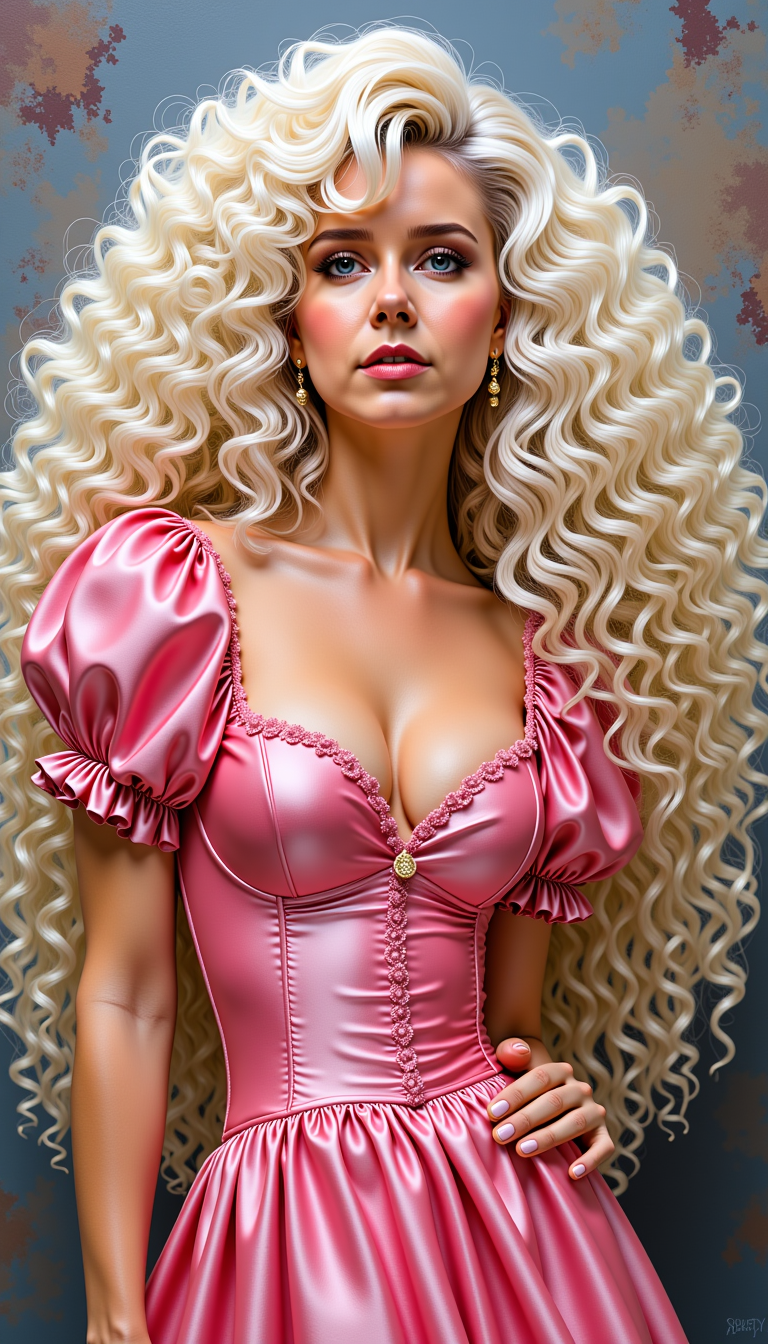
MO-LoRa-Multi
flux
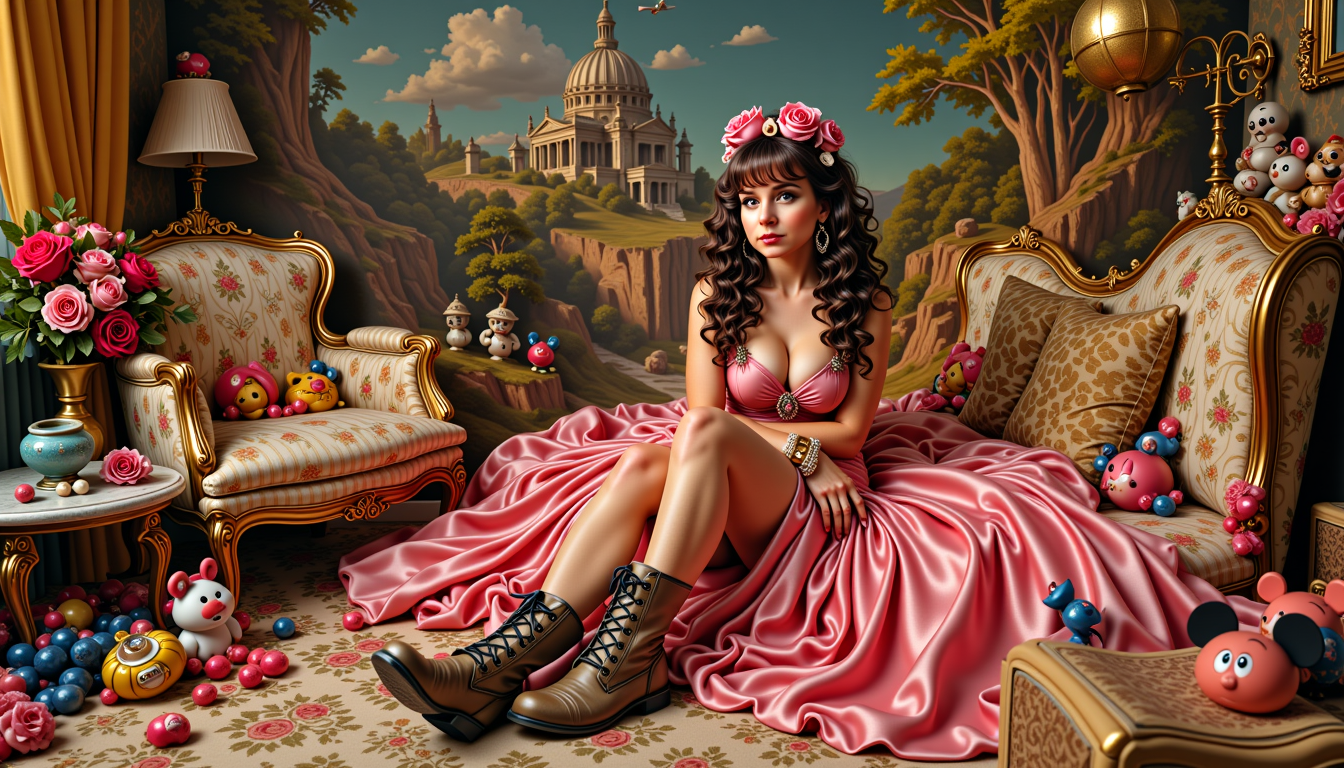
MO-LoRa-Multi as Lara Lovegood depicted as a seductress
stable-diffusion
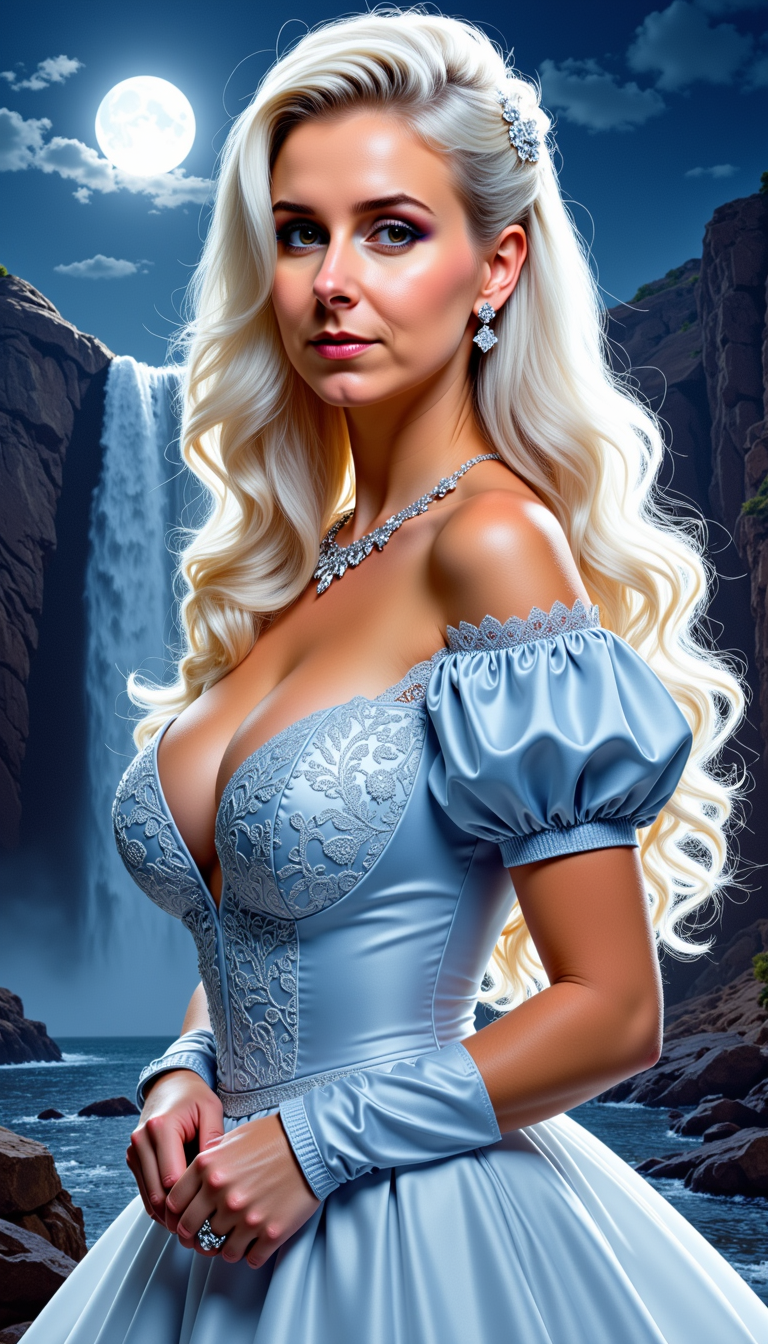
MO-LoRa-Pixie
stable-diffusion
Models you can run on PixelDojo for lora for stable diffusion
Switch models without switching tools. Each one runs in the same PixelDojo studio.
What you can do with lora for stable diffusion on PixelDojo
Train Custom LoRA Models
We let you upload image sets to create LoRA adapters for Stable Diffusion. The training runs on our infrastructure and produces ready to use files.
Apply LoRAs During Generation
You select trained LoRAs when running Stable Diffusion jobs. We load the adapters into the pipeline for each image request.
Store and Organize LoRAs
We keep your LoRA files in a personal workspace. You can group them by project and load any file with a single click.
Set LoRA Weight Values
We expose sliders to control the strength of each LoRA. The chosen weights are passed directly to the Stable Diffusion sampler.
Join over 10,000 creators who have enhanced their AI art with PixelDojo's LoRA integration, achieving a 95% satisfaction rate.
Why Choose Pixel Dojo for lora for stable diffusion
Professional-quality results with cutting-edge AI technology
Personalized Artistic Styles
Apply specific artistic styles to your images, from classic paintings to modern digital art, ensuring your creations stand out.
Consistent Character Design
Maintain character consistency across various scenes and poses, ideal for storytelling and branding purposes.
Efficient Fine-Tuning
Quickly train and implement LoRA models, reducing the time and resources needed for high-quality image generation.
How It Works
Creating customized images with LoRA in Stable Diffusion is straightforward with PixelDojo's tools. Follow these steps to get started:
Step 1: Select Your Base Model
Choose a foundational model that aligns with your desired output. PixelDojo offers a variety of base models to suit different artistic needs.
Step 2: Integrate a LoRA Model
Upload or select a pre-trained LoRA model that encapsulates the style or character you wish to apply. Our platform supports seamless integration for optimal results.
Step 3: Generate and Refine Your Image
Input your prompt, adjust parameters as needed, and generate your image. Utilize PixelDojo's editing tools to fine-tune the output to your satisfaction.
The Pixel Dojo Advantage
Why PixelDojo is the Preferred Choice for LoRA-Enhanced Image Generation
| Others | Pixel Dojo |
|---|---|
| Traditional Art Creation | Achieve complex styles and character designs in minutes without the need for extensive manual effort. |
| Generic AI Tools | Benefit from specialized LoRA integration for more precise and personalized image outputs. |
| Manual Photo Editing | Save time and resources by generating and refining images directly within our platform, eliminating the need for external editing software. |
Loved by creators on PixelDojo
Real feedback from people using PixelDojo, pulled from our in-product surveys.
Accurate results
Great site and so much fun to use!
very useful set of tools for image creation, upscaling and enhancement
ease of use, variety of tools, high quality trainings, and a well-maintained discord channel
Ease of use, friendliness and support of the owner, continued innovation.
it is an amazing site to create a pics and vids for those who don't have the hardware themselves
Explore more AI tools on PixelDojo
AI Tools
Compare & Switch
- Best AI Image Generators
- Best AI Video Generators
- Midjourney Alternatives
- Civitai Alternatives
- Runway Alternatives
- Leonardo Alternatives
- Pika Alternatives
- Luma Alternatives
- Magnific Alternatives
- Veo Alternatives
- Flux Alternatives
- Freepik Alternatives
- Seedance Alternatives
- Seedream Alternatives
- Pixverse Alternatives
- GPT Image Alternatives
- Synthesia Alternatives
- Playground Alternatives
- NightCafe Alternatives
- Canva AI Alternatives
- ElevenLabs Alternatives
- ComfyUI Alternatives
- Fal Alternatives
- Replicate Alternatives
Common Questions
Everything you need to know about lora for stable diffusion
What is LoRA in Stable Diffusion?
LoRA (Low-Rank Adaptation) is a technique that allows for efficient fine-tuning of Stable Diffusion models, enabling the application of specific styles or character designs to AI-generated images.
How do I integrate a LoRA model in PixelDojo?
You can upload your own LoRA model or select from our library of pre-trained models. Our platform guides you through the integration process seamlessly.
Do I need technical expertise to use LoRA models?
No, PixelDojo is designed for users of all skill levels. Our intuitive interface and comprehensive guides make it easy to apply LoRA models to your projects.
Can I combine multiple LoRA models in a single image?
Yes, PixelDojo supports the combination of multiple LoRA models, allowing you to create complex and unique images tailored to your vision.
Is there a limit to the number of images I can generate?
Our subscription plans offer various tiers to suit your needs, with options for unlimited image generation. You can choose the plan that best fits your creative workflow.
How does PixelDojo ensure the quality of generated images?
We utilize state-of-the-art AI models and provide robust editing tools, enabling you to refine and enhance your images to achieve professional-quality results.