ltx 2.5 20s AI Generator

Generated on PixelDojo. Produced by PixelDojo's generation pipeline.
Imagine producing a complete 20-second cinematic sequence that feels like it came from a professional film set, complete with seamless multi-shot cuts, consistent characters, natural lighting, and perfectly synced audio—all from a simple description you type. With PixelDojo you turn that vision into reality in minutes instead of weeks. You skip expensive crews, location scouts, and lengthy post-production. You simply describe the story, camera moves, and atmosphere, then watch PixelDojo's tools bring a polished 20-second masterpiece to life. Whether you need a product teaser, social story, or narrative short, you get Hollywood-level pacing and visual fidelity that holds attention from the first frame to the last. Start today and see how quickly your ideas become share-ready videos that look like they cost a fortune.
Real image examples generated on PixelDojo
Every example below was produced on PixelDojo. Hover to see the prompt.
Tesla Roadster 2025
stable-diffusion
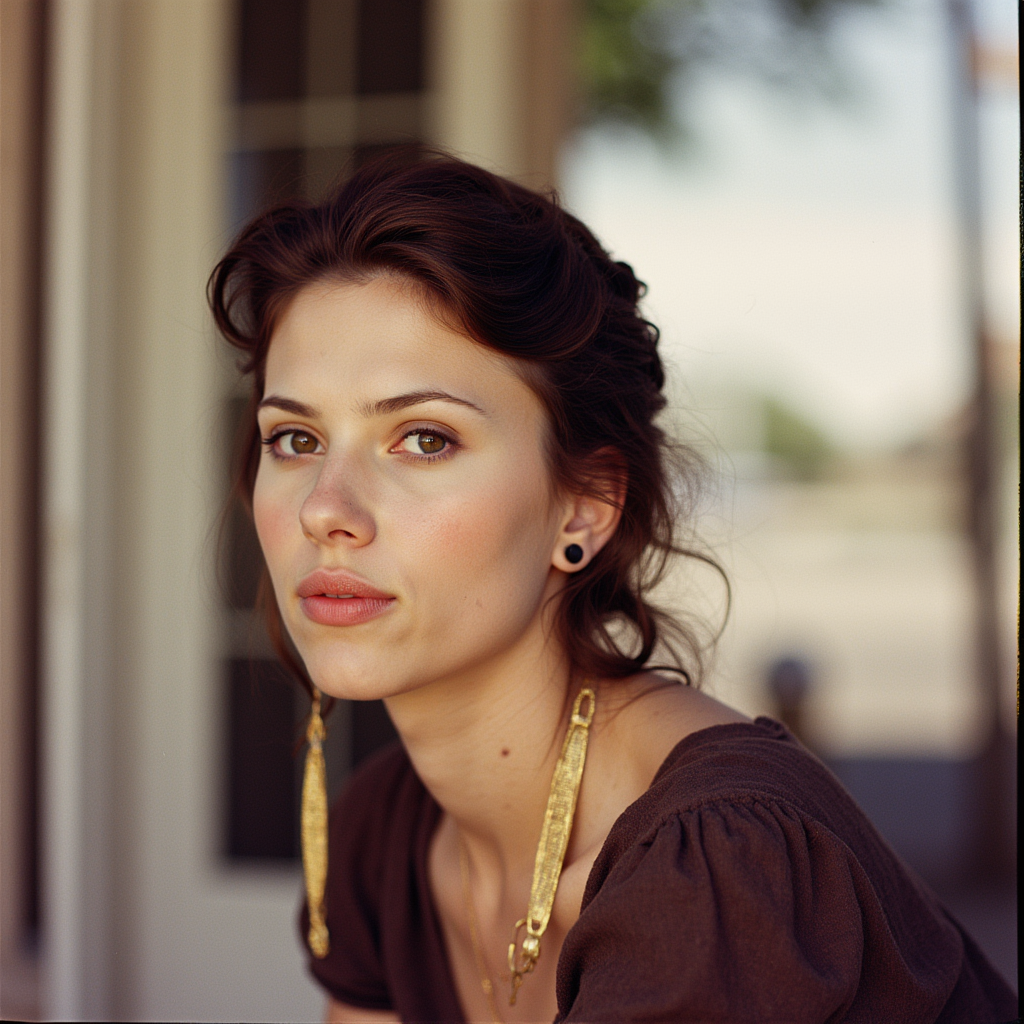
ltx 2.5 20s on PixelDojo
flux

ltx 2.5 20s on PixelDojo
flux
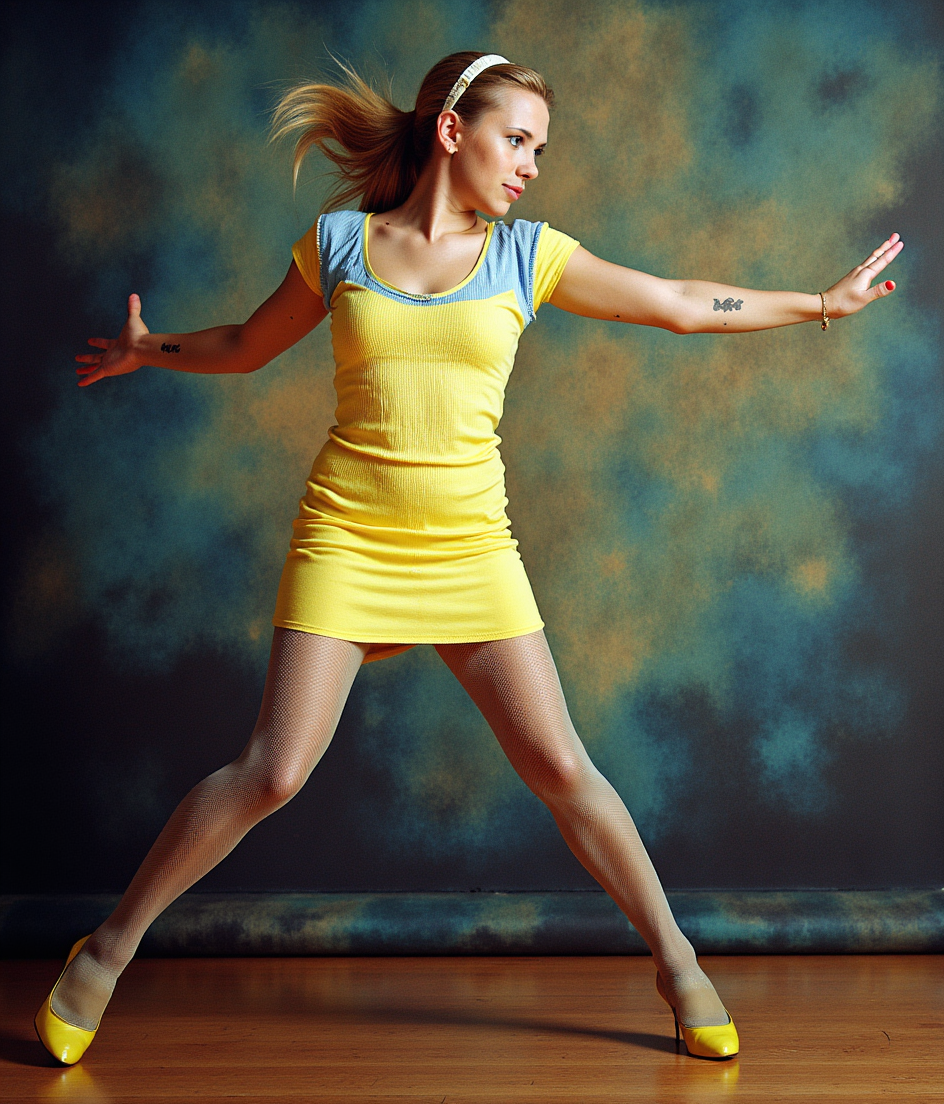
ltx 2.5 20s on PixelDojo
flux-pose-control
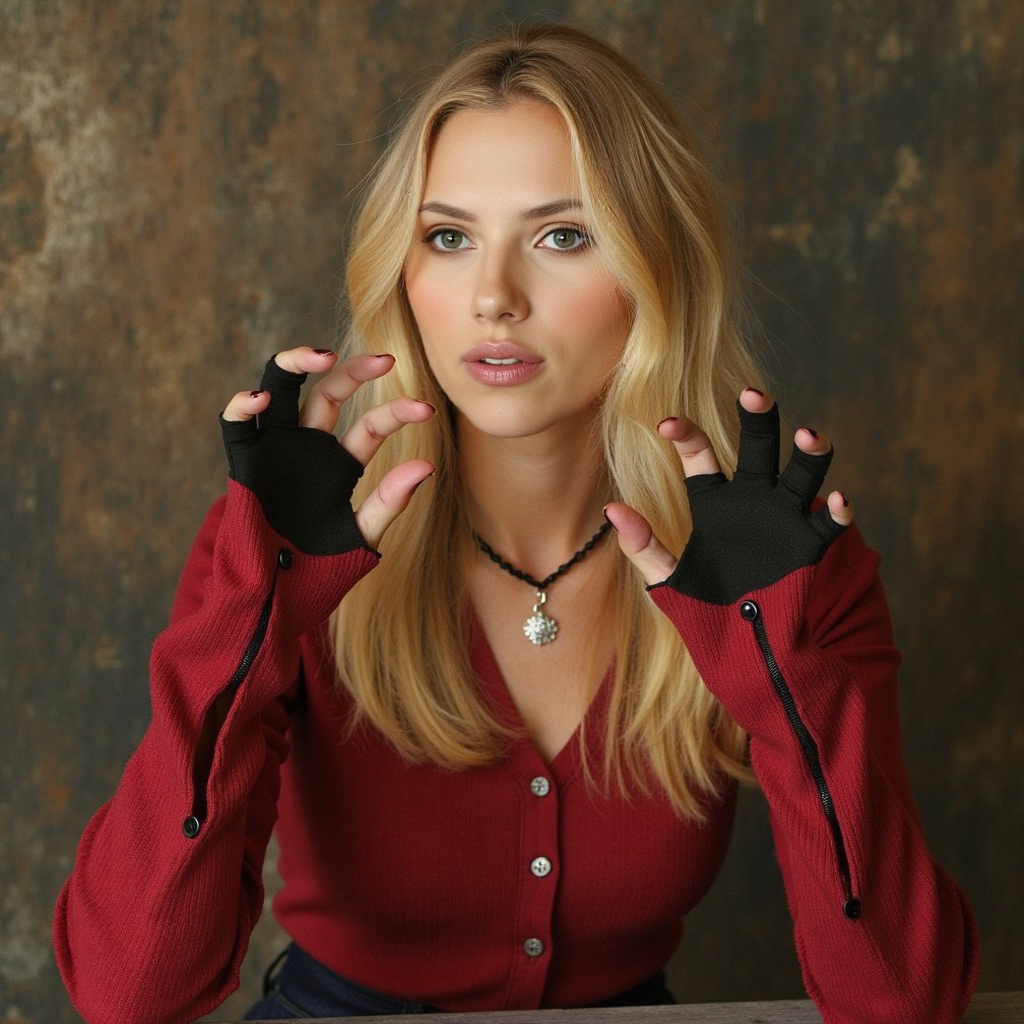
ltx 2.5 20s on PixelDojo
flux-inpainting-lora

A photo of a TSLAMDLYJNPR car
stable-diffusion
Models you can run on PixelDojo for ltx 2.5 20s
Switch models without switching tools. Each one runs in the same PixelDojo studio.
What you can do with ltx 2.5 20s on PixelDojo
LTX 2.5 Image Quality
We run LTX 2.5 so you can generate stills with strong prompt follow-through, clean detail, and consistent lighting for ads, storyboards, and concept art.
Twenty Second Turnaround
We target roughly 20s image jobs so you can iterate on a prompt, compare variants, and lock a look without waiting on a long render queue.
Prompt And Style Control
You set subject, camera, and style in one place. We keep outputs aligned with your brief so you can reuse a look across a campaign.
Creator Ready Exports
We deliver images you can download and drop into editing, social, or client decks, with the resolution and format PixelDojo already supports for production work.
Loved by thousands of creators worldwide who rely on PixelDojo's 40+ cutting-edge AI tools every day. Join them and cancel anytime if it is not the perfect fit for your workflow.
Why Choose Pixel Dojo for ltx 2.5 20s
Professional-quality results with cutting-edge AI technology
Deliver Complete 20-Second Stories in Minutes
You go from concept to a finished 20-second cinematic video with natural pacing, multiple connected shots, and professional polish. No more stitching short clips together or hiring editors. PixelDojo lets you generate the entire sequence at once so you can publish faster and iterate without delay.
Keep Characters and Style Locked Across Every Cut
You maintain the same face, clothing, lighting, and visual style from wide establishing shot to intimate close-up. Viewers stay immersed because nothing breaks continuity. Your 20-second videos feel like one coherent film rather than a collection of disconnected clips.
Add Synced Audio and Cinematic Motion Automatically
You receive video and matching sound together—dialogue, ambience, and music that line up perfectly with the action. Camera movements feel intentional and fluid. The result is a 20-second piece that looks and sounds like it was shot on a real set, ready for social, ads, or presentations.
How It Works
You create LTX 2.5 20s style videos on PixelDojo by combining powerful image and video tools. Follow these three simple steps to go from idea to downloadable 20-second cinematic clip.
Step 1: Choose Your Tool
Start in Generate Videos and pick Kling Video, WAN 3.0, Seedance 2.5, or VEO 3.1 for native 20-second output. For extra control, first create a hero still in Flux.2 Studio or Nano Banana 2, then feed it into image-to-video mode. Marketing Studio is perfect if you need on-brand product sequences. You can also open ComfyUI for advanced custom workflows that mimic professional multi-shot pipelines.
Step 2: Enter Your Prompt
Write one flowing chronological paragraph that covers shot type, lighting, action, character details, camera movement, and audio. For multi-shot 20-second videos describe 2–4 connected cuts using phrases like “a hard cut transitions to…” and re-establish framing after each cut. Include quoted dialogue and ambient sound. PixelDojo’s models follow these cinematic instructions closely so you get consistent characters and natural motion across the full duration.
Step 3: Customize & Download
Preview your 20-second clip, then refine it with Kling Video Edit, WAN 2.7 Video Edit, or Seedance 2.5 Video Edit. Use Video Autocaption, Video Reframe, or Merge Videos for extra polish. Upscale with FLUX Video Upscale or Creative Upscaler if you need 4K delivery. Download in the format you need and you are ready to publish. Everything stays inside PixelDojo so you never lose quality or time.
The Pixel Dojo Advantage
Why PixelDojo outperforms other options for LTX 2.5 20s video generation
| Others | Pixel Dojo |
|---|---|
| Traditional 20-second film production | You skip crews, locations, and weeks of shooting. PixelDojo delivers a complete multi-shot 20-second cinematic video in minutes at a fraction of the cost while still giving you professional lighting, motion, and audio. |
| Generic AI tools | You get dedicated 20-second support, native multi-shot consistency, and a full suite of matching image, video, and editing tools in one place. Generic platforms force you to jump between apps and lose quality. PixelDojo keeps everything connected and high-fidelity. |
| Manual video editing | You avoid hours of cutting, color grading, and audio syncing. PixelDojo generates the entire 20-second sequence with consistent characters and synced sound from the start, then lets you make quick refinements instead of building everything from scratch. |
Loved by creators on PixelDojo
Real feedback from people using PixelDojo, pulled from our in-product surveys.
awesome functionality, UX, constant flood of improvements, discord interactivity
Awesome site with so many features
Love how I can almost create anything
The Flux Pro Ultra is just amazing!
Very easy to use, and they have fast wan 2.2 video generation with custom loras available.
The overall quality of the site and it's amazing variety of tools. The continued updates of the UI. The unbelievable level of tech support.
Explore more AI tools on PixelDojo
AI Tools
Compare & Switch
- Best AI Image Generators
- Best AI Video Generators
- Midjourney Alternatives
- Civitai Alternatives
- Runway Alternatives
- Leonardo Alternatives
- Pika Alternatives
- Luma Alternatives
- Magnific Alternatives
- Veo Alternatives
- Flux Alternatives
- Freepik Alternatives
- Seedance Alternatives
- Seedream Alternatives
- Pixverse Alternatives
- GPT Image Alternatives
- Synthesia Alternatives
- Playground Alternatives
- NightCafe Alternatives
- Canva AI Alternatives
- ElevenLabs Alternatives
- ComfyUI Alternatives
- Fal Alternatives
- Replicate Alternatives
Common Questions
Everything you need to know about ltx 2.5 20s
How do I generate a full 20-second LTX 2.5 style video on PixelDojo?
Select Kling Video, WAN 3.0, Seedance 2.5, or VEO 3.1 in Generate Videos. Write a chronological prompt that includes camera language, character details, and audio. PixelDojo handles the full duration in one generation so you receive a complete cinematic 20-second clip with multi-shot continuity if you describe the cuts.
Can I keep the same character across multiple shots in a 20-second video?
Yes. Use Consistent Characters or Character Sheets first, then feed the reference into Kling Video or WAN 3.0. Describe the character the same way in every part of your prompt and PixelDojo maintains identity, clothing, and lighting across all cuts in your 20-second sequence.
What PixelDojo tools work best for LTX 2.5 20s cinematic quality?
Kling Video, WAN 3.0, Seedance 2.5, and VEO 3.1 excel at 20-second output. Start with Flux.2 Studio or Grok Image for hero frames, then animate. Marketing Studio is ideal for branded 20-second spots. Finish with Kling Video Edit or FLUX Video Upscale for delivery-ready files.
How do I write prompts that produce natural multi-shot 20-second videos?
Write one flowing paragraph in present tense. Name each cut (“a hard cut transitions to a close-up…”), re-establish framing, keep character descriptions identical, and state whether audio continues. PixelDojo’s models follow this structure to deliver coherent 20-second cinematic results.
Can I add or change audio in my 20-second LTX 2.5 style video?
Yes. Many PixelDojo video tools generate synced audio automatically. You can also use Text to Speech or Seed Audio 1.0, then apply Kling Video Edit or WAN 2.7 Video Edit to replace or enhance the soundtrack while keeping lip sync and timing intact.
Is there a risk-free way to try LTX 2.5 20s video generation?
Absolutely. PixelDojo gives you access to 40+ cutting-edge AI tools including all the video generators mentioned. Thousands of creators already use the platform. You can cancel anytime, so you only stay if the results match the professional 20-second cinematic quality you want.