MiniMax text to-speech AI Generator
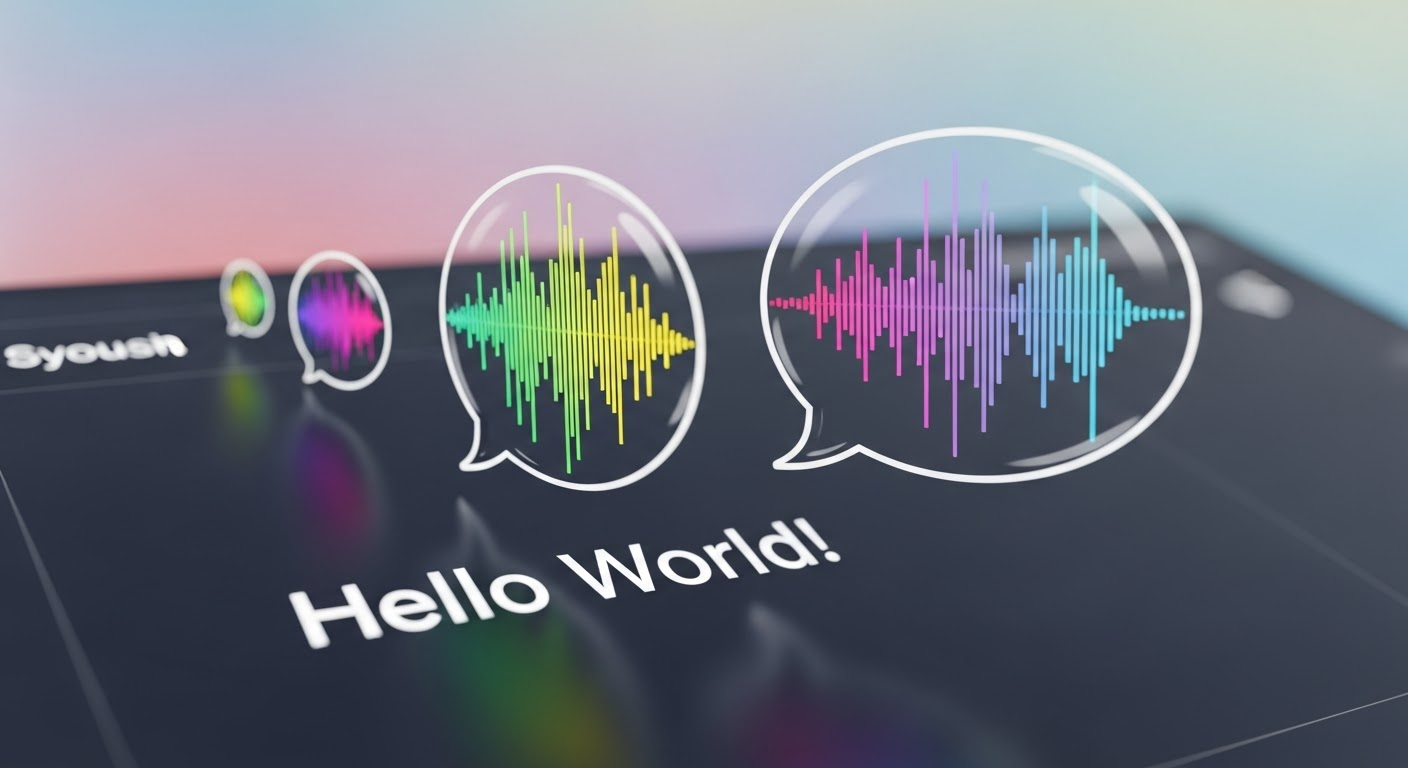
Generated on PixelDojo. Produced by PixelDojo's generation pipeline.
Bring your content to life by transforming text into natural, expressive speech with MiniMax's advanced text-to-speech (TTS) technology. Whether you're creating voiceovers for videos, podcasts, or interactive applications, MiniMax TTS empowers you to produce high-quality audio effortlessly.
Real image examples generated on PixelDojo
Every example below was produced on PixelDojo. Hover to see the prompt.
Text turning into speech
imagen
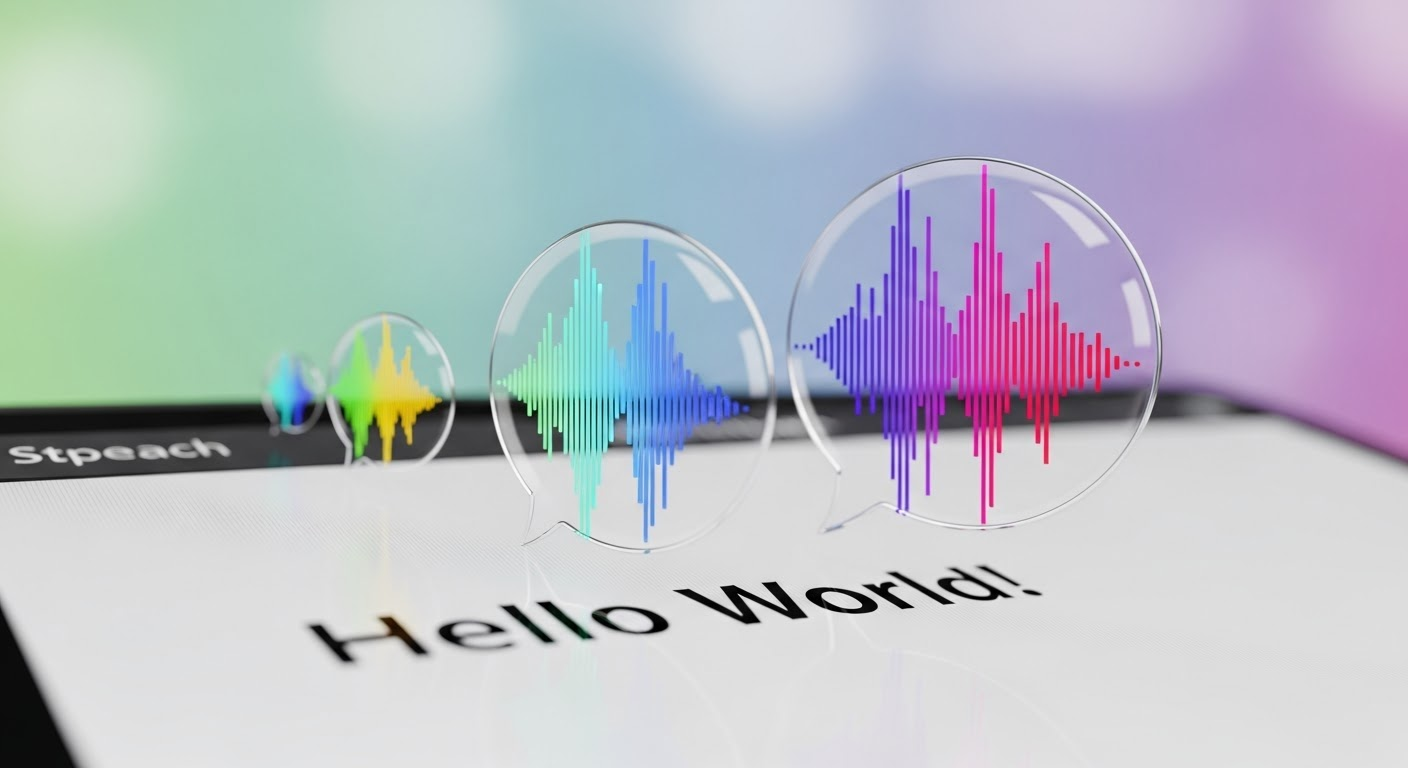
Text turning into speech
imagen
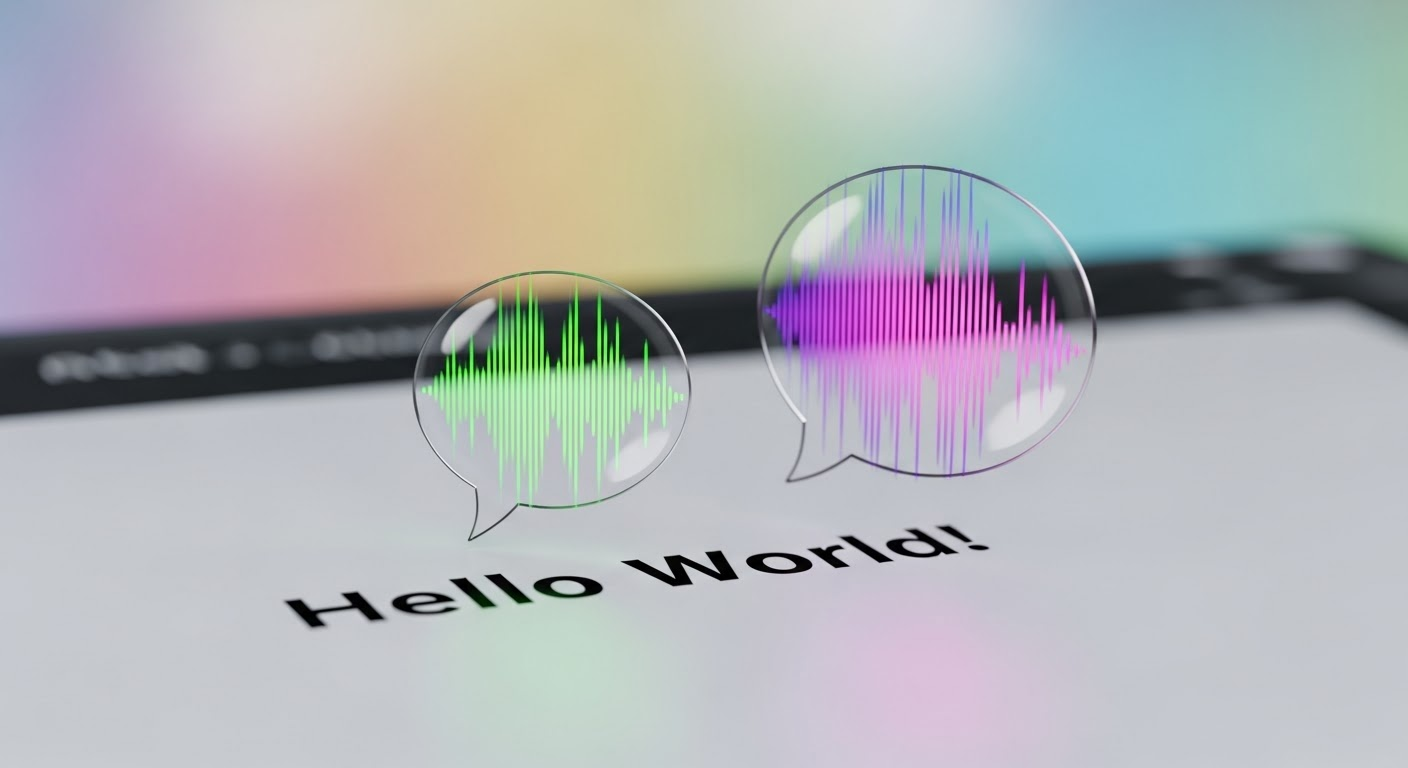
Text turning into speech
imagen
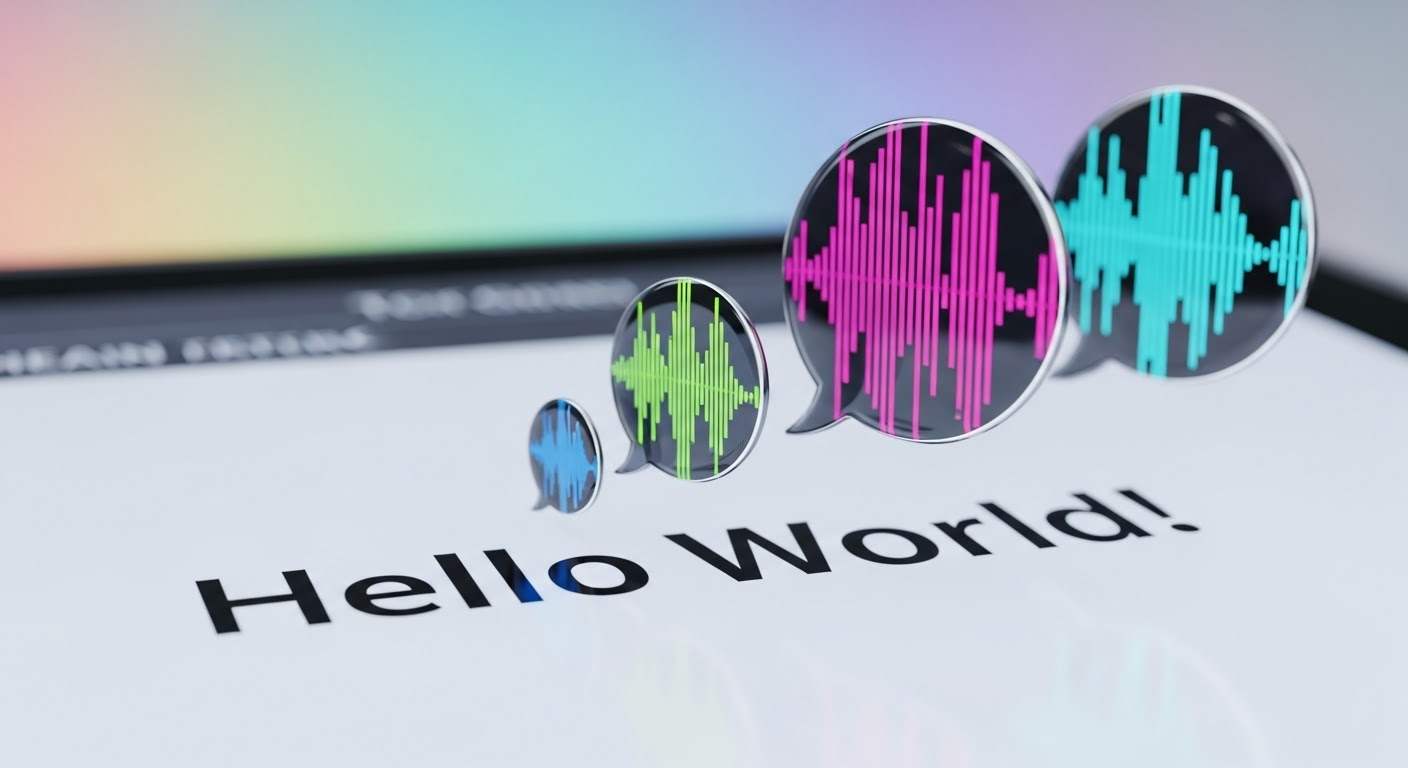
Text turning into speech
imagen

Create a minion with a smirk holding a sign that reads "A lot of women don't answer video…
flux

Create a minion wearing a tux
flux
Models you can run on PixelDojo for MiniMax text to-speech
Switch models without switching tools. Each one runs in the same PixelDojo studio.
What you can do with MiniMax text to-speech on PixelDojo
Access Multiple Voice Styles
Creators generate speech with different tones and accents using MiniMax on PixelDojo.
Convert Scripts To Audio
We process text inputs to produce clear spoken words.
Adjust Speech Speed And Pitch
Users fine tune parameters to suit their requirements.
Combine With Image Generation
We support using speech outputs alongside visual content creation tools.
Join over 2,000 enterprises that trust MiniMax's lifelike and expressive AI voices for their content creation needs.
Why Choose Pixel Dojo for MiniMax text to-speech
Professional-quality results with cutting-edge AI technology
Generate Natural-Sounding Speech
Produce high-quality, human-like voiceovers that captivate your audience.
Customize Voice Attributes
Adjust tone, speed, and emotion to match your brand's unique voice.
Support Multiple Languages
Reach a global audience with support for over 17 languages and various accents.
How It Works
Creating lifelike voiceovers with MiniMax TTS is simple and intuitive. Follow these steps to get started:
Step 1: Access MiniMax TTS
Navigate to the MiniMax TTS platform and log in to your account.
Step 2: Input Your Text
Enter the text you wish to convert into speech in the provided text box.
Step 3: Customize Voice Settings
Select your preferred voice, language, and adjust parameters like tone and speed to suit your needs.
The Pixel Dojo Advantage
Why MiniMax TTS stands out in the realm of text-to-speech solutions:
| Others | Pixel Dojo |
|---|---|
| Traditional Voiceover Recording | Eliminate the need for costly studio sessions and talent fees by generating voiceovers instantly. |
| Generic TTS Tools | Experience superior voice quality with customizable emotional tones and multilingual support. |
| Manual Audio Editing | Save time with automated speech generation that requires minimal post-processing. |
Loved by creators on PixelDojo
Real feedback from people using PixelDojo, pulled from our in-product surveys.
Love how I can almost create anything
The Flux Pro Ultra is just amazing!
Very easy to use, and they have fast wan 2.2 video generation with custom loras available.
The overall quality of the site and it's amazing variety of tools. The continued updates of the UI. The unbelievable level of tech support.
THIS IS SO DOPE !
I have already recommended it to friends
Explore more AI tools on PixelDojo
AI Tools
Compare & Switch
- Best AI Image Generators
- Best AI Video Generators
- Midjourney Alternatives
- Civitai Alternatives
- Runway Alternatives
- Leonardo Alternatives
- Pika Alternatives
- Luma Alternatives
- Magnific Alternatives
- Veo Alternatives
- Flux Alternatives
- Freepik Alternatives
- Seedance Alternatives
- Seedream Alternatives
- Pixverse Alternatives
- GPT Image Alternatives
- Synthesia Alternatives
- Playground Alternatives
- NightCafe Alternatives
- Canva AI Alternatives
- ElevenLabs Alternatives
- ComfyUI Alternatives
- Fal Alternatives
- Replicate Alternatives
Common Questions
Everything you need to know about MiniMax text to-speech
How does MiniMax TTS generate natural-sounding speech?
MiniMax TTS utilizes advanced AI models trained on extensive datasets to produce speech that closely mimics human intonation and emotion.
Can I clone my own voice using MiniMax TTS?
Yes, MiniMax TTS offers voice cloning capabilities, allowing you to create a custom voice model with just a short audio sample.
What languages are supported by MiniMax TTS?
MiniMax TTS supports over 17 languages, including English, Chinese, Japanese, Korean, French, German, and Spanish, among others.
Is there a limit to the length of text I can convert to speech?
MiniMax TTS supports long-form text conversion, accommodating up to 10 million characters in a single output.
Can I adjust the emotional tone of the generated speech?
Absolutely, MiniMax TTS allows you to customize the emotional tone, speed, and other attributes to match your specific requirements.
Is MiniMax TTS suitable for commercial use?
Yes, MiniMax TTS is designed for both personal and commercial applications, providing high-quality voice generation for various projects.