nano banana 2 lite AI Generator

Generated on PixelDojo. Produced by PixelDojo's generation pipeline.
You can turn ideas into polished visuals in seconds with Nano Banana 2 Lite image generation on PixelDojo. This approach delivers the speed you need to iterate freely, produce high-volume marketing assets, and keep characters consistent across entire campaigns. Imagine briefing a concept once and receiving ready-to-use 1K images for product shots, social posts, storyboards or ad variants before your coffee cools. PixelDojo places Nano Banana 2 at the center of your workflow, complemented by GPT Image 2, Flux.2 Studio, Krea Image, Riverflow and Luma UNI 1 so you always have the right tool for the job. You achieve professional outcomes without studios, photographers or long render queues. Marketers generate A/B test sets, designers explore styles, and brands maintain visual identity at scale. Every image supports natural-language prompts that describe subject, action, lighting and composition, plus short quoted text that renders cleanly. Start creating now and experience why thousands of creators rely on PixelDojo’s 40+ cutting-edge AI tools with the freedom to cancel anytime.
Real image examples generated on PixelDojo
Every example below was produced on PixelDojo. Hover to see the prompt.
A nano banana
google-gemini-image

A nano banana
google-gemini-image
A nano banana
image-to-video

Masterpiece
creative-upscaler
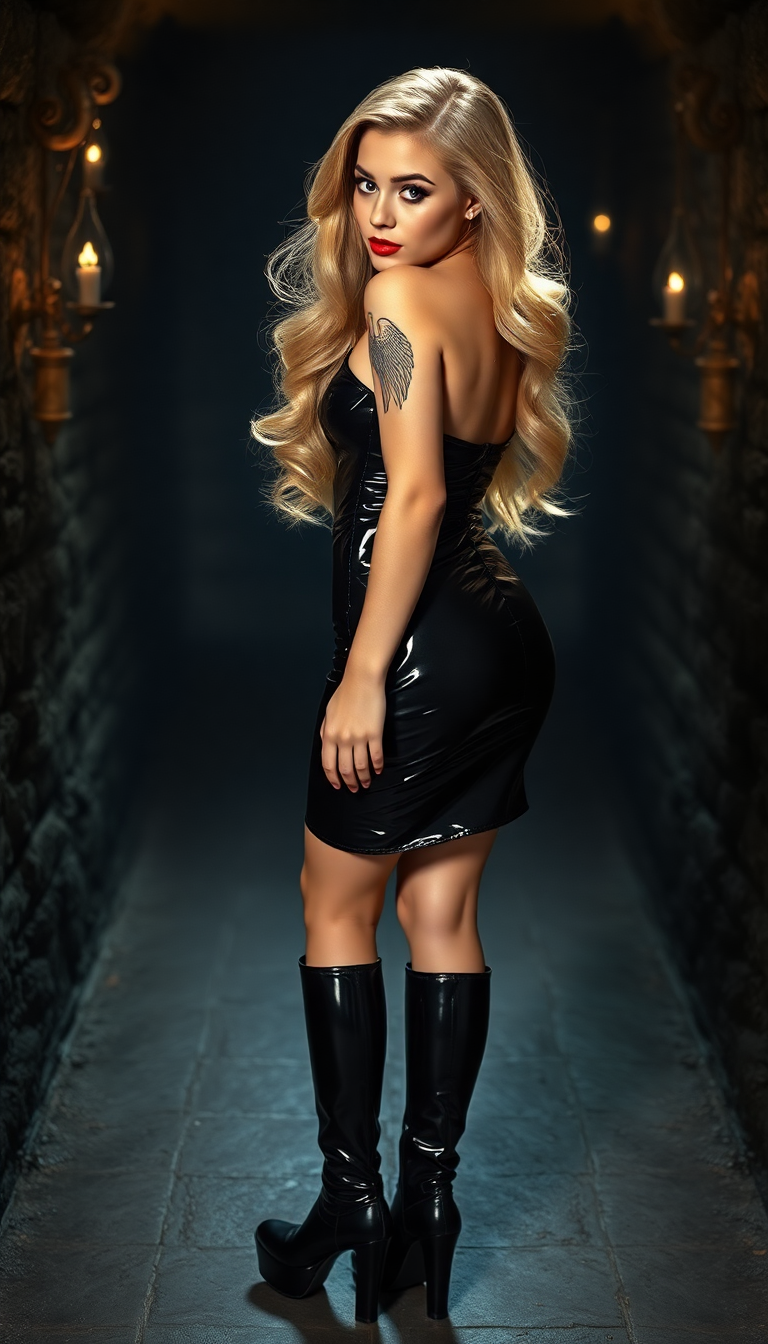
A captivating 21-year-old pin-up girl
flux
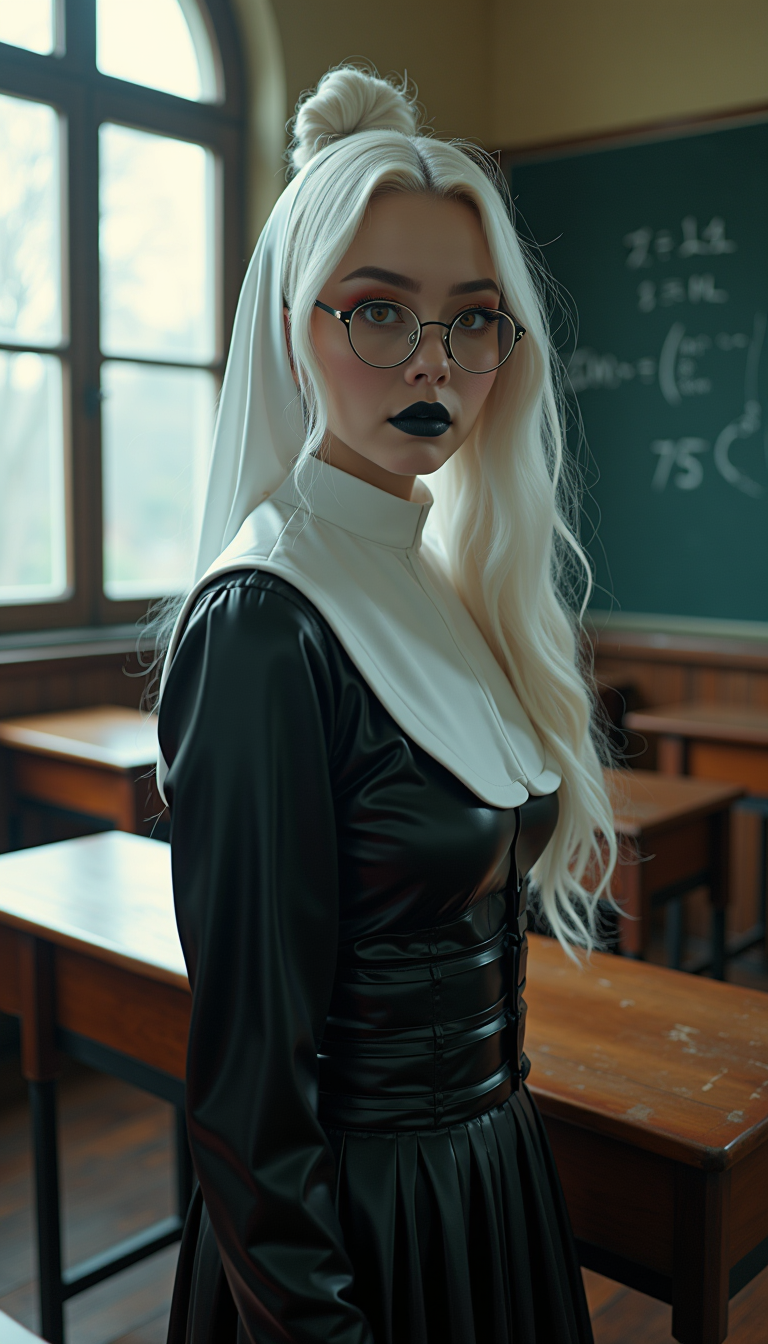
A breathtaking full-body portrait of a 29-year-old woman exuding an ethereal
flux
Models you can run on PixelDojo for nano banana 2 lite
Switch models without switching tools. Each one runs in the same PixelDojo studio.
What you can do with nano banana 2 lite on PixelDojo
Lite Image Generation
We run Nano Banana 2 Lite so you can turn text prompts into still images without a heavyweight model stack. You get a focused generator suited to drafts, concepts, and everyday creative work.
Prompt Driven Creation
We accept your prompt, optional style notes, and basic image settings, then return generated frames you can review in the same workspace. You can refine wording and regenerate until the result fits the brief.
Size and Style Controls
We let you set aspect ratio, resolution targets, and look guidance so outputs match layouts, social crops, or art direction. Creators keep visual consistency across a set of related images.
Iterate Export and Reuse
We keep generations in your PixelDojo history so you can compare variants, pick a keeper, and export files for downstream editing. You can reuse successful prompts as a starting point for the next batch.
⭐ 4.9/5 average from 18,000+ creators | 3.2 million Nano Banana 2 Lite-style images generated this quarter | Trusted by 12,000+ marketers, agencies and e-commerce teams worldwide | “Fastest iteration we’ve ever used” – top review
Why Choose Pixel Dojo for nano banana 2 lite
Professional-quality results with cutting-edge AI technology
Iterate Campaigns in Real Time
You produce dozens of ad variants, product mockups and social creatives in minutes instead of days, letting you test headlines, backgrounds and layouts while the idea is still fresh.
Keep Characters Instantly Recognizable
You maintain the same face, outfit and props across a full series of images so your mascot, influencer or product hero stays on-brand from thumbnail to storyboard.
Scale Visual Production Affordably
You generate high-volume catalogs, localized ads and prototype sets without budget surprises, then refine winners with PixelDojo’s editing and upscaling suite.
How It Works
You create Nano Banana 2 Lite images on PixelDojo in three simple steps. No technical skills required – just describe what you want and watch professional results appear.
Step 1: Choose Your Tool
Open PixelDojo’s Generate Images section and select Nano Banana 2 for lightning-fast 1K output. Pair it with Flux.2 Studio or Recraft V4.1 when you want extra artistic control, or switch to GPT Image 2 and QWEN Image 2 for complementary styles. The dashboard lets you start a new project in one click.
Step 2: Enter Your Prompt
Describe the full scene in natural language: subject plus adjectives, action, location, camera angle, lighting and style. Put any in-image text in quotes and keep it short. Upload reference images for character or product consistency. Example: “A matte ceramic mug on a sunlit oak table, steam rising, shallow depth of field, photoreal, square format, label reading ‘FRESH BREW’.” Generate instantly.
Step 3: Customize & Download
Refine with Image to Image, Inpainting, Change Camera Angle or Style Transfer. Remove backgrounds, polish lighting with Magic Lighting, or extend the canvas via Image Outpainting. Upscale winners using P-Image Upscale, Magnific Upscaler or Clarity Pro. Download in your chosen format or send the still to Marketing Studio and Consistent Characters for campaign-ready sets.
The Pixel Dojo Advantage
Why PixelDojo outperforms other options for Nano Banana 2 Lite image generation
| Others | Pixel Dojo |
|---|---|
| Traditional photography and studios | You skip location scouting, lighting setups and post-production days. PixelDojo delivers studio-quality 1K images in seconds using Nano Banana 2 plus Background Remover and Reality Polisher, at a fraction of the cost. |
| Generic AI tools | You get specialized speed, character consistency and in-image text that generic platforms often miss. PixelDojo combines Nano Banana 2 with Flux.2 Studio, Ideogram 4 and dedicated edit tools so every generation stays on-brand and production-ready. |
| Manual photo editing | You replace hours of layer work with plain-language edits via Inpainting, Style Transfer and Magic Lighting. Generate the base image fast, then polish only what needs changing – no Photoshop expertise required. |
Loved by creators on PixelDojo
Real feedback from people using PixelDojo, pulled from our in-product surveys.
Tons of variety. Ease of use. Tools for beginners and advance users.
easiest workflow to get best output image or video
awesome functionality, UX, constant flood of improvements, discord interactivity
Awesome site with so many features
Love how I can almost create anything
The Flux Pro Ultra is just amazing!
Explore more AI tools on PixelDojo
AI Tools
Compare & Switch
- Best AI Image Generators
- Best AI Video Generators
- Midjourney Alternatives
- Civitai Alternatives
- Runway Alternatives
- Leonardo Alternatives
- Pika Alternatives
- Luma Alternatives
- Magnific Alternatives
- Veo Alternatives
- Flux Alternatives
- Freepik Alternatives
- Seedance Alternatives
- Seedream Alternatives
- Pixverse Alternatives
- GPT Image Alternatives
- Synthesia Alternatives
- Playground Alternatives
- NightCafe Alternatives
- Canva AI Alternatives
- ElevenLabs Alternatives
- ComfyUI Alternatives
- Fal Alternatives
- Replicate Alternatives
Common Questions
Everything you need to know about nano banana 2 lite
How do I generate Nano Banana 2 Lite images quickly on PixelDojo?
Select Nano Banana 2 in Generate Images, write a clear natural-language prompt covering subject, action, lighting and composition, then hit generate. Most 1K images appear in seconds. Use the same prompt with small variations to produce an entire test set. PixelDojo’s 40+ tools let you immediately move winners into Image to Image or P-Image Upscale without leaving the platform.
What are the best Nano Banana 2 Lite prompts for product photography?
Lead with the product, then add setting, lighting and format. Example: “Studio product shot of a matte water bottle on a smooth peach background, soft diffused lighting, gentle drop shadow, square format, leave top third empty for copy.” Keep in-image text short and quoted. Upload a real product photo as reference for label accuracy, then refine with Background Remover and Reality Polisher.
How can I keep characters consistent across Nano Banana 2 Lite generations?
Upload a reference image of your character or mascot and instruct the model to keep face, outfit and art style identical. PixelDojo’s Consistent Characters and Character Sheets tools lock identity across a series. Generate the first image with Nano Banana 2, then reuse the same reference plus a new scene description. For longer campaigns, train a custom look with Flux Trainer or QWEN Trainer.
Can I add readable text to Nano Banana 2 Lite images on PixelDojo?
Yes. Place the exact words in quotes and specify location and role, such as “headline reading ‘WEEKEND SALE’ at the top.” Short, punchy phrases render cleanly. After generation, use Inpainting or Image Analyzer to tweak any letter that needs adjustment. Pair with Ideogram 4 or Recraft V4.1 when you need more complex typography.
How do I turn Nano Banana 2 Lite stills into video on PixelDojo?
Generate your best still with Nano Banana 2, then send it directly to Marketing Studio, VEO 3.1, Kling Video or WAN 2.7 Video. The same character consistency carries over. Use Seedance 2.5 or Flux 3 Video for extra motion control. PixelDojo keeps the entire pipeline inside one account so you never export and re-upload.
Is Nano Banana 2 Lite suitable for high-volume commercial work?
Absolutely. You can produce catalogs, localized ad sets and social variants at scale, then upscale selected heroes with Magnific Upscaler or Portrait Upscaler. PixelDojo’s Developer API and Buy API Credits options let agencies automate the process. Thousands of e-commerce teams already rely on this workflow because you can cancel anytime and still keep every image you generated.