nano banana 2 online AI Generator

Generated on PixelDojo. Produced by PixelDojo's generation pipeline.
You deserve images that match the picture in your mind—sharp, consistent, and ready to use the moment you need them. Nano Banana 2 online on PixelDojo lets you generate professional 4K visuals in seconds so you can launch campaigns, design characters, and produce posters without delays or endless revisions. Describe a cinematic portrait, a product hero shot, or a multilingual billboard and watch Nano Banana 2 deliver vibrant lighting, richer textures, and precise details that feel studio-made. Pair it with GPT Image 2 or Flux.2 Studio when you want extra artistic range, then lock in faces across a whole series using Consistent Characters and Character Sheets. Need a different camera angle or cleaner background? Jump straight into Change Camera Angle, Background Remover, or Image to Image. Finish with P-Image Upscale or Magnific Upscaler so every asset looks crisp on social, print, or web. Thousands of creators already rely on PixelDojo’s 40+ cutting-edge AI tools because they get production-ready results they can actually ship. Cancel anytime and start turning ideas into assets today.
Real image examples generated on PixelDojo
Every example below was produced on PixelDojo. Hover to see the prompt.
A nano banana
google-gemini-image

A nano banana
google-gemini-image
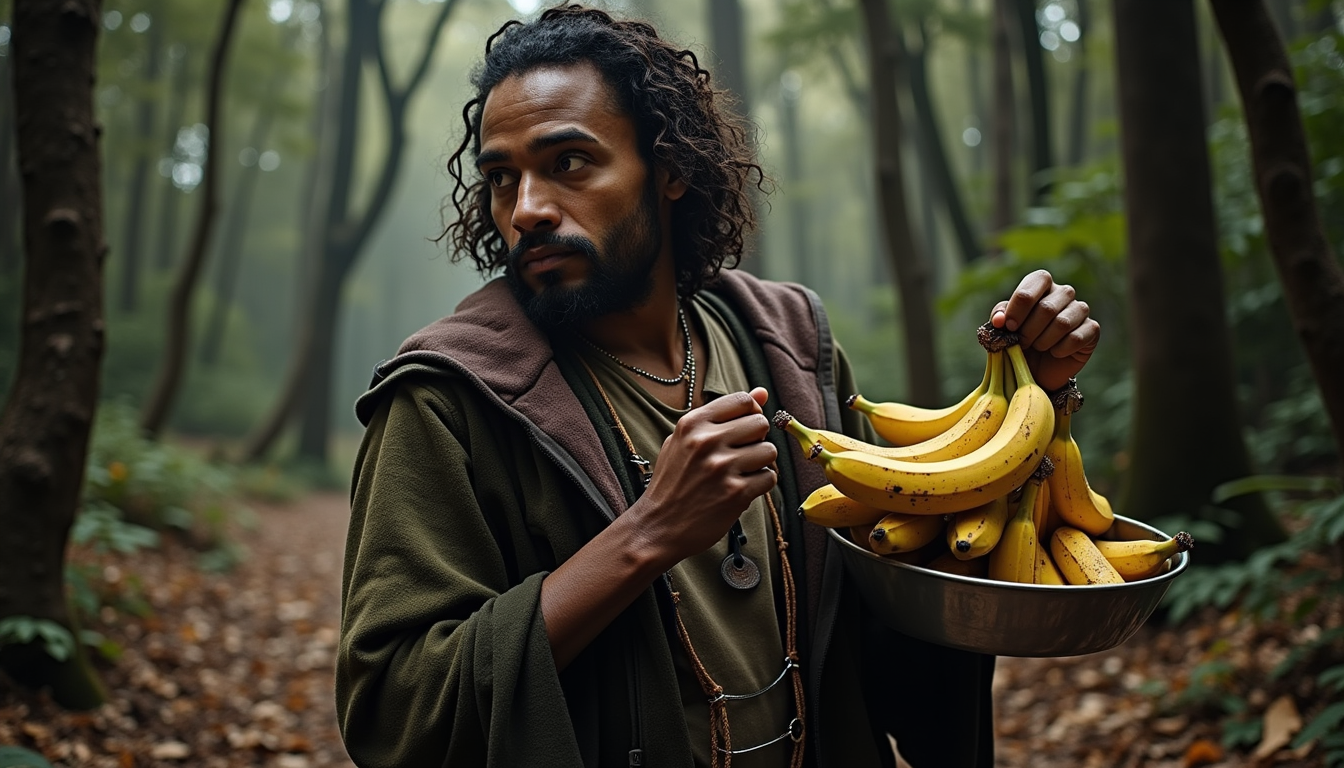
Holding bananas
flux
A nano banana
image-to-video

Masterpiece
creative-upscaler
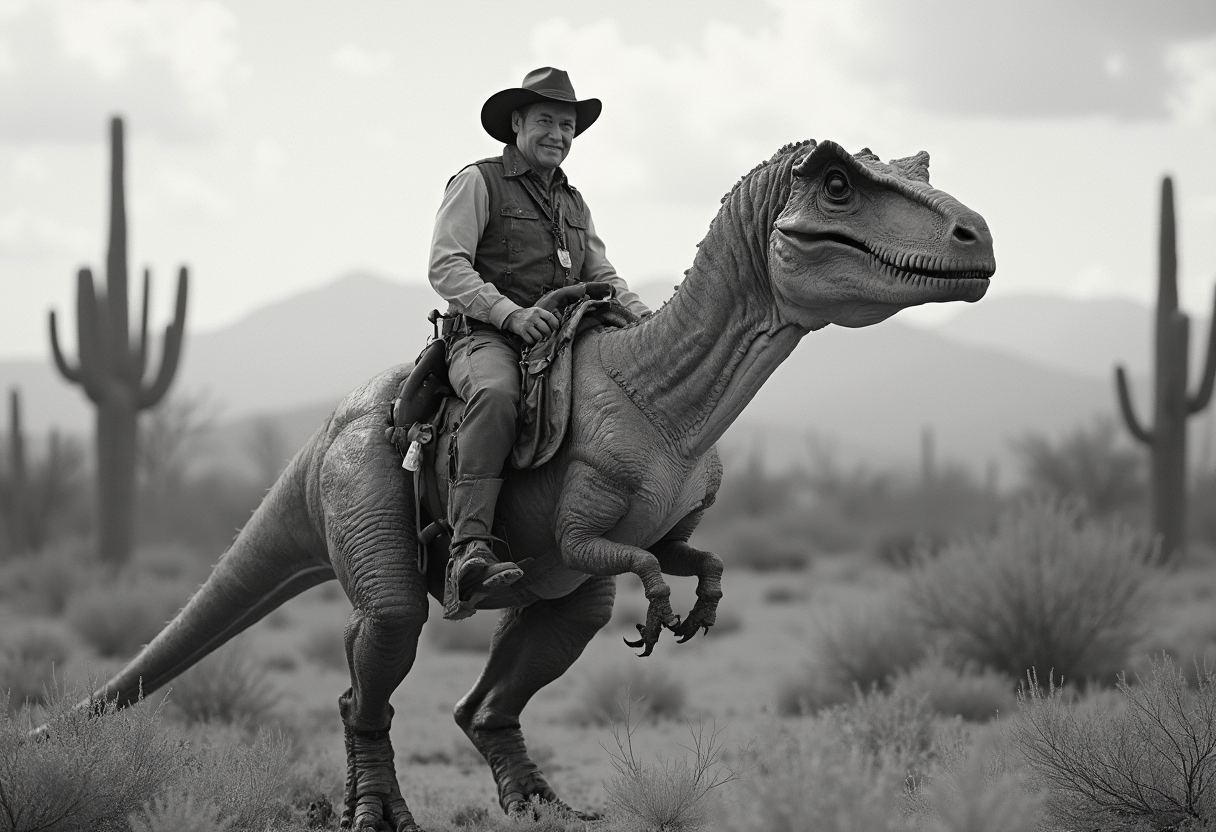
Create a photorealistic monochrome photo of an 1863 Tucson
flux
Models you can run on PixelDojo for nano banana 2 online
Switch models without switching tools. Each one runs in the same PixelDojo studio.
What you can do with nano banana 2 online on PixelDojo
Nano Banana 2 Online
We run Nano Banana 2 in the browser so you can turn text prompts into still images without installing a local model.
Prompt Driven Image Output
You describe subject, style, and framing. We generate images you can review, compare, and keep for your project.
Iterate Variants in Session
Change a prompt and generate another take without leaving the page. We keep successive runs together so you can pick the strongest result.
Downloads for Creator Workflows
Save finished images in common formats and move them into design, social, or production work.
Loved by thousands of creators worldwide who generate millions of images monthly. 40+ cutting-edge AI tools in one place, 4.8-star average from real users who ship campaigns faster, cancel anytime with zero lock-in.
Why Choose Pixel Dojo for nano banana 2 online
Professional-quality results with cutting-edge AI technology
Ship 4K Campaign Assets in Seconds
You get production-ready images from 512px up to 4K in the exact ratio you need—square posts, stories, banners, or widescreen—so your marketing, packaging, and social content looks polished the first time you generate.
Keep Characters and Products Identical Across Stories
You maintain resemblance for up to five people and fidelity for up to 14 objects in one workflow, letting you storyboard entire narratives, product lines, or character sheets without faces or logos drifting.
Place Perfect Text and Real-World Details Instantly
You create posters, ads, and infographics with legible multilingual text plus accurate landmarks, products, and current events thanks to grounded generation, then refine everything with Style Transfer or Reality Polisher.
How It Works
Creating with Nano Banana 2 online takes three simple steps inside PixelDojo. You stay in control from the first prompt to the final download, then extend the result with our full suite of edit, upscale, and character tools.
Step 1: Choose Your Tool
Open Generate Images and select Nano Banana 2. You can also mix in GPT Image 2, Flux.2 Studio, Krea Image, or Seedream 5 if you want a different flavor. Upload up to several reference photos for image-led work or start from a blank prompt. Pick your aspect ratio (1:1, 16:9, 9:16, 21:9 and more) and target resolution so the output already matches where you will publish.
Step 2: Enter Your Prompt
Talk to Nano Banana 2 in full sentences the way you would brief a photographer. Name the subject, action, lighting, camera, and mood: “A golden retriever bounding through a sun-dappled autumn park, leaves scattering, shot on 85mm at f/1.8, warm film grade.” Add reference images for consistency. Enable grounded generation when you need real products, landmarks, or current events to look accurate. Generate one to four variations at once.
Step 3: Customize & Download
Review the results, then refine instantly with Inpainting, Change Camera Angle, Magic Lighting, or Style Transfer. Swap faces with Face Swap or LoRA Face Swap, try outfits with Flux Pro Virtual Try-On, or expand the canvas with Image Outpainting. Upscale to print quality using P-Image Upscale, Magnific Upscaler, or Clarity Pro. Download PNG, JPEG, or WebP and drop the file into Marketing Studio or Video tools if you want motion next. Everything stays in one account you can cancel anytime.
The Pixel Dojo Advantage
Why PixelDojo outperforms other options for Nano Banana 2 online image generation
| Others | Pixel Dojo |
|---|---|
| Traditional [category] creation | You skip days of photoshoots, retouching, and reshoots. Nano Banana 2 plus PixelDojo’s edit suite delivers studio lighting, consistent talent, and 4K files in minutes instead of weeks. |
| Generic AI tools | You stay inside one platform that already includes Nano Banana 2 plus Flux.2 Studio, Consistent Characters, Reality Polisher, and professional upscalers, so you never jump between disconnected sites or lose quality. |
| Manual photo editing | You describe the change in plain language—new lighting, extra products, different angle—and Nano Banana 2 plus Inpainting or Change Camera Angle handles the heavy lifting while you keep creative control. |
Loved by creators on PixelDojo
Real feedback from people using PixelDojo, pulled from our in-product surveys.
the quality is the best
All the tools needed in one dashboard
Very fair and very broad in tools.
Accurate results
Great site and so much fun to use!
very useful set of tools for image creation, upscaling and enhancement
Explore more AI tools on PixelDojo
AI Tools
Compare & Switch
- Best AI Image Generators
- Best AI Video Generators
- Midjourney Alternatives
- Civitai Alternatives
- Runway Alternatives
- Leonardo Alternatives
- Pika Alternatives
- Luma Alternatives
- Magnific Alternatives
- Veo Alternatives
- Flux Alternatives
- Freepik Alternatives
- Seedance Alternatives
- Seedream Alternatives
- Pixverse Alternatives
- GPT Image Alternatives
- Synthesia Alternatives
- Playground Alternatives
- NightCafe Alternatives
- Canva AI Alternatives
- ElevenLabs Alternatives
- ComfyUI Alternatives
- Fal Alternatives
- Replicate Alternatives
Common Questions
Everything you need to know about nano banana 2 online
What is Nano Banana 2 online image generation and why use it on PixelDojo?
Nano Banana 2 is Google’s latest fast, high-fidelity image model that gives you Pro-level quality at Flash speed, 4K output, strong text rendering, and subject consistency. On PixelDojo you access it alongside 40+ other tools so you can generate, then immediately edit with Image to Image, upscale with Magnific Upscaler, or lock characters with Consistent Characters—all in one account you can cancel anytime.
How do I create consistent characters with Nano Banana 2 online?
Upload one to several reference photos, describe the character in natural language, and Nano Banana 2 maintains resemblance for up to five people across generations. Save the look as a Character Sheet or train a LoRA Face Swap so every future image, video, or virtual try-on stays on-brand. PixelDojo’s WAN Video Character Swap and Kling Avatar let you take the same face into motion next.
What resolutions and aspect ratios can I generate with Nano Banana 2 on PixelDojo?
You choose from 512px for quick tests up to native 4K, plus every common ratio including 1:1, 16:9, 9:16, 21:9, 4:5 and more. After generation you can reframe with Video Reframe or expand with Image Outpainting, then finish with P-Image Upscale or Portrait Upscaler so the file is ready for any platform.
Can I edit existing photos using Nano Banana 2 and PixelDojo tools?
Yes. Switch to image-led mode, drop in your photo plus a prompt such as “change to golden-hour lighting and add the product on the table.” Follow up with Inpainting, Background Remover, Magic Lighting, or Reality Polisher. You can also merge results, extract frames, or send the still into Kling Video or Seedance for animation—all without leaving PixelDojo.
Is Nano Banana 2 good for marketing materials that need readable text?
Absolutely. Nano Banana 2 renders crisp, multilingual text inside posters, ads, packaging, and infographics. You can even ask it to localize the copy. Combine the output with Marketing Studio, Recraft V4.1, or Ideogram 4 when you need extra layout control, then upscale for print with Creative Upscaler.
How do I get started with Nano Banana 2 online for free on PixelDojo?
Sign up, choose Nano Banana 2 from Generate Images, type your first prompt, and generate. New users receive credits to try the model plus our full library of 40+ tools. There is no long-term contract—cancel anytime. Once you love the results, add Flux Trainer or QWEN Trainer to create custom styles that stay uniquely yours.