nano banana pro inpaint AI Generator

Generated on PixelDojo. Produced by PixelDojo's generation pipeline.
You no longer need hours of cloning, healing, or layer masking to make photos look perfect. PixelDojo puts nano banana pro inpaint power in your hands so you can remove distractions, swap products, restyle clothing, or add missing details while the rest of your image stays completely untouched. Photographers clean family portraits, marketers polish e-commerce shots, and designers iterate concepts in minutes instead of days. Our Inpainting tool, paired with Nano Banana 2 generation, Image to Image refinement, and Reality Polisher, delivers context-aware fills that match original lighting, shadows, perspective, and textures. You get production-ready files that look like they were captured that way. Thousands of creators already rely on PixelDojo’s 40+ cutting-edge AI tools because the results convert ideas into assets that actually ship. Cancel anytime and start creating the images your audience will remember.
Real image examples generated on PixelDojo
Every example below was produced on PixelDojo. Hover to see the prompt.
A nano banana
google-gemini-image

A nano banana
google-gemini-image
A nano banana
image-to-video
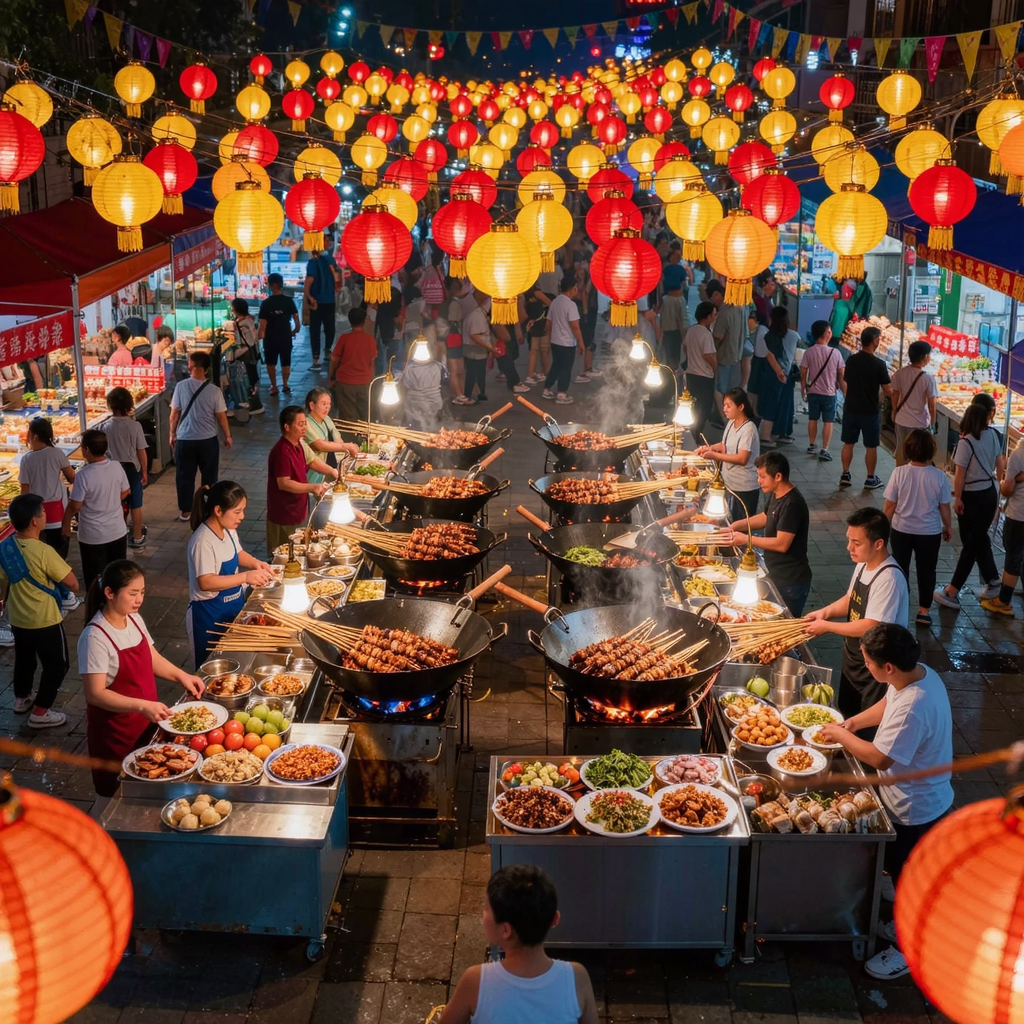
A vibrant street food market at night
kling-image
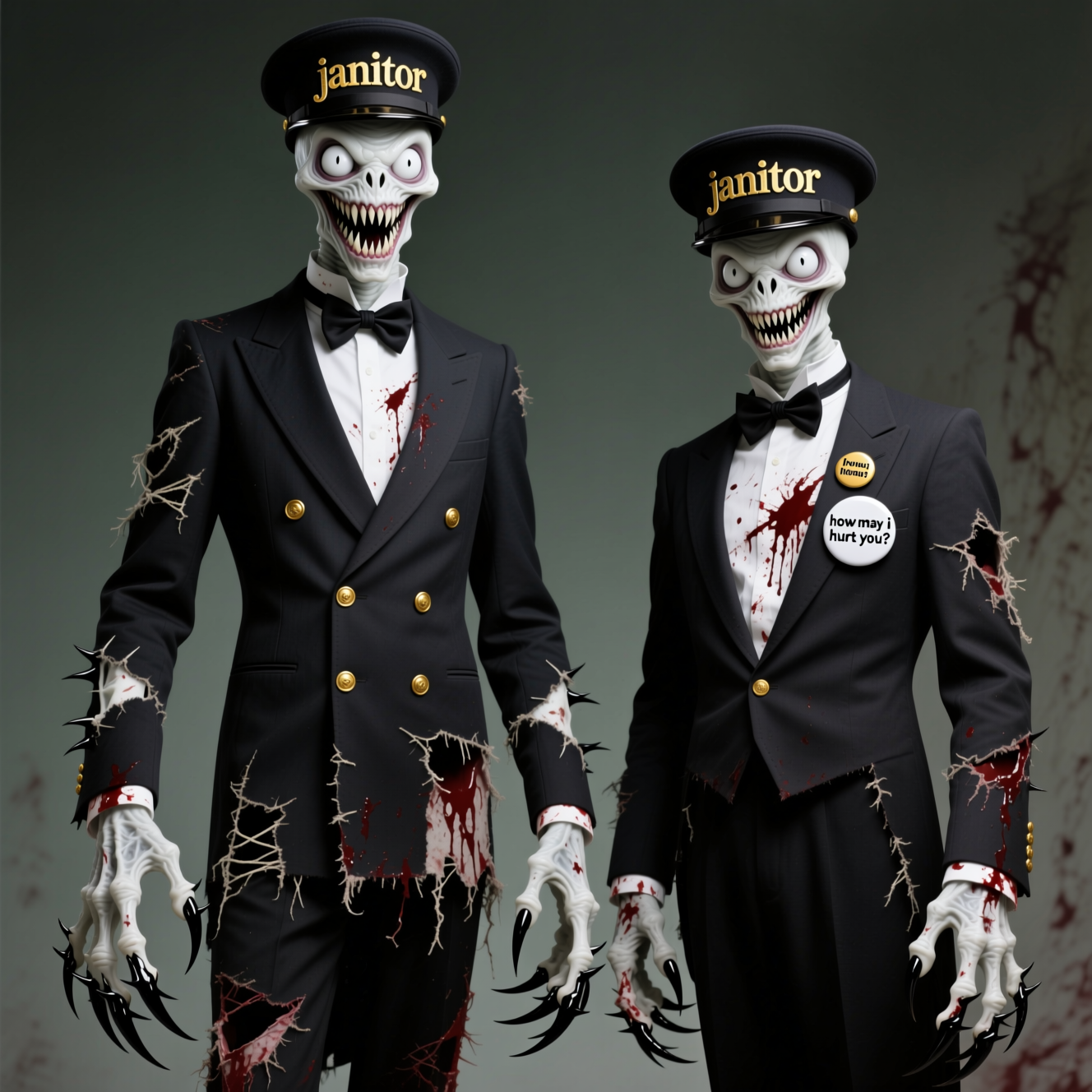
A white emaciated creature that's 7 feet tall with arms that drag to the ground with serra…
qwen-image
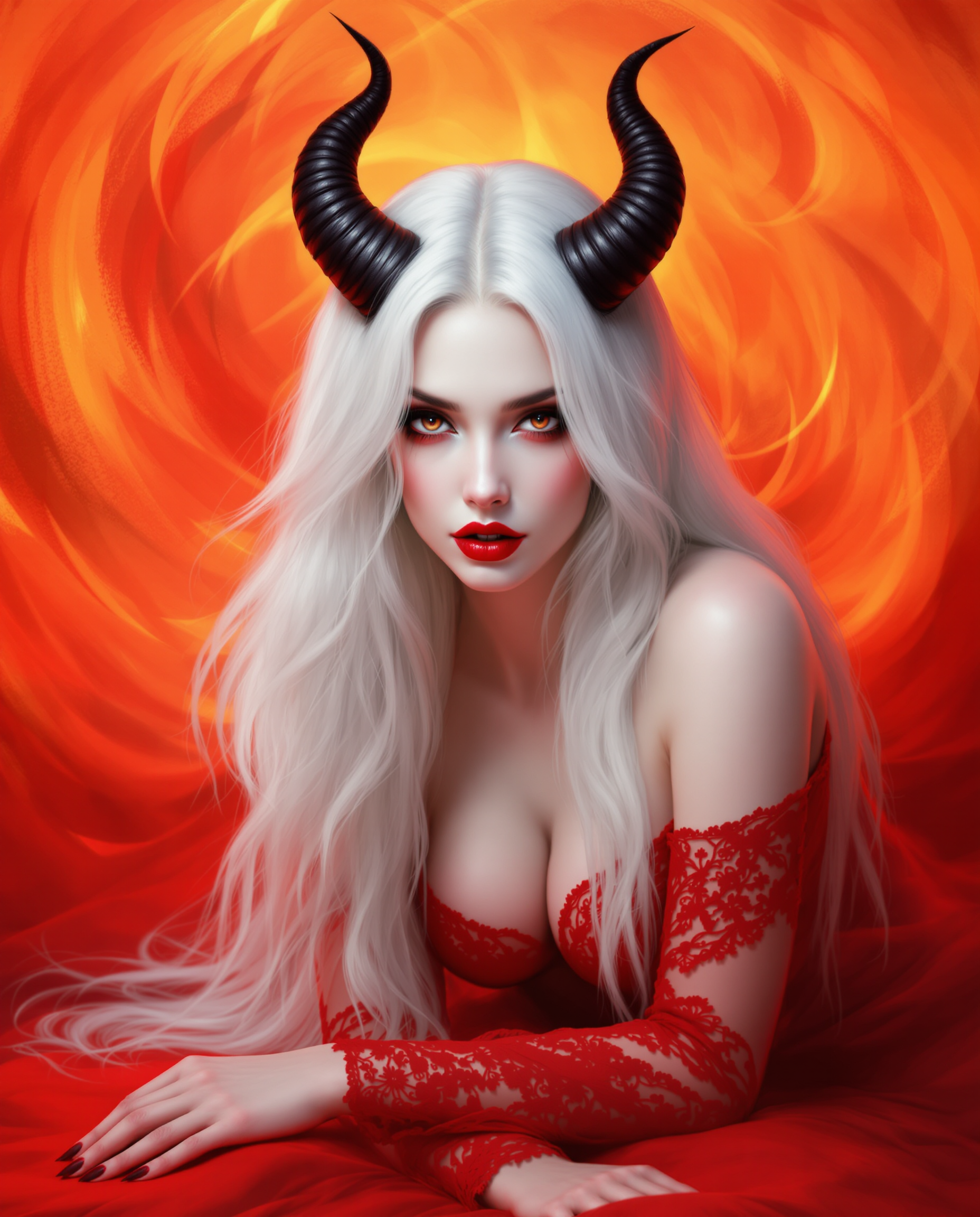
This is a realistic photo photograph of a female real person digital artwork that features…
flux
Models you can run on PixelDojo for nano banana pro inpaint
Switch models without switching tools. Each one runs in the same PixelDojo studio.
What you can do with nano banana pro inpaint on PixelDojo
Masked Region Inpaint
Select the area you want changed and we regenerate only those pixels with Nano Banana Pro while leaving the rest of the image untouched.
Prompt Directed Fills
Write what should occupy the mask and we generate content that follows your prompt and the nearby lighting, perspective, and materials.
Context Matched Results
We keep color, grain, and edges aligned with the original so new objects and textures sit in the same scene rather than looking pasted on.
Repeat Until It Fits
Keep the same mask and try new prompts or seeds so you can refine clothing, backgrounds, or product details without starting over.
Loved by thousands of creators worldwide who complete professional nano banana pro inpaint edits every day. 40+ cutting-edge AI tools, cancel anytime, try it today and see why PixelDojo is the go-to platform for seamless image transformation.
Why Choose Pixel Dojo for nano banana pro inpaint
Professional-quality results with cutting-edge AI technology
Remove Unwanted Objects Without a Trace
Brush over tourists, logos, wires, or blemishes and watch PixelDojo Inpainting reconstruct the scene with matching pavement, foliage, or skin texture. Lighting direction, color temperature, and depth stay identical so the edit disappears into the original photo. You save entire afternoons of manual retouching and still deliver client-ready files.
Target Any Area with Natural Language Precision
Mask a jacket, a product label, or a sky and simply describe the new look: “matte black leather, same folds and studio lighting.” Nano Banana 2 understanding plus Inpainting keeps faces, poses, and unmasked regions identical. You iterate clothing, materials, or props in seconds instead of reshooting or rebuilding layers.
Deliver 4K Studio-Quality Blends Every Time
Every fill respects 3D geometry, cast shadows, and surface reflections. Follow up with P-Image Upscale, Magnific Upscaler, or Reality Polisher to push resolution and polish. Your nano banana pro inpaint results hold up on billboards, product pages, and social feeds without visible seams or color shifts.
How It Works
PixelDojo turns nano banana pro inpaint into a three-step workflow anyone can master. You stay in control of composition while the AI handles context, lighting, and blending.
Step 1: Choose Your Tool and Upload
Open PixelDojo, go to Edit Images, and select Inpainting. Upload any photo, product shot, or image you generated with Nano Banana 2, Flux.2 Studio, Seedream 5, or Kling Image. The canvas loads instantly so you can start masking right away. High-resolution originals work best because the model preserves fine detail outside the edit zone.
Step 2: Mask the Area and Write Your Prompt
Paint a slightly oversized mask over the object or region you want changed. Then describe the finished result, not the action: “clean cobblestone street matching surrounding tiles and afternoon shadows, keep the cyclist and bicycle exactly as they are.” Add lighting, material, and preservation notes so Nano Banana Pro-level reasoning fills only the masked pixels. Use Image Analyzer first if you want a quick read of existing light direction.
Step 3: Generate, Refine, and Download
Click generate and review the seamless blend in seconds. If needed, run a second Inpainting pass or switch to Image to Image and Style Transfer for extra polish. Upscale the final file with P-Image Upscale or Clarity Pro, then download. Combine with Background Remover or Magic Lighting for complete campaigns. Your professional nano banana pro inpaint edit is ready to publish.
The Pixel Dojo Advantage
Why PixelDojo outperforms other options for nano banana pro inpaint image generation and editing. You get specialized tools, consistent quality, and a single workspace that actually ships finished assets.
| Others | Pixel Dojo |
|---|---|
| Traditional [category] creation | Hours of cloning, healing brushes, and color matching collapse into a 30-second mask-and-prompt cycle. PixelDojo Inpainting plus Nano Banana 2 understands scene geometry so you never fight mismatched lighting or perspective again. |
| Generic AI tools | Instead of one-size-fits-all generation, you combine Inpainting with Nano Banana 2, GPT Image 2, Flux.2 Studio, Reality Polisher, and dedicated upscalers. Localized edits stay locked to your original pixels while the rest of the 40+ toolset handles everything else in one login. |
| Manual photo editing | No steep learning curve or expensive software seats. Mask, describe the outcome you want, and receive a file that already matches shadows, grain, and color. You keep creative direction while PixelDojo handles the technical heavy lifting. |
Loved by creators on PixelDojo
Real feedback from people using PixelDojo, pulled from our in-product surveys.
Ease of use, friendliness and support of the owner, continued innovation.
it is an amazing site to create a pics and vids for those who don't have the hardware themselves
good tools in one place
Prompt updates, strong features, and a community that is always willing to help and hear/act on professional feedback. I've never had a better experience.
user friendly all in one thing
I really like the schedule of AI work performed!
Explore more AI tools on PixelDojo
AI Tools
Compare & Switch
- Best AI Image Generators
- Best AI Video Generators
- Midjourney Alternatives
- Civitai Alternatives
- Runway Alternatives
- Leonardo Alternatives
- Pika Alternatives
- Luma Alternatives
- Magnific Alternatives
- Veo Alternatives
- Flux Alternatives
- Freepik Alternatives
- Seedance Alternatives
- Seedream Alternatives
- Pixverse Alternatives
- GPT Image Alternatives
- Synthesia Alternatives
- Playground Alternatives
- NightCafe Alternatives
- Canva AI Alternatives
- ElevenLabs Alternatives
- ComfyUI Alternatives
- Fal Alternatives
- Replicate Alternatives
Common Questions
Everything you need to know about nano banana pro inpaint
What is nano banana pro inpaint and how does PixelDojo deliver it?
Nano banana pro inpaint is advanced localized image editing that changes only the area you select while preserving everything else. PixelDojo’s Inpainting tool gives you a simple brush-plus-prompt interface powered by the same reasoning that makes Nano Banana 2 excel at context, lighting, and identity. You upload, mask, describe the new content, and download a seamless result that looks native to the original photograph.
Can I use nano banana pro inpaint on photos I already generated with other PixelDojo tools?
Yes. Generate first with Nano Banana 2, Flux.2 Studio, Seedream 5, or Kling Image, then jump straight into Inpainting. The model treats your generated image as a high-quality source, so you can swap outfits, remove artifacts, or add props without starting over. Follow up with Image to Image or Reality Polisher for even tighter control.
How do I write the best prompts for nano banana pro inpaint on PixelDojo?
Describe the finished look, not the verb. Include what must stay unchanged: “replace the red chair with a vintage brown leather chesterfield, keep the same pillows, window light, and room perspective.” Mention lighting direction, material finish, and surrounding objects. PixelDojo’s Inpainting plus Nano Banana 2 reasoning then reconstructs only the masked region with matching physics and color.
Will nano banana pro inpaint change faces or important details outside the mask?
No. PixelDojo Inpainting is designed for strict localization. Unmasked pixels, including faces, logos you want to keep, and overall composition, remain identical. If a result ever drifts, simply tighten the mask or add an explicit preservation sentence and regenerate. Thousands of creators use this daily for portraits and product shots without identity loss.
What resolution and formats can I export after a nano banana pro inpaint edit?
Start with any common format (JPG, PNG, WebP) up to 4K. After Inpainting, send the file through P-Image Upscale, Magnific Upscaler, or Clarity Pro for extra megapixels and detail. Download immediately in the resolution you need for print, web, or social. All edits stay inside PixelDojo so you never leave the platform.
Is there a risk-free way to try nano banana pro inpaint on PixelDojo?
Absolutely. PixelDojo offers 40+ cutting-edge AI tools loved by thousands of creators worldwide. You can start with Inpainting today, cancel anytime, and only pay for what you use. Most first edits finish in seconds, so you see professional nano banana pro inpaint quality before you commit to a larger project.