photo enhancer
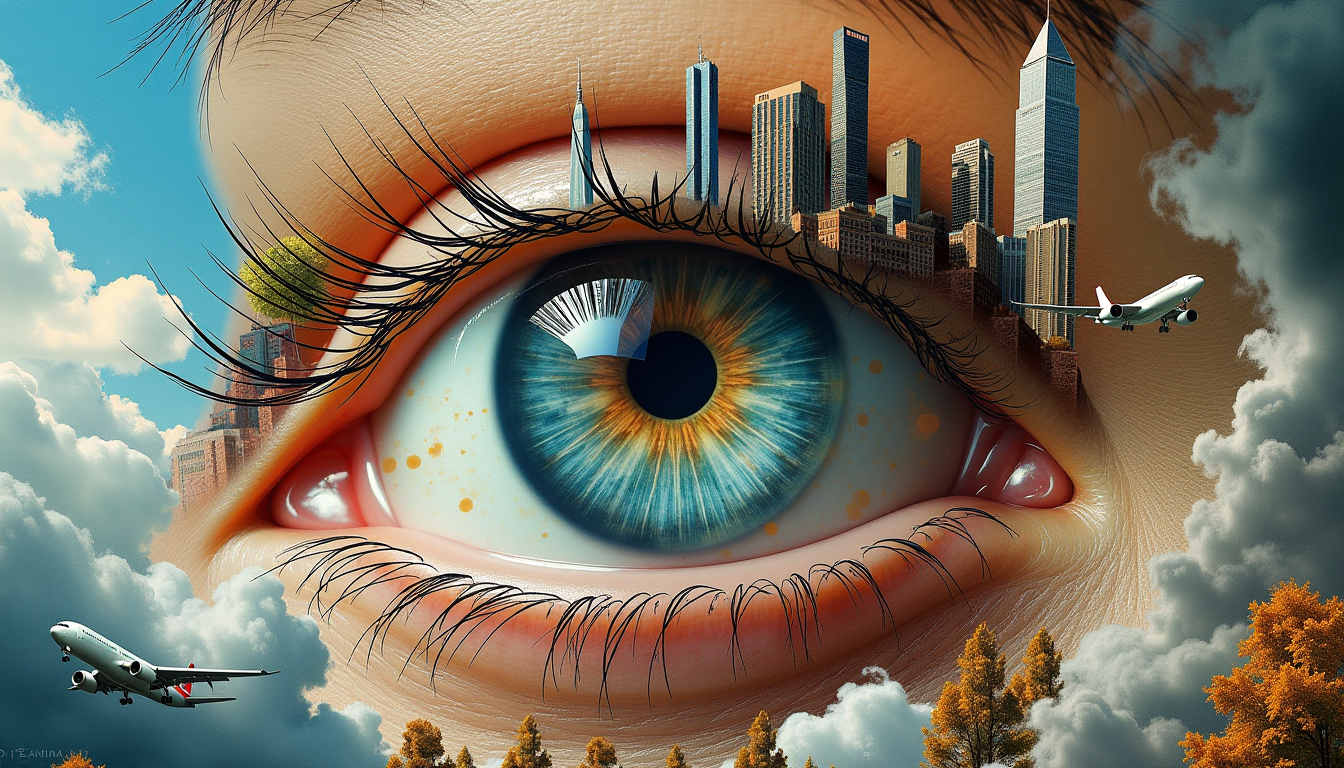
Generated on PixelDojo. Produced by PixelDojo's generation pipeline.
Your photos hold memories, products, and stories that deserve to shine. Whether it's a faded family snapshot, a blurry phone pic, or a low-resolution product shot, PixelDojo's AI photo enhancer turns them into crisp, vibrant, high-resolution images ready for printing, sharing, or professional use. You achieve studio-quality results without hours of editing or technical skills. Upload any photo and watch it come alive with recovered details, natural colors, and sharpness that makes every moment look its best. Photographers, families, and creators like you use it daily to rescue old albums, enlarge images for large-format prints, and deliver polished visuals that stand out. With specialized tools built for real-world photos, you get authentic enhancements that preserve identities and textures while delivering outcomes you can actually use.
Real image examples generated on PixelDojo
Every example below was produced on PixelDojo. Hover to see the prompt.
A surreal
stable-diffusion
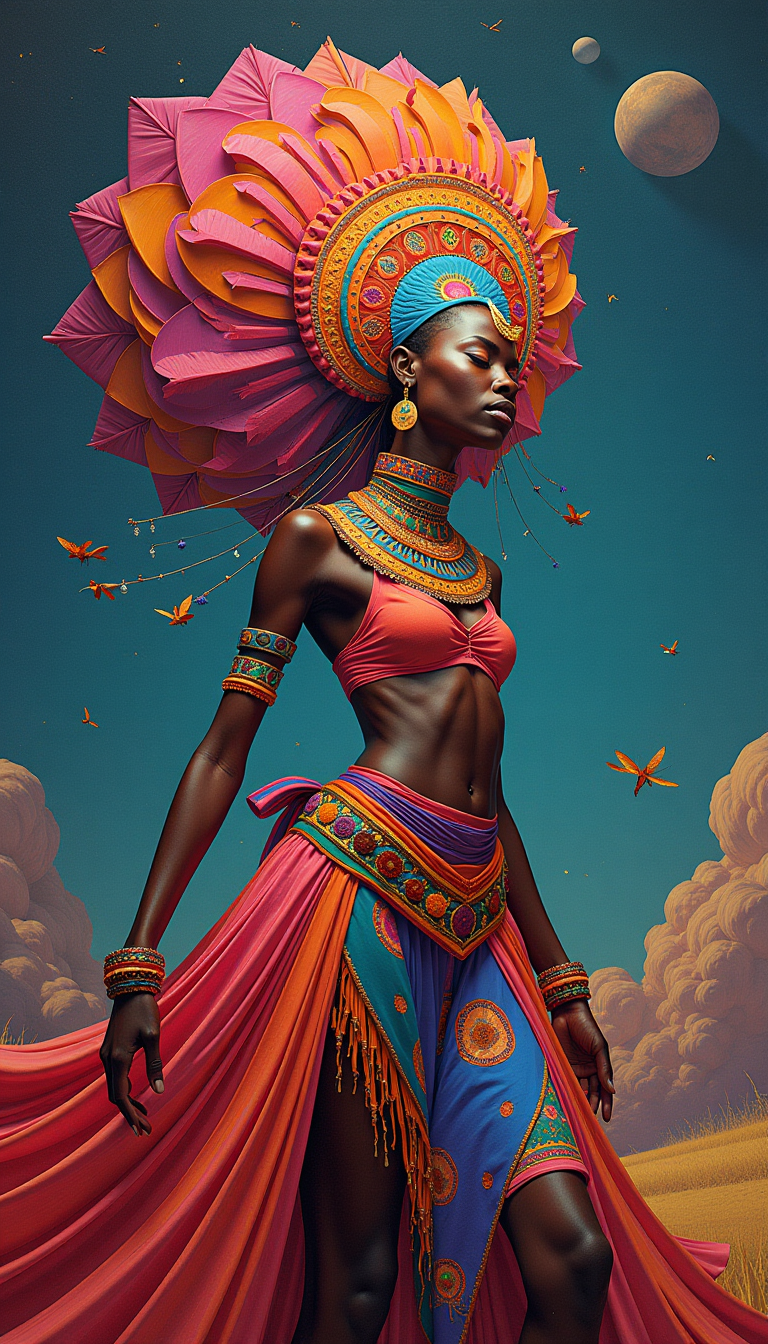
Highly Detailed surrealistic conceptual painting of a african Zaouli dancer dream visions
flux

photo enhancer on PixelDojo
flux-redux
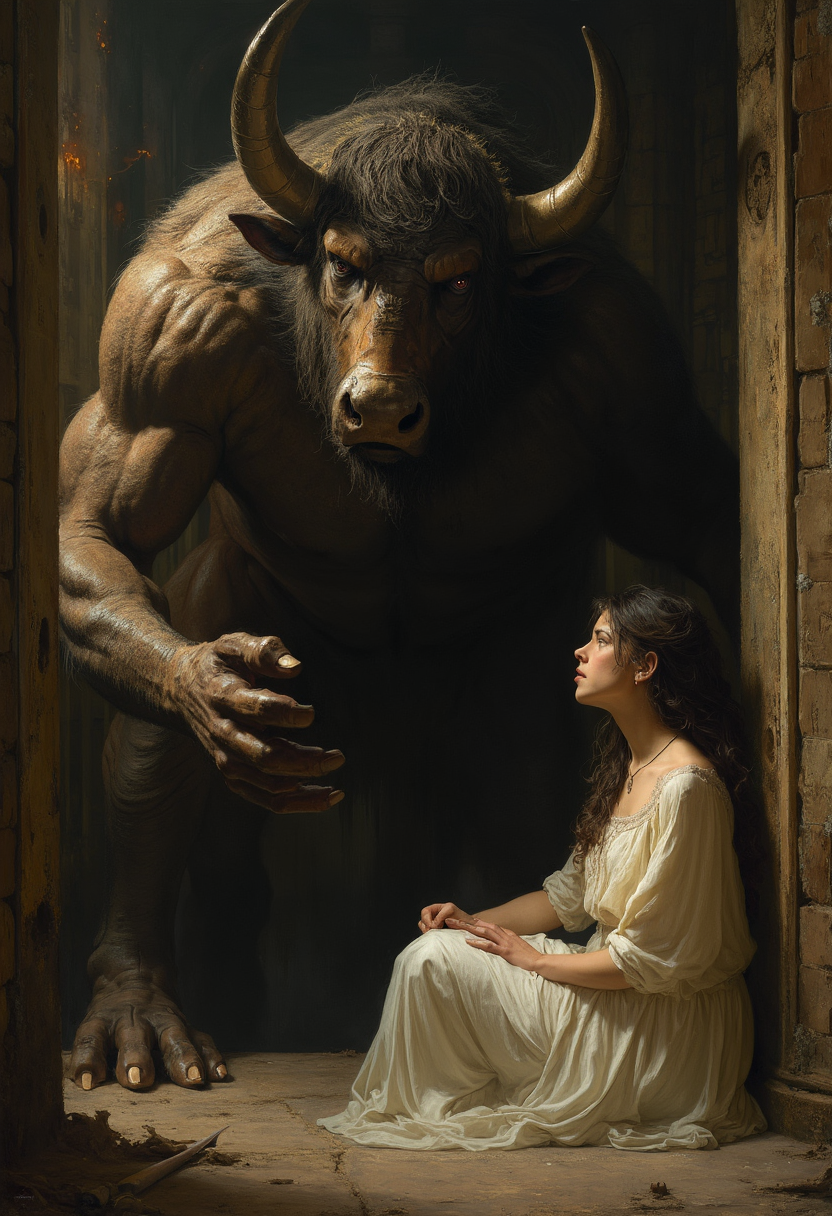
A colossal Minotaur
flux
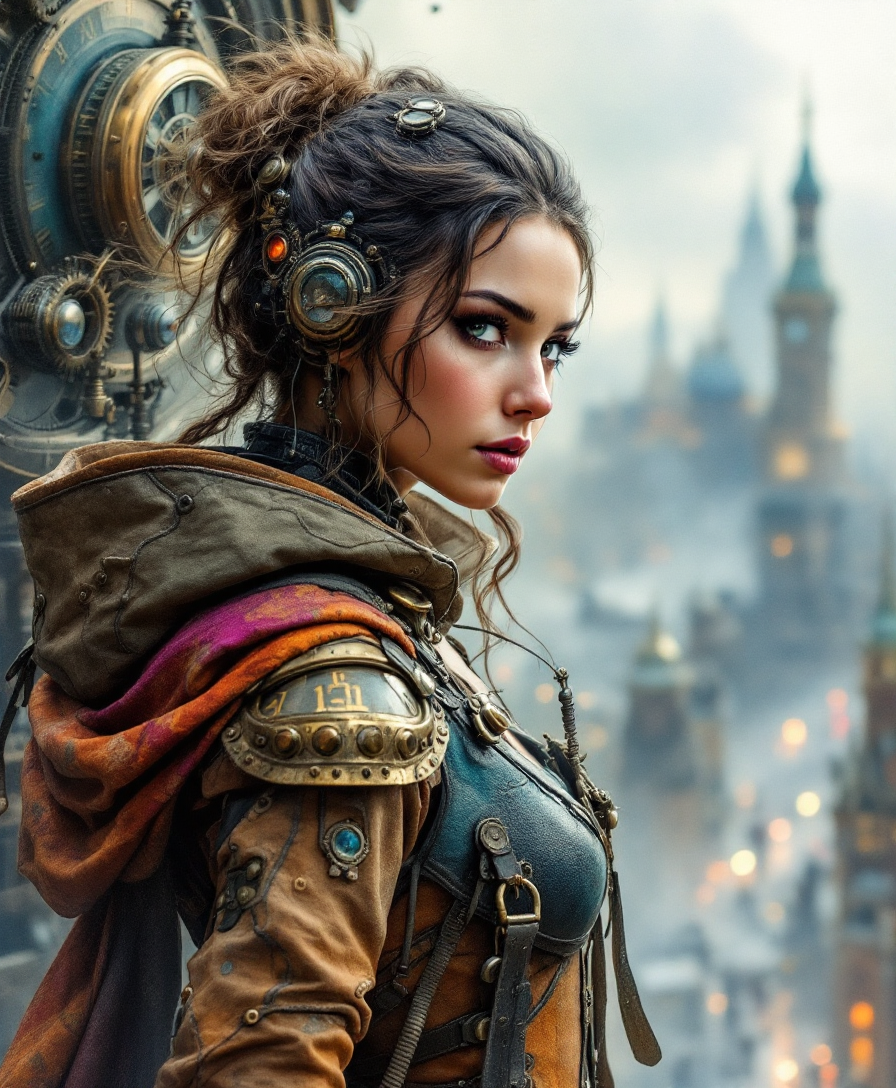
High quality
flux
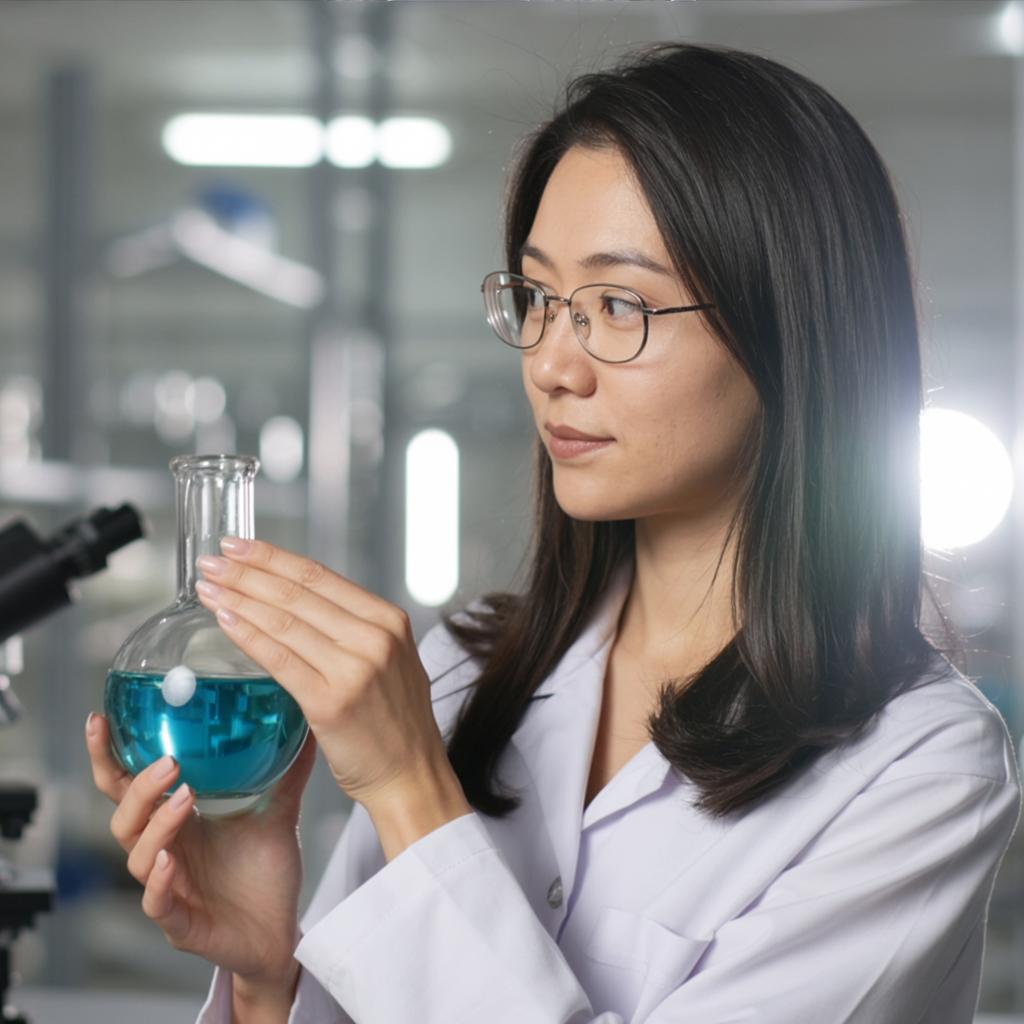
The same person as a scientist in a bright laboratory
ideogram-character
Models you can run on PixelDojo for photo enhancer
Switch models without switching tools. Each one runs in the same PixelDojo studio.
What you can do with photo enhancer on PixelDojo
Sharper High-Res Output
We upscale and refine photos so details stay clear at larger sizes. You keep the original look while reducing noise and softness.
Restore Faded Images
We help recover contrast, color, and facial detail in old or low-quality shots. You can clean scans without rebuilding the photo from scratch.
Lighting And Color Control
We adjust exposure, white balance, and tone so subjects read more clearly. You apply consistent edits across a batch of stills.
Prompt-Guided Enhancements
We combine enhancement with image generation so you can request specific fixes or variations. You iterate on composition and quality in one workflow.
Loved by thousands of creators worldwide who enhance millions of photos. Join photographers, families, and businesses achieving professional results every day. 40+ cutting-edge AI tools with cancel anytime flexibility.
Why Choose Pixel Dojo for photo enhancer
Professional-quality results with cutting-edge AI technology
Print-Ready Photos From Everyday Snapshots
You turn ordinary phone photos or scanned prints into large, detailed images perfect for posters, canvases, or portfolios. Achieve gallery-quality output that holds up under close inspection without pixelation or artifacts.
Revive Cherished Family Memories Instantly
You restore faded, scratched, or blurry old photos to vivid life while keeping faces and expressions authentic. Share restored albums that feel like they were taken yesterday, preserving history for generations.
Professional Portraits and Products in Seconds
You deliver client-ready headshots, product images, and social content without tedious retouching. Get natural skin textures, balanced lighting, and sharp details that look captured by a high-end camera.
How It Works
Enhancing your photos with PixelDojo is straightforward and delivers professional outcomes fast. You upload an image and select the right specialized tool to match your goal, whether restoring an heirloom or enlarging for print.
Step 1: Choose Your Tool
Select P-Image Upscale for general high-quality enlargement, Portrait Upscaler for faces that stay true to life, Magnific Upscaler or Creative Upscaler for added realistic detail, Clarity Pro for extra sharpness, or Reality Polisher combined with Image to Image for full restoration of damaged photos. These tools are optimized for photos so you get natural results tailored to portraits, products, or archival images.
Step 2: Upload and Guide the Enhancement
Upload your original photo. For even better control, add a simple description such as restore natural colors and details while preserving faces or upscale this product shot with sharp textures and balanced lighting. The AI analyzes the image using the latest restoration and super-resolution approaches to recover missing information realistically without inventing unnatural elements.
Step 3: Review, Refine, and Download
Preview the enhanced result side by side. Make quick refinements with Inpainting for specific areas, Magic Lighting for better illumination, or Background Remover if needed. Download in high resolution ready for print or web. Combine with other PixelDojo tools like Image Outpainting to expand the scene if desired. You go from upload to finished photo in moments.
The Pixel Dojo Advantage
Why PixelDojo outperforms other options for photo enhancement
| Others | Pixel Dojo |
|---|---|
| Traditional photo enhancement | You get instant, high-quality results instead of spending hours with complex software. Specialized tools recover details and restore photos far beyond basic filters or interpolation. |
| Generic AI tools | You access a complete suite including Portrait Upscaler, Magnific Upscaler, Clarity Pro, and Reality Polisher all in one place. Consistent, photo-specific results without switching platforms. |
| Manual photo editing | You achieve professional restoration and upscaling without years of training. The AI handles noise, blur, fading, and resolution automatically so you focus on the story your photos tell. |
Loved by creators on PixelDojo
Real feedback from people using PixelDojo, pulled from our in-product surveys.
Amazing features, easy to use, privacy
the number of options, and especially the quick response to questions on Discord
Love you guys!!
Trained my Lora super fast. Still working out how to creat content wit it, but I love it so far.
I love this app
It has all the tools I can think of...
Explore more AI tools on PixelDojo
AI Tools
Compare & Switch
- Best AI Image Generators
- Best AI Video Generators
- Midjourney Alternatives
- Civitai Alternatives
- Runway Alternatives
- Leonardo Alternatives
- Pika Alternatives
- Luma Alternatives
- Magnific Alternatives
- Veo Alternatives
- Flux Alternatives
- Freepik Alternatives
- Seedance Alternatives
- Seedream Alternatives
- Pixverse Alternatives
- GPT Image Alternatives
- Synthesia Alternatives
- Playground Alternatives
- NightCafe Alternatives
- Canva AI Alternatives
- ElevenLabs Alternatives
- ComfyUI Alternatives
- Fal Alternatives
- Replicate Alternatives
Common Questions
Everything you need to know about photo enhancer
What is the best AI photo enhancer for restoring old family photos?
PixelDojo's Reality Polisher combined with Portrait Upscaler and Magnific Upscaler delivers outstanding results for old family photos. You repair scratches, fading, and discoloration while keeping every person's identity and expression intact. The tools recover natural skin tones, clothing details, and overall clarity so restored images look authentic rather than artificially generated. Many users start with Reality Polisher for damage repair then apply Portrait Upscaler to bring faces into sharp, lifelike focus.
How do I upscale photos without losing quality using an AI photo enhancer?
Upload your photo to P-Image Upscale or Creative Upscaler and choose a 2x or 4x enlargement. PixelDojo's AI fills in realistic details based on patterns in the original image rather than simply stretching pixels. For portraits, run Portrait Upscaler first to protect facial features. You get print-ready files that remain sharp even at large sizes. Start with the cleanest source possible and the tools handle the rest, giving you professional output you can use immediately for prints or high-resolution sharing.
Can an AI photo enhancer fix blurry or low-light pictures?
Yes. Clarity Pro and Reality Polisher excel at reducing blur from camera shake or slight misfocus while recovering details in low-light shots. You upload the image and the AI analyzes noise patterns and missing information to produce a clearer, brighter result that still looks natural. Combine with Magic Lighting for even better illumination. These tools are designed for real photographs so you avoid the over-smoothed look common with generic processors. Thousands of users turn previously unusable snapshots into keepers this way.
Is there a free way to try an AI photo enhancer online?
PixelDojo lets you try the full suite of photo enhancer tools today with no long-term commitment. You get access to P-Image Upscale, Magnific Upscaler, Portrait Upscaler, Clarity Pro, Reality Polisher, and more. Cancel anytime. This risk-free approach means you can enhance your first photos immediately and see the quality for yourself before deciding. Loved by thousands of creators, the platform is built for both beginners and professionals who want reliable results.
How does AI photo enhancement work specifically for portraits and faces?
Portrait Upscaler and related tools are trained to recognize and enhance faces while strictly preserving identity, skin texture, and expression. You avoid the plastic or overly smoothed appearance that can happen with general upscalers. The process improves sharpness, balances exposure, and reduces noise around eyes, hair, and skin in a way that looks like a high-quality camera capture. Pair it with Reality Polisher for older portraits or Magic Lighting to refine illumination. The result is professional headshots or family photos you can confidently print or share.
What are the latest techniques in AI photo enhancers and how does PixelDojo use them?
Current approaches combine super-resolution, intelligent denoising, deblurring, and realistic detail recovery so enhancements look photographed rather than processed. PixelDojo integrates these through dedicated tools like Magnific Upscaler for creative yet natural detail, Clarity Pro for sharpness, and Reality Polisher for comprehensive restoration. You benefit from workflows that clean noise first then enlarge, producing better results on old photos, phone snapshots, and product images. The platform stays current so your photos receive the most advanced, authentic treatment available without you needing to manage complex settings.