pixeldojo gpt image 2
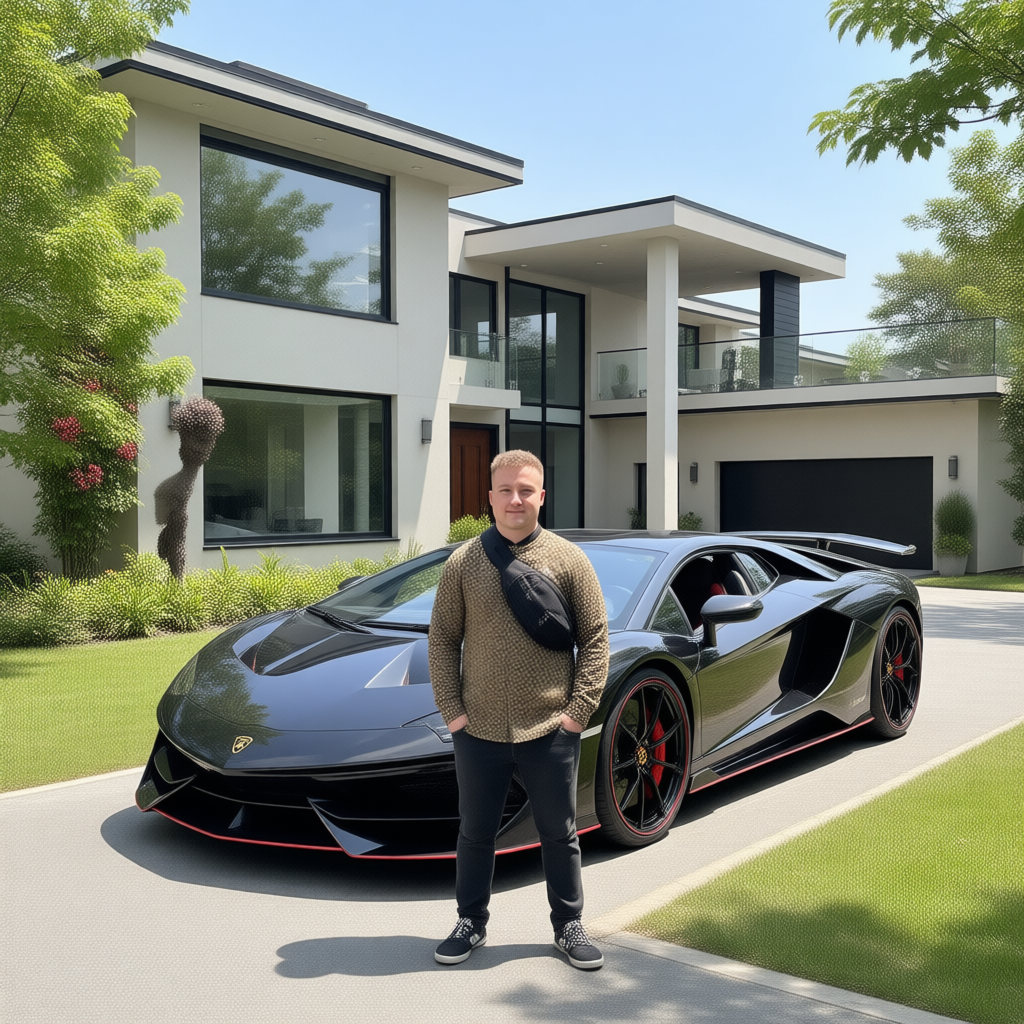
Generated on PixelDojo. Produced by PixelDojo's generation pipeline.
Imagine turning a simple idea into a stunning, publication-ready 4K image packed with perfectly spelled headlines, photorealistic details, and professional composition—all in under a minute. That's exactly what you achieve with PixelDojo's GPT Image 2. You skip expensive designers, lengthy photoshoots, and frustrating revisions. Instead, you describe what you need and receive crisp infographics, marketing banners, product mockups, UI designs, and lifestyle shots that look like they came from a high-end studio. GPT Image 2 on PixelDojo excels at world-aware photorealism and near-perfect text rendering, even for multilingual signage and dense layouts. Combine it with Nano Banana 2, Flux.2 Studio, Grok Image, QWEN Image 2, and our full suite of 40+ tools to handle every stage from generation to final polish. Whether you're a marketer launching campaigns, an entrepreneur building product pages, or a creator producing social content, you get commercial-ready visuals with full ownership. Thousands of users already rely on this workflow to produce assets that convert visitors and elevate brands. Start today and experience how GPT Image 2 plus PixelDojo's editing power transforms your creative process from hours of work into minutes of results.
Real image examples generated on PixelDojo
Every example below was produced on PixelDojo. Hover to see the prompt.
Canvas generate — From qwen-image
canvas-generate
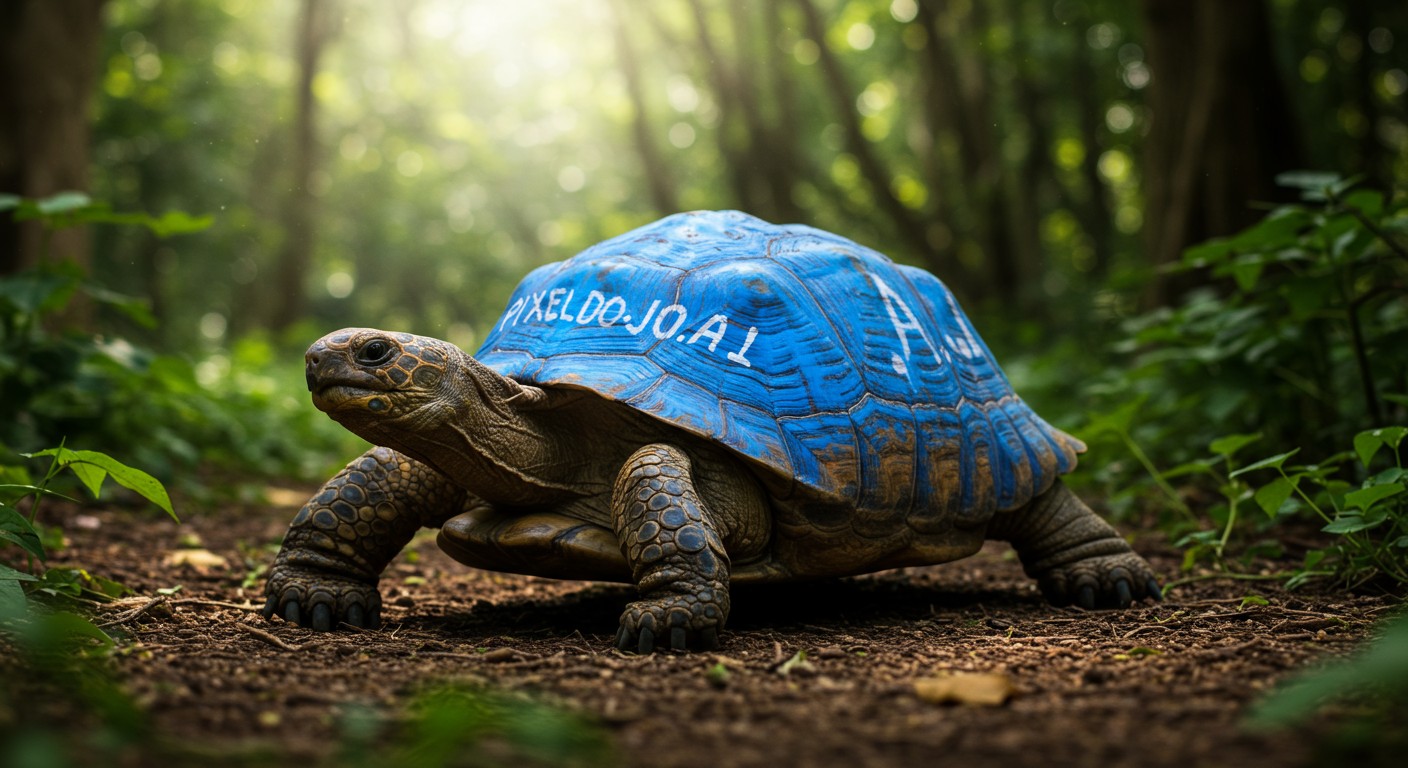
A wildlife photo of a bizarre giant turtle with blue paint on its shell that reads "PIXELD…
imagen
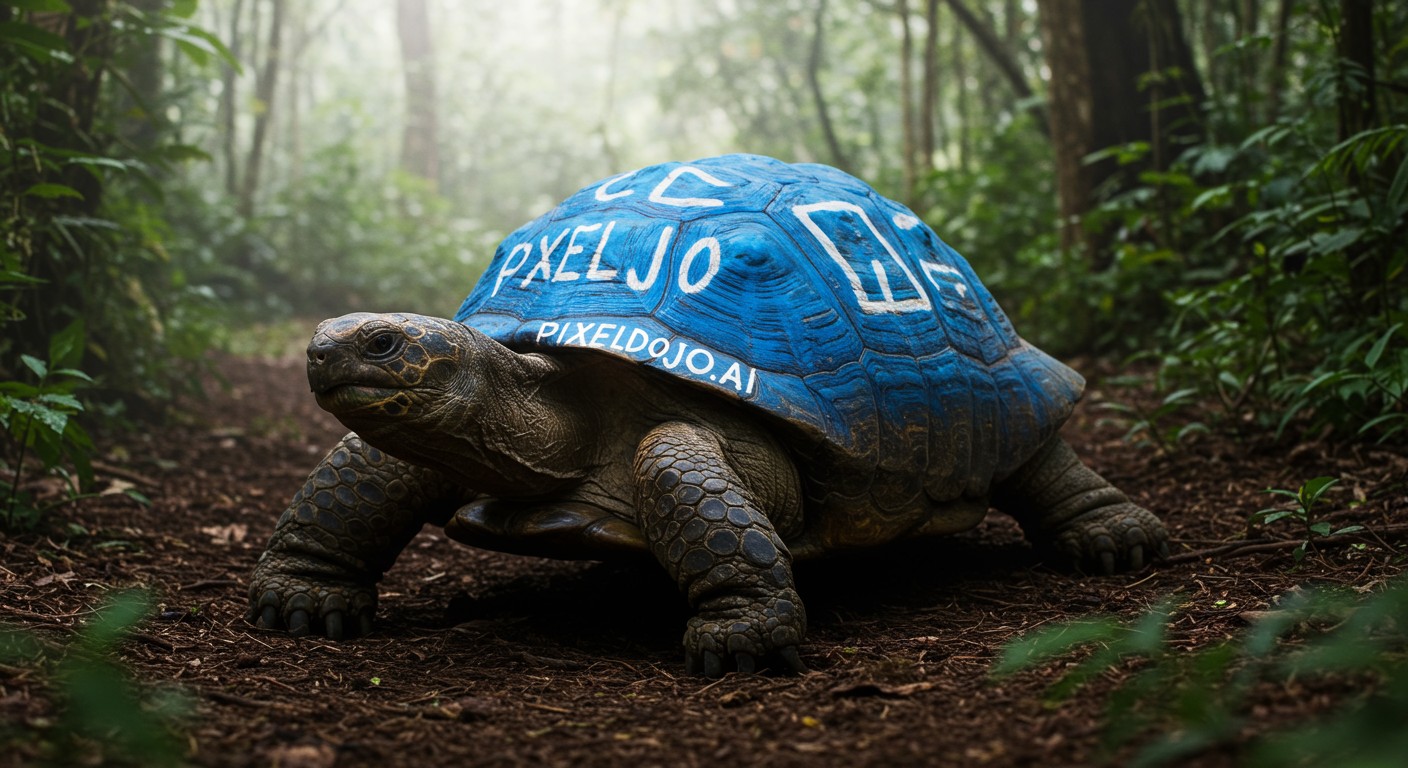
A wildlife photo of a bizarre giant turtle with blue paint on its shell that reads "PIXELD…
imagen
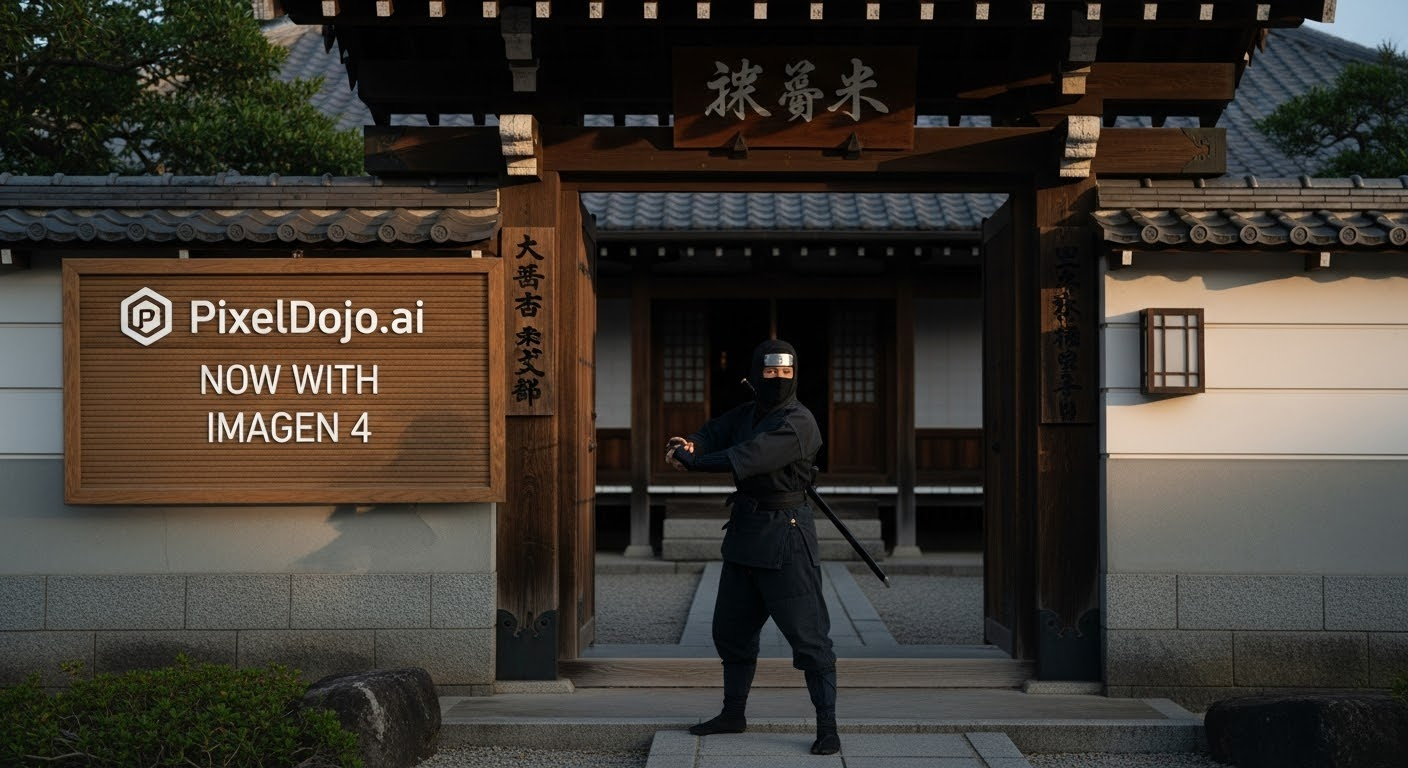
A photo of a ninja in front of a japanese dojo
stable-diffusion
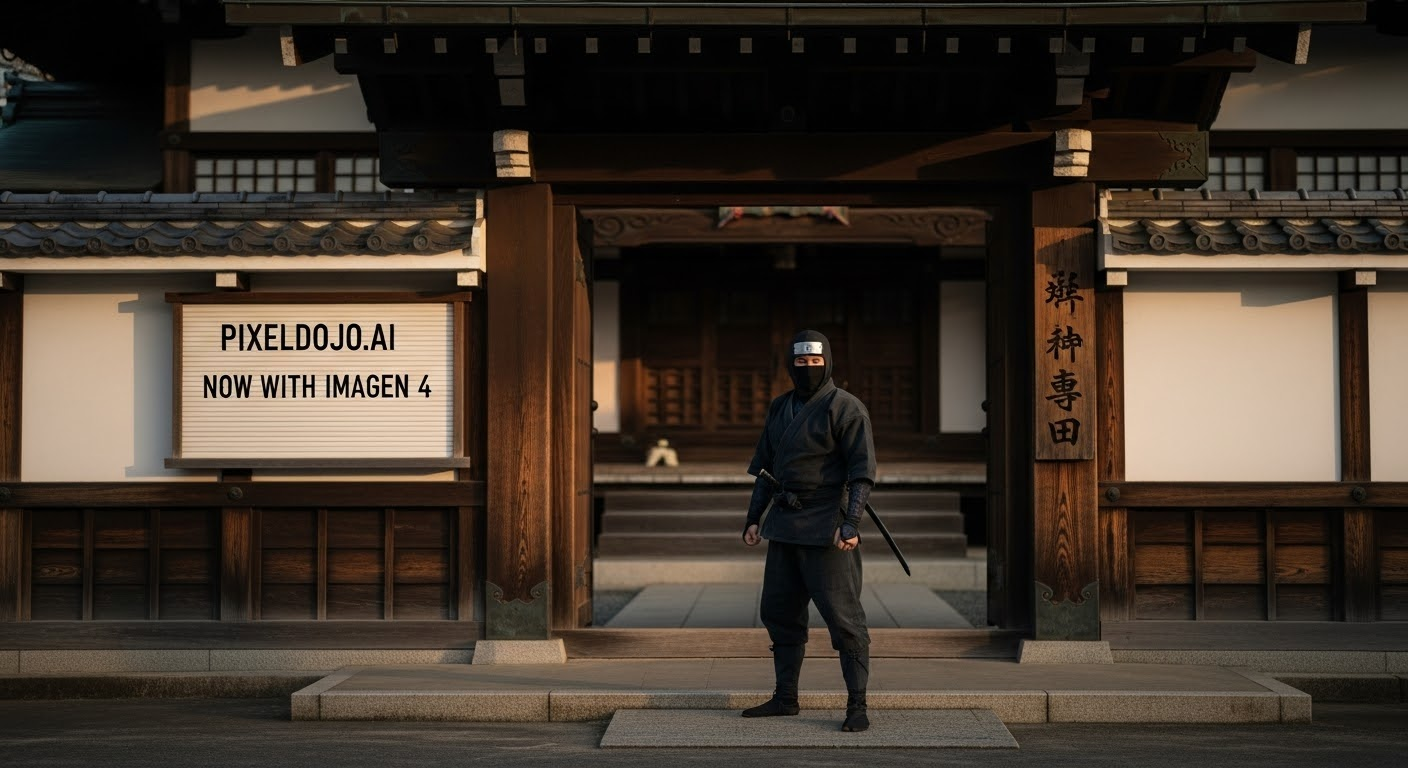
A photo of a ninja in front of a japanese dojo
stable-diffusion
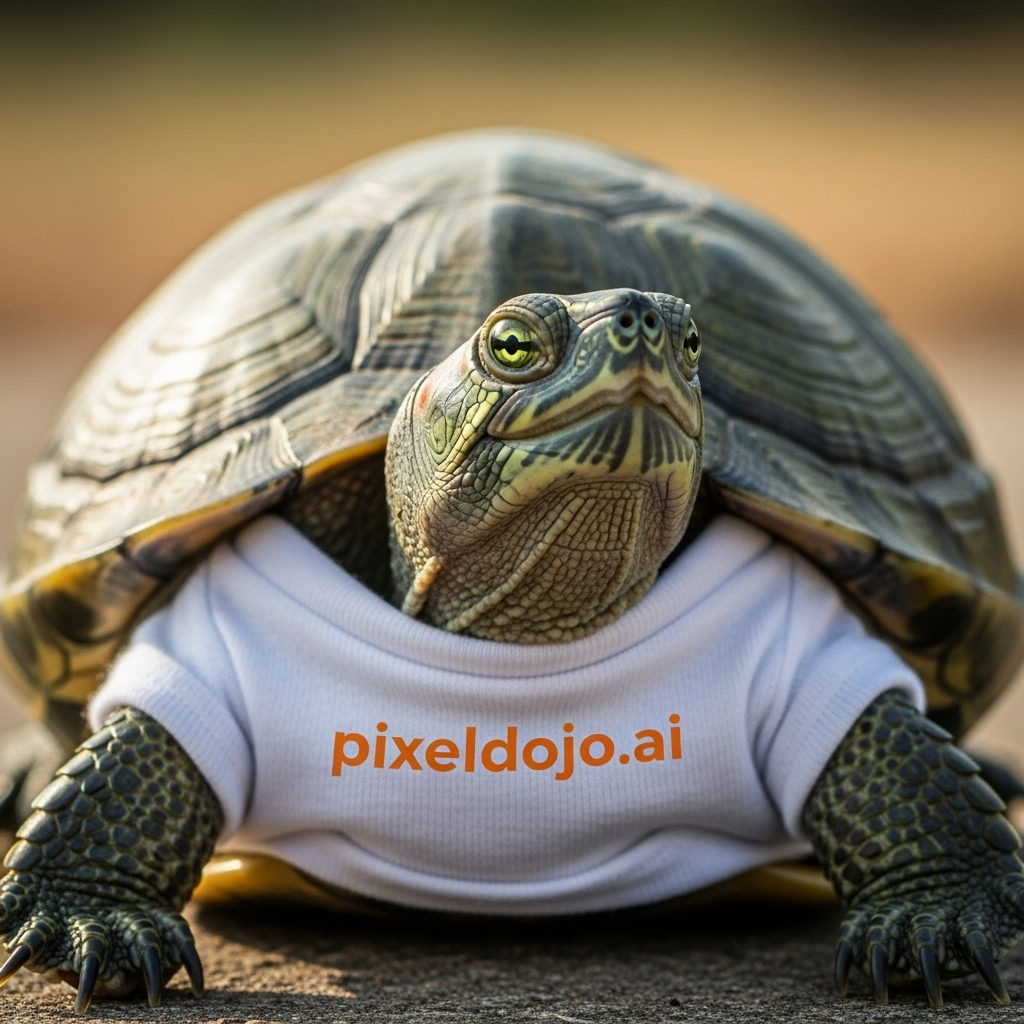
A turtle that is wearing a shirt that says pixeldojo
imagen
Models you can run on PixelDojo for pixeldojo gpt image 2
Switch models without switching tools. Each one runs in the same PixelDojo studio.
What you can do with pixeldojo gpt image 2 on PixelDojo
GPT Image 2 Generation
We run GPT Image 2 so you can turn written prompts into still images for campaigns, product shots, and concept art.
Prompt Driven Visual Control
We let you specify subject, lighting, composition, and style in the prompt so outputs stay closer to the look you need.
Iterate On Image Variants
We support regenerating and refining images from the same brief so you can compare options before you publish.
Creator Ready Image Exports
We provide generated files you can download and use in your usual design, social, and production workflows.
Join over 10,000 creators who have generated more than 5 million images on PixelDojo. Rated 4.8/5 for quality, speed, and ease of use. 100% commercial rights on every generation.
Why Choose Pixel Dojo for pixeldojo gpt image 2
Professional-quality results with cutting-edge AI technology
Produce Marketing Assets with Flawless Readable Text
You create posters, ads, infographics, and UI mockups where every headline, label, and caption appears perfectly spelled and styled on the first try. No more garbled letters or extra editing sessions—just professional results ready for print or digital campaigns.
Deliver Photorealistic 4K Product and Lifestyle Images
You generate lifelike product shots, editorial portraits, and environmental scenes with accurate lighting, textures, and composition up to 4K UHD. These visuals look indistinguishable from professional photography and perform exceptionally in e-commerce, social media, and presentations.
Refine Every Detail Instantly with PixelDojo's Complete Toolkit
You start with GPT Image 2 then immediately apply Inpainting, Image to Image, Style Transfer, Magic Lighting, Background Remover, Reality Polisher, and Magnific Upscaler. Maintain character consistency with Character Sheets or Consistent Characters and even extend into video using Kling Video or WAN tools.
How It Works
You create professional GPT Image 2 images on PixelDojo in three straightforward steps. The platform handles the technical complexity so you can focus entirely on your vision and outcomes.
Step 1: Choose Your Tool
Log into PixelDojo and navigate to Generate Images. Select GPT Image 2 from our library of 40+ models that also includes Nano Banana 2, Grok Image, Flux.2 Studio, Krea Image, QWEN Image 2, Seedream 5, Ideogram 4, and more. GPT Image 2 is specifically optimized for photorealism, accurate text, and complex layouts. Free users receive daily credits to start immediately.
Step 2: Enter Your Prompt
Write a clear, structured prompt that GPT Image 2 understands best: begin with the scene and environment, describe the main subject, add important details such as lighting, camera angle, materials, and mood, then specify exact text in quotation marks along with any constraints. Example: Scene: sleek modern kitchen at golden hour. Subject: premium coffee machine on marble counter. Details: photorealistic 4K, soft window light, steam rising. Text: "Morning Ritual" in elegant serif. Constraints: no extra objects, commercial product shot. This approach delivers precise, high-quality results consistently.
Step 3: Customize & Download
Choose your preferred size (square, portrait, landscape, or up to 4K UHD 3840×2160), quality tier (high recommended for final work), and number of variations. Generate, then refine using Edit Images tools including Inpainting, Change Camera Angle, Style Transfer, and Image Outpainting. Enhance further with P-Image Upscale, Magnific Upscaler, or Clarity Pro. Download in PNG, JPEG, or WebP with full commercial rights. You can also feed the result into video tools like Marketing Studio or Kling Video for complete campaigns.
The Pixel Dojo Advantage
Why PixelDojo outperforms other options for GPT Image 2 image generation
| Others | Pixel Dojo |
|---|---|
| Traditional graphic design software | You eliminate steep learning curves, expensive subscriptions, and hours of manual work. Generate, iterate, and polish professional 4K assets in minutes using GPT Image 2 plus Inpainting, Reality Polisher, and Magnific Upscaler. |
| Generic AI tools | You gain access to specialized GPT Image 2 with superior text rendering and 4K output plus 40+ complementary models, consistent character tools, advanced editing, upscaling, and even video generation—all in one seamless platform with commercial rights included. |
| Manual photo editing and stock photography | You create completely unique, on-brand 4K visuals tailored to your exact needs without searching libraries or spending hours in editors. Full ownership, unlimited generations on Pro plans, and the ability to train custom models with Flux Trainer or QWEN Trainer. |
Loved by creators on PixelDojo
Real feedback from people using PixelDojo, pulled from our in-product surveys.
Amazing performance!
Excellent website for creating all types of media
Very eay to use, works well to train SDXL loras.
The amazing tools
Top notch quality and strong prompt adherence.
A well resourced sunscription with attention to updates.
Explore more AI tools on PixelDojo
AI Tools
Compare & Switch
- Best AI Image Generators
- Best AI Video Generators
- Midjourney Alternatives
- Civitai Alternatives
- Runway Alternatives
- Leonardo Alternatives
- Pika Alternatives
- Luma Alternatives
- Magnific Alternatives
- Veo Alternatives
- Flux Alternatives
- Freepik Alternatives
- Seedance Alternatives
- Seedream Alternatives
- Pixverse Alternatives
- GPT Image Alternatives
- Synthesia Alternatives
- Playground Alternatives
- NightCafe Alternatives
- Canva AI Alternatives
- ElevenLabs Alternatives
- ComfyUI Alternatives
- Fal Alternatives
- Replicate Alternatives
Common Questions
Everything you need to know about pixeldojo gpt image 2
What makes PixelDojo GPT Image 2 the best choice for professional AI image generation?
PixelDojo GPT Image 2 delivers native 4K rendering, near-perfect text fidelity even in multilingual and dense layouts, and world-aware photorealism. You combine it with 40+ other models and a complete editing suite including Inpainting, Style Transfer, Background Remover, Character Sheets, and Magnific Upscaler. This integrated workflow lets you go from idea to commercial-ready asset faster than any standalone generator while enjoying 100% commercial rights and the ability to cancel anytime.
How do I write effective prompts for GPT Image 2 on PixelDojo to get the best results?
Use a structured format that GPT Image 2 handles exceptionally well: Scene (environment and time), Subject (main focus), Important details (lighting, materials, composition, mood), exact text in quotation marks, and Constraints (what to avoid). Keep prompts focused rather than overly long. PixelDojo also provides a dedicated GPT Image 2 Prompting Guide with copyable examples for infographics, product mockups, UI designs, and photorealistic scenes. After generation you can refine conversationally using Image to Image or Inpainting.
Can I use images created with PixelDojo GPT Image 2 for commercial projects?
Yes. Every image you generate on PixelDojo, including those from GPT Image 2, comes with 100% commercial rights. You can use them in advertising, websites, social media, print materials, product packaging, and client work without additional licensing. This applies across all plans, and you retain full ownership of your creations.
What image sizes and quality options does PixelDojo GPT Image 2 support?
You can generate in multiple aspect ratios including 1:1, 4:3, 16:9, 2:3 and more, with resolutions ranging from 1024px up to full 4K UHD 3840×2160. Quality tiers include low, medium, and high, with high recommended for final professional work. 4K outputs are clearly marked so you know exactly what you're creating. After generation you can further enhance with P-Image Upscale, Magnific Upscaler, or Clarity Pro.
How can I edit and improve GPT Image 2 images after they are generated on PixelDojo?
PixelDojo gives you a full editing pipeline. Use Image to Image or Inpainting to make targeted changes, Change Camera Angle for new perspectives, Style Transfer for artistic variations, Magic Lighting for mood adjustments, and Background Remover for clean cutouts. Polish with Reality Polisher, extend with Image Outpainting, and upscale with Magnific or Portrait Upscaler. For characters, apply Consistent Characters or Face Swap. You can even turn stills into video using Kling Video, WAN 2.7 Video, or Marketing Studio.
Is there a free way to try PixelDojo GPT Image 2 before committing to a paid plan?
Absolutely. Sign up for a free PixelDojo account and receive daily credits that let you generate GPT Image 2 images immediately. You can test prompts, explore different sizes, and experience the editing tools. When you're ready for unlimited generations and access to all 40+ tools including video, 3D, audio, and model training, upgrade to Pro. You can cancel anytime with no long-term commitment.