playground ai replacement AI Generator

Generated on PixelDojo. Produced by PixelDojo's generation pipeline.
You deserve a creative platform that never holds you back. PixelDojo delivers unlimited access to more than 40 specialized AI tools so you can produce photorealistic product shots, scroll-stopping social videos, consistent brand characters, and print-ready designs in minutes instead of days. Marketers launch full campaigns, entrepreneurs mock up merch lines, and content creators stay ahead of 2026 trends like lo-fi realism and perfect text rendering without hitting generation walls or switching apps. Start with Nano Banana 2 or GPT Image 2 for lifelike detail, switch to Flux.2 Studio or Seedream 5 for artistic control, then animate everything with Kling Video or WAN 3.0. Edit on the fly using Inpainting, Style Transfer, and Reality Polisher. Train custom models, generate 3D assets, or add original audio—all in one place. Thousands of creators already rely on PixelDojo because it turns ideas into commercial-ready assets faster than traditional methods, with the freedom to cancel anytime. Your next viral post, product launch, or client project is only a prompt away.
Real image examples generated on PixelDojo
Every example below was produced on PixelDojo. Hover to see the prompt.
Wi-landscape
image-to-image

Create a YouTube Header for "FLUXPRO" AI image generation
flux
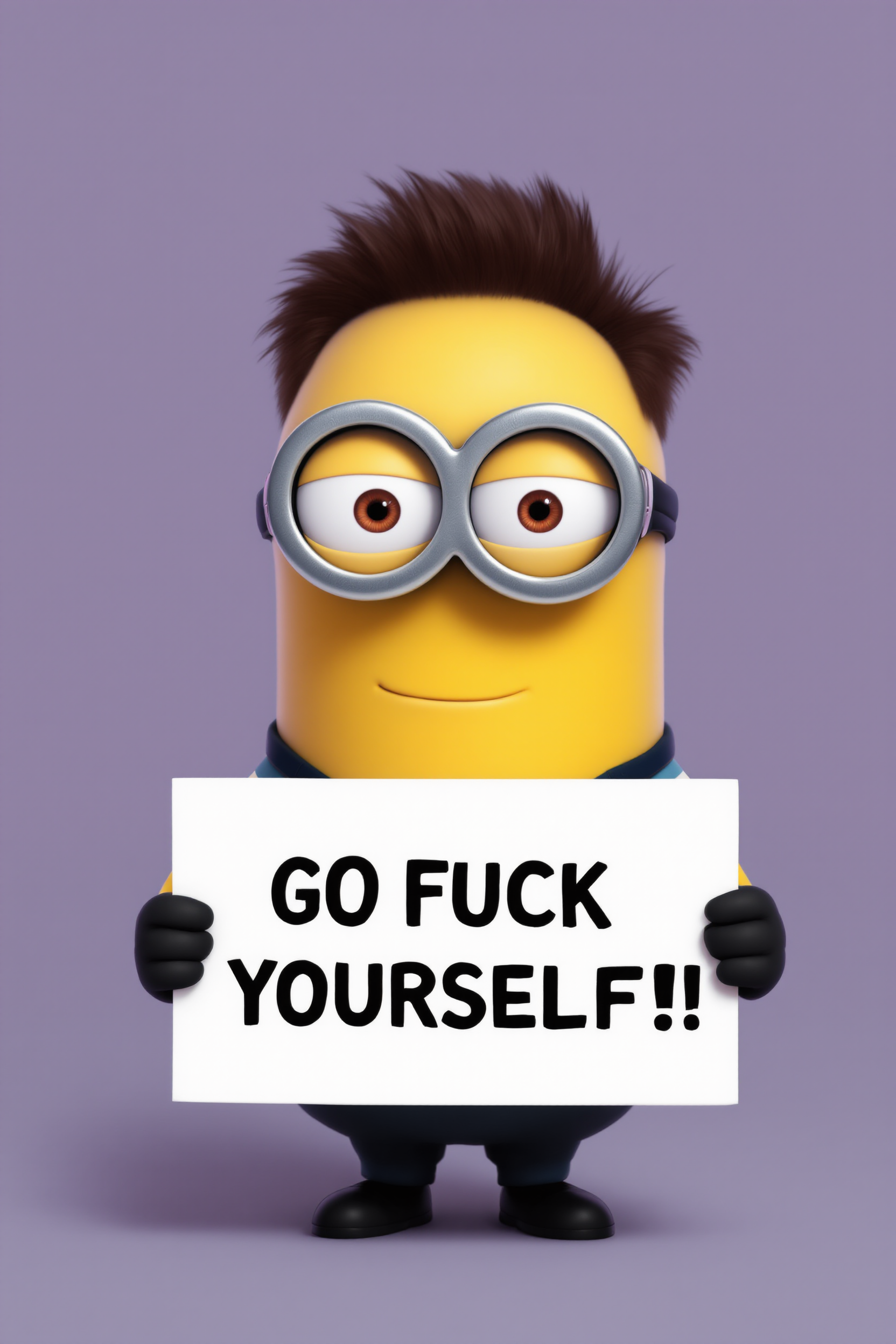
Create a minion that looks like Elon Musk holding a sign that reads "GO FUCK YOURSELF!!" w…
flux
A korean kpop girl dancing and singing a song about how pixel dojo is the only ai tool you…
image-to-video
A machine walking
image-to-video
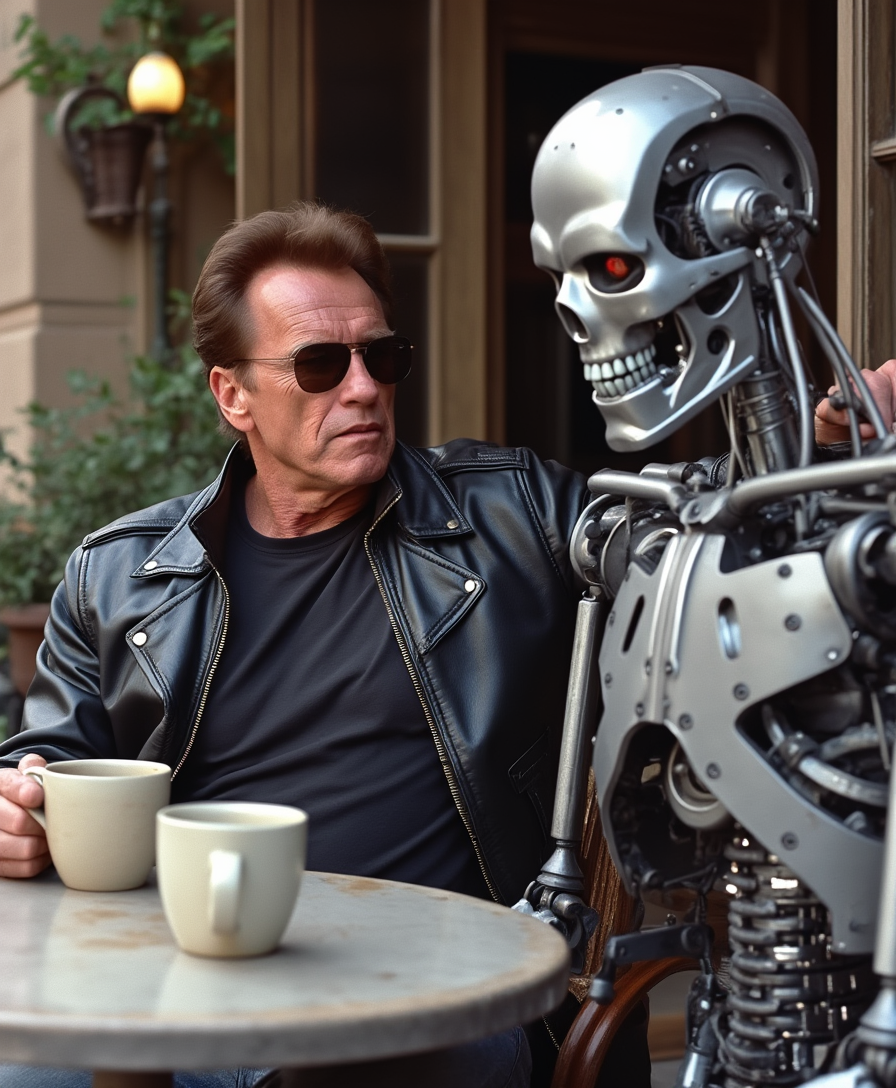
Arnold Schwarzenegger having coffee with a Cyberdyne Systems Model 101 Terminator at a tab…
stable-diffusion
Models you can run on PixelDojo for playground ai replacement
Switch models without switching tools. Each one runs in the same PixelDojo studio.
What you can do with playground ai replacement on PixelDojo
Many Models One Studio
We host popular image models so you can switch styles without leaving PixelDojo. Generate from text, then compare results side by side.
Img2Img Inpaint and Upscale
You can refine existing images with img2img, inpainting, and upscaling. Keep composition while you adjust details and resolution.
Reusable Prompts and Seeds
We save prompts, seeds, and settings so you can rerun a look on demand. Build consistent series without starting from a blank canvas each time.
Creator Rights You Can Use
Outputs are yours to use in client work and products under our standard terms. Export files in the formats you need for web and print.
Loved by thousands of creators worldwide who generate professional images and videos daily. 40+ cutting-edge AI tools, commercial rights included, cancel anytime.
Why Choose Pixel Dojo for playground ai replacement
Professional-quality results with cutting-edge AI technology
Generate Without Limits or Compromises
Create as many high-converting images and videos as your business needs using Nano Banana 2, GPT Image 2, Flux.2 Studio, Seedream 5, and Kling Image. Produce endless product variations, ad creatives, and social assets that actually convert, all with photorealistic quality and perfect text that older platforms struggle to deliver.
One Studio for Images, Video, and Characters
Move seamlessly from stills to motion with Marketing Studio, VEO 3.1, Kling Video, and Seedance 2.5. Keep faces and outfits consistent across every frame using Consistent Characters, Character Sheets, and Face Swap. Your entire content pipeline lives in one dashboard so you ship campaigns faster and look more professional.
Studio-Quality Results That Drive Sales
Achieve lighting, textures, and compositions that look like they came from a high-end photoshoot. Polish with Magic Lighting, Reality Polisher, Magnific Upscaler, and Background Remover. The extra realism and consistency you gain directly increases click-through rates and customer trust.
How It Works
PixelDojo is built so you spend time creating, not learning software. Follow three straightforward steps and walk away with production-ready files every time.
Step 1: Choose Your Tool
Open the Generate Images tab and pick the model that matches your goal. Nano Banana 2 and GPT Image 2 excel at photorealism and accurate text. Flux.2 Studio and Krea Image give you artistic control. Seedream 5 and Ideogram 4 shine for posters, logos, and graphic design. Need motion? Jump to Generate Videos and select Kling Video, WAN 3.0, or Marketing Studio. The right starting point means fewer revisions later.
Step 2: Enter Your Prompt
Type a natural-language description that includes subject, style, lighting, and mood. Example: “photorealistic luxury skincare bottle on wet marble, cinematic rim lighting, 8k, commercial photography.” Upload a reference photo if you want Image to Image control. Advanced models understand complex instructions, so you get closer to the final look on the first try.
Step 3: Customize & Download
Refine instantly with Inpainting, Change Camera Angle, Style Transfer, or Magic Lighting. Extend canvases with Image Outpainting, remove backgrounds, or upscale with Magnific Upscaler and P-Image Upscale. For video, add captions, reframe, or merge clips. Download in the exact resolution you need, commercially licensed and ready to publish. Iterate as much as you want—there are no extra fees.
The Pixel Dojo Advantage
PixelDojo outperforms every other option when you need professional, unlimited AI image and video generation that actually converts.
| Others | Pixel Dojo |
|---|---|
| Traditional design software and stock libraries | Skip expensive licenses, lengthy photoshoots, and generic stock. Generate unique, on-brand images and videos tailored to your exact brief in seconds, with full commercial rights and infinite variations you own outright. |
| Single-model or limited-generation platforms | Access 40+ specialized models instead of one. Combine photorealistic stills, video, consistent characters, custom training, 3D, and professional editing in a single workflow so you never outgrow the tool. |
| Manual photography and video production | Eliminate studio costs, talent fees, and scheduling headaches. Create photorealistic scenes, product mockups, and dynamic videos from text, then polish them to client-ready quality without leaving your browser. |
Loved by creators on PixelDojo
Real feedback from people using PixelDojo, pulled from our in-product surveys.
Very eay to use, works well to train SDXL loras.
The amazing tools
Top notch quality and strong prompt adherence.
A well resourced sunscription with attention to updates.
Easy to use and there's lots of options.
super lora download
Explore more AI tools on PixelDojo
AI Tools
Compare & Switch
- Best AI Image Generators
- Best AI Video Generators
- Midjourney Alternatives
- Civitai Alternatives
- Runway Alternatives
- Leonardo Alternatives
- Pika Alternatives
- Luma Alternatives
- Magnific Alternatives
- Veo Alternatives
- Flux Alternatives
- Freepik Alternatives
- Seedance Alternatives
- Seedream Alternatives
- Pixverse Alternatives
- GPT Image Alternatives
- Synthesia Alternatives
- Playground Alternatives
- NightCafe Alternatives
- Canva AI Alternatives
- ElevenLabs Alternatives
- ComfyUI Alternatives
- Fal Alternatives
- Replicate Alternatives
Common Questions
Everything you need to know about playground ai replacement
What makes PixelDojo the strongest playground ai replacement for unlimited commercial image generation?
You get unrestricted access to Nano Banana 2, GPT Image 2, Flux.2 Studio, Seedream 5, Kling Image, and dozens more models plus full video suites. There are no daily caps, watermarks, or surprise paywalls. Everything is commercially licensed so you can sell merch, run ads, or deliver client work immediately. Thousands of creators switched because they finally stopped hitting limits and started shipping more campaigns.
How do I create the latest 2026 photorealistic and lo-fi realism styles?
Select Nano Banana 2 or GPT Image 2, then describe lighting, grain, and candid framing in your prompt. Add Magic Lighting and Reality Polisher afterward for extra authenticity. The combination produces the imperfect-by-design look that currently outperforms generic photorealism on social platforms.
Can I generate and edit videos as easily as images?
Yes. Marketing Studio, VEO 3.1, Kling Video, WAN 3.0, and Seedance 2.5 turn text or stills into motion. Then use Grok Video Edit, Video Autocaption, Video Reframe, and Merge Videos to finish. Consistent Characters and Face Swap keep people looking the same across every clip.
How do I keep the same character or product looking identical across many images and videos?
Use Consistent Characters, Character Sheets, Ideogram Character, WAN Video Character Swap, and LoRA Face Swap. Upload a few reference shots once and the system locks identity, clothing, and style so your brand mascot or spokesperson stays recognizable everywhere.
Is there an easy way to train custom models or connect via API?
Absolutely. Flux Trainer, QWEN Trainer, SDXL Trainer, and WAN 2.2 Image Trainer let you fine-tune on your own data. Developers get a full API with keys, usage dashboards, and credit purchases so you can embed generation inside your own apps or websites.
What if I only need to tweak part of an existing image instead of regenerating everything?
Inpainting, Image to Image, Change Camera Angle, Style Transfer, Image Outpainting, and Background Remover let you surgically edit any area. Combined with Reality Polisher and Magnific Upscaler you achieve pixel-perfect results without starting over, saving both time and credits.