product shot ai generator

Generated on PixelDojo. Produced by PixelDojo's generation pipeline.
You can stop relying on costly studios and lengthy photoshoots to make your products look irresistible. PixelDojo's product shot AI generator empowers you to produce professional, high-converting images that drive sales on Amazon, Shopify, Instagram, and your own store. Simply upload a basic photo of your item or describe it in detail, and generate unlimited studio-quality packshots, lifestyle scenes, close-ups, and angled views in minutes. Your customers will see perfect lighting that highlights textures, accurate materials that build trust, and compositions that spark desire—leading to higher click-through rates, fewer returns, and more purchases. Launch entire collections overnight with consistent branding across every SKU. Thousands of ecommerce creators already rely on PixelDojo's 40+ cutting-edge AI tools to transform simple snapshots into marketplace-ready visuals that outperform traditional photography. Cancel anytime and watch your conversion rates climb as you create the exact shots your audience wants to buy from.
Real image examples generated on PixelDojo
Every example below was produced on PixelDojo. Hover to see the prompt.
Image of an ai painting a human and a human painting an ai
flux

Create a YouTube Header for "FLUXPRO" AI image generation
flux
Create stunning AI videos from a single photo
p-video-avatar
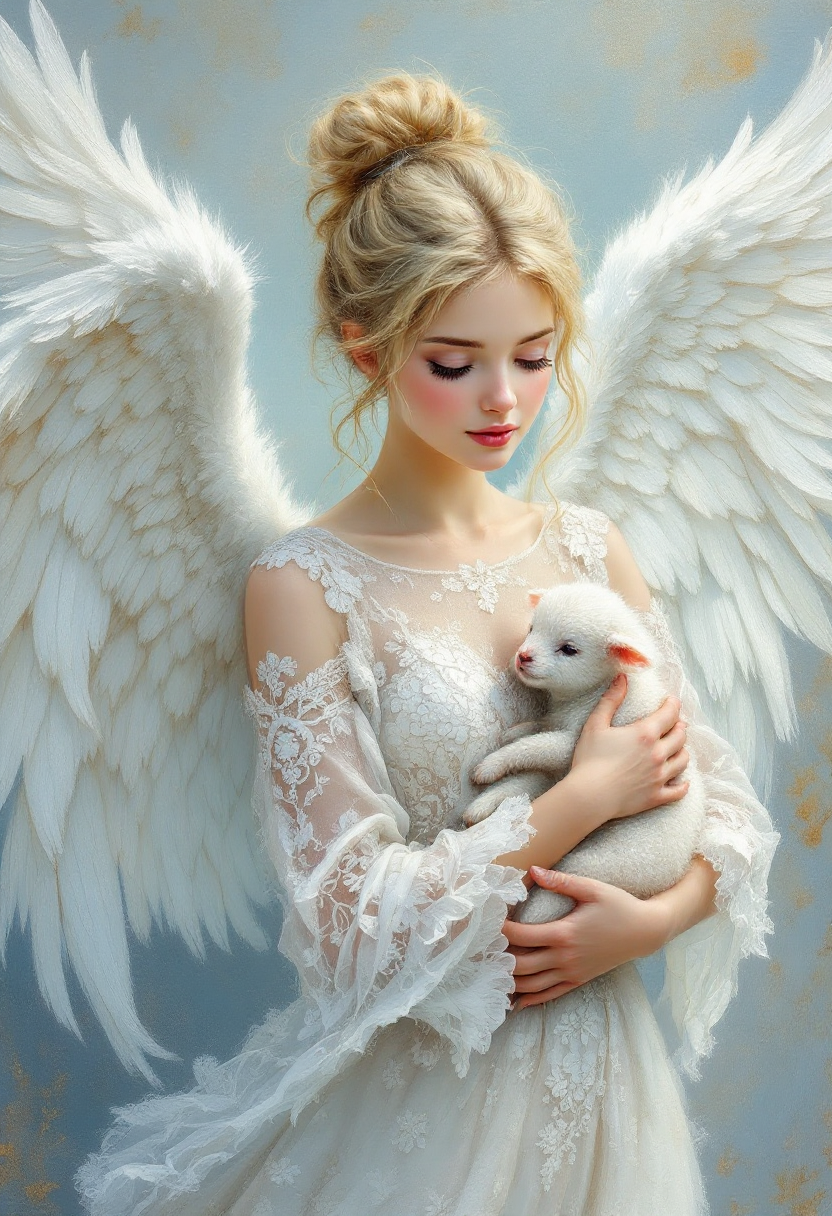
Beautiful angel with blonde hair up in a bun wearing a white lacey intricate detailed dres…
flux
product shot ai generator on PixelDojo
product shot ai generator on PixelDojo
flux
Models you can run on PixelDojo for product shot ai generator
Switch models without switching tools. Each one runs in the same PixelDojo studio.
What you can do with product shot ai generator on PixelDojo
Studio Product Renders
Generate clean product shots from a short brief, with lighting and framing suited to catalogs and ads. We keep the subject readable so the item stays the focus.
Background and Scene Control
Place the same product on simple backdrops or styled sets without a physical studio. You can iterate surfaces, color, and props until the shot matches the listing.
Angle and Variant Sets
Produce front, three-quarter, and detail views from one product description. We support matching crops so packs of images stay consistent for a PDP.
Brand Look Alignment
Steer palette, materials, and mood so shots sit next to existing brand photography. Export stills ready for web, social, and print layouts.
Loved by thousands of ecommerce brands and creators worldwide who have generated hundreds of thousands of product shots. Average 4.9 satisfaction with studio-quality results that convert. Join them today—cancel anytime.
Why Choose Pixel Dojo for product shot ai generator
Professional-quality results with cutting-edge AI technology
List Products Faster and Scale Your Catalog Overnight
You generate complete sets of professional product shots—including Amazon white-background heroes, lifestyle contexts, and detail views—in minutes instead of weeks, so you can launch new items, seasonal variants, and full collections at the speed your market demands.
Cut Photography Expenses by Over 90 Percent
You eliminate studio bookings, photographer fees, models, props, and reshoots entirely. PixelDojo delivers the same commercial quality at a fraction of the cost, letting you create hundreds of A/B test variants and keep every image on-brand without draining your budget.
Increase Sales with Images That Actually Convert
Your products appear with realistic lighting, precise material rendering, and compelling angles that make shoppers stop scrolling and click buy. Consistent, high-trust visuals across platforms turn more browsers into customers and reduce returns caused by mismatched expectations.
How It Works
You create professional product shots quickly by combining PixelDojo's specialized generation, editing, and enhancement tools. Follow these three steps to go from a simple photo or description to downloadable, marketplace-ready images that sell.
Step 1: Choose Your Tool
Open Generate Images and pick Flux.2 Studio or Nano Banana 2 for photorealistic material accuracy, reflections, and lighting that match real studio work. Use Recraft V4.1 or Ideogram 4 when packaging text and labels must stay perfectly readable. Upload a clean reference photo of your actual product to lock in shape, color, and details from the start.
Step 2: Enter Your Prompt
Write a precise description such as 'professional product shot of [your item] on seamless white studio background, slight 3/4 angle at eye level, soft box lighting from upper right with fill light and subtle rim light, crisp focus throughout, high-resolution ecommerce style, no extra props'. Include material finishes, exact lighting setup, and camera angle. Add negatives like 'no background shadows, no wrinkles, no distortions' for clean commercial results.
Step 3: Customize & Download
Refine instantly with Edit Images: Background Remover isolates your product perfectly, Reality Polisher adds extra photorealism, Change Camera Angle or Image Outpainting creates additional views, and Magic Lighting fine-tunes illumination. Then enhance with Magnific Upscaler or P-Image Upscale to 4K so images survive marketplace zoom. Download in the exact ratio and format you need for Amazon, Shopify, or ads.
The Pixel Dojo Advantage
Why PixelDojo outperforms other options for product shot image generation
| Others | Pixel Dojo |
|---|---|
| Traditional product photography | You get identical studio quality in minutes rather than weeks, at a tiny fraction of the cost, with unlimited instant revisions instead of expensive reshoots and scheduling delays. |
| Generic AI tools | PixelDojo's dedicated models like Flux.2 Studio, Nano Banana 2, and Seedream 5 deliver superior product accuracy, physics-based lighting, material textures, and commercial compositions that generic tools frequently distort or hallucinate. |
| Manual photo editing | You skip hours of complex software work. One-click tools such as Background Remover, Reality Polisher, Inpainting, and Magic Lighting produce polished, consistent results immediately so you can focus on selling instead of retouching. |
Loved by creators on PixelDojo
Real feedback from people using PixelDojo, pulled from our in-product surveys.
I have already recommended it to friends
All the tools, plus the guidance
Excellent tools. Ease of use. Well thought out interface. Wide variety of AI tools and features which are up to date with more added each month
I really like how the site is kept up to date, and the leaderboard (where I'm currently #11 most popular artist)
This is the best image generator I've used so far. Well done!
es facil de comprender asi uno no sea programador
Explore more AI tools on PixelDojo
AI Tools
Compare & Switch
- Best AI Image Generators
- Best AI Video Generators
- Midjourney Alternatives
- Civitai Alternatives
- Runway Alternatives
- Leonardo Alternatives
- Pika Alternatives
- Luma Alternatives
- Magnific Alternatives
- Veo Alternatives
- Flux Alternatives
- Freepik Alternatives
- Seedance Alternatives
- Seedream Alternatives
- Pixverse Alternatives
- GPT Image Alternatives
- Synthesia Alternatives
- Playground Alternatives
- NightCafe Alternatives
- Canva AI Alternatives
- ElevenLabs Alternatives
- ComfyUI Alternatives
- Fal Alternatives
- Replicate Alternatives
Common Questions
Everything you need to know about product shot ai generator
How does a product shot AI generator create professional ecommerce images that convert?
PixelDojo's product shot AI generator uses models including Flux.2 Studio, Nano Banana 2, GPT Image 2, Recraft V4.1, and Seedream 5 to turn your reference photo or text description into photorealistic studio shots. You control lighting, camera angle, background, and materials so the output matches high-end commercial photography. The result is marketplace-ready images that look trustworthy, highlight product features clearly, and drive higher conversion rates on Amazon, Shopify, and social platforms.
What is the best way to generate Amazon-compliant white background product photos with an AI generator?
Upload a clean photo of your product to Generate Images, select Flux.2 Studio or Nano Banana 2, and prompt for 'professional product shot on seamless white studio background, 1:1 ratio, even lighting, no shadows or reflections in background, high resolution'. Then apply Background Remover and Reality Polisher in Edit Images to guarantee pure white (RGB 255,255,255) compliance. Finish with Magnific Upscaler so the file meets Amazon's zoom requirements. This workflow produces listing-ready heroes in minutes.
Can I create lifestyle product shots and full catalog sets from a single photo using PixelDojo?
Yes. Start with your product reference in Image to Image or generate new scenes using Krea Image, Seedream 5, or Marketing Studio. Place the exact same item into kitchens, outdoor settings, marble surfaces, or styled interiors while preserving accuracy. Change Camera Angle and Image Outpainting give you extra views from one generation. You can produce an entire consistent catalog—hero, lifestyle, detail, and usage shots—without additional photoshoots.
How do I keep product accuracy, colors, and branding consistent across AI generated product photography?
Always begin with a high-quality reference photo of the real product. PixelDojo models such as Flux.2 Studio excel at retaining shape, proportions, labels, and material properties. Use detailed prompts that name specific finishes and lighting. For large catalogs, combine Image to Image with Inpainting to correct any small details. Reality Polisher further enhances realism without altering the product. Review each image against your physical sample before publishing.
Which PixelDojo tools work best for high-converting product shot AI generation and editing?
For generation choose Nano Banana 2, Flux.2 Studio, Recraft V4.1, Ideogram 4, Seedream 5, or GPT Image 2 depending on whether you need photorealism, text accuracy, or speed. Edit with Background Remover, Reality Polisher, Change Camera Angle, Magic Lighting, Inpainting, and Image Outpainting. Enhance resolution using Magnific Upscaler or P-Image Upscale. Marketing Studio and Virtual Try-On add lifestyle and apparel context. All tools work together inside one platform.
How much time and money can I save creating professional product shots with PixelDojo versus traditional photography?
Traditional studio shoots often cost hundreds to thousands per product plus days or weeks of production. PixelDojo lets you generate unlimited professional shots in minutes for a small fraction of that cost. You avoid photographer fees, location rentals, models, props, and reshoots entirely. Thousands of creators use the 40+ tools to produce full catalogs overnight, run A/B tests freely, and cancel anytime if it no longer fits their needs.