qwen image 2 pro

Generated on PixelDojo. Produced by PixelDojo's generation pipeline.
You can now turn simple ideas into high-converting, publication-ready images that look like they came from a professional studio. With Qwen Image 2 Pro image generation on PixelDojo, you create photorealistic scenes, infographics packed with accurate text, movie-style posters, and product visuals that actually sell—all in seconds. No design experience required. Native 2K resolution keeps every detail sharp for print, web, or social, while precise typography in English and Chinese eliminates the usual glitches that ruin marketing materials. You skip expensive photoshoots, long designer wait times, and hours of manual editing. Instead, you describe what you want and download assets that elevate your brand, captivate audiences, and drive real results. Thousands of creators already rely on PixelDojo's QWEN Image 2 and Qwen 3 Pro tools to produce these outcomes daily. You get instant iteration, complementary editing with Image to Image or Inpainting, and the freedom to cancel anytime. Start achieving professional-grade visuals that convert visitors into customers today.
Real image examples generated on PixelDojo
Every example below was produced on PixelDojo. Hover to see the prompt.
Masterpiece
creative-upscaler
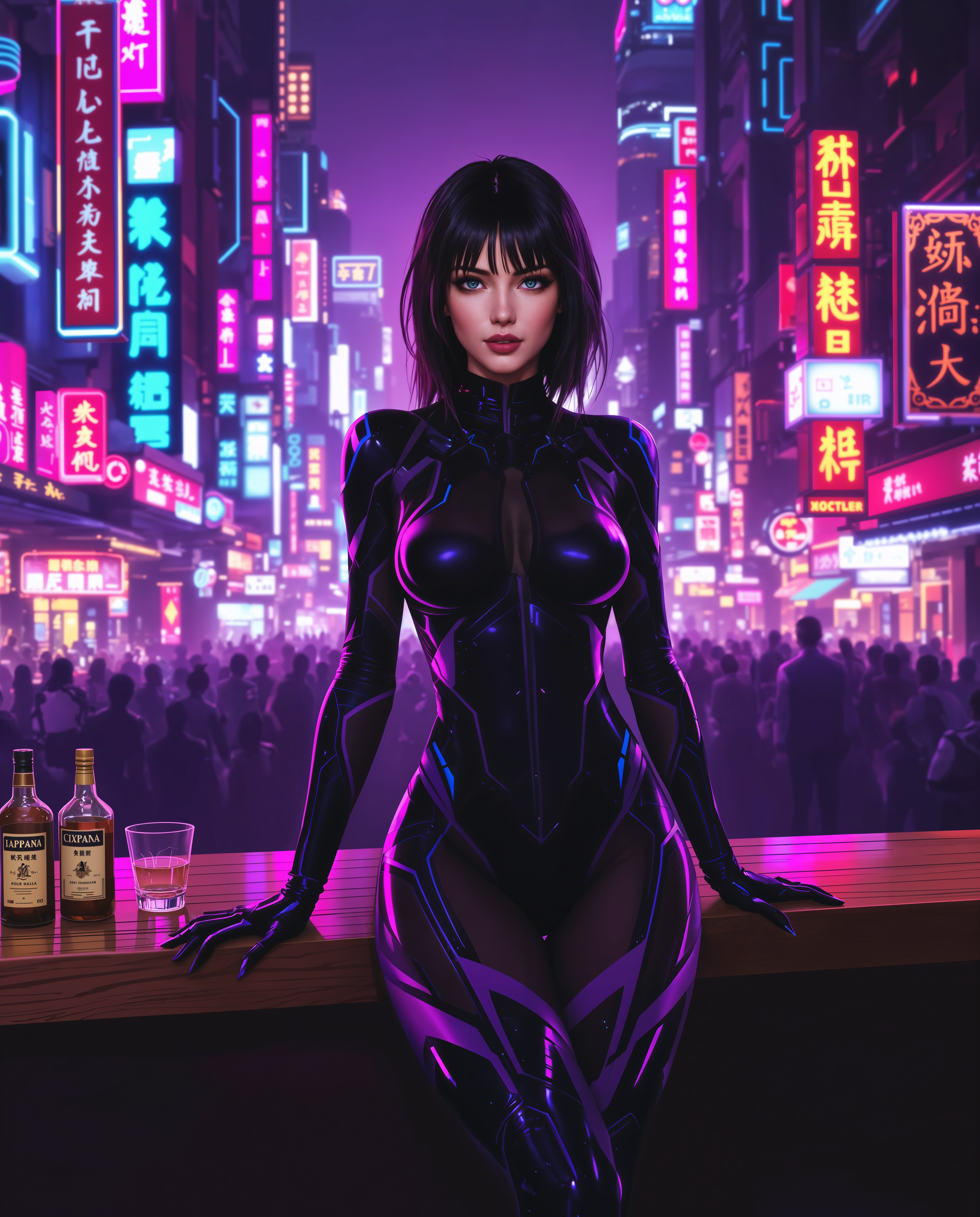
qwen image 2 pro on PixelDojo
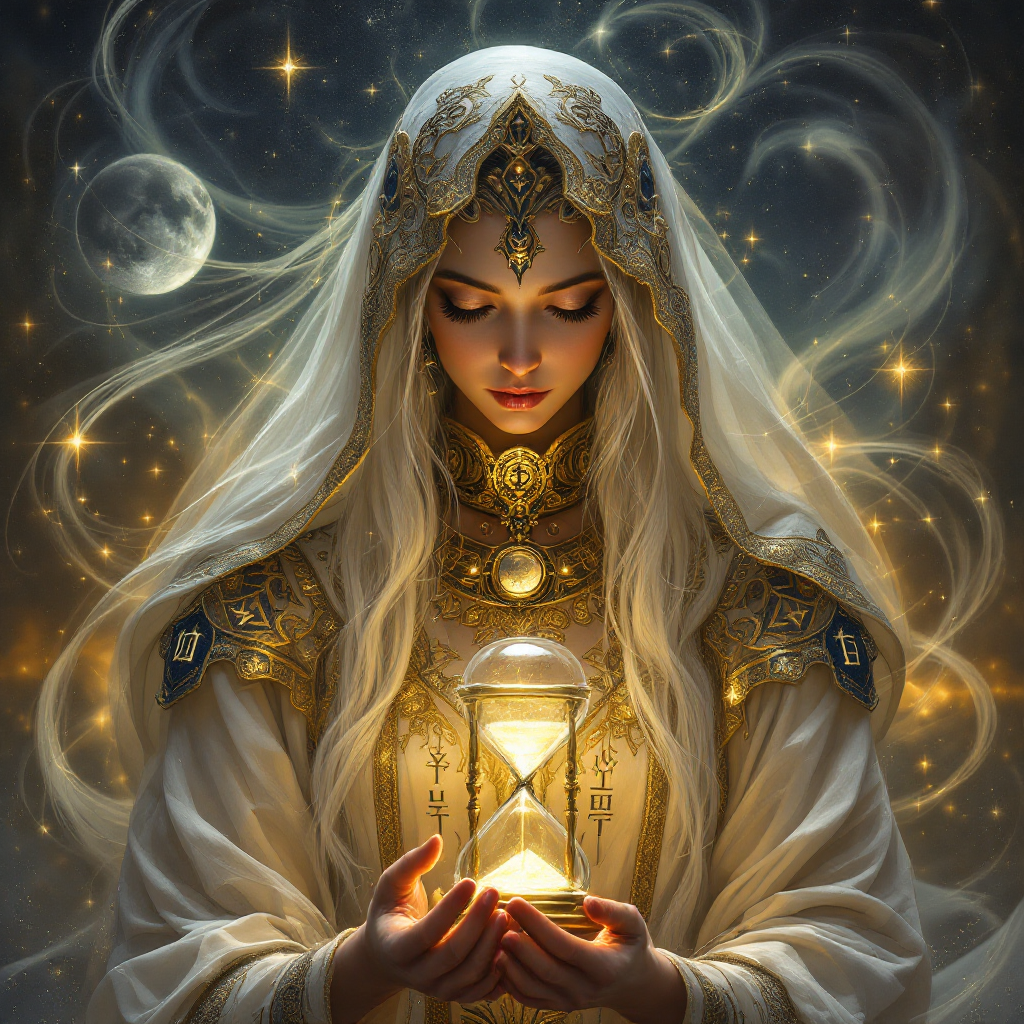
qwen image 2 pro on PixelDojo
flux-studio

A regal dark-skinned African American woman in her mid-40s
flux

A striking woman in her early 20s
flux
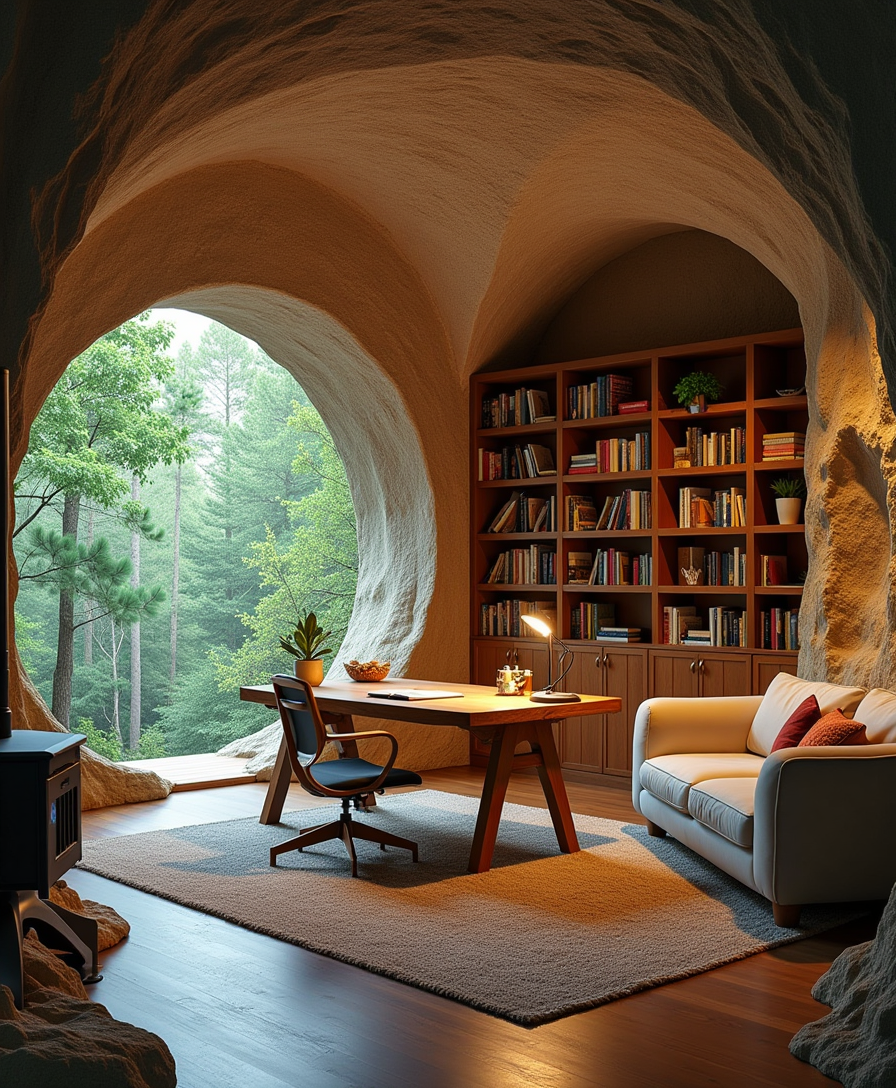
An open-air cave
stable-diffusion
Models you can run on PixelDojo for qwen image 2 pro
Switch models without switching tools. Each one runs in the same PixelDojo studio.
What you can do with qwen image 2 pro on PixelDojo
Text to Image Access
We give you Qwen Image 2 Pro on PixelDojo so you can turn written prompts into still images with strong subject and layout control.
Style and Scene Control
You can steer lighting, camera angle, and visual style in the prompt and iterate until the frame matches what you need.
Multiple Aspect Ratios
We support common output sizes so you can generate frames for posts, thumbnails, storyboards, and print layouts.
Iterate Inside PixelDojo
You can refine prompts, rerun generations, and keep versions in one workspace without leaving the platform.
Loved by thousands of creators worldwide who generate millions of images monthly. PixelDojo's 40+ cutting-edge AI tools deliver proven photorealism and text accuracy. Join the community, cancel anytime with zero risk.
Why Choose Pixel Dojo for qwen image 2 pro
Professional-quality results with cutting-edge AI technology
Create Marketing Assets That Convert Instantly
You produce infographics, posters, slides, and ads with perfectly rendered, correctly spelled text and professional layouts. Your campaigns look studio-quality and actually drive sales without hiring a designer.
Deliver Photorealistic Details That Sell Products
You generate product shots, portraits, and scenes with skin textures, fabric weaves, natural lighting, and materials so realistic they replace expensive photography. Your visuals build trust and boost conversions immediately.
Iterate and Refine Without Starting Over
You edit existing images or refine generations using the same model plus PixelDojo tools like Style Transfer, Magic Lighting, and Reality Polisher. You save hours and keep full creative control from first idea to final download.
How It Works
You create Qwen Image 2 Pro images on PixelDojo in three straightforward steps. The process is designed so you achieve professional results fast, even if you have never used AI image tools before.
Step 1: Choose Your Tool
Log into PixelDojo and go to Generate Images. Select QWEN Image 2 or Qwen 3 Pro to access authentic Qwen Image 2 Pro capabilities. These tools excel at photorealism, complex layouts, and accurate text. You can also pair them later with Edit Images options like Image to Image or Background Remover for extra polish.
Step 2: Enter Your Prompt
Describe your vision in natural language. Start with the main subject, then add layout, exact text strings with placement, lighting, and style. For Qwen Image 2 Pro techniques, use detailed prompts up to 1000 tokens: specify camera hints like 85mm lens or golden hour, materials, and composition. Add a negative prompt to exclude blur or watermarks. You can generate multiple variations at once.
Step 3: Customize & Download
Choose aspect ratio, seed for consistency, and generate. Preview your native 2K image, then refine with PixelDojo's Edit Images tools such as Inpainting, Change Camera Angle, or Reality Polisher. Upscale further with P-Image Upscale or Magnific Upscaler if needed. Download instantly in your preferred format. You can also train custom models later with QWEN Trainer for even more personalized results.
The Pixel Dojo Advantage
Why PixelDojo outperforms other options for Qwen Image 2 Pro image generation
| Others | Pixel Dojo |
|---|---|
| Traditional [category] creation | You skip costly photoshoots, designer fees, and weeks of waiting. Generate custom, high-converting visuals in minutes instead of days while keeping full control over every detail. |
| Generic AI tools | You access specialized QWEN Image 2 and Qwen 3 Pro alongside 40+ complementary tools for editing, upscaling, and character consistency. You get superior text accuracy, native 2K output, and unified generation-plus-editing that generic platforms cannot match. |
| Manual photo editing | You describe changes in plain language and receive professional results instantly. Then enhance with Image Outpainting, Style Transfer, or Portrait Upscaler. You eliminate hours of software work and still achieve studio-level quality. |
Loved by creators on PixelDojo
Real feedback from people using PixelDojo, pulled from our in-product surveys.
Accurate results
Great site and so much fun to use!
very useful set of tools for image creation, upscaling and enhancement
ease of use, variety of tools, high quality trainings, and a well-maintained discord channel
Ease of use, friendliness and support of the owner, continued innovation.
it is an amazing site to create a pics and vids for those who don't have the hardware themselves
Explore more AI tools on PixelDojo
AI Tools
Compare & Switch
- Best AI Image Generators
- Best AI Video Generators
- Midjourney Alternatives
- Civitai Alternatives
- Runway Alternatives
- Leonardo Alternatives
- Pika Alternatives
- Luma Alternatives
- Magnific Alternatives
- Veo Alternatives
- Flux Alternatives
- Freepik Alternatives
- Seedance Alternatives
- Seedream Alternatives
- Pixverse Alternatives
- GPT Image Alternatives
- Synthesia Alternatives
- Playground Alternatives
- NightCafe Alternatives
- Canva AI Alternatives
- ElevenLabs Alternatives
- ComfyUI Alternatives
- Fal Alternatives
- Replicate Alternatives
Common Questions
Everything you need to know about qwen image 2 pro
What is Qwen Image 2 Pro and how does PixelDojo make Qwen Image 2 Pro image generation easy?
Qwen Image 2 Pro is Alibaba's flagship unified model for photorealistic generation and editing with outstanding text rendering. On PixelDojo you simply select QWEN Image 2 or Qwen 3 Pro from Generate Images, type a detailed prompt, and download 2K results. You also get seamless access to Edit Images tools like Inpainting and Reality Polisher plus Upscale options, all in one place. Thousands of creators use this combination daily because it is fast, reliable, and you can cancel anytime.
How do I create infographics and posters with accurate text using Qwen Image 2 Pro on PixelDojo?
You write a structured prompt that includes exact text, placement, fonts, and layout first, then add style and lighting. PixelDojo's QWEN Image 2 handles complex multi-block designs, bilingual text, and visual hierarchy at native 2K. After generation you refine with Image Analyzer or Magic Lighting. This workflow lets you produce publication-ready marketing materials in minutes instead of hiring a designer.
Can I generate photorealistic product images and portraits with Qwen Image 2 Pro techniques on PixelDojo?
Yes. You describe materials, lighting (golden hour, studio setup), camera details, and textures. PixelDojo's QWEN Image 2 and Qwen 3 Pro deliver skin pores, fabric weaves, and realistic lighting natively. Combine with Characters & Faces tools like Consistent Characters or Face Swap, then polish with Portrait Upscaler or Reality Polisher for commercial-ready shots that replace expensive photography.
What are the best prompting techniques for Qwen Image 2 Pro image generation?
Front-load the main subject and layout, then specify exact text, composition, lighting, and materials. Use up to 1000 tokens for infographics or posters. Add camera hints and a negative prompt for unwanted elements. On PixelDojo you can generate variations, lock a seed, and immediately edit with Image to Image or Style Transfer. These techniques consistently produce the highest-quality, most accurate results.
How does PixelDojo help me use Qwen Image 2 Pro for complete marketing campaigns?
You generate hero images, infographics, and social assets with QWEN Image 2, then extend them into video with Marketing Studio or Kling Video. Edit consistency with WAN Video Character Swap or Face Swap. Upscale everything with P-Image Upscale. One platform, 40+ tools, and you keep iterating until the campaign converts. Cancel anytime if it is not the right fit.
Is there a low-risk way to try Qwen Image 2 Pro image generation on PixelDojo?
Absolutely. PixelDojo offers 40+ cutting-edge AI tools loved by thousands of creators worldwide. You can start creating immediately, explore QWEN Image 2, Qwen 3 Pro, and complementary editors or upscalers, then cancel at any time. No long-term commitment, just professional results from your first generation.