qwen image 2.0 online
Generated on PixelDojo. Produced by PixelDojo's generation pipeline.
You can now turn a thousand-word product story into a stunning infographic with perfectly readable English and Chinese headlines, or generate a photorealistic 2K portrait so detailed that every skin pore and fabric weave looks photographed. Qwen Image 2.0 online on PixelDojo delivers exactly those outcomes without any software to install. Marketers launch campaign visuals overnight, content creators produce comics and slides that actually contain accurate typography, and entrepreneurs design professional posters in minutes instead of days. Describe complex layouts, lighting, materials and on-image text in a single prompt and watch PixelDojo’s QWEN Image 2 bring it to life at native 2048×2048 resolution. Pair it with Image to Image, Inpainting, Style Transfer, Magic Lighting and P-Image Upscale to refine every result. Thousands of creators already rely on PixelDojo’s 40+ cutting-edge AI tools. Cancel anytime and start creating the images your audience will remember.
Real image examples generated on PixelDojo
Every example below was produced on PixelDojo. Hover to see the prompt.
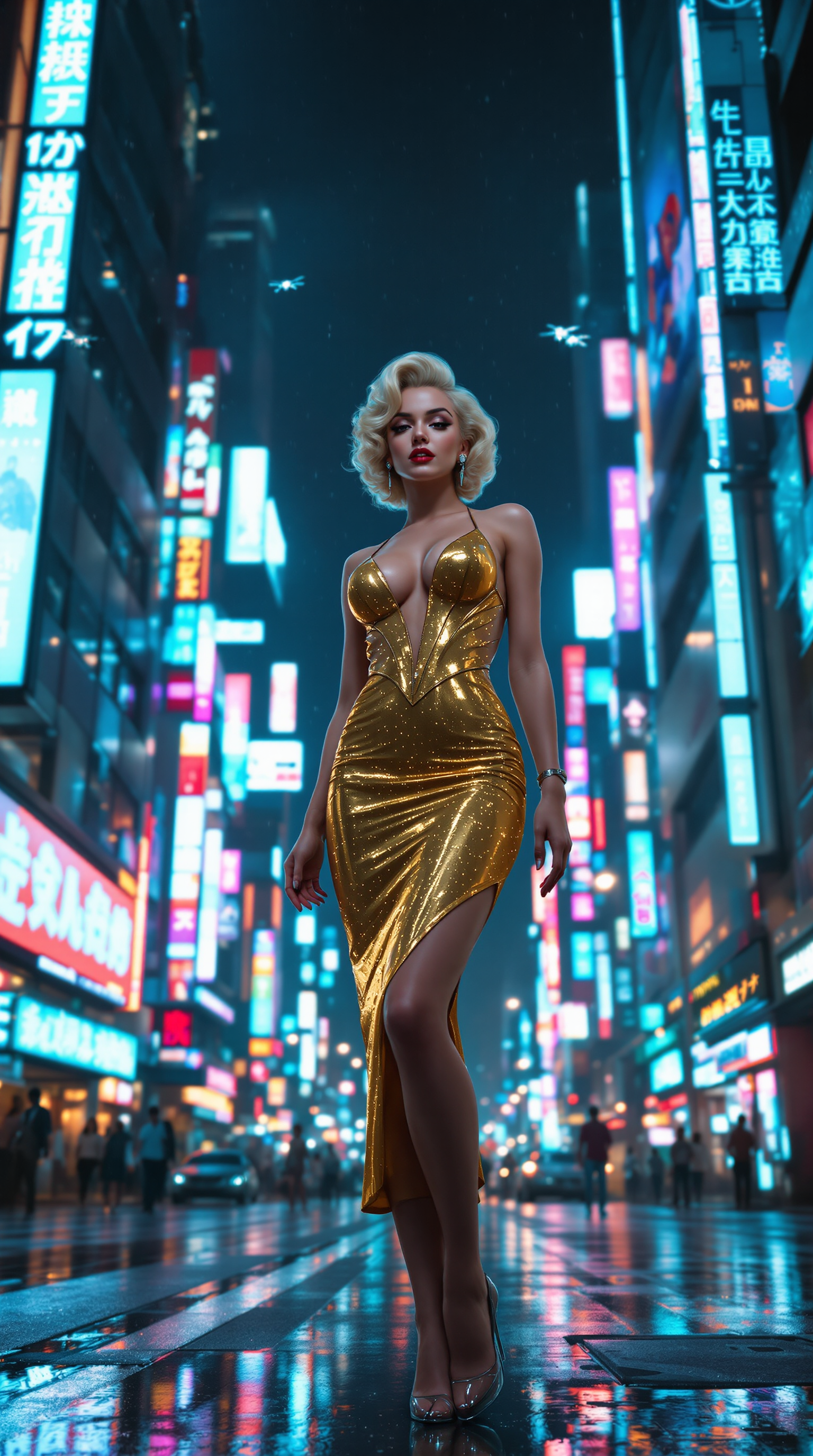
**Subject**: Marilyn Monroe reimagined in a futuristic Tokyo setting
flux

qwen image 2.0 online on PixelDojo
creative-upscaler
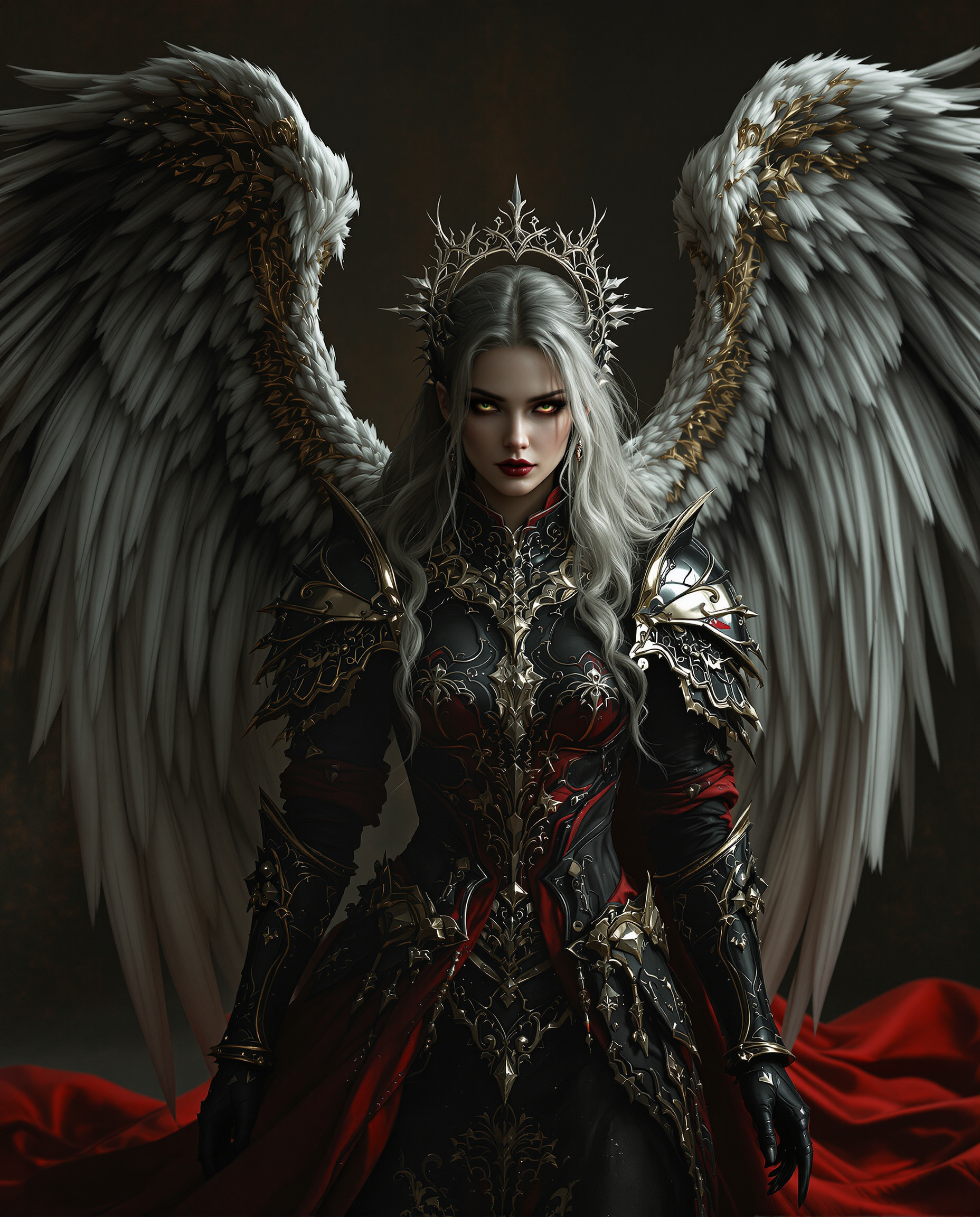
This image is a realistic photo photograph of a female real person digital artwork that sh…
flux
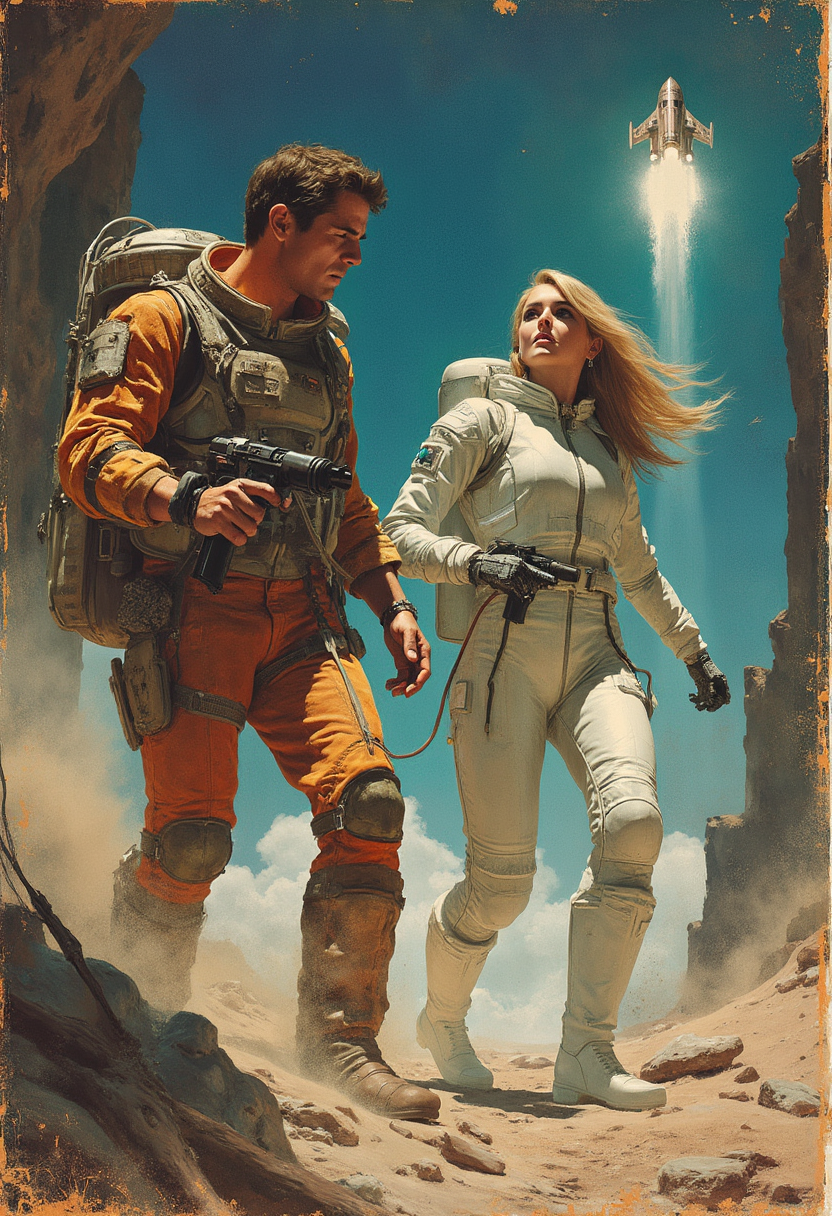
Pulp Paperback book cover
flux
Certainly
flux
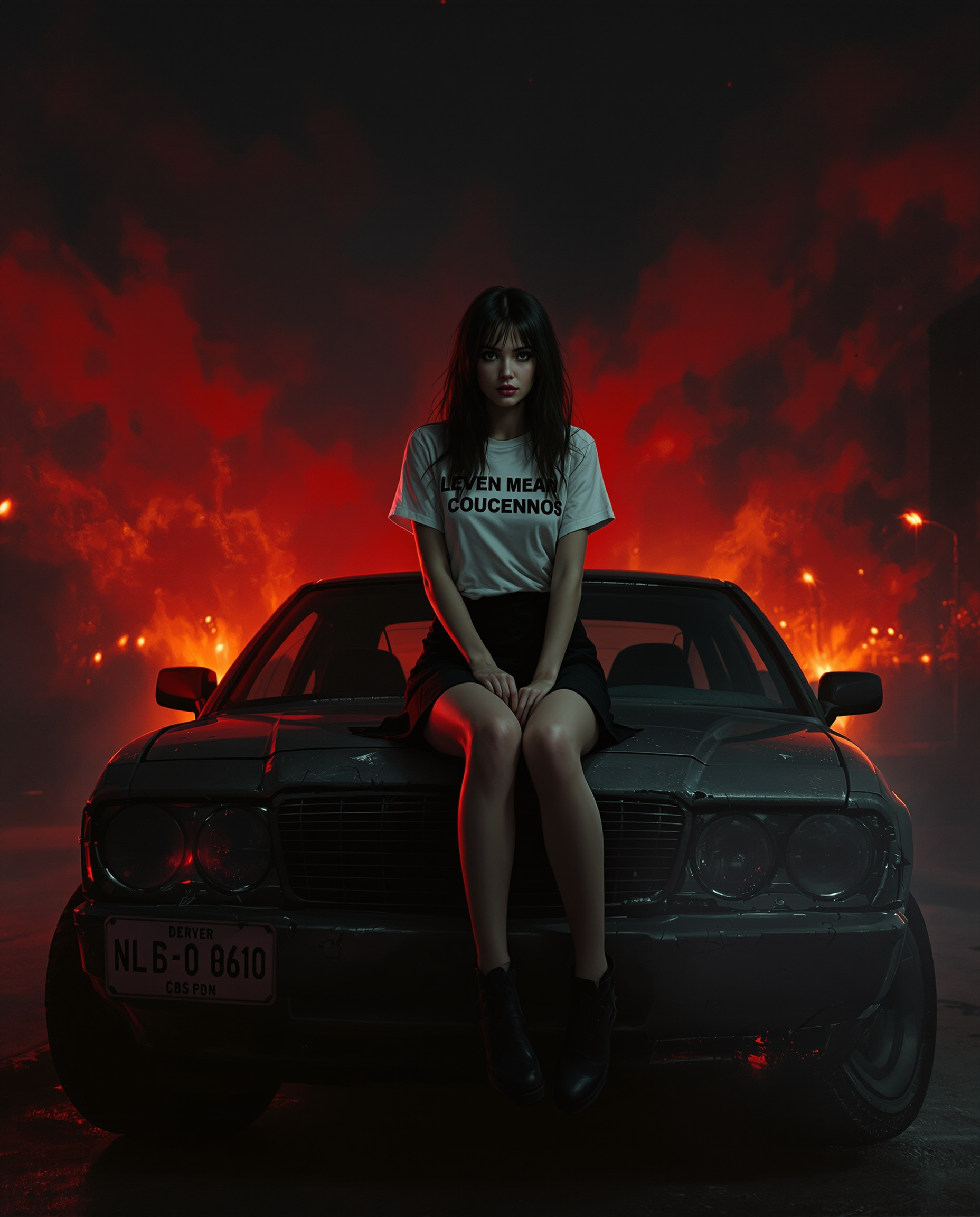
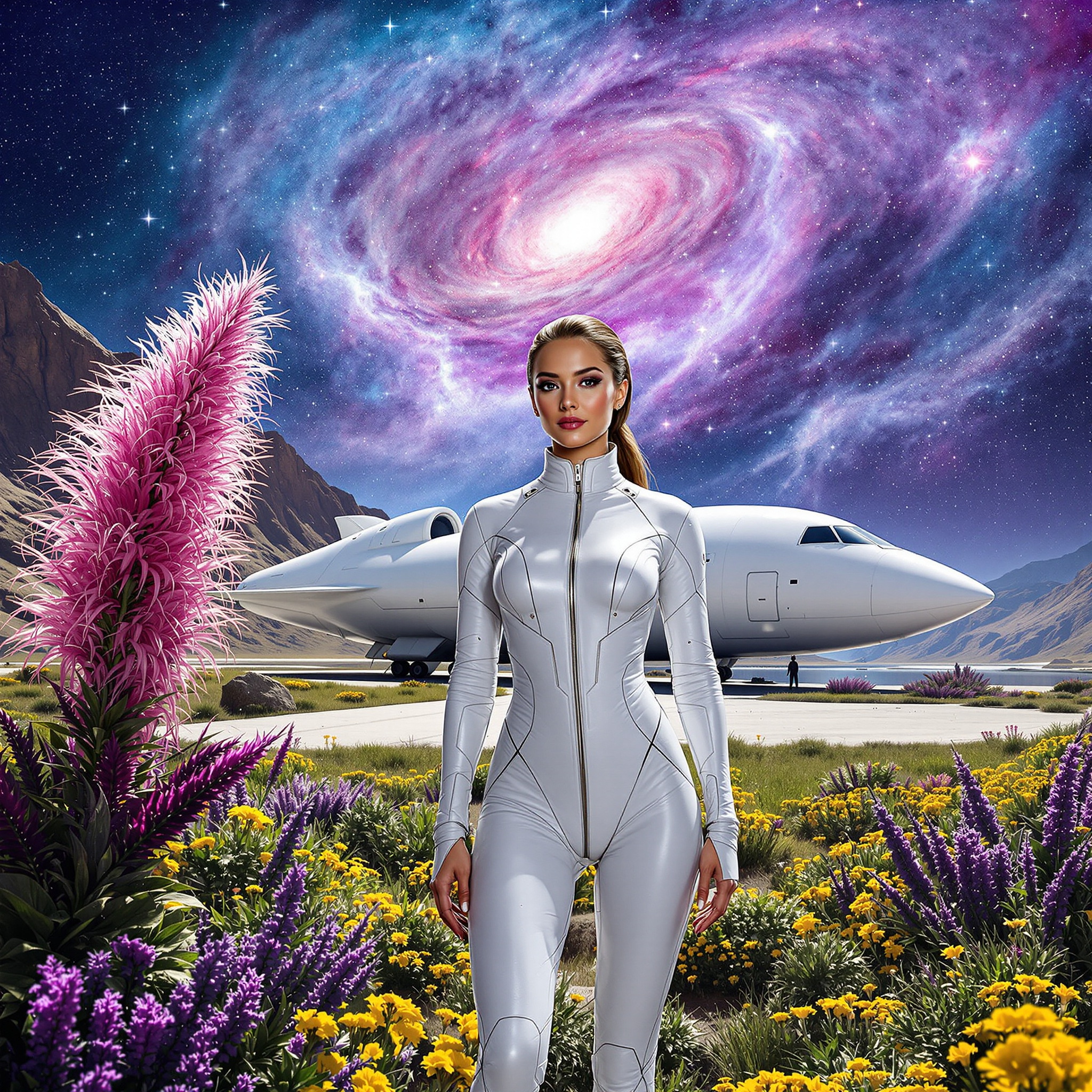
This image is a realistic photo photograph of a female real person digital illustration th…
flux
Models you can run on PixelDojo for qwen image 2.0 online
Switch models without switching tools. Each one runs in the same PixelDojo studio.
What you can do with qwen image 2.0 online on PixelDojo
Qwen Image 2.0 Online
We host Qwen Image 2.0 so you can generate images from text in the browser without installing weights or a local GPU stack.
Text Prompt Image Generation
Write a scene, subject, and style in plain language. We return still images you can regenerate with tighter wording or extra detail.
Size And Style Control
Pick common aspect ratios and keep lighting, camera, and medium cues in the prompt so outputs fit social, print, or concept-art layouts.
Save And Iterate Results
Download finished images and run variations from the same idea so you can compare compositions without rebuilding the whole prompt from scratch.
Loved by thousands of creators worldwide who generate millions of assets every month. PixelDojo’s 40+ AI tools including QWEN Image 2 consistently earn 4.8+ ratings for speed, text accuracy and photoreal quality. Join them today—cancel anytime.
Why Choose Pixel Dojo for qwen image 2.0 online
Professional-quality results with cutting-edge AI technology
Turn Long Briefs into Text-Perfect Posters Instantly
You produce commercial-ready infographics, slides, comics and posters where every headline, label and paragraph renders correctly in English or Chinese. No more unreadable letters or broken layouts. Simply describe the full layout in one prompt and download print-ready 2K files that look professionally designed.
Achieve Photoreal 2K Images with Lifelike Texture
You get images so realistic they pass as photographs—visible skin pores, fabric weaves, natural foliage, coherent lighting and true-to-life materials. Perfect for product shots, portraits, architecture and nature scenes that convert on social, ads and websites without extra retouching.
Generate and Edit in One Seamless Flow
You refine any result on the spot: change text, swap objects, adjust lighting or restyle without leaving the platform. Combined with PixelDojo’s Image to Image, Inpainting, Change Camera Angle and Reality Polisher, you iterate faster than traditional workflows and keep every version consistent.
How It Works
You create professional Qwen Image 2.0 results in three straightforward steps inside PixelDojo’s browser-based studio. No downloads, no technical setup—just describe what you want and download stunning 2K images.
Step 1: Choose Your Tool
Log in to PixelDojo, open Generate Images and select QWEN Image 2 (or QWEN Image / Qwen 3 Pro). This unified model handles both generation and editing at native 2K. You can also start from an existing photo using Image to Image if you want to restyle or enhance a reference.
Step 2: Enter Your Prompt
Write a detailed prompt up to 1,000 tokens covering subject, composition, lighting, materials and exact text to appear in the image. Specify aspect ratio, style and any multilingual typography. PixelDojo’s QWEN Image 2 follows complex instructions more reliably than earlier models, so your infographic headlines and product labels appear exactly as written.
Step 3: Customize & Download
Generate multiple variations, then polish with Inpainting, Style Transfer, Magic Lighting or Background Remover. Upscale further with P-Image Upscale or Magnific Upscaler if needed. Download high-resolution files ready for print, web or social. Repeat as often as you like—PixelDojo’s 40+ tools stay available and you can cancel anytime.
The Pixel Dojo Advantage
PixelDojo outperforms other options for Qwen Image 2.0 image generation by pairing the model’s native 2K photorealism and unmatched text rendering with a complete creative suite you can use instantly in the browser.
| Others | Pixel Dojo |
|---|---|
| Traditional [category] creation | You skip days of briefing designers, waiting for revisions and paying hourly rates. Describe the full visual once and receive print-ready 2K files with perfect typography in minutes. |
| Generic AI tools | You get reliable multilingual text that actually reads, native 2K detail and unified generation-plus-editing instead of blurry letters, low-res output and separate tools that break consistency. |
| Manual photo editing | You generate photoreal scenes from text, then refine lighting, objects and copy without opening complex software. PixelDojo’s Inpainting, Style Transfer and Reality Polisher replace hours of layer work. |
Loved by creators on PixelDojo
Real feedback from people using PixelDojo, pulled from our in-product surveys.
I’ve been using PixelDojo for around 8 months now and it’s always worked wonderfully while constantly adding features.
The site is easy to navigate and use.
All the tools, readily available and easy to understand
You guys, the LORA training is the BEST in the space right now, great job with that!
Tons of variety. Ease of use. Tools for beginners and advance users.
easiest workflow to get best output image or video
Explore more AI tools on PixelDojo
AI Tools
Compare & Switch
- Best AI Image Generators
- Best AI Video Generators
- Midjourney Alternatives
- Civitai Alternatives
- Runway Alternatives
- Leonardo Alternatives
- Pika Alternatives
- Luma Alternatives
- Magnific Alternatives
- Veo Alternatives
- Flux Alternatives
- Freepik Alternatives
- Seedance Alternatives
- Seedream Alternatives
- Pixverse Alternatives
- GPT Image Alternatives
- Synthesia Alternatives
- Playground Alternatives
- NightCafe Alternatives
- Canva AI Alternatives
- ElevenLabs Alternatives
- ComfyUI Alternatives
- Fal Alternatives
- Replicate Alternatives
Common Questions
Everything you need to know about qwen image 2.0 online
What is Qwen Image 2.0 online and how can I use it on PixelDojo?
Qwen Image 2.0 is Alibaba’s latest 7B unified generation and editing model that produces native 2K photoreal images with professional typography. On PixelDojo you simply choose QWEN Image 2 from Generate Images, type a detailed prompt (up to 1,000 tokens) and download results instantly. Combine it with Image to Image, Inpainting and P-Image Upscale for a complete workflow. Thousands of creators already use it daily—cancel anytime.
How do I generate images with perfect readable text using Qwen Image 2.0 online?
Open QWEN Image 2, write a prompt that includes the exact wording, font style, placement and language (English or Chinese work exceptionally well). The model renders headlines, labels and paragraphs accurately even in complex layouts like posters and infographics. After generation you can further edit text with PixelDojo’s Inpainting or Image Analyzer tools. No extra plugins required.
Can I create photorealistic 2K images with Qwen Image 2.0 on PixelDojo?
Yes. Qwen Image 2.0 outputs native 2048×2048 images with microscopic detail—skin texture, fabric weaves, foliage, architecture and coherent lighting. Select the model, describe the scene and lighting, then enhance further with Magic Lighting, Reality Polisher or Portrait Upscaler. Results look photographed, not generated, and are ready for professional use.
Is Qwen Image 2.0 free to try on PixelDojo and can I cancel anytime?
You can start creating immediately with PixelDojo’s 40+ cutting-edge AI tools including QWEN Image 2. There is no long-term commitment—cancel anytime. Thousands of creators worldwide already generate millions of images this way. Simply sign up, pick QWEN Image 2 and produce your first 2K result in minutes.
How does Qwen Image 2.0 help me create infographics and slides faster?
You paste a long brief (up to 1,000 tokens) that includes all copy, data points and layout instructions. QWEN Image 2 turns it into a polished infographic or slide with accurate multilingual text, proper hierarchy and photoreal supporting visuals. Then use Style Transfer or Background Remover to match your brand. What used to take a designer days now takes you minutes inside PixelDojo.
Can I edit existing images with Qwen Image 2.0 and other PixelDojo tools?
Absolutely. Qwen Image 2.0 unifies generation and editing, so you can change text, objects, lighting or style from a reference photo. PixelDojo also gives you dedicated Image to Image, Inpainting, Change Camera Angle, Style Transfer and WAN Image tools. Upload, describe the change, generate and download—all in one browser session. Perfect for iterating campaign assets without starting over.