qwen image 2.0 pro online
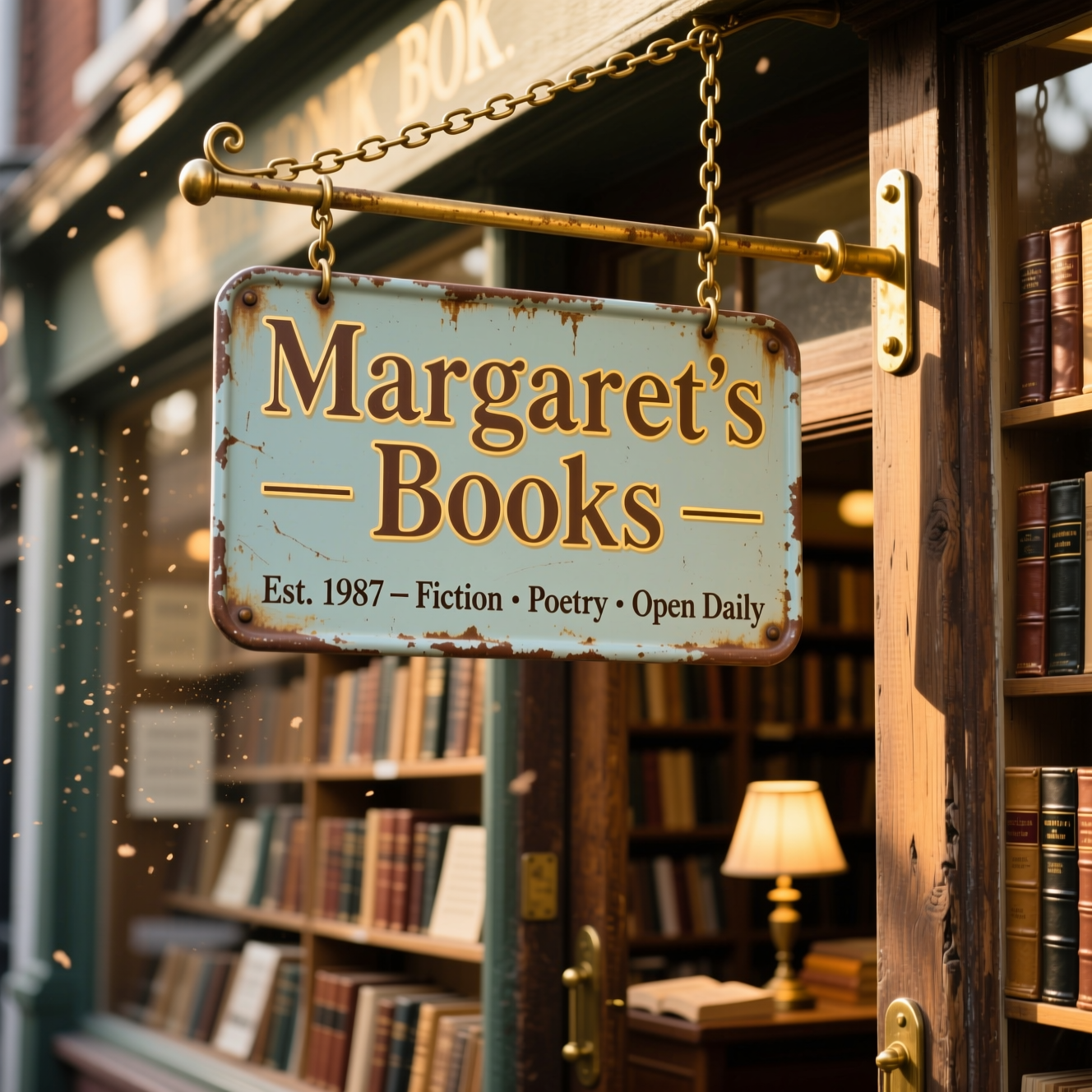
Generated on PixelDojo. Produced by PixelDojo's generation pipeline.
You can now produce stunning, publication-ready visuals that look like they came from a professional design studio—without the wait or the cost. With Qwen Image 2.0 Pro online on PixelDojo, you generate native 2K images packed with readable text, realistic textures and perfectly composed layouts that work for marketing campaigns, social posts, product launches and print materials. Imagine creating bilingual posters, detailed infographics, photorealistic product shots or cinematic scenes in minutes instead of days. You keep full creative control while PixelDojo handles the heavy lifting, delivering assets you can use immediately in your next campaign or client project. Thousands of creators already rely on this workflow to ship high-quality work faster and stand out in crowded feeds.
Real image examples generated on PixelDojo
Every example below was produced on PixelDojo. Hover to see the prompt.
Qwen-text
image-to-image

Canvas generate — From qwen-image
canvas-generate
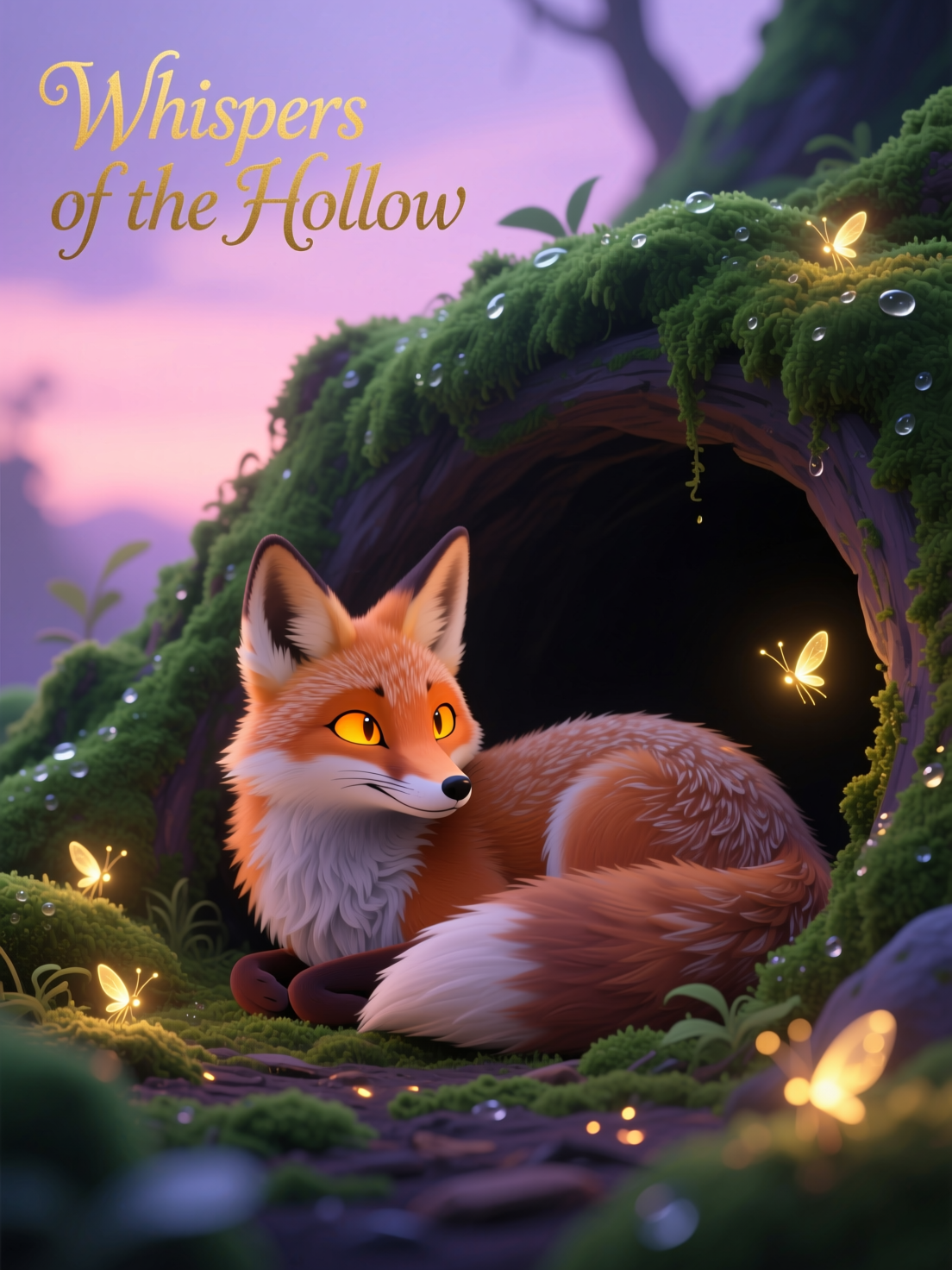
Qwen-stylized
image-to-image
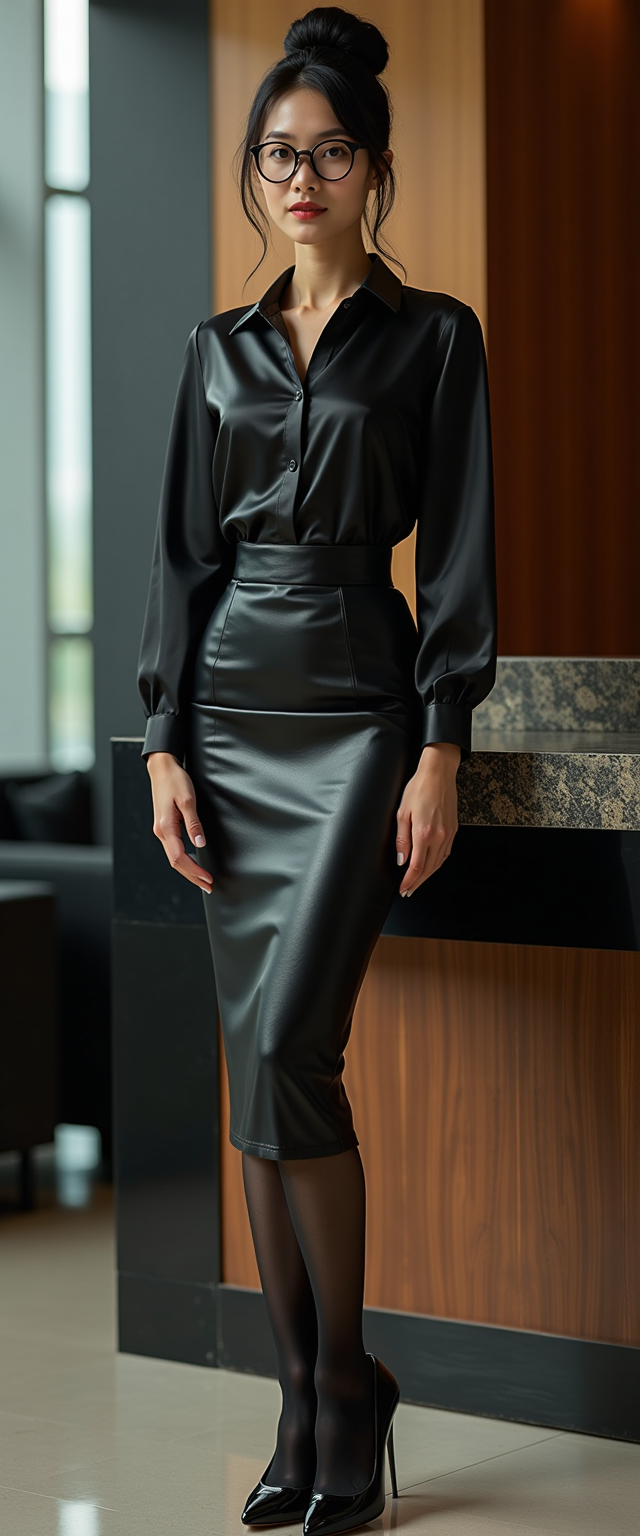
qwen image 2.0 pro online on PixelDojo
stable-diffusion

Masterpiece
creative-upscaler
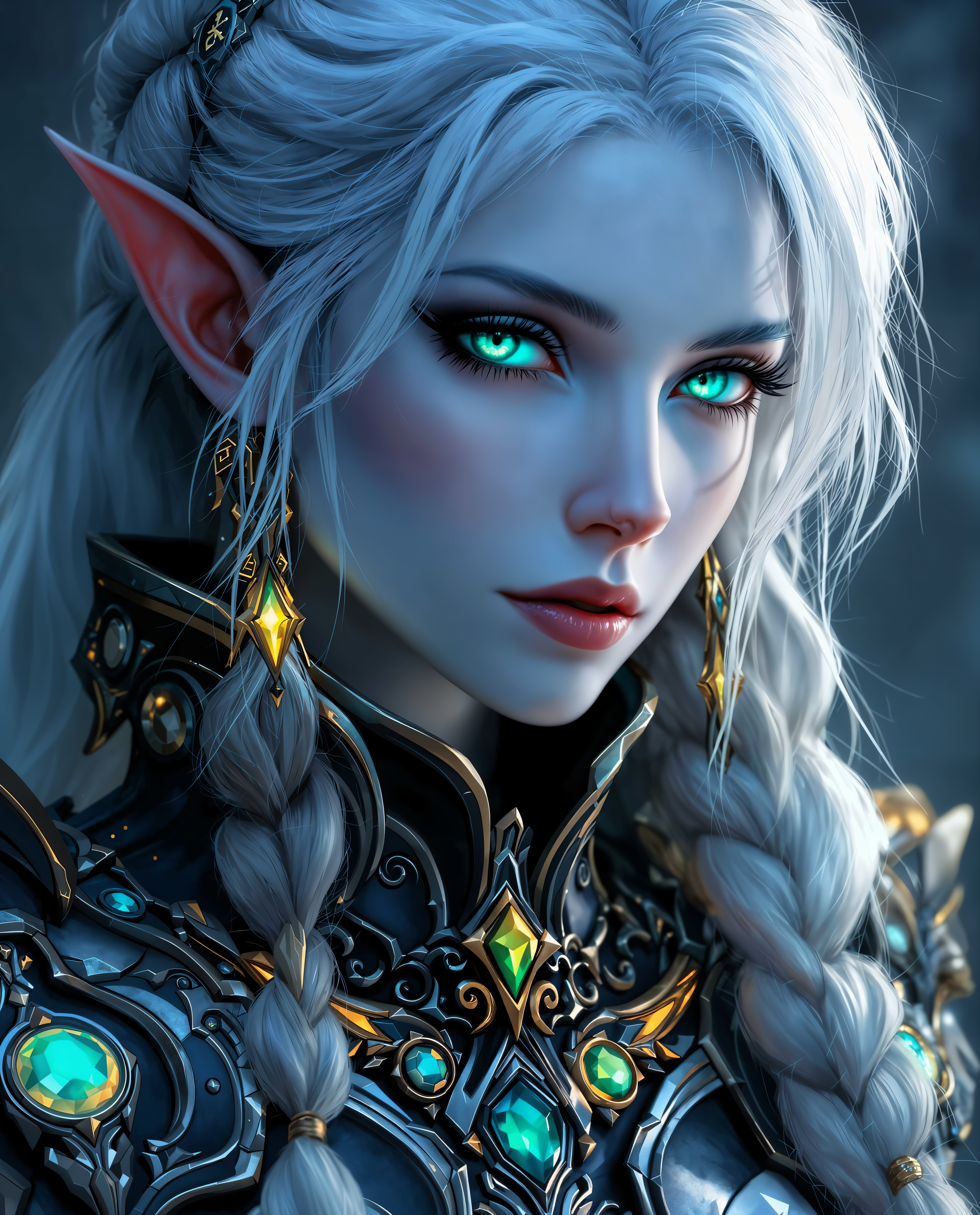
qwen image 2.0 pro online on PixelDojo
Models you can run on PixelDojo for qwen image 2.0 pro online
Switch models without switching tools. Each one runs in the same PixelDojo studio.
What you can do with qwen image 2.0 pro online on PixelDojo
Qwen Image 2.0 Pro
We host Qwen Image 2.0 Pro so you can generate images from text prompts in the browser. You pick the model, write a prompt, and download the result.
Prompt Control and Variants
You refine composition, style, and subject with detailed prompts and generate multiple variants in one session. We keep your history so you can compare outputs and iterate.
Resolution and Aspect Options
We let you choose common aspect ratios and output sizes suited to social, print, and concept work. You export files ready to use in your usual tools.
Studio Workflow Online
You run generation without installing local weights or GPU software. We provide a shared studio so teams can produce stills from the same Qwen Image 2.0 Pro endpoint.
Loved by thousands of creators worldwide who generate production-ready 2K images every day. 40+ cutting-edge AI tools in one platform, cancel anytime.
Why Choose Pixel Dojo for qwen image 2.0 pro online
Professional-quality results with cutting-edge AI technology
Ship Native 2K Production Assets Instantly
You receive sharp 2048x2048 images with microscopic details in skin, fabric, lighting and foliage—ready for print, web or ads without extra upscaling or quality loss.
Create Marketing Materials with Perfect Text
You design posters, infographics, slides and labels with correctly spelled English and Chinese text, complex layouts and visual hierarchy that actually convert viewers.
Generate and Edit in a Single Seamless Workflow
You transform existing photos, add or remove elements, change styles and lighting while preserving identity and quality—all without switching tools or losing fidelity.
How It Works
Creating professional Qwen Image 2.0 Pro images on PixelDojo takes just three simple steps. You stay in control of every detail while the platform delivers studio-quality results.
Step 1: Choose Your Tool
Log in to PixelDojo and select QWEN Image 2 or Qwen 3 Pro from the Generate Images section. These tools give you the highest-fidelity output optimized for text-rich and photorealistic work.
Step 2: Enter Your Prompt
Describe exactly what you want—layout, text placement, style, lighting and mood. You can write long, detailed instructions covering multiple text blocks, objects and relationships for posters or infographics.
Step 3: Customize & Download
Generate multiple variants, refine with Image to Image or Inpainting if needed, then download your native 2K files. Use additional PixelDojo tools like Background Remover or Style Transfer to polish further.
The Pixel Dojo Advantage
Why PixelDojo outperforms other options for Qwen Image 2.0 Pro image generation
| Others | Pixel Dojo |
|---|---|
| Traditional design and photography | You skip weeks of photoshoots, retouching and typesetting. Generate complete, text-perfect campaigns in minutes and iterate instantly. |
| Generic AI tools | You get native 2K resolution, accurate multilingual text and unified editing instead of blurry upscales and garbled lettering that require extra work. |
| Manual photo editing | You create entirely new scenes and layouts from text rather than being limited to existing photos, while still being able to edit with precision when you want. |
Loved by creators on PixelDojo
Real feedback from people using PixelDojo, pulled from our in-product surveys.
Ease of use, friendliness and support of the owner, continued innovation.
it is an amazing site to create a pics and vids for those who don't have the hardware themselves
good tools in one place
Prompt updates, strong features, and a community that is always willing to help and hear/act on professional feedback. I've never had a better experience.
user friendly all in one thing
I really like the schedule of AI work performed!
Explore more AI tools on PixelDojo
AI Tools
Compare & Switch
- Best AI Image Generators
- Best AI Video Generators
- Midjourney Alternatives
- Civitai Alternatives
- Runway Alternatives
- Leonardo Alternatives
- Pika Alternatives
- Luma Alternatives
- Magnific Alternatives
- Veo Alternatives
- Flux Alternatives
- Freepik Alternatives
- Seedance Alternatives
- Seedream Alternatives
- Pixverse Alternatives
- GPT Image Alternatives
- Synthesia Alternatives
- Playground Alternatives
- NightCafe Alternatives
- Canva AI Alternatives
- ElevenLabs Alternatives
- ComfyUI Alternatives
- Fal Alternatives
- Replicate Alternatives
Common Questions
Everything you need to know about qwen image 2.0 pro online
What is Qwen Image 2.0 Pro online image generation and how does it help me?
Qwen Image 2.0 Pro online image generation on PixelDojo lets you turn detailed text descriptions into high-fidelity 2K visuals with perfect typography and photorealism. You produce marketing posters, infographics and product images that look professionally designed, saving time and money while delivering assets ready for any campaign.
How do I generate 2K images with Qwen Image 2.0 Pro on PixelDojo?
Simply choose QWEN Image 2 or Qwen 3 Pro in the Generate Images section, enter a detailed prompt describing layout and text, then generate. PixelDojo handles native 2048x2048 output so you download print-ready files immediately. You can also use Image to Image for refinements.
Can Qwen Image 2.0 Pro render accurate text in images for posters and infographics?
Yes. You get correctly spelled, well-placed English and Chinese text even in complex multi-block layouts. This makes PixelDojo ideal for creating conversion-focused marketing materials, slides and comics without manual typesetting.
What are the benefits of using Qwen Image 2.0 Pro for marketing materials on PixelDojo?
You create cohesive, high-converting visuals with realistic lighting, textures and readable copy that perform across social, web and print. Combined with PixelDojo’s 40+ tools like Consistent Characters and Background Remover, you maintain brand consistency and ship campaigns faster.
How does PixelDojo make Qwen Image 2.0 Pro accessible online without technical setup?
Everything runs in your browser. You access QWEN Image 2, Qwen 3 Pro and complementary tools such as Inpainting, Style Transfer and Reality Polisher with no installs or GPU required. Thousands of creators use it daily and you can cancel anytime.
Is there a free way to try Qwen Image 2.0 Pro image generation before committing?
PixelDojo lets you start creating immediately with its full suite of 40+ cutting-edge AI tools. You can generate your first Qwen Image 2.0 Pro images, explore editing options and see the quality for yourself, then continue or cancel at any time with no risk.