nano banana pro 4k AI Generator

Generated on PixelDojo. Produced by PixelDojo's generation pipeline.
Imagine downloading crystal-clear 4K images that look like they came from a professional studio—complete with perfectly spelled headlines, consistent brand characters and lighting you actually control. That's exactly what you achieve with nano banana pro 4k generation on PixelDojo. You skip the hours of photography, expensive shoots and endless Photoshop layers. Instead you describe the poster, product mockup, infographic or photorealistic scene you need and receive print-ready files in moments. Whether you're launching a campaign, designing packaging or building a consistent character universe, you walk away with ultra-sharp assets ready for billboards, websites, print and social. PixelDojo puts Nano Banana 2 plus powerful upscalers and editors in your hands so every 4K result feels custom-made for your brand.
Real image examples generated on PixelDojo
Every example below was produced on PixelDojo. Hover to see the prompt.
A nano banana
google-gemini-image

A nano banana
google-gemini-image
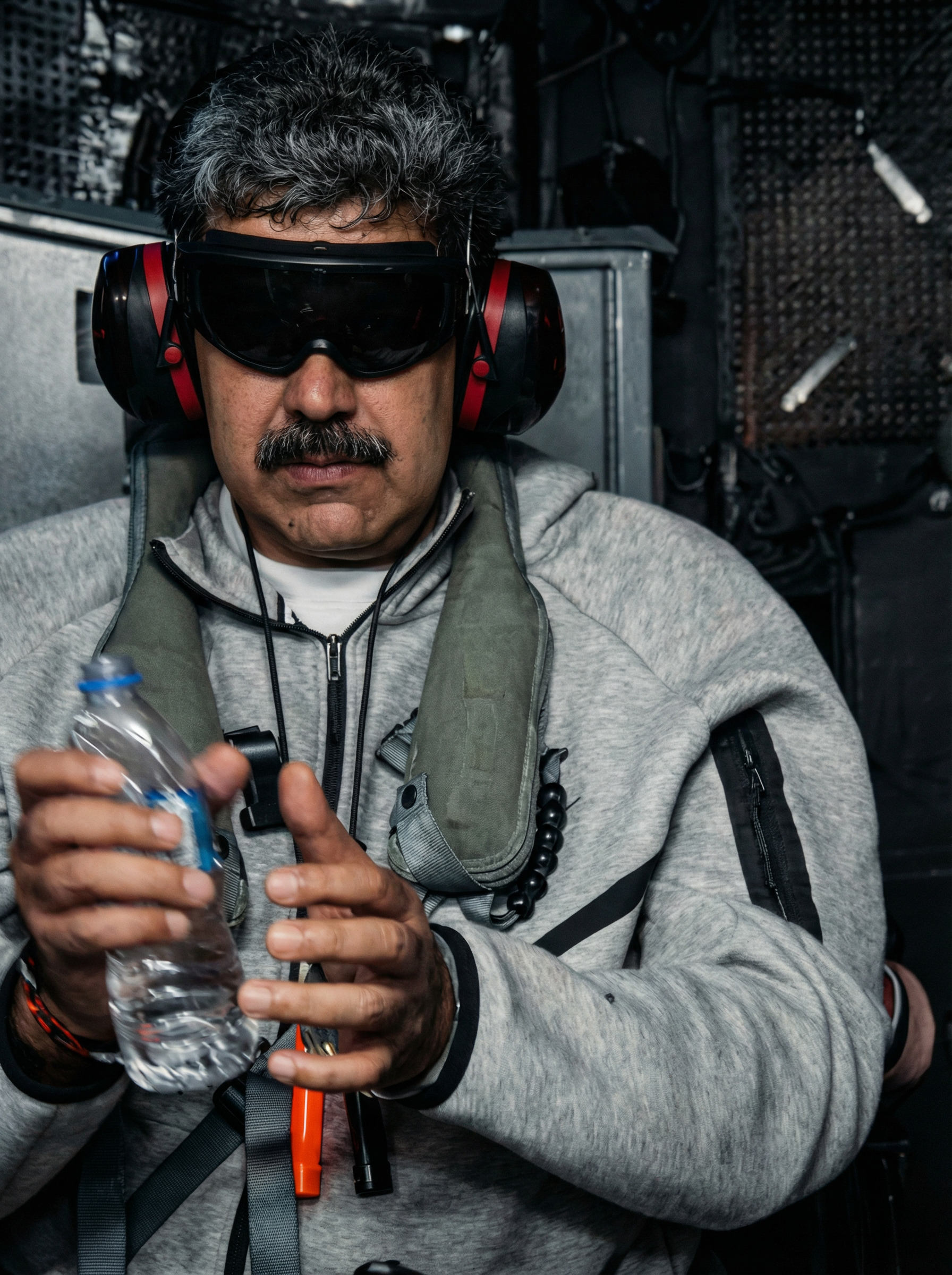
Enhance and restore this image to hd 8k quality edited with Google Nano Banana Pro
google-gemini-image
A nano banana
image-to-video
A macro close-up shot of a tiny yellow nano banana curved with stem upright
image-to-video
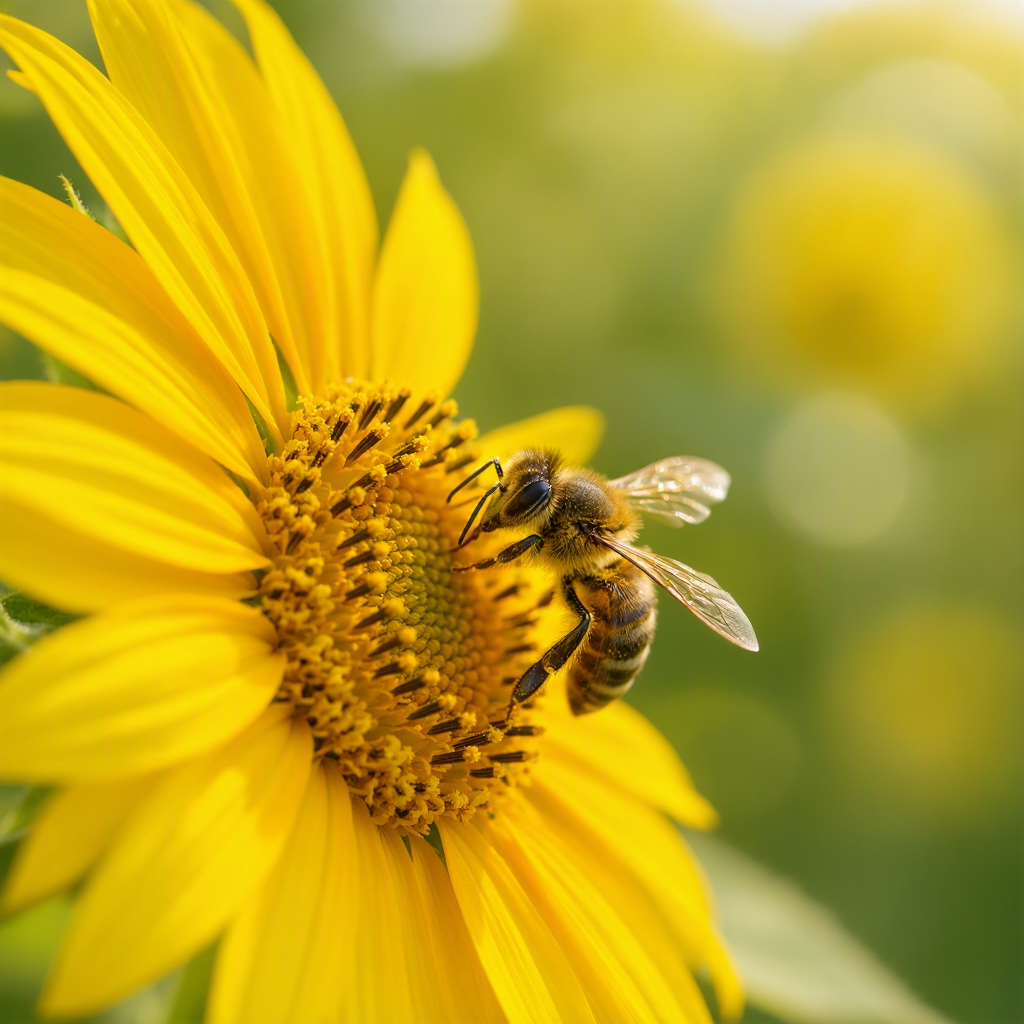
A close-up of a bee collecting pollen from a sunflower
mai-image
Models you can run on PixelDojo for nano banana pro 4k
Switch models without switching tools. Each one runs in the same PixelDojo studio.
What you can do with nano banana pro 4k on PixelDojo
True 4K Still Output
We generate Nano Banana Pro images at 4K so you can crop, print, and composite without a separate upscale pass.
Prompt Control At Scale
We let you lock aspect ratio, style cues, and subject details so large frames stay consistent from sketch to final.
Fast Iteration Loops
We keep generations in one workspace so you can tweak prompts and rerun until the shot matches the brief.
Files Ready To Ship
We export high-resolution stills you can drop into design, video, and merch pipelines without extra conversion steps.
Loved by thousands of creators worldwide who generate professional 4K visuals daily. Join the community using PixelDojo's 40+ cutting-edge AI tools—rated highly for quality, speed and reliability. Cancel anytime.
Why Choose Pixel Dojo for nano banana pro 4k
Professional-quality results with cutting-edge AI technology
Print-Ready 4K Sharpness Instantly
You receive native 4K files with every texture, pore and letter razor-sharp—no upscaling blur. Drop them straight into posters, packaging or large-format prints and they look professionally photographed.
Perfect Text Plus Character Consistency
You create marketing materials where every word is spelled correctly in any language and every character looks identical across an entire campaign. No more garbled logos or drifting faces.
Studio-Level Control Without the Software
You adjust camera angles, lighting, depth of field and color grading using plain English. The result is cinematic product shots and scenes that used to require a full production team.
How It Works
You create nano banana pro 4k images on PixelDojo in three straightforward steps that anyone can master in minutes.
Step 1: Choose Your Tool
Open Generate Images and select Nano Banana 2—the model built for native 4K output, flawless text and up to 14 reference images. Pair it with P-Image Upscale or Magnific Upscaler if you want extra polish, or jump to Image to Image and Change Camera Angle for refinements.
Step 2: Enter Your Prompt
Describe your scene in natural language: subject, lighting, exact text you want rendered, camera angle and 4K quality. Upload reference photos of products or characters so Nano Banana 2 keeps everything consistent. The model reasons through composition before generating so you get coherent, professional results first try.
Step 3: Customize & Download
Use Inpainting, Style Transfer, Magic Lighting or Reality Polisher to tweak any detail. Then download your full-resolution 4K file. Everything stays inside PixelDojo so you iterate fast and keep commercial rights.
The Pixel Dojo Advantage
Why PixelDojo outperforms other options for nano banana pro 4k image generation
| Others | Pixel Dojo |
|---|---|
| Traditional photography and design | You get studio-quality 4K assets in seconds instead of booking studios, models and retouchers that cost thousands and take days. |
| Generic AI tools | You enjoy native 4K output with perfect multilingual text and 14-reference consistency rather than blurry upscales and unreadable lettering. |
| Manual photo editing | You describe lighting, camera moves and color grading in plain English instead of spending hours in complex software layers. |
Loved by creators on PixelDojo
Real feedback from people using PixelDojo, pulled from our in-product surveys.
phenomenal site. would highly recommend
Amazing features, easy to use, privacy
the number of options, and especially the quick response to questions on Discord
Love you guys!!
Trained my Lora super fast. Still working out how to creat content wit it, but I love it so far.
I love this app
Explore more AI tools on PixelDojo
AI Tools
Compare & Switch
- Best AI Image Generators
- Best AI Video Generators
- Midjourney Alternatives
- Civitai Alternatives
- Runway Alternatives
- Leonardo Alternatives
- Pika Alternatives
- Luma Alternatives
- Magnific Alternatives
- Veo Alternatives
- Flux Alternatives
- Freepik Alternatives
- Seedance Alternatives
- Seedream Alternatives
- Pixverse Alternatives
- GPT Image Alternatives
- Synthesia Alternatives
- Playground Alternatives
- NightCafe Alternatives
- Canva AI Alternatives
- ElevenLabs Alternatives
- ComfyUI Alternatives
- Fal Alternatives
- Replicate Alternatives
Common Questions
Everything you need to know about nano banana pro 4k
What is nano banana pro 4k image generation and how does PixelDojo make it easy?
Nano banana pro 4k is Google’s professional-grade model that outputs native 4K images with reasoning-based composition, perfect text rendering and character consistency. On PixelDojo you simply choose Nano Banana 2, type a natural-language prompt and download print-ready files. Combined with P-Image Upscale, Magnific Upscaler and editors like Inpainting you get a complete 4K workflow without leaving the platform.
How do I generate true 4K images with nano banana pro on PixelDojo?
Select Nano Banana 2 in Generate Images, set the resolution to 4K, describe your scene including exact text, lighting and camera angle, then generate. You can add up to 14 reference images for products or characters. After generation use Change Camera Angle or Magic Lighting for extra control, then download the full 4K file with commercial rights included.
Can I keep characters and products consistent across multiple 4K images?
Yes. Nano Banana 2 on PixelDojo maintains resemblance of up to five people and blends up to 14 reference images so your brand mascot or product looks identical in every 4K shot. Follow-up edits with Image to Image or Face Swap keep the look locked while you change scenes, lighting or poses.
Is nano banana pro 4k good enough for professional posters and product mockups?
Absolutely. You get razor-sharp 4K files with perfectly spelled headlines in multiple languages, accurate product textures and cinematic lighting. Designers use PixelDojo’s Nano Banana 2 plus Background Remover and Reality Polisher to produce campaign-ready posters, packaging and e-commerce shots that look photographed, not generated.
What PixelDojo tools work best with nano banana pro 4k generation?
Start with Nano Banana 2 for the initial 4K render. Then enhance with P-Image Upscale, Magnific Upscaler or Creative Upscaler. Refine using Inpainting, Style Transfer, Change Camera Angle, Magic Lighting and Image Outpainting. For characters add Consistent Characters or Face Swap. Everything stays in one place so you iterate quickly.
Do I need design skills to create nano banana pro 4k images on PixelDojo?
No. You describe what you want in everyday language—subject, mood, exact text, lighting and 4K quality. PixelDojo’s Nano Banana 2 plus 40+ supporting tools handle composition, text rendering and professional finishing. Thousands of creators with zero Photoshop experience now produce print-ready 4K assets daily and can cancel anytime.