runware ai
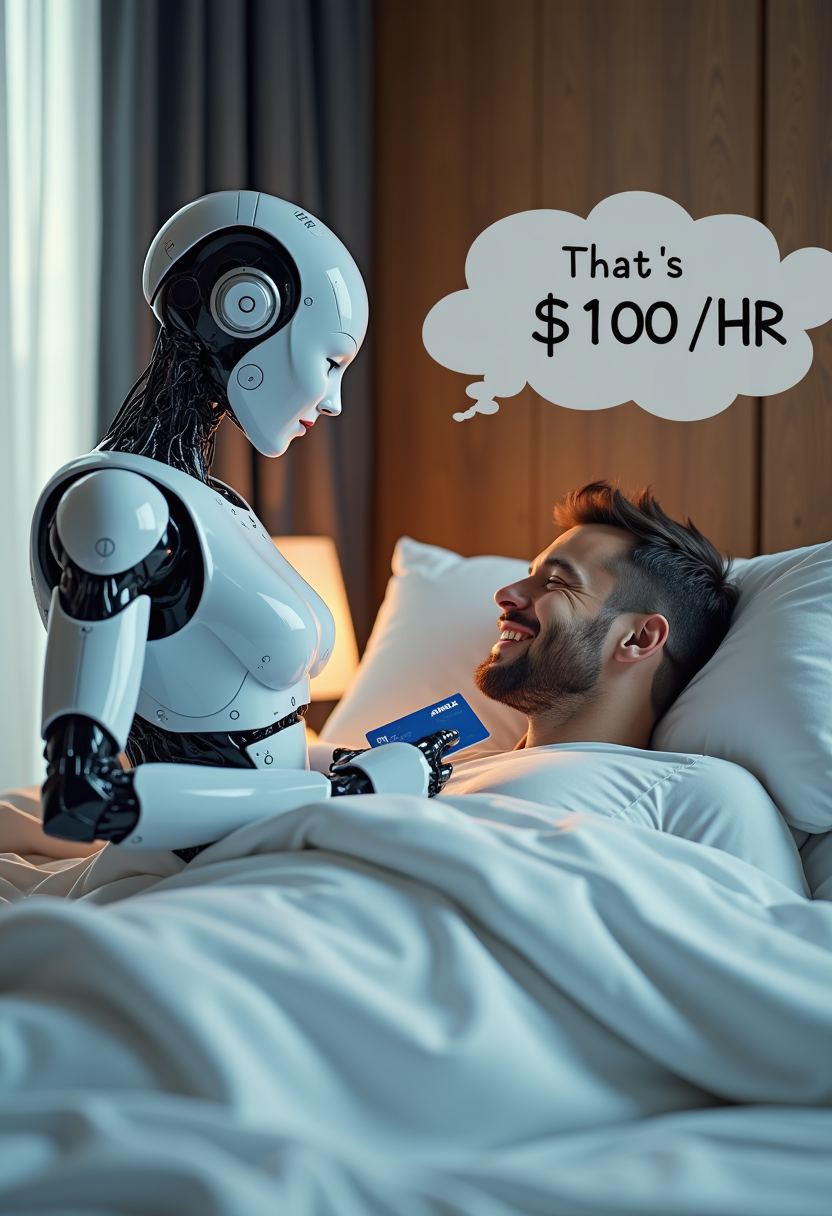
Generated on PixelDojo. Produced by PixelDojo's generation pipeline.
You deserve AI images that look like they came from a high-end studio, not a waiting room. PixelDojo puts professional runware ai image generation in your hands so you can produce photorealistic product shots, cinematic scenes, on-brand characters, and scroll-stopping social visuals in seconds. Skip the complexity of raw APIs and technical settings. Instead, you get an intuitive workspace packed with Flux.2 Studio, WAN 2.7, Kling Image, Seedream 5, Ideogram 4, and dozens more. The outcome is simple: you launch campaigns faster, keep visual identity rock-solid across every asset, and wow clients or followers without hiring extra designers or waiting overnight for renders. Whether you need a single hero image or hundreds of variations, PixelDojo turns your ideas into finished files you can use immediately.
Real image examples generated on PixelDojo
Every example below was produced on PixelDojo. Hover to see the prompt.
Create image of very beautiful AI robot woman in bed a happy man under the covers
flux

Wan-cinematic
image-to-image
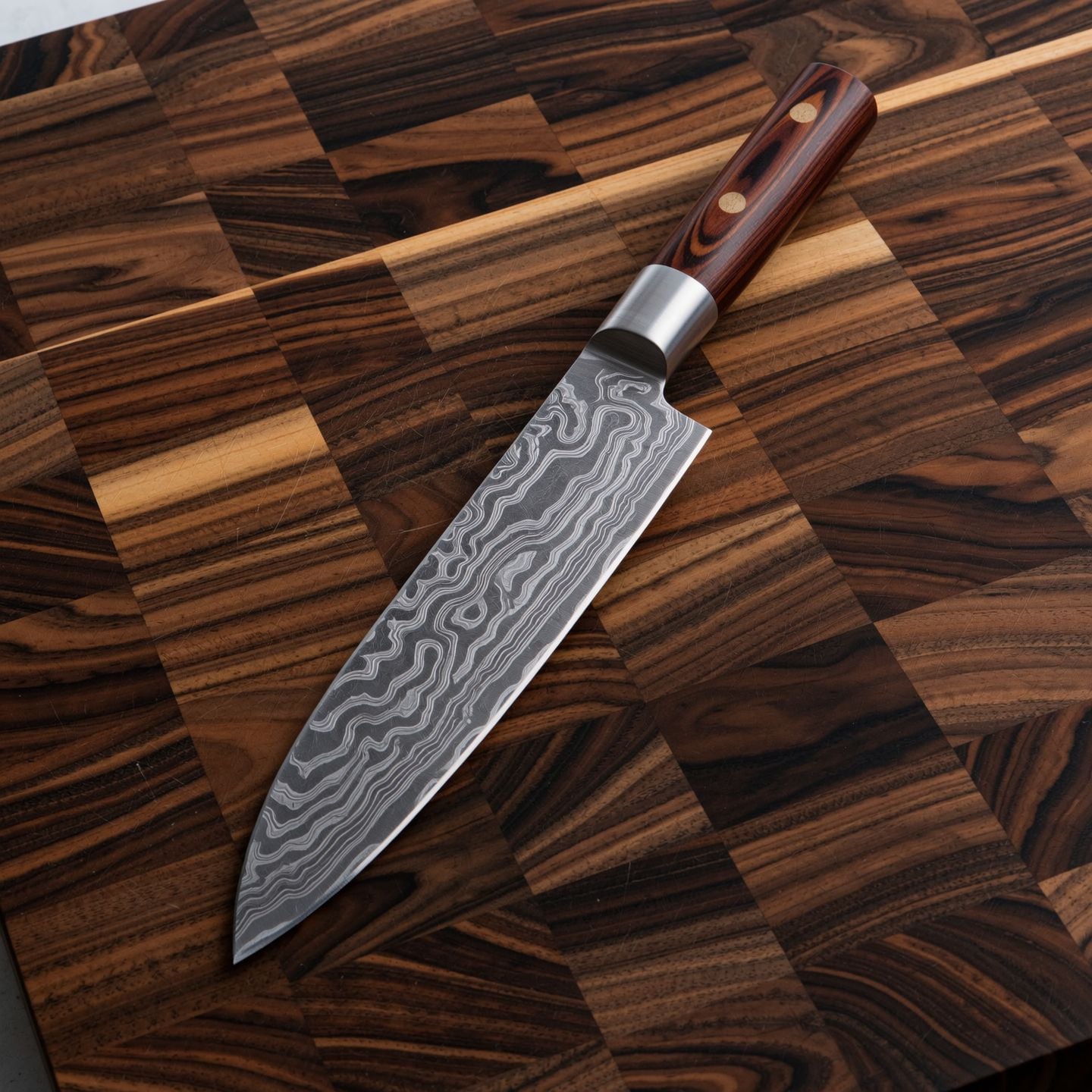
Wi-product
image-to-image

Wan-food
image-to-image

Image of an ai painting a human and a human painting an ai
flux
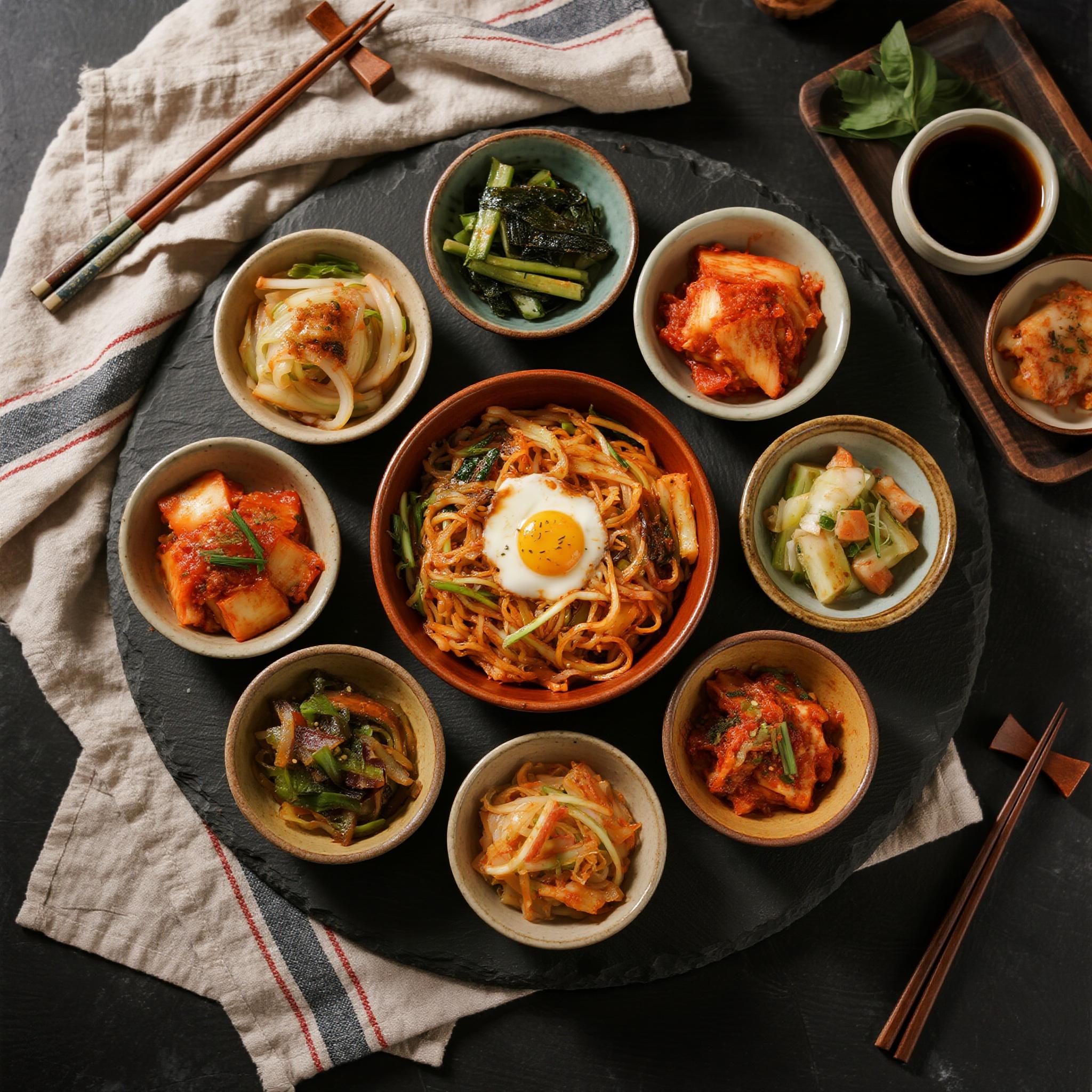
Drm-food
image-to-image
Models you can run on PixelDojo for runware ai
Switch models without switching tools. Each one runs in the same PixelDojo studio.
What you can do with runware ai on PixelDojo
Fast Runware Image Generation
We run image generation on Runware so you can turn prompts into stills quickly and keep iterating without long waits.
Models Built For Creators
You can generate with popular image models available through Runware on PixelDojo and pick the look that fits each project.
Prompt To Finished Still
We take your prompt, size, and style settings and return a finished image you can download, reuse, or send into another PixelDojo tool.
Iterate Without Friction
You can refine prompts, try variants, and regenerate on the same Runware-backed flow so you stay in a tight creative loop.
Loved by thousands of creators worldwide. 40+ cutting-edge AI tools delivering millions of professional images every month. Cancel anytime with zero risk.
Why Choose Pixel Dojo for runware ai
Professional-quality results with cutting-edge AI technology
Studio-Quality Images in Seconds
You launch campaigns the same day you think of them. Flux.2 Studio, Z Image Turbo, and WAN 2.6 deliver photorealistic, high-resolution results fast enough for last-minute client requests or viral social posts. No more overnight queues or expensive photo shoots.
Pixel-Perfect Control Over Every Detail
You stay in command of composition, lighting, and style. Combine Image to Image, Inpainting, Change Camera Angle, Style Transfer, and Magic Lighting to refine any generation until it matches your exact brief. Background Remover and Reality Polisher finish the job so your files are production-ready.
On-Brand Characters That Never Drift
You keep the same faces, outfits, and personality across an entire campaign. Consistent Characters, Character Sheets, Ideogram Character, Face Swap, and Flux Pro Virtual Try-On let you generate unlimited variations while your brand look stays locked in. Perfect for ads, packaging, and social series.
How It Works
You create professional runware-style AI images in three straightforward steps using PixelDojo’s dedicated tools. No coding, no model hunting, just results.
Step 1: Choose Your Tool
Open Generate Images and pick the engine that matches your goal. Select Flux.2 Studio or Flux.1 Studio for cinematic photorealism, WAN 2.7 or WAN 2.6 for speed and detail, Kling Image or Seedream 5 for stylized work, or Ideogram 4 when you need crisp text inside the image. You can also start with QWEN Image 2 or Recraft V4.1 for unique aesthetics.
Step 2: Enter Your Prompt
Describe exactly what you want in natural language. Include subject, lighting, camera angle, mood, and style. Add a negative prompt to keep artifacts out. For extra precision, upload a reference with Image to Image or use Character Sheets so faces stay consistent. PixelDojo’s tools understand complex scenes the first time.
Step 3: Customize & Download
Fine-tune with Edit Images: Inpainting to change one object, Outpainting to expand the canvas, Style Transfer for a new look, or Magic Lighting for atmosphere. Upscale with P-Image Upscale or Magnific Upscaler, remove backgrounds, then download in high resolution. Everything is ready for ads, print, or web in minutes.
The Pixel Dojo Advantage
Why PixelDojo outperforms other options for runware ai image generation
| Others | Pixel Dojo |
|---|---|
| Traditional photography and design | You get studio-quality images in seconds instead of days of shooting, retouching, and revisions. No location fees, no talent bookings, just instant professional results you can iterate on endlessly. |
| Generic AI tools | You access 40+ specialized engines including Flux.2 Studio, WAN 2.7, Kling Image, and Seedream 5 plus dedicated editing, character, and upscale tools. One platform, unlimited creative control, and the ability to cancel anytime. |
| Manual photo editing | You skip hours of masking, color grading, and compositing. Image to Image, Inpainting, Background Remover, and Reality Polisher handle the heavy lifting so you focus on the idea, not the pixels. |
Loved by creators on PixelDojo
Real feedback from people using PixelDojo, pulled from our in-product surveys.
Prompt updates, strong features, and a community that is always willing to help and hear/act on professional feedback. I've never had a better experience.
user friendly all in one thing
I really like the schedule of AI work performed!
The best tools for IA on the web !
The guy that operates the website is constantly updating it
I’ve been using PixelDojo for around 8 months now and it’s always worked wonderfully while constantly adding features.
Explore more AI tools on PixelDojo
AI Tools
Compare & Switch
- Best AI Image Generators
- Best AI Video Generators
- Midjourney Alternatives
- Civitai Alternatives
- Runway Alternatives
- Leonardo Alternatives
- Pika Alternatives
- Luma Alternatives
- Magnific Alternatives
- Veo Alternatives
- Flux Alternatives
- Freepik Alternatives
- Seedance Alternatives
- Seedream Alternatives
- Pixverse Alternatives
- GPT Image Alternatives
- Synthesia Alternatives
- Playground Alternatives
- NightCafe Alternatives
- Canva AI Alternatives
- ElevenLabs Alternatives
- ComfyUI Alternatives
- Fal Alternatives
- Replicate Alternatives
Common Questions
Everything you need to know about runware ai
How do I generate fast professional images like runware ai on PixelDojo?
Open Generate Images and choose Flux.2 Studio, Z Image Turbo, or WAN 2.6. Type a detailed prompt covering subject, lighting, and style, then generate. Most images appear in seconds. Follow up with P-Image Upscale or Magnific Upscaler if you need extra resolution. You get the speed of advanced inference without managing servers or APIs.
Can I keep the same character across multiple runware-style AI images?
Yes. Start with Consistent Characters or Character Sheets, then generate variations using Flux.2 Studio or Ideogram Character. Face Swap and LoRA Face Swap lock identity even when you change outfits, lighting, or scenes. This is how you build entire ad campaigns or social series that feel like they came from one photoshoot.
What editing tools help me refine runware ai image generation results?
After generation, use Image to Image for overall restyling, Inpainting to swap one object, Change Camera Angle for new perspectives, Style Transfer for a different aesthetic, Magic Lighting for mood, and Background Remover for clean cutouts. Reality Polisher and Image Outpainting finish the piece. Everything stays inside PixelDojo so your workflow never breaks.
How do I add text or logos inside AI-generated images on PixelDojo?
Select Ideogram 4 or Recraft V4.1 from Generate Images. These engines handle readable text and graphic elements natively. Combine with Image Analyzer to check results, then refine with Inpainting if needed. You get campaign-ready visuals with headlines and branding already in place.
Is there a way to train custom styles for my brand on PixelDojo?
Yes. Use Flux Trainer, QWEN Trainer, or Z-Image Trainer under Train Models. Upload a small set of your brand images and generate a custom model you can call anytime. Pair it with Consistent Characters for even tighter control. Your visuals stay on-brand without rewriting the same style prompt every time.
Can developers use PixelDojo for runware-style AI image generation at scale?
Absolutely. Head to Developers, grab API Keys, and start with the Developer API. Buy API Credits as needed. You can also run workflows in ComfyUI. PixelDojo gives you the same flexibility as raw inference platforms plus a visual interface your whole team can use. Cancel anytime if your needs change.