stable diffusion img2img AI Generator
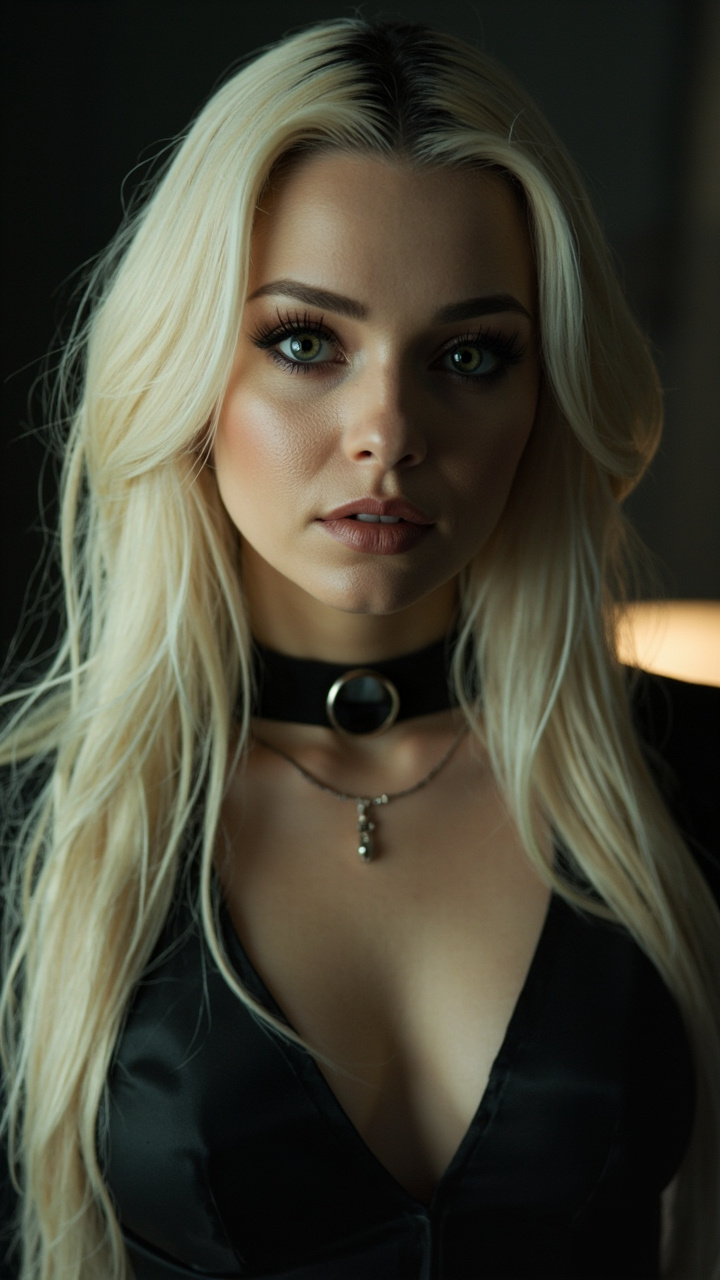
Generated on PixelDojo. Produced by PixelDojo's generation pipeline.
Unlock the full potential of your images with PixelDojo's cutting-edge AI-powered Img2Img tools. Whether you're looking to enhance, stylize, or completely transform your photos, our suite of tools empowers you to achieve professional-grade results effortlessly. Say goodbye to complex editing software and hello to intuitive, AI-driven creativity.
Real image examples generated on PixelDojo
Every example below was produced on PixelDojo. Hover to see the prompt.
Professional realistic photo of this female character exudes an alluring and enigmatic cha…
minimax
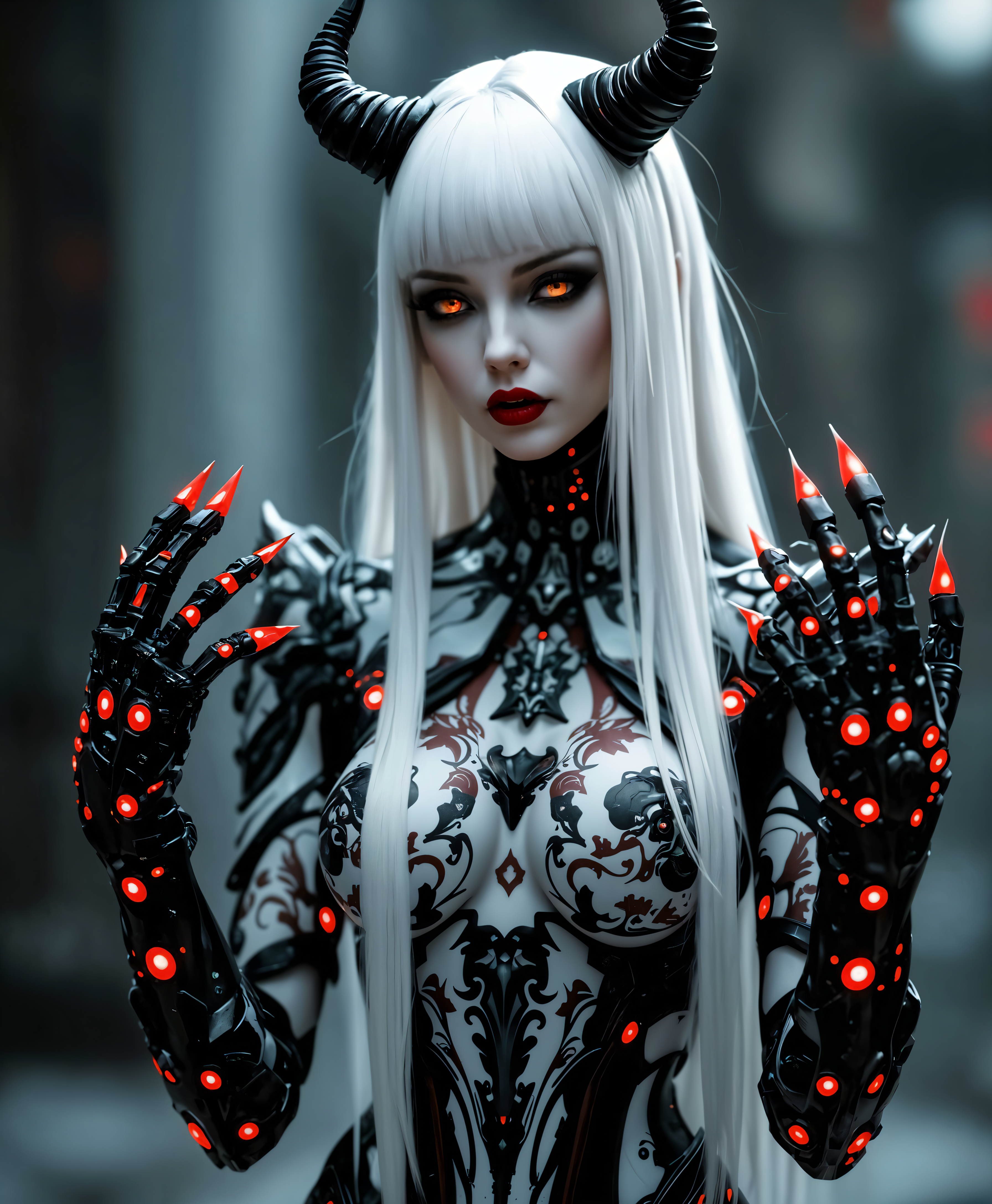
stable diffusion img2img on PixelDojo

FantasyWomanLoRa
stable-diffusion

A striking
flux
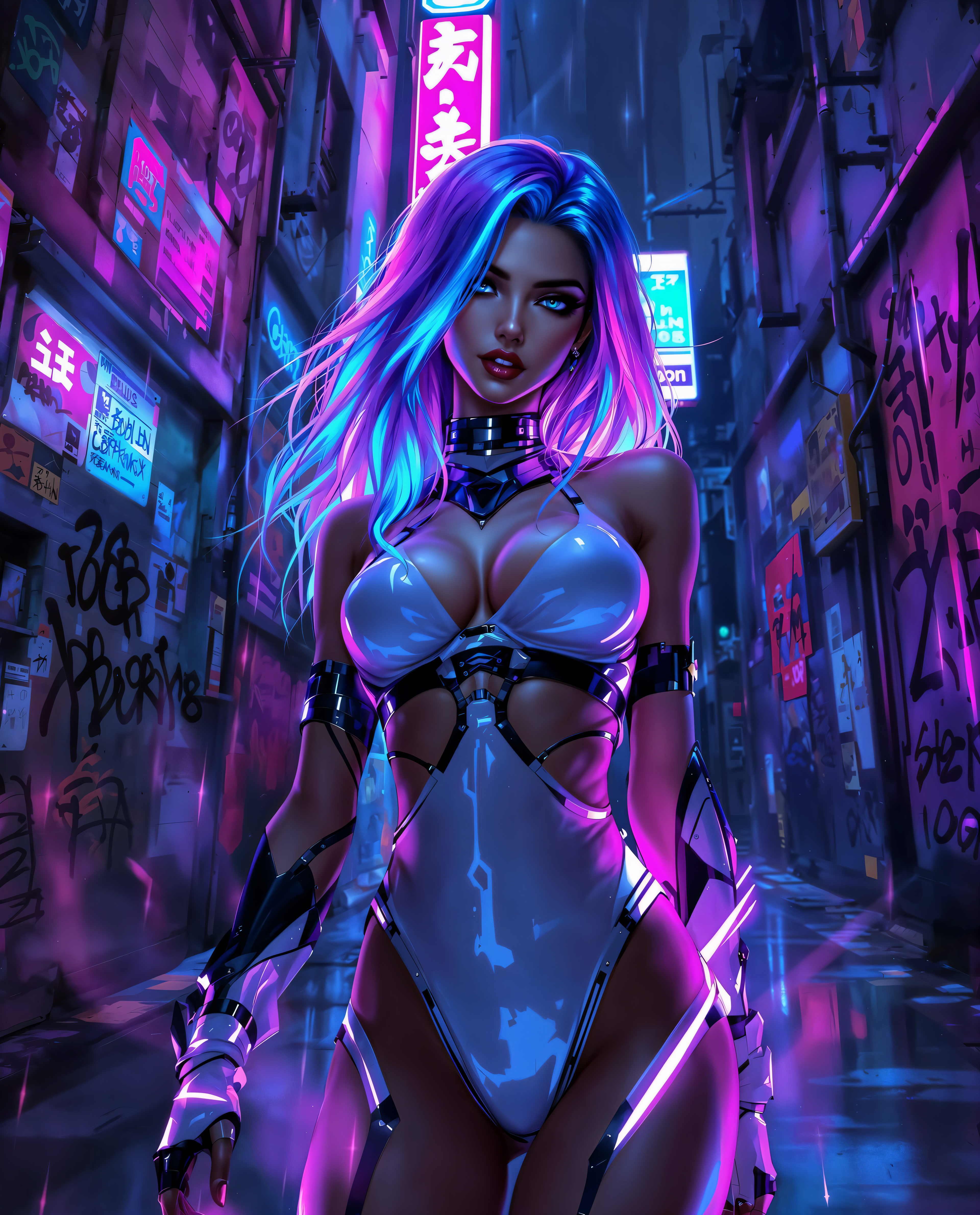
stable diffusion img2img on PixelDojo
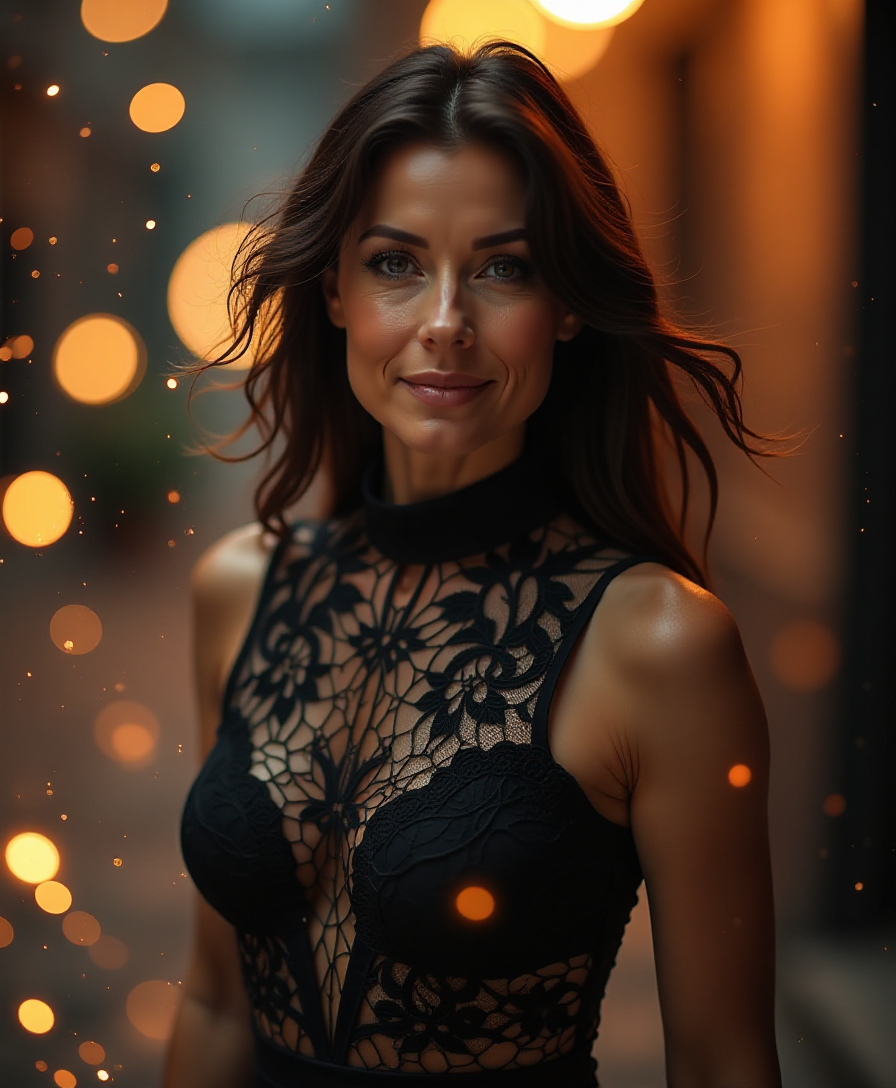
Create a digital artwork of a **sexy
flux
Models you can run on PixelDojo for stable diffusion img2img
Switch models without switching tools. Each one runs in the same PixelDojo studio.
What you can do with stable diffusion img2img on PixelDojo
Upload Base Image Files
We use your provided images as starting points for Stable Diffusion img2img generation.
Apply Text Prompt Guidance
We interpret your prompts to alter specific elements within the input image.
Adjust Output Similarity
We offer parameters to balance changes between the original image and new details.
Create Iterative Image Edits
We support repeated img2img passes to refine results step by step.
Join over 10,000 satisfied creators who have transformed their images using PixelDojo's AI tools. Rated 4.8/5 based on 2,500+ reviews.
Why Choose Pixel Dojo for stable diffusion img2img
Professional-quality results with cutting-edge AI technology
Effortless Image Transformation
Easily modify and enhance your images without any prior editing experience.
Diverse Creative Possibilities
Explore a wide range of styles and effects to bring your unique vision to life.
Time-Saving Automation
Achieve stunning results in minutes, freeing up more time for your creative pursuits.
How It Works
Transforming your images with PixelDojo is simple and intuitive. Follow these steps to get started:
Step 1: Select Your Image
Upload the image you wish to transform using our user-friendly interface.
Step 2: Choose Your Transformation
Select from a variety of Img2Img tools such as Style Transfer, Inpainting, or Outpainting to apply the desired effect.
Step 3: Customize and Generate
Adjust settings like denoising strength and prompt strength to fine-tune your transformation, then click 'Generate' to see the magic happen.
The Pixel Dojo Advantage
Why choose PixelDojo for your image transformations?
| Others | Pixel Dojo |
|---|---|
| Traditional Photo Editing Software | No need for complex software or technical skills; achieve professional results with ease. |
| Generic AI Tools | Access a comprehensive suite of specialized Img2Img tools tailored for diverse creative needs. |
| Manual Editing | Save time and effort with automated processes that deliver high-quality transformations instantly. |
Loved by creators on PixelDojo
Real feedback from people using PixelDojo, pulled from our in-product surveys.
It has all the tools I can think of...
deployment rate of splendid features is incredible. Legend
large selection of tools on one platform
the amount you can do on this site
all in one place
It is a lot of fun to uae and easy too.
Explore more AI tools on PixelDojo
AI Tools
Compare & Switch
- Best AI Image Generators
- Best AI Video Generators
- Midjourney Alternatives
- Civitai Alternatives
- Runway Alternatives
- Leonardo Alternatives
- Pika Alternatives
- Luma Alternatives
- Magnific Alternatives
- Veo Alternatives
- Flux Alternatives
- Freepik Alternatives
- Seedance Alternatives
- Seedream Alternatives
- Pixverse Alternatives
- GPT Image Alternatives
- Synthesia Alternatives
- Playground Alternatives
- NightCafe Alternatives
- Canva AI Alternatives
- ElevenLabs Alternatives
- ComfyUI Alternatives
- Fal Alternatives
- Replicate Alternatives
Common Questions
Everything you need to know about stable diffusion img2img
How does PixelDojo's Img2Img tool enhance my images?
Our Img2Img tools utilize advanced AI algorithms to apply various transformations such as style transfer, inpainting, and outpainting, allowing you to creatively modify your images with ease.
Do I need prior editing experience to use PixelDojo?
Not at all! PixelDojo is designed for users of all skill levels. Our intuitive interface and AI-driven tools make image transformation accessible to everyone.
Can I revert changes if I'm not satisfied with the transformation?
Yes, you can always revert to your original image or make further adjustments until you're satisfied with the result.
Is there a limit to the number of images I can transform?
PixelDojo offers various subscription plans to suit your needs, including options with unlimited transformations. Choose the plan that best fits your creative workflow.
How secure is my data on PixelDojo?
We prioritize your privacy and security. All uploaded images are processed securely, and we do not share your data with third parties.
Can I use PixelDojo's tools for commercial projects?
Absolutely! Our tools are perfect for both personal and commercial use, enabling you to create professional-quality images for any project.