ai mashup maker
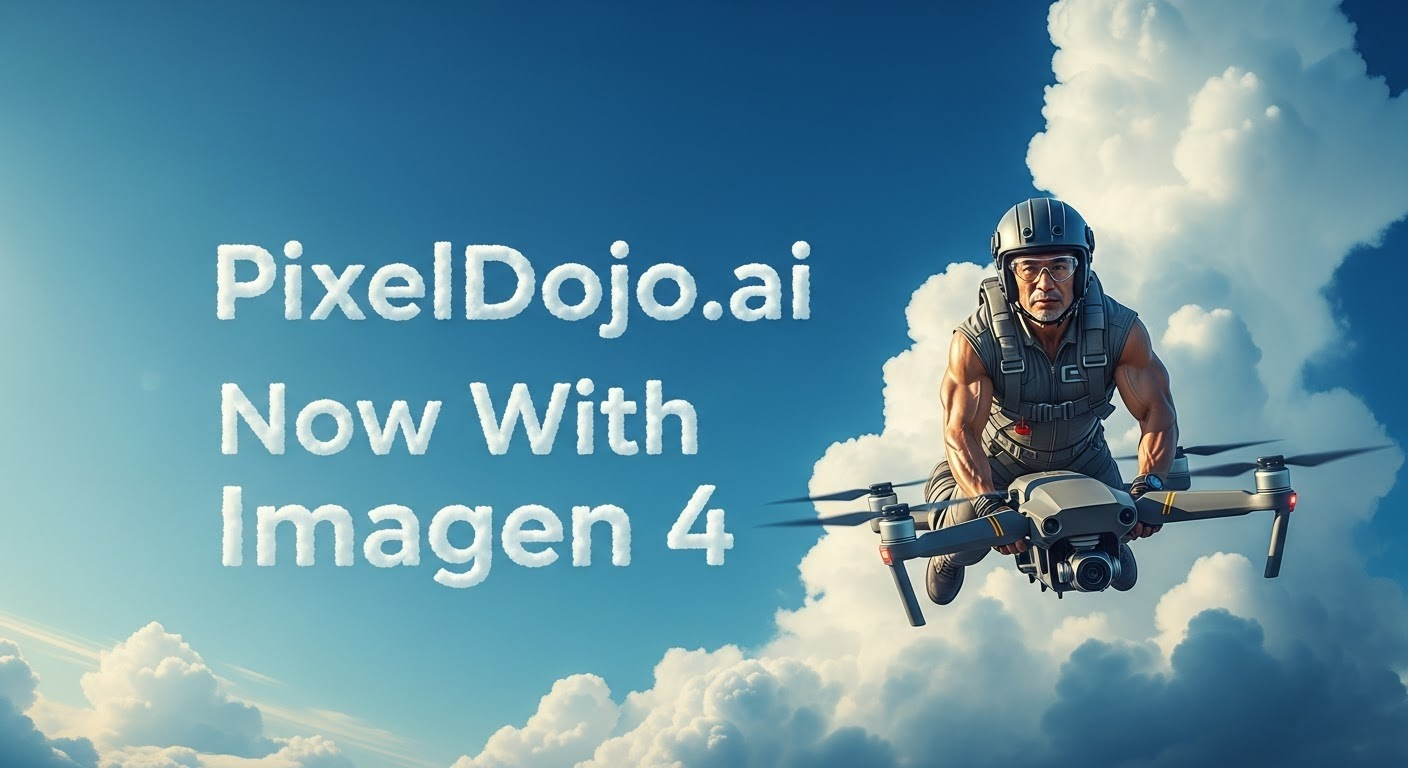
Generated on PixelDojo. Produced by PixelDojo's generation pipeline.
Transform your creative ideas into reality with PixelDojo's AI Mashup Maker. Effortlessly blend multiple images to produce unique, captivating visuals that stand out. Whether you're a designer, marketer, or hobbyist, our AI-powered tools enable you to create stunning mashups without any technical expertise.
Real image examples generated on PixelDojo
Every example below was produced on PixelDojo. Hover to see the prompt.
A photo of a man flying through the air on a drone
stable-diffusion

Create a YouTube Header for "FLUXPRO" AI image generation
flux
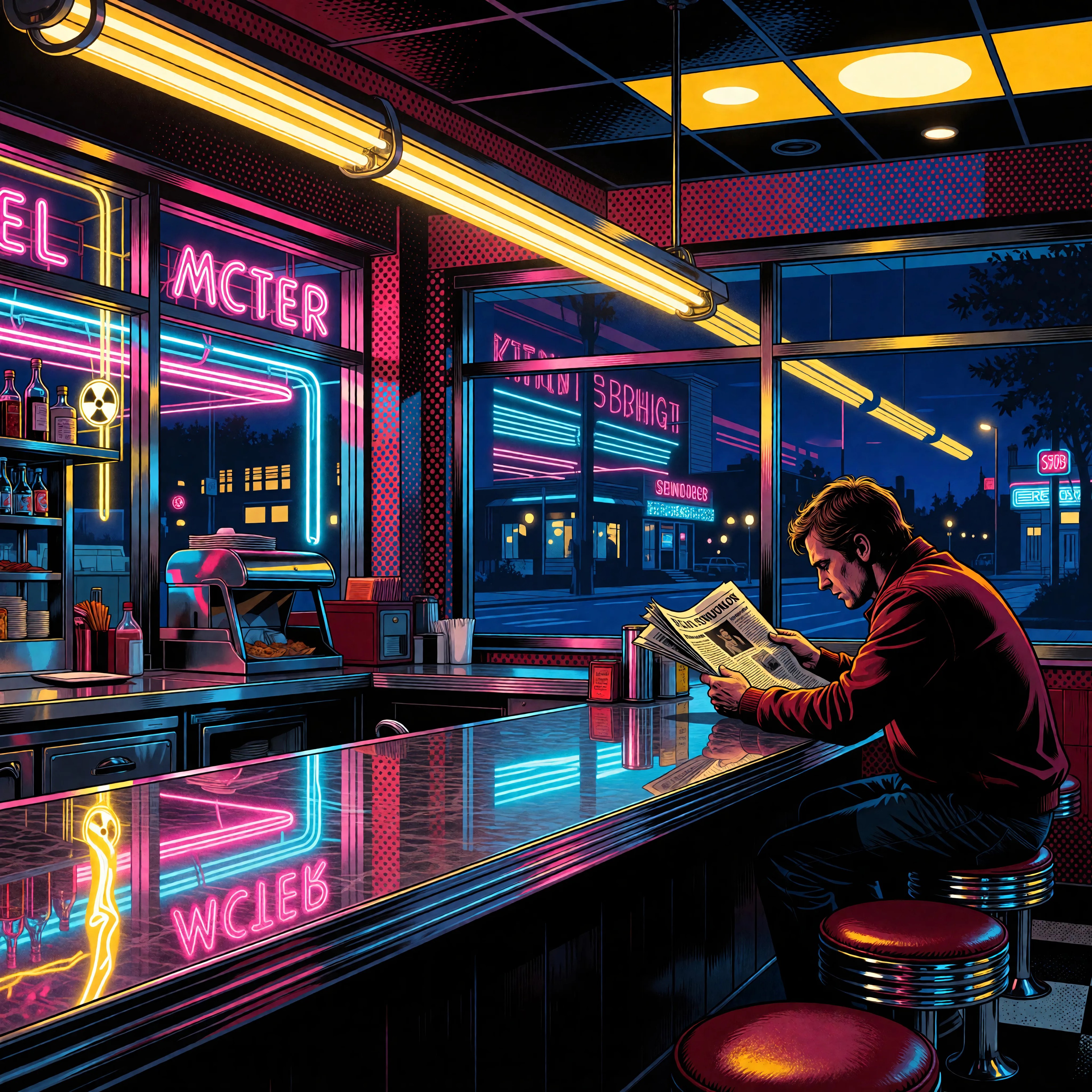
Ia-stylized
image-to-image
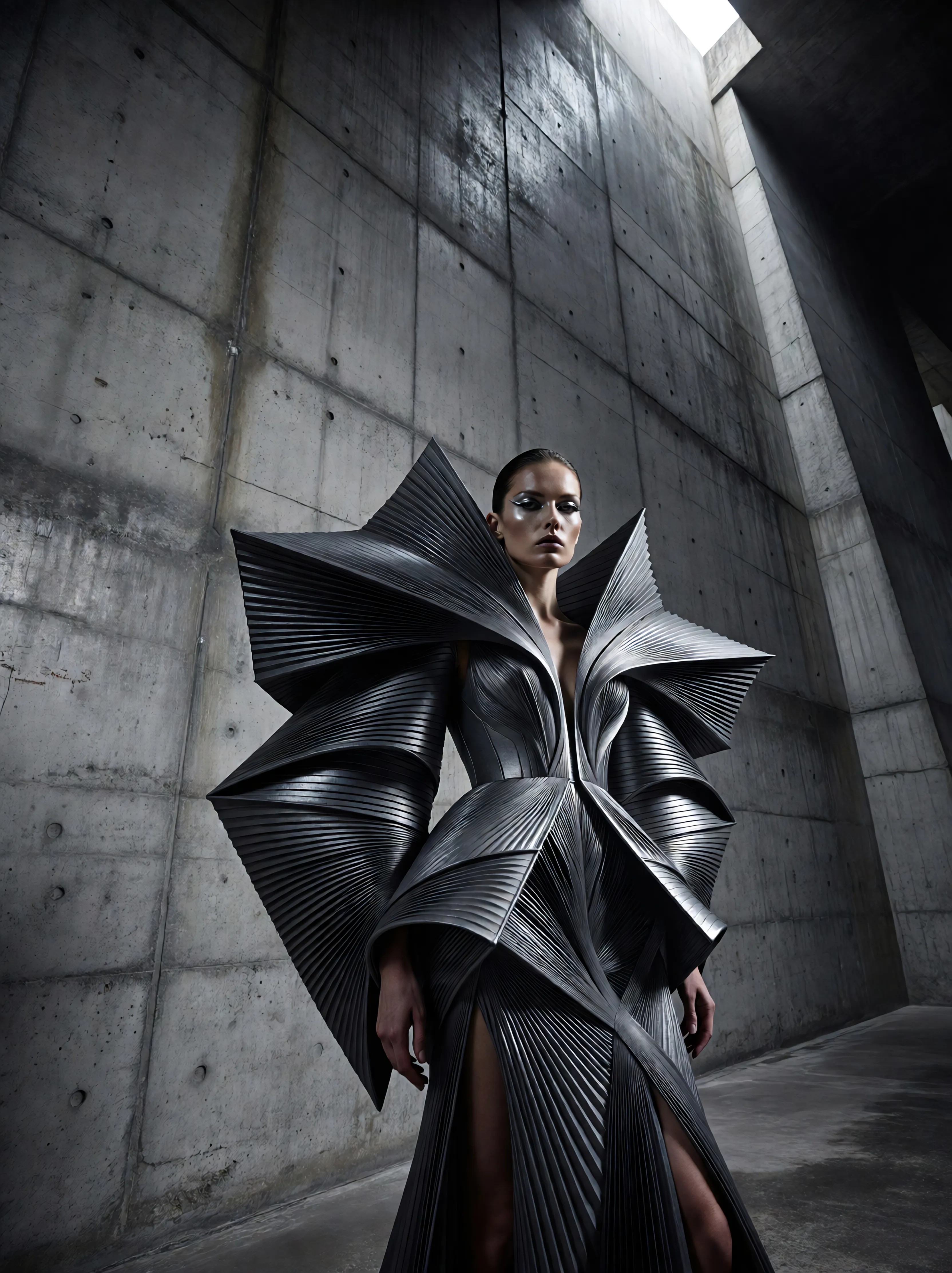
Ia-fashion
image-to-image
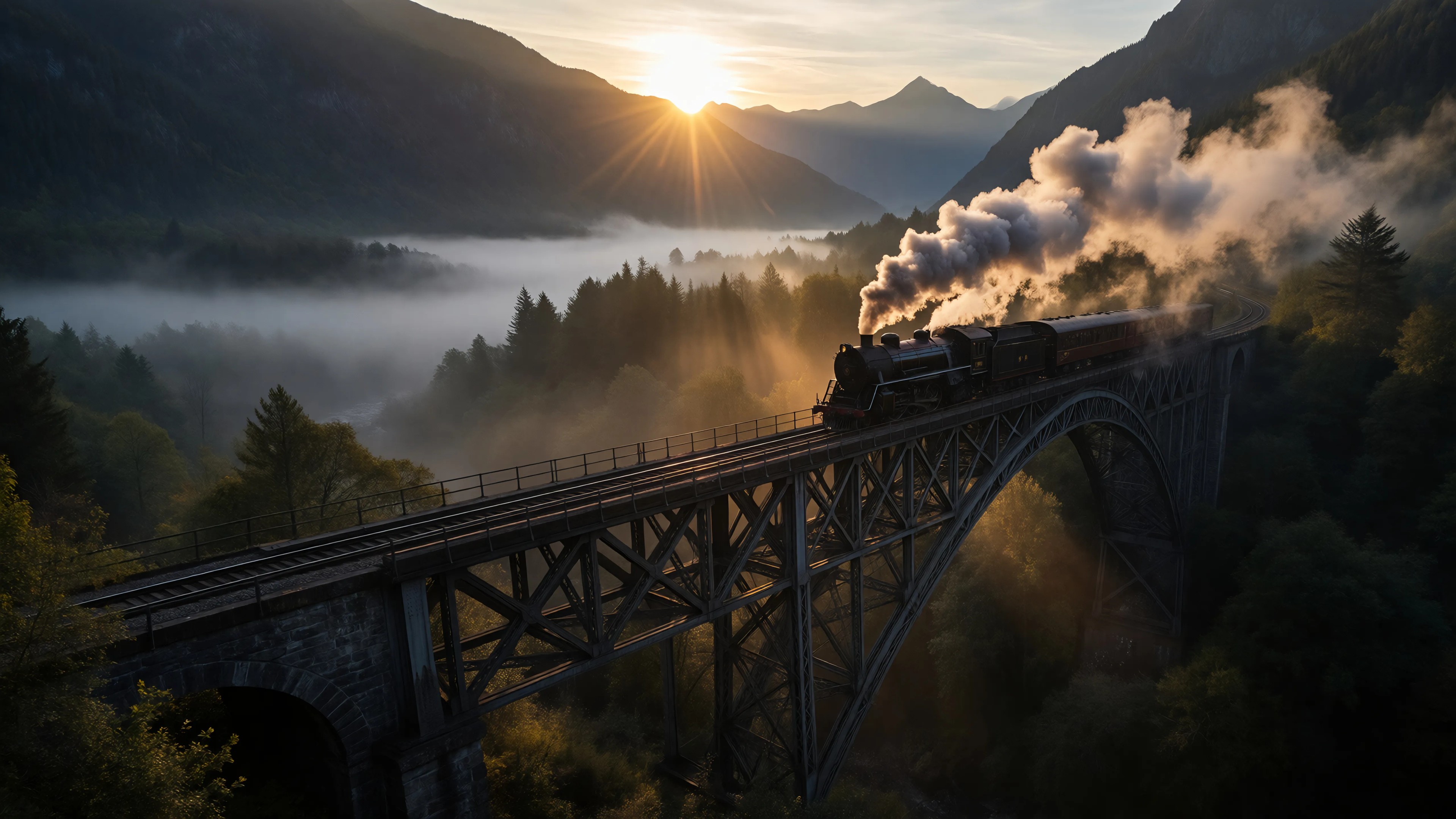
Ia-cinematic
image-to-image
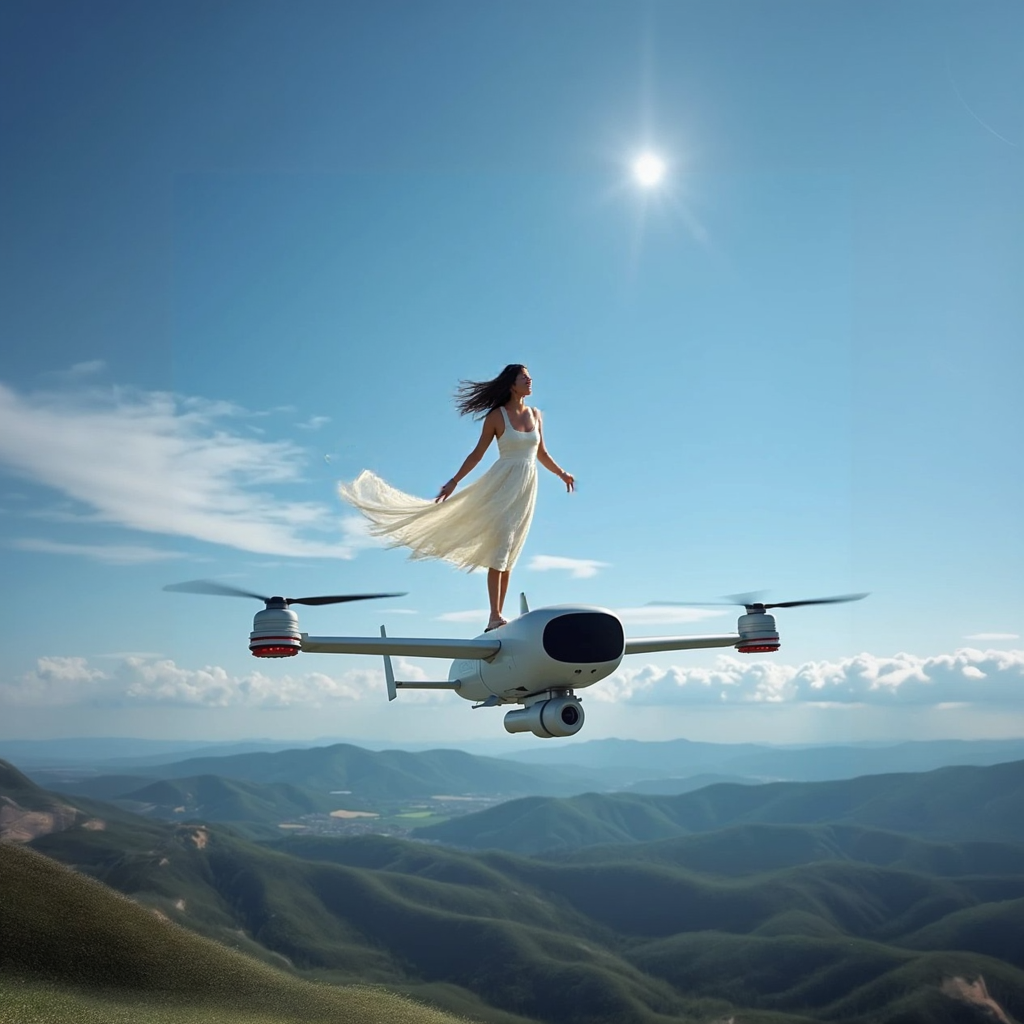
A photo of ALEMAP woman
flux-inpainting-lora
Models you can run on PixelDojo for ai mashup maker
Switch models without switching tools. Each one runs in the same PixelDojo studio.
What you can do with ai mashup maker on PixelDojo
Combine Multiple Reference Images
Creators upload several images at once. We blend their features to produce new results.
Control Blend Ratios Precisely
Adjust sliders for each input. This determines how much influence each source has on the output.
Generate Variations From Inputs
Start with base images and prompts. We create multiple mashup options for review.
Save And Iterate Designs
Download generated images directly. Creators return to previous sessions to refine further mashups.
Join over 10,000 satisfied creators who have enhanced their projects using PixelDojo's AI tools. Rated 4.8/5 based on 2,000+ reviews.
Why Choose Pixel Dojo for ai mashup maker
Professional-quality results with cutting-edge AI technology
Effortless Creativity
Combine images seamlessly to produce unique visuals without any design skills.
Time-Saving
Generate high-quality image mashups in seconds, streamlining your creative process.
Versatile Applications
Use your mashups for marketing, social media, personal projects, and more.
How It Works
Creating stunning image mashups with PixelDojo is simple and intuitive. Follow these steps to bring your ideas to life:
Step 1: Choose Your Base Image
Select the primary image you want to use as the foundation for your mashup.
Step 2: Select Additional Elements
Pick the images or elements you wish to blend with your base image.
Step 3: Customize & Generate
Adjust the blending settings to your preference and let PixelDojo's AI create your mashup.
The Pixel Dojo Advantage
Why PixelDojo outperforms other options for AI mashup creation:
| Others | Pixel Dojo |
|---|---|
| Traditional Image Editing | No need for complex software or advanced skills; create mashups effortlessly. |
| Generic AI Tools | Specialized features tailored for high-quality image blending and mashups. |
| Manual Photo Manipulation | Save hours of manual work with our AI-driven automation. |
Loved by creators on PixelDojo
Real feedback from people using PixelDojo, pulled from our in-product surveys.
Qwen image 2 is amazing!!
Creative freedom, range of tools and options.
I love the training feature
the quality is the best
All the tools needed in one dashboard
Very fair and very broad in tools.
Explore more AI tools on PixelDojo
Popular AI Models
AI Tools
Compare & Switch
- Best AI Image Generators
- Best AI Video Generators
- Midjourney Alternatives
- Civitai Alternatives
- Runway Alternatives
- Leonardo Alternatives
- Pika Alternatives
- Luma Alternatives
- Magnific Alternatives
- Veo Alternatives
- Flux Alternatives
- Freepik Alternatives
- Seedance Alternatives
- Seedream Alternatives
- Pixverse Alternatives
- GPT Image Alternatives
- Synthesia Alternatives
- Playground Alternatives
- NightCafe Alternatives
- Canva AI Alternatives
- ElevenLabs Alternatives
- ComfyUI Alternatives
- Fal Alternatives
- Replicate Alternatives
Common Questions
Everything you need to know about ai mashup maker
How does PixelDojo's AI Mashup Maker work?
Our AI analyzes and blends your selected images to create a cohesive mashup, allowing you to adjust settings for optimal results.
Do I need design experience to use PixelDojo?
No, our tools are user-friendly and require no prior design skills. Simply follow the guided steps to create your mashups.
Can I use the mashups for commercial purposes?
Yes, the images you create with PixelDojo can be used for both personal and commercial projects.
Is there a limit to the number of mashups I can create?
With our subscription, your monthly credits are the only limit on how many mashups you create, with no daily caps.
What file formats are supported for upload?
PixelDojo supports common image formats such as JPEG, PNG, and BMP for uploads.
Can I cancel my subscription at any time?
Yes, you can cancel your subscription at any time without any penalties.