try grok imagine AI Generator
Generated on PixelDojo. Produced by PixelDojo's generation pipeline.
Imagine describing a product shot, a cinematic scene, or a social graphic and seeing a polished image appear in seconds. That is exactly what you get when you try Grok Imagine on PixelDojo. You skip the wait, the guesswork, and the limits that slow other platforms. Grok Image delivers the speed you need to explore ideas, test compositions, and produce assets you can actually use in campaigns, stores, and content calendars. PixelDojo puts Grok Image alongside 40+ other cutting-edge tools so you never have to leave the platform. Generate, refine with Image to Image or Inpainting, remove backgrounds, and upscale without switching tabs. Thousands of creators already rely on this workflow because it turns concepts into finished visuals faster than traditional photography or generic generators. You keep full commercial rights, generate as much as you want, and cancel anytime. Whether you are building mood boards, product listings, or character concepts, Grok Imagine on PixelDojo gives you the outcomes that move projects forward today.
Real image examples generated on PixelDojo
Every example below was produced on PixelDojo. Hover to see the prompt.
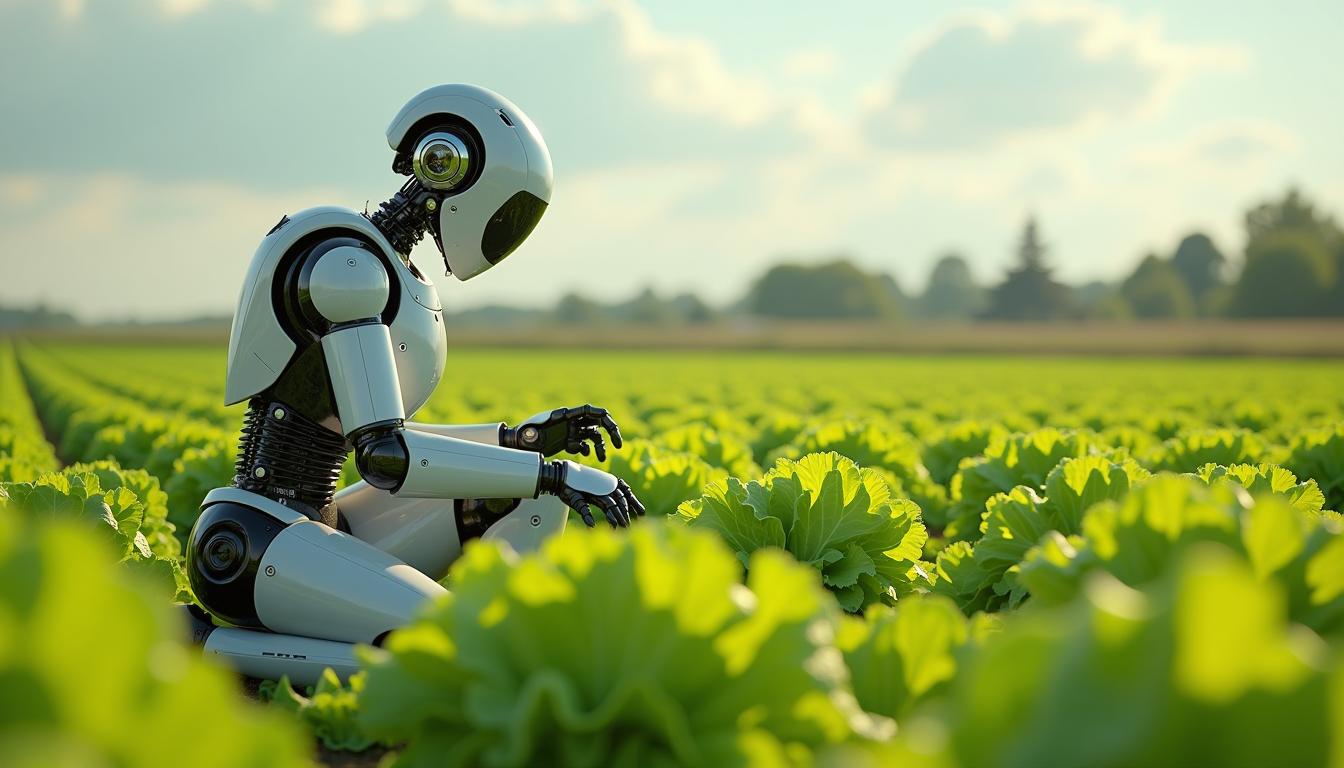
Create an image of a many lots 10 streampunk android robot on their knees picking lettuce
flux
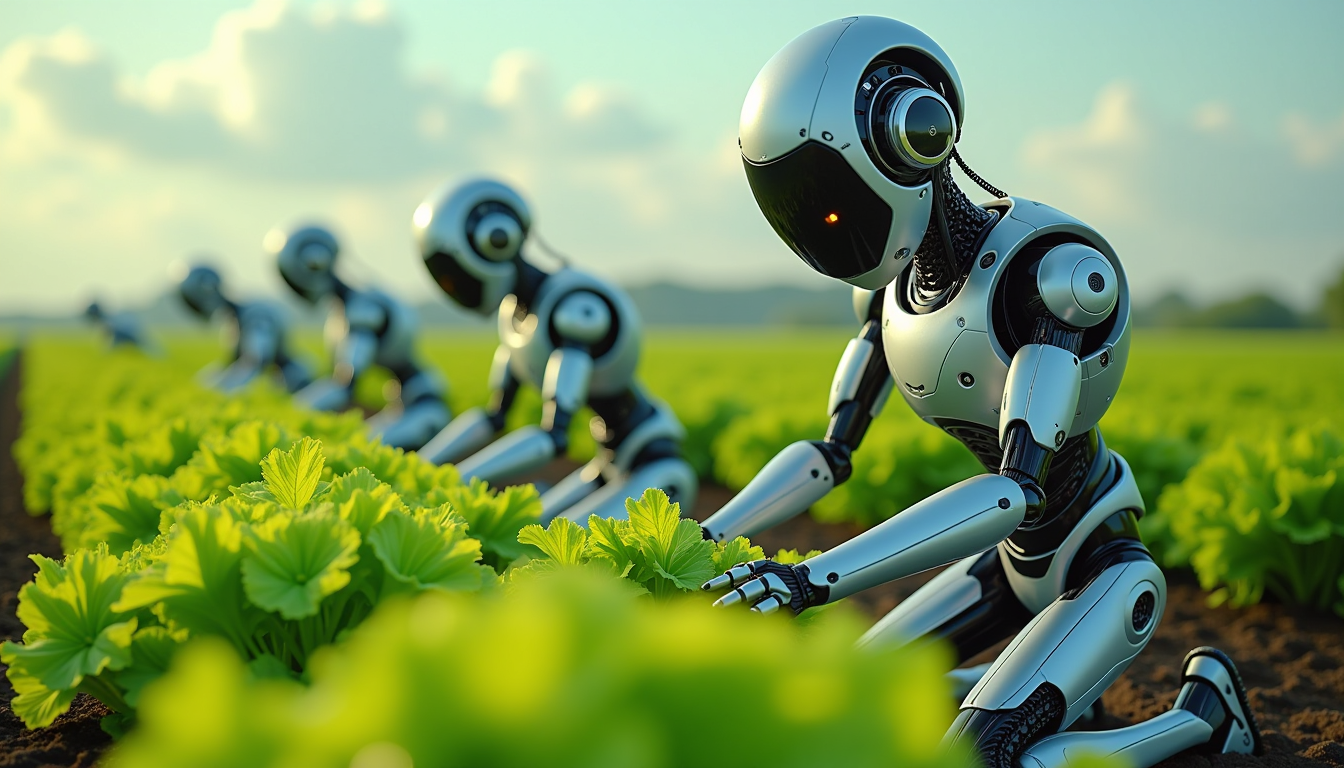
Create an image of a many lots 10 streampunk androids robots on their knees picking lettuc…
flux
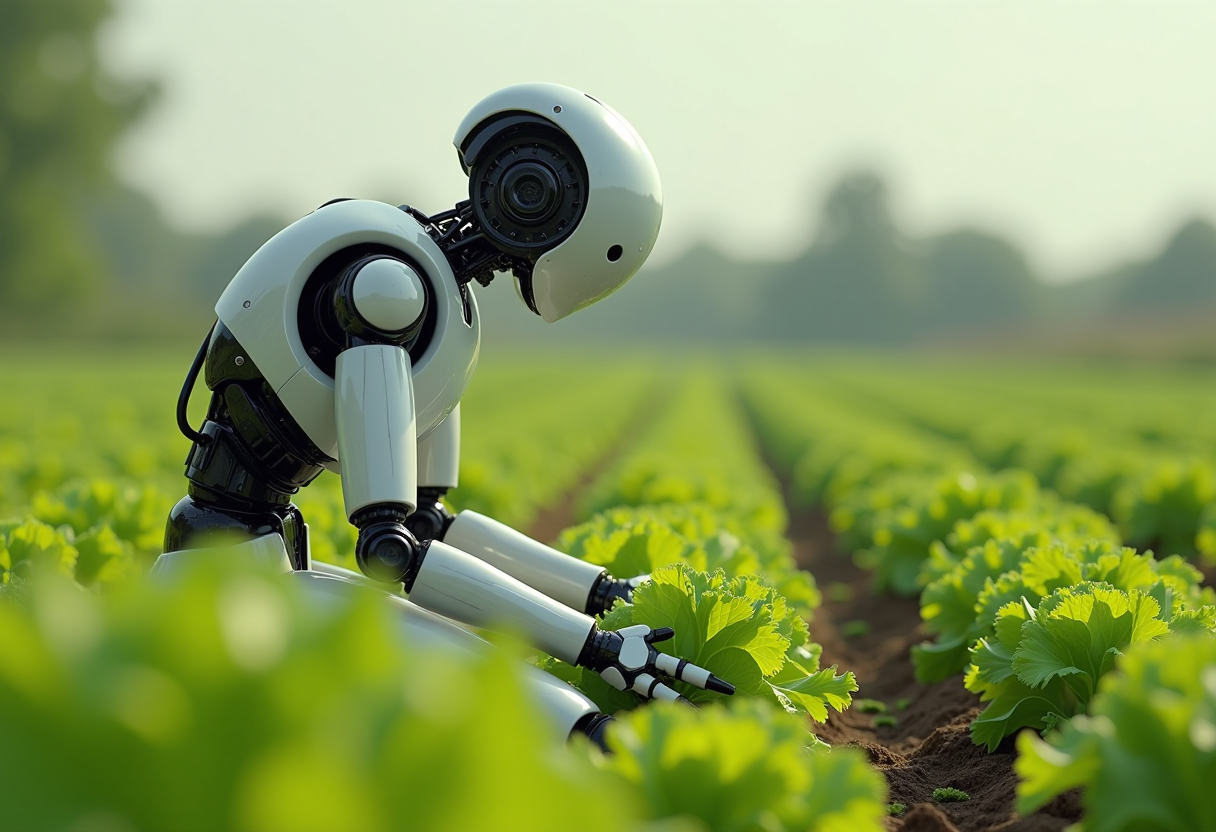
Create an image of a many streampunk android robot on their knees picking lettuce
flux
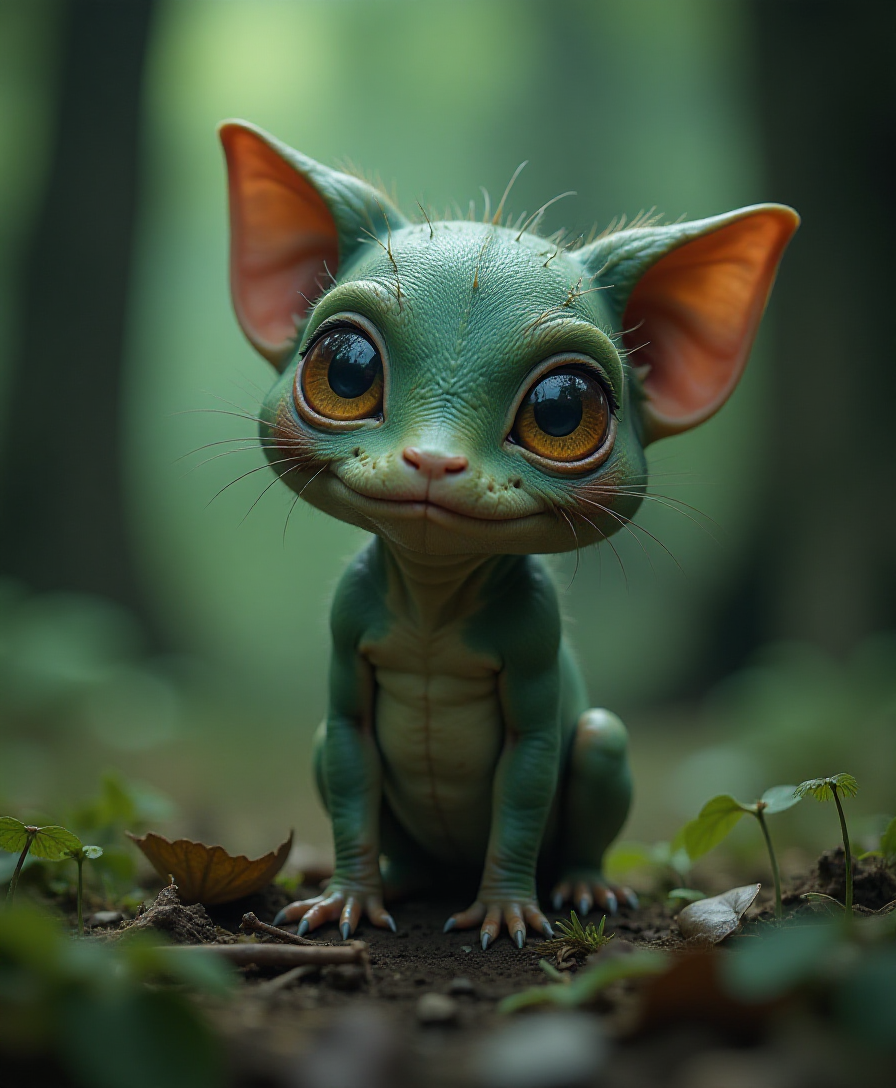
Goofy forest SUBJECT little creature
flux
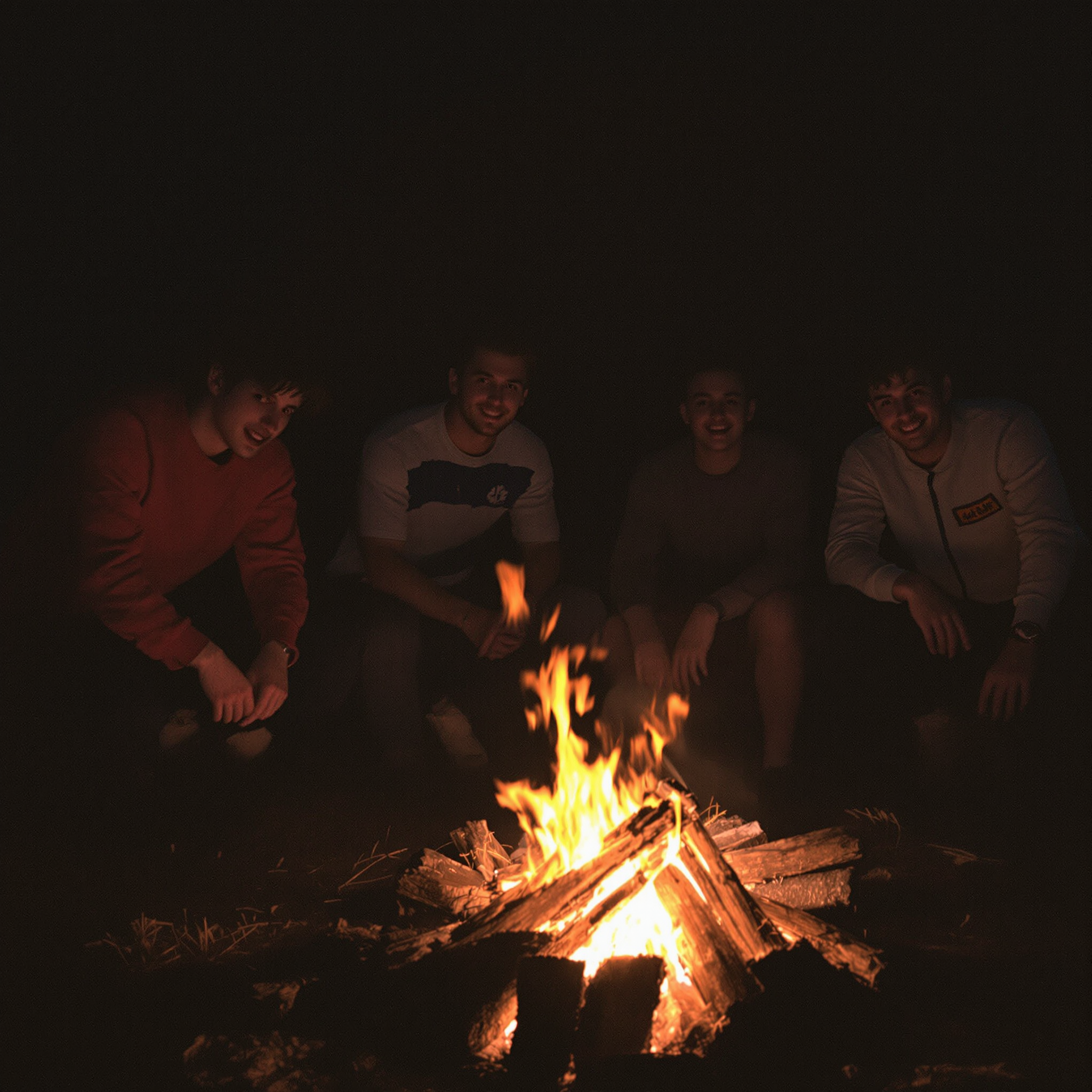
Few friends all different style small fire at night in the wood
flux
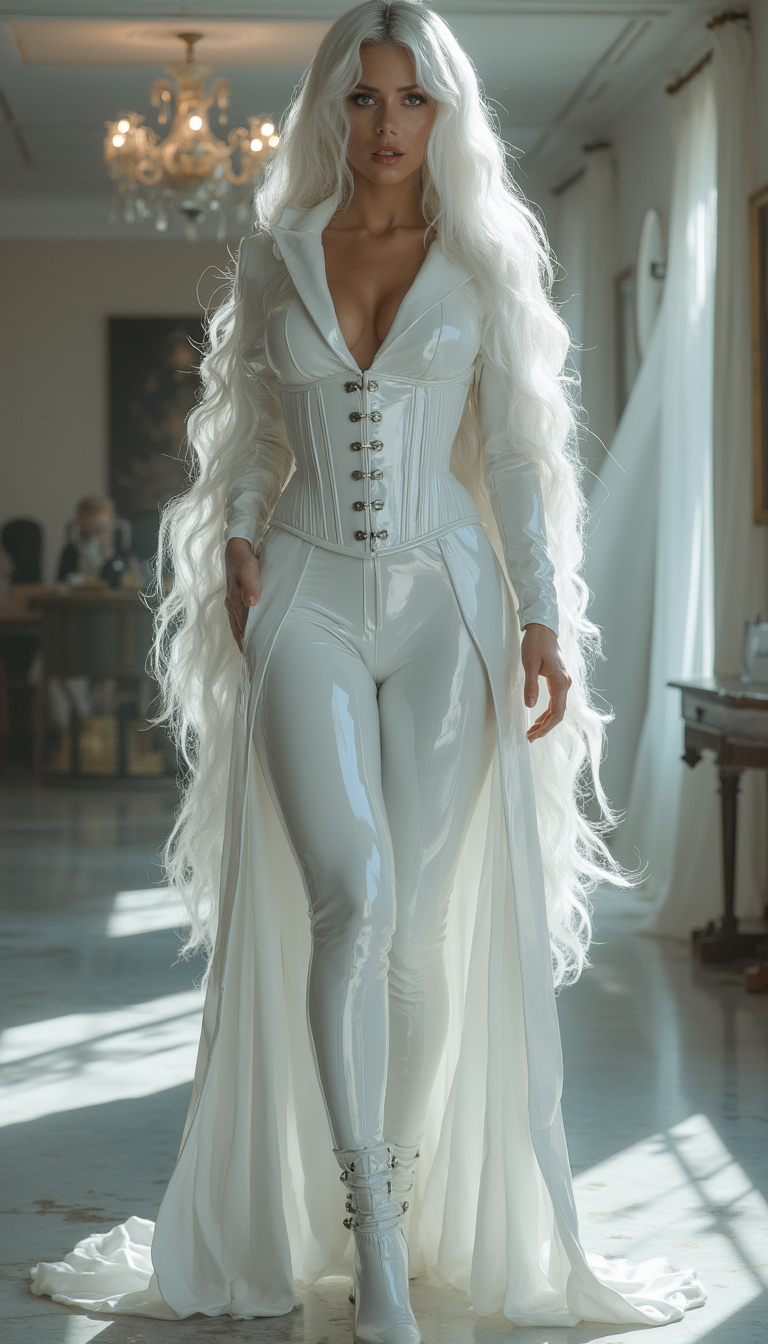
Image from library
flux-studio
Models you can run on PixelDojo for try grok imagine
Switch models without switching tools. Each one runs in the same PixelDojo studio.
What you can do with try grok imagine on PixelDojo
Grok Imagine on PixelDojo
We host Grok Imagine so you can turn text prompts into still images without leaving PixelDojo. You keep the same workspace for prompt, generate, and download.
Prompt Driven Still Images
Describe the scene, subject, and style, then generate images you can review and re-run. We keep the flow simple so you can focus on the brief.
Aspect Ratios You Need
We support common aspect ratios for social, web, and print so you can match the output to where it will be used. You export files ready for your next step.
Iterate Until It Fits
Regenerate, tweak the prompt, and try new variations from the same starting idea. We store your runs so you can compare versions and pick the one that works.
Loved by thousands of creators worldwide who have generated millions of images. 40+ cutting-edge AI tools in one place, commercial-use license included, cancel anytime. Join the community that ships visuals faster.
Why Choose Pixel Dojo for try grok imagine
Professional-quality results with cutting-edge AI technology
Explore Ideas at Full Speed
Generate multiple variations in minutes so you can react to real images instead of theorizing in a prompt. You test lighting, angles, and styles quickly, then pick winners for ads, thumbnails, or presentations without losing creative momentum.
Ship Photorealistic Assets Instantly
Create images that look photographed with accurate materials, lighting, and composition. You produce catalog-ready product shots, lifestyle scenes, and portraits that convert viewers into customers the same day you start.
Refine Without Starting Over
Keep the parts you love and change only what needs work using Inpainting, Background Remover, Style Transfer, and Magic Lighting. You finish professional results that would otherwise require hours of manual editing or complete regenerations.
How It Works
You create Grok Imagine images on PixelDojo in three straightforward steps. The platform is built so you spend time on ideas, not interfaces.
Step 1: Choose Your Tool
Log into PixelDojo and open Generate Images. Select Grok Image from the suite that also includes Nano Banana 2, GPT Image 2, Flux.2 Studio, Krea Image, QWEN Image 2, Seedream 5, Ideogram 4, and many more. Grok Image is tuned for rapid, high-fidelity output with strong prompt following, making it ideal when you want volume plus quality. You can switch models later if a different style is needed, all inside the same workspace.
Step 2: Enter Your Prompt
Type a clear, natural-language description covering subject, environment, lighting, camera, and style. Strong examples include 'premium wireless headphones on seamless gray backdrop, three-point studio lighting, centered commercial catalog shot' or 'woman in linen dress on a stone balcony at sunset, 85mm lens, shallow depth of field, warm film tones.' Grok Imagine responds best to concrete scenes rather than keyword lists. Generate several versions at once to compare.
Step 3: Customize & Download
Review the results, then refine with PixelDojo editing tools such as Image to Image, Inpainting, Change Camera Angle, Background Remover, or Reality Polisher. Apply Upscale & Enhance options like P-Image Upscale or Magnific Upscaler for extra sharpness. Download high-resolution files ready for web, print, or social. You can also send the image into Grok Video or other video tools if you need motion next.
The Pixel Dojo Advantage
Why PixelDojo outperforms other options for Grok Imagine image generation
| Others | Pixel Dojo |
|---|---|
| Traditional photography and design | You eliminate studio rentals, model fees, and days of post-production. Generate unlimited professional images with Grok Image in seconds, then polish them with built-in editors for results that look photographed. |
| Generic AI tools | You get Grok Image plus 40+ specialized models, editing, upscaling, character tools, and video in one account. No daily caps, commercial licenses included, and seamless switching so you always use the best tool for each task. |
| Manual photo editing | You start with a strong Grok Imagine base instead of a blank canvas. Targeted tools like Inpainting, Magic Lighting, and Style Transfer let you achieve polished, production-ready files in minutes rather than hours of layer work. |
Loved by creators on PixelDojo
Real feedback from people using PixelDojo, pulled from our in-product surveys.
super easy to use
it's very easy to use
Practically every Ai suite in one place? Who wouldn't?
versatile menu of tools
Best AI tool availble the suite is rad
Versatility quality, value, ROI, innovation
Explore more AI tools on PixelDojo
AI Tools
Compare & Switch
- Best AI Image Generators
- Best AI Video Generators
- Midjourney Alternatives
- Civitai Alternatives
- Runway Alternatives
- Leonardo Alternatives
- Pika Alternatives
- Luma Alternatives
- Magnific Alternatives
- Veo Alternatives
- Flux Alternatives
- Freepik Alternatives
- Seedance Alternatives
- Seedream Alternatives
- Pixverse Alternatives
- GPT Image Alternatives
- Synthesia Alternatives
- Playground Alternatives
- NightCafe Alternatives
- Canva AI Alternatives
- ElevenLabs Alternatives
- ComfyUI Alternatives
- Fal Alternatives
- Replicate Alternatives
Common Questions
Everything you need to know about try grok imagine
How can I try Grok Imagine image generation for free on PixelDojo?
Create a free PixelDojo account with no credit card required. You receive starter credits that let you generate immediately with Grok Image and explore the rest of the 40+ tools. Generate, edit, and download to see the quality firsthand. Paid plans unlock higher volume and priority speed, and you can cancel anytime.
What are the best Grok Imagine prompts for product photography and ads?
Lead with a specific subject, then add environment, lighting, camera, and style in natural sentences. Example: 'matte black EV hatchback three-quarter front view on wet asphalt at dusk, dramatic rim lighting, commercial automotive photography, sharp focus.' PixelDojo's Grok Image follows these details closely so you get catalog-ready shots you can use in listings and campaigns right away.
Can I edit images after I generate them with Grok Imagine on PixelDojo?
Yes. After Grok Image creates the base, use Image to Image, Inpainting, Background Remover, Style Transfer, Magic Lighting, Change Camera Angle, and Reality Polisher to adjust only the parts you want. You preserve the successful elements instead of regenerating the entire image, saving time and keeping consistency.
Does PixelDojo include a commercial license for Grok Imagine images?
Every image you generate comes with full commercial-use rights. You can use the results in ads, e-commerce, social media, client work, and merchandise without extra fees. Combined with the 40+ tools and cancel-anytime policy, PixelDojo is built for professionals who need to ship work.
How do I get consistent characters or products across multiple Grok Imagine generations?
Use PixelDojo's Characters & Faces tools such as Consistent Characters, Character Sheets, and Ideogram Character alongside Grok Image. You can also apply Face Swap or Flux Pro Virtual Try-On. For products, generate once then refine with Image to Image using the original as reference so branding and details stay locked.
What other PixelDojo tools work well with Grok Imagine images?
After generating with Grok Image you can upscale with P-Image Upscale or Magnific Upscaler, animate with Grok Video or Kling Video, edit video with Grok Video Edit, create 3D with Rodin, or train custom styles with Flux Trainer. Everything lives in one platform so your workflow stays fast from still to motion to final delivery.