try ideogram 4 AI Generator
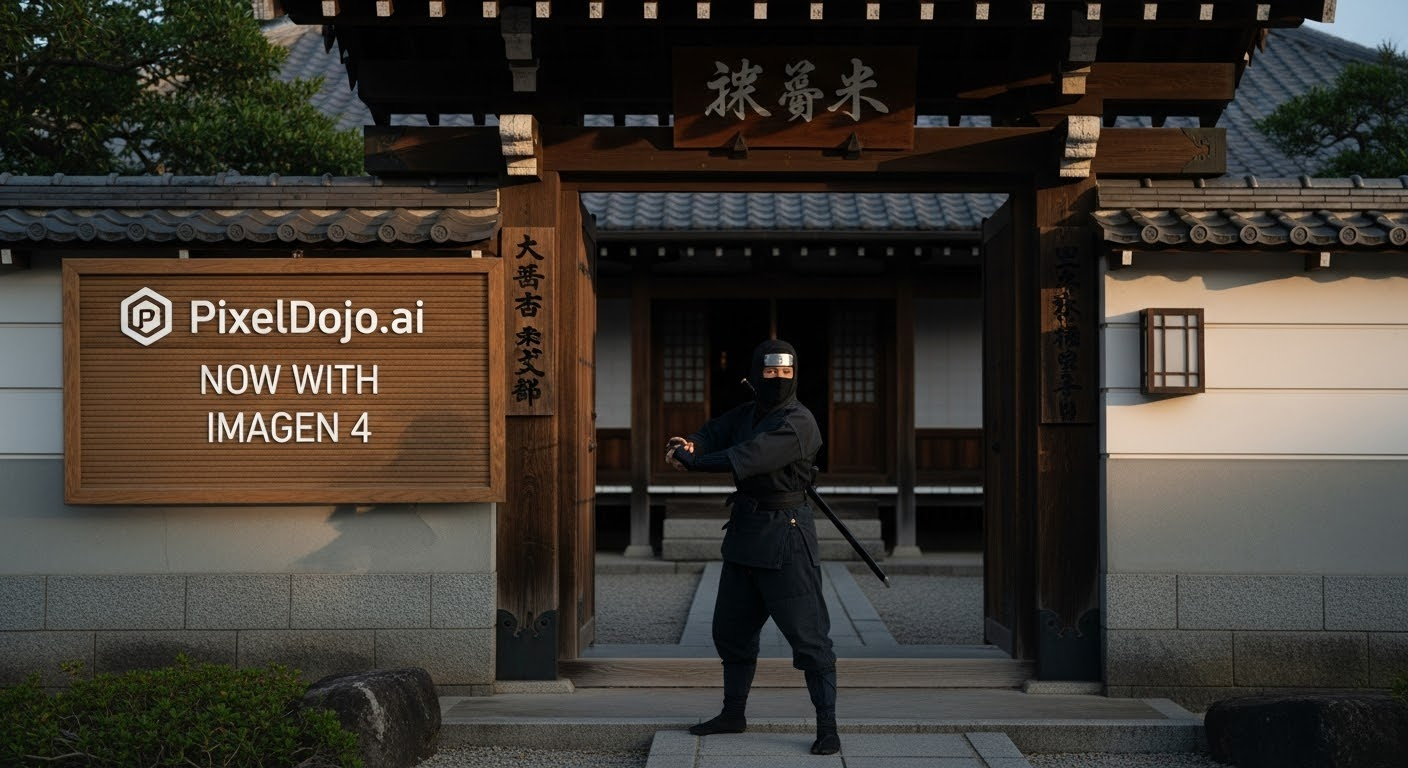
Generated on PixelDojo. Produced by PixelDojo's generation pipeline.
You can finally create marketing graphics, product packaging, social posts and posters where every word looks professionally typeset and every element sits exactly where it belongs. Try Ideogram 4 on PixelDojo and watch your ideas become high-resolution, print-ready assets in seconds instead of hours. Ideogram 4 specializes in production-quality in-image text across languages, precise spatial layouts and native 2K output so your designs hold up on packaging, billboards or digital ads. PixelDojo brings this capability together with 40+ complementary tools so you generate, refine, upscale and even animate everything in one seamless workspace. Thousands of creators already rely on this combination to launch campaigns faster, maintain brand consistency and produce work that actually converts. No design degree required—just describe what you want and download results that look like they came from a full studio. Start today and experience the difference when text rendering and layout control actually work the way you expect.
Real image examples generated on PixelDojo
Every example below was produced on PixelDojo. Hover to see the prompt.
A photo of a ninja in front of a japanese dojo
stable-diffusion
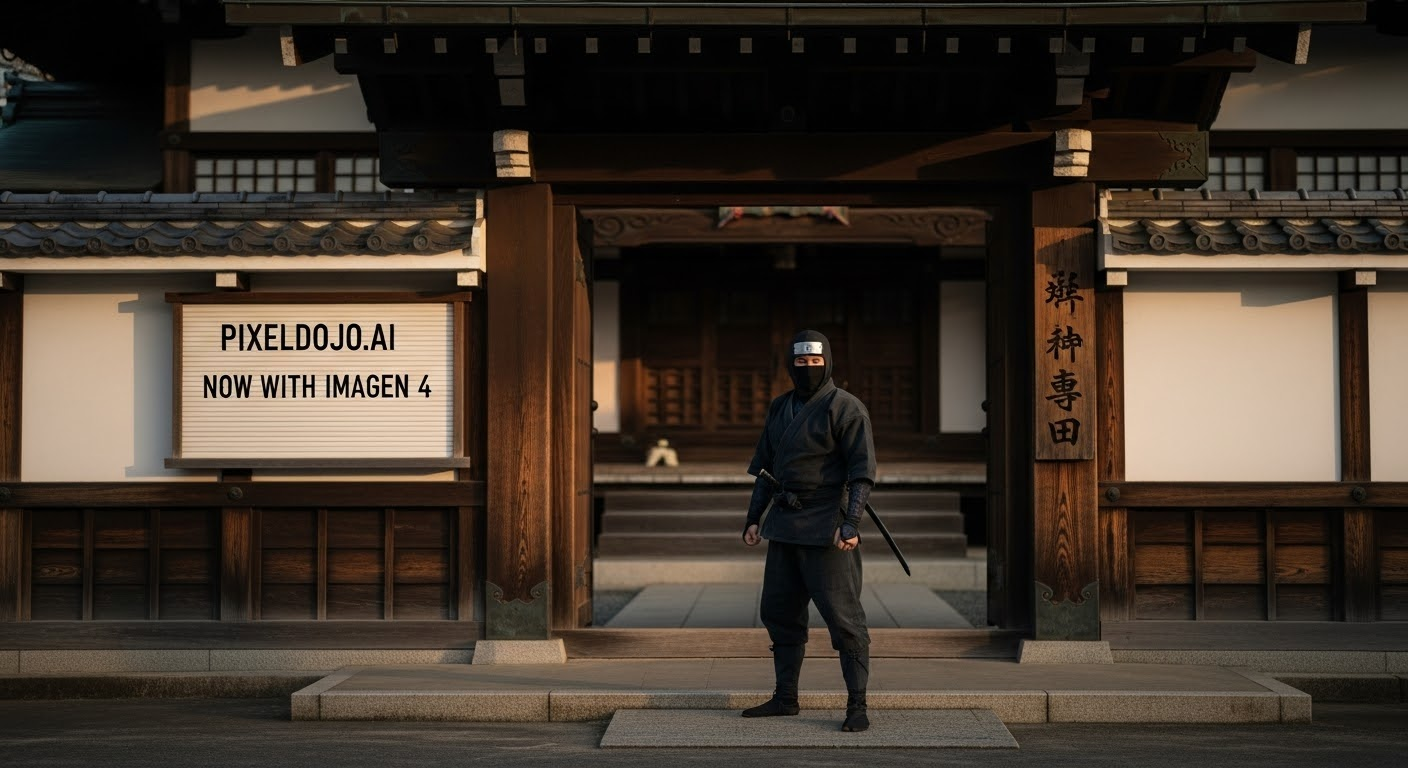
A photo of a ninja in front of a japanese dojo
stable-diffusion
Wi-stylized
image-to-image
Ia-stylized
image-to-image
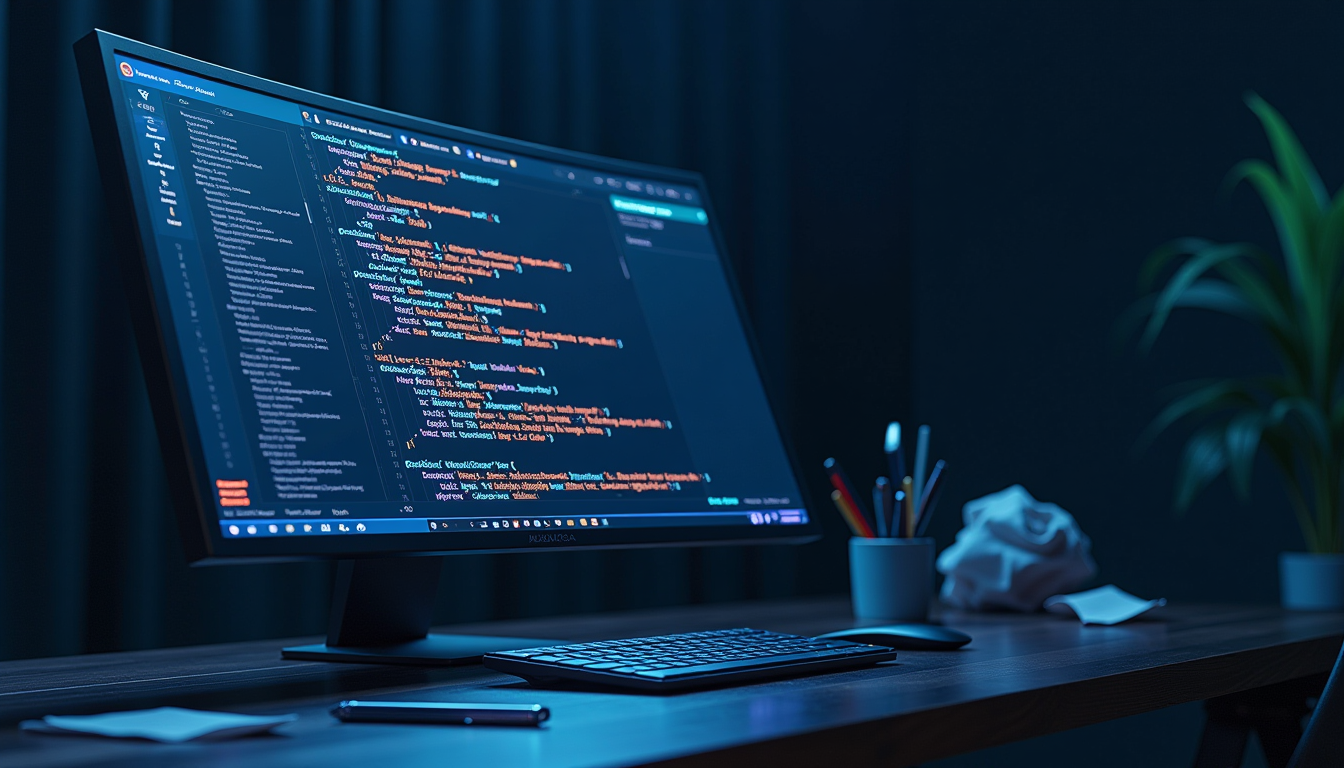
A futuristic
stable-diffusion
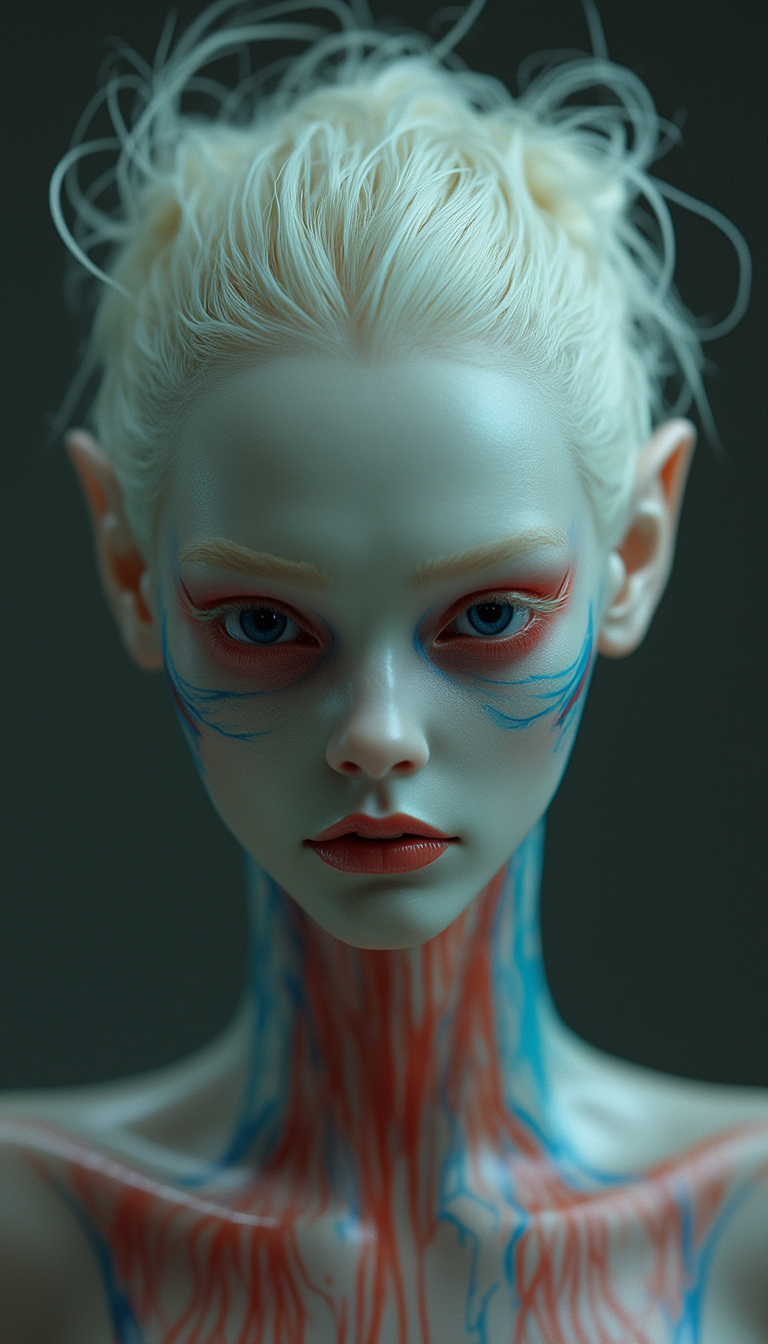
An alien creature with transparent jelly-like skin
stable-diffusion
Models you can run on PixelDojo for try ideogram 4
Switch models without switching tools. Each one runs in the same PixelDojo studio.
What you can do with try ideogram 4 on PixelDojo
Generate with Ideogram 4
We give you Ideogram 4 on PixelDojo so you can turn prompts into still images without leaving the studio. Pick the model, write your brief, and render.
Readable text in images
Ideogram 4 is built to place words, logos, and labels inside the picture with clearer lettering than many other generators. Use it when posters, packaging mockups, or UI concepts need actual copy.
Styles from a single prompt
Describe subject, lighting, and look in one prompt and we run it through Ideogram 4. You can iterate on composition and mood without switching tools.
Export ready for creators
We keep generations in your PixelDojo workspace so you can review, regenerate, and download files for editing or client work. No extra app is required to try Ideogram 4.
Loved by thousands of creators worldwide who produce professional posters, logos and branded assets daily. PixelDojo delivers 40+ cutting-edge AI tools including Ideogram 4, with the flexibility to cancel anytime.
Why Choose Pixel Dojo for try ideogram 4
Professional-quality results with cutting-edge AI technology
Get Print-Ready Typography Without Fixes
You produce posters, labels, ads and packaging where headlines, body copy and fine print appear sharp, correctly spelled and beautifully styled in any language. Ideogram 4's industry-leading text rendering means your graphics leave PixelDojo ready for print or upload—no hours spent correcting letters or rebuilding type.
Lock Layouts That Stay Consistent Across Campaigns
You place logos, callouts and subjects in exact positions using bounding-box control so every variation in a series matches. This gives you cohesive social grids, product lines and ad sets without starting over, turning one successful generation into an entire visual system.
Ship On-Brand Assets at 2K Quality in Minutes
You match hex color palettes, lighting and style so every image feels like it belongs to your brand. Combine Ideogram 4 with PixelDojo editors and upscalers to go from prompt to downloadable, high-resolution files that look professionally art-directed.
How It Works
You create stunning Ideogram 4 images on PixelDojo in three simple steps that take you from idea to polished, downloadable design using our specialized generation and editing tools.
Step 1: Choose Your Tool
Sign in to PixelDojo and open Generate Images. Select Ideogram 4 or P-Image Ideogram to access the latest text-rendering and layout strengths. You can also choose Ideogram Character when you need consistent figures across a set. Pick your aspect ratio and quality preset—the interface is built so you begin generating immediately without setup or technical knowledge.
Step 2: Enter Your Prompt
Describe your image in everyday language. Put any words that must appear exactly as written inside quotation marks, for example "LIMITED EDITION DROP". Add simple position cues such as "bold title across the top third" or let Magic Prompt expand your sentence into a detailed structured caption automatically. For maximum precision you can supply JSON with bounding boxes and color palettes. Ideogram 4 interprets your intent deeply so the first results already look close to finished.
Step 3: Customize & Download
Review the grid of generations, then move into Edit Images. Use Inpainting for small corrections, Background Remover for clean cutouts, Style Transfer or Magic Lighting to refine mood, and Image Outpainting to extend the canvas. Finish with P-Image Upscale, Magnific Upscaler or Clarity Pro for extra sharpness. Download high-resolution files or continue into video tools. The entire flow stays inside PixelDojo so you iterate until the asset is perfect.
The Pixel Dojo Advantage
Why PixelDojo outperforms other options for Ideogram 4 image generation
| Others | Pixel Dojo |
|---|---|
| Traditional graphic design software | You generate complete, text-perfect compositions in seconds instead of spending hours drawing, typesetting and compositing by hand. Professional results appear without specialized software skills or a large team. |
| Generic AI tools | You get dedicated Ideogram 4 alongside complementary models such as Flux.2 Studio, QWEN Image and Seedream plus a full editing and upscaling suite, all working together so your workflow never fragments. |
| Manual photo editing | You begin with native 2K images that already contain accurate text and layouts, then apply targeted AI edits rather than rebuilding everything pixel by pixel, dramatically shortening production time. |
Loved by creators on PixelDojo
Real feedback from people using PixelDojo, pulled from our in-product surveys.
I really like the schedule of AI work performed!
The best tools for IA on the web !
The guy that operates the website is constantly updating it
I’ve been using PixelDojo for around 8 months now and it’s always worked wonderfully while constantly adding features.
The site is easy to navigate and use.
All the tools, readily available and easy to understand
Explore more AI tools on PixelDojo
AI Tools
Compare & Switch
- Best AI Image Generators
- Best AI Video Generators
- Midjourney Alternatives
- Civitai Alternatives
- Runway Alternatives
- Leonardo Alternatives
- Pika Alternatives
- Luma Alternatives
- Magnific Alternatives
- Veo Alternatives
- Flux Alternatives
- Freepik Alternatives
- Seedance Alternatives
- Seedream Alternatives
- Pixverse Alternatives
- GPT Image Alternatives
- Synthesia Alternatives
- Playground Alternatives
- NightCafe Alternatives
- Canva AI Alternatives
- ElevenLabs Alternatives
- ComfyUI Alternatives
- Fal Alternatives
- Replicate Alternatives
Common Questions
Everything you need to know about try ideogram 4
How can I try Ideogram 4 image generation for free on PixelDojo?
Create a PixelDojo account and go straight to Generate Images. Select Ideogram 4 or P-Image Ideogram and start prompting immediately. New users receive credits that let you experiment with posters, logos and packaging designs. You also gain access to 40+ other tools for editing, upscaling and even training custom models. Cancel anytime if it does not fit, yet thousands of creators stay because the combination of perfect text and easy workflow produces results they can actually use.
What are the best Ideogram 4 prompting techniques for flawless text rendering?
Enclose the exact words you want rendered in double quotes so Ideogram 4 treats them as typography rather than description. Add clear position language such as "headline across the top third" or "small caption beneath the product". Name the lettering style—tall serif, clean sans-serif, hand-lettered—and let Magic Prompt expand a short sentence into a full structured caption. For complex layouts, JSON with bounding boxes and hex palettes gives pixel-level control. These methods, used inside PixelDojo's simple interface, consistently deliver print-ready graphics.
Can I generate multilingual text and packaging with Ideogram 4 on PixelDojo?
Yes. Ideogram 4 leads in multilingual in-image text with high accuracy across scripts. Quote the copy exactly as it should appear, specify the language if needed, and the model renders headlines, labels and body copy correctly. You can create packaging, signage and posters that work in English, Spanish, Japanese and many other languages. Pair the generations with PixelDojo's Style Transfer, Character tools and upscalers to keep branding consistent and production-ready.
How does trying Ideogram 4 on PixelDojo help me maintain consistent brand designs?
You lock color palettes with hex codes, reuse successful images as style or character references, and apply Ideogram Character plus Consistent Characters tools to keep the same figures across a campaign. Then refine with Style Transfer, Magic Lighting or Reality Polisher. This turns one strong generation into an entire visual system without hiring extra designers, letting you launch cohesive social, packaging and ad work quickly.
Which PixelDojo editing tools work best after an Ideogram 4 generation?
Move directly into Edit Images: Inpainting for local fixes, Change Camera Angle for new viewpoints, Background Remover for e-commerce cutouts, Image Outpainting to expand scenes and Image Analyzer for insights. Upscale with P-Image Upscale, Magnific Upscaler, Clarity Pro or Portrait Upscaler. You can also extract frames, add captions or animate into video using Kling Video or WAN tools. Everything stays connected so your Ideogram 4 images become complete marketing assets.
Is Ideogram 4 on PixelDojo suitable for professional print-on-demand and marketing campaigns?
Yes. Native 2K resolution combined with production-fidelity text makes generations ready for merch, book covers, social banners, product mockups and ads. Create t-shirt designs, packaging and campaign visuals that look studio-produced. Combine with Virtual Try-On, Flux Pro Virtual Try-On or Character Stylist for apparel, then enhance and export. Thousands of creators use this workflow to launch products faster and at lower cost while keeping quality high.