try nano banana pro AI Generator

Generated on PixelDojo. Produced by PixelDojo's generation pipeline.
You deserve studio-quality images that actually work for real projects: posters with perfectly readable headlines, infographics that explain complex ideas at a glance, product mockups that look photographed, and character scenes that stay consistent from shot to shot. Trying nano banana pro image generation techniques used to mean fighting messy text, shifting faces, and limited control. On PixelDojo you get those same professional outcomes without the friction. Start with Nano Banana 2 to generate your vision, then refine instantly using Change Camera Angle, Magic Lighting, Inpainting, Style Transfer, Reality Polisher and P-Image Upscale. You produce 4K assets ready for ads, social, packaging or presentations in a single session. Thousands of marketers, designers and creators already use PixelDojo’s 40+ cutting-edge AI tools every day because they deliver production-ready results fast. Cancel anytime. Your first studio-quality image is minutes away.
Real image examples generated on PixelDojo
Every example below was produced on PixelDojo. Hover to see the prompt.
A nano banana
google-gemini-image

A nano banana
google-gemini-image
A nano banana
image-to-video
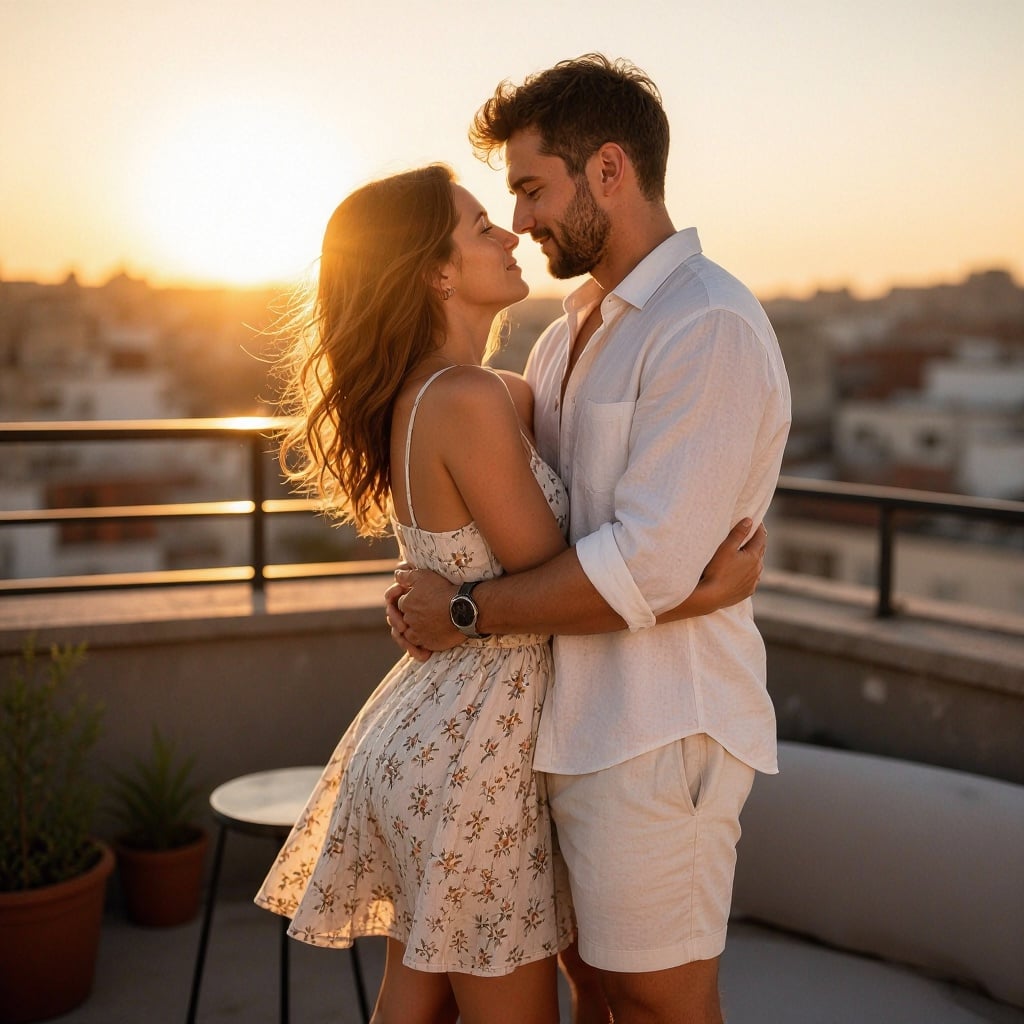
Sun-drenched lifestyle portrait of an attractive adult couple in their late 20s embracing…
boogu-image
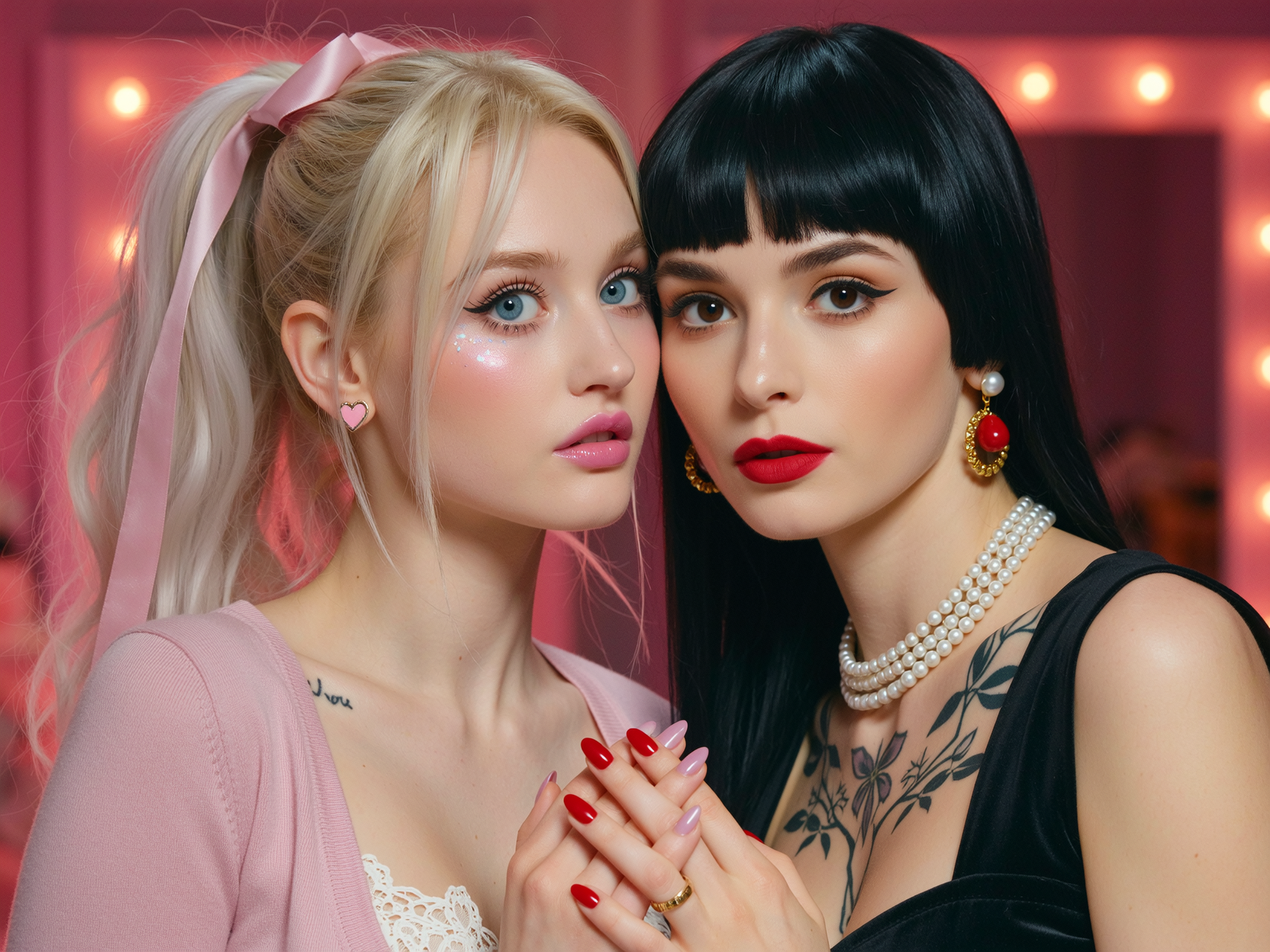
Cinematic two-shot portrait
wan-image
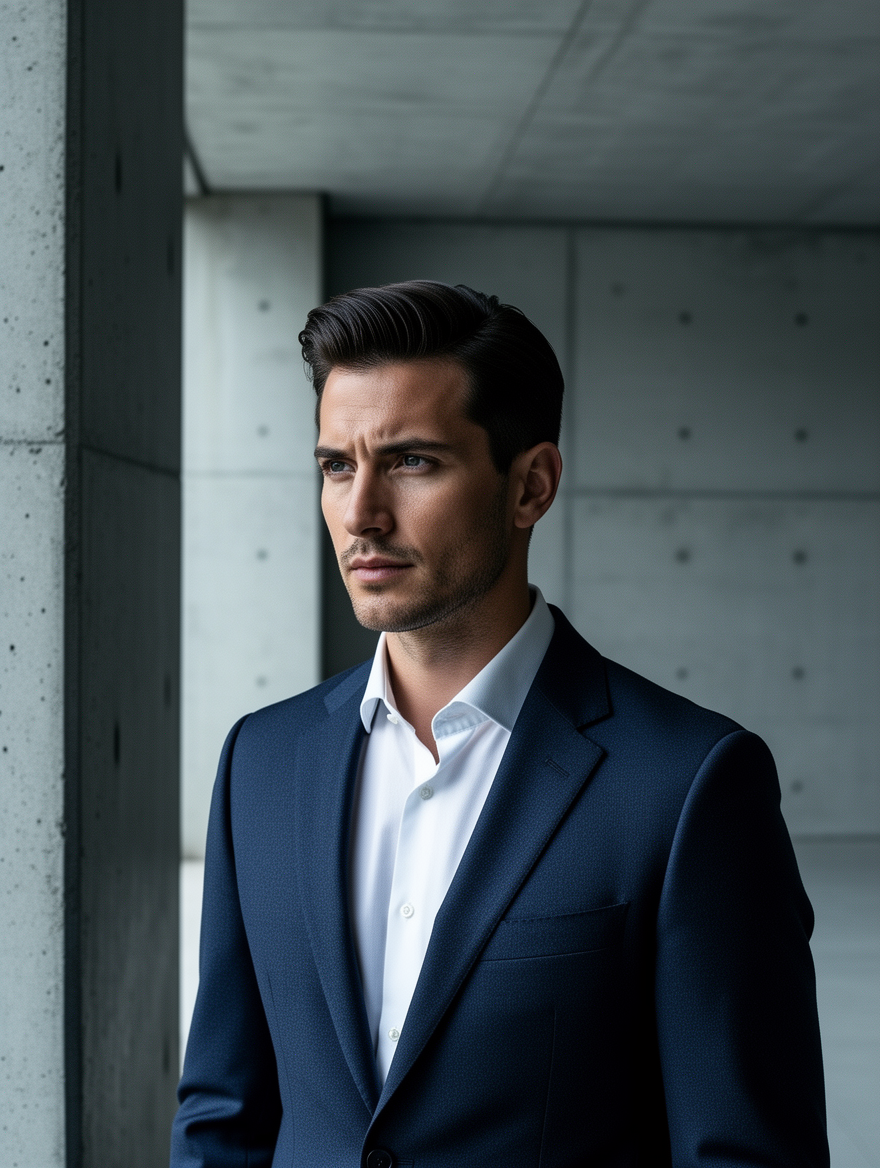
Ff-portrait
image-to-image
Models you can run on PixelDojo for try nano banana pro
Switch models without switching tools. Each one runs in the same PixelDojo studio.
What you can do with try nano banana pro on PixelDojo
Nano Banana Pro Access
We give you Nano Banana Pro for image generation from text prompts. You can try the model on PixelDojo without a separate setup.
Prompt Driven Image Output
You describe the scene, style, and subject, and we generate matching stills. Iterate by editing the prompt and running again.
Style And Aspect Control
We support common aspect ratios and style cues so you can match social, print, or concept-art needs. Keep compositions consistent across a set of images.
Download And Reuse Results
Save generated images to your PixelDojo library and export them for downstream work. Revisit earlier runs when you want a variant of the same idea.
Loved by thousands of creators worldwide. 40+ cutting-edge AI tools powering millions of images. 4.9/5 average satisfaction. Cancel anytime, no contracts.
Why Choose Pixel Dojo for try nano banana pro
Professional-quality results with cutting-edge AI technology
Flawless Text That Actually Sells
You create posters, diagrams, menus and ads where every letter is sharp, correctly spelled and styled exactly as you specify, even in multiple languages. No more unusable graphics. Nano Banana 2 plus Image Analyzer and Reality Polisher give you marketing assets you can publish immediately.
Characters That Stay Identical Across Every Scene
You lock in up to five people or mascots so they look the same whether they’re in a group shot, a new location or a different outfit. Combine with Consistent Characters, Character Sheets and Ideogram Character to build entire campaigns without reshooting or redrawing.
Cinematic Control You Direct Like a Pro
You change lighting from day to night, add bokeh, shift camera angle, color-grade and crop to any aspect ratio with simple instructions. Magic Lighting, Change Camera Angle, Image Outpainting and Magnific Upscaler turn a single generation into a full set of 4K production stills.
How It Works
You achieve nano banana pro level results on PixelDojo by combining Nano Banana 2 generation with PixelDojo’s dedicated editing and enhancement tools. Three simple steps take you from idea to downloadable studio-quality file.
Step 1: Choose Your Tool
Open Generate Images and select Nano Banana 2. Upload up to several reference photos if you want character or product consistency. Pick your aspect ratio and target resolution. This single choice already gives you the reasoning, text accuracy and world-knowledge strengths that define nano banana pro techniques.
Step 2: Enter Your Prompt
Describe subject, action, location, camera, lighting and exact on-image text in natural language. Example: “Photorealistic 4K infographic of a houseplant, labeled care instructions in clean sans-serif, golden-hour window light, shallow depth of field.” Nano Banana 2 reasons through the request then generates. Follow up conversationally to tweak any element.
Step 3: Customize & Download
Send the result to Edit Images. Use Magic Lighting to shift time of day, Change Camera Angle for new perspectives, Inpainting for local fixes, Background Remover or Image Outpainting to expand, then P-Image Upscale or Magnific Upscaler for print-ready 4K. Download PNG or JPG instantly. Your entire workflow stays inside PixelDojo.
The Pixel Dojo Advantage
Why PixelDojo outperforms other options for nano banana pro style image generation
| Others | Pixel Dojo |
|---|---|
| Traditional photography and design studios | You skip location scouting, models, lighting setups and days of retouching. Generate, edit lighting and camera, and export 4K files in one sitting at a fraction of the cost. |
| Generic AI tools | You get dedicated Nano Banana 2 plus specialized editors (Magic Lighting, Change Camera Angle, Reality Polisher, Consistent Characters) instead of one-size-fits-all generation that fails on text and consistency. |
| Manual photo editing software | You describe the change you want instead of masking, cloning and color-matching by hand. Complex composites and lighting shifts that take hours become one prompt plus a click. |
Loved by creators on PixelDojo
Real feedback from people using PixelDojo, pulled from our in-product surveys.
Love it make anything I can think of so far
Great for all your ideas use it encourage more people to use it
Because it is awesome
exceptional quality and great overall design of platform and interface. very intuative. love the creative freedom.
Qwen image 2 is amazing!!
Creative freedom, range of tools and options.
Explore more AI tools on PixelDojo
AI Tools
Compare & Switch
- Best AI Image Generators
- Best AI Video Generators
- Midjourney Alternatives
- Civitai Alternatives
- Runway Alternatives
- Leonardo Alternatives
- Pika Alternatives
- Luma Alternatives
- Magnific Alternatives
- Veo Alternatives
- Flux Alternatives
- Freepik Alternatives
- Seedance Alternatives
- Seedream Alternatives
- Pixverse Alternatives
- GPT Image Alternatives
- Synthesia Alternatives
- Playground Alternatives
- NightCafe Alternatives
- Canva AI Alternatives
- ElevenLabs Alternatives
- ComfyUI Alternatives
- Fal Alternatives
- Replicate Alternatives
Common Questions
Everything you need to know about try nano banana pro
How do I try nano banana pro image generation techniques on PixelDojo?
Sign up, go to Generate Images, choose Nano Banana 2, write a detailed prompt covering subject, lighting, camera and any text you need, then generate. Immediately send the image to Magic Lighting, Change Camera Angle or Inpainting for nano banana pro style refinements. Upscale with P-Image Upscale. The whole process takes minutes and you can cancel anytime.
What are the best prompts for nano banana pro style AI images?
Use natural language that includes subject + action + location + camera angle + lighting + exact text. Example: “Wide cinematic 21:9 shot of a robot barista pouring coffee in a Mars cafe, golden hour backlighting, shallow depth of field, headline ‘BREW THE FUTURE’ in bold white sans-serif at the top.” Follow up with “make it nighttime” or “change camera to low angle.” PixelDojo’s Nano Banana 2 plus conversational editing tools handle these instructions with high accuracy.
Can I create infographics with accurate, readable text using PixelDojo?
Yes. Nano Banana 2 is built for legible text in multiple languages. Provide the facts or a source image and ask for a labeled diagram or explainer. Then use Image Analyzer and Reality Polisher to verify and polish. You get production-ready infographics instead of garbled letters.
How do I keep characters consistent like nano banana pro on PixelDojo?
Upload reference photos of your people or mascots, then generate with Nano Banana 2. Use Consistent Characters and Character Sheets to lock identity. Combine with WAN Video Character Swap or Kling Avatar if you later need motion. Faces and clothing stay recognizable across dozens of scenes.
Does PixelDojo support 4K output and advanced lighting/camera edits?
Absolutely. Generate at high resolution with Nano Banana 2, then apply Magic Lighting for day-to-night or color grading, Change Camera Angle for new viewpoints, and finish with Magnific Upscaler or P-Image Upscale. You control bokeh, focus and composition the same way professional directors do.
Is it free to try nano banana pro features and can I cancel anytime?
PixelDojo lets you start immediately with access to Nano Banana 2 and the full editing suite. You get 40+ cutting-edge AI tools loved by thousands of creators. There are no long-term contracts—cancel anytime. Your first studio-quality image can be ready before you finish reading this page.