upscale image online
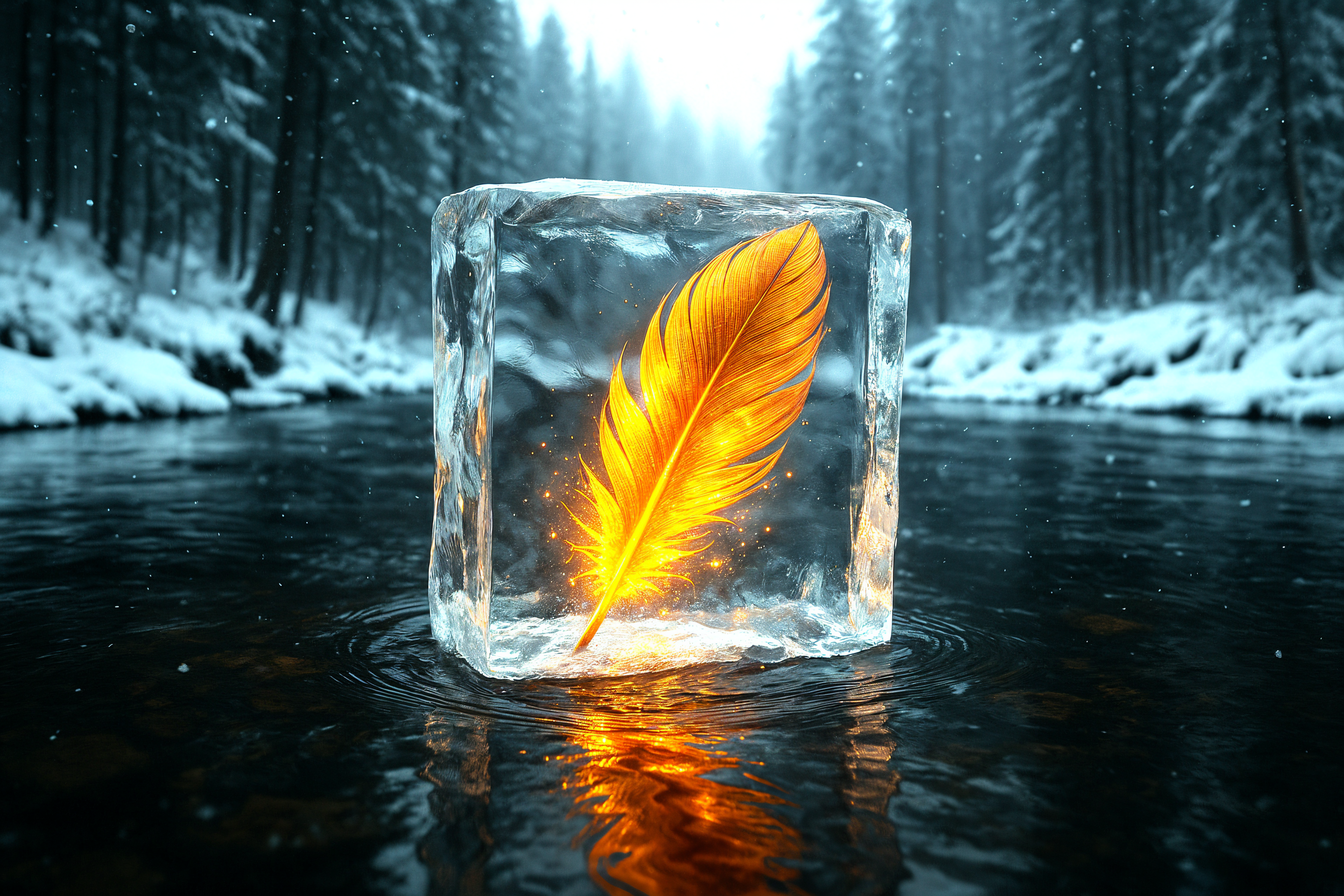
Generated on PixelDojo. Produced by PixelDojo's generation pipeline.
You no longer need to settle for blurry photos that fall apart when printed or zoomed. PixelDojo lets you upscale image online and instantly transform everyday snapshots, AI-generated art, and old family pictures into sharp, professional 4K and 8K masterpieces. Whether you need gallery-quality prints, e-commerce product shots that let customers inspect every stitch, or restored memories that look freshly captured, our dedicated upscalers deliver the exact outcome you want. Upload once, choose the right tool, and download results that look like they were shot with high-end equipment. Join thousands of creators who already rely on PixelDojo's 40+ cutting-edge AI tools to save time, impress clients, and never worry about resolution again. Cancel anytime and keep creating.
Real image examples generated on PixelDojo
Every example below was produced on PixelDojo. Hover to see the prompt.
Upscaled version
stable-diffusion

Upscaled version
stable-diffusion
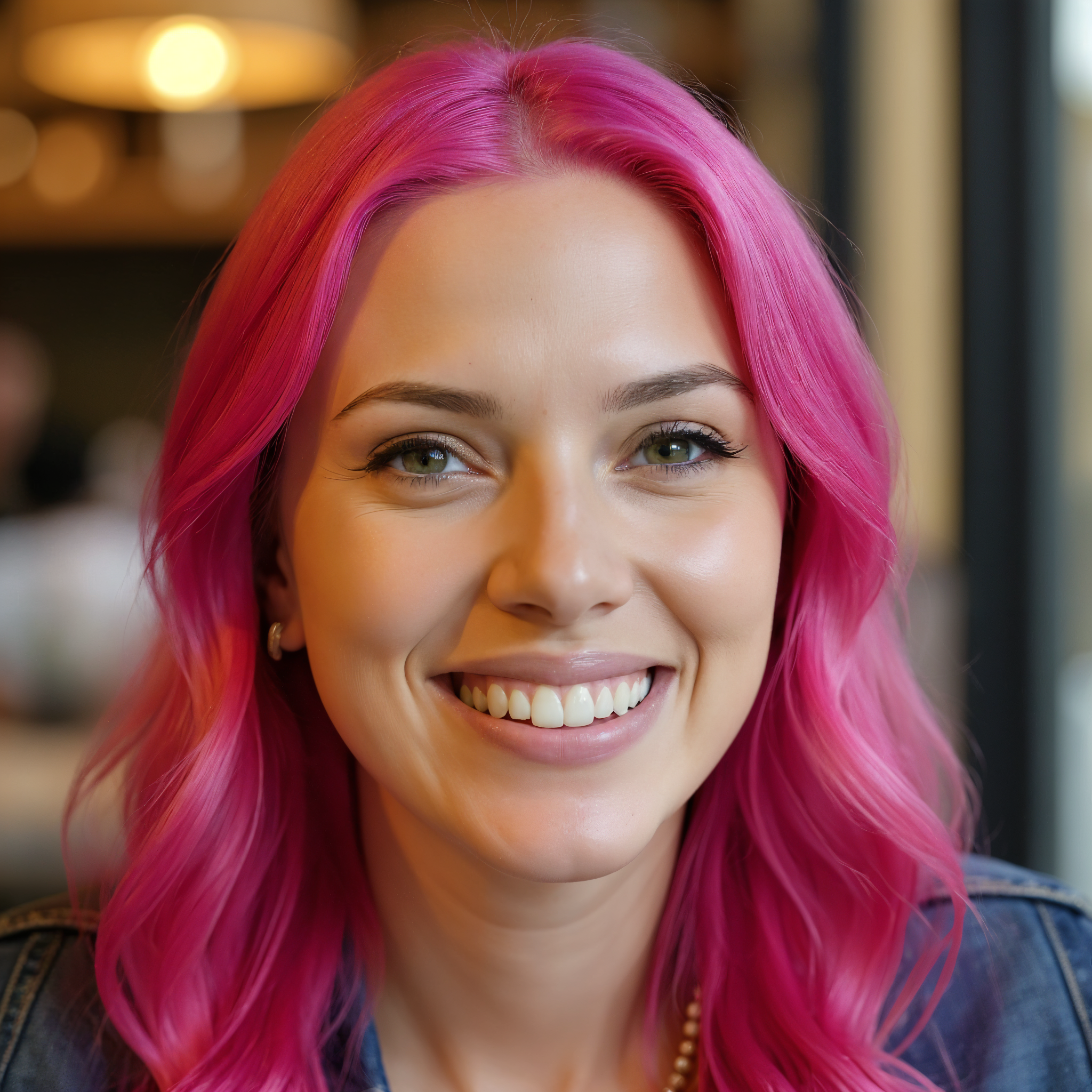
Upscaled version
flux-studio
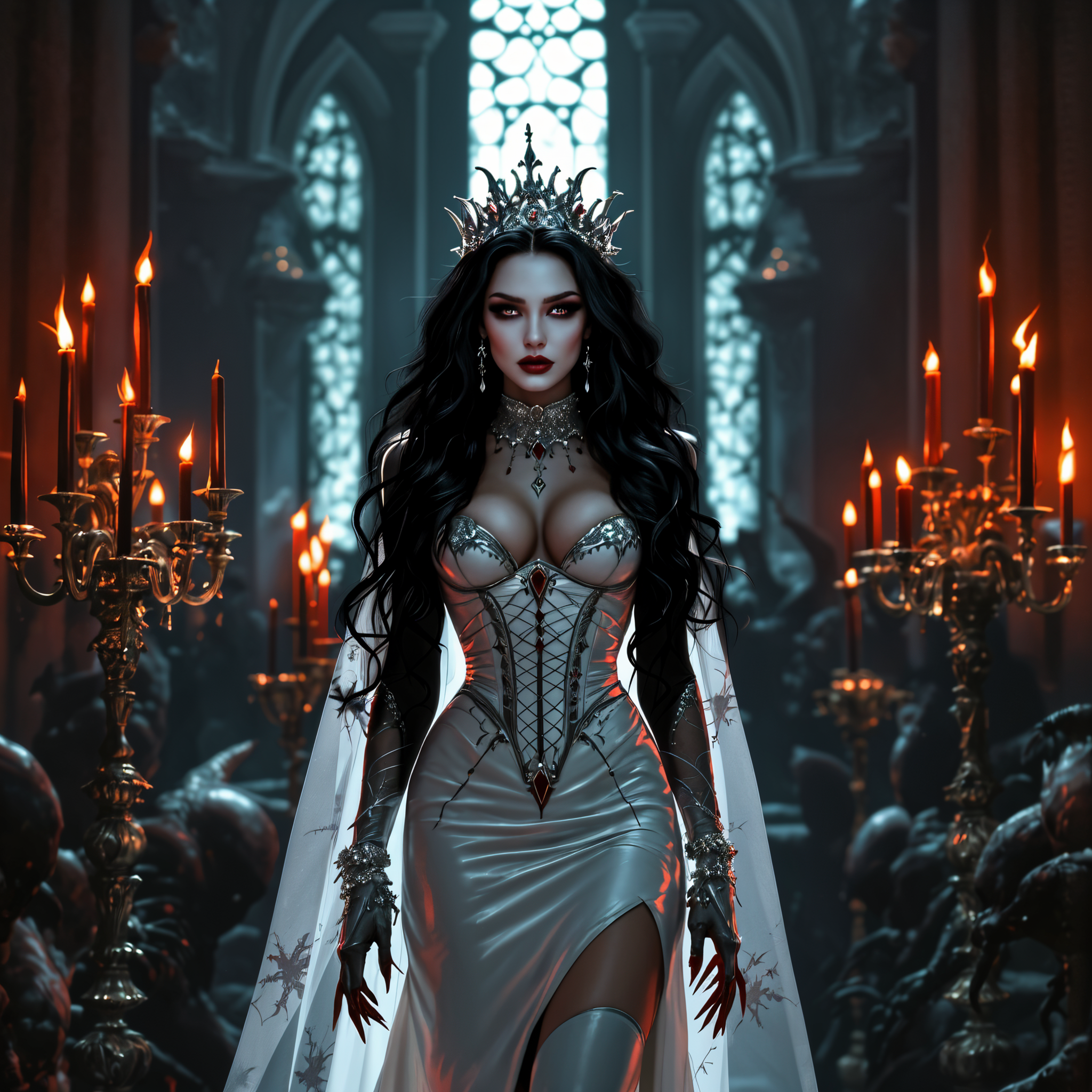
Upscaled version
flux-studio
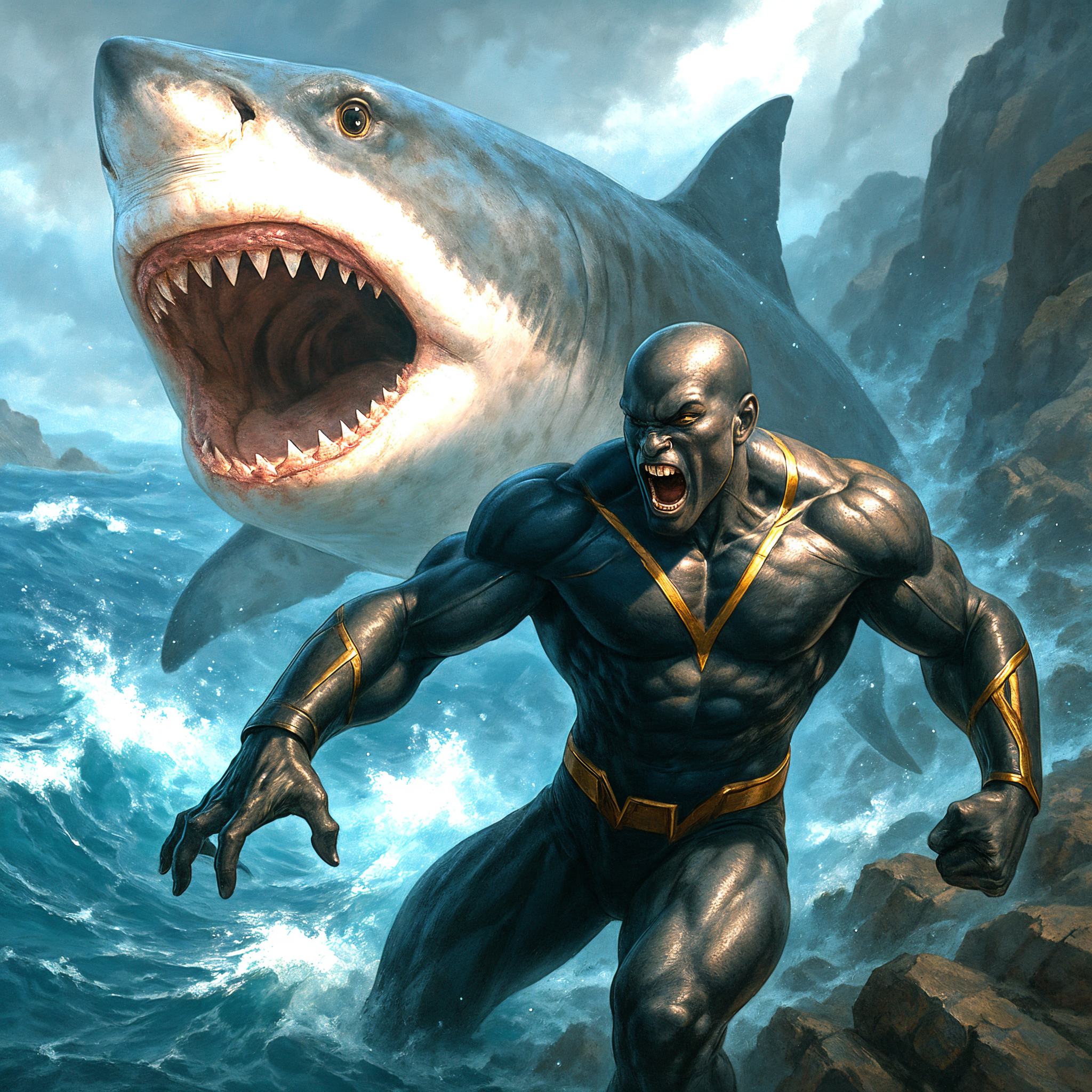
Upscaled version
stable-diffusion
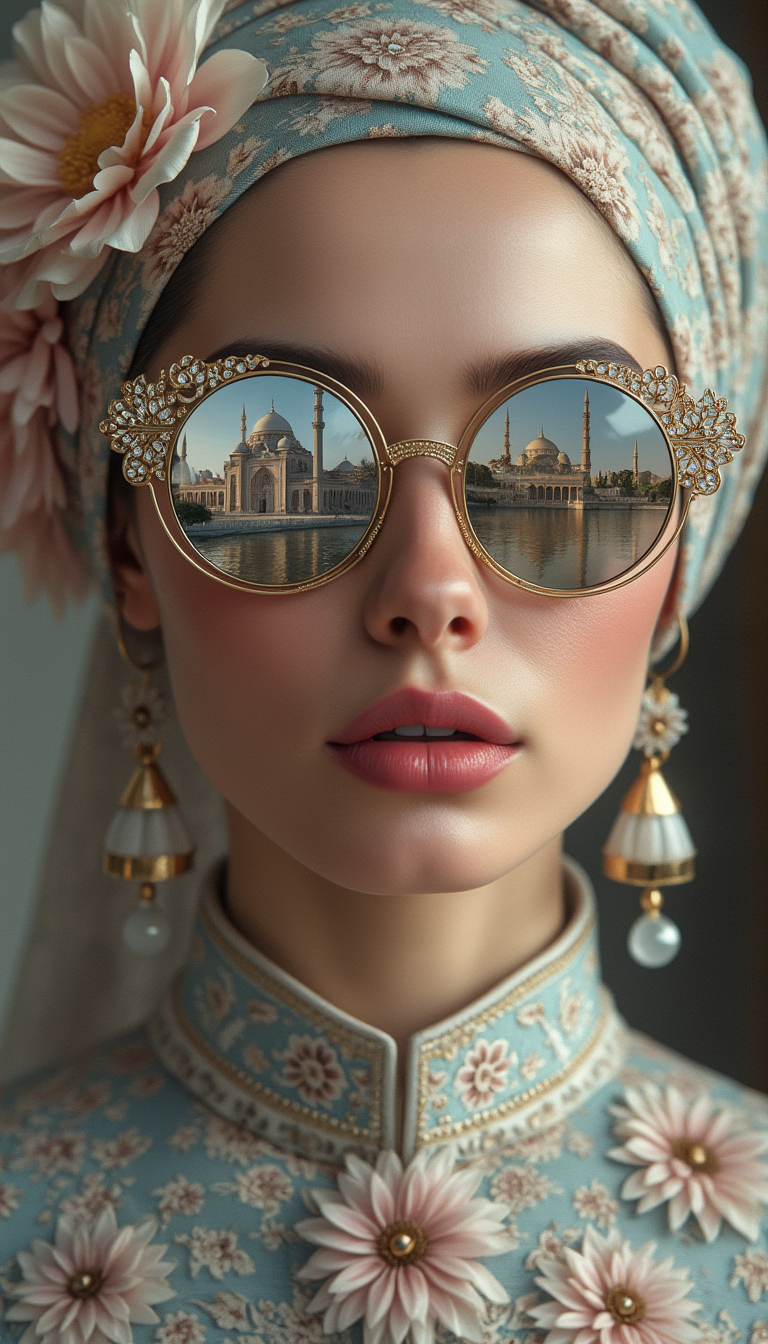
A realistic colour portrait of a porcelain-skinned woman with delicate freckles and full l…
stable-diffusion
Models you can run on PixelDojo for upscale image online
Switch models without switching tools. Each one runs in the same PixelDojo studio.
What you can do with upscale image online on PixelDojo
Online AI Upscaling
We enlarge images in the browser with AI models that add pixels and recover detail. Upload a file, choose a target size, and download the result.
Detail-Aware Enhancement
Our upscaler focuses on edges, textures, and faces so portraits, product shots, and digital art stay clear at larger resolutions.
Same-Workspace Enlargement
You can upscale images you generated on PixelDojo without leaving the app. Send a canvas or export into the upscaler and continue editing.
Print and Web Ready Output
We provide higher-resolution files you can use for mockups, social posts, or print layouts. Formats and sizes follow the options available in the upscale tool.
Loved by thousands of creators worldwide who upscale images online every day with PixelDojo's 40+ specialized AI tools. Professional results, cancel anytime.
Why Choose Pixel Dojo for upscale image online
Professional-quality results with cutting-edge AI technology
Print-Ready Photos That Look Professionally Shot
Turn phone snapshots and low-res files into gallery-worthy 4K and 8K images with natural textures, sharp edges, and zero plastic skin. Perfect for large prints, posters, and wall art that wow without hiring a photographer.
E-Commerce Images That Drive Zoom Sales
Create high-resolution product photos that meet platform zoom requirements. Customers inspect every detail, boosting conversions and cutting returns. Your store looks premium overnight.
Restored Memories in Crystal Clarity
Breathe new life into old, faded, or blurry photos. Faces become sharp, fabrics regain texture, and precious moments look freshly captured for sharing, albums, or digital archives.
How It Works
Upscaling your images online with PixelDojo takes minutes and produces results that look professionally enhanced. Follow these three simple steps using our specialized tools like Magnific Upscaler, Portrait Upscaler, Clarity Pro, P-Image Upscale, and Creative Upscaler.
Step 1: Choose Your Tool
Pick the perfect upscaler for your image. Use Magnific Upscaler when you want creative extra details added to AI art or illustrations. Choose Portrait Upscaler for natural skin, eyes, and hair on people photos. Select Clarity Pro or P-Image Upscale for clean, faithful enlargements of products and landscapes. Creative Upscaler lets you infuse artistic flair while increasing resolution.
Step 2: Enter Your Prompt
Upload your low-resolution image. For Magnific Upscaler or Creative Upscaler, add a short prompt describing desired enhancements such as 'restore fabric texture and natural lighting' or 'keep original details while adding sharpness.' For faithful tools like Portrait Upscaler or Clarity Pro, simply select 2x, 4x, or 8x scale. The AI handles the rest while preserving what matters most.
Step 3: Customize & Download
Preview the stunning 4K result at 100% zoom. Fine-tune creativity, portrait mode, or sharpening if needed. Download instantly in high-quality PNG or JPEG ready for print, web, or social. Iterate quickly until every detail is perfect. Your upscaled image is now professional-grade.
The Pixel Dojo Advantage
Why PixelDojo outperforms other options for upscale image online
| Others | Pixel Dojo |
|---|---|
| Traditional image enlargement | Traditional resizing creates blurry, pixelated results that look amateur. PixelDojo's AI reconstructs realistic details so your photos stay sharp even at large print sizes. |
| Generic AI tools | Generic upscalers often produce waxy skin or invented artifacts. PixelDojo gives you specialized tools like Portrait Upscaler and Magnific Upscaler designed for faces, products, and creative work, plus 40+ options to match any need. |
| Manual photo editing | Hours of tedious cloning and sharpening versus seconds of AI magic. You get expert-level upscaling without any skills required, and you can cancel anytime. |
Loved by creators on PixelDojo
Real feedback from people using PixelDojo, pulled from our in-product surveys.
versatile menu of tools
Best AI tool availble the suite is rad
Versatility quality, value, ROI, innovation
variety of tools available and prompt tools
A "one-stop-shop" for creators! Thanks!!
Lots of different tools. It's easy to purchase more credits.
Explore more AI tools on PixelDojo
Popular AI Models
AI Tools
Compare & Switch
- Best AI Image Generators
- Best AI Video Generators
- Midjourney Alternatives
- Civitai Alternatives
- Runway Alternatives
- Leonardo Alternatives
- Pika Alternatives
- Luma Alternatives
- Magnific Alternatives
- Veo Alternatives
- Flux Alternatives
- Freepik Alternatives
- Seedance Alternatives
- Seedream Alternatives
- Pixverse Alternatives
- GPT Image Alternatives
- Synthesia Alternatives
- Playground Alternatives
- NightCafe Alternatives
- Canva AI Alternatives
- ElevenLabs Alternatives
- ComfyUI Alternatives
- Fal Alternatives
- Replicate Alternatives
Common Questions
Everything you need to know about upscale image online
How can I upscale image online without losing quality or adding artifacts?
PixelDojo makes it simple. Start with 2x or 4x using Clarity Pro or P-Image Upscale for faithful results, or Magnific Upscaler when extra detail is welcome. Always preview at 100-200% zoom before downloading. Our tools are trained to preserve original textures, especially skin and fabrics, so you get natural 4K output instead of plastic or haloed images. Thousands of creators rely on this workflow daily.
What is the best AI upscaler for portraits online?
Portrait Upscaler on PixelDojo is built specifically for faces. It recovers natural skin texture, sharp eyes, and realistic hair without the over-smoothed look common elsewhere. Combine it with Clarity Pro for overall sharpness. The result looks like a high-end studio shot, perfect for headshots, family photos, and professional profiles.
Can I upscale AI-generated images online to large print sizes?
Yes. Creative Upscaler and Magnific Upscaler excel at adding the extra high-frequency details that AI art often lacks. Upload your generated image, choose 4x or 8x, and optionally add a prompt for specific textures. You get print-ready files that hold up on posters, canvases, and merchandise without looking soft.
How do I restore old or blurry photos when I upscale image online?
Upload the photo to PixelDojo and select Portrait Upscaler for people or Clarity Pro for general scenes. The AI first reduces compression noise then reconstructs missing detail. Many users recover decades-old family pictures that now look freshly taken. Try it with our 40+ tools and cancel anytime if it is not the right fit.
What scale should I choose when I upscale image online for web versus print?
For websites and social media, 2x (often reaching 2K) is usually enough because platforms compress anyway. For e-commerce zoom or A4 prints, 4x to 4K is ideal. Large posters or 8K displays benefit from 8x when the source is clean. PixelDojo lets you test each scale instantly so you never overspend credits on unnecessary size.
Is there an easy online tool to upscale images for e-commerce product photos?
PixelDojo is built for exactly this. Use P-Image Upscale or Clarity Pro to meet Amazon, Shopify, and other platform zoom requirements (2000px+). Product textures stay accurate, edges stay clean, and you can batch-process multiple angles. The result is higher conversion and fewer returns because customers see every detail they need.