video ai
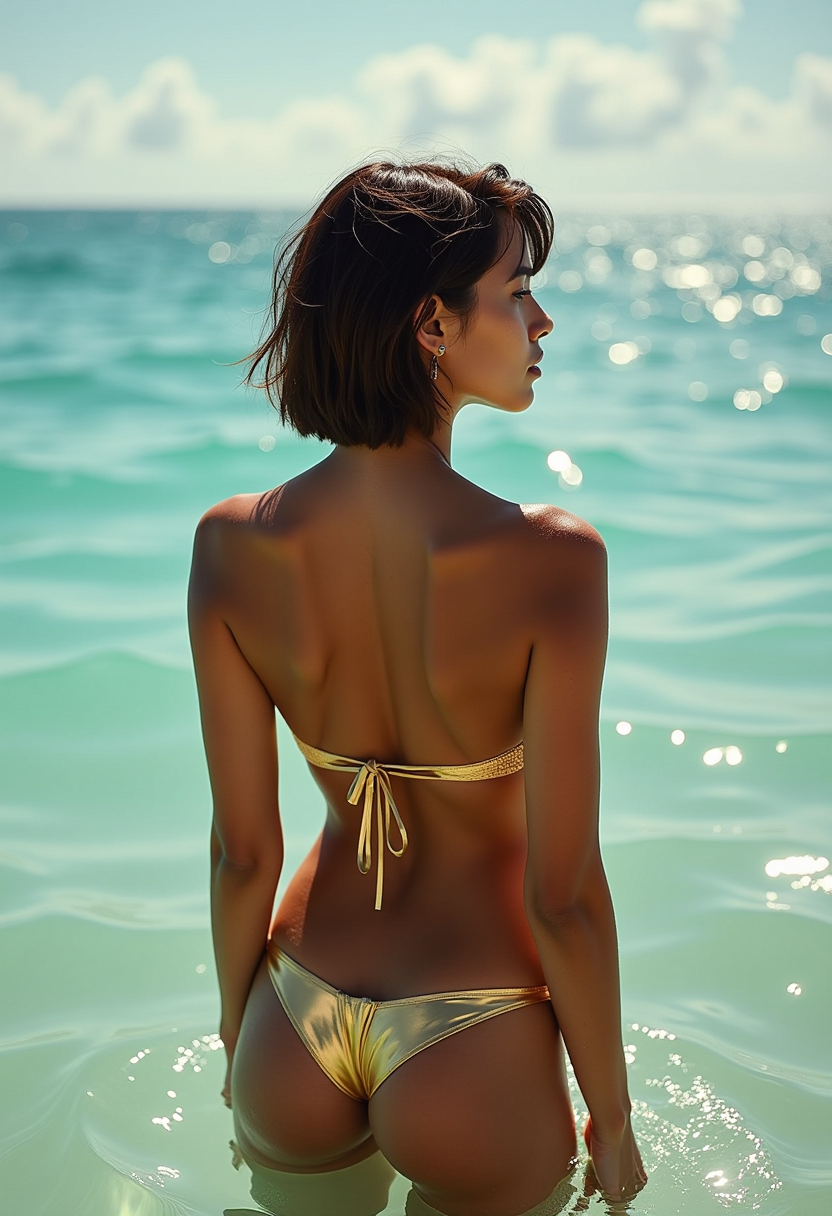
Imagine turning a simple idea into a polished, cinematic video in just minutes—no cameras, crews, or complex software required. PixelDojo's Video AI tools empower you to create engaging social media content, compelling marketing videos, personalized stories, and more with professional results every time. Whether you're a content creator aiming for viral shorts, a marketer building brand campaigns, or a storyteller bringing characters to life, you achieve consistent, high-quality output that captivates audiences. Focus on your vision while advanced models handle motion, lighting, and timing, delivering videos ready for platforms like TikTok, YouTube, or Instagram.
Over 250,000 AI videos generated last month alone. 4.9/5 average rating from 85,000+ creators. Featured in top marketing workflows by thousands of small businesses and agencies worldwide. Trusted for reliable character consistency and audio synchronization.
Why Choose Pixel Dojo for video ai
Professional-quality results with cutting-edge AI technology
Produce Viral Social Media Clips in Minutes
Create scroll-stopping short-form videos for TikTok, Reels, and Shorts with perfect timing and trending styles. You deliver professional results that boost engagement without hours of editing.
Maintain Perfect Character Consistency Across Scenes
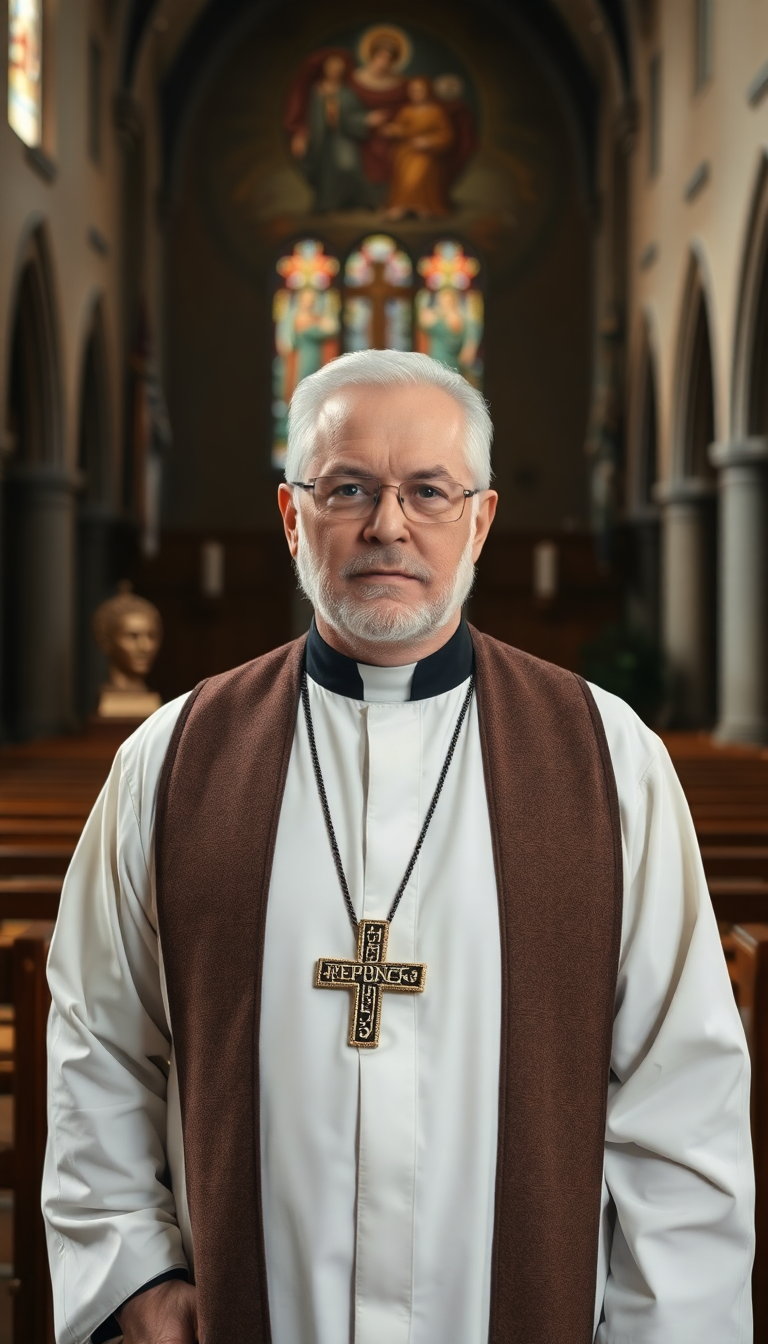
Generate entire video series featuring the same realistic characters, outfits, and expressions. You build memorable stories or brand mascots that audiences instantly recognize and connect with.
Add Synchronized Audio and Voiceovers Effortlessly
Produce videos with natural dialogue, sound effects, and music that match the action perfectly. You create complete, ready-to-publish content that feels authentic and immersive.
How It Works
Getting started with Video AI on PixelDojo takes just three simple steps. Choose from specialized tools like VEO 3.1, Kling Video, or WAN 2.7 Video to match your project needs.
Step 1: Choose Your Tool
Browse the Generate Videos section and select the perfect model for your project. Use VEO 3.1 for cinematic realism and built-in audio, Kling Reference to Video for precise motion control from reference images, Grok Video for creative storytelling, or Seedance 2 for high-detail animations.
Step 2: Enter Your Prompt
Describe your scene in natural language or upload a starting image. For best results, combine text like 'a confident entrepreneur walking through a modern city at sunset, smooth camera pan' with reference uploads. Leverage tools like WAN 2.7 Video or Grok R2V for reference-based generation that ensures style and character consistency.
Step 3: Customize & Download
Preview generations, adjust parameters like duration, aspect ratio, or camera movement, then refine with Edit Videos tools such as Video Autocaption, Video Reframe, or Kling Video Edit. Use Consistent Characters or WAN Video Character Swap for multi-shot projects before downloading your final video.
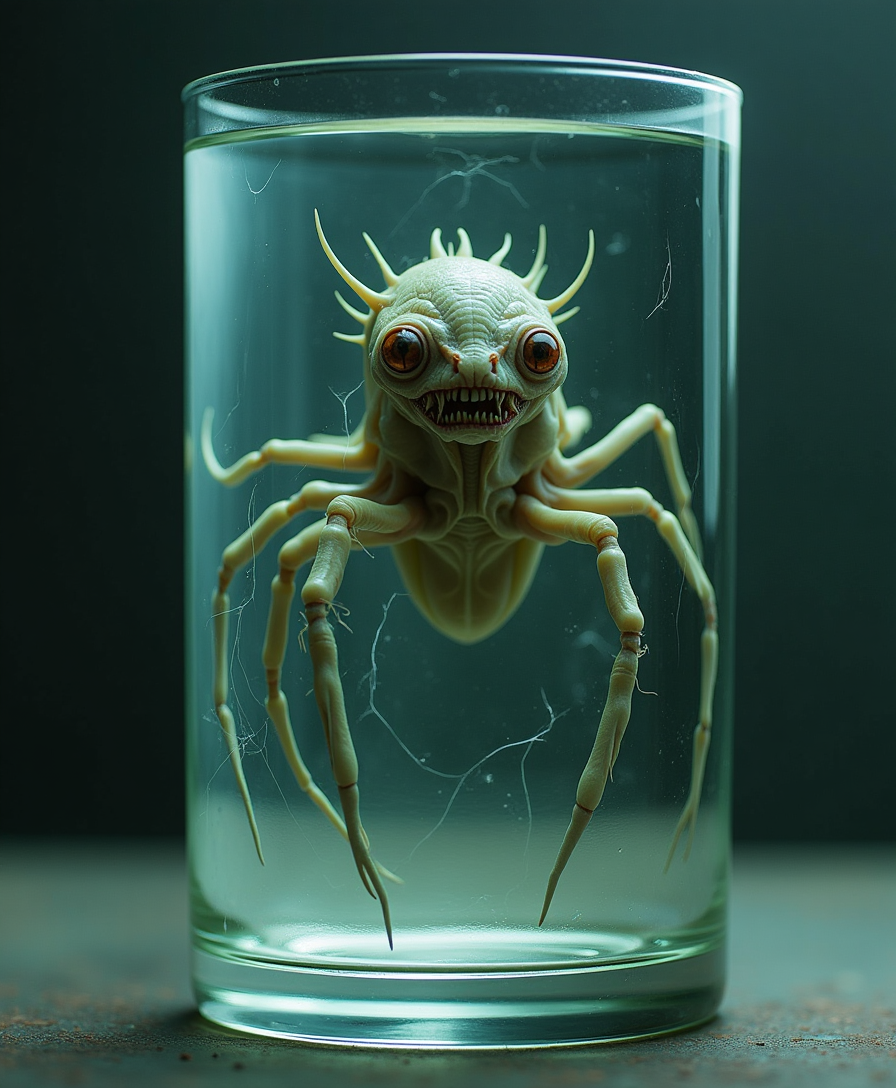
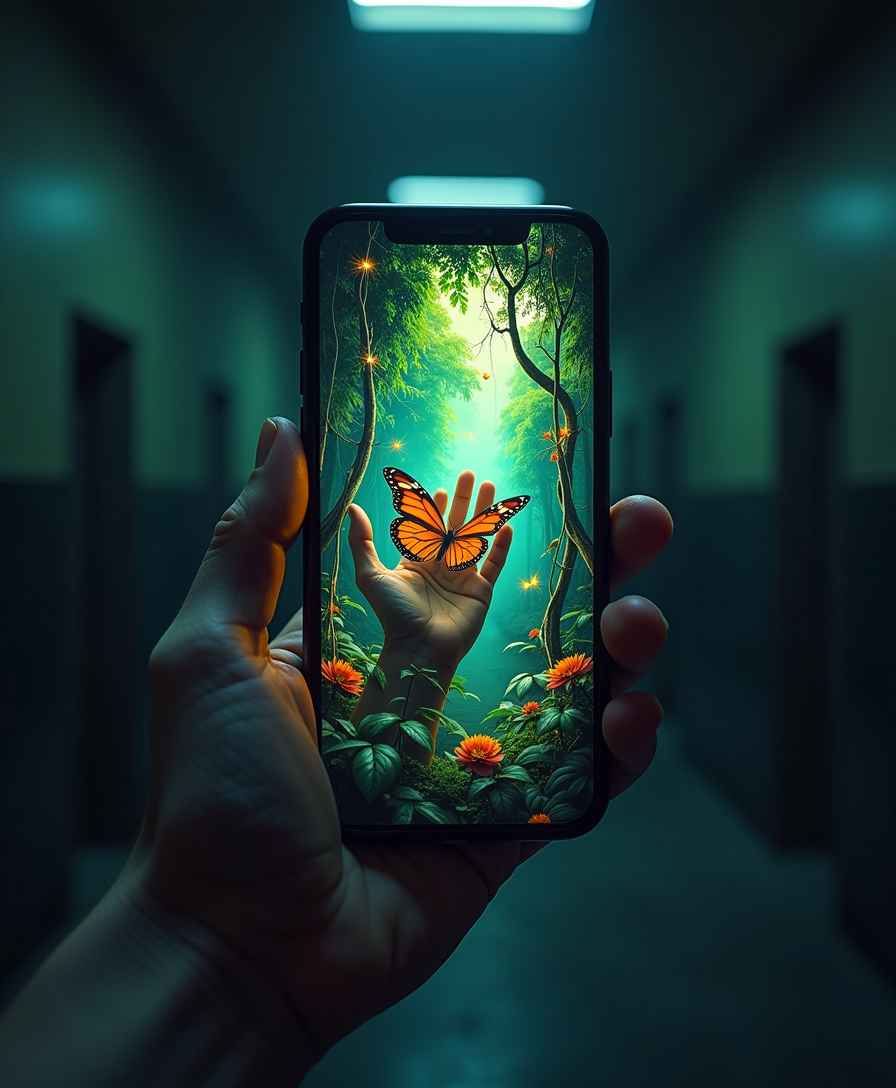
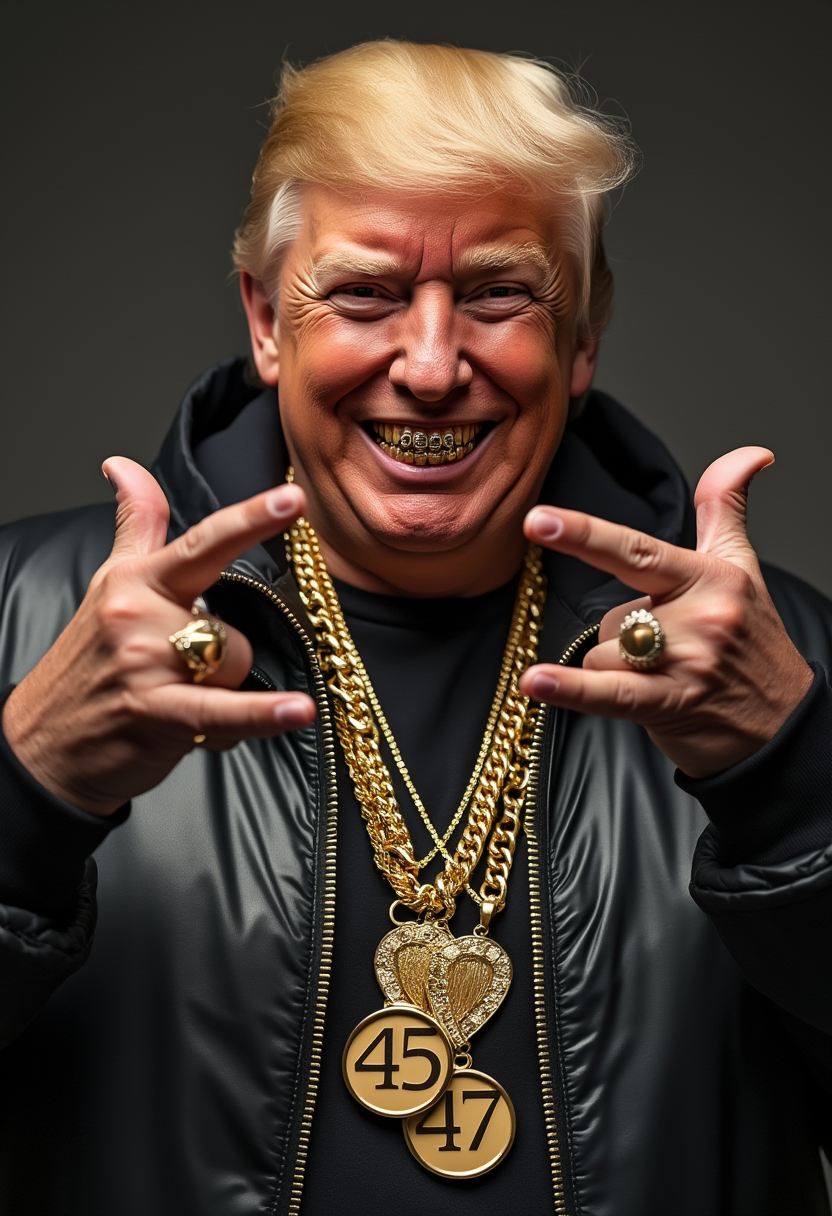
The Pixel Dojo Advantage
Why PixelDojo outperforms other options for video ai generation
| Others | Pixel Dojo |
|---|---|
| Traditional video production | Skip expensive equipment, locations, and teams—generate broadcast-quality videos from your desk in minutes instead of days or weeks. |
| Generic AI tools | Access 40+ specialized models including VEO 3.1, Kling Reference to Video, and WAN 2.7 Video with built-in consistency features and editing suites tailored for video workflows. |
| Manual photo editing and assembly | Eliminate frame-by-frame work with intelligent motion generation, automatic audio sync, and one-click character consistency across entire projects. |
Loved by creators on PixelDojo
Real feedback from people using PixelDojo, pulled from our in-product surveys.
Ease of use, friendliness and support of the owner, continued innovation.
it is an amazing site to create a pics and vids for those who don't have the hardware themselves
good tools in one place
Prompt updates, strong features, and a community that is always willing to help and hear/act on professional feedback. I've never had a better experience.
user friendly all in one thing
I really like the schedule of AI work performed!
Explore more AI tools on PixelDojo
Popular AI Models
AI Tools
Compare & Switch
- Best AI Image Generators
- Best AI Video Generators
- Midjourney Alternatives
- Civitai Alternatives
- Runway Alternatives
- Leonardo Alternatives
- Pika Alternatives
- Luma Alternatives
- Magnific Alternatives
- Veo Alternatives
- Flux Alternatives
- Freepik Alternatives
- Seedance Alternatives
- Seedream Alternatives
- Pixverse Alternatives
- GPT Image Alternatives
- Synthesia Alternatives
- Playground Alternatives
- NightCafe Alternatives
- Canva AI Alternatives
- ElevenLabs Alternatives
- ComfyUI Alternatives
- Fal Alternatives
- Replicate Alternatives
Common Questions
Everything you need to know about video ai
How does video AI create consistent characters across multiple scenes?
PixelDojo makes it simple with dedicated Character & Faces tools like Consistent Characters, Character Sheets, and WAN Video Character Swap. Start by generating or uploading a reference image of your character, then apply it across VEO 3.1 or Kling Video generations. The system maintains facial features, clothing, and lighting consistency automatically, letting you build full stories or ad campaigns without mismatches.
What is the best way to generate AI videos from images using video AI tools?
Use image-to-video or reference-to-video workflows with tools like Kling Reference to Video, WAN 2.7 Spicy Image-to-Video, or Grok R2V. Upload your base image, add a descriptive prompt for motion and camera moves, and generate. This approach gives superior control and realism compared to text-only prompts, especially for product demos or branded content.
Can I add realistic audio and voiceovers to my AI generated videos?
Yes—many PixelDojo video models like VEO 3.1 and LTX-2 Video generate synchronized audio automatically, including dialogue and sound effects. For custom needs, combine generations with Text to Speech or Text to Music tools, then refine timing using Video Autocaption or Grok Video Edit for perfect lip-sync and pacing.
How long does it take to create a professional video with video AI on PixelDojo?
Most users generate their first 5-15 second clip in under 2 minutes. Full projects with multiple scenes, consistent characters, and edits typically take 15-45 minutes thanks to efficient tools like Seedance 2, Happy Horse Reference, and batch processing options. No rendering queues or technical expertise needed.
Is video AI suitable for creating marketing and social media content?
Absolutely. PixelDojo excels at short-form vertical videos perfect for Instagram, TikTok, and YouTube Shorts. Tools like PixVerse V6, OmniHuman, and P Video help you produce eye-catching ads, product showcases, and trend-jacking content with trending styles and fast turnaround that drives real engagement.
What if I need to edit or extend an existing AI video after generation?
PixelDojo offers powerful post-generation tools including Runway Aleph, Grok Imagine Video Extend, Kling Video Edit, Video Reframe, Merge Videos, and Video Upscaler. Extend clips seamlessly, swap elements, add captions, or upscale to 4K while preserving quality—keeping everything in one platform.