vidu ai
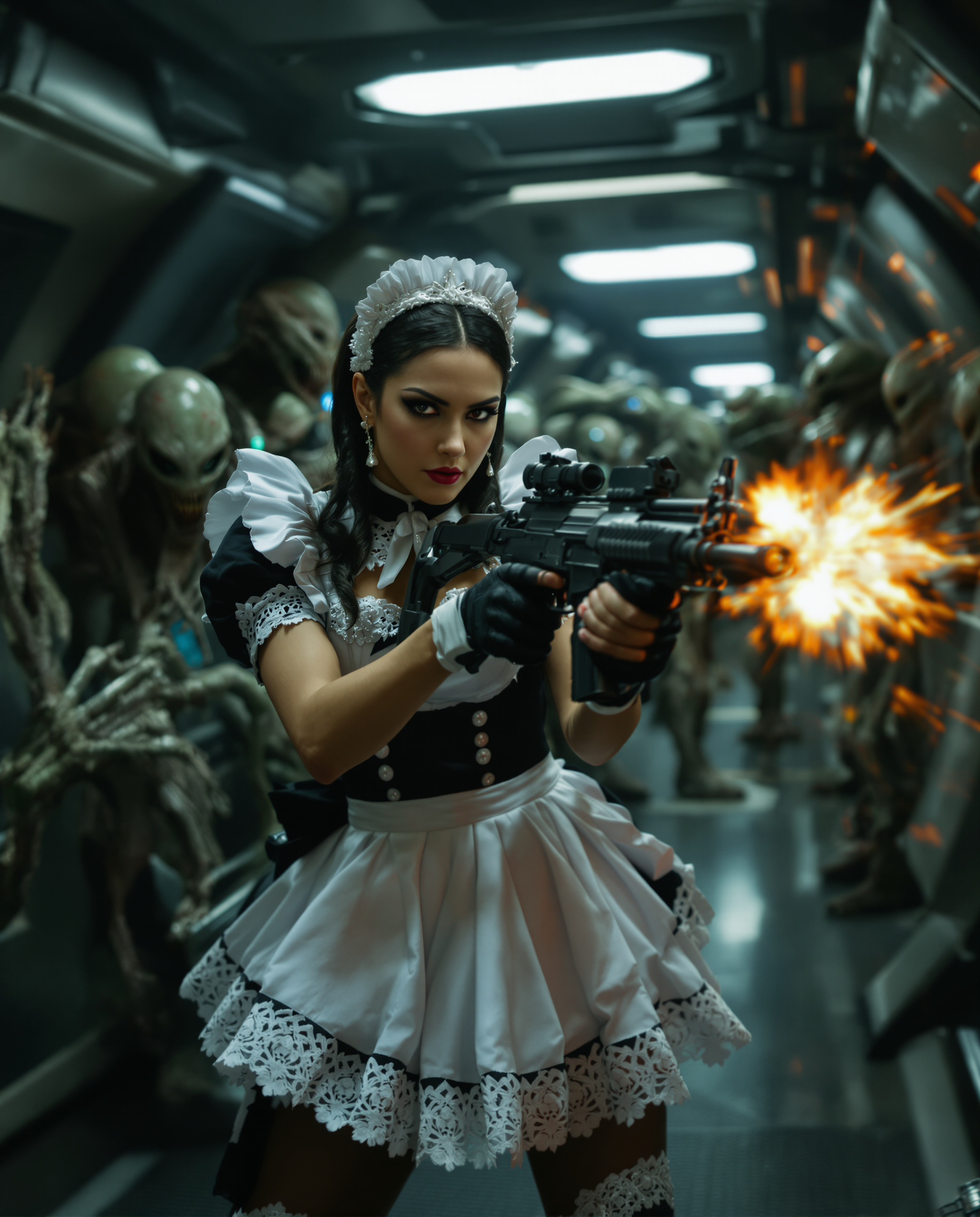
Generated on PixelDojo. Produced by PixelDojo's generation pipeline.
You want videos that look like they came from a professional studio, with characters that stay consistent from start to finish, smooth camera moves, and even built-in audio that matches every action. PixelDojo makes that possible right now with Vidu Q3, letting you transform a simple idea or still image into a complete 16-second cinematic clip. Marketers launch campaigns without hiring crews, storytellers produce short dramas that hold attention, and product creators generate demo videos that convert viewers into buyers. You skip weeks of filming, editing, and sound design. Instead, you describe the scene, upload a reference photo you generated yourself, and watch PixelDojo deliver a polished result you can post or use immediately. Thousands of creators already rely on this workflow every day because it delivers the exact outcomes they need: higher engagement, faster production, and content that actually looks expensive. Start with any of PixelDojo's image tools to craft the perfect starting frame, then let Vidu Q3 add life, motion, and sound. Your next video is minutes away, not months.
Real image examples generated on PixelDojo
Every example below was produced on PixelDojo. Hover to see the prompt.
A highly detailed
flux
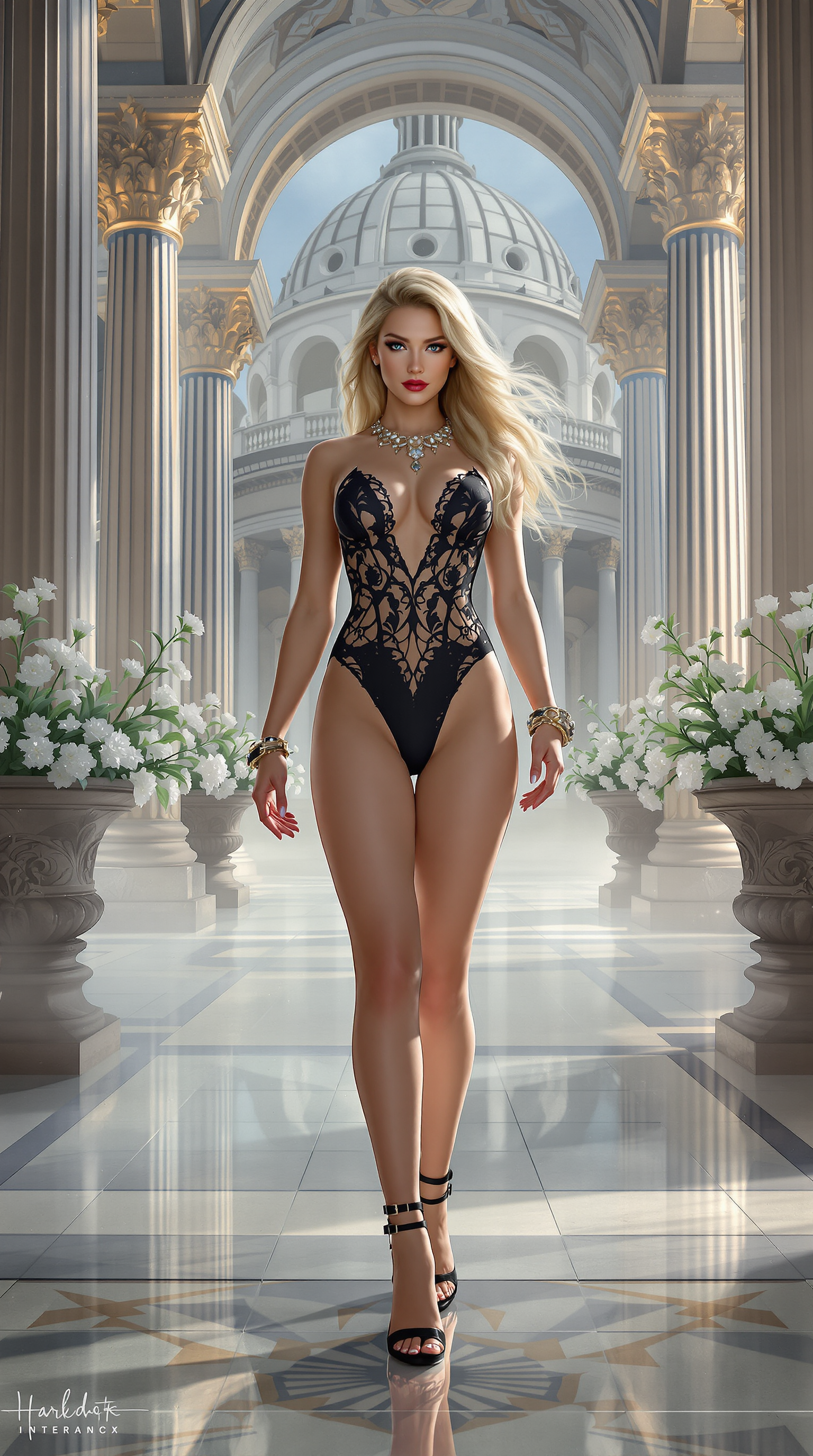
A breathtaking digital painting of a powerful and elegant scene
flux
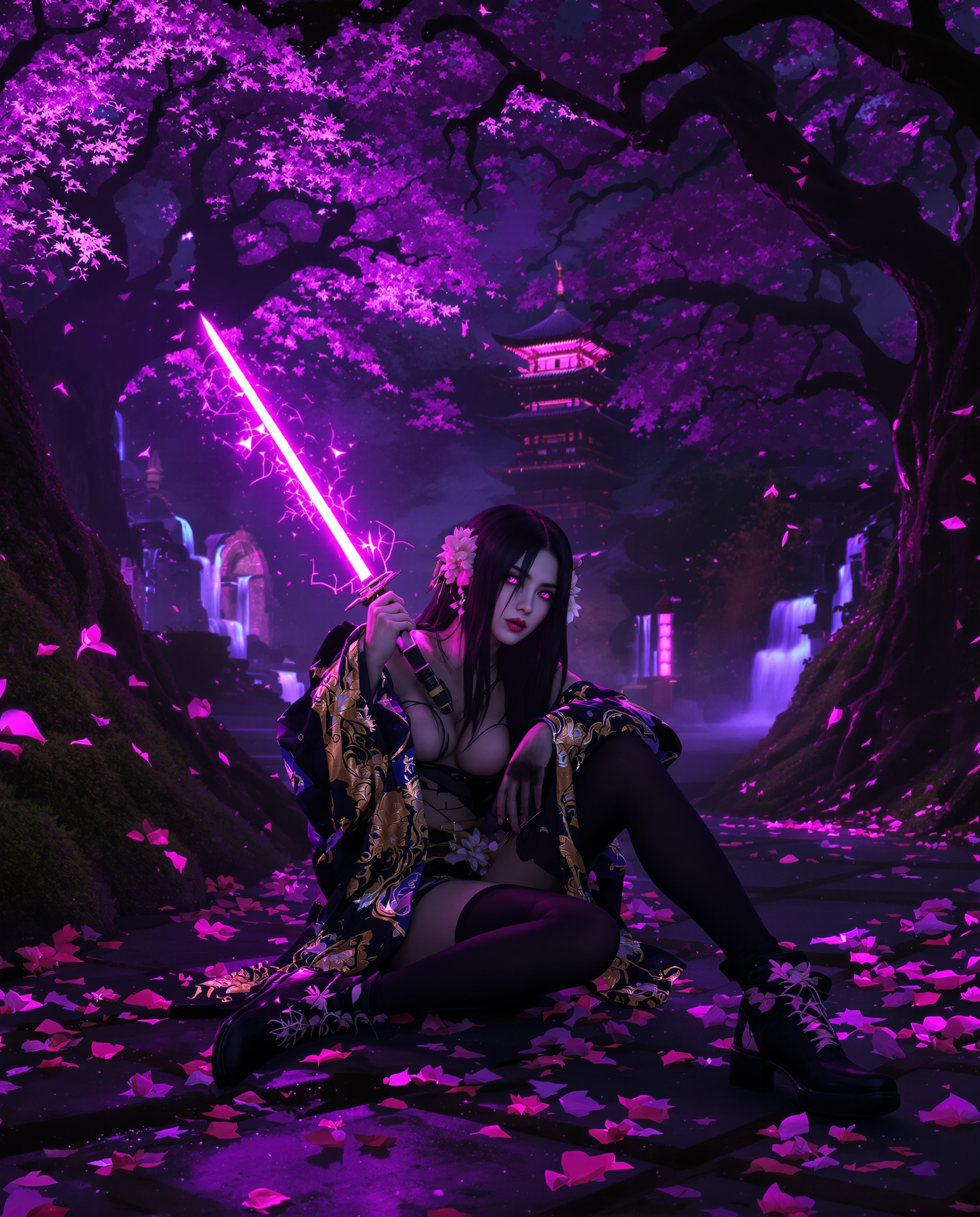
A highly detailed realistic photo photograph of a female real person in a vibrant neon rea…
flux
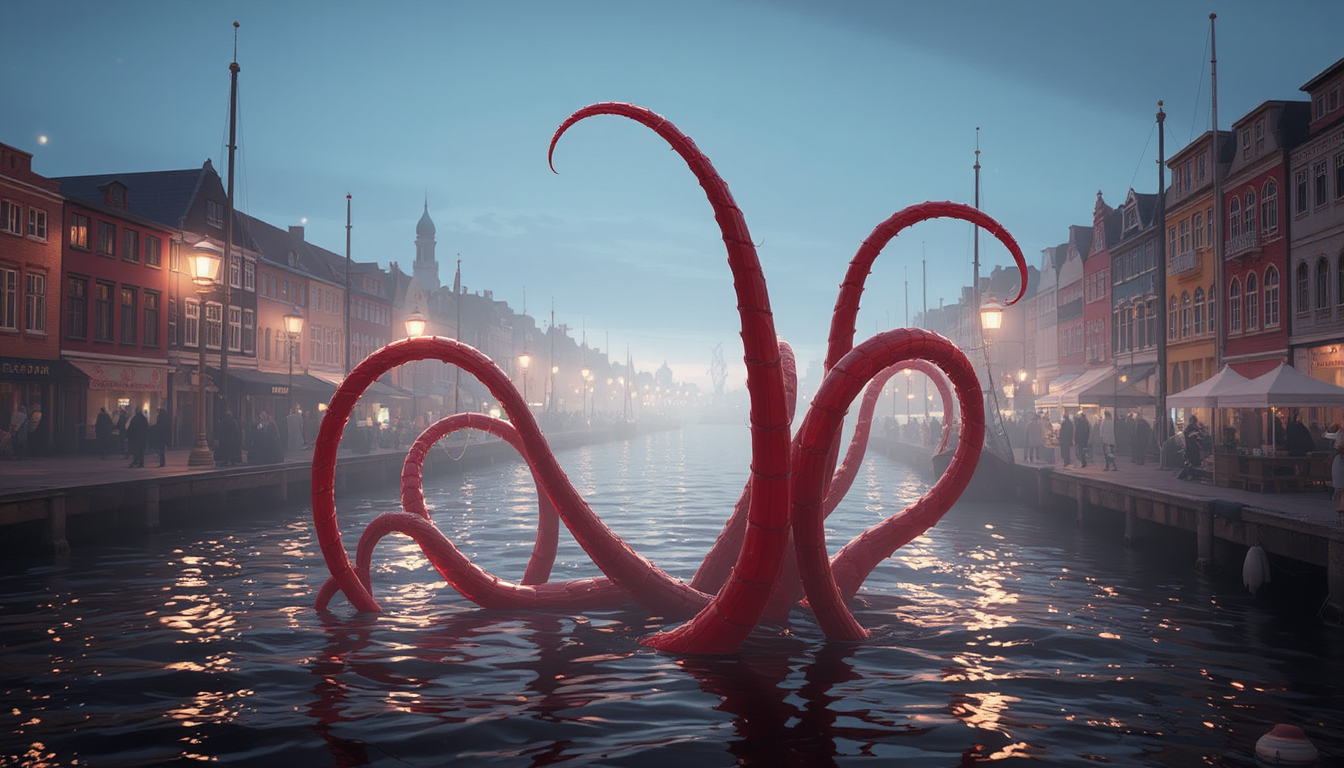
DisneyPixar style
stable-diffusion
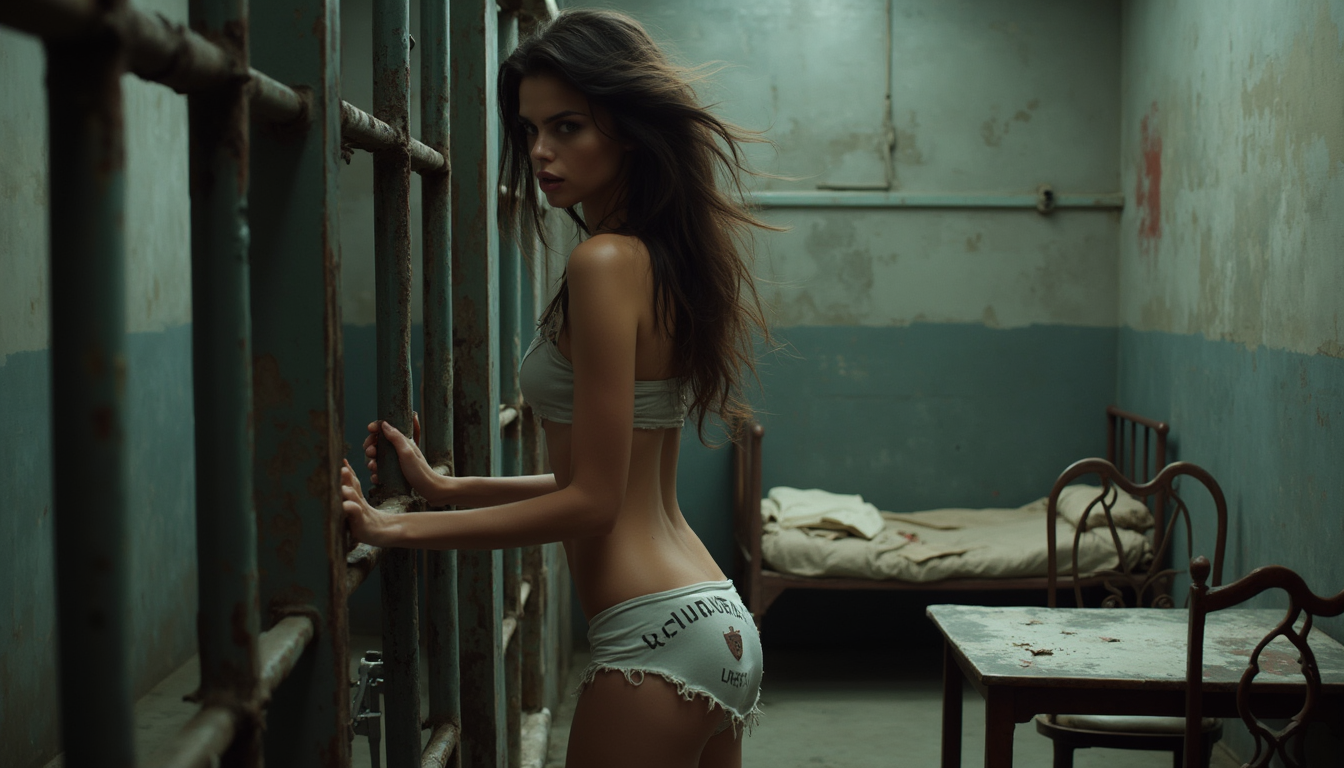
The scene captures a striking side view of a beautiful model in a prison cell
flux

A stoic male intelligence agent in a forest-green trench coat
flux
Models you can run on PixelDojo for vidu ai
Switch models without switching tools. Each one runs in the same PixelDojo studio.
What you can do with vidu ai on PixelDojo
Prompt to Still Images
We run Vidu AI so you can turn text prompts into stills you can download and reuse. You stay in PixelDojo from prompt to export.
Style and Subject Control
We let you steer look, lighting, and subject through the prompt and settings. Iterate until the frame matches what you need.
Batch and Iterate Fast
We support multiple generations so you can compare variants without leaving the workspace. Keep the versions that fit your project.
Export for Creative Work
We give you images ready to drop into edits, boards, and posts. Use Vidu AI output alongside your other PixelDojo tools.
Loved by thousands of creators worldwide who generate professional videos daily. 40+ cutting-edge AI tools in one place, 4.9-star average from real users, cancel anytime with no risk.
Why Choose Pixel Dojo for vidu ai
Professional-quality results with cutting-edge AI technology
Keep Characters Looking Identical Across Every Shot
You upload a few reference images of your product, mascot, or actor and Vidu Q3 on PixelDojo locks in their appearance, clothing, and style for the entire clip. No more faces that morph or outfits that change. You produce series, ads, and stories that feel cohesive, building brand recognition and viewer trust without extra editing time.
Get Complete Videos With Sound Already Synced
You receive dialogue, sound effects, and background music generated together with the picture, perfectly timed. Your marketing spots, explainer clips, and social stories are ready to publish the moment they finish rendering. You save hours of post-production and deliver content that sounds as professional as it looks.
Produce Cinematic Quality Without a Film Crew
You control camera angles, pacing, and scene transitions with simple prompts. PixelDojo's Vidu Q3 gives you 1080p output, smart cuts, and natural motion that used to require expensive equipment and specialists. You launch campaigns, tell stories, and test ideas at a fraction of the cost and time of traditional video production.
How It Works
You create professional Vidu AI videos in three straightforward steps on PixelDojo. First generate or upload a strong starting image, then bring it to life with Vidu Q3, and finally refine and download. The whole process happens in your browser with no software to install.
Step 1: Choose Your Tool and Create the Starting Image
Open PixelDojo and pick an image generator such as Flux.2 Studio, QWEN Image 2, or Nano Banana 2 to design the perfect first frame. Describe your character, product, or scene in detail. Generate several options until you have a high-quality still that matches your vision. This image becomes the foundation for your video, ensuring the motion starts exactly where you want it.
Step 2: Enter Your Prompt and Select Vidu Q3
Switch to the video section and choose Vidu Q3. Upload the image you just created, then write a clear prompt that includes the action, camera movement, mood, and any dialogue or sound you want. Specify duration up to 16 seconds, resolution, and whether you want native audio. PixelDojo handles the rest, turning your still into fluid motion while keeping every detail consistent.
Step 3: Customize, Enhance, and Download
Preview your clip, then use PixelDojo's video editing tools like Video Reframe, Video Autocaption, or FLUX Video Upscale if you need adjustments. Add captions, change aspect ratio for different platforms, or merge multiple clips. Once it looks perfect, download in the format you need. Your finished Vidu AI video is ready for social media, ads, or your website.
The Pixel Dojo Advantage
Why PixelDojo outperforms other options for Vidu AI video generation
| Others | Pixel Dojo |
|---|---|
| Traditional video production | You skip location scouting, actors, cameras, and weeks of editing. PixelDojo delivers studio-quality clips with consistent characters and native audio in minutes instead of months, at a tiny fraction of the cost. |
| Generic AI tools | You get Vidu Q3 plus 40 other specialized models in one dashboard. Generate the starting image, animate it, add sound, upscale, and caption without switching platforms or losing quality between steps. |
| Manual photo editing and animation | You avoid frame-by-frame work and complex software. PixelDojo's Vidu Q3 understands your prompt and image, producing natural motion, camera work, and audio automatically so you focus on ideas instead of technical labor. |
Loved by creators on PixelDojo
Real feedback from people using PixelDojo, pulled from our in-product surveys.
Great variety of tools to create and modify images and video.
Lots of Tools, and the one time I needed support I got help right away
Easy to use once you get the hang of it
Love it make anything I can think of so far
Great for all your ideas use it encourage more people to use it
Because it is awesome
Explore more AI tools on PixelDojo
AI Tools
Compare & Switch
- Best AI Image Generators
- Best AI Video Generators
- Midjourney Alternatives
- Civitai Alternatives
- Runway Alternatives
- Leonardo Alternatives
- Pika Alternatives
- Luma Alternatives
- Magnific Alternatives
- Veo Alternatives
- Flux Alternatives
- Freepik Alternatives
- Seedance Alternatives
- Seedream Alternatives
- Pixverse Alternatives
- GPT Image Alternatives
- Synthesia Alternatives
- Playground Alternatives
- NightCafe Alternatives
- Canva AI Alternatives
- ElevenLabs Alternatives
- ComfyUI Alternatives
- Fal Alternatives
- Replicate Alternatives
Common Questions
Everything you need to know about vidu ai
How do I create Vidu AI videos with consistent characters on PixelDojo?
You start by generating a high-quality reference image using tools like Flux.2 Studio or Ideogram 4. Then open Vidu Q3, upload that image plus a few extra angles if you have them, and describe the scene. Vidu Q3 keeps the character's face, clothing, and style locked throughout the clip. You can save the references for future videos, making series and brand content effortless.
Can I add native audio to my Vidu AI videos on PixelDojo?
Yes. When you select Vidu Q3 you simply toggle audio on and include any dialogue, sound effects, or music notes in your prompt. The model generates everything together so lips match speech, actions have matching sounds, and the background score fits the pacing. Your video comes out ready to post without extra audio work.
What resolution and length can I get with Vidu Q3 on PixelDojo?
You can generate clips up to 16 seconds at 1080p, with options for 720p or lower if you want faster results. Aspect ratios include 16:9, 9:16, 1:1 and more so your video fits every platform. After generation you can upscale further with PixelDojo's dedicated video upscalers if you need even higher quality.
Is it easy to turn my existing images into Vidu AI videos?
Extremely easy. Upload any photo or an image you created with PixelDojo's generators such as Seedream 5 or Recraft V4.1. Add a prompt describing the motion and camera work. Vidu Q3 animates the image while preserving the original look, giving you a professional video from a still in one step.
How much does it cost to use Vidu AI tools on PixelDojo?
You pay only for the credits you use, with no monthly commitment required. Plans start low and you can cancel anytime. Because everything lives in one platform you avoid extra subscriptions. Thousands of creators find the credit system far more affordable than hiring video teams or using multiple separate services.
Can I use PixelDojo's Vidu Q3 for commercial marketing videos?
Absolutely. You generate product demos, ads, and social content with full commercial rights on paid plans. Combine Vidu Q3 with PixelDojo's Marketing Studio and character tools to keep your branding consistent. Many users report launching campaigns in a single afternoon that previously took weeks.