vidu q3 generator

Generated on PixelDojo. Produced by PixelDojo's generation pipeline.
You can now produce complete, publish-ready video stories that captivate your audience without any filming, recording or editing skills. PixelDojo's Vidu Q3 generator lets you turn a simple idea, a still photo or a set of reference images into a 16-second cinematic clip complete with perfectly timed dialogue, sound effects and music. Imagine launching a product ad that feels professionally produced, creating a short drama episode that keeps viewers watching, or animating your artwork into a living scene—all generated in one pass so you skip the usual post-production headache. Thousands of creators already use this to ship social content, ads and narrative pieces faster than ever. With PixelDojo you access Vidu Q3 alongside 40+ other cutting-edge tools, so you can prepare images with Flux.2 Studio or Nano Banana 2, generate the video, then refine it. Loved by thousands of creators worldwide, you can cancel anytime and start seeing results today.
Real image examples generated on PixelDojo
Every example below was produced on PixelDojo. Hover to see the prompt.
Canvas generate — From qwen-image
canvas-generate

Qwen-text
image-to-image
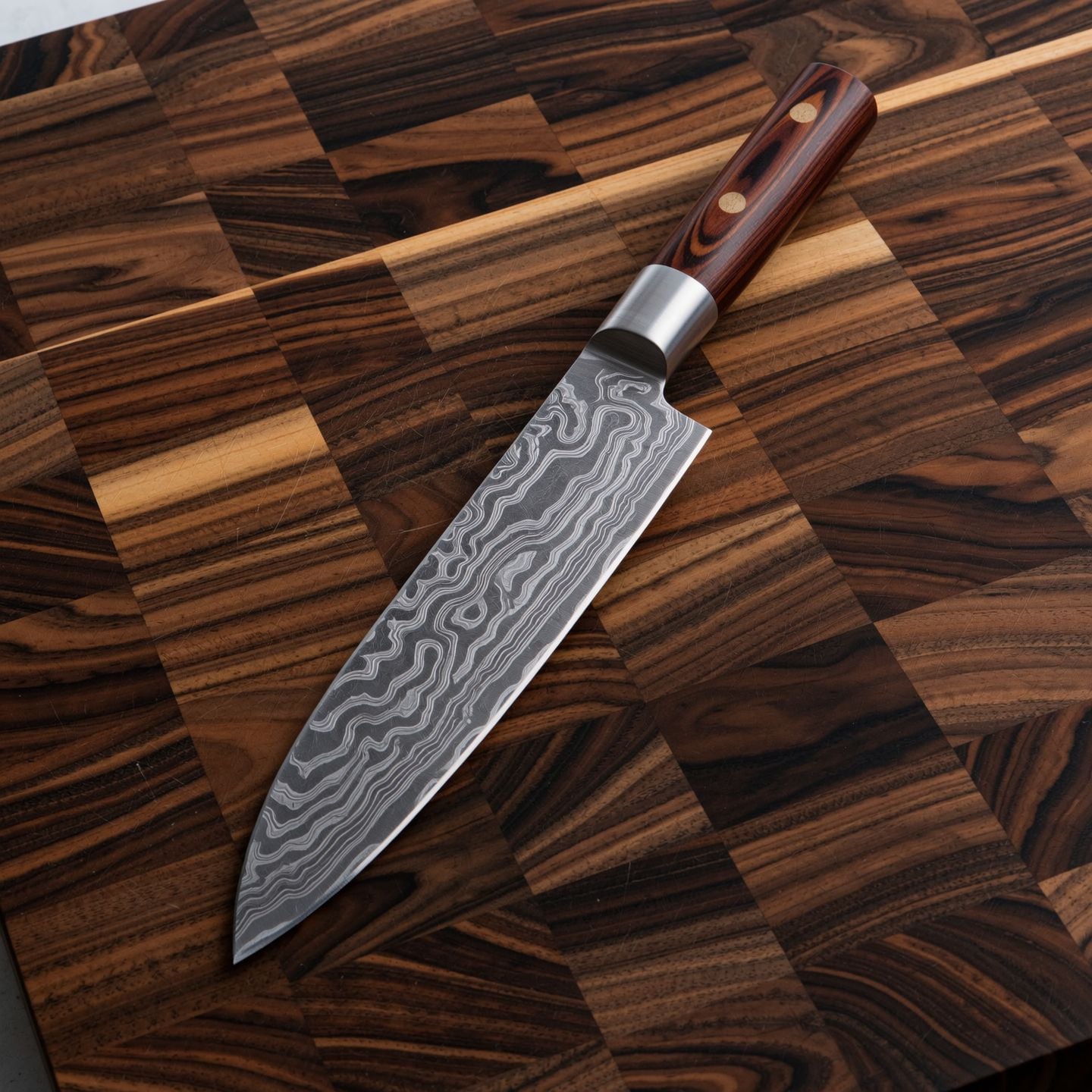
Wi-product
image-to-image

Qwen-cinematic
image-to-image
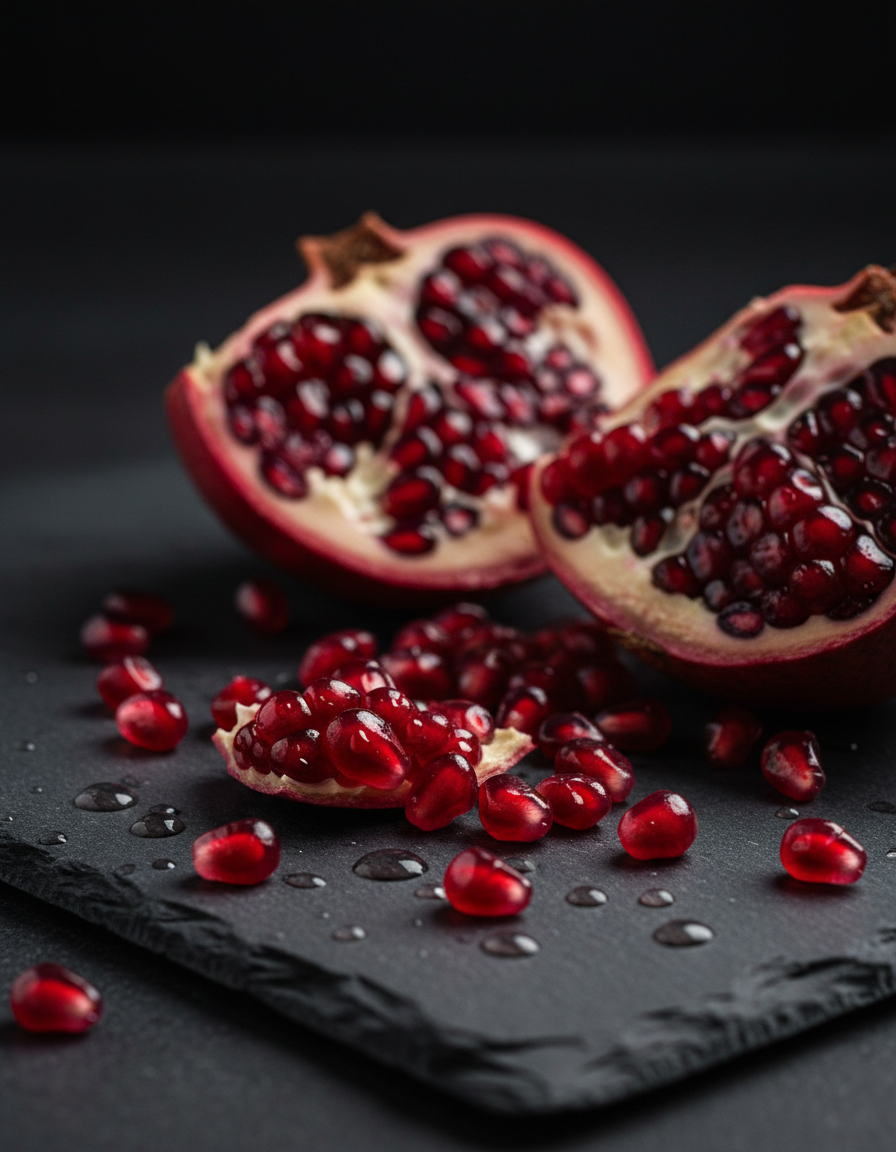
Gg-product
image-to-image
Video to sound generation
image-to-video
Models you can run on PixelDojo for vidu q3 generator
Switch models without switching tools. Each one runs in the same PixelDojo studio.
What you can do with vidu q3 generator on PixelDojo
Vidu Q3 Image Generation
We run Vidu Q3 so you can turn text prompts into still images in a few clicks. You pick aspect ratio, style notes, and how many variants to generate.
Prompt Control And Variants
We keep your prompt, negative prompt, and seed together so you can iterate without starting over. Generate several options from the same brief and keep the ones that fit.
Studio Ready Exports
We export images in common web and print sizes so you can drop them into decks, posts, and product mockups. Files stay tied to the prompt used so you can recreate a look later.
Queue And Project History
We store generations in your PixelDojo workspace so you can resume work across sessions. Review past outputs, reuse settings, and organize assets by project.
Loved by thousands of creators worldwide generating millions of videos. 40+ cutting-edge AI tools in one platform. Join the community that ships professional content daily and cancel anytime.
Why Choose Pixel Dojo for vidu q3 generator
Professional-quality results with cutting-edge AI technology
Ship Complete Stories Without Post-Production
You generate a full 16-second clip with native dialogue, lip-sync, sound effects and background music already baked in, so your video is ready to publish the moment it finishes. No extra audio layering or timing fixes needed.
Keep Characters Identical Across Every Shot
You upload reference photos of people, products or scenes and Vidu Q3 maintains their exact look throughout the entire clip, letting you build series, branded ads or consistent characters without drift.
Direct Multi-Shot Cinematic Sequences Instantly
You describe camera moves, pacing and scene changes in your prompt and receive a coherent video with smart cuts and professional framing, turning a single generation into a mini-narrative that holds attention.
How It Works
You create professional videos with Vidu Q3 on PixelDojo in three straightforward steps that anyone can follow, combining it with other tools for even better results.
Step 1: Choose Your Tool and Prepare Assets
Log into PixelDojo and select Vidu Q3 from the Generate Videos section. If you want to start from a still image, first generate or refine that image using Nano Banana 2, GPT Image 2 or Flux.2 Studio so your starting frame looks exactly as you envision. For character consistency you can also pull from Consistent Characters or Character Sheets. This preparation takes seconds and sets you up for a stronger video.
Step 2: Enter Your Prompt and References
Type a detailed description that includes the scene, actions, camera directions such as dolly-in or tracking shot, any spoken dialogue, and the mood. Upload one or more reference images if you need specific faces or products to stay consistent. Choose duration up to 16 seconds, resolution up to 1080p and aspect ratio. Vidu Q3 understands complex prompts and generates the visuals plus all audio together.
Step 3: Customize, Enhance and Download
Review the generated clip, then use PixelDojo's video tools such as Kling Video Edit, Grok Video Edit or WAN 2.7 Video Edit to make small adjustments if needed. Upscale with FLUX Video Upscale or add captions with Video Autocaption. Download your finished video ready for social media, ads or your next project. The whole process from idea to file happens in minutes.
The Pixel Dojo Advantage
Why PixelDojo outperforms other options for Vidu Q3 video generation
| Others | Pixel Dojo |
|---|---|
| Traditional video production | You skip days of filming, lighting setups and audio recording; PixelDojo delivers a complete clip with sound in a single generation so you launch campaigns the same day. |
| Generic AI tools | You get native audio-video output plus reference consistency and smart multi-shot control that generic platforms still require extra steps to achieve, all inside one easy dashboard. |
| Manual photo editing and animation | You turn still images into living stories with camera movement and sound automatically instead of spending hours keyframing and syncing audio yourself. |
Loved by creators on PixelDojo
Real feedback from people using PixelDojo, pulled from our in-product surveys.
I have already recommended it to friends
All the tools, plus the guidance
Excellent tools. Ease of use. Well thought out interface. Wide variety of AI tools and features which are up to date with more added each month
I really like how the site is kept up to date, and the leaderboard (where I'm currently #11 most popular artist)
This is the best image generator I've used so far. Well done!
es facil de comprender asi uno no sea programador
Explore more AI tools on PixelDojo
AI Tools
Compare & Switch
- Best AI Image Generators
- Best AI Video Generators
- Midjourney Alternatives
- Civitai Alternatives
- Runway Alternatives
- Leonardo Alternatives
- Pika Alternatives
- Luma Alternatives
- Magnific Alternatives
- Veo Alternatives
- Flux Alternatives
- Freepik Alternatives
- Seedance Alternatives
- Seedream Alternatives
- Pixverse Alternatives
- GPT Image Alternatives
- Synthesia Alternatives
- Playground Alternatives
- NightCafe Alternatives
- Canva AI Alternatives
- ElevenLabs Alternatives
- ComfyUI Alternatives
- Fal Alternatives
- Replicate Alternatives
Common Questions
Everything you need to know about vidu q3 generator
How does the Vidu Q3 generator turn my images into videos with audio?
You simply upload one or more images to PixelDojo's Vidu Q3 tool, add a prompt describing the motion, camera work and any spoken lines, then generate. The model animates your image while creating matching dialogue, effects and music in the same pass, giving you a finished clip up to 16 seconds long at 1080p. Combine this with PixelDojo image tools like Flux.2 Studio first if you need a perfect starting frame.
What prompting techniques work best with Vidu Q3 for cinematic results?
You write prompts that include specific camera language such as slow dolly-in, tracking shot or handheld, describe the sequence of actions, include the exact dialogue you want spoken, and mention lighting or mood. Adding reference images locks character appearance. PixelDojo lets you iterate quickly and then enhance the output with video editors like Seedance 2 Video Edit so your final piece looks professionally directed.
Can I keep the same character looking identical in every Vidu Q3 video I make?
Yes. You upload up to several reference photos of your character, product or location and Vidu Q3 preserves their identity across the entire generated clip. On PixelDojo you can save these references, reuse them with Consistent Characters or Character Sheets, and even swap faces later with Face Swap or WAN Video Character Swap for ongoing series work.
How long can a Vidu Q3 generated video be and what resolutions are available?
You can generate clips from a few seconds up to 16 seconds in one go at resolutions including 720p and 1080p with common aspect ratios. After generation on PixelDojo you can upscale further with FLUX Video Upscale or Creative Upscaler and extend or reframe using Grok Imagine Video Extend or Video Reframe if you need more length or different formats.
Does Vidu Q3 support multiple languages and multi-character conversations?
You can generate videos with spoken dialogue in English, Japanese or Chinese, including natural multi-person conversations with lip-sync. PixelDojo's Vidu Q3 handles this natively so your international ads or drama scenes come out ready, then you can add captions automatically with Video Autocaption for even wider reach.
What other PixelDojo tools should I use together with the Vidu Q3 generator?
You get the best results by first creating or polishing stills with GPT Image 2, QWEN Image 2 or Ideogram 4, generating the video with Vidu Q3, then editing with Kling Video Edit or Happy Horse Video Edit, adding audio extras via Text to Music if desired, and finally upscaling. All 40+ tools sit in one place so your workflow stays seamless and you can cancel anytime.