wan2.7 AI Generator
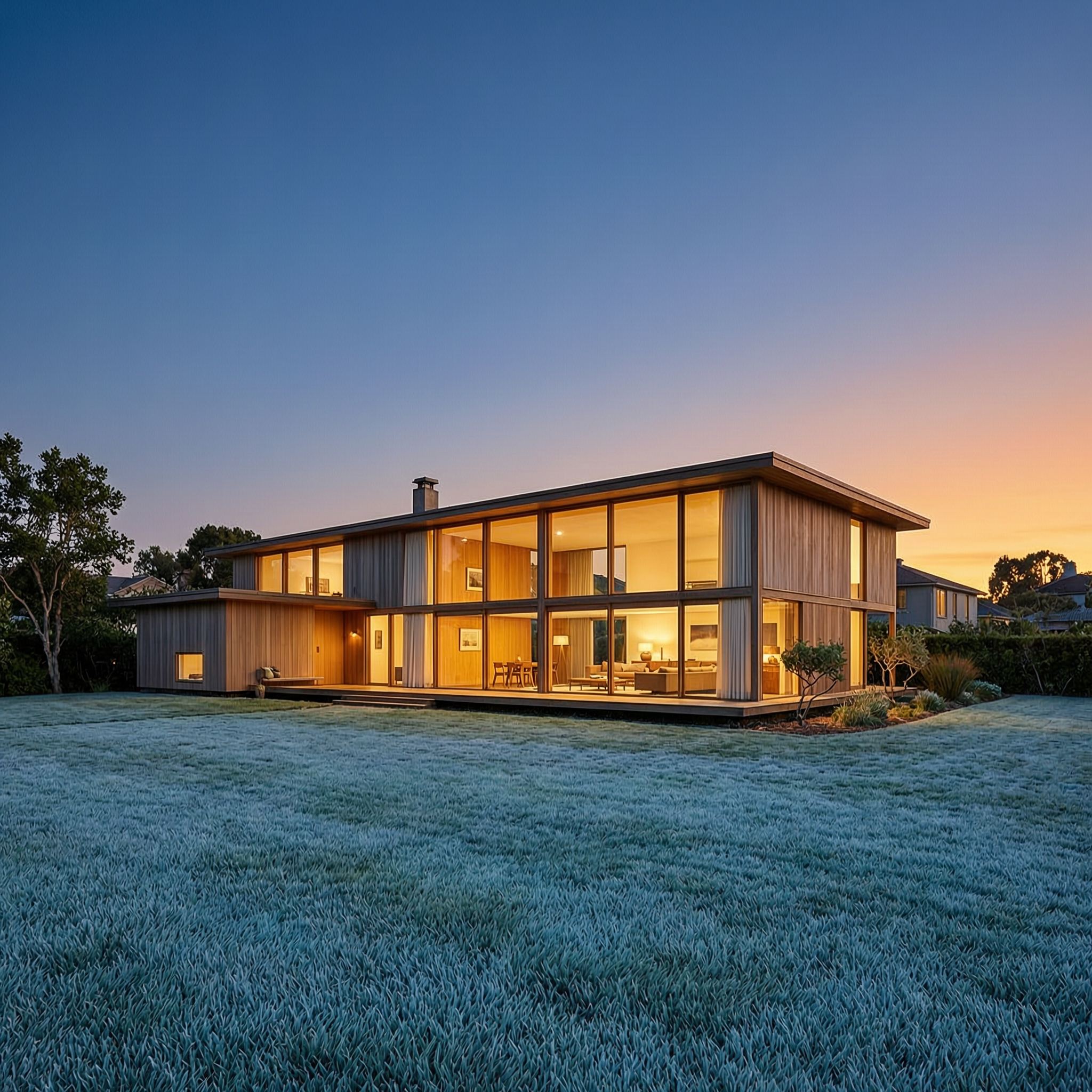
Generated on PixelDojo. Produced by PixelDojo's generation pipeline.
You can transform your creative vision into breathtaking cinematic images, hyper-realistic portraits, and professional product photography in seconds with PixelDojo's WAN 2.7 image generator. Achieve atmospheric lighting, painterly photoreal depth, and precise compositions that make your marketing campaigns, storyboards, e-commerce listings, and personal projects stand out immediately. Whether you need moody landscapes that evoke emotion, documentary-style portraits with natural skin texture and expression, or food and lifestyle shots with restaurant-grade detail, WAN 2.7 delivers the outcomes that convert viewers into customers and ideas into finished assets. Pair it with PixelDojo's WAN 2.7 Video, Image to Image, Consistent Characters, and Upscale & Enhance tools to take static frames into full campaigns without leaving the platform. Thousands of creators already rely on these results daily because you get production-ready quality from simple descriptions, with Standard tier for fast everyday work and Pro for hero-level 4K fidelity on skin, fabric, and surfaces. Start generating the images that elevate your brand today.
Real image examples generated on PixelDojo
Every example below was produced on PixelDojo. Hover to see the prompt.
Wan-architecture
image-to-image

Wi-landscape
image-to-image
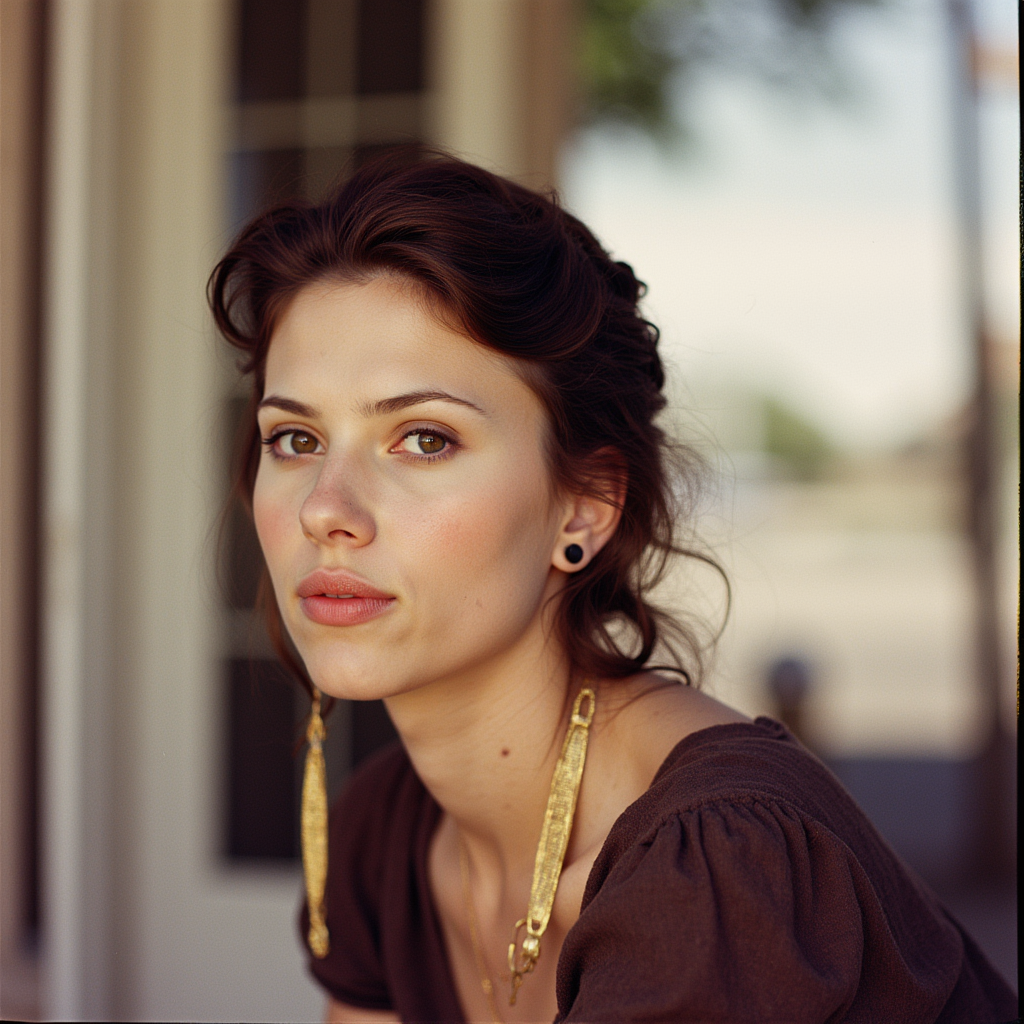
wan2.7 on PixelDojo
flux
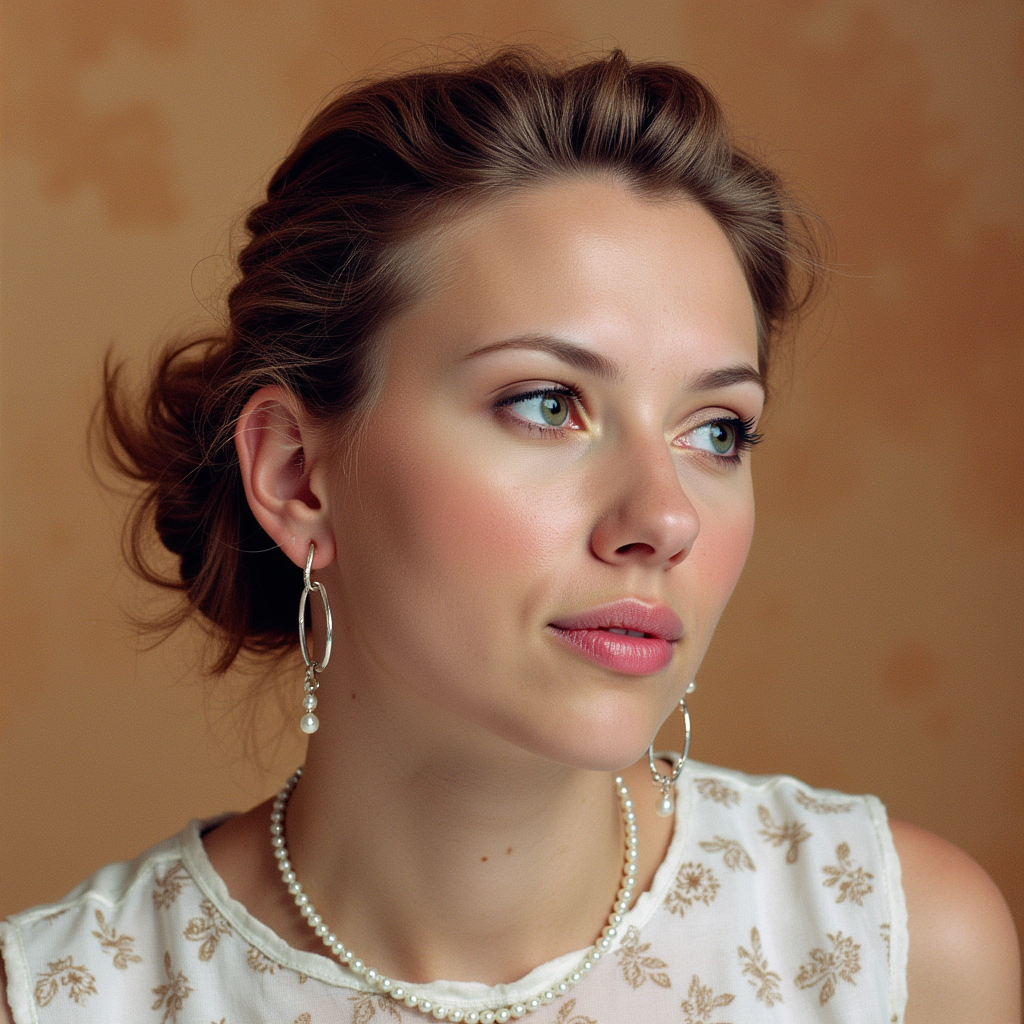
wan2.7 on PixelDojo
flux
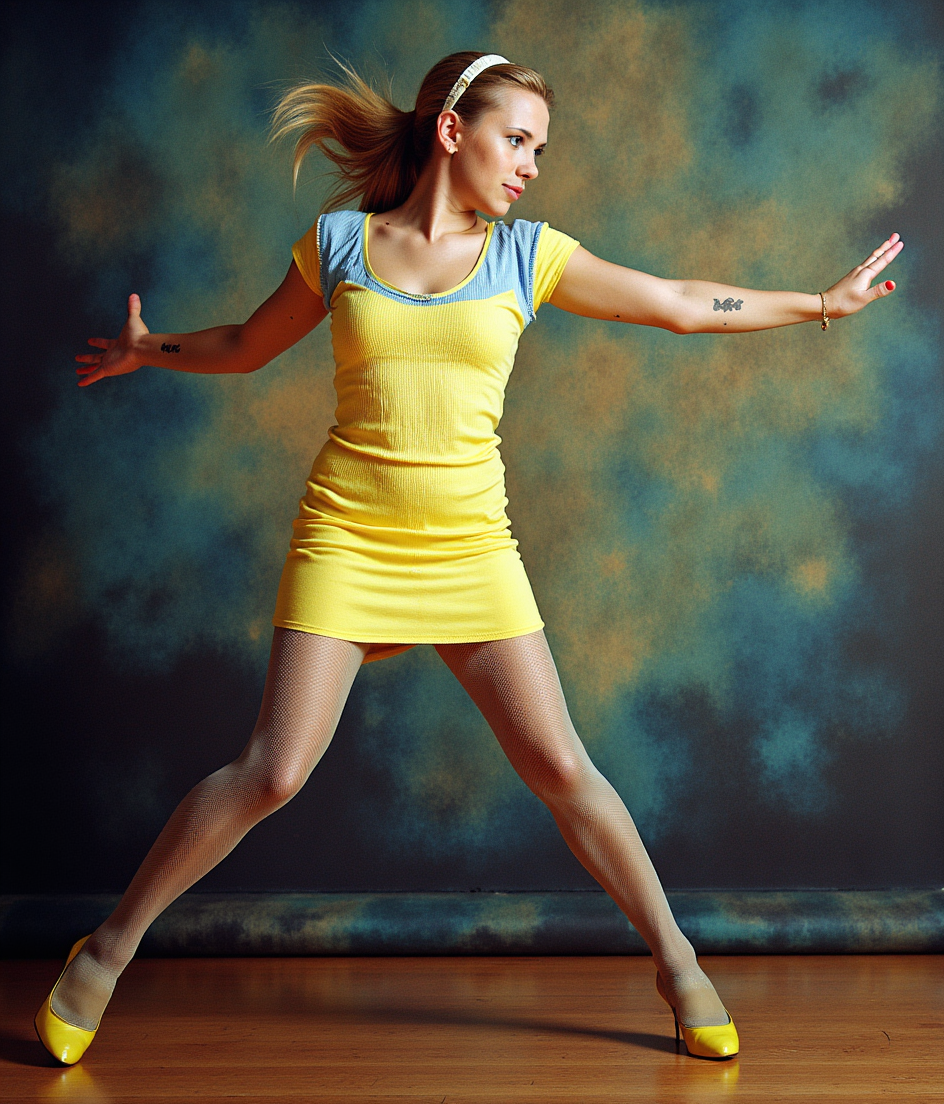
wan2.7 on PixelDojo
flux-pose-control
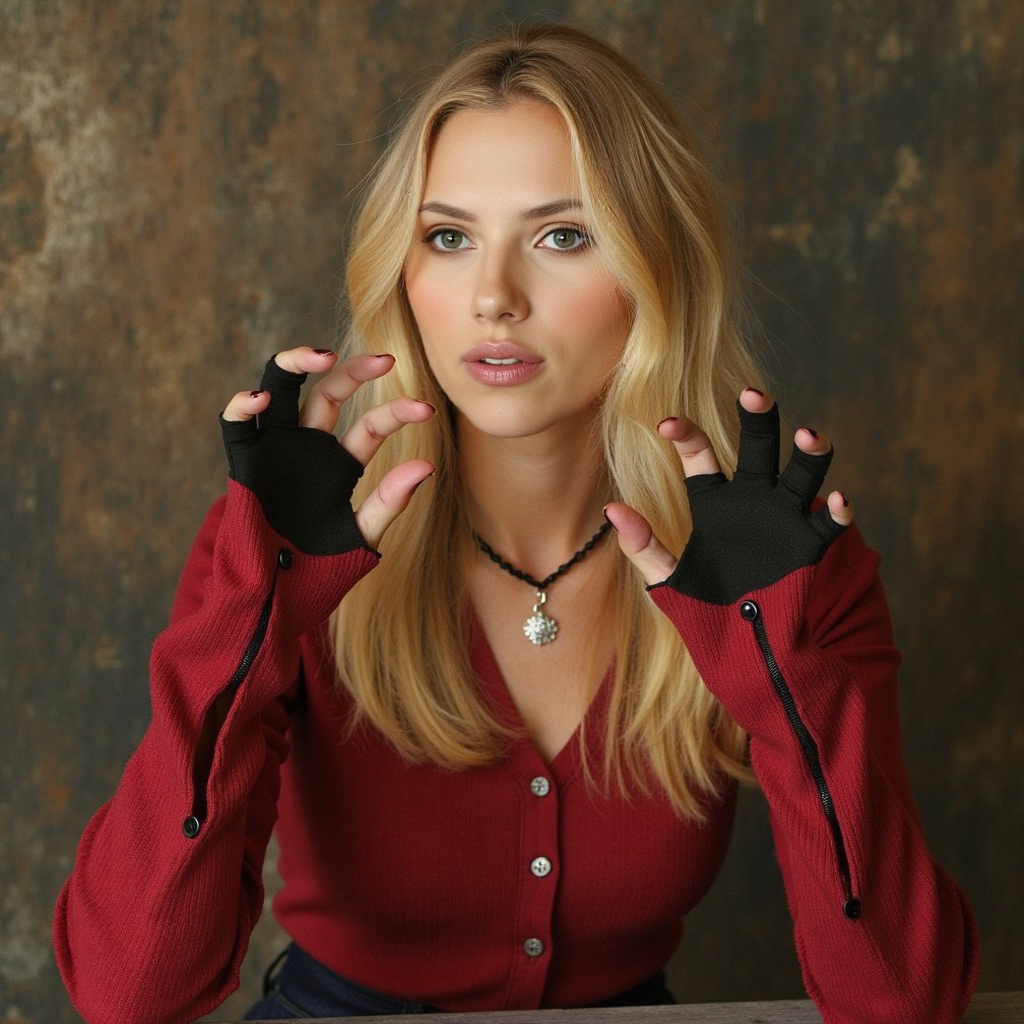
wan2.7 on PixelDojo
flux-inpainting-lora
Models you can run on PixelDojo for wan2.7
Switch models without switching tools. Each one runs in the same PixelDojo studio.
What you can do with wan2.7 on PixelDojo
Text to Image with Wan 2.7
We run Wan 2.7 so you can turn written prompts into still images without leaving PixelDojo. You choose subject, composition, and look in one place.
Iterate Prompts in Studio
We keep your prompt history next to each result so you can refine wording and regenerate. You stay in the same workspace from first draft to a version you keep.
Aspect Ratio and Size Options
We let you pick common aspect ratios and output sizes before you generate. That helps you match feeds, prints, and mockups without extra cropping later.
Export and Reuse Assets
We give you downloads you can take into other PixelDojo tools or your own editor. You keep working from the same files across the rest of your pipeline.
Loved by thousands of creators worldwide who generate millions of professional images monthly. PixelDojo's 40+ cutting-edge AI tools deliver consistent 4.8-star results with cancel-anytime flexibility.
Why Choose Pixel Dojo for wan2.7
Professional-quality results with cutting-edge AI technology
Cinematic Atmospheres That Captivate Instantly
You produce moody, painterly photoreal landscapes, architecture, and weather-driven scenes with dramatic lighting and depth that make your social posts, ads, and presentations unforgettable without any photography skills.
Lifelike Portraits and Product Details That Sell
You generate hyper-detailed skin textures, fabric weaves, food surfaces, and product shots that look professionally photographed, boosting e-commerce conversions and editorial quality in minutes instead of hours.
Consistent Characters and Storyboards at Scale
You maintain perfect identity across multiple images using references, creating cohesive campaigns, comics, and sequential visuals that keep your audience engaged from first frame to last.
How It Works
You create professional WAN 2.7 images on PixelDojo in three simple steps that anyone can follow, turning your ideas into high-converting visuals immediately.
Step 1: Choose Your Tool
Log into PixelDojo and select WAN 2.7 from the Generate Images section. Pick Standard for fast, cost-effective production work or Pro for maximum 4K fidelity on hero shots involving skin, fabric, or food. Combine with related tools like Flux.2 Studio or QWEN Image 2 if you want to experiment with styles.
Step 2: Enter Your Prompt
Describe your scene using cinematic language such as atmospheric lighting, painterly photoreal, documentary photography style, and specific lighting cues like twilight with warm interior glow. Name exact subjects, surfaces, and actions for the best composition. The thinking mode plans the layout automatically so your complex briefs land perfectly.
Step 3: Customize & Download
Select your aspect ratio (16:9 for cinematic, 3:4 for portraits, 1:1 for products), generate 1-4 variations, then download or send straight to Image to Image, Inpainting, Background Remover, or WAN 2.7 Video for animation. Upscale with P-Image Upscale or Magnific Upscaler for print-ready files.
The Pixel Dojo Advantage
Why PixelDojo outperforms other options for WAN 2.7 image generation
| Others | Pixel Dojo |
|---|---|
| Traditional photography and stock libraries | You generate unlimited custom cinematic and photoreal images in seconds instead of booking shoots, waiting days, or searching generic stock that never quite matches your vision. |
| Generic AI image tools | You get specialized cinematic atmospheric output, thinking-mode prompt planning, 4K Pro fidelity, and seamless integration with PixelDojo's video, editing, and character tools rather than starting over in disconnected platforms. |
| Manual photo editing software | You create complete professional images from a simple prompt rather than spending hours compositing, retouching, and lighting existing photos, with built-in consistency across entire campaigns. |
Loved by creators on PixelDojo
Real feedback from people using PixelDojo, pulled from our in-product surveys.
The guy that operates the website is constantly updating it
I’ve been using PixelDojo for around 8 months now and it’s always worked wonderfully while constantly adding features.
The site is easy to navigate and use.
All the tools, readily available and easy to understand
You guys, the LORA training is the BEST in the space right now, great job with that!
Tons of variety. Ease of use. Tools for beginners and advance users.
Explore more AI tools on PixelDojo
AI Tools
Compare & Switch
- Best AI Image Generators
- Best AI Video Generators
- Midjourney Alternatives
- Civitai Alternatives
- Runway Alternatives
- Leonardo Alternatives
- Pika Alternatives
- Luma Alternatives
- Magnific Alternatives
- Veo Alternatives
- Flux Alternatives
- Freepik Alternatives
- Seedance Alternatives
- Seedream Alternatives
- Pixverse Alternatives
- GPT Image Alternatives
- Synthesia Alternatives
- Playground Alternatives
- NightCafe Alternatives
- Canva AI Alternatives
- ElevenLabs Alternatives
- ComfyUI Alternatives
- Fal Alternatives
- Replicate Alternatives
Common Questions
Everything you need to know about wan2.7
What outcomes can I achieve with WAN 2.7 image generation on PixelDojo?
You create cinematic landscapes with dramatic weather and lighting, documentary portraits with natural skin and expression, architectural interiors and exteriors, food editorial shots with perfect texture, and consistent character sets for storyboards. Standard tier handles everyday production quickly while Pro delivers extra material fidelity for hero images. Then extend them using WAN 2.7 Video, Consistent Characters, or Image Outpainting without extra software.
How do I create photoreal portraits with WAN 2.7 on PixelDojo?
Select WAN 2.7, choose 3:4 aspect ratio, and prompt with documentary photography style plus specific details like lighting, action, and clothing. The model handles naturalistic skin texture and environmental composition automatically. Use Pro tier for even sharper detail, then apply Face Swap or Character Stylist if needed. Thousands of creators produce editorial-quality portraits this way daily.
Can WAN 2.7 generate images with accurate in-image text and branding?
Yes, you produce print-quality text in multiple languages for posters, labels, charts, and product packaging. Combine with color palette control for exact brand HEX matching. After generation, refine with Image Analyzer or Reality Polisher, then upscale for commercial use. This capability turns WAN 2.7 into a complete e-commerce and marketing solution inside PixelDojo.
How does WAN 2.7 compare for consistent characters versus other PixelDojo tools?
WAN 2.7 excels at multi-reference identity preservation across sequential images, making it ideal for storyboards and campaigns. Pair it with Consistent Characters, Ideogram Character, or WAN Video Character Swap for even stronger lock-in. You maintain the same face, clothing, and style across dozens of shots, then animate with WAN 2.7 Video or Kling Video.
Is WAN 2.7 suitable for professional e-commerce and marketing images?
Absolutely. You generate product shots, lifestyle photography, and hero banners with restaurant-grade food texture, fabric weave, and lighting that convert. Use Standard for volume and Pro for flagship assets, then enhance with Background Remover, Magic Lighting, or Flux Pro Virtual Try-On. PixelDojo's 40+ tools let you go from concept to campaign-ready files in one place.
What if I want to turn my WAN 2.7 images into video or edit them further?
You send any generated image directly to WAN 2.7 Video, WAN Reference to Video, Image to Image, Inpainting, or Change Camera Angle. Add audio with Text to Speech, upscale with Creative Upscaler, and maintain characters with LoRA Face Swap. Everything stays inside PixelDojo so your workflow never breaks, and you can cancel anytime if it doesn't fit your needs.