wan3.0 AI Generator
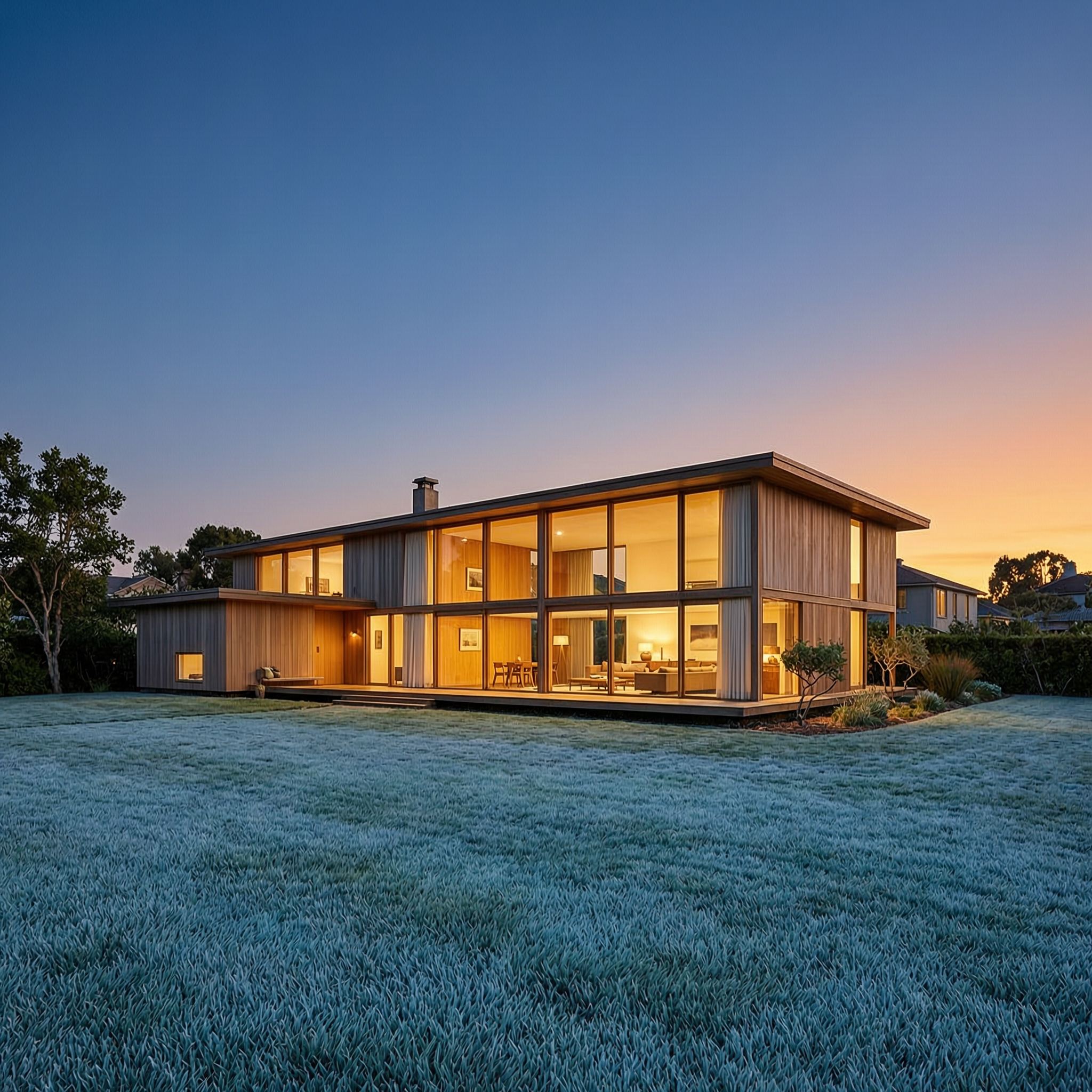
Generated on PixelDojo. Produced by PixelDojo's generation pipeline.
Imagine turning a single product photo, a short script or even a PDF spec sheet into a complete 30-second cinematic video complete with natural motion, expressive faces, perfectly synced dialogue and ambient sound—all without hiring a crew or spending days in an editing timeline. That is the outcome you achieve with PixelDojo’s WAN 3.0. You no longer settle for silent 5-second loops or inconsistent characters that break immersion. Instead you produce ready-to-publish social ads, product walkthroughs, explainer clips and story pitches that look like they came from a professional studio. PixelDojo puts WAN 3.0 alongside 40+ other cutting-edge tools so you can generate supporting stills with Flux.2 Studio or WAN Image, lock character identity with Consistent Characters, then feed everything into WAN 3.0 for a single unbroken take. The result is content that converts viewers into customers while you keep full creative control and cancel anytime.
Real image examples generated on PixelDojo
Every example below was produced on PixelDojo. Hover to see the prompt.
Wan-architecture
image-to-image

W26-product
image-to-image

Wan-cinematic
image-to-image
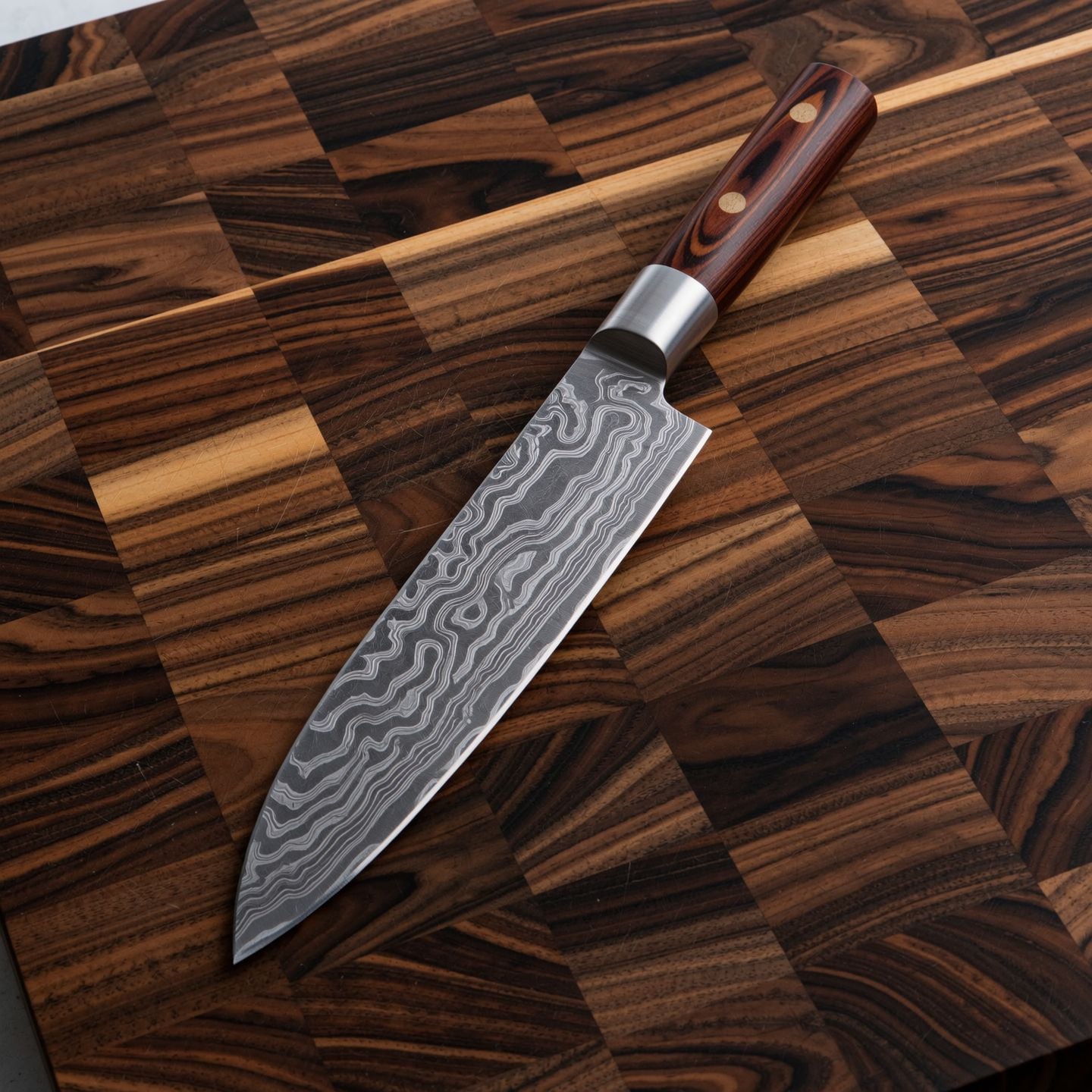
Wi-product
image-to-image

Wan-food
image-to-image

Wi-landscape
image-to-image
Models you can run on PixelDojo for wan3.0
Switch models without switching tools. Each one runs in the same PixelDojo studio.
What you can do with wan3.0 on PixelDojo
WAN 3.0 Image Generation
We give you access to WAN 3.0 so you can turn written prompts into still images for concept art, product shots, and campaign drafts.
Prompt Driven Visual Control
You can steer subject, setting, lighting, and composition in the prompt and iterate until the frame matches what you need.
Style And Format Options
We support common aspect ratios and style directions so you can generate images that fit social, web, and print layouts.
Creator Ready Exports
Download generated stills and reuse them in your own pipelines without extra setup on our side.
Loved by thousands of creators worldwide who produce professional videos daily. 40+ cutting-edge AI tools in one platform. Cancel anytime with no long-term commitment. Trusted for commercial ads, social campaigns and client deliverables.
Why Choose Pixel Dojo for wan3.0
Professional-quality results with cutting-edge AI technology
Produce Complete 30-Second Stories in One Generation
You create a full narrative arc with beginning, middle and end plus native audio in a single 30-second take. No more stitching short clips or adding sound later. Your product demo, brand story or social ad arrives ready to post, saving you hours of post-production while delivering cinema-quality pacing and emotional impact that keeps viewers watching until the call to action.
Lock Character and Product Identity Across Every Shot
You upload reference images or short clips and WAN 3.0 keeps faces, outfits, logos and lighting consistent from the first frame to the last. Combined with PixelDojo’s Consistent Characters and Character Sheets you build reusable assets once, then generate entire series of videos that feel like they belong to the same campaign. Your audience recognizes your brand instantly and trust grows with every clip.
Transform Documents and Webpages into Engaging Video
You drop a PDF, slide deck or webpage URL into WAN 3.0 and receive a narrated explainer video that highlights the key facts, charts and messages. Internal reports become shareable updates, product specs become sales videos and blog posts become social clips. You communicate complex ideas visually without writing a script from scratch, accelerating your content pipeline and increasing engagement.
How It Works
Creating professional WAN 3.0 videos on PixelDojo is simple and takes only minutes. You combine the model’s multimodal power with PixelDojo’s supporting tools for images, characters and finishing.
Step 1: Choose WAN 3.0 and Prepare Your Assets
Open PixelDojo’s video studio and select WAN 3.0. Decide on your mode: text-to-video for a scene from words, first-frame or first-and-last-frame for precise start and end control, or full reference-to-video for maximum consistency. Generate any needed stills first with Flux.2 Studio, WAN Image or Ideogram 4, then lock faces with Consistent Characters or Character Sheets so your subject stays recognizable.
Step 2: Write a Director-Style Prompt and Add References
Describe the shot like you are briefing a cinematographer: subject, exact action, camera move, lighting, atmosphere and audio cues. Point to each uploaded asset by position (“the person from image 1 walks toward the product in image 3 while the camera slowly pushes in”). Enable audio generation and choose duration up to 30 seconds or let the model recommend the perfect length. PixelDojo’s prompt helper can expand your idea if you want extra creative detail.
Step 3: Generate, Refine and Download Your Video
Click generate and receive your 480p, 720p or 1080p clip with synced sound in minutes. Preview, then use WAN 2.7 Video Edit or Kling Video Edit for any small adjustments, upscale with Video Upscaler or FLUX Video Upscale, add captions with Video Autocaption, and download. Your finished video is ready for ads, social media or client presentation—no watermarks, full commercial rights.
The Pixel Dojo Advantage
Why PixelDojo outperforms other options for WAN 3.0 video generation
| Others | Pixel Dojo |
|---|---|
| Traditional video production | You skip location scouting, talent booking and multi-day shoots. A complete 30-second commercial with audio is ready in minutes instead of weeks, at a fraction of the cost, while still delivering professional quality you can publish immediately. |
| Generic AI tools | Most platforms limit you to short silent clips with drifting characters. PixelDojo’s WAN 3.0 gives you native 30-second takes, built-in audio, document-to-video and rock-solid reference control plus 40 other specialized tools so every part of your workflow stays in one place. |
| Manual photo and video editing | You no longer spend hours keyframing motion, lip-syncing audio or rotoscoping consistency. WAN 3.0 plus PixelDojo’s edit and upscale suite handles the heavy lifting so you focus on creative direction and strategy instead of technical grind. |
Loved by creators on PixelDojo
Real feedback from people using PixelDojo, pulled from our in-product surveys.
it is an amazing site to create a pics and vids for those who don't have the hardware themselves
good tools in one place
Prompt updates, strong features, and a community that is always willing to help and hear/act on professional feedback. I've never had a better experience.
user friendly all in one thing
I really like the schedule of AI work performed!
The best tools for IA on the web !
Explore more AI tools on PixelDojo
AI Tools
Compare & Switch
- Best AI Image Generators
- Best AI Video Generators
- Midjourney Alternatives
- Civitai Alternatives
- Runway Alternatives
- Leonardo Alternatives
- Pika Alternatives
- Luma Alternatives
- Magnific Alternatives
- Veo Alternatives
- Flux Alternatives
- Freepik Alternatives
- Seedance Alternatives
- Seedream Alternatives
- Pixverse Alternatives
- GPT Image Alternatives
- Synthesia Alternatives
- Playground Alternatives
- NightCafe Alternatives
- Canva AI Alternatives
- ElevenLabs Alternatives
- ComfyUI Alternatives
- Fal Alternatives
- Replicate Alternatives
Common Questions
Everything you need to know about wan3.0
How do I generate a 30-second cinematic video with WAN 3.0 on PixelDojo?
Select WAN 3.0 in the video studio, choose your input mode, upload any reference images created with Flux.2 Studio or WAN Image, write a detailed director-style prompt that includes camera movement and audio, then generate. PixelDojo handles the rest and you can immediately upscale or edit the result. Thousands of creators use this exact flow daily for ads and social content.
Can I turn a product photo into a professional image-to-video clip with WAN 3.0?
Yes. Upload your product shot as the first frame or as a reference, describe the desired motion, lighting and any on-screen text, and WAN 3.0 animates it into a smooth 3-to-30-second video with optional voiceover. Combine with Reality Polisher or Background Remover first for even cleaner results, then finish with Video Upscaler.
Does PixelDojo WAN 3.0 support document-to-video and webpage references?
Absolutely. You can attach a PDF, slide deck or public webpage URL and WAN 3.0 reads the content to produce a narrated explainer video. This is perfect for turning specs, reports or blog posts into shareable clips without writing a new script. Enable thinking mode for the most accurate parsing.
How do I keep characters consistent when using WAN 3.0 for a video series?
Create a character once with Consistent Characters or Ideogram Character, generate a Character Sheet, then feed those images as labeled references into every WAN 3.0 generation. The model maintains face, outfit and style across all 30-second clips so your series looks professionally produced. You can further refine with Face Swap or WAN Video Character Swap if needed.
Is WAN 3.0 on PixelDojo suitable for commercial ads and client work?
Yes. All videos you generate belong to you with full commercial rights and no watermarks. Creators regularly use the output for paid social ads, product launches and client deliverables. Pair WAN 3.0 with Marketing Studio and Video Autocaption to go from idea to published campaign in one session.
What if I need to edit or extend a WAN 3.0 video after generation?
PixelDojo gives you WAN 2.7 Video Edit, Kling Video Edit, Seedance 2.5 Video Edit and Grok Video Edit for precise changes. You can also extend clips, reframe, merge videos or extract frames. Because everything lives on the same platform you never leave your project to finish the job.