AI character generation in videos

Generated on PixelDojo. Produced by PixelDojo's generation pipeline.
Transform your storytelling by seamlessly integrating lifelike AI characters into your videos. With PixelDojo's cutting-edge tools, you can create consistent, dynamic characters that captivate your audience and elevate your content.
Real image examples generated on PixelDojo
Every example below was produced on PixelDojo. Hover to see the prompt.
Create a YouTube Header for "FLUXPRO" AI image generation
flux
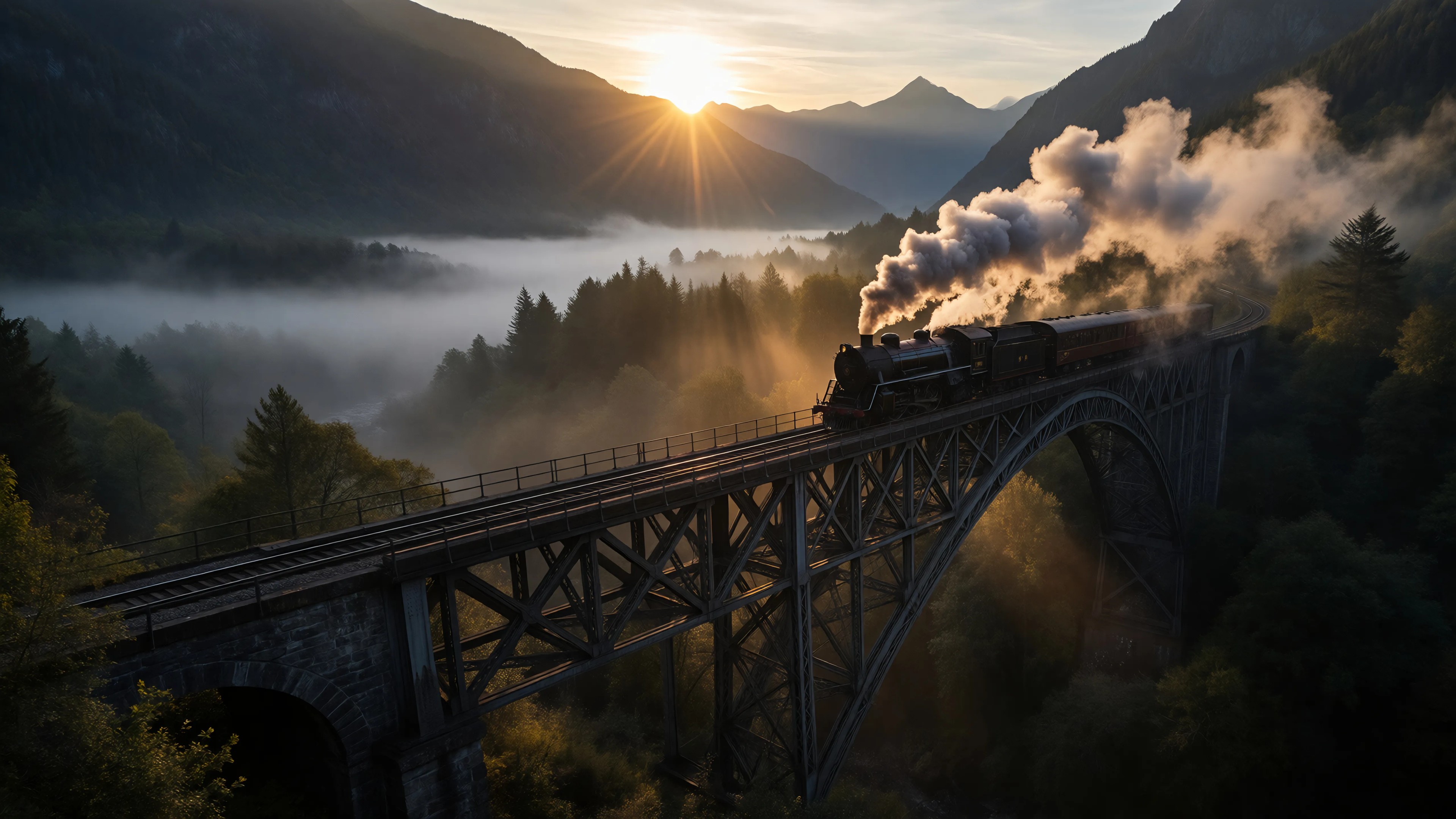
Ia-cinematic
image-to-image

Image of an ai painting a human and a human painting an ai
flux
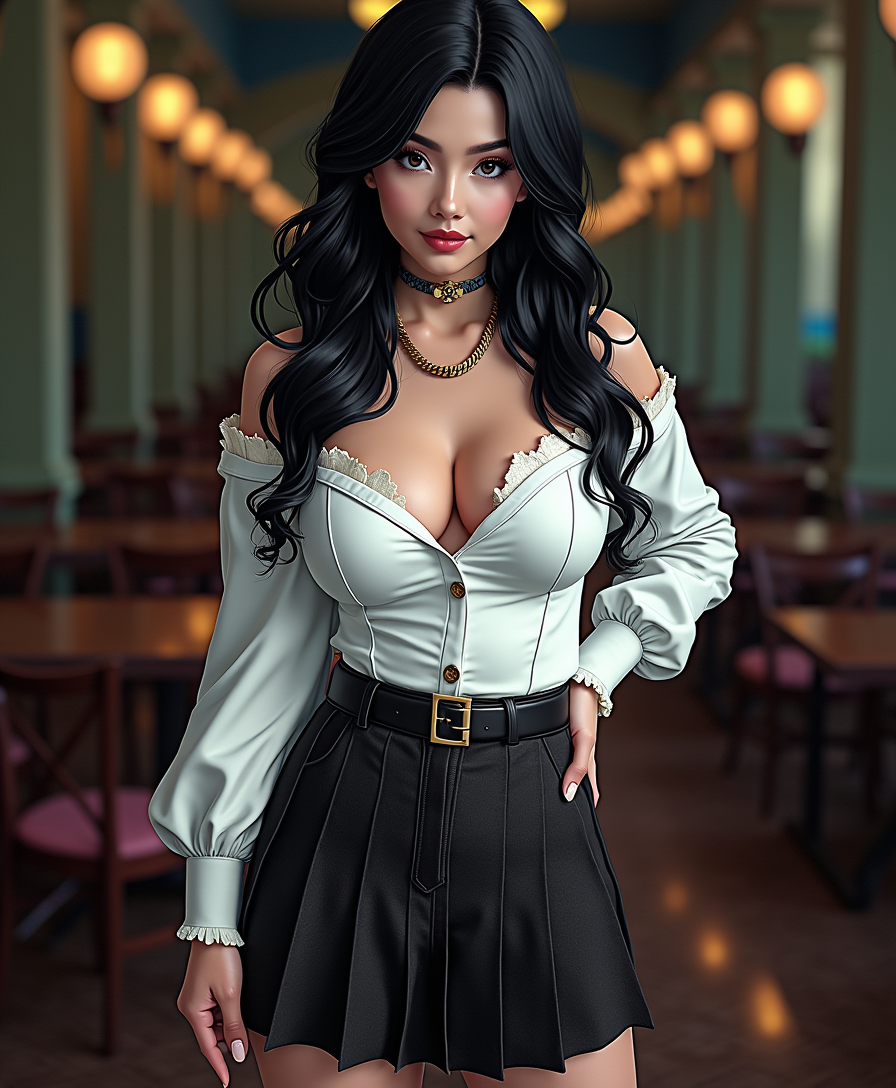
Anime character
flux
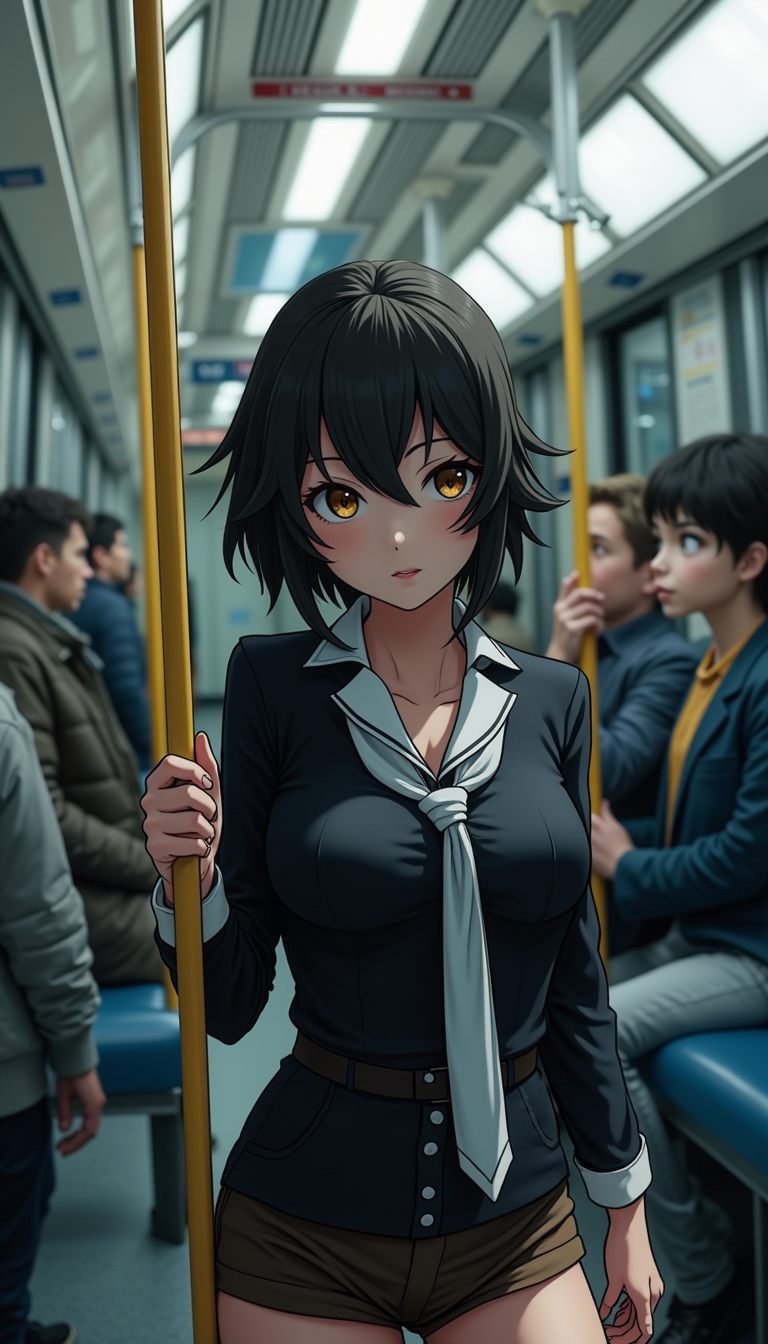
Anime character
flux
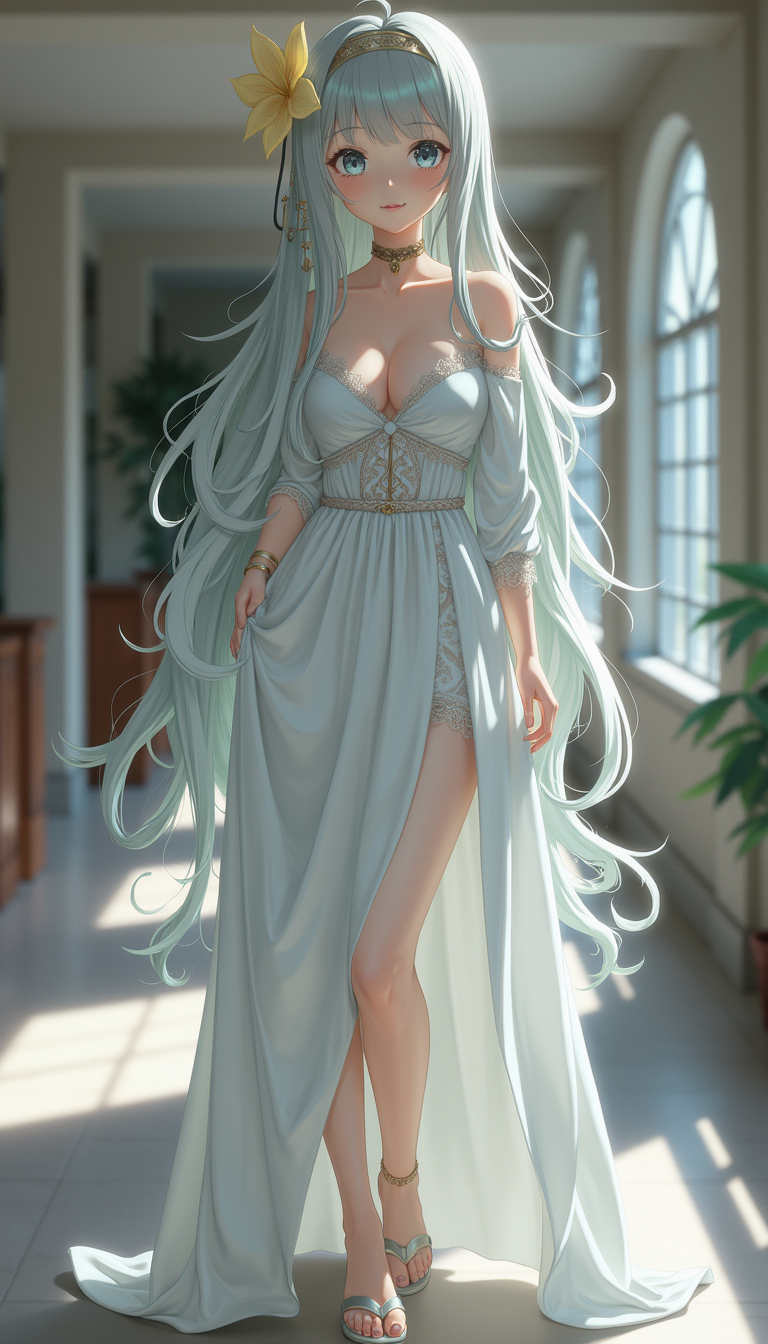
Anime character
flux
Models you can run on PixelDojo for AI character generation in videos
Switch models without switching tools. Each one runs in the same PixelDojo studio.
What you can do with AI character generation in videos on PixelDojo
Generate Consistent Characters
Creators produce multiple images of the same character with matching features for use across video frames.
Apply Custom Styles
We enable users to select artistic styles and apply them to generated character images.
Control Poses and Angles
Creators adjust character poses and viewing angles during the image generation process.
Export for Video Editing
We provide image outputs in standard formats ready for import into video production tools.
Join over 10,000 creators who have enhanced their videos with PixelDojo's AI character generation tools, achieving a 5-star satisfaction rating.
Why Choose Pixel Dojo for AI character generation in videos
Professional-quality results with cutting-edge AI technology
Effortless Character Creation
Generate unique, lifelike characters tailored to your video's narrative without any prior design experience.
Consistent Character Identity
Maintain visual and behavioral consistency of your characters across various scenes and videos.
Time and Cost Efficiency
Reduce production time and costs by automating character creation and integration processes.
How It Works
Creating consistent AI characters in your videos is simple with PixelDojo. Follow these steps to bring your characters to life:
Step 1: Select Your Character Generation Tool
Choose from PixelDojo's suite of tools like VEO 3 or Runway Gen-4 Video to start creating your character.
Step 2: Define Character Attributes
Input detailed descriptions or reference images to specify your character's appearance, attire, and personality traits.
Step 3: Generate and Integrate Character into Video
Use the selected tool to generate the character and seamlessly integrate them into your video project.
The Pixel Dojo Advantage
Why PixelDojo is the superior choice for AI character generation in videos:
| Others | Pixel Dojo |
|---|---|
| Traditional Character Animation | Eliminates the need for manual animation, reducing time and effort. |
| Generic AI Tools | Offers specialized tools designed specifically for character consistency and integration in videos. |
| Manual Video Editing | Automates character creation and integration, streamlining the editing process. |
Loved by creators on PixelDojo
Real feedback from people using PixelDojo, pulled from our in-product surveys.
The amazing tools
Top notch quality and strong prompt adherence.
A well resourced sunscription with attention to updates.
Easy to use and there's lots of options.
super lora download
Great variety of tools to create and modify images and video.
Explore more AI tools on PixelDojo
AI Tools
Compare & Switch
- Best AI Image Generators
- Best AI Video Generators
- Midjourney Alternatives
- Civitai Alternatives
- Runway Alternatives
- Leonardo Alternatives
- Pika Alternatives
- Luma Alternatives
- Magnific Alternatives
- Veo Alternatives
- Flux Alternatives
- Freepik Alternatives
- Seedance Alternatives
- Seedream Alternatives
- Pixverse Alternatives
- GPT Image Alternatives
- Synthesia Alternatives
- Playground Alternatives
- NightCafe Alternatives
- Canva AI Alternatives
- ElevenLabs Alternatives
- ComfyUI Alternatives
- Fal Alternatives
- Replicate Alternatives
Common Questions
Everything you need to know about AI character generation in videos
How does PixelDojo ensure character consistency across videos?
PixelDojo's tools allow you to define detailed character attributes and use reference images, ensuring your character maintains a consistent appearance and behavior across different videos.
Can I customize the generated characters to fit my video's theme?
Absolutely. You can input specific descriptions and reference images to tailor the character's look and personality to match your video's theme.
Do I need prior design experience to use PixelDojo's character generation tools?
No prior design experience is required. PixelDojo's intuitive interface guides you through the character creation process step by step.
What formats are supported for exporting videos with AI-generated characters?
PixelDojo supports multiple video formats, including MP4 and MOV, ensuring compatibility with various platforms and editing software.
Is there a limit to the number of characters I can create?
There are no limits. You can create as many characters as needed for your projects.
Can I animate the characters I create with PixelDojo?
Yes, PixelDojo's tools allow you to animate your characters, bringing them to life within your videos.