ai hairstyle generator
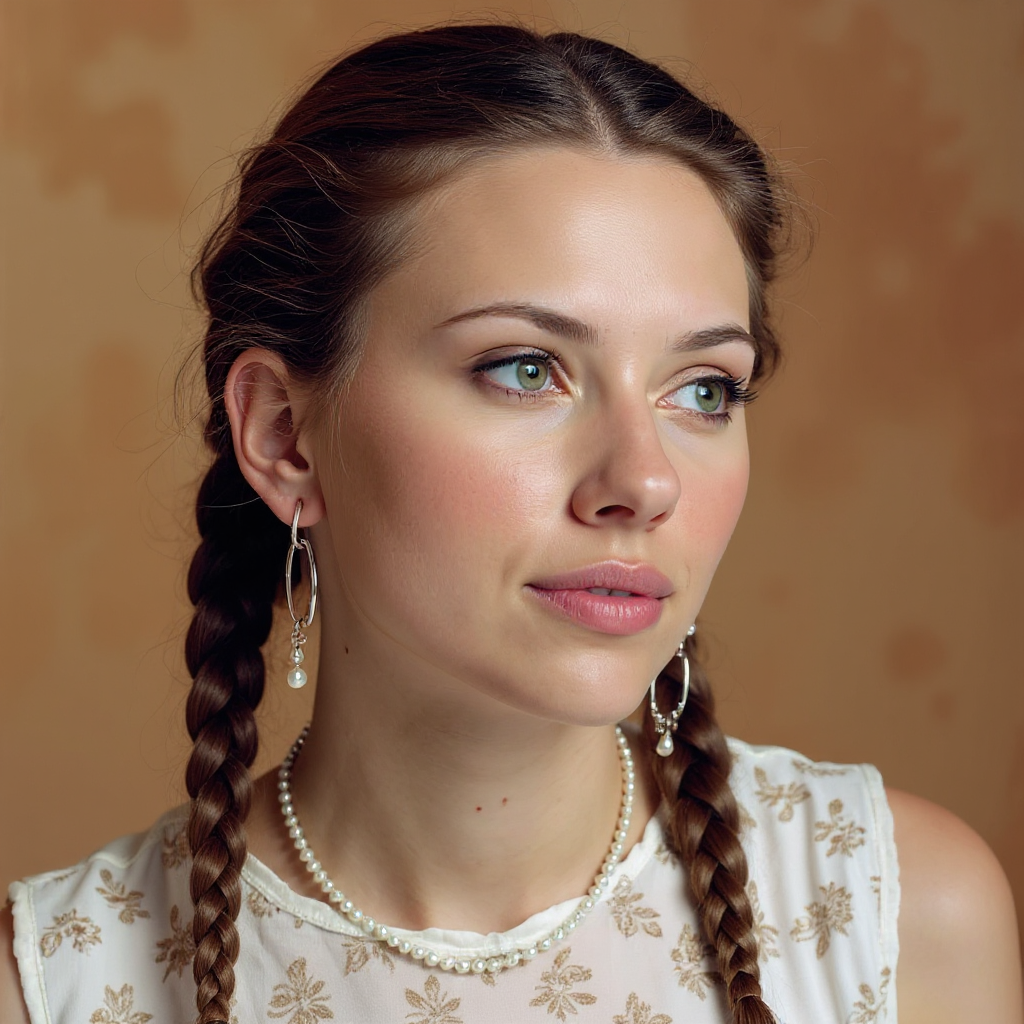
Generated on PixelDojo. Produced by PixelDojo's generation pipeline.
Imagine seeing yourself with a fresh wolf cut, soft curtain bangs, or rich caramel balayage before you ever sit in a salon chair. PixelDojo's AI hairstyle generator makes that possible. You upload a simple selfie and instantly preview photorealistic transformations that match your unique face, lighting, and features. No more guessing if a trending style will flatter you or wasting money on a cut you regret. You explore endless options—from textured layers and modern mullets to icy blondes and natural waves—right from your browser. Creators, everyday users, and anyone planning a change use these previews to build confidence, share ideas with stylists, and produce scroll-stopping content. With 40+ cutting-edge AI tools loved by thousands of creators worldwide, you generate salon-quality results in seconds and cancel anytime. Start visualizing the version of you that you have been dreaming about.
Real image examples generated on PixelDojo
Every example below was produced on PixelDojo. Hover to see the prompt.
Quickly change someone's hair style and hair color
stable-diffusion
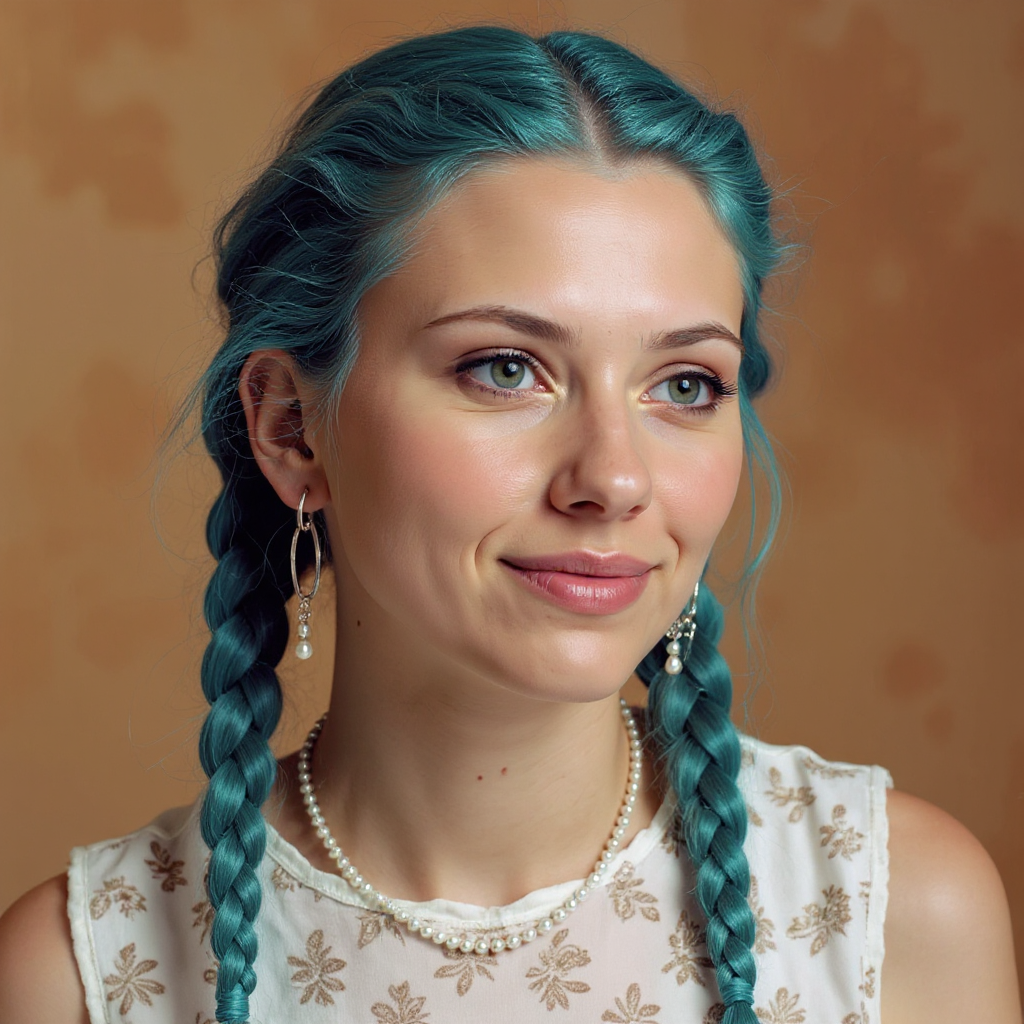
Quickly change someone's hair style and hair color
stable-diffusion
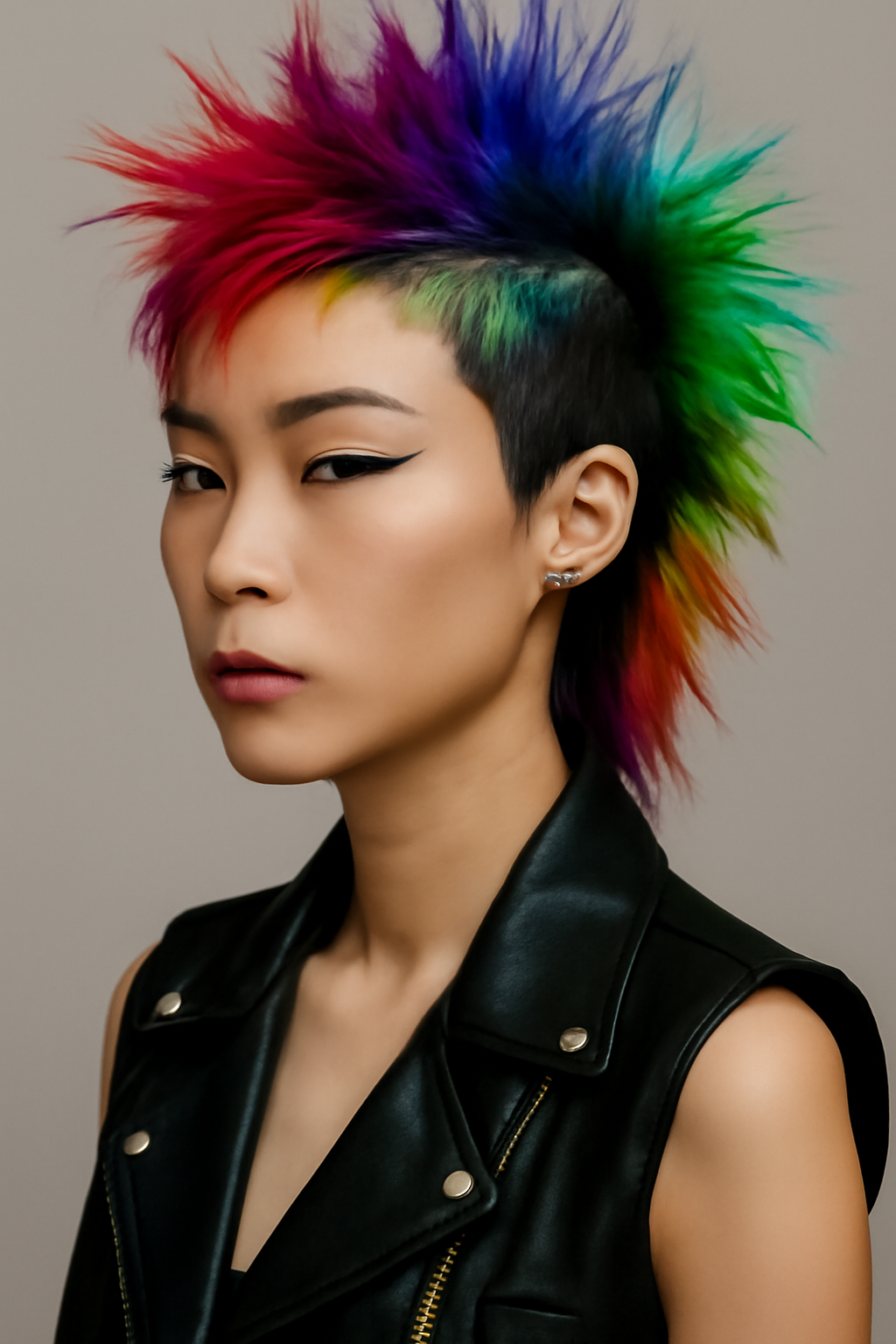
Make the hair in rainbow color edit
stable-diffusion
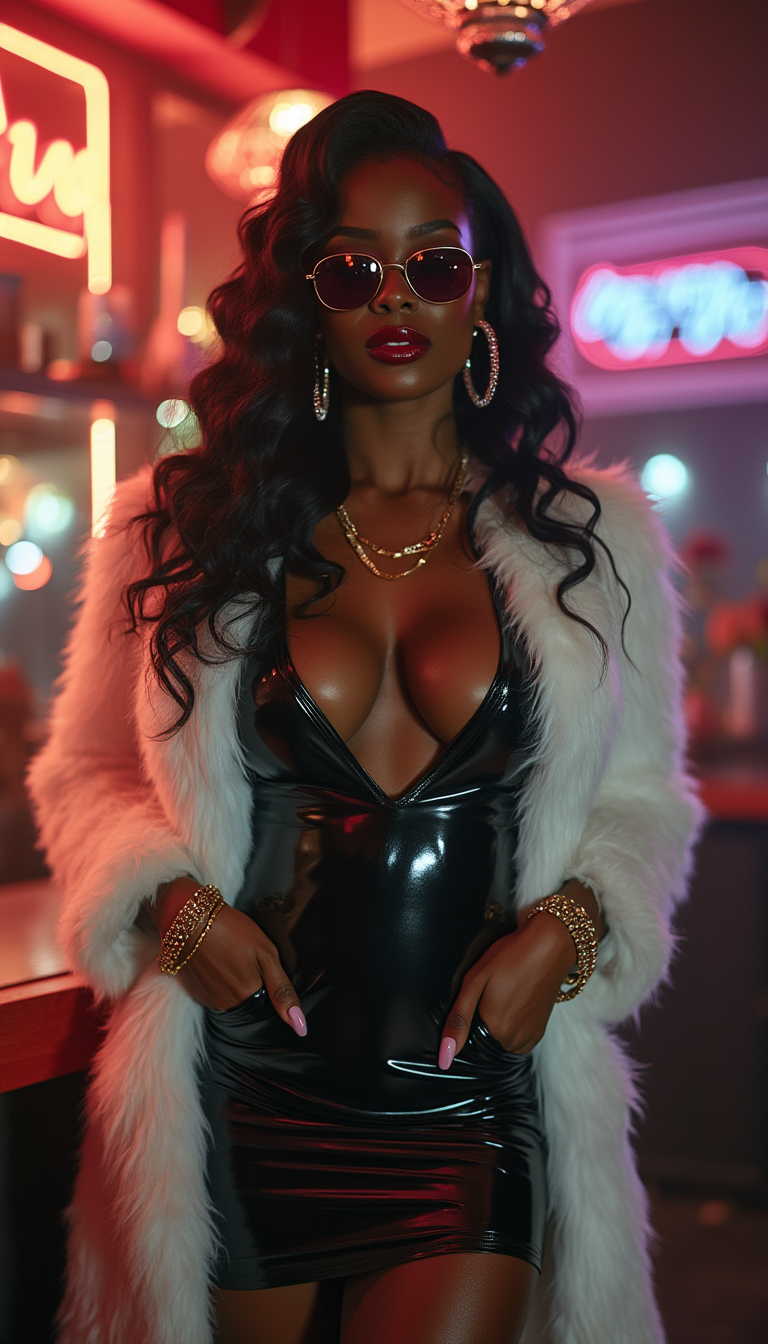
"SHOT COMPOSITION": "A long full body shot framing a confident curvaceous African American…
stable-diffusion
A flat-lay product hero shot of a matte black water bottle on terracotta tiles with sharp…
ideogram-v4-quality
A ridiculously adorable fluffy orange tabby kitten with enormous sparkling emerald-green e…
seedream-5
Models you can run on PixelDojo for ai hairstyle generator
Switch models without switching tools. Each one runs in the same PixelDojo studio.
What you can do with ai hairstyle generator on PixelDojo
Preview Cuts On Photos
We generate new hairstyles on your uploaded portraits so you can compare cuts, lengths, and partings before you commit. Output stays photorealistic and aligned with the original face.
Color And Texture Control
Creators can specify shade, highlights, curls, and finish while we keep lighting and skin tone consistent. Iterate on a look without reshooting.
Batch Looks For Content
We produce several hairstyle variants from one reference so you can fill galleries, mood boards, and social posts. Export images ready for editing or posting.
Reference Driven Restyles
Upload a face and a style reference and we apply the hair while preserving identity and camera angle. Useful for client mockups and character design.
Loved by thousands of creators worldwide. 40+ cutting-edge AI tools delivering photorealistic hairstyle previews. Cancel anytime and try it today.
Why Choose Pixel Dojo for ai hairstyle generator
Professional-quality results with cutting-edge AI technology
See Your Transformation Before You Commit
You preview exact new cuts and colors on your own photo so you walk into the salon knowing the result will suit you perfectly.
Photorealistic Results That Preserve You
You keep your identity, expression, lighting, and background while only the hair changes, giving you believable, shareable images every time.
Unlimited Trend Exploration Without Risk
You test 2026 favorites like long wolf cuts, curtain bangs, and custom balayage as many times as you want until you find the look that feels like you.
How It Works
You create stunning AI hairstyle images in three straightforward steps using PixelDojo's dedicated tools built for realistic try-ons.
Step 1: Choose Your Tool
Select Virtual Try-On or Flux Pro Virtual Try-On for photo-based edits, or Flux.2 Studio, GPT Image 2, or Nano Banana 2 for prompt-driven generation. Upload a clear, well-lit, front-facing selfie with visible hair. Image to Image and Inpainting also work beautifully for targeted hair changes.
Step 2: Enter Your Prompt
Describe the exact look you want while instructing the AI to keep your face, pose, lighting, and background unchanged. Example: long wolf cut with curtain bangs, textured layers, warm caramel balayage, ultra-realistic strands and natural shine. Character Stylist or Face Swap can refine identity if needed.
Step 3: Customize & Download
Generate your image, then refine with Inpainting for small tweaks or Portrait Upscaler for extra sharpness. Download high-resolution files ready for your stylist, social posts, or personal gallery. Consistent Characters keeps your look across multiple variations.
The Pixel Dojo Advantage
Why PixelDojo outperforms other options for AI hairstyle generator image creation
| Others | Pixel Dojo |
|---|---|
| Traditional salon visits | You test unlimited styles in seconds instead of waiting weeks and risking an irreversible cut that costs time and money. |
| Generic AI tools | You get specialized Virtual Try-On, Flux Pro Virtual Try-On, Image to Image, and models like Flux.2 Studio plus GPT Image 2 that excel at identity-preserving hair edits. |
| Manual photo editing | You skip hours of cloning and blending; a single detailed prompt plus Inpainting delivers professional, photorealistic results instantly. |
Loved by creators on PixelDojo
Real feedback from people using PixelDojo, pulled from our in-product surveys.
Excellent website for creating all types of media
Very eay to use, works well to train SDXL loras.
The amazing tools
Top notch quality and strong prompt adherence.
A well resourced sunscription with attention to updates.
Easy to use and there's lots of options.
Explore more AI tools on PixelDojo
AI Tools
Compare & Switch
- Best AI Image Generators
- Best AI Video Generators
- Midjourney Alternatives
- Civitai Alternatives
- Runway Alternatives
- Leonardo Alternatives
- Pika Alternatives
- Luma Alternatives
- Magnific Alternatives
- Veo Alternatives
- Flux Alternatives
- Freepik Alternatives
- Seedance Alternatives
- Seedream Alternatives
- Pixverse Alternatives
- GPT Image Alternatives
- Synthesia Alternatives
- Playground Alternatives
- NightCafe Alternatives
- Canva AI Alternatives
- ElevenLabs Alternatives
- ComfyUI Alternatives
- Fal Alternatives
- Replicate Alternatives
Common Questions
Everything you need to know about ai hairstyle generator
How does an AI hairstyle generator work with my own photo on PixelDojo?
You upload a front-facing selfie to Virtual Try-On, Flux Pro Virtual Try-On, or Image to Image. The system analyzes your face and hair, then generates a new style while keeping your identity, lighting, and background intact. Tools like GPT Image 2 and Nano Banana 2 produce ultra-realistic strands and natural blending so the result looks like a real photograph of you.
What trending hairstyles can I try with an AI hairstyle generator?
You can generate 2026 favorites including long wolf cuts with curtain bangs, textured shags, modern mullets, pixie crops, low taper fades, and color techniques like caramel balayage or icy blonde. Simply describe the cut, length, texture, and finish in your prompt using Flux.2 Studio or Krea Image for fast, accurate visualizations.
Can I realistically change hair color using PixelDojo's AI hairstyle generator?
Yes. Specify shades such as warm honey blonde, mocha mousse brown, or copper red with details like balayage, highlights, or ombre. Image to Image and Inpainting preserve your original texture and lighting while applying the new color naturally. Portrait Upscaler then enhances the final image for salon-ready quality.
Which PixelDojo tools are best for virtual hairstyle try-on?
Virtual Try-On and Flux Pro Virtual Try-On excel at photo-based transformations. Combine them with Flux.2 Studio, GPT Image 2, or Nano Banana 2 for generation, Inpainting for precise edits, and Character Stylist or Face Swap to maintain consistency across looks. These tools together give you the most photorealistic, identity-safe results.
How do I get the most realistic results from an AI hairstyle generator?
Start with a well-lit, front-facing photo showing your hair clearly. Use a detailed prompt that names the exact cut, length, texture, color, and finish while repeating 'keep same face, pose, lighting, and background, ultra-realistic hair strands.' Generate a few variations and refine with Inpainting. PixelDojo's advanced models handle the rest.
Is PixelDojo's AI hairstyle generator easy to try without commitment?
Absolutely. You access 40+ cutting-edge AI tools loved by thousands of creators worldwide, generate your first images immediately, and cancel anytime. There is no long-term lock-in, so you can explore wolf cuts, curtain bangs, and custom colors risk-free until you find the perfect look.