ai radio drama generator

Generated on PixelDojo. Produced by PixelDojo's generation pipeline.
You no longer need a full production team or expensive illustrators to give your radio dramas the visual power they deserve. With PixelDojo you turn scripts, premises and story ideas into professional cover art, character portraits, atmospheric scene illustrations and even short video clips that make audio stories jump off the screen. Imagine vintage 1940s radio-studio lighting, noir detectives in rain-soaked offices, pulp sci-fi adventures or cozy period living rooms—all generated in minutes so your podcast, YouTube channel or streaming series looks as compelling as it sounds. Pair those images with PixelDojo Text to Speech voices and Text to Music scores and you have a complete, ready-to-publish package that attracts more listeners, boosts engagement and lets you iterate endlessly until every episode feels cinematic. Thousands of creators already use these tools to launch series faster, test visual styles without risk and build immersive worlds that keep audiences coming back.
Real image examples generated on PixelDojo
Every example below was produced on PixelDojo. Hover to see the prompt.
Make in tones inspired by dune edited
gpt-image-1-5
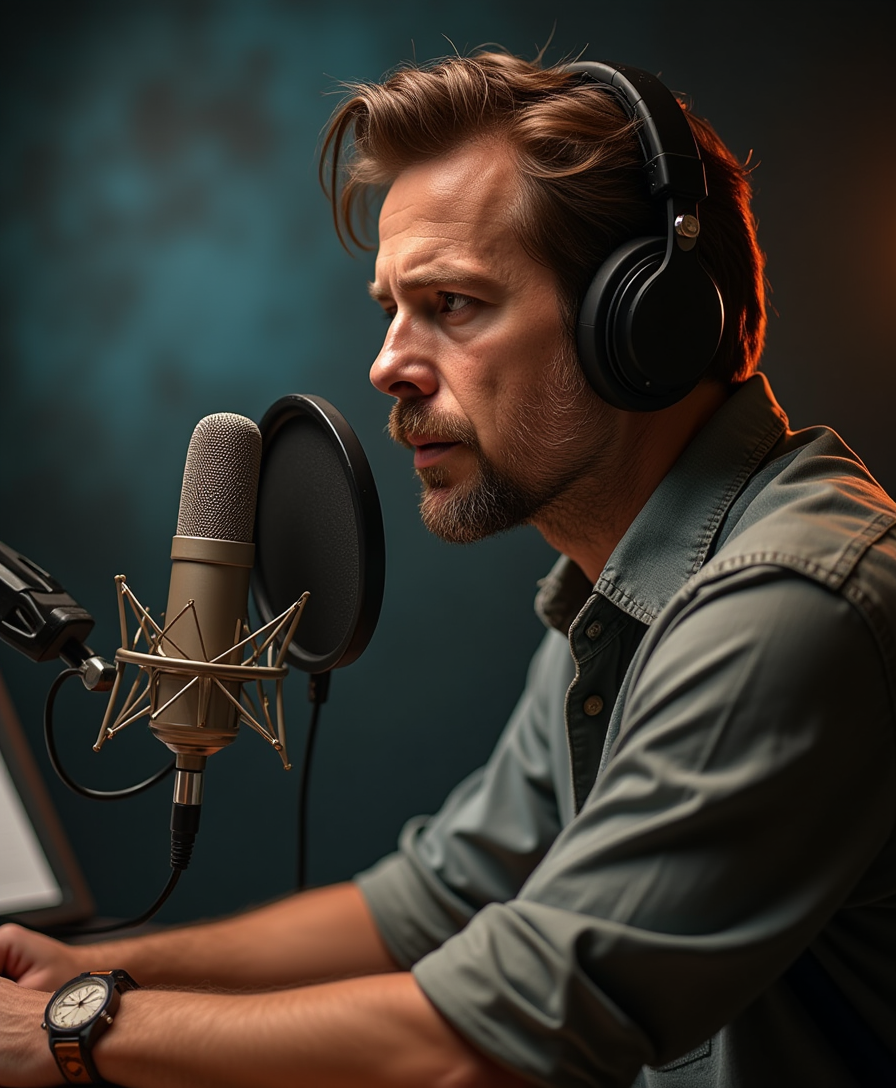
Cinematic shot
flux
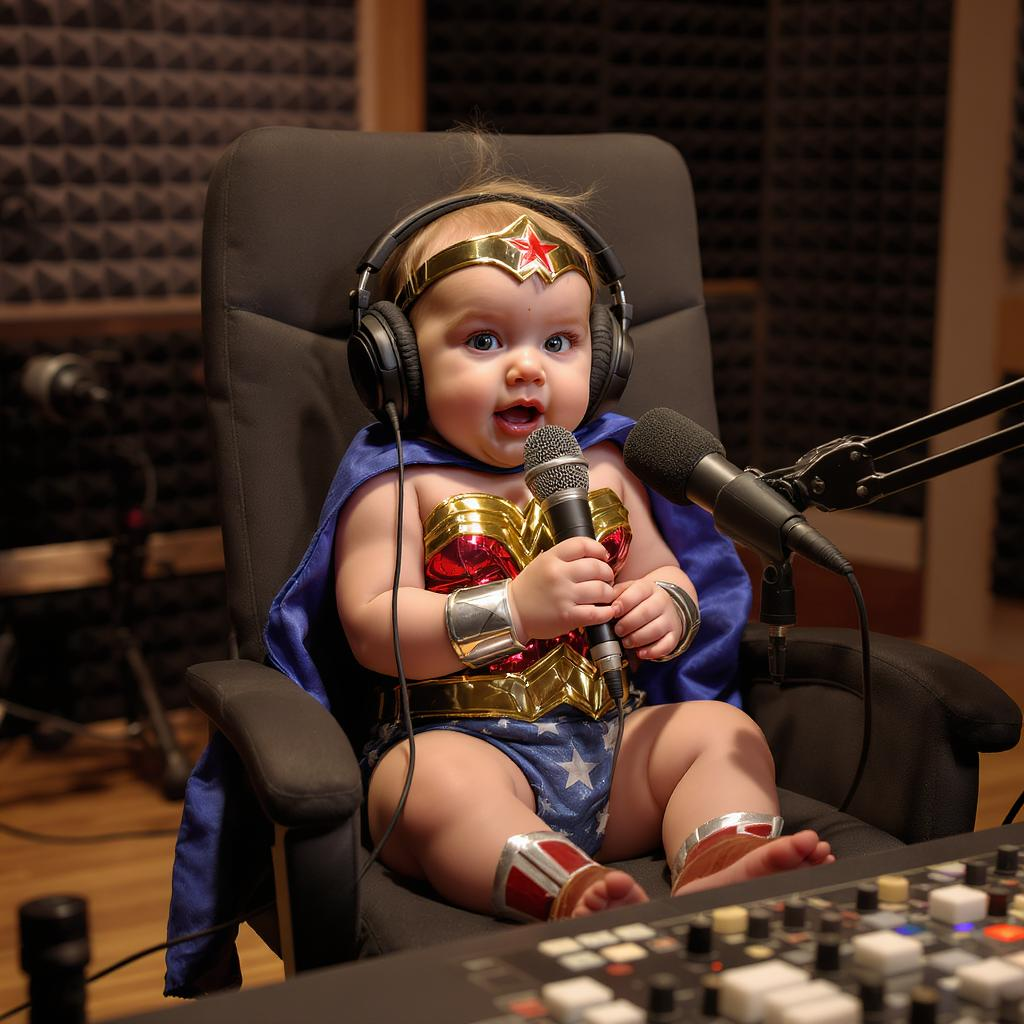
A baby wonder woman talking on a pod cast in a studio
flux-studio
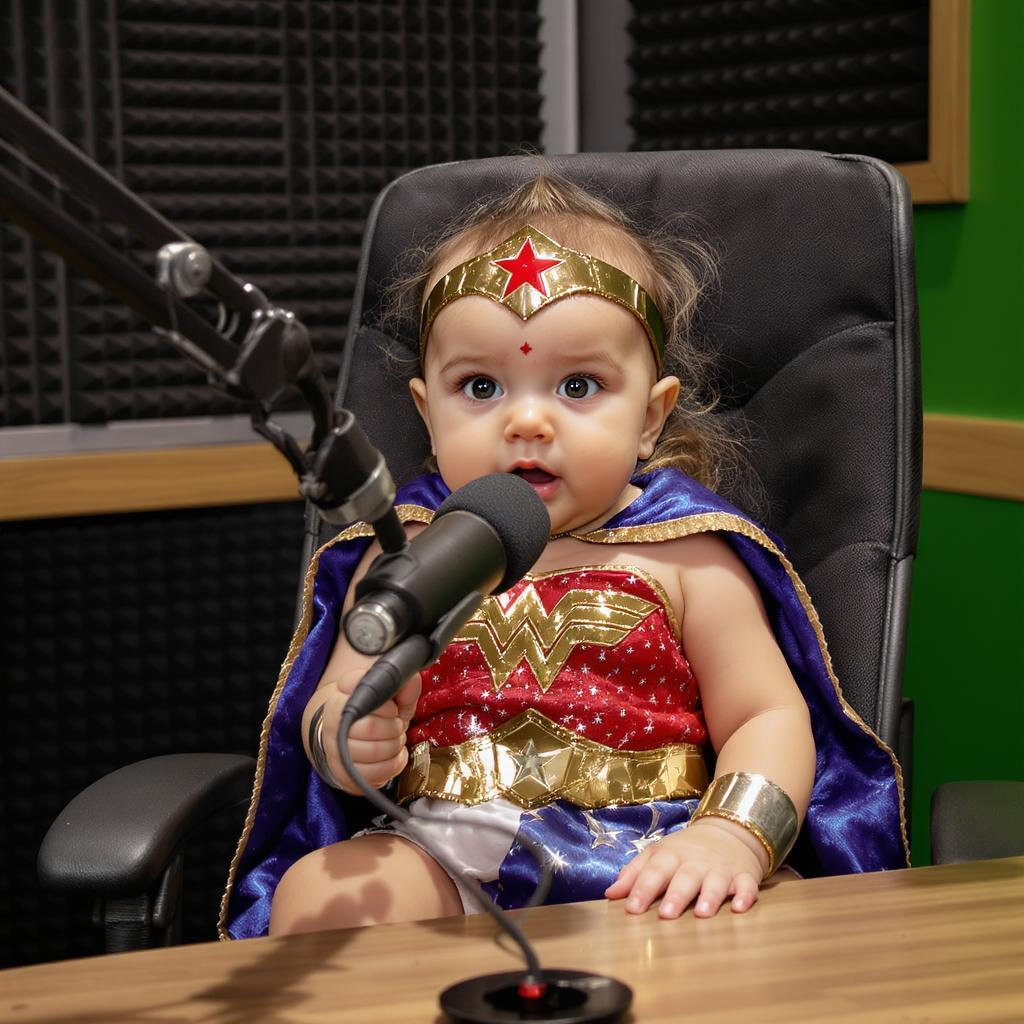
A baby wonder woman talking on a pod cast in a studio
flux-studio
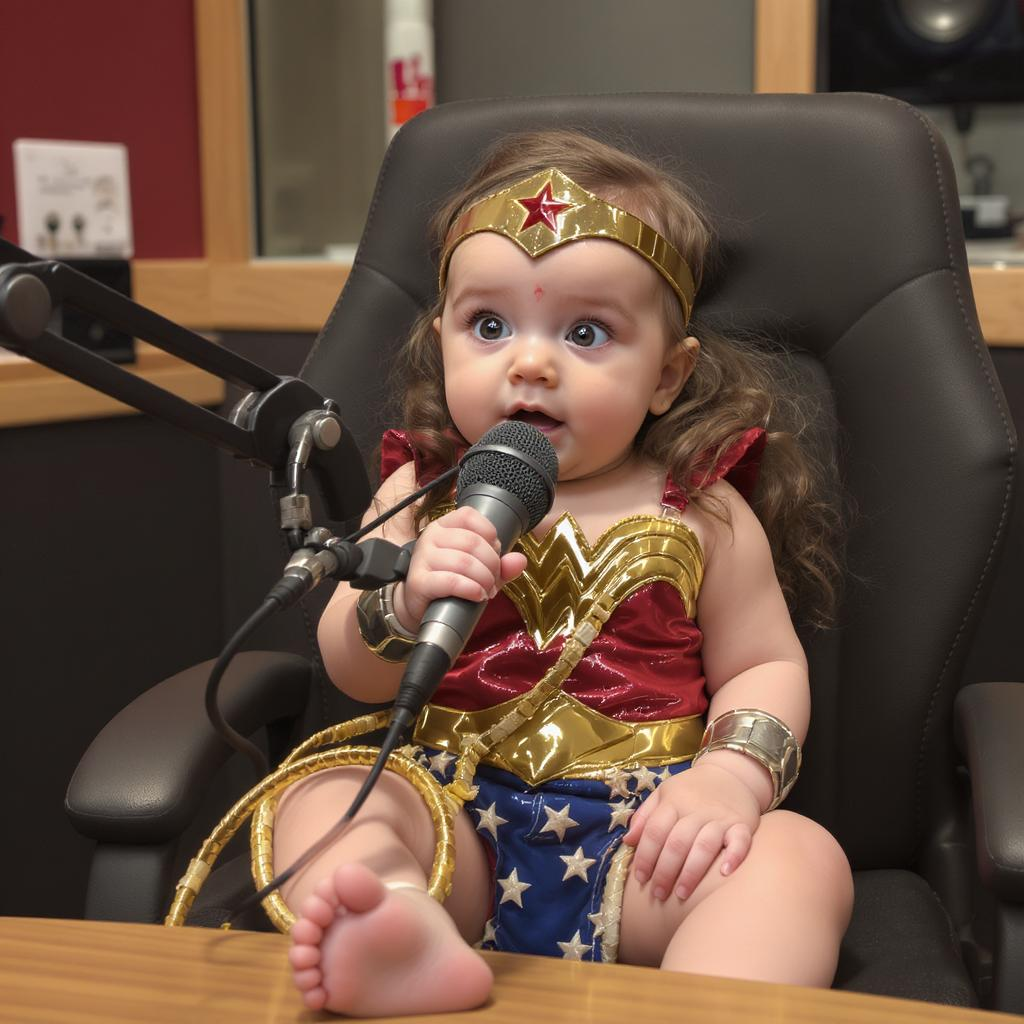
A baby wonder woman talking on a pod cast in a studio
flux-studio
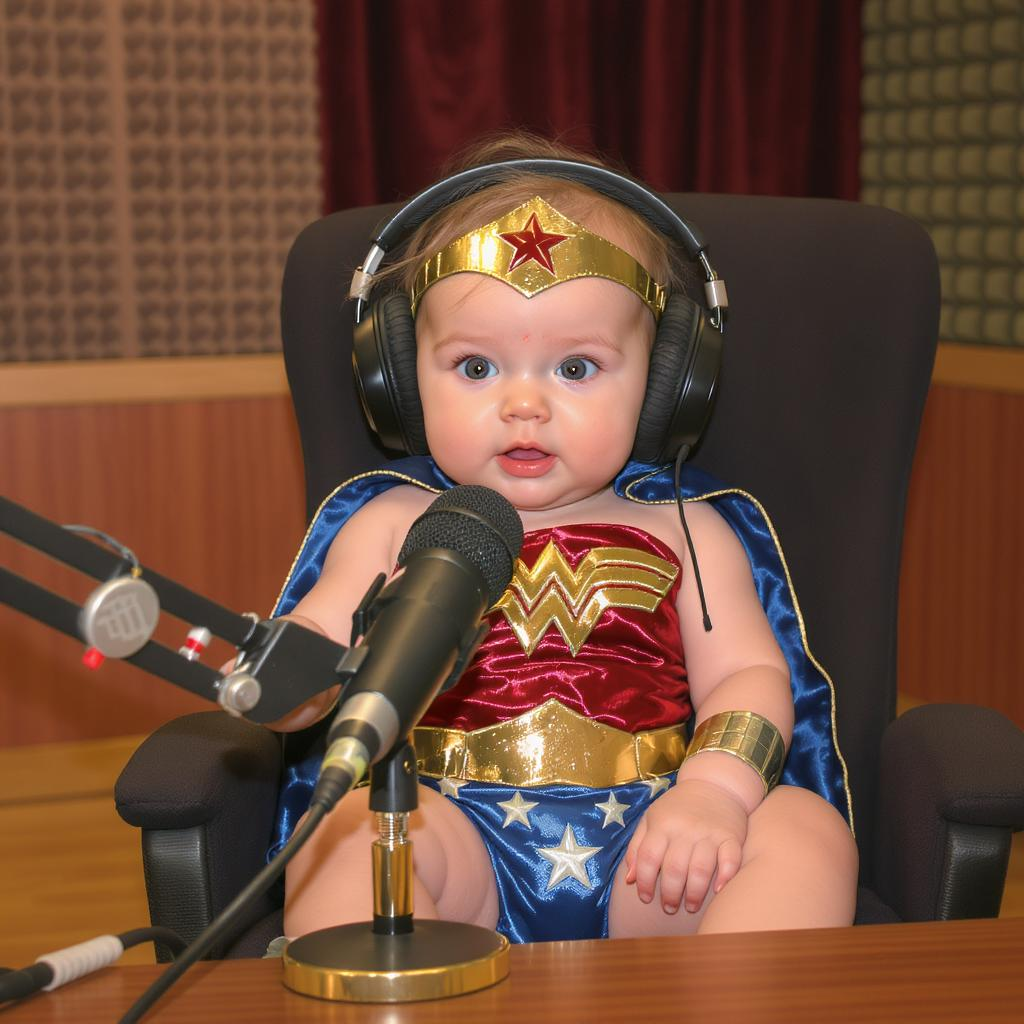
A baby wonder woman talking on a pod cast in a studio
flux-studio
Models you can run on PixelDojo for ai radio drama generator
Switch models without switching tools. Each one runs in the same PixelDojo studio.
What you can do with ai radio drama generator on PixelDojo
Cast and Scene Stills
We turn your radio drama script into character portraits and key scene images you can use for covers, show notes, and episode art.
Episode Cover Sets
We generate matching cover images per episode so your series looks consistent across podcast apps and social posts.
Mood Boards From Audio Cues
We map locations, weather, and time of day from your script into stills that help you lock tone before you record.
Storyboard Frames For Cuts
We produce sequential frames for important beats so editors and voice talent share the same visual reference.
Loved by thousands of podcasters, writers and independent creators worldwide. 40+ cutting-edge AI tools delivering professional results every day. Cancel anytime—try it risk-free today.
Why Choose Pixel Dojo for ai radio drama generator
Professional-quality results with cutting-edge AI technology
Hook Listeners with Cinematic Cover Art Overnight
You produce album-quality covers and YouTube thumbnails that instantly communicate mood, era and genre. Flux.2 Studio and Ideogram 4 deliver vintage radio aesthetics, dramatic lighting and film-grain textures so your radio drama stands out in crowded feeds and playlists.
Keep Characters Consistent Across Every Episode
You lock in the same faces, costumes and expressions for your entire series using Consistent Characters, Character Sheets and Ideogram Character. No more mismatched portraits—your detective, announcer or ensemble cast looks identical from episode one to the season finale.
Turn Audio Stories into Visual Experiences in Minutes
You generate matching scene illustrations and short video clips with Kling Image, WAN 2.7 Video or Seedance so listeners can watch as well as hear. Combine with Text to Speech and Text to Music for fully produced visual radio dramas ready for modern platforms.
How It Works
Creating radio-drama visuals on PixelDojo is straightforward: pick a specialized image or video model, describe the golden-age atmosphere or story moment you need, then refine and export. You can also generate matching audio in the same workspace.
Step 1: Choose Your Tool
Select Flux.2 Studio or Seedream 5 for photoreal cinematic stills, Ideogram 4 or Kling Image for stylized vintage illustration, or Kling Video / WAN 2.7 Video when you want motion. For voices and scores open Text to Speech and Text to Music. Consistent Characters is ready if you need a recurring cast.
Step 2: Enter Your Prompt
Describe the exact mood, era and story beat: “1930s noir detective office at night, rain streaking the window, glowing vintage radio on the desk, cigarette smoke, harsh desk-lamp lighting, film-noir shadows, cover-art composition with negative space for title.” Add character details or scene action so the model understands both atmosphere and narrative.
Step 3: Customize & Download
Refine with Image to Image, Inpainting or Style Transfer. Lock faces with Consistent Characters or Face Swap. Adjust lighting via Magic Lighting, remove backgrounds, outpaint for wider compositions, then upscale with Magnific or P-Image Upscale. Download high-resolution files or export video clips ready for YouTube and socials.
The Pixel Dojo Advantage
Why PixelDojo outperforms other options for radio drama image generation
| Others | Pixel Dojo |
|---|---|
| Traditional radio-drama illustration | You skip weeks of briefing artists and paying per revision. Generate unlimited variations in minutes, test vintage versus modern styles, and keep every character consistent without extra fees. |
| Generic AI image tools | You get 40+ specialized models plus built-in audio (Text to Speech, Text to Music), video generation, character-consistency tools and professional editing in one place instead of stitching separate services together. |
| Manual photo editing and stock libraries | You create original, story-specific scenes and period-accurate characters instead of hunting stock photos that never quite match your script. Magic Lighting, Inpainting and Reality Polisher give you studio-quality control in seconds. |
Loved by creators on PixelDojo
Real feedback from people using PixelDojo, pulled from our in-product surveys.
The best tools for IA on the web !
The guy that operates the website is constantly updating it
I’ve been using PixelDojo for around 8 months now and it’s always worked wonderfully while constantly adding features.
The site is easy to navigate and use.
All the tools, readily available and easy to understand
You guys, the LORA training is the BEST in the space right now, great job with that!
Explore more AI tools on PixelDojo
AI Tools
Compare & Switch
- Best AI Image Generators
- Best AI Video Generators
- Midjourney Alternatives
- Civitai Alternatives
- Runway Alternatives
- Leonardo Alternatives
- Pika Alternatives
- Luma Alternatives
- Magnific Alternatives
- Veo Alternatives
- Flux Alternatives
- Freepik Alternatives
- Seedance Alternatives
- Seedream Alternatives
- Pixverse Alternatives
- GPT Image Alternatives
- Synthesia Alternatives
- Playground Alternatives
- NightCafe Alternatives
- Canva AI Alternatives
- ElevenLabs Alternatives
- ComfyUI Alternatives
- Fal Alternatives
- Replicate Alternatives
Common Questions
Everything you need to know about ai radio drama generator
What is the best AI radio drama generator for creating professional cover art?
PixelDojo combines Flux.2 Studio, Ideogram 4, Seedream 5 and Kling Image so you can produce cinematic vintage radio covers, noir stills or pulp-adventure art in minutes. You control lighting, film grain, composition and negative space for titles, then refine with Magic Lighting and upscale for print or YouTube thumbnails. Pair the stills with Text to Speech voices for a complete package.
How do I generate consistent character images for a multi-episode radio play series?
Start with Consistent Characters or Character Sheets to lock faces, costumes and expressions. Use Ideogram Character or LoRA Face Swap for additional variations. Once you have a reference, feed it into Image to Image or WAN Video Character Swap so every scene illustration and video clip keeps the same detective, announcer or ensemble looking identical across the whole season.
Can I turn my radio drama into a visual video with AI?
Yes. Generate matching scene stills with Flux.2 Studio or Kling Image, then animate them or create original clips using Kling Video, WAN 2.7 Video, Seedance or P Video. Add Text to Speech dialogue and Text to Music scores, then use Video Autocaption and Merge Videos to produce YouTube-ready visual radio dramas without filming a single frame.
What prompting techniques work best for vintage radio drama AI images?
Specify era (1930s–1950s golden age), lighting (harsh desk lamp, rim light, film-noir shadows), texture (film grain, analog glow, dusty studio) and composition (negative space for titles, cinematic 24 mm feel). Mention key props—ribbon microphone, glowing radio dial, period clothing—and mood words like “atmospheric,” “dramatic,” “nostalgic.” PixelDojo models respond especially well to these details plus Style Transfer for extra authenticity.
Does PixelDojo support the full radio-drama production workflow including audio?
Absolutely. You generate images and videos with the models listed above, then switch to Text to Speech for multi-character voices, Seed Audio 1.0 or Text to Music for original scores and sound beds. Edit everything in one workspace with Image Analyzer, Video Analyzer and professional upscalers so your finished radio drama is visually and sonically cohesive.
Is there a risk-free way to try AI radio drama visuals before committing?
Yes. PixelDojo gives you instant access to 40+ cutting-edge tools including Flux.2 Studio, Kling Video, Consistent Characters and Text to Speech. Loved by thousands of creators worldwide, you can generate your first covers, characters and scenes today and cancel anytime if it isn’t the right fit.