compare ai image models
Generated on PixelDojo. Produced by PixelDojo's generation pipeline.
You no longer have to waste time jumping between platforms or guessing which AI image model will deliver the results you need. PixelDojo puts every leading 2026 model at your fingertips so you can compare outputs, pick the winner for your exact job, and walk away with professional images in minutes. Whether you need camera-accurate photorealism for product shots, perfectly readable text on packaging, consistent characters across a campaign, or lightning-fast drafts, you generate, compare, and refine everything in one dashboard. Creators like you achieve client-ready visuals, e-commerce assets, and social content without the usual trial-and-error or multiple subscriptions. Start generating today and see why thousands of marketers, designers, and artists now create faster and better with PixelDojo’s 40+ cutting-edge tools.
Real image examples generated on PixelDojo
Every example below was produced on PixelDojo. Hover to see the prompt.
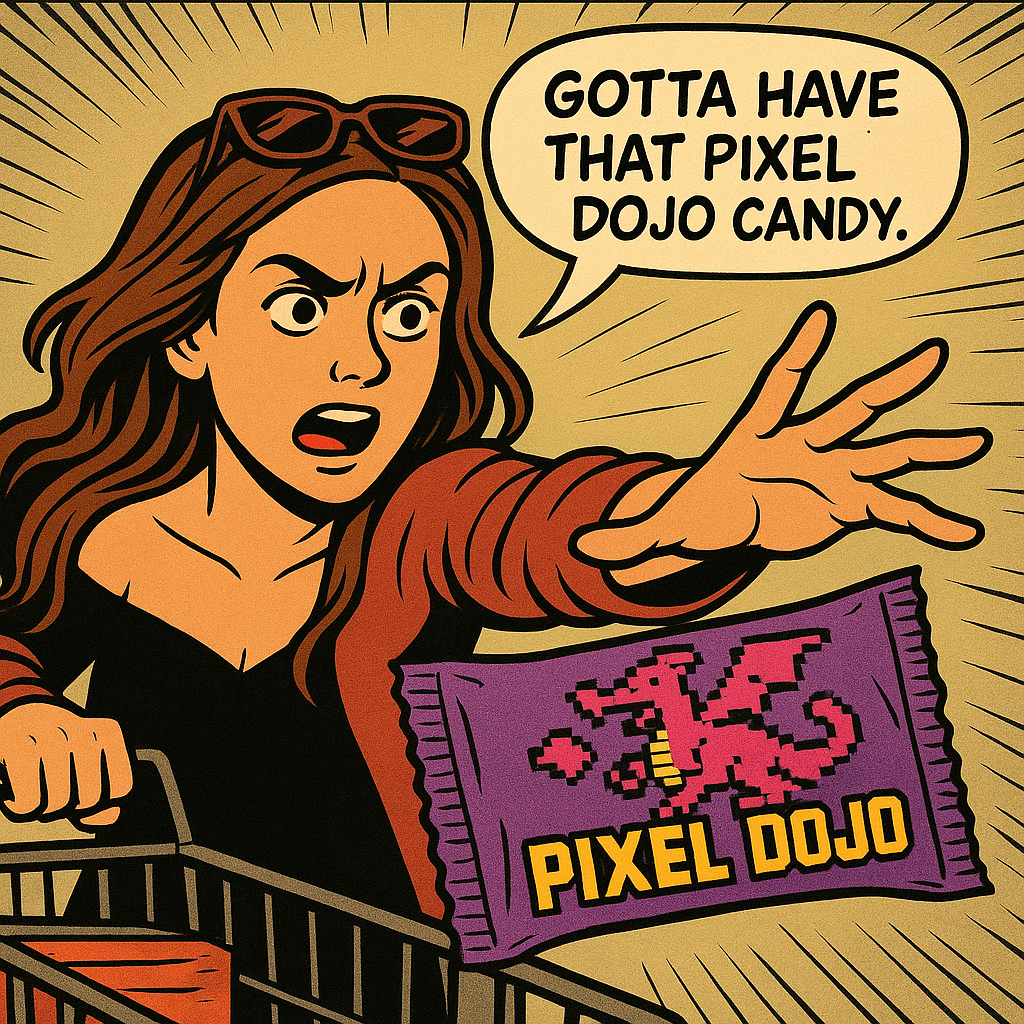
Show me this woman in the cartoon image edited with OpenAI Image 1
openai-image-1
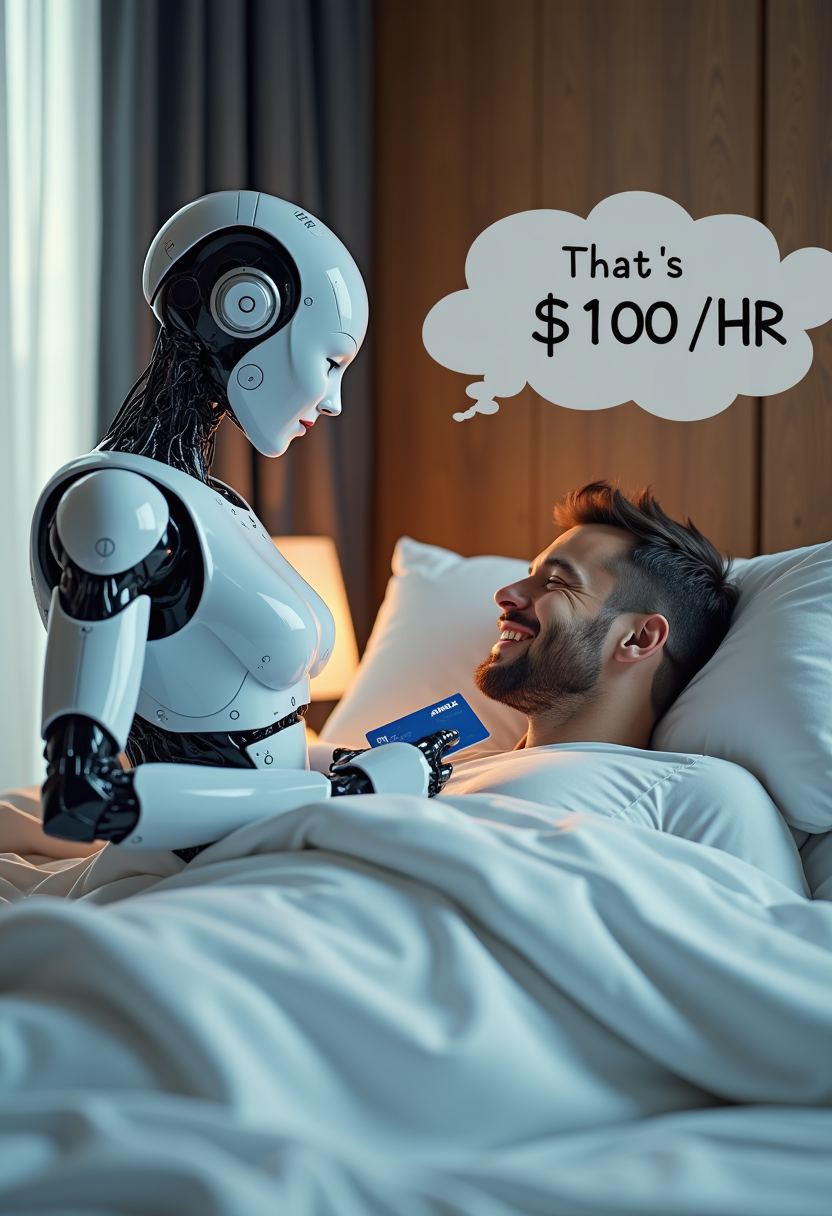
Create image of very beautiful AI robot woman in bed a happy man under the covers
flux
A woman says "hi
image-to-video
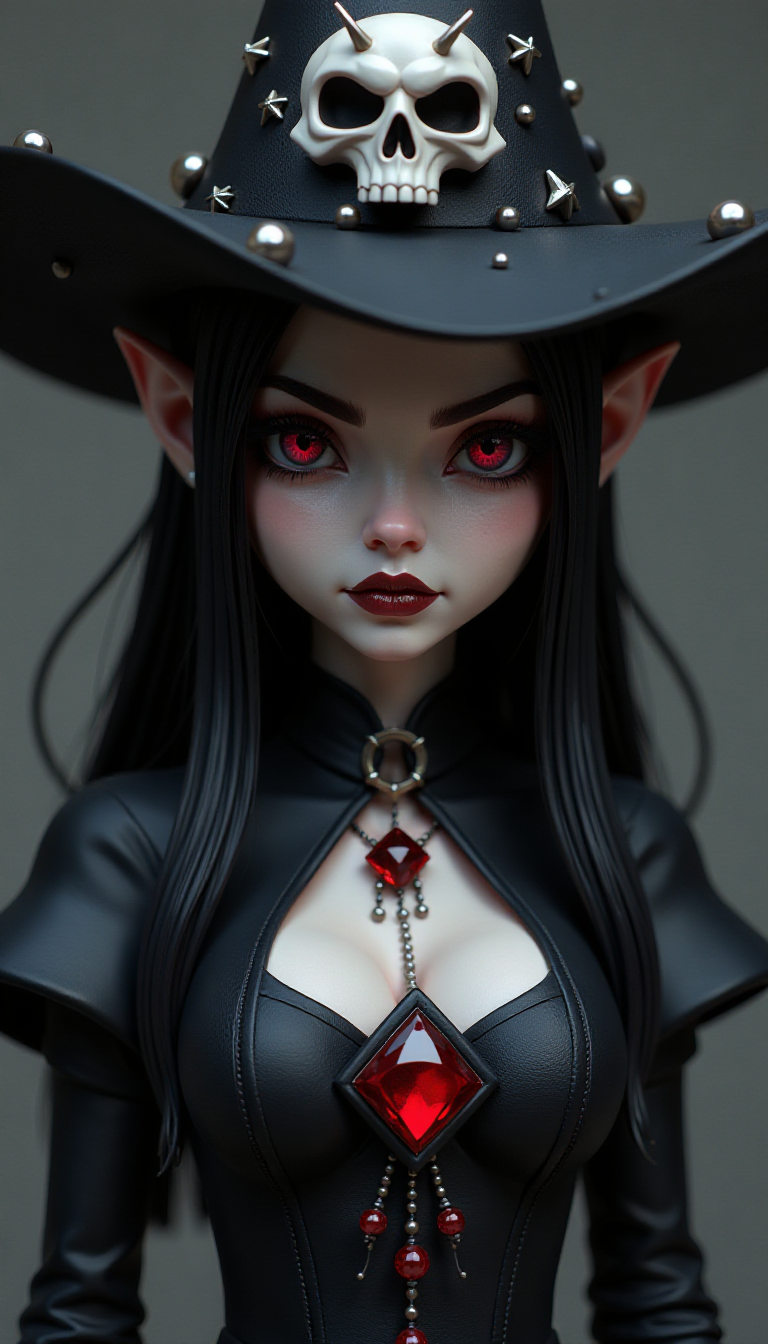
This image is a closeup of a stylized
flux
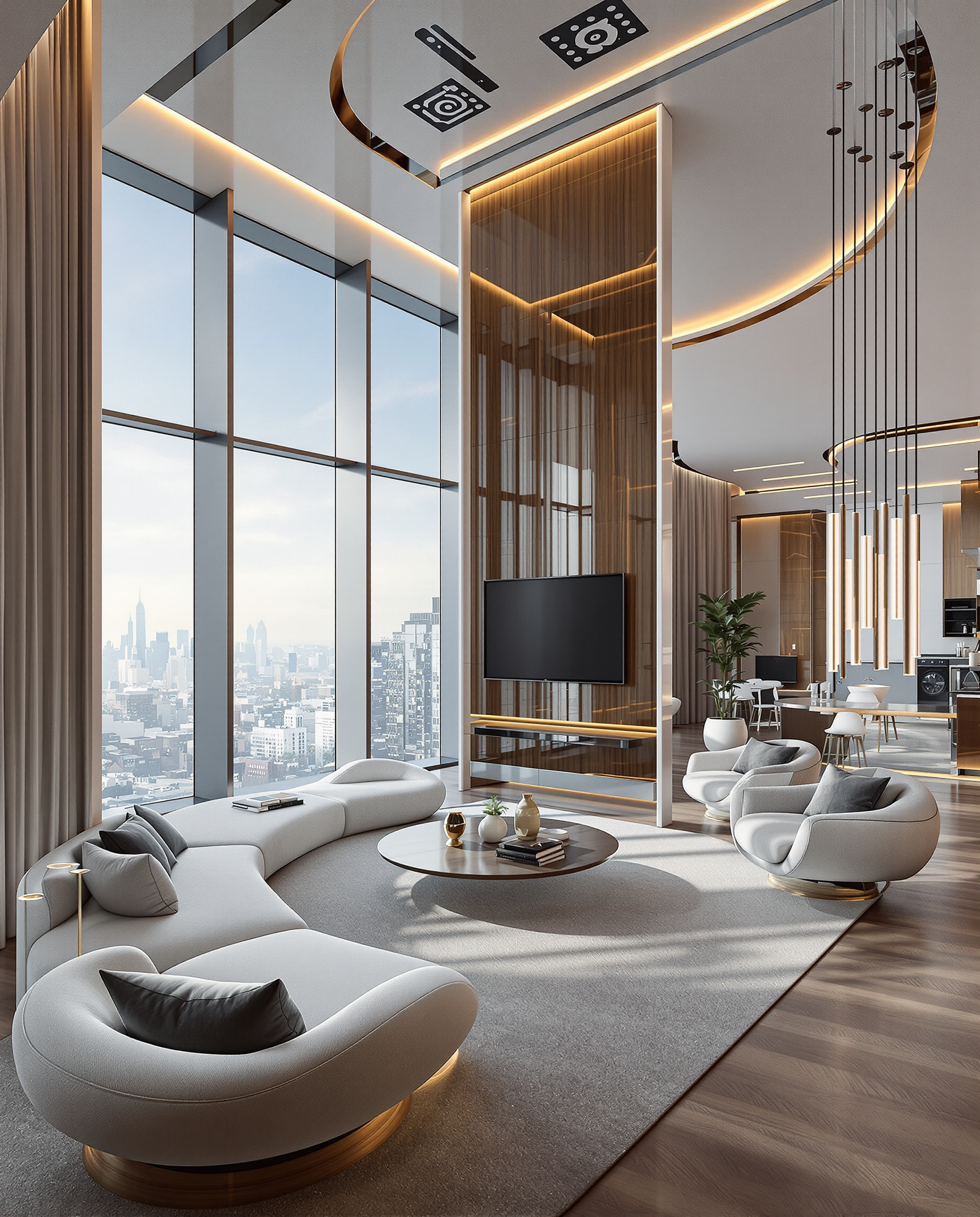
Interior of futurist high altitude living space
flux
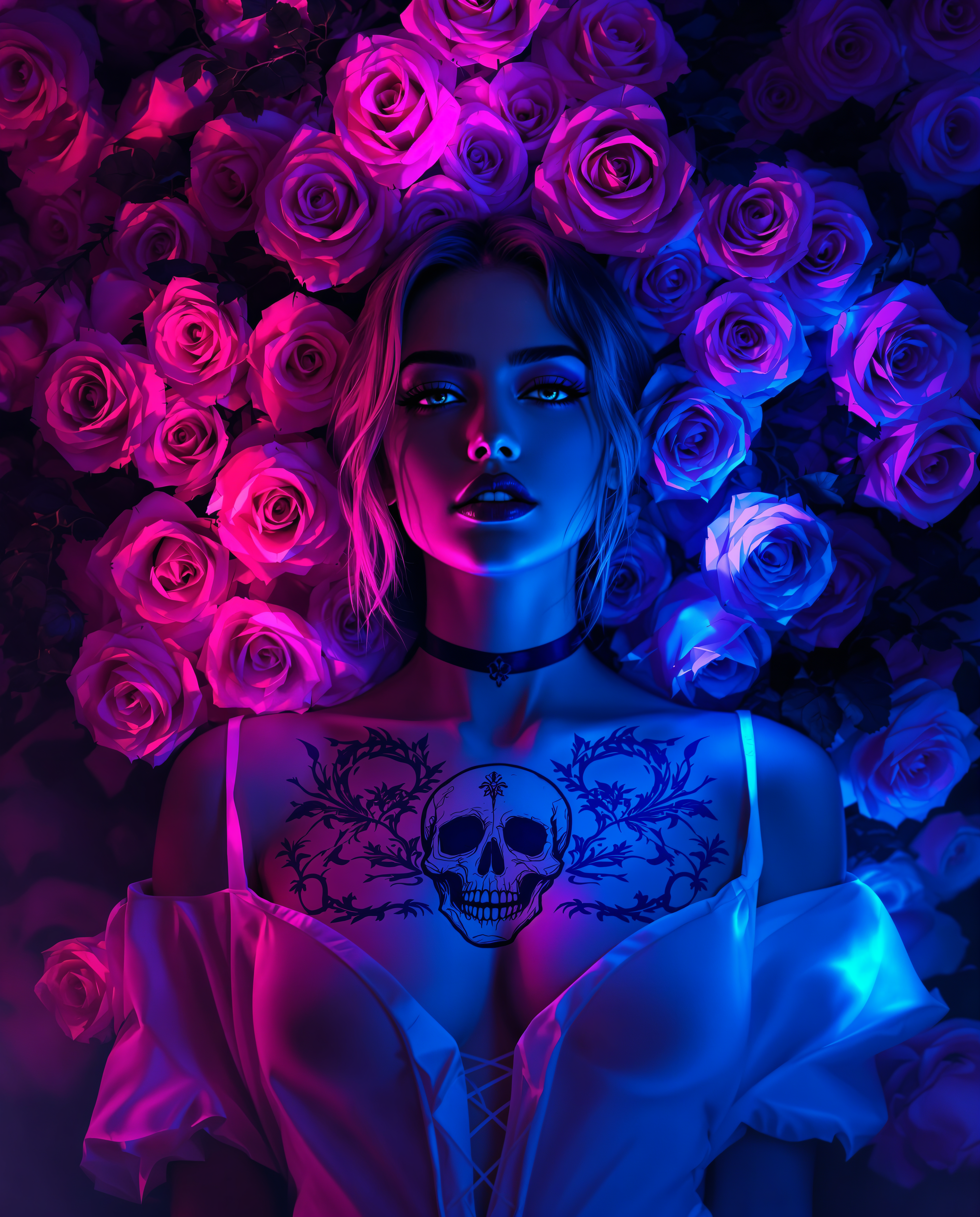
compare ai image models on PixelDojo
Models you can run on PixelDojo for compare ai image models
Switch models without switching tools. Each one runs in the same PixelDojo studio.
What you can do with compare ai image models on PixelDojo
Side by Side Outputs
We place results from multiple image models next to each other so you can judge composition, detail, and style on the same prompt.
Shared Prompt Testing
We run one prompt and settings across supported generators, which makes differences in quality and interpretation easier to see.
Model Strength Snapshot
We surface how each model handles lighting, text, faces, and stylization so you can pick a fit for the job.
Export Your Comparisons
We let you save or share the compared images so you can review later or hand them to collaborators.
Loved by thousands of creators worldwide. Access 40+ cutting-edge AI tools with cancel-anytime flexibility.
Why Choose Pixel Dojo for compare ai image models
Professional-quality results with cutting-edge AI technology
Pick the Perfect Model for Every Job Instantly
You generate the same prompt across Flux.2 Studio for photorealism, GPT Image 2 for complex reasoning, Seedream 5 for 4K product shots with text, and Nano Banana 2 for character consistency—then choose the winner without leaving the page.
Create Client-Ready Images in Minutes, Not Hours
You skip endless retries and platform switching. One prompt plus PixelDojo’s editing suite (Inpainting, Style Transfer, Reality Polisher) turns raw generations into polished, on-brand assets you can download and use immediately.
Scale Your Visual Workflow Without Extra Costs
You access every specialized model—Z Image Turbo for volume drafts, Ideogram 4 for typography, QWEN Image 2 for multilingual text—under a single flexible plan. Thousands of creators already produce more while paying less.
How It Works
Comparing AI image models is as simple as generating the same idea with different PixelDojo tools and picking the output that matches your vision. Follow these three steps to go from idea to downloadable professional image.
Step 1: Choose Your Tool
Select the model that matches your goal: Flux.2 Studio or Hunyuan Image 3 for photoreal product photography, GPT Image 2 or Qwen 3 Pro for complex multi-part prompts, Seedream 5 or Recraft V4.1 for text-heavy packaging, Nano Banana 2 or WAN Image for identity-locked characters, or Z Image Turbo for rapid exploration. All models live in the same Generate Images workspace.
Step 2: Enter Your Prompt
Type a detailed description once—lighting, camera angle, materials, text, mood—and generate. Because PixelDojo lets you run the identical prompt across models, you instantly see which one nails photorealism, which one renders the label perfectly, and which one keeps your character consistent. Add a reference image for even tighter control.
Step 3: Customize & Download
Use built-in editors—Image to Image, Inpainting, Change Camera Angle, Magic Lighting, Background Remover, or Reality Polisher—to refine the winning image. Upscale with P-Image Upscale or Magnific Upscaler, then download in the resolution you need. Your entire comparison-to-final-asset workflow stays inside PixelDojo.
The Pixel Dojo Advantage
Why PixelDojo outperforms other options for comparing AI image models and generating production-ready visuals
| Others | Pixel Dojo |
|---|---|
| Traditional [category] creation | You skip days of photoshoots, stock licenses, and designer revisions. Generate, compare, and iterate photoreal or illustrated assets in minutes using the exact model that fits the brief. |
| Generic AI tools | You never settle for one model’s strengths and weaknesses. PixelDojo gives you Flux.2 Studio, GPT Image 2, Seedream 5, Nano Banana 2, Ideogram 4 and 30+ more so every image uses the specialist that actually wins the job. |
| Manual photo editing | You replace hours of masking, retouching, and compositing with one-click Inpainting, Style Transfer, and Reality Polisher. The winning generation is already 90 % of the way to client-ready. |
Loved by creators on PixelDojo
Real feedback from people using PixelDojo, pulled from our in-product surveys.
Amazing performance!
Excellent website for creating all types of media
Very eay to use, works well to train SDXL loras.
The amazing tools
Top notch quality and strong prompt adherence.
A well resourced sunscription with attention to updates.
Explore more AI tools on PixelDojo
AI Tools
Compare & Switch
- Best AI Image Generators
- Best AI Video Generators
- Midjourney Alternatives
- Civitai Alternatives
- Runway Alternatives
- Leonardo Alternatives
- Pika Alternatives
- Luma Alternatives
- Magnific Alternatives
- Veo Alternatives
- Flux Alternatives
- Freepik Alternatives
- Seedance Alternatives
- Seedream Alternatives
- Pixverse Alternatives
- GPT Image Alternatives
- Synthesia Alternatives
- Playground Alternatives
- NightCafe Alternatives
- Canva AI Alternatives
- ElevenLabs Alternatives
- ComfyUI Alternatives
- Fal Alternatives
- Replicate Alternatives
Common Questions
Everything you need to know about compare ai image models
Which AI image model is best for photorealistic product shots in 2026?
It depends on the exact look you need. Flux.2 Studio and Hunyuan Image 3 excel at camera-accurate lighting, skin, and materials. Seedream 5 and Nano Banana 2 deliver natural, commercial photography with native 4K. On PixelDojo you generate the same product prompt across all of them in seconds and pick the winner, then polish with Reality Polisher or P-Image Upscale.
How do I compare AI image generators without paying for multiple subscriptions?
PixelDojo is the single platform that already includes GPT Image 2, Flux.2 Studio, Seedream 5, Nano Banana 2, QWEN Image 2, Ideogram 4, Grok Image, Z Image Turbo and 30+ more. You run identical prompts side-by-side, see real outputs, and only keep the images you love—all under one cancel-anytime plan loved by thousands of creators.
What is the best AI image model for readable text and typography?
Seedream 5, Ideogram 4, GPT Image 2 and QWEN Image 2 currently lead on accurate, well-placed text in 2026. Generate your poster, label or packaging mock-up with each on PixelDojo, then use Image Analyzer or Inpainting to perfect any remaining details. You walk away with print-ready files instead of garbled letters.
Can I keep the same character consistent across many images when comparing models?
Yes. Nano Banana 2, WAN Image, Flux.2 Studio and the Consistent Characters tool inside PixelDojo lock identity far better than older generators. Upload a reference once, generate the same person in new scenes and outfits with different models, then refine with Face Swap or Character Stylist. Campaigns that used to take days now take minutes.
How fast can I go from comparing models to a finished, high-resolution image?
Most PixelDojo models return results in seconds. Choose Z Image Turbo or Grok Image for instant drafts, then switch to Flux.2 Studio or Seedream 5 for the hero shot. One click of P-Image Upscale or Magnific Upscaler gives you 4K output. The entire compare-refine-download loop happens inside the same workspace.
Is there a risk-free way to try comparing all these AI image models?
Absolutely. PixelDojo offers 40+ cutting-edge tools with a flexible plan you can cancel anytime. Thousands of creators already generate, compare and download professional images daily. Start with any model—Nano Banana 2, GPT Image 2, Flux.2 Studio or Seedream 5—and see the difference for yourself today.