dreamina alternative
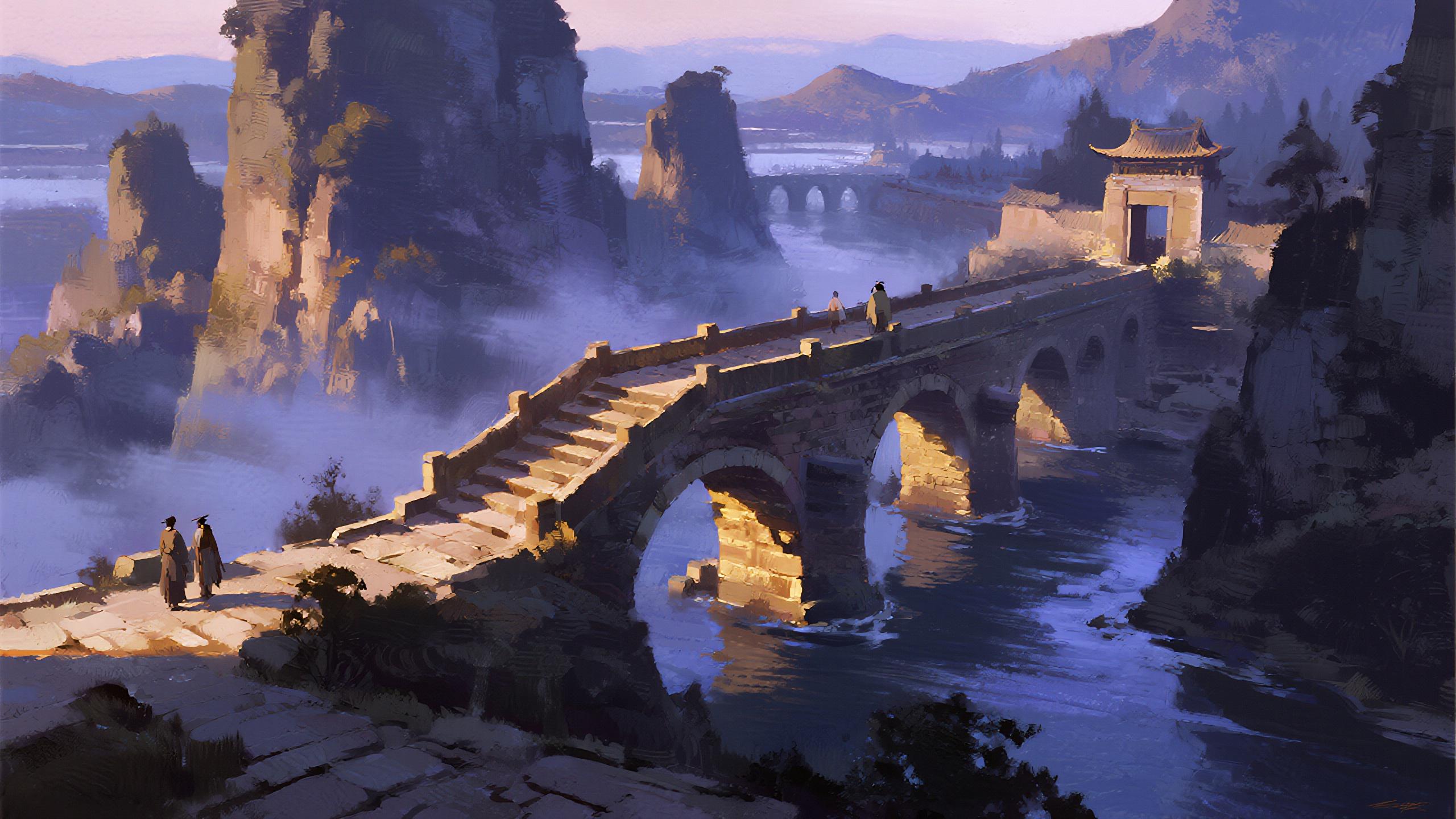
Generated on PixelDojo. Produced by PixelDojo's generation pipeline.
You deserve an AI platform that matches your ambition without the restrictions of limited tools. As the leading dreamina alternative, PixelDojo puts 40+ cutting-edge models in your hands so you can produce photorealistic product shots, cinematic brand videos, consistent character campaigns, and polished marketing assets in minutes instead of days. Imagine briefing a scene once and receiving multiple high-resolution variations you can immediately refine, upscale, and turn into motion. Seedream 5 delivers native 2K images with sharp on-image text and precise details, while Flux.2 Studio and Ideogram 4 give you artistic range and typography control that keep every visual on-brand. Then take those stills into Seedance 2.5 or Kling Video for 30-second clips that maintain character identity, lighting, and camera movement across dozens of references. Editing tools such as Inpainting, Image Outpainting, Style Transfer, Magic Lighting, and Reality Polisher let you fix, expand, and enhance without leaving the workspace. The result is a complete production pipeline: you generate, iterate, and ship content that looks like it came from a professional studio. Thousands of creators already use PixelDojo to launch faster campaigns, build recognizable characters, and experiment freely because they can cancel anytime. Stop settling for one-model limitations and start creating the visuals that convert, engage, and scale your work today.
Real image examples generated on PixelDojo
Every example below was produced on PixelDojo. Hover to see the prompt.
Drm-fantasy
image-to-image
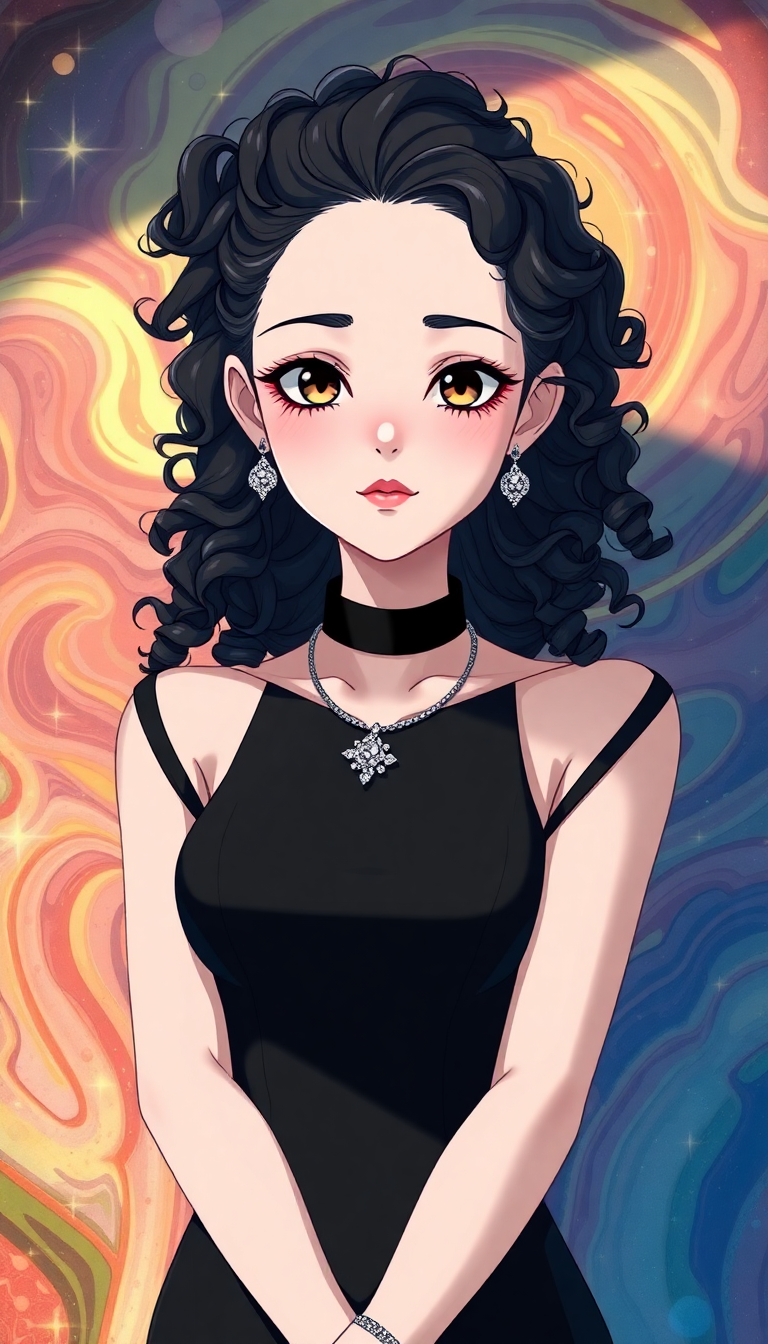
A super cute and futuristic sci fi tech goth girl
flux
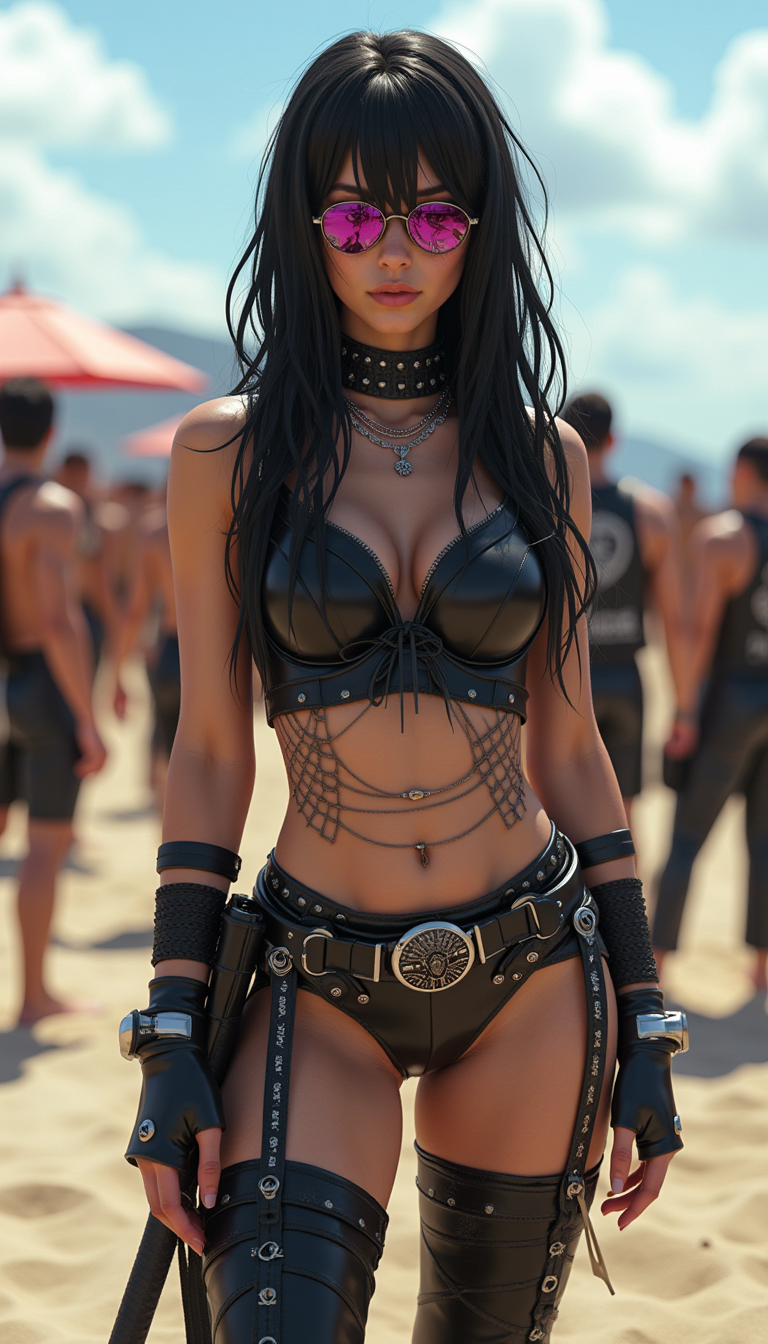
Aidmarealisticskin
stable-diffusion
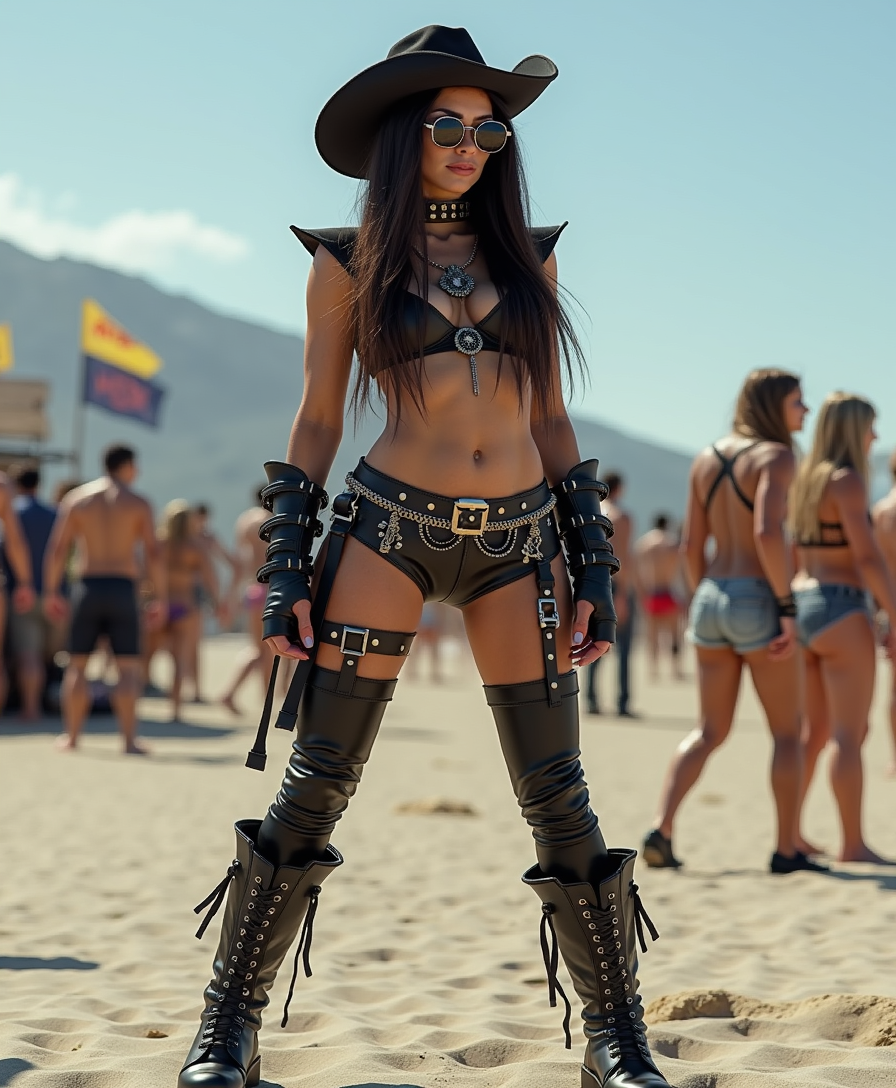
Aidmarealisticskin
stable-diffusion
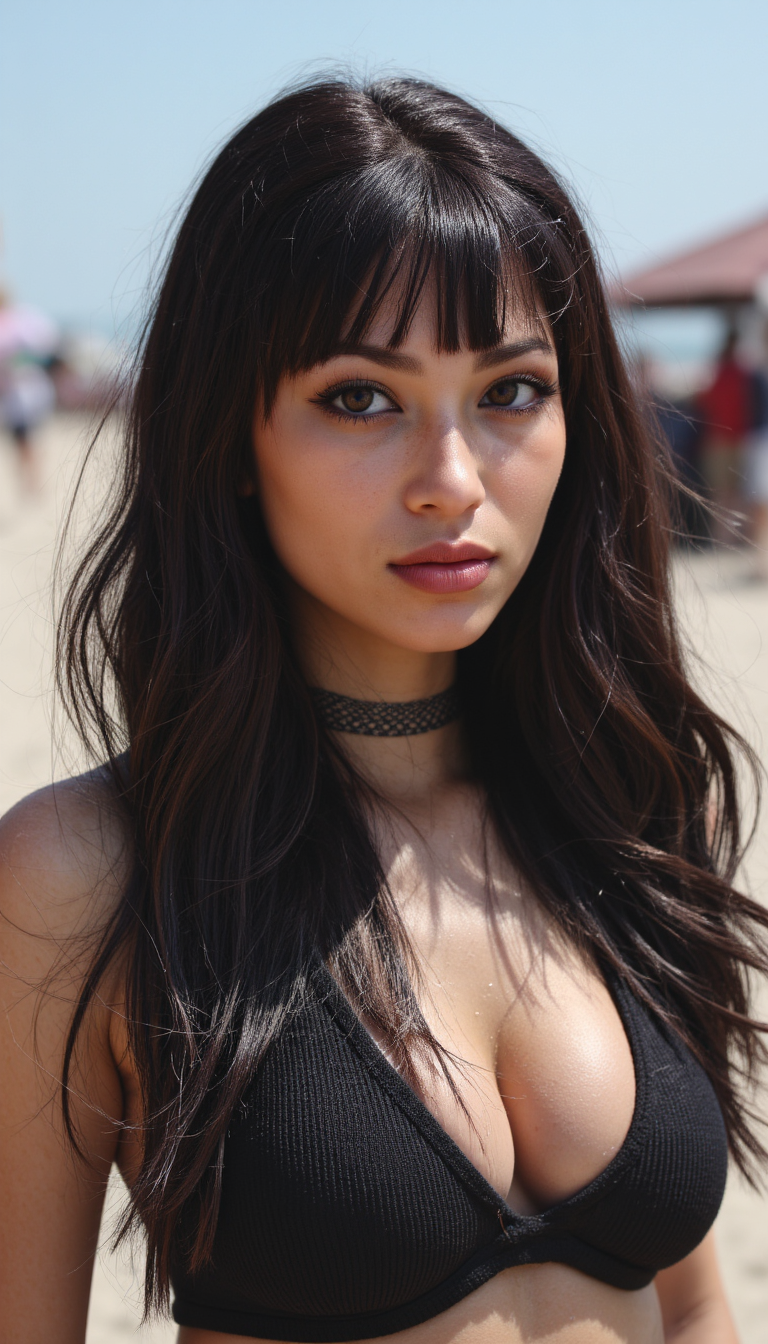
Aidmarealisticskin
stable-diffusion
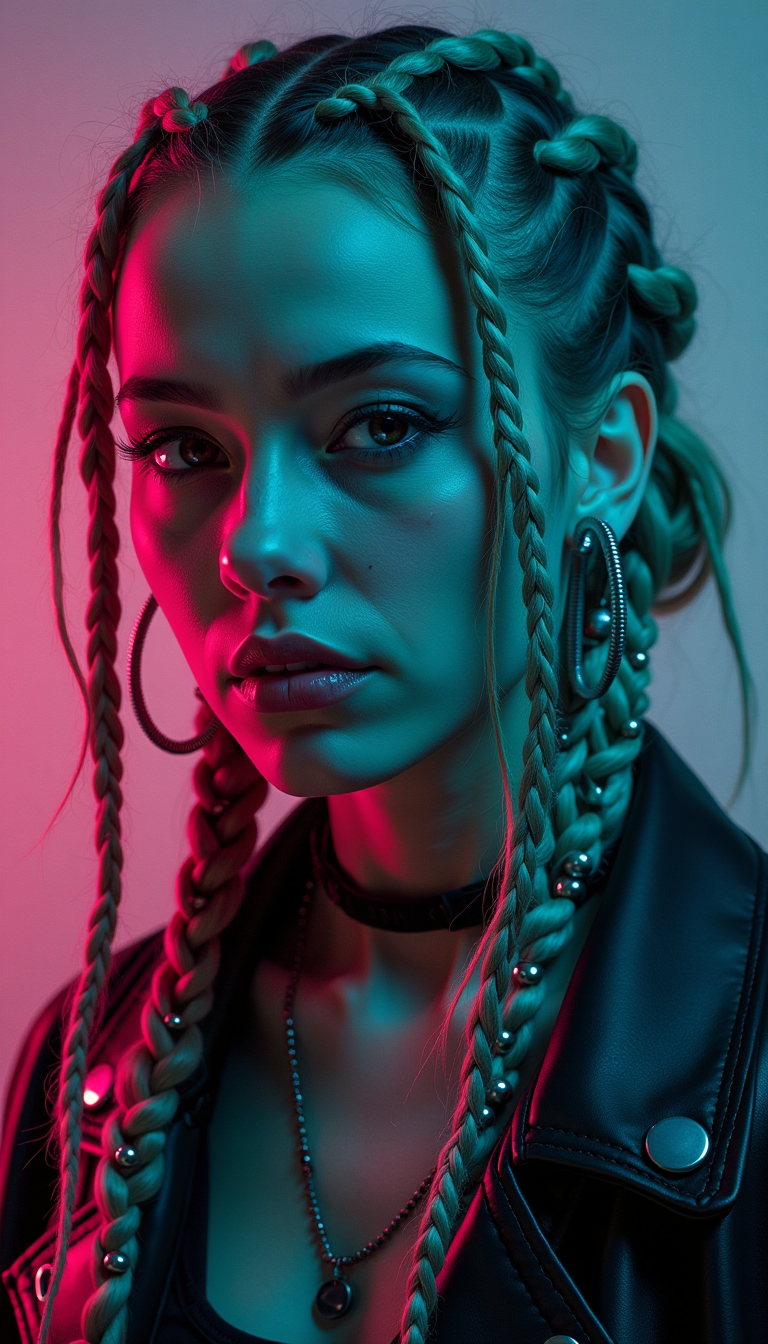
Cyberpunk style
flux
Models you can run on PixelDojo for dreamina alternative
Switch models without switching tools. Each one runs in the same PixelDojo studio.
What you can do with dreamina alternative on PixelDojo
Multiple image models
We give you access to several image generation models in one workspace so you can compare looks and pick what fits the brief.
Prompt and style control
You can refine prompts, apply style presets, and iterate on composition without leaving the generator.
Batch image generation
Create several variations in one run so you can review options and keep the strongest frames.
Export-ready outputs
Download generated images in common formats for mockups, social posts, and client decks.
Loved by thousands of creators worldwide who have generated millions of images and videos. 40+ cutting-edge AI tools with flexible plans you can cancel anytime. Trusted for speed, consistency, and professional results across marketing, social, and brand projects.
Why Choose Pixel Dojo for dreamina alternative
Professional-quality results with cutting-edge AI technology
Unlock More Models and Styles Instantly
You choose the perfect engine for every job instead of being locked into one look. Seedream 5 gives you photoreal 2K images with accurate text, Flux.2 Studio delivers painterly and cinematic art, Ideogram 4 nails typography, and QWEN Image 2 or Recraft V4.1 handle specialized styles. Switch models in one click, generate variations side by side, and keep every asset on-brand without extra subscriptions.
Build Consistent Characters and Cinematic Videos
Keep your mascot, spokesperson, or product hero identical across every image and clip. Consistent Characters and Character Sheets lock identity, then Seedance 2.5, WAN 3.0, or Kling Video animate them into 30-second stories using up to dozens of references. You get natural motion, lighting continuity, and camera control that turns stills into ready-to-post videos for ads, social, and explainers.
Edit, Enhance, and Ship Production-Ready Assets
Turn raw generations into finished work with Inpainting, Image Outpainting, Background Remover, Style Transfer, Magic Lighting, and Reality Polisher. Upscale with P-Image Upscale, Magnific Upscaler, or Clarity Pro, then export 4K files or extend videos with Grok Imagine Video Extend. What used to take hours of manual work now happens in a few clicks so you can publish faster.
How It Works
Creating professional images and videos as your dreamina alternative takes just three simple steps inside PixelDojo’s unified workspace. You stay in control from first prompt to final download.
Step 1: Choose Your Tool
Open Generate Images and pick Seedream 5 for photoreal 2K output with text rendering, Flux.2 Studio for artistic control, GPT Image 2 or Ideogram 4 for design work, or Krea Image and Riverflow for experimental looks. For motion, switch to Generate Videos and select Seedance 2.5, Kling Video, WAN 2.7 Video, or Flux 3 Video. You can also start with Image to Image or upload a reference to guide the result. The dashboard shows every model so you pick the one that matches your goal in seconds.
Step 2: Enter Your Prompt
Describe exactly what you want: subject, environment, lighting, mood, camera angle, and style. Add a reference image or character sheet for consistency. For video, include motion details and first/last frame guidance. PixelDojo’s models understand natural language, so a prompt like “cinematic product shot of a luxury watch on marble, golden hour lighting, 8k, shallow depth of field” produces usable results on the first try. You can generate multiple variations at once and keep the ones that match your vision.
Step 3: Customize & Download
Refine with Inpainting to fix details, Image Outpainting to expand the canvas, Style Transfer or Magic Lighting to match your brand, and Reality Polisher for extra realism. Upscale to 4K with P-Image Upscale or Magnific Upscaler, then download. For video, use Kling Video Edit, WAN 2.7 Video Edit, or Grok Video Edit to adjust clips, add captions with Video Autocaption, or merge scenes. Everything stays in one place so you export production-ready files without extra software.
The Pixel Dojo Advantage
Why PixelDojo outperforms other options for AI image and video generation as your dreamina alternative
| Others | Pixel Dojo |
|---|---|
| Traditional photoshoots and video production | You skip location fees, crew costs, and weeks of scheduling. Generate photoreal images with Seedream 5 and cinematic clips with Seedance 2.5 in minutes, then polish with professional editing tools that match studio quality. |
| Generic single-model AI platforms | You access 40+ specialized engines instead of one look. Combine Seedream 5, Flux.2, Ideogram 4, Kling Video, and WAN models in the same workspace, plus training, character consistency, and a full developer API for complete creative control. |
| Manual photo and video editing | AI handles the heavy lifting: Background Remover, Inpainting, Style Transfer, Face Swap, and Reality Polisher replace hours of layer work. You iterate faster, keep characters consistent, and ship 4K assets the same day. |
Loved by creators on PixelDojo
Real feedback from people using PixelDojo, pulled from our in-product surveys.
Love you guys!!
Trained my Lora super fast. Still working out how to creat content wit it, but I love it so far.
I love this app
It has all the tools I can think of...
deployment rate of splendid features is incredible. Legend
large selection of tools on one platform
Explore more AI tools on PixelDojo
Popular AI Models
AI Tools
Compare & Switch
- Best AI Image Generators
- Best AI Video Generators
- Midjourney Alternatives
- Civitai Alternatives
- Runway Alternatives
- Leonardo Alternatives
- Pika Alternatives
- Luma Alternatives
- Magnific Alternatives
- Veo Alternatives
- Flux Alternatives
- Freepik Alternatives
- Seedance Alternatives
- Seedream Alternatives
- Pixverse Alternatives
- GPT Image Alternatives
- Synthesia Alternatives
- Playground Alternatives
- NightCafe Alternatives
- Canva AI Alternatives
- ElevenLabs Alternatives
- ComfyUI Alternatives
- Fal Alternatives
- Replicate Alternatives
Common Questions
Everything you need to know about dreamina alternative
What is the best dreamina alternative for high-quality photorealistic images?
PixelDojo stands out because you get Seedream 5 for native 2K photorealism with accurate on-image text, plus Flux.2 Studio, GPT Image 2, and Recraft V4.1 for extra control. You can generate, compare models side by side, then refine with Inpainting, Magic Lighting, and Reality Polisher. The result is production-ready images that look like they came from a professional photographer, all inside one platform you can cancel anytime.
How does PixelDojo work as a dreamina alternative for AI video generation?
You start with stills from Seedream 5 or Flux.2, then animate them using Seedance 2.5, Kling Video, WAN 3.0, or Flux 3 Video. These models support longer clips, multiple references for character and style consistency, and natural camera movement. After generation you edit with Kling Video Edit, WAN 2.7 Video Edit, Video Autocaption, and Merge Videos so the final file is ready for social, ads, or presentations without extra software.
Can I keep characters consistent across images and videos with this dreamina alternative?
Yes. PixelDojo’s Consistent Characters, Character Sheets, Ideogram Character, and LoRA Face Swap lock identity from the first image. You then feed those assets into WAN Video Character Swap, Kling Video Character Swap, or Seedance 2.5 with reference images so the same face, outfit, and style appear in every frame. This is ideal for brand mascots, spokespersons, and series content.
Does PixelDojo offer editing tools comparable to a dreamina alternative canvas?
Absolutely. You have Image to Image, Inpainting, Image Outpainting, Change Camera Angle, Style Transfer, Magic Lighting, Background Remover, Reality Polisher, and Image Analyzer. These let you add, remove, expand, or restyle any generation without starting over. Combined with upscalers like Magnific and P-Image Upscale, you finish assets at 4K quality in the same session.
Is PixelDojo a cost-effective dreamina alternative with no long-term commitment?
You get 40+ premium models including Seedream 5, Seedance 2.5, Flux.2, Kling, and WAN in one subscription. Plans are flexible so you can cancel anytime. Thousands of creators choose PixelDojo because they only pay for what they use and can switch models freely instead of juggling multiple limited platforms.
How do I generate high-resolution 4K images and videos as a dreamina alternative?
Start with Seedream 5 or Flux.2 Studio for high-quality base images, then apply P-Image Upscale, Magnific Upscaler, Creative Upscaler, or Clarity Pro to reach 4K. For video, generate with Seedance 2.5 or WAN 2.7 Video and enhance with FLUX Video Upscale. The entire workflow stays inside PixelDojo so you download print-ready or broadcast-ready files without extra steps.