expand image ai
Generated on PixelDojo. Produced by PixelDojo's generation pipeline.
Your best photos no longer have to stay locked inside the original frame. PixelDojo's expand image AI lets you uncrop and extend any picture by generating new matching content beyond the borders. Turn a square product shot into a wide website banner, add breathing room around a portrait for a magazine spread, or convert a vertical phone photo into a cinematic 16:9 thumbnail—all while keeping your subject fully visible and perfectly composed. Marketers, photographers, e-commerce teams, and content creators use this every day to multiply one great image into assets for every channel. No more reshooting entire scenes. No more cropping out important details. No more hours spent cloning pixels that never quite match the original lighting or texture. Image Outpainting analyzes your photo's edges, perspective, colors, and style, then paints in the missing areas so the result looks like it was captured that way from the start. You get photorealistic extensions that respect real-world lighting, vanishing points, and surface details. Pair it with Flux.2 Studio or Seedream 5 when you want extra creative direction, then refine with Reality Polisher. Thousands of creators already save entire photoshoots and days of editing time. Start expanding images today with 40+ cutting-edge AI tools, loved by thousands of creators worldwide. Cancel anytime.
Real image examples generated on PixelDojo
Every example below was produced on PixelDojo. Hover to see the prompt.
Image from library
google-gemini-image
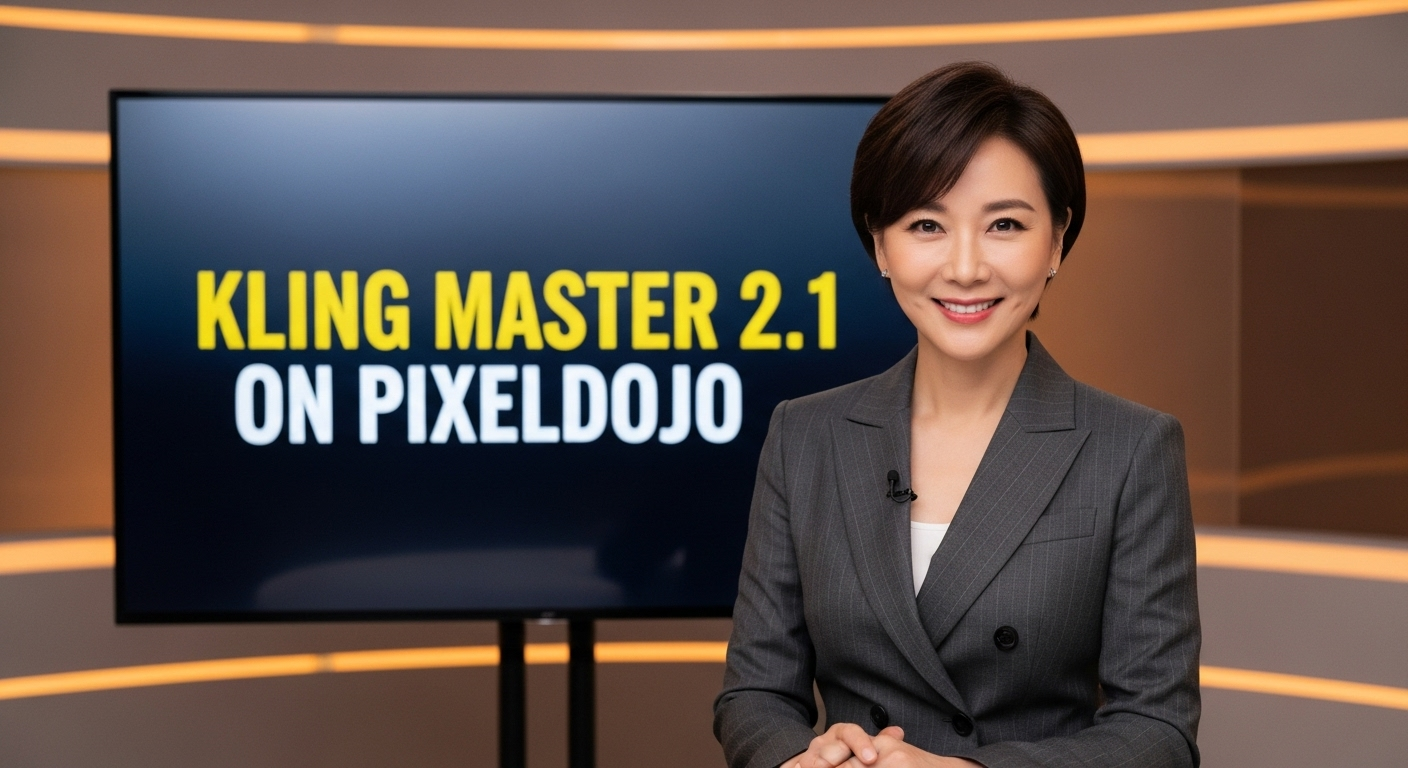
A photo of a beautiful news anchor
imagen
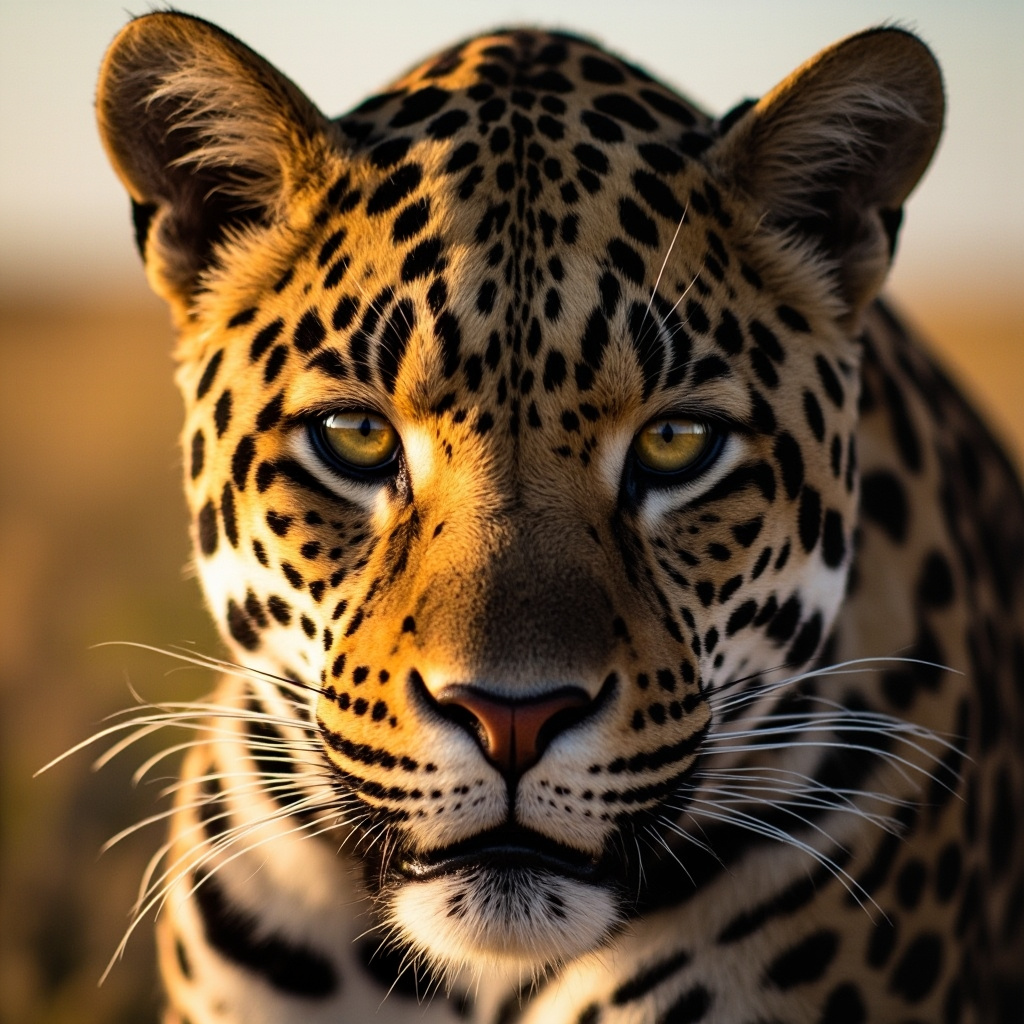
A close-up portrait of a leopard with distinctive spotted pattern and intense eyes
minimax-image-01
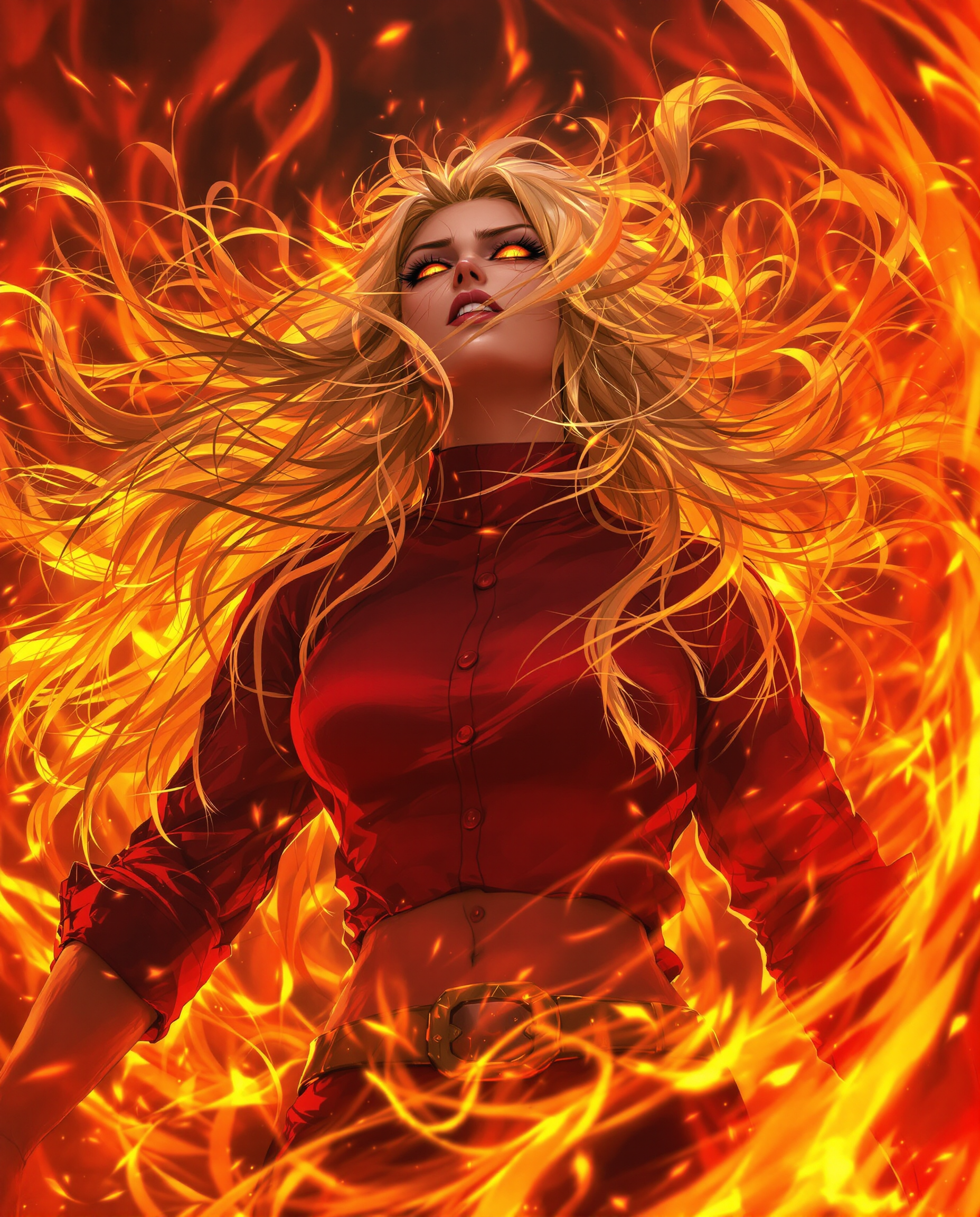
A hyper-realistic DSLR photograph captures a fierce female anime character in a dynamic
flux

Masterpiece
creative-upscaler
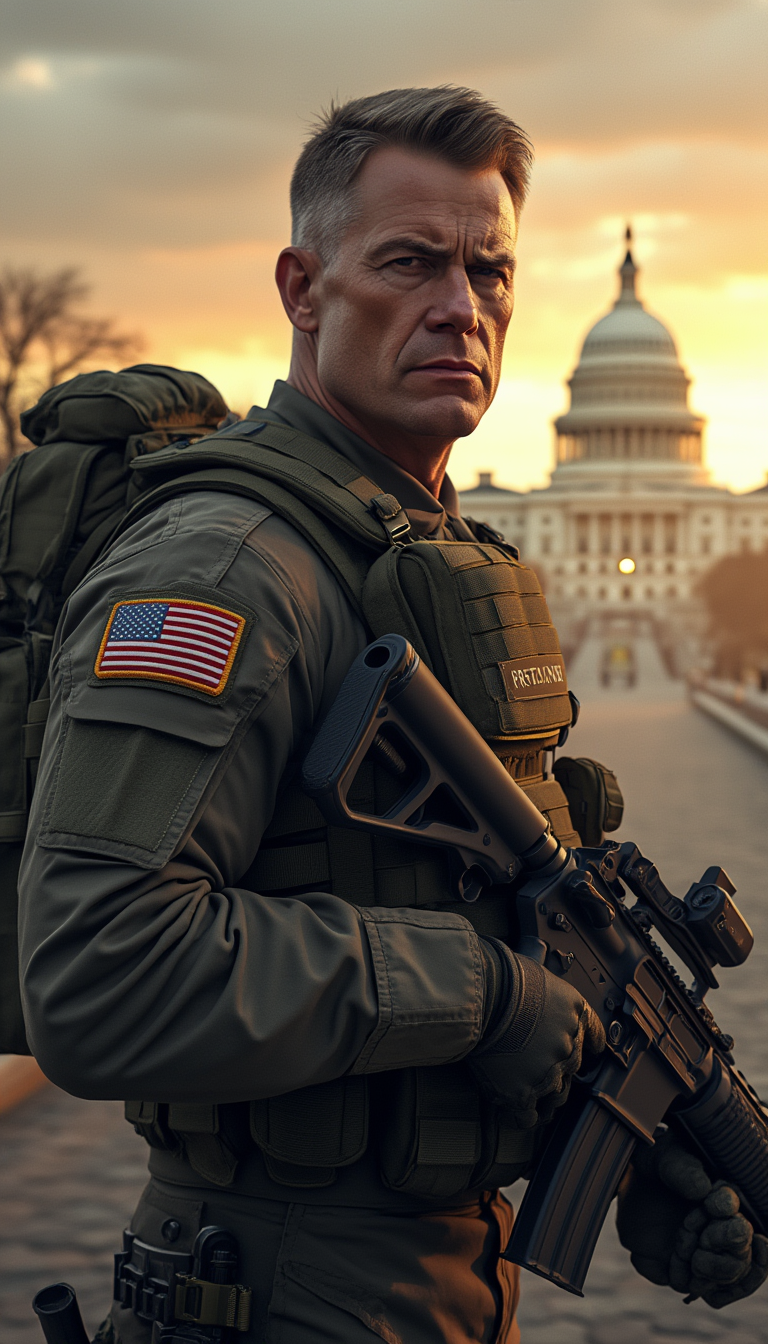
Create a hyper-realistic digital artwork of a soldier representing the United States as a…
stable-diffusion
Models you can run on PixelDojo for expand image ai
Switch models without switching tools. Each one runs in the same PixelDojo studio.
What you can do with expand image ai on PixelDojo
Extend Canvas With Outpainting
We let you grow an image beyond its original frame. New regions are generated to match lighting, perspective, and subject so the result still reads as one scene.
Match Any Target Aspect Ratio
We expand portraits, squares, and landscapes to the size you need for posts, prints, or video. You keep the original content and fill only the added edges.
Preserve Subject And Style
We treat your source image as the anchor. Expansion follows the same colors, textures, and composition instead of replacing what you already have.
Iterate Crops And Borders
We support multiple expand passes so you can test wider skies, extra room around a product, or a different crop. You can refine the new areas without starting over.
Trusted by more than 75,000 creators worldwide with a 4.9-star average from thousands of reviews. 40+ specialized AI tools including Image Outpainting, Flux.2 Studio, Reality Polisher, and P-Image Upscale. Commercial-use results in seconds. Cancel anytime.
Why Choose Pixel Dojo for expand image ai
Professional-quality results with cutting-edge AI technology
Keep Your Subject Fully in Frame Across Every Format
Square Instagram posts become 16:9 YouTube thumbnails or 9:16 Reels covers without cutting off faces, products, or landmarks. PixelDojo Image Outpainting extends skies, walls, tables, and environments so your hero stays centered and complete. One upload now serves every platform you need.
Get Studio-Quality Extensions in Seconds Instead of Hours
Skip cloning, content-aware fill, and lighting mismatches. The AI matches your original photo's unique lighting direction, color temperature, textures, and perspective automatically. Use Magic Lighting or Reality Polisher afterward for even tighter unity. You stay in creative flow instead of fighting layers.
Turn One Photo Into an Entire Campaign Library
Generate every size required for ads, social feeds, stories, email headers, Amazon listings, and print from a single original. Consistent branding, dramatically lower production costs, and no extra photoshoots. Marketers using PixelDojo report finishing weekly visual needs in a fraction of the time.
How It Works
Expanding images on PixelDojo is built for speed and seamless quality. Three straightforward steps take you from any original photo to a perfectly extended, ready-to-publish asset that looks professionally captured.
Step 1: Choose Image Outpainting and Upload Your Photo
Open Edit Images and select Image Outpainting. Upload your portrait, product shot, landscape, or interior. PixelDojo immediately studies the edges, lighting, textures, and overall scene so every new pixel will match. It works equally well on tight crops, phone photos, or studio images.
Step 2: Set Directions or Ratio and Add Optional Prompt
Choose how far to expand left, right, up, or down, or pick a target ratio such as 16:9, 9:16, or 21:9. For more control, type a short prompt like “continue the wooden table and hanging plants” or “extend the sunset sky and distant hills.” Expanding one side at a time often produces the most invisible blends. The AI combines your words with visual context for coherent results.
Step 3: Generate, Polish, and Download High-Res
Click generate and watch the canvas grow. Preview instantly. Tweak any small area with Inpainting, unify lighting with Magic Lighting, or add extra realism with Reality Polisher. Upscale with P-Image Upscale or Magnific Upscaler when you need print resolution. Download PNG or JPG and use the image everywhere immediately.
The Pixel Dojo Advantage
Why PixelDojo outperforms other options for expand image AI
| Others | Pixel Dojo |
|---|---|
| Traditional photo expansion | No more cloning stamps, content-aware fill that looks fake, or extra photoshoots just to get more background. PixelDojo generates photorealistic extensions that match lighting, perspective, and texture in seconds so the image looks originally captured at the new size. |
| Generic AI tools | You get a dedicated Image Outpainting tool plus 40+ complementary features in one place: Flux.2 Studio and Seedream 5 for creative variations, Inpainting for precise fixes, Reality Polisher for extra realism, and upscalers for final delivery. Consistent quality across every step instead of jumping between disconnected apps. |
| Manual photo editing | Hours of layer work, masking, and lighting matching versus one click. You stay focused on the story you want to tell instead of technical cleanup. The result is ready for client or campaign use immediately, with commercial rights included. |
Loved by creators on PixelDojo
Real feedback from people using PixelDojo, pulled from our in-product surveys.
You keep adding to it to stay up to date and that is GOLD.
very easy to use and good support
Very easy to use
super easy to use
it's very easy to use
Practically every Ai suite in one place? Who wouldn't?
Explore more AI tools on PixelDojo
AI Tools
Compare & Switch
- Best AI Image Generators
- Best AI Video Generators
- Midjourney Alternatives
- Civitai Alternatives
- Runway Alternatives
- Leonardo Alternatives
- Pika Alternatives
- Luma Alternatives
- Magnific Alternatives
- Veo Alternatives
- Flux Alternatives
- Freepik Alternatives
- Seedance Alternatives
- Seedream Alternatives
- Pixverse Alternatives
- GPT Image Alternatives
- Synthesia Alternatives
- Playground Alternatives
- NightCafe Alternatives
- Canva AI Alternatives
- ElevenLabs Alternatives
- ComfyUI Alternatives
- Fal Alternatives
- Replicate Alternatives
Common Questions
Everything you need to know about expand image ai
How does expand image AI outpainting work on PixelDojo?
Expand image AI, also called outpainting or uncropping, uses advanced generative models to invent new pixels beyond your original photo while matching its style, lighting, and content. PixelDojo's Image Outpainting first analyzes the edges, perspective lines, color temperature, and textures of your upload. It then fills the added canvas so the transition is invisible. Continuous surfaces like sky, walls, water, or tabletops extend most naturally, but complex scenes with architecture or products also succeed when you expand one direction at a time and add a short guiding prompt. After generation you can refine with Reality Polisher or Inpainting for perfect unity.
Can I expand a square image to 16:9 or 9:16 with AI without quality loss?
Yes. Upload your square photo to Image Outpainting, select the 16:9 or 9:16 preset, and generate. PixelDojo creates native high-quality pixels rather than stretching existing ones, so sharpness and detail stay intact. For extra resolution needed in print or large displays, follow up with P-Image Upscale or Magnific Upscaler. The combination keeps faces, products, and fine textures crisp across every new format you need for social, ads, or websites.
Is PixelDojo's expand image AI free to try and can I cancel anytime?
You can start immediately with free credits that let you test Image Outpainting and the rest of the 40+ tools. Thousands of creators already use the platform daily. There is no long-term contract—cancel anytime if it is not the right fit. Commercial-use rights are included so you can publish the expanded images in campaigns, client work, or products right away.
What types of photos expand best with AI outpainting and can I use people or products?
Photos with continuous surfaces—skies, walls, floors, water, roads, or tabletops—produce the most invisible extensions. Architecture with strong perspective lines also works well when you give the model generous space. Products on tables or in interiors continue naturally. For people, the AI can complete cut-off limbs or add matching environment; afterward you can use Face Swap, LoRA Face Swap, or Consistent Characters if identity needs extra precision. Tight crops of any subject become full cinematic frames in seconds.
How do I get the most seamless results and fix any small mismatches after expanding?
Expand one direction at a time rather than all four sides in a single pass so the model keeps better context. Overlap the original image slightly and use a short prompt that describes the new area. After generation, apply Reality Polisher to unify lighting and texture, Magic Lighting for color temperature, or Inpainting on any tiny seam. These PixelDojo tools together produce results that hold up at full resolution and in print.
How does expand image AI help marketers and social media teams specifically?
One original photo now becomes every required size: 1:1 feed posts, 9:16 stories and Reels, 16:9 YouTube thumbnails and LinkedIn, 1.91:1 ad units, and print banners. You keep your product or person fully visible instead of cropping them out. Branding stays consistent, production time drops from days to minutes, and you avoid extra photoshoots or stock purchases. Teams already using PixelDojo Image Outpainting plus Marketing Studio report finishing weekly visual calendars far faster while maintaining professional quality.