flux 2 flex online AI Generator
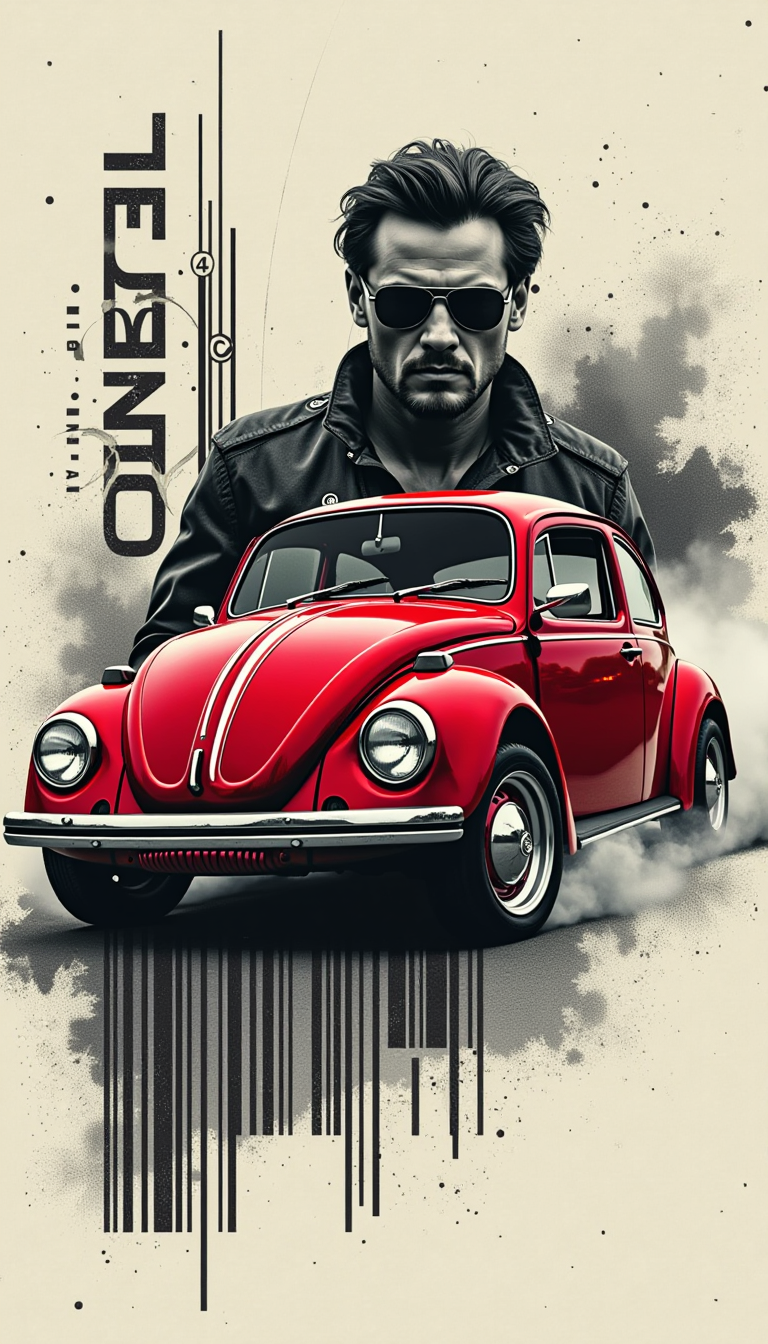
Generated on PixelDojo. Produced by PixelDojo's generation pipeline.
You want marketing visuals that actually sell, posters with text everyone can read, product shots that stay on-brand, and UI mockups that look like they came from a real design studio. Flux 2 Flex online on PixelDojo delivers exactly that. Instead of wrestling with inconsistent results or spending hours in traditional software, you generate photorealistic, text-perfect images in seconds. Upload a few reference photos and watch characters, products, and styles stay consistent across an entire campaign. Choose the exact quality you need—from fast drafts to print-ready 4MP files—and walk away with assets ready for ads, social, packaging, or presentations. Thousands of creators already use PixelDojo’s Flux.2 Studio every day to turn ideas into finished work without the usual AI headaches. You get the same professional outcomes, minus the friction.
Real image examples generated on PixelDojo
Every example below was produced on PixelDojo. Hover to see the prompt.
Design a professional and unique logo for the brand ‘Flex
stable-diffusion
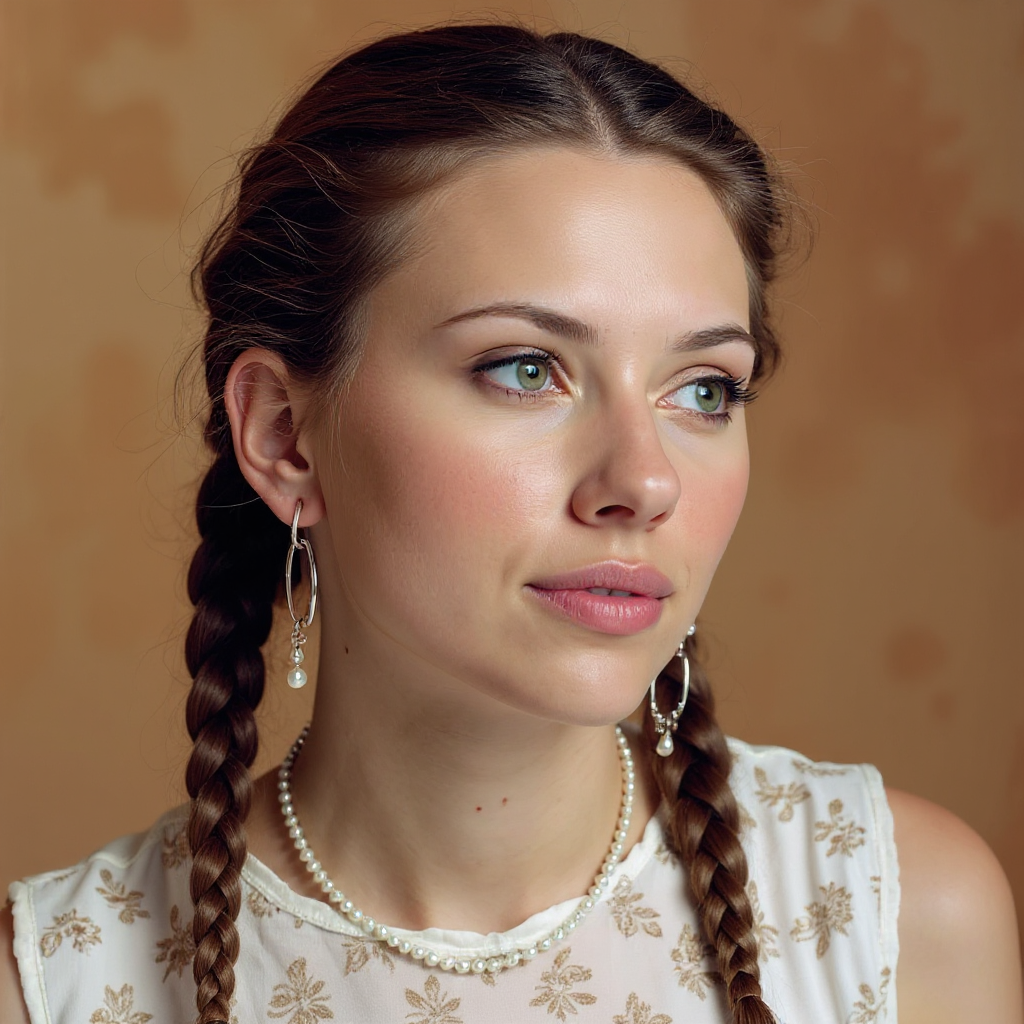
Quickly change someone's hair style and hair color
stable-diffusion
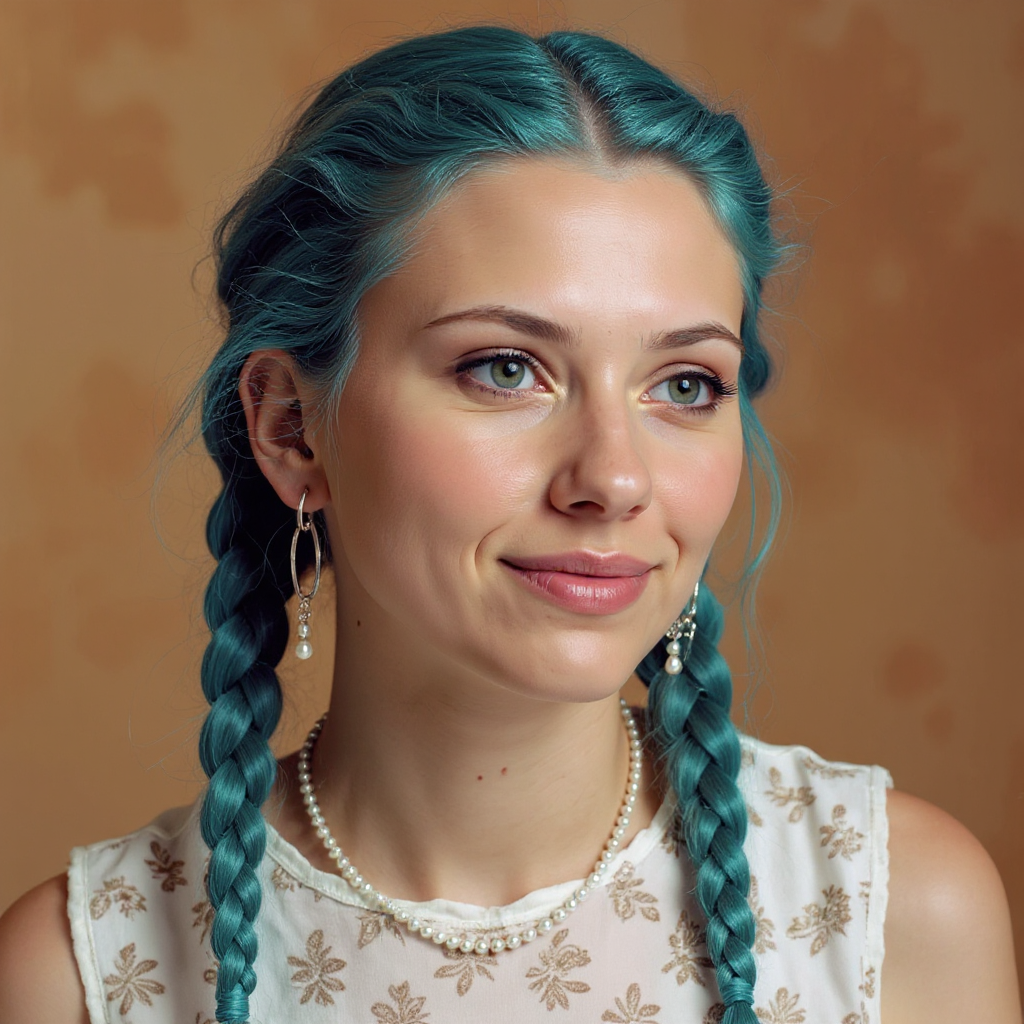
Quickly change someone's hair style and hair color
stable-diffusion
FLUX Video Upscale Lola talking-head Friday 9am
seedance-2-5

Masterpiece
creative-upscaler
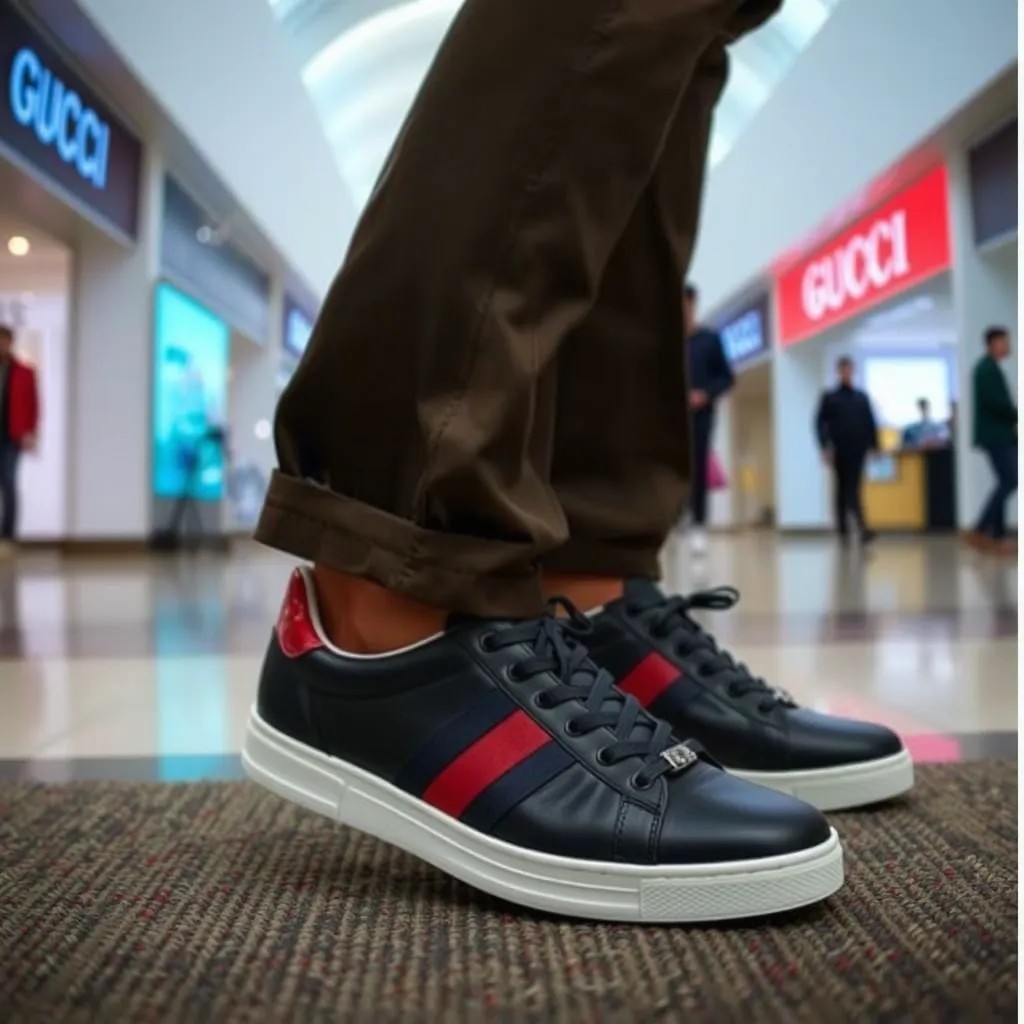
A man wearing these Gucci shoes at the mall
stable-diffusion
Models you can run on PixelDojo for flux 2 flex online
Switch models without switching tools. Each one runs in the same PixelDojo studio.
What you can do with flux 2 flex online on PixelDojo
Flux 2 Flex Online
We run Flux 2 Flex in the cloud so you can generate images from prompts without installing weights or a local GPU.
Prompt and Size Control
You set aspect ratio, seed, and guidance while we keep generations tied to the same model settings for consistent iterations.
Fast Cloud Generation
We queue and render jobs on hosted hardware so you can try ideas from a browser instead of waiting on a workstation.
Download and Reuse Results
You export finished images in standard formats and reuse prior outputs as a starting point for the next prompt.
Loved by thousands of creators worldwide who generate millions of Flux 2 Flex images monthly. 40+ cutting-edge AI tools, cancel anytime, 4.9-star average from real users who ship campaigns faster.
Why Choose Pixel Dojo for flux 2 flex online
Professional-quality results with cutting-edge AI technology
Readable Text That Actually Sells
You create posters, product ads, infographics, and UI screens where every headline, price, and caption stays sharp and perfectly spelled. Flux 2 Flex online on PixelDojo’s Flux.2 Studio specializes in typography so your marketing materials look professional instead of like typical AI output. Clients and customers instantly trust the visuals because the text looks human-designed, helping you close more campaigns and reduce revision rounds.
Campaign-Wide Consistency Without Extra Work
You upload up to ten reference images once and generate dozens of matching shots that keep the same character face, product color, lighting, and brand style. Whether you’re building an e-commerce catalog, social series, or packaging line, Flux 2 Flex online plus PixelDojo’s Image to Image and Consistent Characters tools lock in identity so every asset feels like it belongs together. You skip the usual mismatch problems and ship cohesive collections in a single afternoon.
Print-Ready Quality on Your Timeline
You pick the exact resolution you need—from quick 0.5 MP mood boards to 4 MP hero images—and control how much detail versus speed each generation uses. PixelDojo’s Flux.2 Studio, Magnific Upscaler, and Reality Polisher let you iterate cheaply then upscale keepers to production specs. You deliver client-ready files the same day instead of waiting for traditional photoshoots or lengthy edits, all while staying inside one simple online workspace.
How It Works
You create professional Flux 2 Flex images in three straightforward steps inside PixelDojo. No software to install, no hardware to buy—just open Flux.2 Studio and start.
Step 1: Choose Your Tool
Log into PixelDojo and open Generate Images. Select Flux.2 Studio, the dedicated workspace for Flux 2 Flex online generation. You can also pair it with Flux 2 Trainer if you want a custom LoRA later, or jump straight to Image to Image for reference-based work. The interface shows you every control you need—aspect ratios, resolution options up to 4 MP, and reference upload slots—so you never leave the page.
Step 2: Enter Your Prompt
Type a clear description of the scene, lighting, and any text you want rendered. For best results start with the main subject, then add style, camera angle, and exact wording for headlines. Drag in up to ten reference photos so Flux 2 Flex online matches faces, products, or color palettes automatically. PixelDojo’s built-in prompting guide inside Flux.2 Studio suggests proven structures that produce cleaner typography and stronger composition on the first try.
Step 3: Customize & Download
Hit generate and review the results. Tweak aspect ratio, boost resolution, or run a second pass with Inpainting or Style Transfer if you want small changes. When you’re happy, download the high-resolution file or send it straight to P-Image Upscale or Portrait Upscaler. Everything stays inside PixelDojo so you can keep iterating, merge with video tools, or export for your next campaign without extra steps.
The Pixel Dojo Advantage
Why PixelDojo outperforms other options for flux 2 flex image generation
| Others | Pixel Dojo |
|---|---|
| Traditional flux 2 flex creation | You skip expensive hardware, complicated local installs, and long render queues. PixelDojo’s Flux.2 Studio runs Flux 2 Flex online instantly in your browser so you go from idea to finished 4 MP file in under a minute. |
| Generic AI tools | You get specialized Flux 2 Flex controls, up to ten reference images, and dedicated typography strength that generic generators simply don’t match. PixelDojo also bundles Flux 2 Trainer, Image Analyzer, and Reality Polisher so one platform covers the entire workflow. |
| Manual photo editing | You replace hours of shooting, masking, and retouching with a few clicks. Generate complete, on-brand images that already include perfect text and consistent lighting, then polish only the details you actually care about. |
Loved by creators on PixelDojo
Real feedback from people using PixelDojo, pulled from our in-product surveys.
Qwen image 2 is amazing!!
Creative freedom, range of tools and options.
I love the training feature
the quality is the best
All the tools needed in one dashboard
Very fair and very broad in tools.
Explore more AI tools on PixelDojo
AI Tools
Compare & Switch
- Best AI Image Generators
- Best AI Video Generators
- Midjourney Alternatives
- Civitai Alternatives
- Runway Alternatives
- Leonardo Alternatives
- Pika Alternatives
- Luma Alternatives
- Magnific Alternatives
- Veo Alternatives
- Flux Alternatives
- Freepik Alternatives
- Seedance Alternatives
- Seedream Alternatives
- Pixverse Alternatives
- GPT Image Alternatives
- Synthesia Alternatives
- Playground Alternatives
- NightCafe Alternatives
- Canva AI Alternatives
- ElevenLabs Alternatives
- ComfyUI Alternatives
- Fal Alternatives
- Replicate Alternatives
Common Questions
Everything you need to know about flux 2 flex online
How do I generate flux 2 flex images online without any technical setup?
You simply visit PixelDojo, open Flux.2 Studio under Generate Images, and start typing. The entire Flux 2 Flex online experience lives in your browser—no downloads, no GPU required. Upload references, choose resolution, and generate. Thousands of creators use this exact path every day to produce client work in minutes instead of hours.
Can I keep the same character or product consistent across multiple flux 2 flex generations?
Yes. PixelDojo’s Flux.2 Studio accepts up to ten reference images so Flux 2 Flex online locks in facial features, product colors, and overall style. Pair it with Consistent Characters or Character Sheets and you can build an entire campaign that looks like it was shot on the same day. This is one of the biggest time-savers users report.
What resolution and quality can I expect from flux 2 flex online on PixelDojo?
You choose from 0.5 MP previews all the way to 4 MP print-ready files. Flux 2 Flex online lets you balance speed and detail on every generation. When you need even more polish, send the result to Magnific Upscaler, Clarity Pro, or Reality Polisher without leaving the platform. Most users start at 1 MP for social and jump to 2–4 MP for final assets.
Is flux 2 flex online good for images that contain a lot of text?
It is the strongest option currently available. Flux 2 Flex was built specifically for clean typography, so headlines, prices, and fine print stay readable even at small sizes. PixelDojo’s Flux.2 Studio plus Image Analyzer lets you verify text accuracy before you download. Marketing teams use this daily for ads, packaging, and infographics that would otherwise require a designer.
Can I train my own flux 2 flex model on PixelDojo?
Absolutely. After you generate a set of images you love, open Flux 2 Trainer under Train Models. Upload your best examples and PixelDojo fine-tunes a private LoRA that you can then use inside Flux.2 Studio. This gives you a custom Flux 2 Flex online model that already knows your brand, characters, or product line, saving even more time on future projects.
What happens if I need to edit or upscale a flux 2 flex image after generating it?
PixelDojo keeps everything in one place. Use Inpainting, Change Camera Angle, Style Transfer, or Background Remover right after generation. For extra size and sharpness, send the file to P-Image Upscale, Magnific Upscaler, or Portrait Upscaler. You never have to export and re-import, so your Flux 2 Flex online workflow stays fast and uninterrupted.