grok imagine image
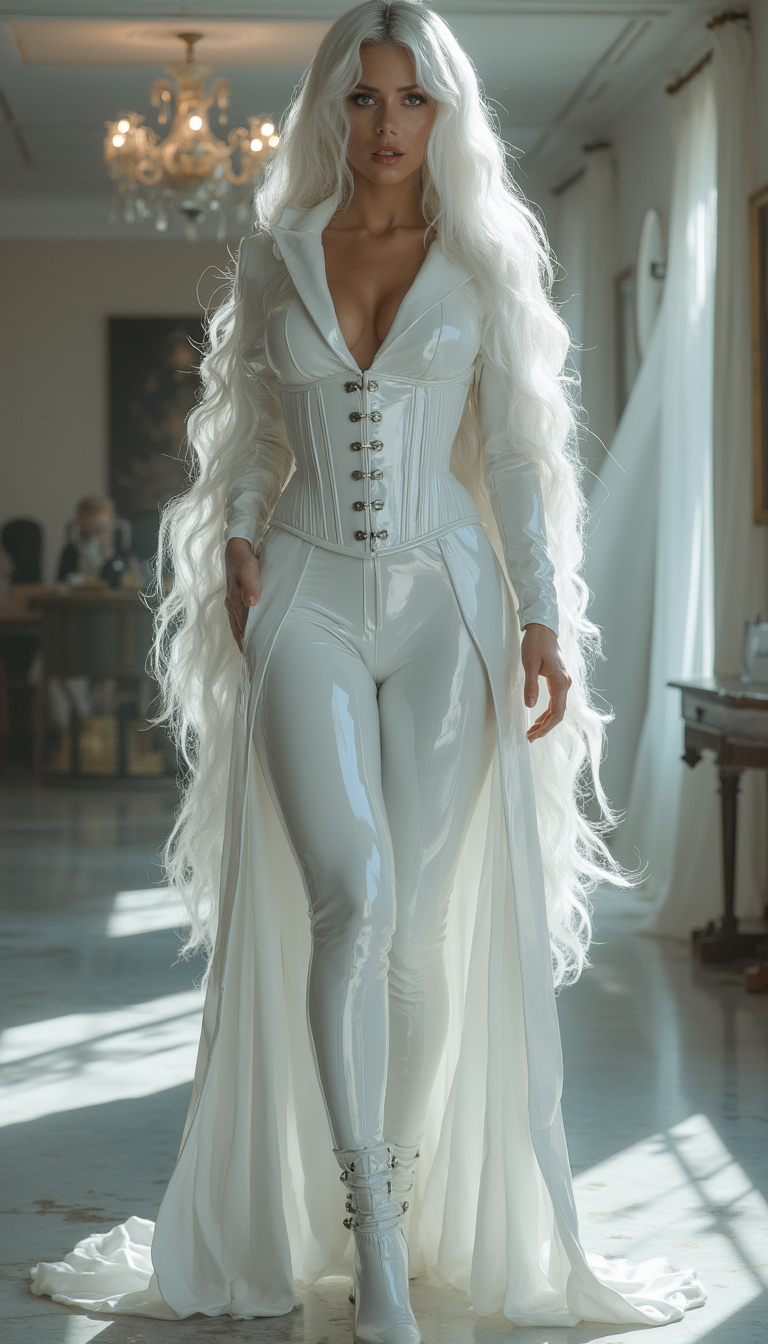
Generated on PixelDojo. Produced by PixelDojo's generation pipeline.
You have a powerful idea for a visual that needs to captivate – a lifelike product mockup that sells, a cinematic scene that tells your story, or social content that stops the scroll. PixelDojo's Grok Image tool lets you achieve exactly that outcome in seconds, turning your natural language descriptions into photorealistic Grok Imagine images packed with intricate textures, perfect lighting, and emotional depth. You no longer wait for inspiration or wrestle with complicated software. Instead, you describe your vision once and receive multiple high-quality variations instantly, ready to refine into assets that grow your brand, convert customers, and express your unique creativity. Marketers use these images for campaigns that feel professionally photographed. Creators build personal brands with consistent, eye-catching posts. Designers prototype concepts at lightning speed. Pair Grok Image with Flux.2 Studio for artistic interpretations or QWEN Image 2 for extra precision, then polish everything using Inpainting, Magic Lighting, and Reality Polisher. The result is a complete creative workflow where you produce more professional Grok Imagine images than ever before, all while staying in one platform. Your next high-converting visual, portfolio piece, or viral post is just a prompt away.
Real image examples generated on PixelDojo
Every example below was produced on PixelDojo. Hover to see the prompt.
Image from library
flux-studio
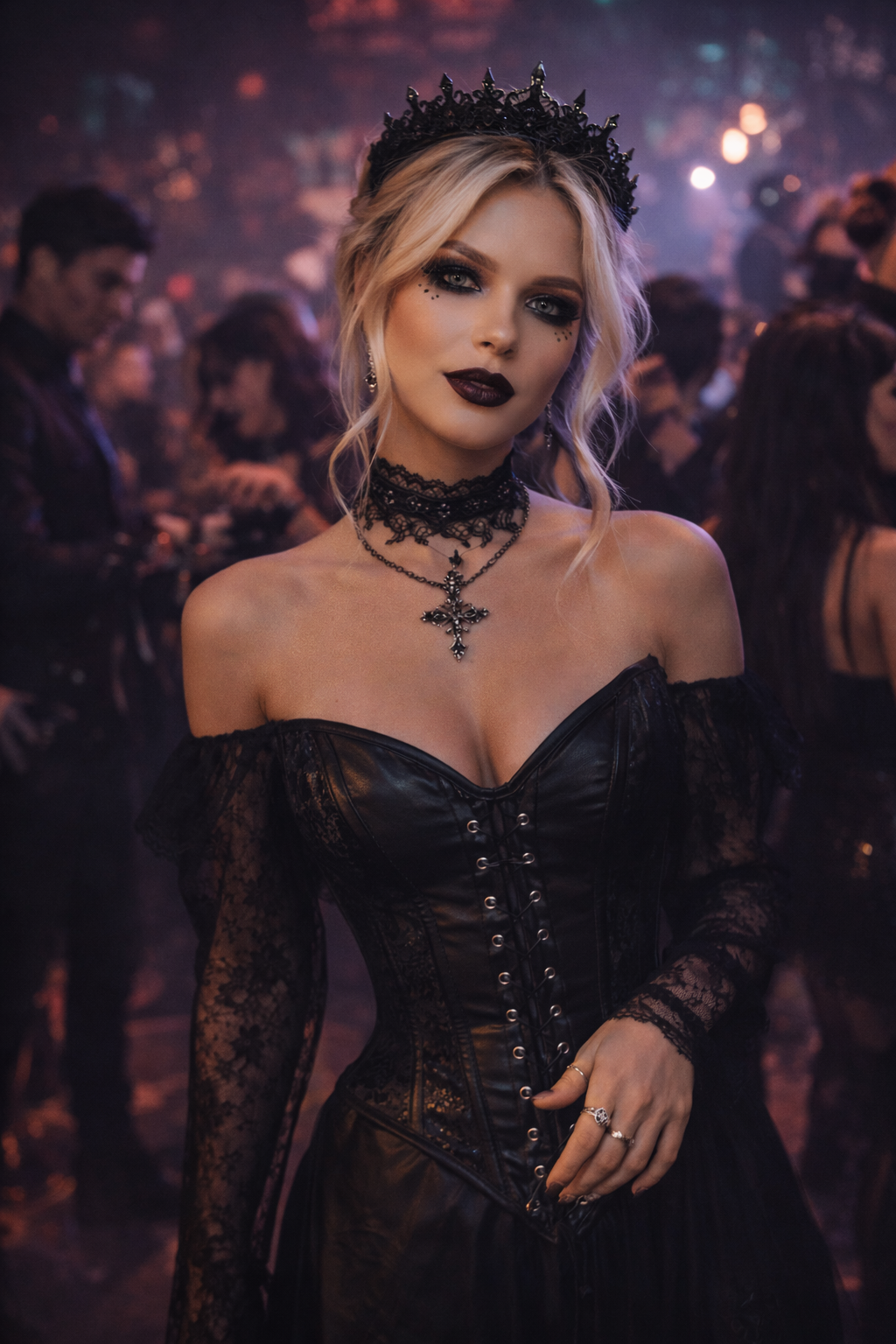
Image from library
flux-2-flex
Image from library
xai-image
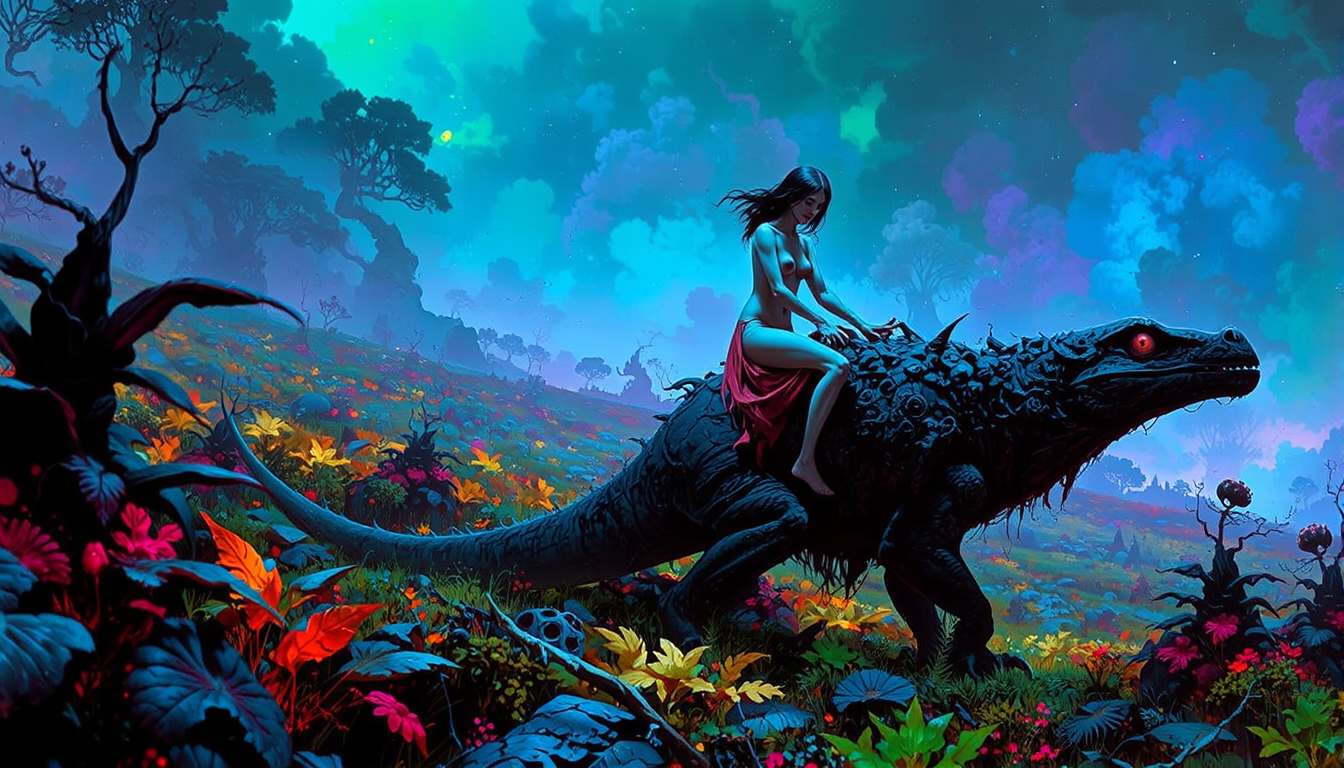
FantasyArt style
stable-diffusion

Masterpiece
creative-upscaler
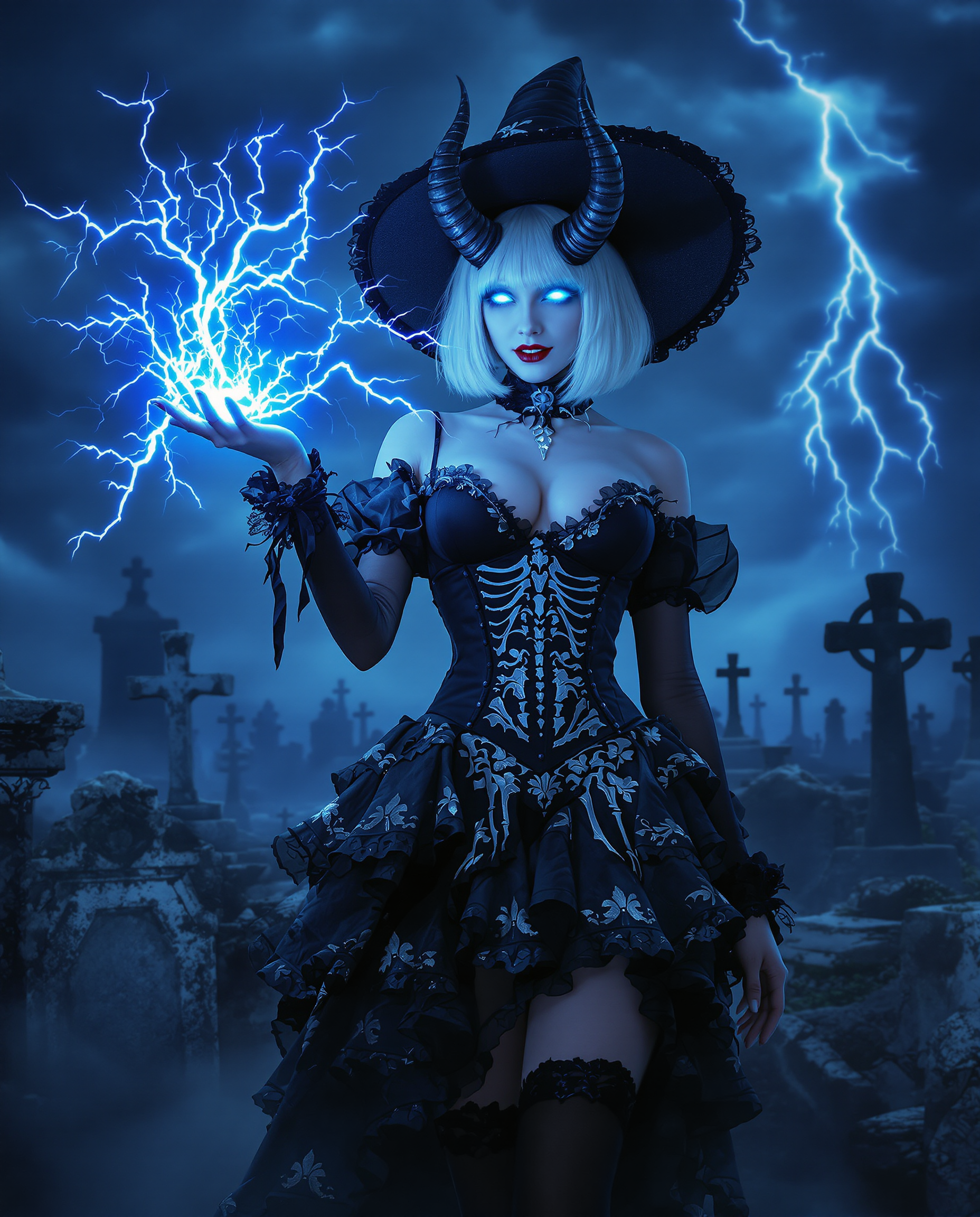
A highly detailed realistic photo photograph of a female real person in a dark fantasy sty…
flux
Models you can run on PixelDojo for grok imagine image
Switch models without switching tools. Each one runs in the same PixelDojo studio.
What you can do with grok imagine image on PixelDojo
Grok Imagine Generation
We run Grok Imagine so you can turn written prompts into still images without leaving PixelDojo. You pick the prompt, aspect ratio, and how many variants to generate in one pass.
Prompt And Style Control
We let you refine wording, add negative prompts, and lock a visual direction so outputs stay consistent across a set. You can reuse successful settings as you iterate.
Edit And Iterate Images
We support follow-up generations from a selected result so you can adjust composition, lighting, or details. You keep prior versions available while you compare.
Export Ready Assets
We provide downloads of generated images in common formats for use in mockups, posts, and design work. You choose resolution options available on the tool before you save.
Trusted by over 75,000 creators worldwide who have generated more than 12 million Grok Imagine-style images on PixelDojo. Rated 4.9/5 from thousands of reviews. Join the community delivering professional results every day.
Why Choose Pixel Dojo for grok imagine image
Professional-quality results with cutting-edge AI technology
Instant Photorealistic Results That Convert
You generate stunning Grok Imagine images with lifelike skin, fabrics, and lighting in seconds, creating product shots and portraits that build trust and drive sales without expensive photoshoots.
Rapid Iteration for Perfect Creative Direction
You explore dozens of variations quickly using Grok Image, testing compositions and moods until you land on the exact visual that matches your campaign or story, saving hours of trial and error.
Full Campaign Consistency From One Platform
You maintain the same Grok Imagine style across entire series using Consistent Characters and Character Sheets, then enhance with Background Remover and Magnific Upscaler for print-ready, cohesive assets that look professionally produced.
How It Works
You create professional Grok Imagine images on PixelDojo in minutes by combining the dedicated Grok Image tool with our full editing and enhancement suite. These simple steps turn your idea into a polished, high-converting visual using the latest natural-language prompting techniques.
Step 1: Choose Your Tool
Log into PixelDojo and navigate to Generate Images. Select the Grok Image tool from our collection that also includes Flux.2 Studio, Krea Image, Riverflow, Luma UNI 1, QWEN Image 2, and WAN 2.7. Pick your preferred aspect ratio for social, banners, or portraits and choose fast mode for quick exploration or quality mode for maximum detail. This dedicated tool is optimized for Grok Imagine photorealism, prompt accuracy, and creative flair so you start with the strongest possible foundation.
Step 2: Enter Your Prompt
Describe your vision in natural, detailed sentences. Lead with the subject and action, then add lighting such as golden hour sidelight with long shadows, camera details like 85mm lens with shallow depth of field, mood, environment, and style. Grok Image responds exceptionally well to concrete, positive descriptions rather than keyword lists. A strong example is a confident entrepreneur standing in a sunlit modern office overlooking mountains at sunrise, warm natural light catching fabric textures, thoughtful expression, ultra-realistic skin and clothing details, cinematic color grading. You can generate multiple variations at once and refine the prompt conversationally for even closer matches.
Step 3: Customize & Download
Review the generated Grok Imagine images and select your favorite. Use Image to Image or Inpainting to adjust specific elements, Change Camera Angle for new perspectives, Style Transfer for artistic variations, Magic Lighting to shift atmosphere, and Background Remover for clean cutouts. Apply Reality Polisher for extra sharpness or Image Outpainting to expand the scene. Upscale with P-Image Upscale, Magnific Upscaler, or Portrait Upscaler for print quality. Maintain character consistency with Consistent Characters or Face Swap, then download in high resolution or extend into video using Grok Video. Your complete professional asset is ready to use immediately.
The Pixel Dojo Advantage
Why PixelDojo outperforms other options for Grok Imagine image generation
| Others | Pixel Dojo |
|---|---|
| Traditional photography and design | You eliminate costly studio sessions, equipment, and lengthy learning curves by generating custom Grok Imagine images in minutes that match professional quality, then iterate endlessly until every detail is perfect for your exact needs. |
| Generic AI tools | You get specialized Grok Image access plus 40+ complementary tools like WAN 2.6, Kling Image, Seedream 5, and Ideogram 4 in one seamless platform, with built-in editing, upscaling, and character consistency so you complete entire projects instead of isolated images. |
| Manual photo editing | You achieve complex transformations such as lighting changes, outpainting, and style transfers instantly with AI-powered tools, producing consistent high-detail results at scale that would take hours of traditional work while maintaining full artistic control. |
Loved by creators on PixelDojo
Real feedback from people using PixelDojo, pulled from our in-product surveys.
Lots of different tools. It's easy to purchase more credits.
Amazing performance!
Excellent website for creating all types of media
Very eay to use, works well to train SDXL loras.
The amazing tools
Top notch quality and strong prompt adherence.
Explore more AI tools on PixelDojo
AI Tools
Compare & Switch
- Best AI Image Generators
- Best AI Video Generators
- Midjourney Alternatives
- Civitai Alternatives
- Runway Alternatives
- Leonardo Alternatives
- Pika Alternatives
- Luma Alternatives
- Magnific Alternatives
- Veo Alternatives
- Flux Alternatives
- Freepik Alternatives
- Seedance Alternatives
- Seedream Alternatives
- Pixverse Alternatives
- GPT Image Alternatives
- Synthesia Alternatives
- Playground Alternatives
- NightCafe Alternatives
- Canva AI Alternatives
- ElevenLabs Alternatives
- ComfyUI Alternatives
- Fal Alternatives
- Replicate Alternatives
Common Questions
Everything you need to know about grok imagine image
How do I generate high-quality Grok Imagine images with PixelDojo's Grok Image tool?
You start by selecting Grok Image in the Generate Images section, then write a detailed natural-language prompt covering subject, lighting, camera, and mood. Generate several variations, pick the strongest, and refine using Inpainting, Magic Lighting, or Reality Polisher. This process consistently produces photorealistic, prompt-accurate Grok Imagine images ready for professional use, all within PixelDojo's integrated workflow that also includes Flux.2 Studio and QWEN Image 2 for additional styles.
What are the best prompting techniques for Grok Imagine image generation on PixelDojo?
You achieve the strongest results with concrete, sentence-based prompts that specify subject plus environment plus lighting plus camera plus style. For example, describe golden hour sidelight, 85mm lens, shallow depth of field, and cinematic grading rather than vague adjectives. Grok Image follows these instructions closely. After the first generation you can refine conversationally inside PixelDojo, then enhance further with Style Transfer or Change Camera Angle to lock in the exact Grok Imagine look you want.
Can I create commercially usable Grok Imagine images on PixelDojo?
Yes, every image you generate with Grok Image and the rest of PixelDojo's 40+ tools includes full commercial rights. You can use them in marketing campaigns, product packaging, social content, client work, or merchandise without restrictions. Combine with Flux Pro Virtual Try-On or Character Stylist for even more versatile commercial assets, giving you complete ownership and peace of mind.
How do I maintain consistent Grok Imagine characters across multiple images?
You generate your base character with Grok Image using a highly detailed description, then apply Consistent Characters, Character Sheets, or LoRA Face Swap to keep the exact same identity in new scenes and outfits. PixelDojo also supports reference images and Ideogram Character for extra control. This workflow lets you build entire visual series or campaigns that feel cohesive, something that used to require hours of manual matching.
Which PixelDojo editing tools work best with Grok Imagine images?
After generating with Grok Image you can use Image to Image for overall restyling, Inpainting for precise changes, Background Remover for clean cutouts, Magic Lighting to adjust mood, Image Outpainting to expand compositions, and Reality Polisher for extra realism. Follow with P-Image Upscale, Magnific Upscaler, or Creative Upscaler for print-ready files. These tools stay inside the same platform so your Grok Imagine images stay consistent from first generation to final delivery.
Is Grok Imagine image generation free to try on PixelDojo and can I cancel anytime?
Yes, PixelDojo provides generous free daily generations with Grok Image so you can test the quality immediately. Paid plans unlock higher limits, priority speed, and the full 40+ tool ecosystem including WAN 2.7 Video, Kling Video, and Seedance models. Every plan lets you cancel anytime with no penalties, giving you risk-free access to professional Grok Imagine results loved by thousands of creators worldwide.