ImagineArt Prompting Guide

ImagineArt 1.5 + 2.0.
Three tiers in one workspace.

ImagineArt is a family of three text-to-image models in one tool — ImagineArt 2.0 (next-gen preview), 1.5 Pro (ultra-high fidelity), and 1.5 (production workhorse). Nine aspect ratios including ultra-tall 1:3 and ultra-wide 3:1 for mural-style compositions.

ImagineArt hero — cinematic steam locomotive on iron viaduct

Overview

ImagineArt is a family of three text-to-image models in one workspace — flip between them per prompt rather than juggling separate tools. ImagineArt 2.0 (preview) is the next-gen aesthetic. 1.5 Pro is ultra-high-fidelity for hero shots. 1.5 is the production workhorse at 1 credit per image.

Nine aspect ratio presets — every common ratio plus the unusual extremes 1:3 (ultra-tall mural / vertical poster) and 3:1 (ultra-wide cinematic / panoramic). Strong on fashion editorial, cinematic atmospheres, and stylized illustration. Native text rendering at the Pro tier.

3

Model tiers

9

Aspect ratios + 1:3 / 3:1

1–1.5

Credits per image

Key Features

Three Models, One Workspace
2.0 · 1.5 Pro · 1.5

Three Models, One Workspace

Switch models per prompt without leaving the tool. ImagineArt 2.0 (preview) for the freshest aesthetic and prompt fidelity. 1.5 Pro for ultra-high-fidelity 4K hero shots. 1.5 for production iteration at the lowest cost. Same prompt language across all three.
Strong on Fashion Editorial
Editorial composition + lighting

Strong on Fashion Editorial

ImagineArt produces strong fashion-editorial compositions — clean negative space, dramatic single-source lighting, structural wardrobe rendering. Particularly good for magazine cover-style portraits where you want directed lighting without engineering it entirely in prompt.

Stylized + Pop Art
Bold flat colors, halftone, vector

Stylized + Pop Art

Commits cleanly to non-photo aesthetics when you commit too — pop art, halftone, vector illustration, comic-book style. Particularly strong when you name the medium AND the era (mid-century, 60s pop art, 80s neon) together.

Ultra-Wide and Ultra-Tall
1:3 + 3:1 mural ratios

Ultra-Wide and Ultra-Tall

Most image models cap at 21:9 / 9:16. ImagineArt extends to ultra-tall 1:3 (great for vertical posters, social-story mural compositions) and ultra-wide 3:1 (panoramic landscapes, banner formats). Unique aspect coverage for unusual output ratios.

Example Images

Each example shows the exact prompt that produced the result. Copy any prompt with one click.

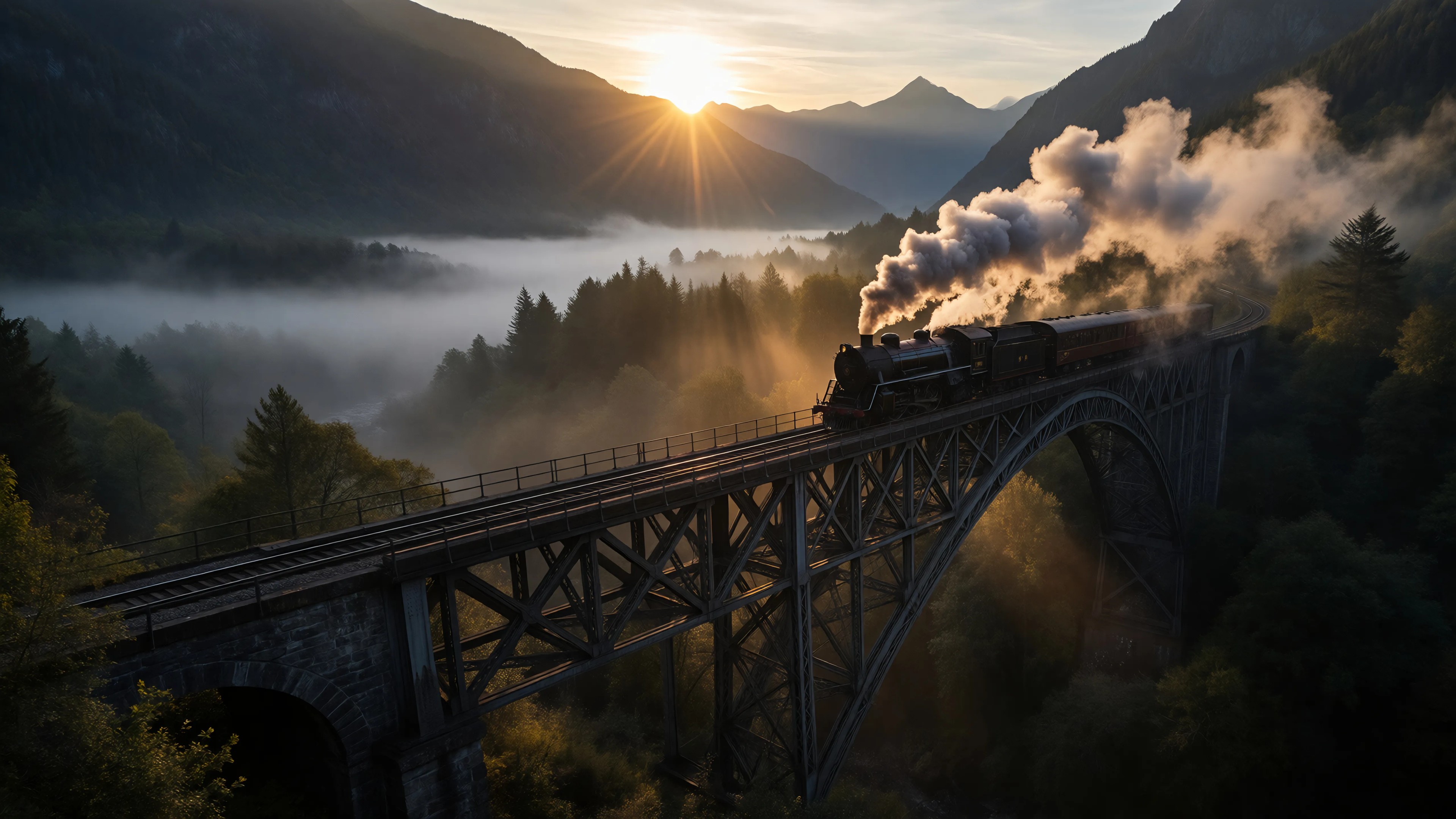
Cinematic Train Landscape

Cinematic Train Landscape

ImagineArt 1.5 Pro · 16:9 · 1.5 credits

Cinematic wide shot of a vintage steam locomotive crossing an iron viaduct above a misty forest valley at dawn, painterly atmospheric, warm golden sun breaking through, hyper-detailed

16:9 + painterly cinematic + atmospheric haze + warm-light anchor. ImagineArt 1.5 Pro handles complex compositional layering (locomotive + viaduct + valley + light beams) cleanly without smushing the elements together.

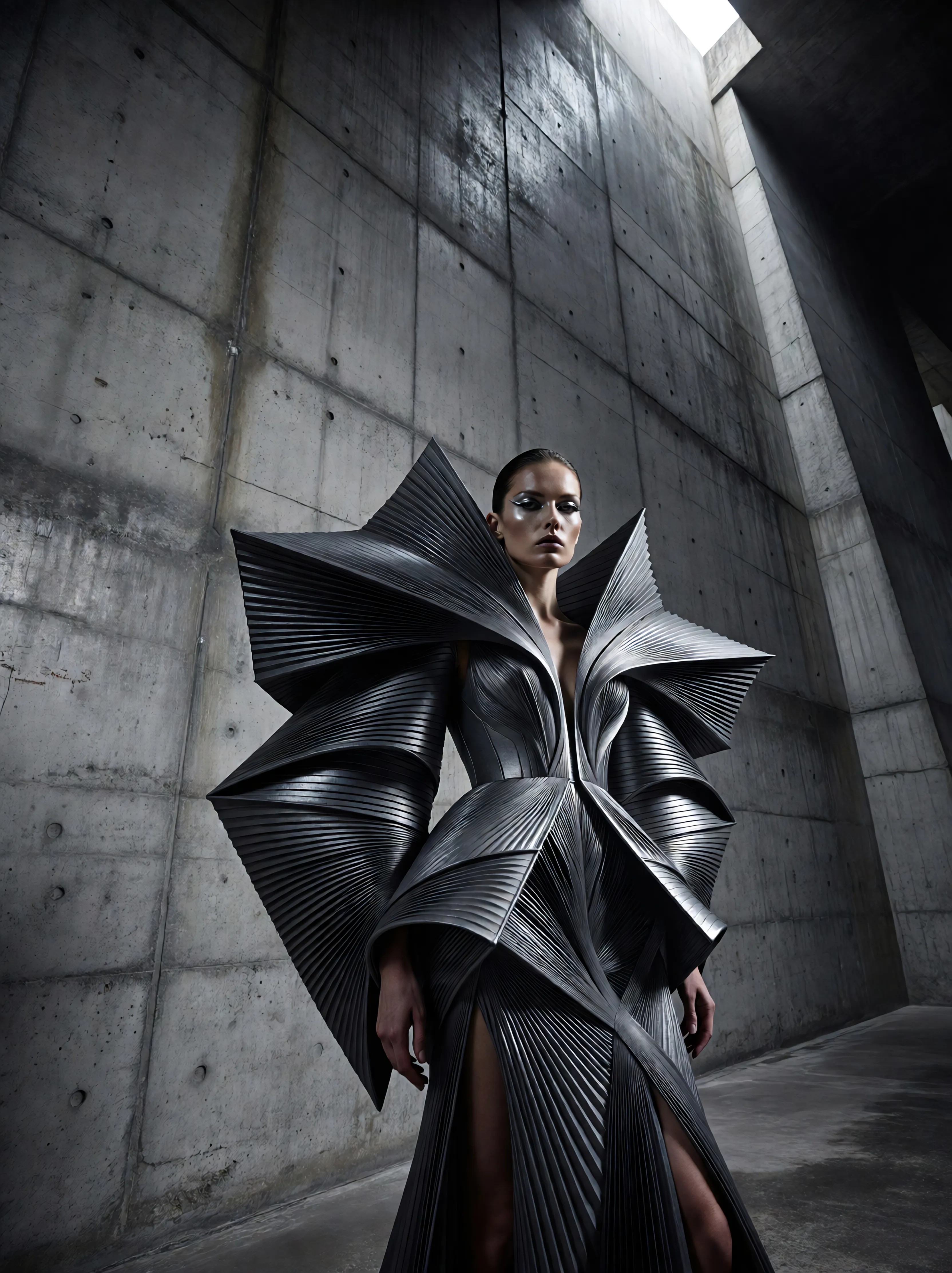
Fashion Editorial Portrait

Fashion Editorial Portrait

ImagineArt 1.5 Pro · 3:4 · 1.5 credits

High-fashion editorial portrait of a woman in an avant-garde structural dress against a brutalist concrete wall, dramatic single-source key light, cool grey palette, magazine cover composition

"Magazine cover composition" + "dramatic single-source key light" gives ImagineArt directed lighting without needing photo-stack vocabulary. The brutalist concrete + cool grey palette pairing reads sophisticated editorial; the structural dress feels intentional.

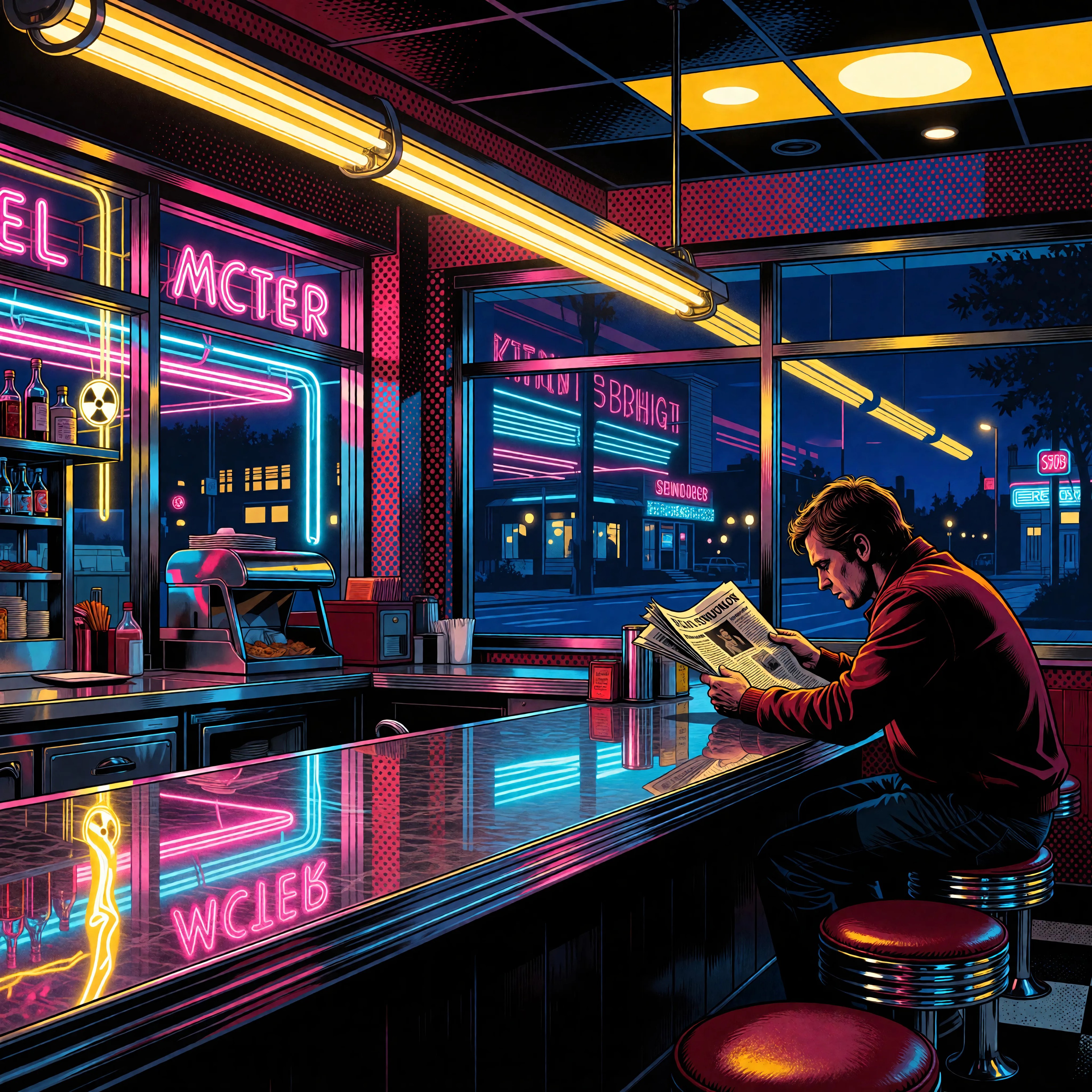
Pop Art Diner

Pop Art Diner

ImagineArt 1.5 Pro · 1:1 · 1.5 credits

Pop art illustration of a retro diner counter at midnight, neon signage reflected in chrome, single customer reading a newspaper, bold flat colors with thick outlines, halftone shading

Pop art is one of ImagineArt's strongest non-photo registers. Pair "bold flat colors", "thick outlines", and "halftone shading" — all three together commit the model fully. "Retro diner at midnight" anchors the era and lighting in one phrase.

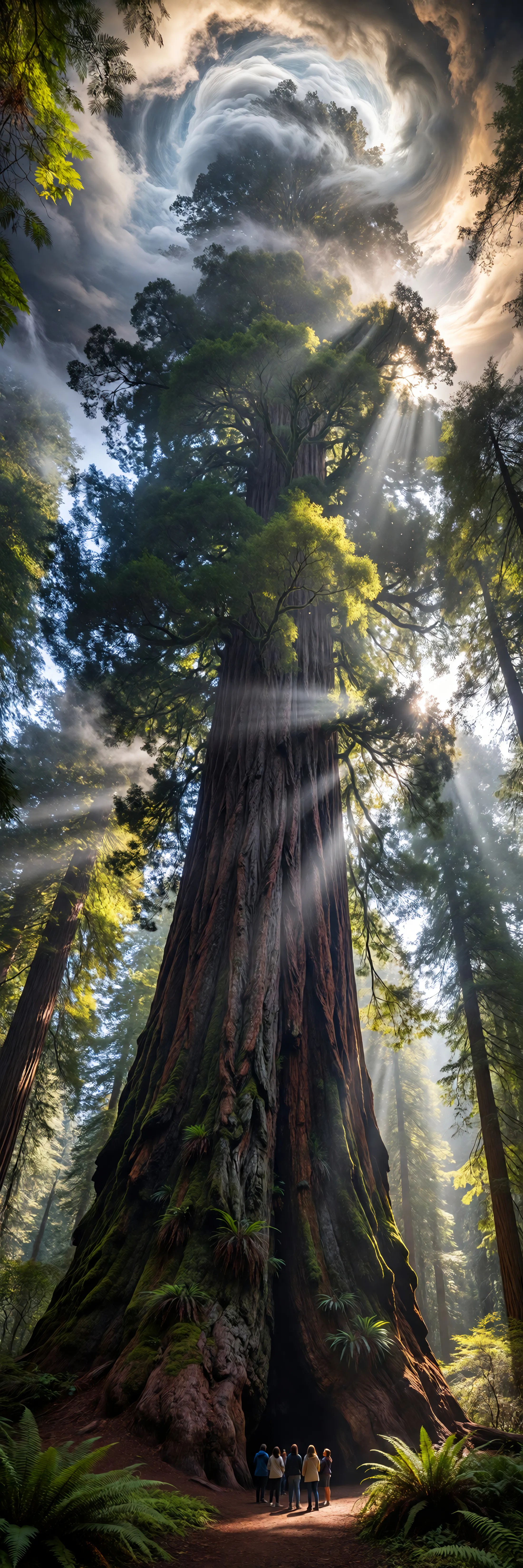
Ultra-Tall Mural — Redwood

Ultra-Tall Mural — Redwood

ImagineArt 1.5 Pro · 1:3 · 1.5 credits

Ultra-tall vertical mural-style composition of a giant ancient redwood reaching into the clouds, tiny human figures at the base for scale, painterly atmospheric with rays of light filtering through foliage

1:3 ultra-tall is a unique aspect — useful for vertical posters, social-story mural compositions, or print-spec banners. "Tiny human figures at the base for scale" sells the redwood's scale; "rays of light filtering through foliage" adds atmospheric depth.

Prompting Tips

Pick the model by use

ImagineArt 1.5 (1 credit) for iteration and most production work. 1.5 Pro (1.5 credits) for hero shots needing 4K-level fidelity. 2.0 preview (1 credit) when you want the freshest aesthetic from the next-gen model. Switch per prompt — same workspace.

Use 1:3 and 3:1 for unusual outputs

Most image models cap at 21:9 / 9:16. ImagineArt extends to ultra-tall 1:3 and ultra-wide 3:1. Use them when you have specific spec needs: vertical posters, mural-style social, banner ads, panoramic landscapes. No upscale-then-crop loss.

Commit to the medium for stylized

Pop art: "bold flat colors", "thick outlines", "halftone shading", "60s pop". Pair multiple style markers together to fully commit the model. Single-marker prompts ("pop art style") produce photo-illustration hybrids.

Magazine vocabulary for fashion

"Magazine cover composition", "editorial portrait", "single-source key light", "dramatic shadow" — ImagineArt reads fashion-editorial vocabulary literally. Pairs well with structural wardrobe descriptions and minimal-color backdrops.

1.5 Pro for material-driven hero shots

When the headline of the shot is material texture (fabric weave, concrete surface, metal finish), use 1.5 Pro. The marginal extra fidelity shows on those subjects. For atmospheric / compositional work, standard 1.5 is plenty.

Aspect by use case

16:9 cinematic, 3:4 portrait, 1:1 social, 1:3 ultra-tall mural, 3:1 ultra-wide banner. Generate at the right aspect to match downstream channel rather than cropping later.

Settings Reference

SettingValuesNotes
ModelImagineArt 2.0 · 1.5 Pro · 1.5Switch per prompt. 2.0 newest, 1.5 Pro highest fidelity, 1.5 cheapest.
Aspect ratio1:1 · 16:9 · 9:16 · 4:3 · 3:4 · 3:2 · 2:3 · 1:3 · 3:1Nine presets including ultra-tall and ultra-wide.
Outputs1–4 per callEach output counts as its own credit charge.
SeedInteger (optional)Pin for reproducibility across re-runs.
Pricing — ImagineArt 2.01 creditPreview tier of the next-gen aesthetic.
Pricing — 1.5 Pro1.5 creditsUltra-high-fidelity 4K visuals.
Pricing — 1.51 creditProduction workhorse.

FAQ

ImagineArt 1.5 (1 credit) is the default — production-grade aesthetic, strong text rendering, cheap. 1.5 Pro (1.5 credits) is the same aesthetic at higher fidelity — use for hero shots needing 4K fidelity or material-driven scenes. 2.0 preview (1 credit) is the next-gen aesthetic — use when you want fresh-tuned output rather than the 1.5 family look.