happy horse r2v AI Generator
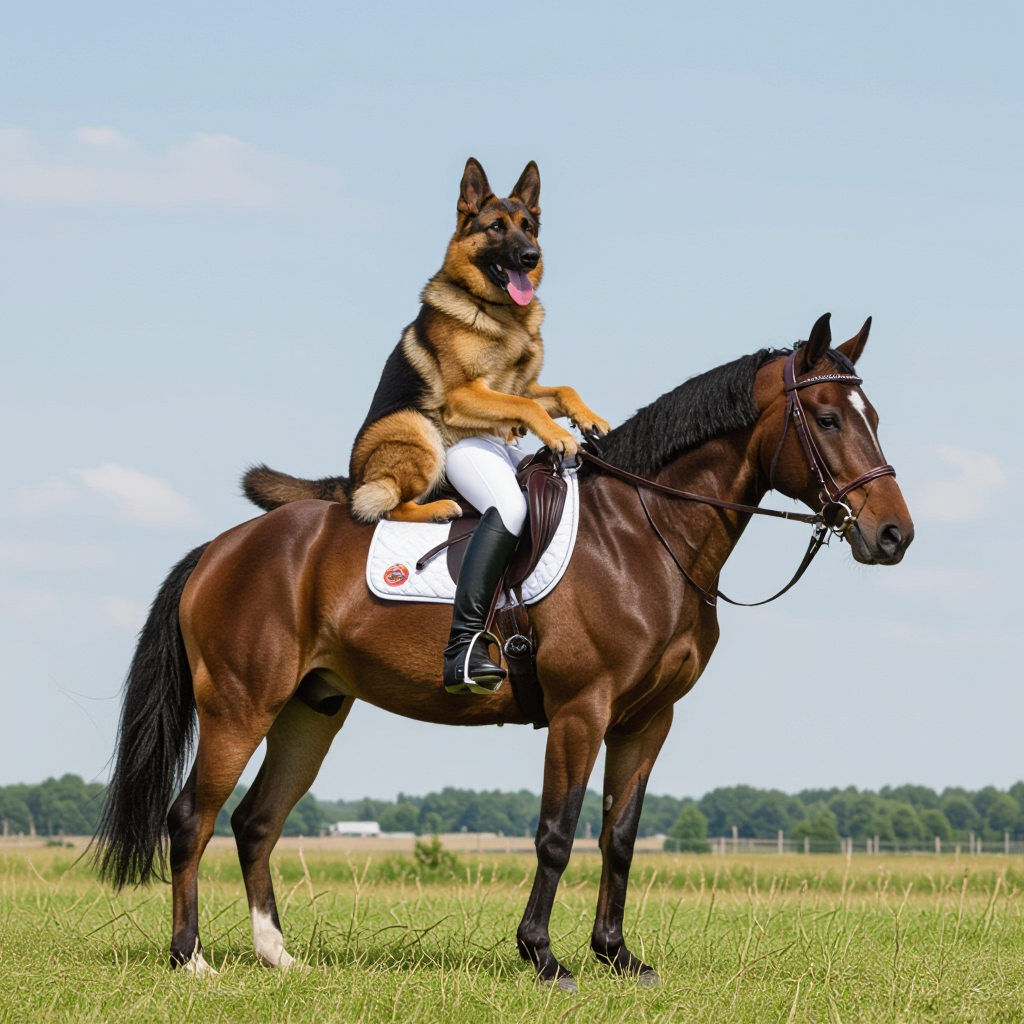
Generated on PixelDojo. Produced by PixelDojo's generation pipeline.
Imagine uploading a few photos of your original character, brand mascot, or even yourself and instantly generating a full cinematic video where that exact look stays locked in every frame—complete with natural movement, expressive dialogue, and perfectly synced sound. That's the power of Happy Horse R2V on PixelDojo. You skip the endless hours of filming, hiring actors, or wrestling with inconsistent AI outputs. Instead, you create professional short films, social clips, product stories, and ads that feel uniquely yours. Whether you're a storyteller building a series, a marketer needing on-brand videos, or a creator wanting multi-character scenes that actually match, Happy Horse R2V delivers the outcome you want: videos that look like they were shot with your exact people in stunning 1080p quality. PixelDojo puts this leading reference-to-video capability right at your fingertips alongside 40+ other cutting-edge tools, so you can go from idea to finished video in minutes and keep iterating without limits.
Real image examples generated on PixelDojo
Every example below was produced on PixelDojo. Hover to see the prompt.
A german shepherd riding a horse
hidream
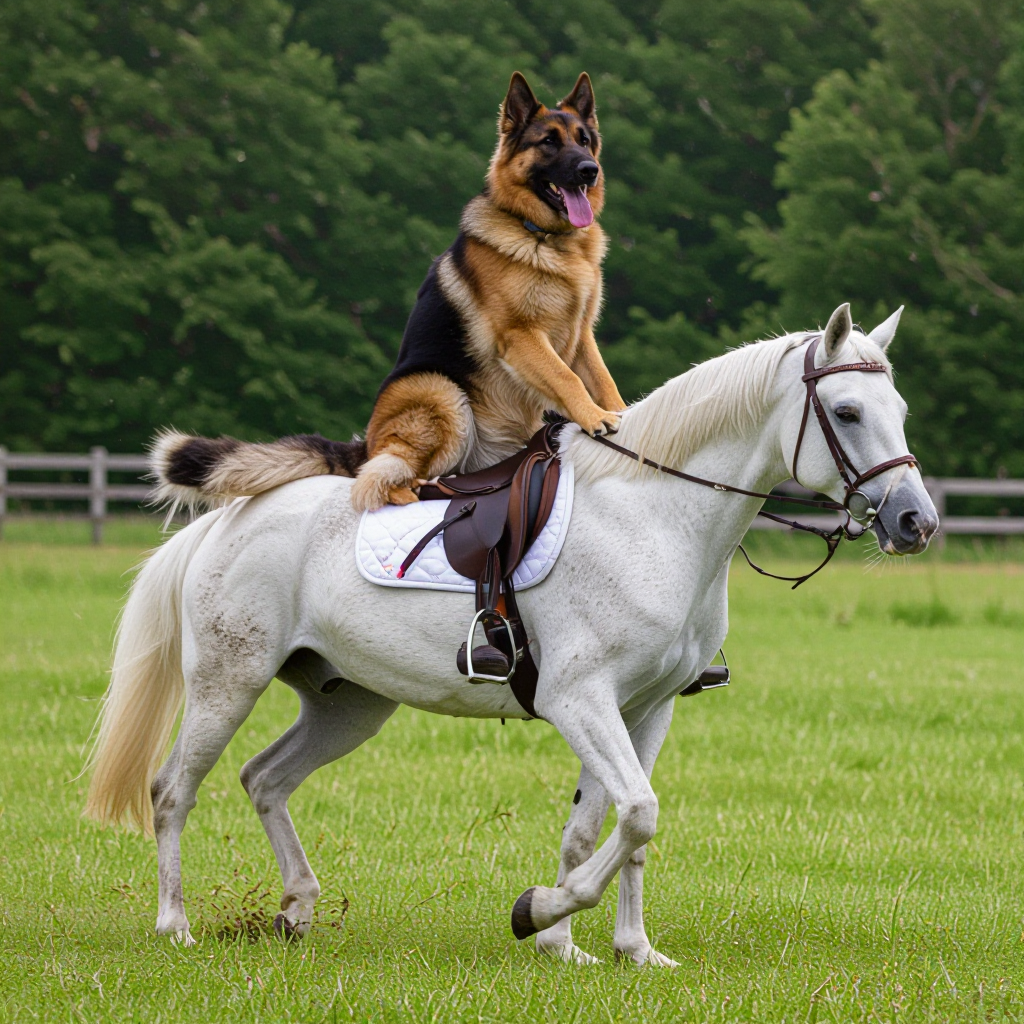
A german shepherd riding a horse
hidream
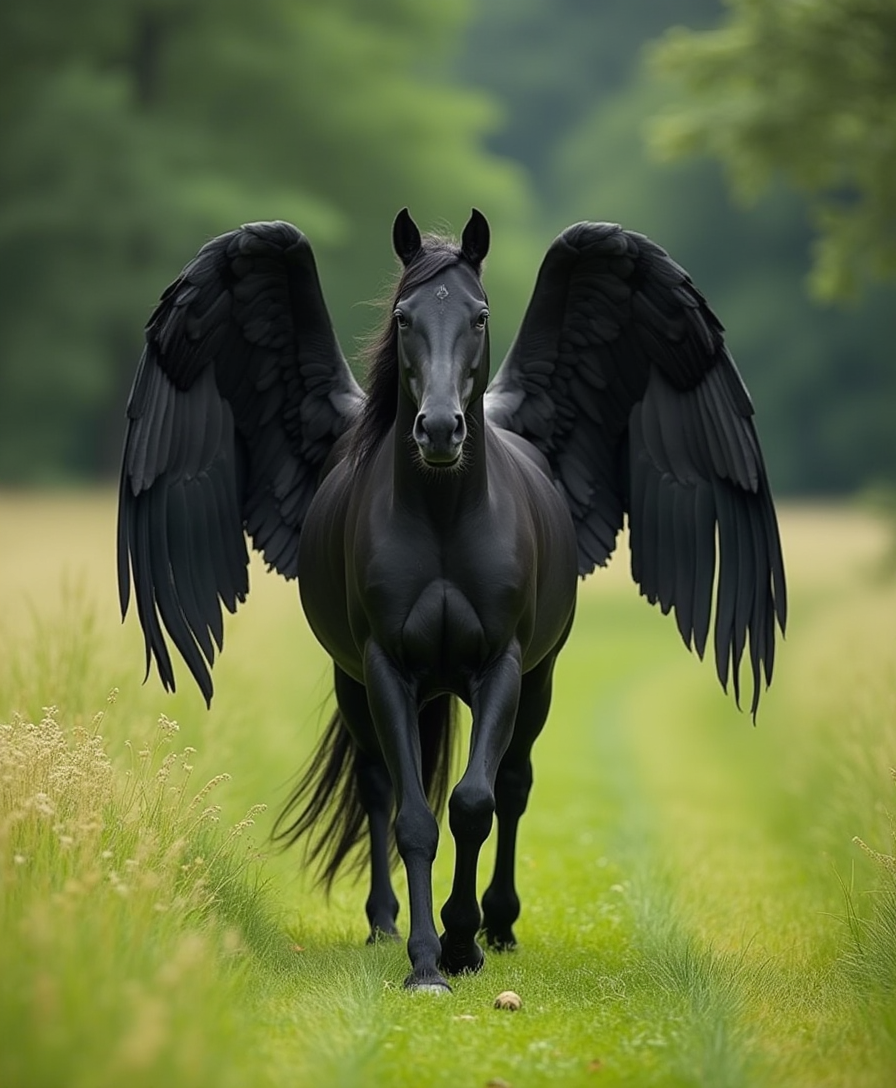
A black horse with wings walks through the green meadow
flux
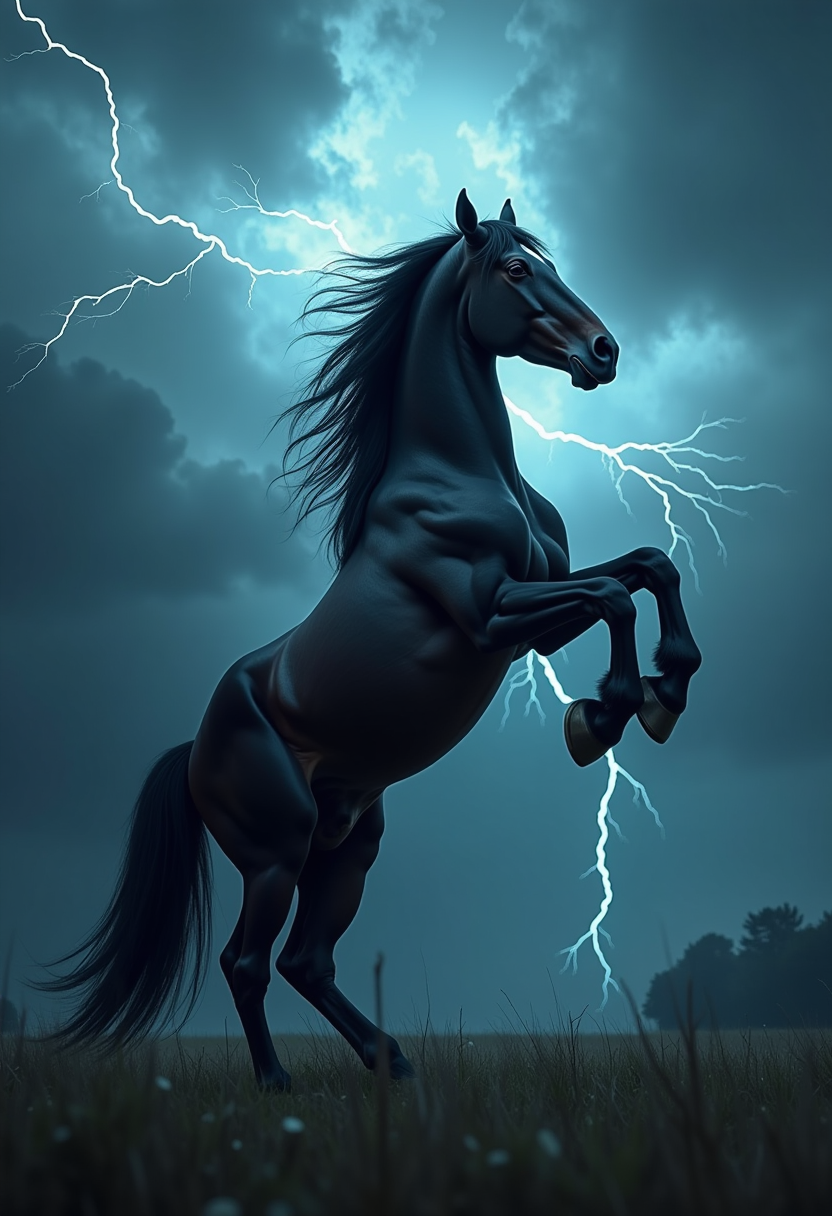
Clydesdale rearing up on its hind legs
flux
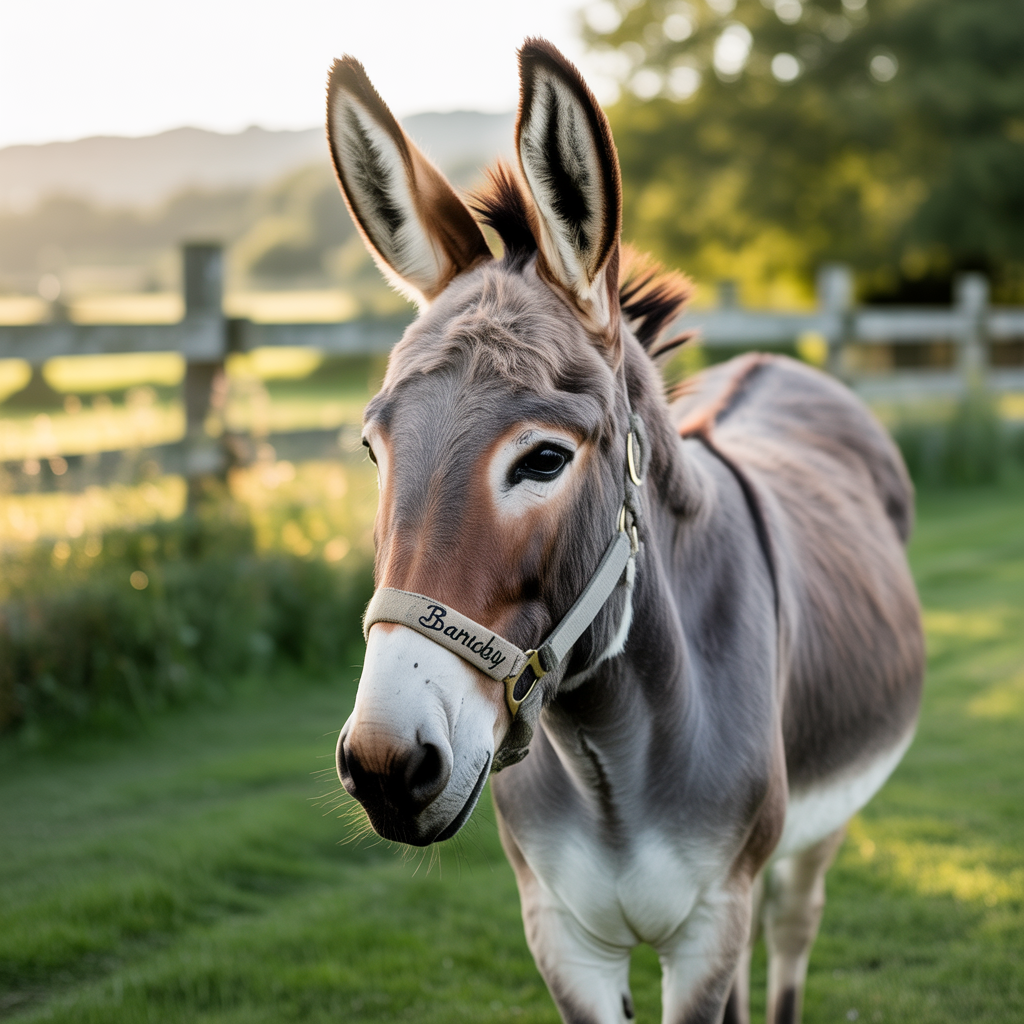
A donkey
stable-diffusion
Happy Horse Guide Product Spot — 15s commercial
image-to-video
Models you can run on PixelDojo for happy horse r2v
Switch models without switching tools. Each one runs in the same PixelDojo studio.
What you can do with happy horse r2v on PixelDojo
Reference Guided Image Generation
We use Happy Horse R2V so you can start from a photo or sketch and generate new stills that keep subject, pose, and lighting aligned with your source.
Prompt Plus Image Control
You combine text prompts with reference frames. We apply your wording to color, style, and scene while the reference holds composition.
Consistent Character Frames
We help you produce matching stills of the same horse or character across shots so series, storyboards, and merch art stay visually coherent.
Studio Ready Image Exports
We output high resolution images you can download, iterate on, and drop into your usual editing or publishing workflow.
Join thousands of creators worldwide who trust PixelDojo for their video projects. Happy Horse R2V powers top-ranked cinematic results loved for character fidelity and native audio. Access 40+ AI tools with commercial licenses—cancel anytime.
Why Choose Pixel Dojo for happy horse r2v
Professional-quality results with cutting-edge AI technology
Lock In Perfect Character Identity Across Every Scene
You upload up to nine reference photos and watch your unique characters stay instantly recognizable in every generated video. No more faces that drift or outfits that change mid-clip. Your stories, ads, and series finally look consistent from shot to shot, giving you professional results that build audience recognition and trust without extra editing.
Create Cinematic Videos with Native Audio in Minutes
You describe the action, camera moves, and sound once, then receive a complete 3-to-15-second clip at 720p or 1080p with dialogue, effects, and atmosphere generated together. The result feels polished and ready to share, saving you from separate audio work and letting you produce more content that captivates viewers immediately.
Build Multi-Character Worlds Without Casting or Sets
You combine several reference images to populate rich scenes with multiple consistent people interacting naturally. From duo conversations to group moments, you achieve complex storytelling that would otherwise require expensive production. PixelDojo makes it simple so you can focus on your vision instead of logistics.
How It Works
Creating character-consistent videos with Happy Horse R2V on PixelDojo is straightforward. You start with your reference photos, add a clear description of the scene, and let the tool handle the rest. Pair it with PixelDojo's image tools to generate or refine your references first if needed.
Step 1: Choose Your Happy Horse R2V Tool
Log into PixelDojo and go to Generate Videos. Select Happy Horse for the dedicated R2V experience or WAN Reference to Video for additional flexibility. Both excel at turning your uploaded photos into motion while preserving identity. If you need fresh reference images first, quickly generate them using Flux.2 Studio, GPT Image 2, or Ideogram 4 in the Generate Images section, then bring those into your video project.
Step 2: Upload References and Write Your Prompt
Upload one to nine clean reference images—portraits or full-body shots work best. In your prompt, refer to them as character1, character2, and so on in the order you uploaded. Describe the scene, motion, camera work, and audio in natural sentences: what happens, how the camera moves, and what we hear. Keep it focused on action rather than repeating appearance details the references already provide. PixelDojo's Happy Horse R2V understands this structure and delivers coherent results.
Step 3: Customize Settings and Download Your Video
Choose duration from 3 to 15 seconds, pick 720p or 1080p, and select your aspect ratio. Generate the clip, then refine if needed using Happy Horse Video Edit, Kling Video Edit, or WAN 2.7 Video Edit. Enhance further with FLUX Video Upscale or Video Autocaption. Download your finished video ready for social, ads, or your next project. Iterate instantly with PixelDojo's full suite.
The Pixel Dojo Advantage
Why PixelDojo outperforms other options for Happy Horse R2V video generation
| Others | Pixel Dojo |
|---|---|
| Traditional video production with actors and crews | You generate consistent character videos from photos in minutes instead of days of scheduling, filming, and post-production. PixelDojo's Happy Horse R2V plus editing tools like Runway Aleph give you professional output at a fraction of the time and cost. |
| Generic AI video tools without strong reference support | You get dedicated Happy Horse R2V and WAN Reference to Video that lock character identity across up to nine images, plus native audio and PixelDojo's extra tools for upscaling, editing, and character sheets. Other platforms leave you fighting inconsistency. |
| Manual photo-to-video animation and compositing | You skip tedious frame-by-frame work and software learning curves. Upload references once, describe the scene, and receive a complete clip with motion and sound. Then polish with PixelDojo's Inpainting, Style Transfer, or Video Reframe for exactly the look you want. |
Loved by creators on PixelDojo
Real feedback from people using PixelDojo, pulled from our in-product surveys.
Top notch quality and strong prompt adherence.
A well resourced sunscription with attention to updates.
Easy to use and there's lots of options.
super lora download
Great variety of tools to create and modify images and video.
Lots of Tools, and the one time I needed support I got help right away
Explore more AI tools on PixelDojo
AI Tools
Compare & Switch
- Best AI Image Generators
- Best AI Video Generators
- Midjourney Alternatives
- Civitai Alternatives
- Runway Alternatives
- Leonardo Alternatives
- Pika Alternatives
- Luma Alternatives
- Magnific Alternatives
- Veo Alternatives
- Flux Alternatives
- Freepik Alternatives
- Seedance Alternatives
- Seedream Alternatives
- Pixverse Alternatives
- GPT Image Alternatives
- Synthesia Alternatives
- Playground Alternatives
- NightCafe Alternatives
- Canva AI Alternatives
- ElevenLabs Alternatives
- ComfyUI Alternatives
- Fal Alternatives
- Replicate Alternatives
Common Questions
Everything you need to know about happy horse r2v
What is Happy Horse R2V and how does PixelDojo make it easy to use?
Happy Horse R2V is Alibaba's reference-to-video mode that turns your uploaded photos into new cinematic clips while keeping characters looking exactly like the references. On PixelDojo you simply choose the Happy Horse tool in Generate Videos, add 1-9 images, write a natural prompt using character1 labels, and generate. You also have WAN Reference to Video as a complementary option plus image generators like Seedream 5 or Recraft V4.1 to create perfect starting photos. The result is consistent, audio-synced videos you can use immediately or edit further with Happy Horse Video Edit.
How many reference images can I use with Happy Horse R2V on PixelDojo?
You can upload up to nine reference images for Happy Horse R2V. This lets you include multiple characters, specific outfits, or even key props in one generation. PixelDojo makes managing them simple—order them carefully so character1 matches your first upload. For even more control, generate additional views first with QWEN Image 2 or PonyXL, then feed those into R2V. Combine with Character Sheets or Consistent Characters tools to keep your universe expanding across many videos.
What are the best prompting techniques for Happy Horse R2V character consistency?
Write in plain, complete sentences that describe the action, camera movement, and audio. Name your subjects as character1, character2 matching upload order, then focus on what they do rather than how they look. Include details like 'slow push-in' or 'character1 says the line with native audio.' PixelDojo's Happy Horse R2V responds especially well to this structure. After generation, use Image Analyzer or Video Analyzer to check results and refine with Inpainting or Kling Video Edit. Thousands of creators succeed by keeping prompts concise and motion-focused.
Can I generate Happy Horse R2V videos with native audio and lip-sync on PixelDojo?
Yes. Happy Horse R2V produces video and synchronized audio together, including dialogue with matching lip movement in multiple languages. You simply describe the speech and sound in your prompt. PixelDojo delivers this natively so your characters talk naturally without extra steps. Pair the output with Text to Speech or Seed Audio 1.0 if you want custom voiceovers, or enhance with Video Autocaption. This combination lets you create talking-head content, ads, and stories that feel complete right away.
How do I create multi-character scenes with Happy Horse R2V and keep everyone consistent?
Upload a unique reference for each person (up to nine total) and label them clearly in the prompt as character1 interacting with character2. PixelDojo's Happy Horse R2V and WAN Reference to Video handle the identities while you describe the shared scene, camera, and audio. For extra polish generate supporting images with Ideogram Character or Flux Pro Virtual Try-On first. Then edit the finished clip using Seedance 2.5 Video Edit or Merge Videos. You end up with ensemble videos that look professionally cast without ever hiring anyone.
What other PixelDojo tools work best with Happy Horse R2V for complete projects?
Start by creating or cleaning your reference photos with Flux.2 Studio, GPT Image 2, or Reality Polisher. After generating the video, upscale with FLUX Video Upscale or Magnific Upscaler, reframe with Video Reframe, and add captions via Video Autocaption. For longer stories extract frames and continue with Image to Image or train custom looks using Flux Trainer. PixelDojo's 40+ tools let you stay inside one platform from first reference to final export, loved by thousands of creators who cancel anytime if it no longer fits their workflow.