hunyuan 3d generator

Generated on PixelDojo. Produced by PixelDojo's generation pipeline.
You no longer need years of 3D software training or expensive studios to produce professional assets. With PixelDojo's Hunyuan 3D generator you transform a product photo, concept sketch, or simple text description into a fully textured, high-resolution 3D model you can rotate, animate, print, or drop straight into Unity and Unreal. Indie game developers now prototype characters and props in minutes instead of weeks. E-commerce teams convert catalog photos into interactive 3D viewers that keep shoppers on the page longer and cut return rates. Hobbyists and product designers generate watertight meshes ready for 3D printing without ever touching a modeling program. PixelDojo puts Hunyuan 3D at the center of a complete creative suite. Generate perfect reference images first with Hunyuan Image 3, Flux.2 Studio, GPT Image 2, or Seedream 5. Clean them with Background Remover and Reality Polisher. Then feed the result into Hunyuan 3D for geometry and PBR textures. Bring those models to life with Consistent Characters, Character Sheets, Kling Avatar, or WAN Video Character Swap, and turn stills into motion using Kling Video, WAN 3.0, or Seedance 2.5. Forty-plus cutting-edge tools live in one place, loved by thousands of creators worldwide. Cancel anytime. The only limit is your imagination.
Real image examples generated on PixelDojo
Every example below was produced on PixelDojo. Hover to see the prompt.
Hun-product
image-to-image

A 3d printer printing a chocolate christmas tree
flux
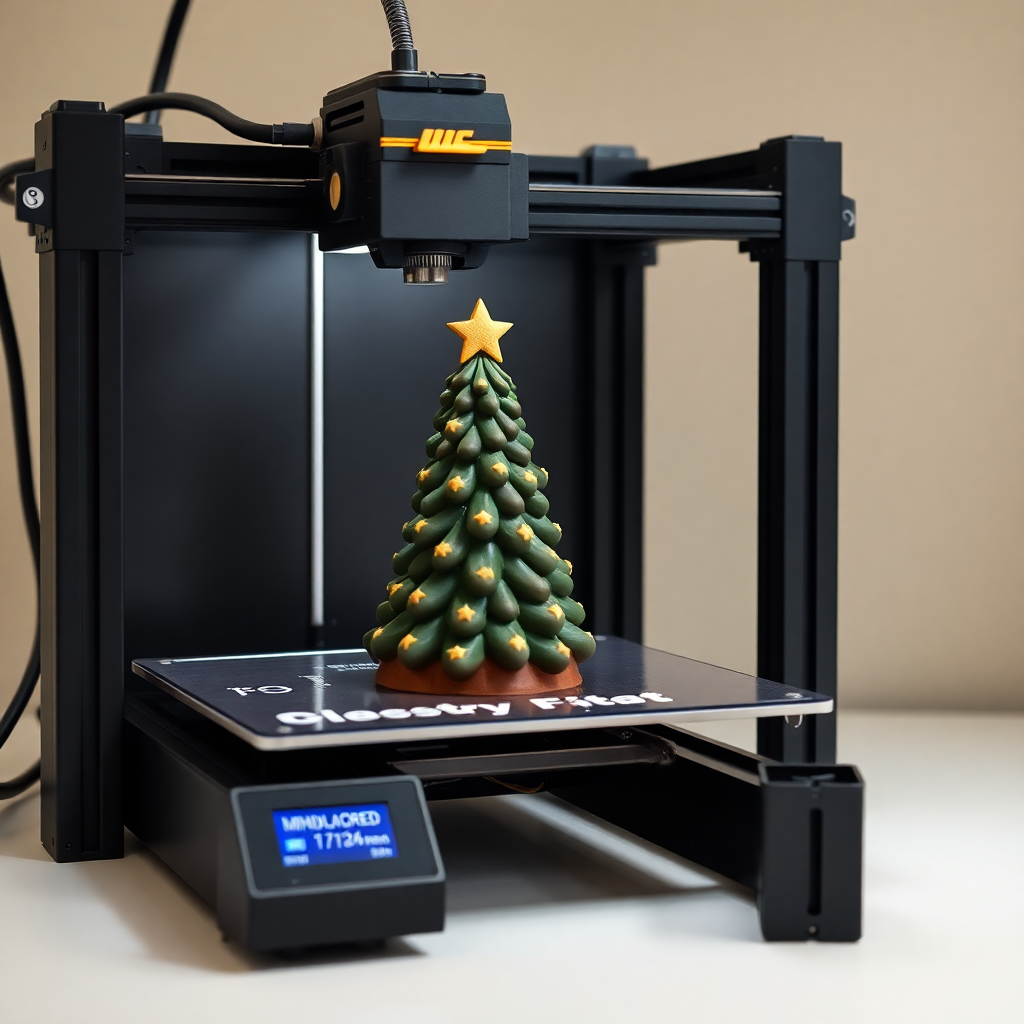
A 3d printer printing a chocolate christmas tree
flux

A serene mountain lake at sunrise
boogu-image
A vampire-pale woman with 34D breasts and honey blonde hair cascading in a large
stable-diffusion

A breathtaking panoramic view of a pristine mountainous landscape under a vivid
flux
Models you can run on PixelDojo for hunyuan 3d generator
Switch models without switching tools. Each one runs in the same PixelDojo studio.
What you can do with hunyuan 3d generator on PixelDojo
Text to 3D assets
We run Hunyuan 3D so you can describe an object and get a 3D mesh you can inspect from multiple angles. Iterate on the prompt without leaving PixelDojo.
Image to 3D conversion
Upload a reference photo and we reconstruct a 3D model that follows the subject’s shape and look. Use it when you already have concept art or product shots.
Multi-view 3D previews
We generate consistent views of the same asset so you can check silhouette, texture, and proportion before you download. Preview in the browser as you refine.
Downloadable 3D files
We provide export-ready 3D output you can take into your modeling or game pipeline. Keep working in PixelDojo until the mesh matches what you need.
Trusted by thousands of game studios, e-commerce brands, and independent creators. Over 40 specialized AI tools, millions of generations, and a 4.8-star average rating. Production-ready 3D assets delivered every day.
Why Choose Pixel Dojo for hunyuan 3d generator
Professional-quality results with cutting-edge AI technology
Ship Game Assets in Minutes Instead of Months
Generate optimized, game-ready characters, weapons, vehicles, and environments complete with PBR materials and clean topology. Export GLB or OBJ files that drop directly into Unity, Unreal, or Godot. Pair with Character Stylist and Flux Pro Virtual Try-On for rapid iteration.
Turn Product Photos into Interactive 3D That Sells
Convert a single catalog image into a rotatable 3D model shoppers can examine from every angle. Increase time on page, reduce returns, and stand out from competitors using only 2D photos. Combine with Marketing Studio and Video Autocaption for complete product campaigns.
Print Custom Models Without Any 3D Skills
Create high-detail, watertight meshes from photos or text prompts. Perfect for figurines, prototypes, jewelry, and architectural models. Use Image Outpainting and Style Transfer first, then generate print-ready files you can slice immediately.
How It Works
Going from idea to downloadable 3D asset takes three simple steps on PixelDojo. No modeling experience required.
Step 1: Choose Your Tool and Prepare Your Input
Open the 3D section and select Hunyuan 3D. For the highest quality, first generate or refine a reference image using Hunyuan Image 3, Flux.2 Studio, Ideogram 4, or Recraft V4.1. Remove backgrounds with Background Remover and enhance details with Reality Polisher or Clarity Pro so Hunyuan 3D receives a clean, well-lit starting point.
Step 2: Enter Your Prompt or Upload Your Image
Type a detailed description such as 'sleek matte-black wireless earbuds case with subtle LED, rounded corners, modern minimal design' or upload one to four multi-view photos or a sketch. Hunyuan 3D understands both text and images, producing accurate geometry and vibrant PBR textures. Add optional settings for face count, PBR materials, and multi-view conditioning.
Step 3: Customize, Generate, and Download
Hit generate and watch your 3D model appear in seconds to minutes. Rotate it in the built-in viewer, adjust lighting with Magic Lighting, then download as GLB, OBJ, or STL. Take the model further with Character Sheets, Face Swap, video tools like P Video Animate or Seedance 2, or train a custom LoRA with Flux Trainer for consistent future assets.
The Pixel Dojo Advantage
Why PixelDojo is the smarter choice for Hunyuan 3D generation compared with slower traditional methods
| Others | Pixel Dojo |
|---|---|
| Traditional 3D modeling software | Skip months of learning curves and expensive licenses. Produce production-quality assets in minutes using only a photo or sentence, then refine with the full PixelDojo suite. |
| Generic AI image tools | You get true 3D geometry plus PBR textures, not just pretty pictures. Hunyuan 3D sits alongside Rodin, 40+ image and video generators, character tools, and a developer API in one seamless platform. |
| Manual photo editing and 2D workarounds | Move beyond flat images. Generate actual 3D models you can print, animate, or embed as interactive viewers, all without leaving PixelDojo. |
Loved by creators on PixelDojo
Real feedback from people using PixelDojo, pulled from our in-product surveys.
Trained my Lora super fast. Still working out how to creat content wit it, but I love it so far.
I love this app
It has all the tools I can think of...
deployment rate of splendid features is incredible. Legend
large selection of tools on one platform
the amount you can do on this site
Explore more AI tools on PixelDojo
AI Tools
Compare & Switch
- Best AI Image Generators
- Best AI Video Generators
- Midjourney Alternatives
- Civitai Alternatives
- Runway Alternatives
- Leonardo Alternatives
- Pika Alternatives
- Luma Alternatives
- Magnific Alternatives
- Veo Alternatives
- Flux Alternatives
- Freepik Alternatives
- Seedance Alternatives
- Seedream Alternatives
- Pixverse Alternatives
- GPT Image Alternatives
- Synthesia Alternatives
- Playground Alternatives
- NightCafe Alternatives
- Canva AI Alternatives
- ElevenLabs Alternatives
- ComfyUI Alternatives
- Fal Alternatives
- Replicate Alternatives
Common Questions
Everything you need to know about hunyuan 3d generator
What is the best Hunyuan 3D generator for creating game-ready assets?
PixelDojo's Hunyuan 3D produces optimized meshes with clean topology, high-resolution geometry, and full PBR materials that import directly into Unity, Unreal, and Godot. Generate characters and props from text or images, then animate them with Kling Avatar, P Video Avatar, or WAN Video Character Swap. Thousands of developers already use it to cut prototyping time from weeks to minutes.
How do I generate high-quality 3D models from a single product photo using Hunyuan 3D?
Upload your photo to PixelDojo, optionally clean it first with Background Remover and Reality Polisher, then send it to Hunyuan 3D. The model reconstructs accurate geometry and applies realistic PBR textures. You can add extra views for even better results. Download GLB files ready for e-commerce 3D viewers or 3D printing.
Can I use Hunyuan 3D to create interactive 3D product visualizations that increase e-commerce conversions?
Yes. A single catalog photo becomes a fully rotatable 3D model shoppers love. Studies show 3D viewers increase time on page and lower return rates for furniture, accessories, and apparel. Combine the output with Marketing Studio, Video Autocaption, and Image Analyzer for complete product pages that convert.
Is PixelDojo's Hunyuan 3D suitable for 3D printing custom figurines and prototypes?
Absolutely. Hunyuan 3D generates watertight, high-detail meshes you can export as STL or OBJ and send straight to your slicer. Start with a sketch or photo, enhance it with Style Transfer or Image Outpainting, then generate. Perfect for tabletop miniatures, jewelry, and product prototypes.
Do I need any 3D modeling experience to use the Hunyuan 3D generator on PixelDojo?
None at all. The interface is point-and-click. Write a sentence or drop in a photo and Hunyuan 3D does the rest. Beginners start with easy image tools like Ideogram 4 or QWEN Image 2, then move to 3D. Advanced users layer on training with Flux Trainer or QWEN Trainer and the Developer API.
Which other PixelDojo tools work best with Hunyuan 3D for a complete 3D workflow?
Generate references with Hunyuan Image 3, Flux.2 Studio, Seedream 5, or Grok Image. Edit with Inpainting, Change Camera Angle, and Magic Lighting. Create consistent characters with Character Sheets and LoRA Face Swap. Animate with Kling Video, WAN 3.0, Seedance 2.5, or OmniHuman. Upscale with P-Image Upscale or Magnific Upscaler. Train custom models and access everything via the Developer API.