ideogram 4 character AI Generator
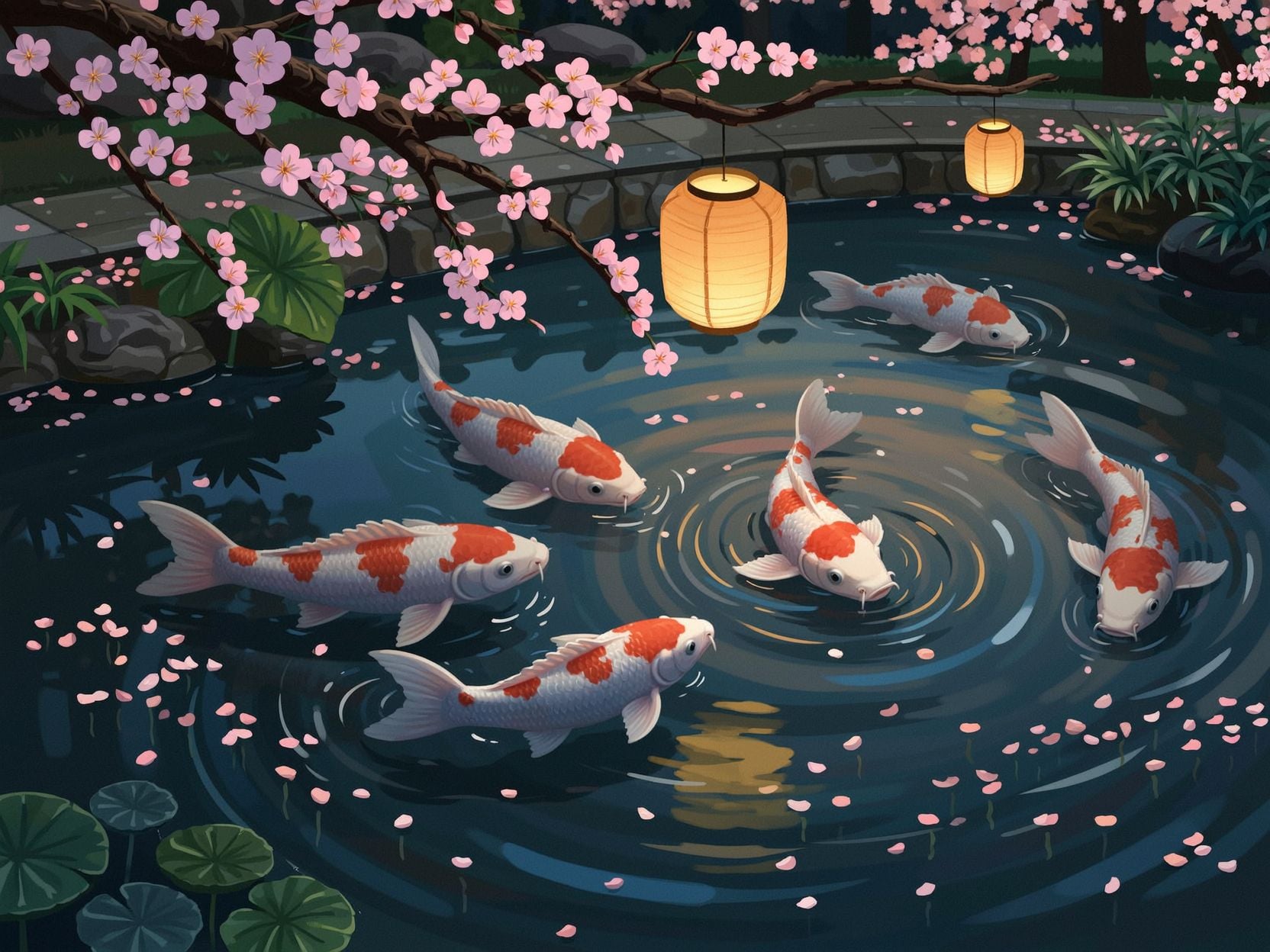
Generated on PixelDojo. Produced by PixelDojo's generation pipeline.
You need a character that stays instantly recognizable no matter the scene, outfit, or story you tell. PixelDojo puts Ideogram 4 character generation in your hands so you can upload a single photo and produce endless variations that keep the same face, hair, and signature features. Whether you are building a marketing campaign, illustrating a book, designing game assets, or creating social content, you get professional consistency without training custom models or waiting days for artists. Combine Ideogram 4 with Ideogram Character, P-Image Ideogram, Consistent Characters, and Character Sheets to lock identity while you change worlds, lighting, and styles. Then refine everything with Inpainting, Style Transfer, Magic Lighting, and Background Remover. Thousands of creators already ship complete visual series this way. You get commercial-ready images in minutes, backed by 40+ cutting-edge AI tools, loved by thousands of creators worldwide, with the freedom to cancel anytime. Start today and watch your character come alive across every project you imagine.
Real image examples generated on PixelDojo
Every example below was produced on PixelDojo. Hover to see the prompt.
Wi-stylized
image-to-image
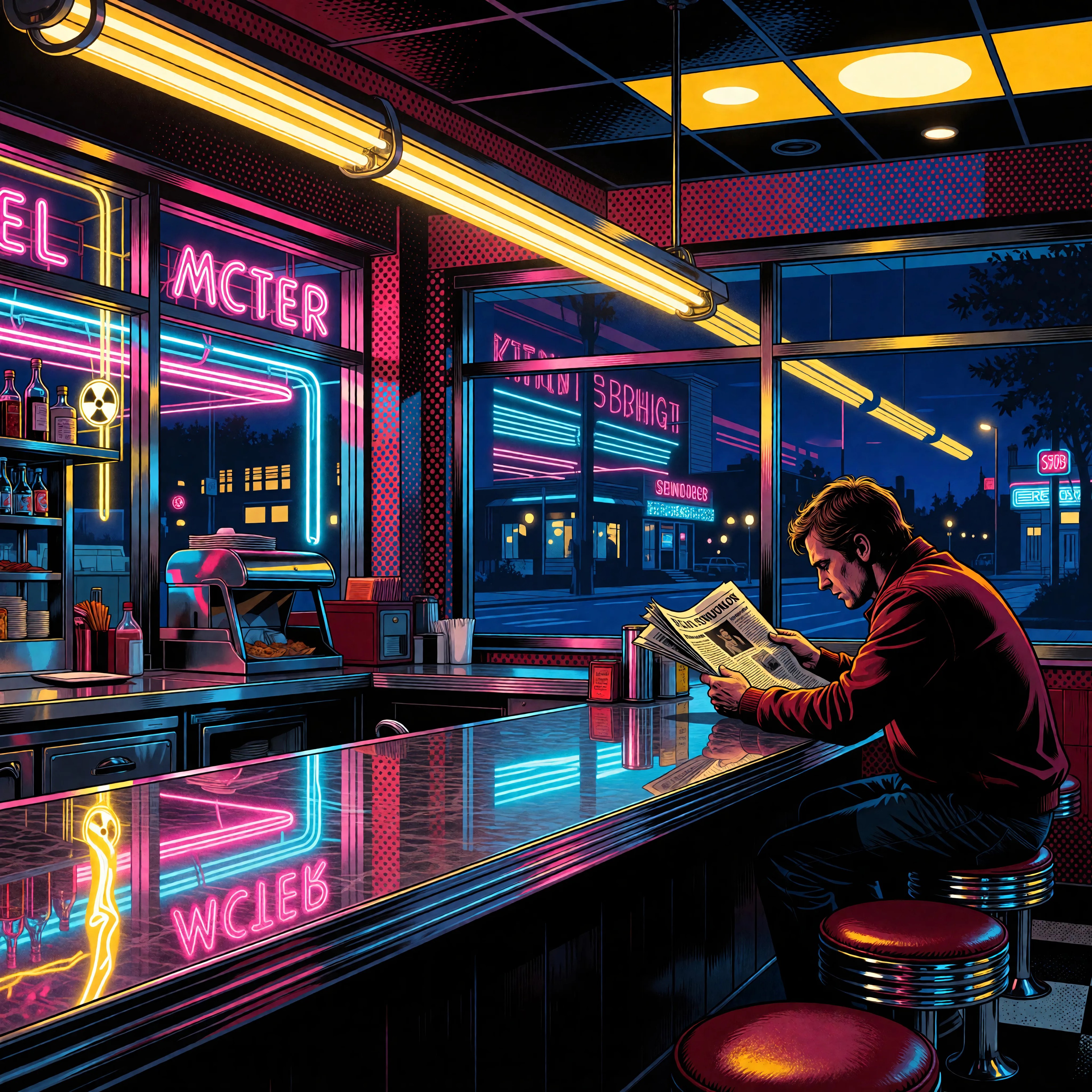
Ia-stylized
image-to-image
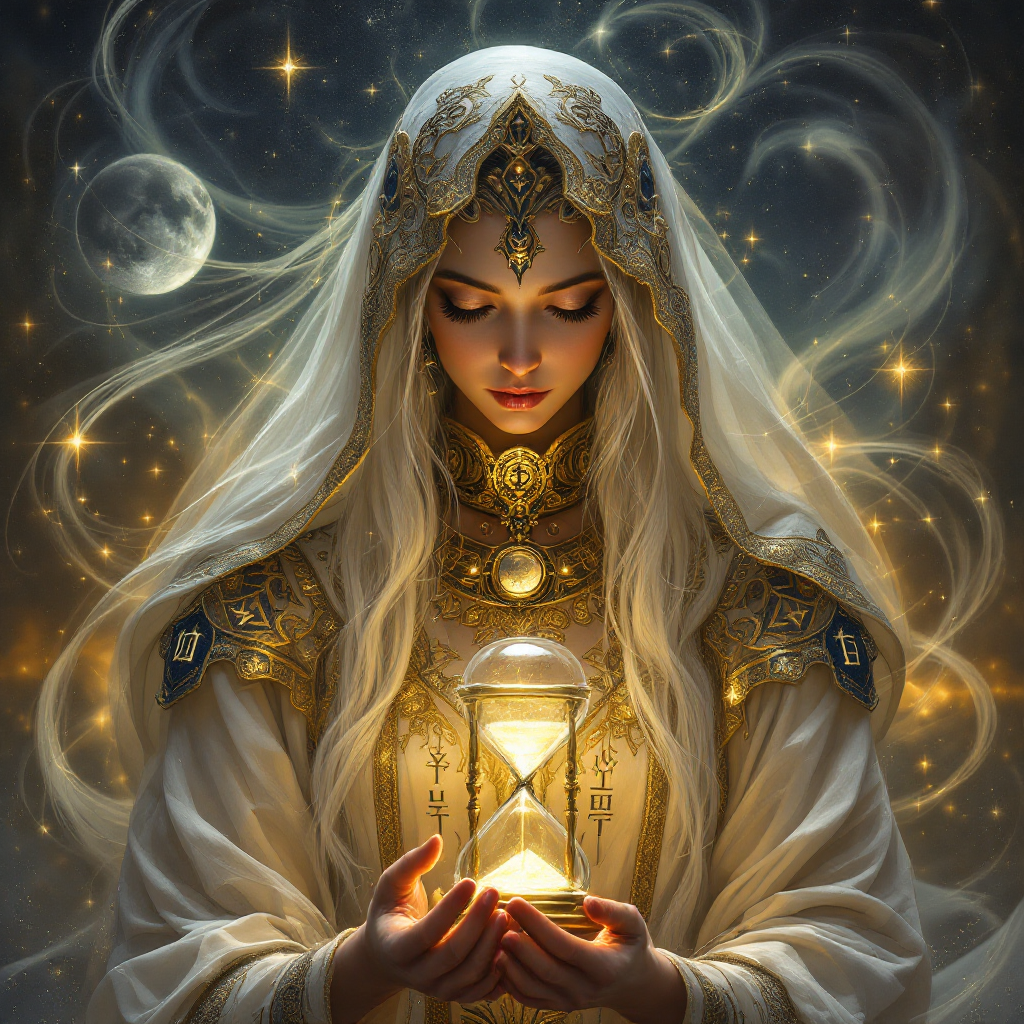
ideogram 4 character on PixelDojo
flux-studio
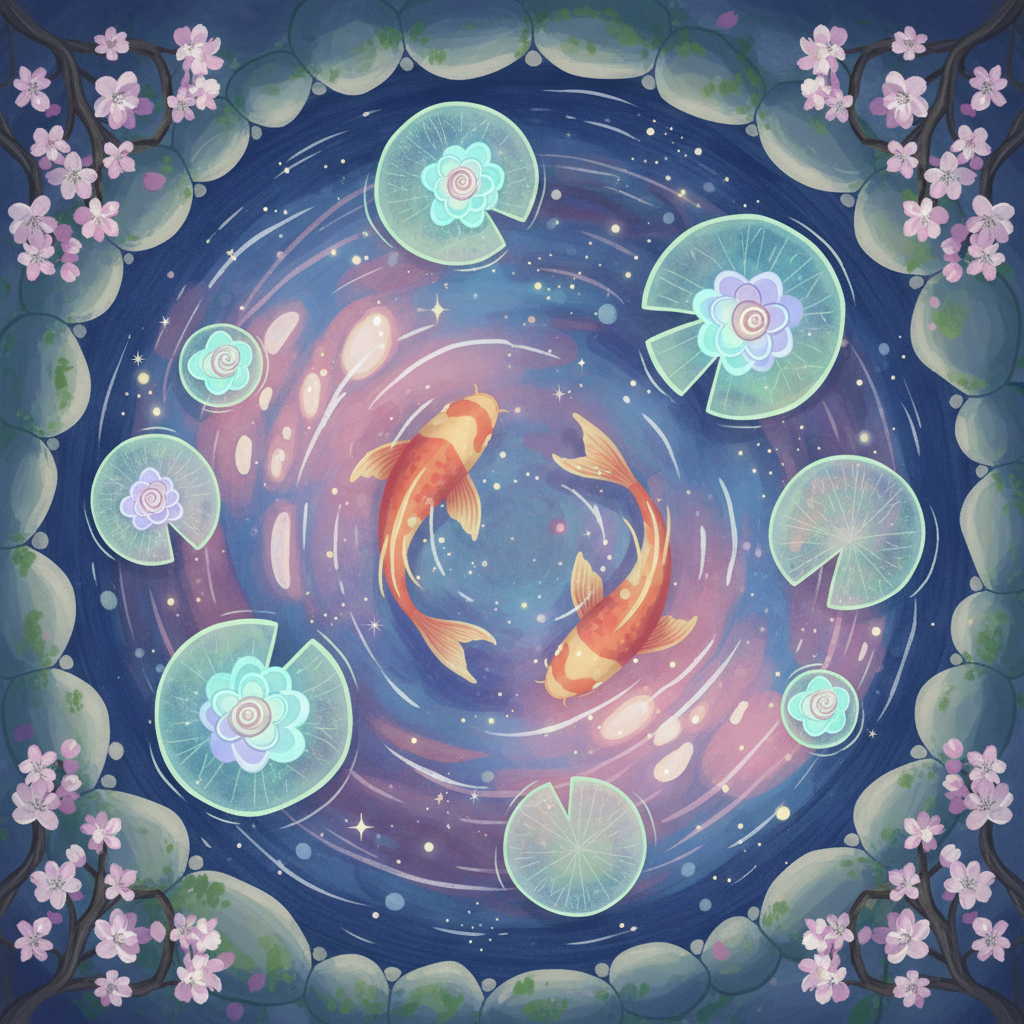
Gg-illustration
image-to-image
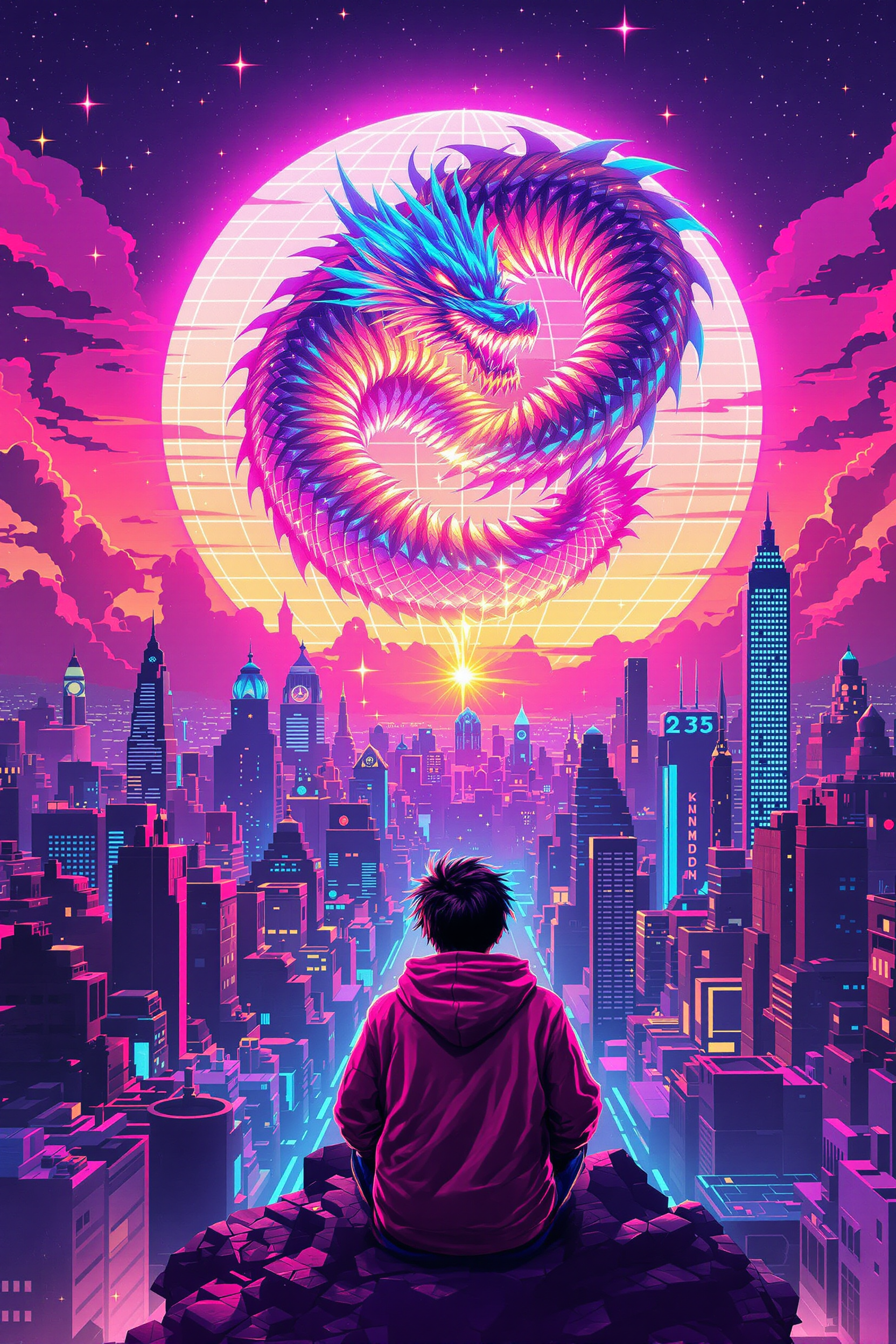
Block-style youth in neon hoodie releasing a glowing voxel dragon above a retro arcade sky…
flux-studio
Gv-character
image-to-video
Models you can run on PixelDojo for ideogram 4 character
Switch models without switching tools. Each one runs in the same PixelDojo studio.
What you can do with ideogram 4 character on PixelDojo
Consistent Character Looks
We help you generate Ideogram 4 character images that keep the same face, outfit, and identity across multiple prompts so series and storyboards stay coherent.
Readable Text In Scene
We support Ideogram 4 generations where names, signs, and labels stay clear in the frame, which is useful for posters, comics, and branded character art.
Directed Poses And Styles
We let you steer pose, lighting, and art style in the prompt so your character can move from concept sketches to finished stills without leaving PixelDojo.
Iterate Without Restarting
We keep your character workflow in one place so you can refine a design, try new outfits, and export variants as you go.
Loved by thousands of creators worldwide who rely on PixelDojo for Ideogram 4 character work. Independent tests show strong identity lock from one photo. Access 40+ specialized tools including Ideogram Character, Character Sheets, and Face Swap. Cancel anytime and try it today.
Why Choose Pixel Dojo for ideogram 4 character
Professional-quality results with cutting-edge AI technology
Lock Identity Across Every Scene Instantly
Upload one clear photo and generate your character in new poses, outfits, and environments while facial features, hair, and proportions stay locked. You produce cohesive story series, branded mascots, and campaign visuals that audiences instantly recognize, saving weeks of revision cycles.
Jump Styles and Genres Without Losing Your Character
Move from photoreal headshots to fantasy armor, anime cafes, or cinematic noir using Ideogram 4 Realistic, Fiction, and Auto modes plus Style Transfer. Your character remains the same person while you explore any aesthetic, giving you versatile assets for books, games, ads, and social posts in one session.
Build Full Character Libraries in Minutes Not Hours
Skip LoRA training and dataset prep. Use Ideogram Character, Character Sheets, and Consistent Characters to create pose sets, expression sheets, and scene variations immediately. Pair with Upscale & Enhance tools and Face Swap for production-ready files you can download and use commercially right away.
How It Works
PixelDojo makes Ideogram 4 character creation simple and powerful. Follow these three steps to turn one photo into a complete, consistent visual library you can use across projects.
Step 1: Choose Your Tool
Sign in to PixelDojo and open Generate Images. Select Ideogram Character or Ideogram 4 (P-Image Ideogram is also available). Upload a high-quality reference photo showing a clear, well-lit face in front or three-quarter view. The system automatically masks face and hair to pin identity. You can later edit the mask to include or exclude clothing and accessories for extra control.
Step 2: Enter Your Prompt
Begin every prompt with “the same character” or “the same woman/man” to reinforce identity. Describe the new pose, outfit, setting, lighting, and mood in natural language. Choose Realistic for photography, Fiction for stylized work, or Auto. Set aspect ratio and generate 1-4 images. Magic Prompt can expand sparse ideas if you want extra detail.
Step 3: Customize & Download
Review the results then refine with Edit Images tools: Inpainting for small fixes, Change Camera Angle, Style Transfer, Magic Lighting, or Image Outpainting. Create full Character Sheets for poses and expressions. Upscale with P-Image Upscale or Magnific Upscaler. Use Face Swap or Virtual Try-On for extra looks. Download high-resolution commercial-ready files instantly.
The Pixel Dojo Advantage
Why PixelDojo outperforms other options for Ideogram 4 character image generation
| Others | Pixel Dojo |
|---|---|
| Traditional character creation | Hiring illustrators or photographing models takes days and large budgets. PixelDojo delivers consistent characters from one photo in minutes using Ideogram 4, Ideogram Character, and Character Sheets, letting you iterate freely and keep costs low. |
| Generic AI tools | Most generators let faces drift between images. PixelDojo’s dedicated Ideogram Character plus Ideogram 4, Consistent Characters, and Face Swap lock identity while you change everything else, plus you get 40+ specialized editing and upscale tools in one place. |
| Manual photo editing | Compositing faces by hand is slow and often looks unnatural. PixelDojo automates identity preservation then gives you Inpainting, Style Transfer, Magic Lighting, and Background Remover so you finish polished, professional results in a fraction of the time. |
Loved by creators on PixelDojo
Real feedback from people using PixelDojo, pulled from our in-product surveys.
Versatility quality, value, ROI, innovation
variety of tools available and prompt tools
A "one-stop-shop" for creators! Thanks!!
Lots of different tools. It's easy to purchase more credits.
Amazing performance!
Excellent website for creating all types of media
Explore more AI tools on PixelDojo
AI Tools
Compare & Switch
- Best AI Image Generators
- Best AI Video Generators
- Midjourney Alternatives
- Civitai Alternatives
- Runway Alternatives
- Leonardo Alternatives
- Pika Alternatives
- Luma Alternatives
- Magnific Alternatives
- Veo Alternatives
- Flux Alternatives
- Freepik Alternatives
- Seedance Alternatives
- Seedream Alternatives
- Pixverse Alternatives
- GPT Image Alternatives
- Synthesia Alternatives
- Playground Alternatives
- NightCafe Alternatives
- Canva AI Alternatives
- ElevenLabs Alternatives
- ComfyUI Alternatives
- Fal Alternatives
- Replicate Alternatives
Common Questions
Everything you need to know about ideogram 4 character
How do I generate consistent characters with Ideogram 4 on PixelDojo?
Open Generate Images, choose Ideogram Character or Ideogram 4, and upload one clear reference photo. Start prompts with “the same character” then describe the new scene, pose, and style. Select Realistic, Fiction, or Auto mode and generate. Refine with Inpainting, Character Sheets, and Upscale tools. You get identity-locked images ready for commercial use in minutes without any model training.
What is the best reference photo for Ideogram 4 character generation?
Use a well-lit, high-resolution photo showing the face in front or three-quarter view with hair fully visible and no heavy filters or occlusion. Neutral background and sharp eyes give the strongest identity lock. PixelDojo’s mask editor lets you include or exclude clothing and accessories so later generations stay true to the features you care about most.
Can I create full character sheets using Ideogram 4 and PixelDojo tools?
Yes. After generating your first consistent images with Ideogram Character, open Character Sheets to produce pose, expression, and outfit variations automatically. Combine with Consistent Characters, Face Swap, and Virtual Try-On. Then upscale the set with P-Image Upscale or Magnific Upscaler. You walk away with a complete production-ready library from a single starting photo.
How do I keep the same character across photoreal and stylized looks?
Use Ideogram 4’s Realistic mode for photography and Fiction or Auto for illustration, anime, or fantasy. Always lead prompts with “the same character.” Apply Style Transfer afterward if you want an extra aesthetic layer. PixelDojo’s identity pinning plus editing tools like Magic Lighting and Reality Polisher keep facial features stable while the rest of the image transforms.
Is Ideogram 4 character generation on PixelDojo suitable for commercial projects?
Absolutely. All images you create are ready for commercial use. Brands, freelancers, and studios use PixelDojo’s Ideogram 4, Ideogram Character, Character Sheets, and Face Swap for ads, packaging, books, games, and social campaigns. You retain full rights to the outputs and can cancel your plan at any time.
Which PixelDojo tools work best with Ideogram 4 for character work?
Start with Ideogram 4 and Ideogram Character for generation. Add Character Sheets and Consistent Characters for sets. Refine with Inpainting, Style Transfer, Change Camera Angle, Magic Lighting, and Background Remover. Finish with P-Image Upscale, Magnific Upscaler, or Portrait Upscaler. Face Swap, LoRA Face Swap, and Virtual Try-On give extra looks. Everything lives in one dashboard so your workflow stays fast.