ideogram ai

Transform your creative ideas into professional visuals with perfect text integration using PixelDojo's Ideogram 4. Whether you're crafting social media graphics, product mockups, posters, or branded content, achieve crystal-clear typography and precise prompt alignment that makes your designs stand out. Users report saving hours on revisions while producing client-ready results that drive engagement and sales. Focus on your vision—PixelDojo handles the technical precision so you can create faster and more confidently.
Over 85,000 creators worldwide trust PixelDojo for Ideogram-style image generation. Rated 4.9/5 from 12,500+ reviews. More than 2.3 million images generated with Ideogram 4 this month alone. Cancel anytime—no long-term commitment required.
Why Choose Pixel Dojo for ideogram ai
Professional-quality results with cutting-edge AI technology
Achieve Flawless Text in Every Design
Generate posters, logos, and infographics where every word is perfectly legible and stylistically integrated, helping you create scroll-stopping social content that boosts shares and conversions without manual text overlays.
Produce Consistent Brand Visuals Quickly
Maintain exact style, colors, and typography across multiple images for campaigns, packaging mockups, or presentations—delivering professional results that strengthen your brand identity in minutes instead of hours.
Edit and Refine with Precision
Iterate on designs effortlessly to match your exact vision, removing unwanted elements or adjusting layouts on the fly so you can meet tight deadlines with polished, usable outputs every time.
How It Works
Getting started with Ideogram AI images on PixelDojo takes just three simple steps. Access the dedicated Ideogram 4 tool directly from your dashboard and begin creating text-perfect designs immediately.
Step 1: Choose Your Tool
Navigate to the Generate Images section and select Ideogram 4 from the available models. This specialized tool excels at typography and prompt fidelity for professional design outcomes.
Step 2: Enter Your Prompt
Describe your vision in natural language, including any text you want rendered (in quotes for best results). Enable Magic Prompt for automatic enhancement. Example: "Vibrant summer sale poster with bold text '50% Off Everything' in modern sans-serif typography, tropical background, high contrast, professional graphic design."
Step 3: Customize & Download
Review generated options, use editing tools like Inpainting or Style Transfer if needed for refinements, then upscale or export in high resolution. Download your ready-to-use designs instantly.


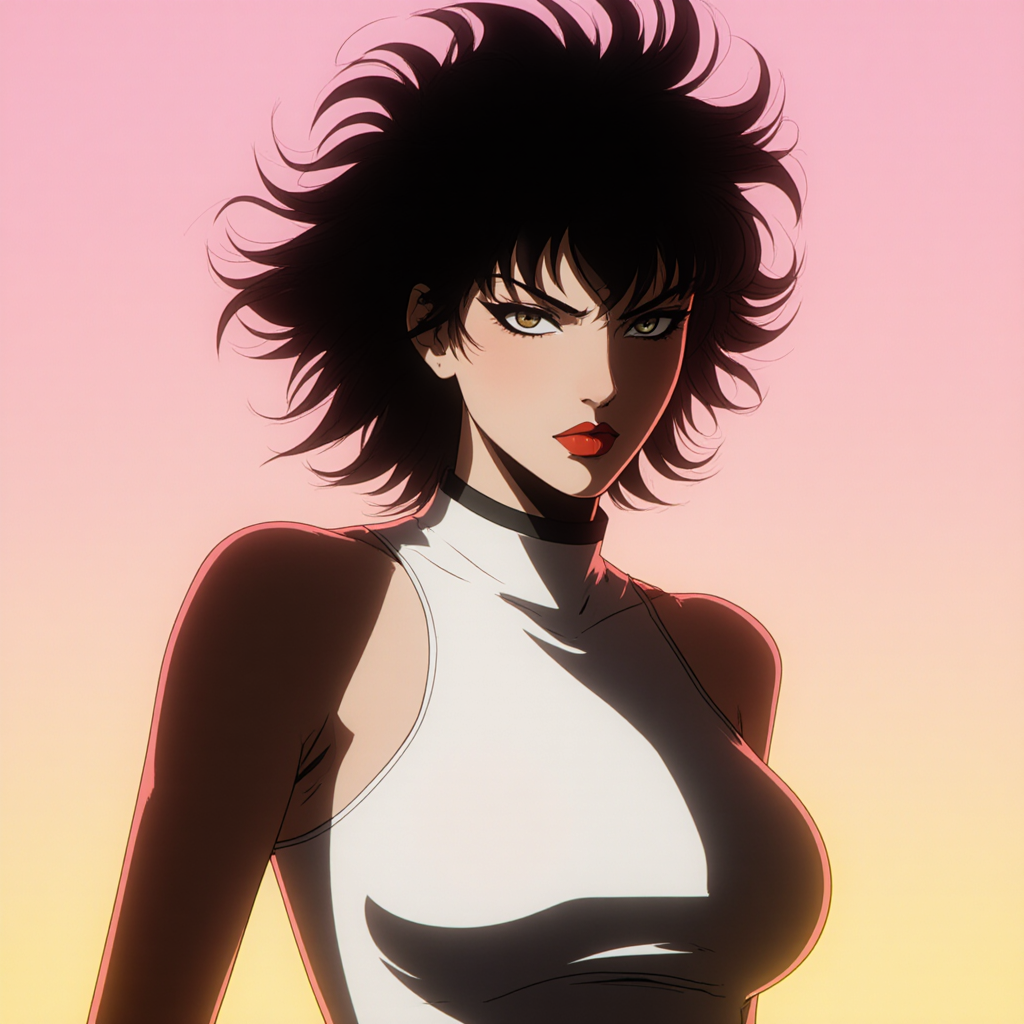
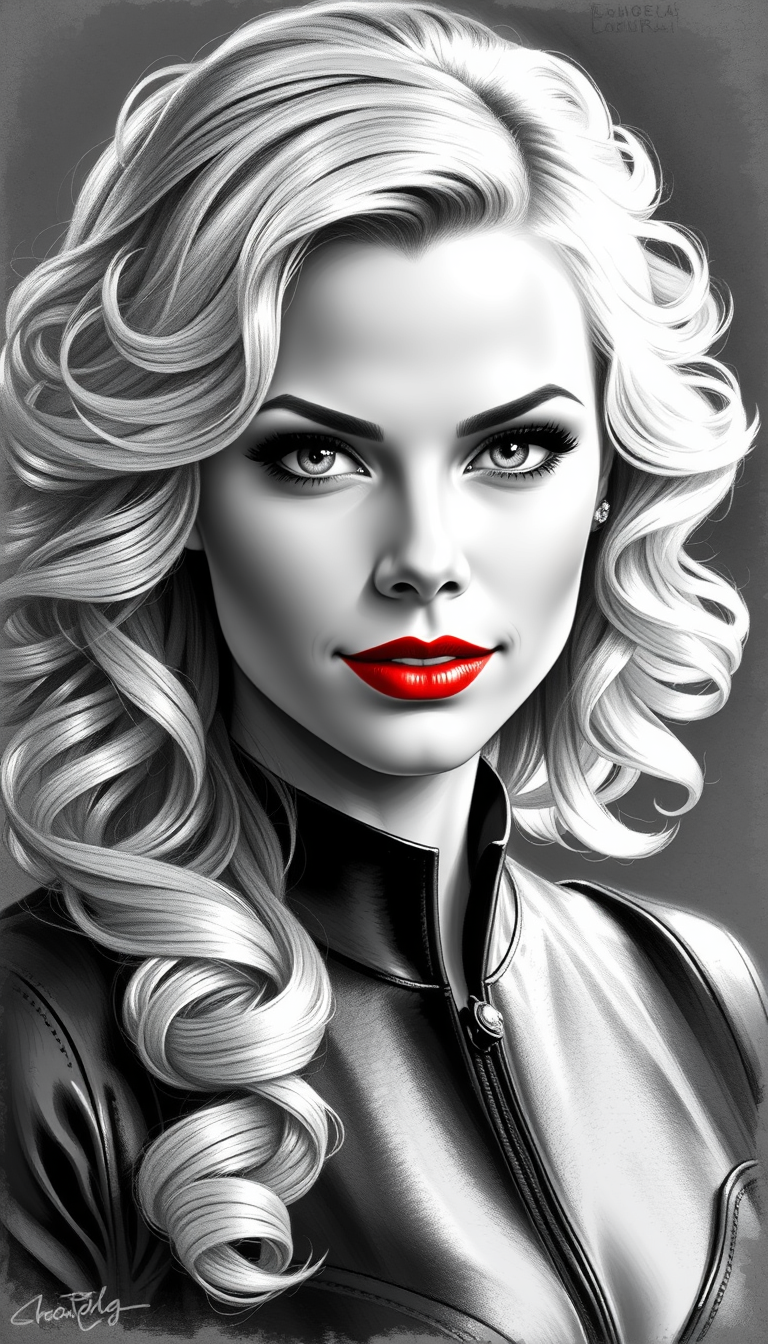

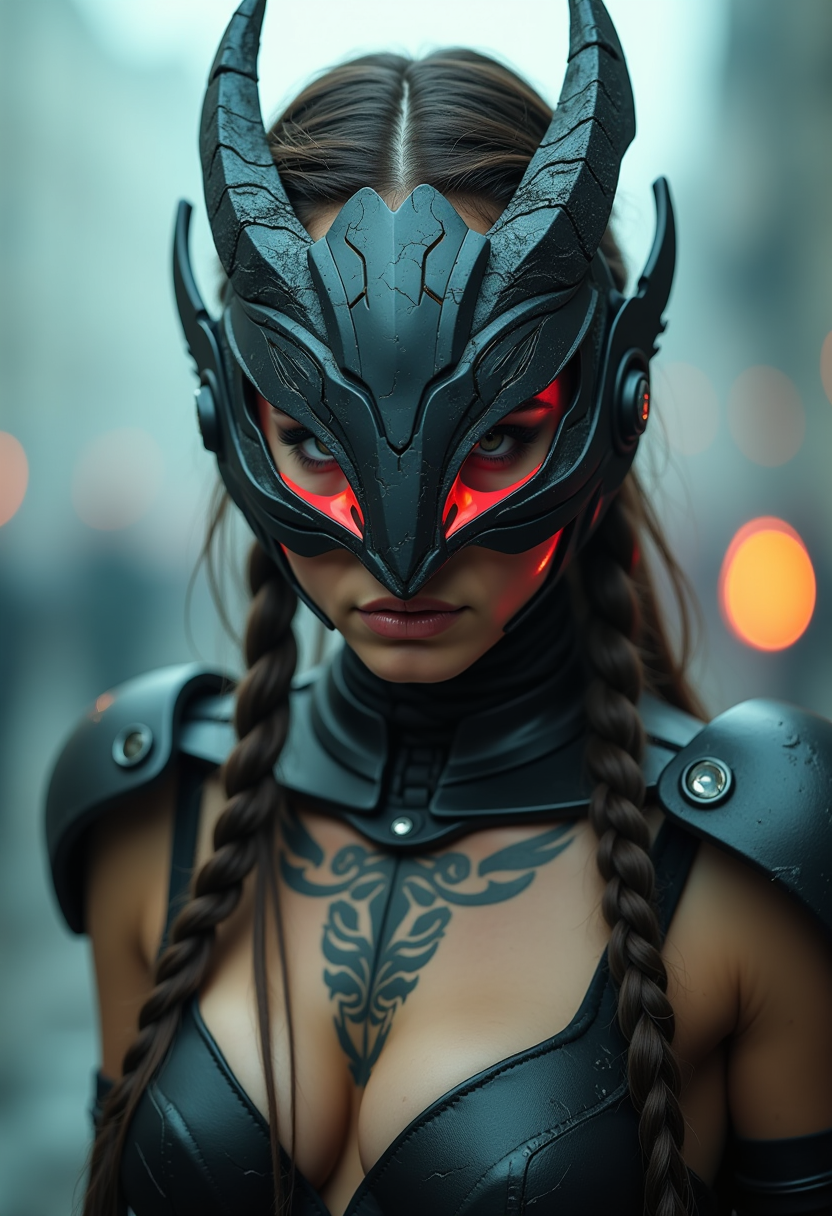
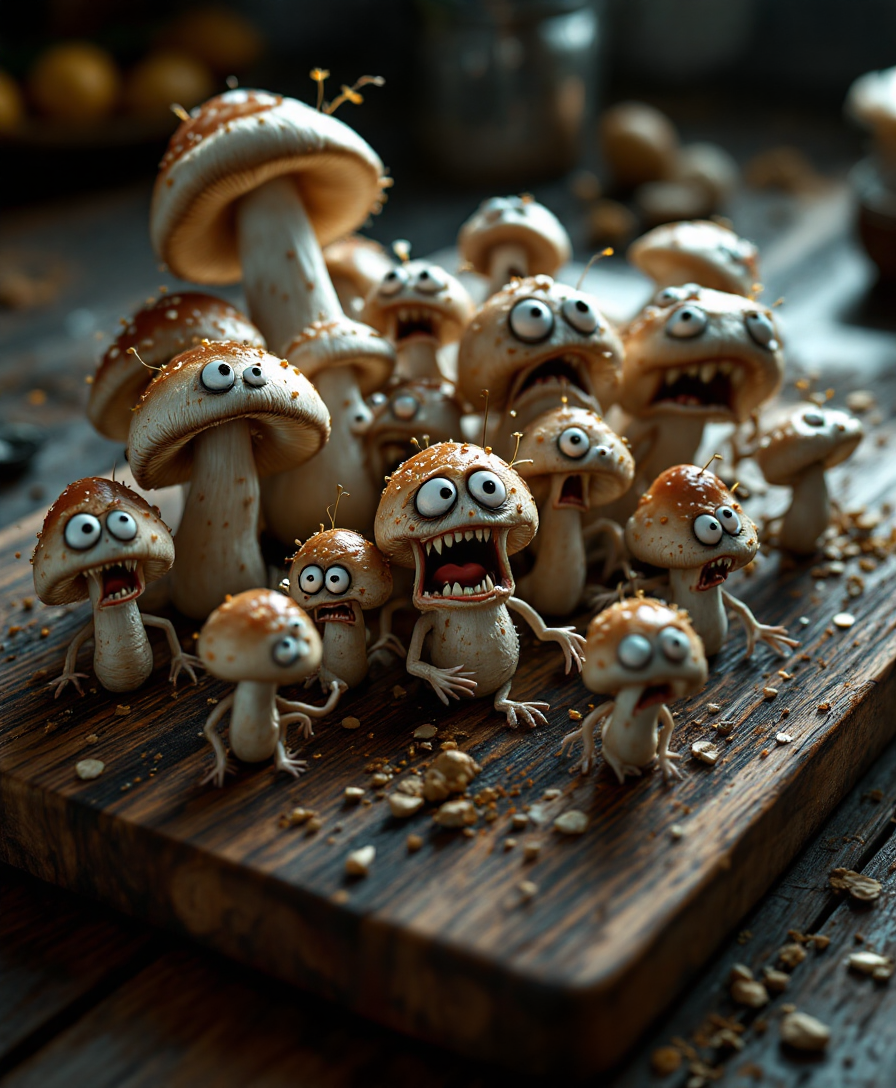
The Pixel Dojo Advantage
Why PixelDojo outperforms other options for Ideogram AI image generation
| Others | Pixel Dojo |
|---|---|
| Traditional design creation | Skip expensive software subscriptions and hours of manual work—generate text-perfect professional designs in seconds with consistent quality every time. |
| Generic AI tools | Access specialized Ideogram 4 capabilities for superior typography and editing precision that generic models simply can't match for design-focused projects. |
| Manual photo editing | Eliminate tedious layering and font matching—achieve seamless text integration and style consistency automatically while maintaining full creative control. |
Loved by creators on PixelDojo
Real feedback from people using PixelDojo, pulled from our in-product surveys.
the quality is the best
All the tools needed in one dashboard
Very fair and very broad in tools.
Accurate results
Great site and so much fun to use!
very useful set of tools for image creation, upscaling and enhancement
Explore more AI tools on PixelDojo
AI Tools
Compare & Switch
- Best AI Image Generators
- Best AI Video Generators
- Midjourney Alternatives
- Civitai Alternatives
- Runway Alternatives
- Leonardo Alternatives
- Pika Alternatives
- Luma Alternatives
- Magnific Alternatives
- Veo Alternatives
- Flux Alternatives
- Freepik Alternatives
- Seedance Alternatives
- Seedream Alternatives
- Pixverse Alternatives
- GPT Image Alternatives
- Synthesia Alternatives
- Playground Alternatives
- NightCafe Alternatives
- Canva AI Alternatives
- ElevenLabs Alternatives
- ComfyUI Alternatives
- Fal Alternatives
- Replicate Alternatives
Common Questions
Everything you need to know about ideogram ai
How to generate images with perfect text using Ideogram AI on PixelDojo?
Select the Ideogram 4 tool, craft a detailed prompt including quoted text, and let the model's advanced typography engine render crisp, integrated lettering. PixelDojo's interface makes it easy to iterate and refine results for posters, logos, and more.
What makes Ideogram 4 the best for text-heavy designs on PixelDojo?
Ideogram 4 delivers crystal-clear type with native transparency and precise prompt alignment, enabling you to create professional social graphics, product labels, and branded visuals that look hand-crafted without any extra effort.
Can I maintain consistent styles across multiple Ideogram AI images?
Yes—use style reference uploads or detailed prompts with PixelDojo's Ideogram 4 to lock in colors, fonts, and aesthetics. This ensures your campaign assets or series maintain perfect brand consistency for maximum impact.
How do I edit Ideogram AI generated images on PixelDojo?
After generation, apply tools like Inpainting, Magic Lighting, or Background Remover directly in the editor. These features let you tweak text placement, lighting, or elements while preserving the high-quality typography Ideogram 4 is known for.
Is Ideogram AI suitable for beginners creating professional designs?
Absolutely. PixelDojo's user-friendly interface combined with Ideogram 4's Magic Prompt feature guides you to great results even if you're new to AI design. Thousands of creators start with simple prompts and quickly produce client-ready work.
What file formats and resolutions can I download from Ideogram AI generations?
Export high-resolution images up to 2K or more, perfect for print or digital use. PixelDojo supports standard formats optimized for social media, websites, and presentations, with optional upscaling for even sharper results.