image enhancer
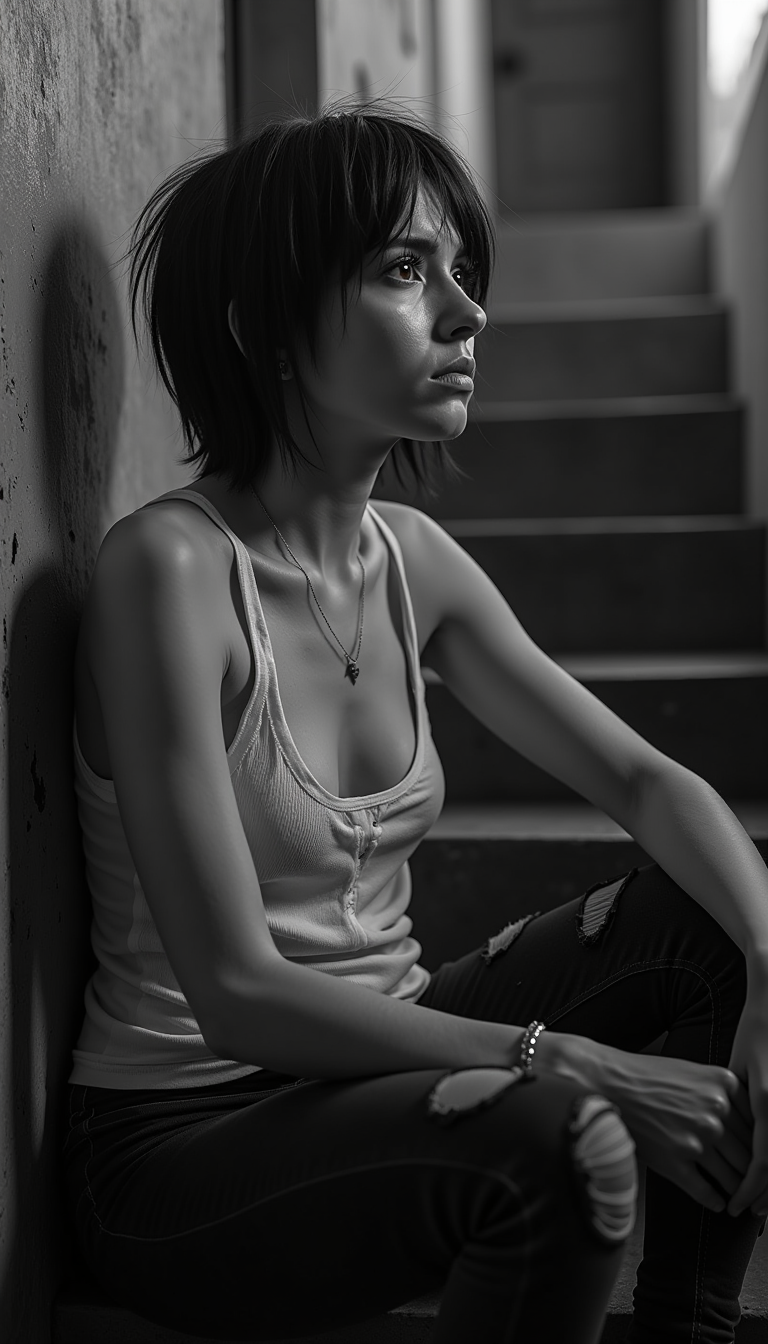
Generated on PixelDojo. Produced by PixelDojo's generation pipeline.
You no longer have to settle for blurry, faded, or low-resolution photos that hold back your memories, products, or creative projects. PixelDojo's AI image enhancer lets you restore cherished family archives into vibrant heirlooms that look as if they were taken today, turn ordinary smartphone shots into stunning high-resolution images ready for large prints or e-commerce, and enhance portraits with natural skin texture, sharp details, and balanced lighting. Achieve professional outcomes in seconds instead of hours. Whether you are a photographer preparing client work, a marketer optimizing product visuals, or someone preserving personal history, you get crisp, artifact-free results that capture true quality. Latest techniques focus on reconstructing lost details naturally, avoiding waxy skin or halos, so your enhanced images feel authentic and ready to share or print. Join thousands of creators using specialized tools to make every photo shine.
Real image examples generated on PixelDojo
Every example below was produced on PixelDojo. Hover to see the prompt.
Reportage style
flux
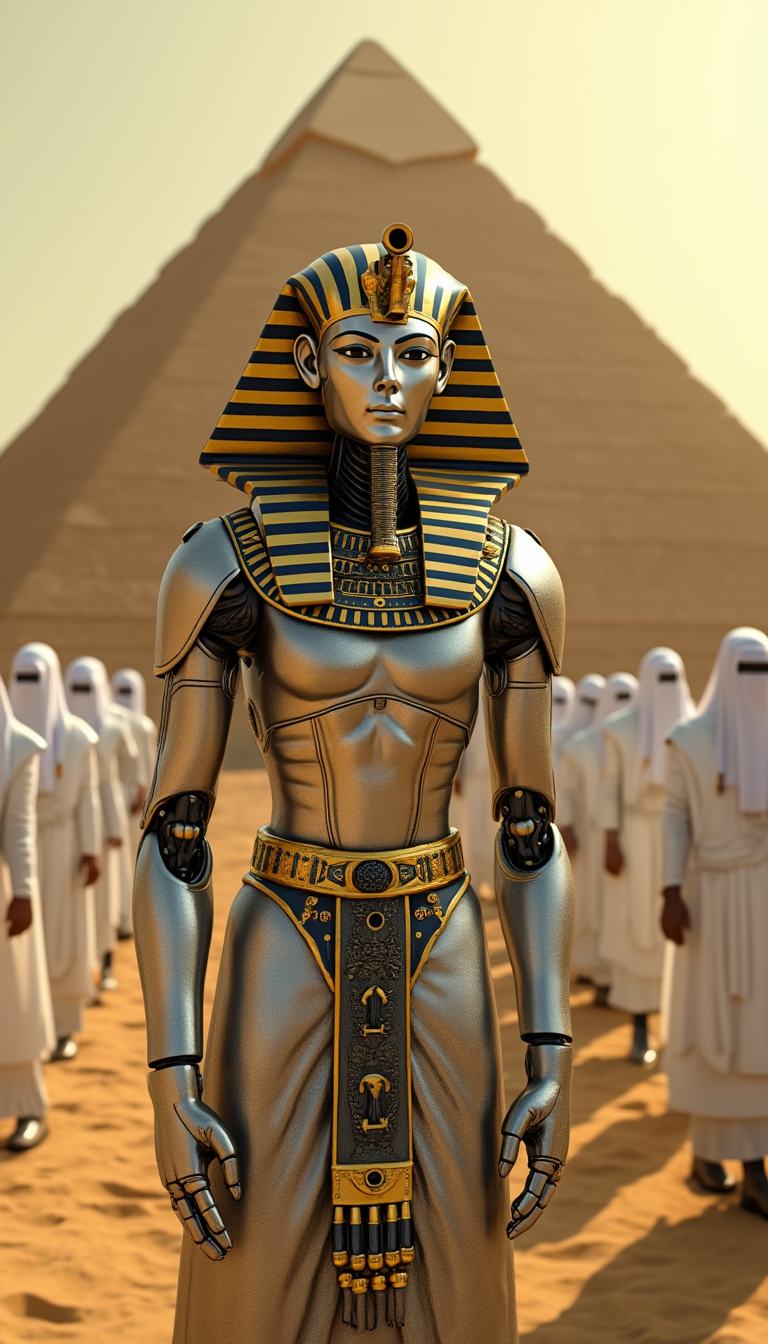
This image is a digital artwork that captures a scene set in an ancient Egyptian desert la…
flux
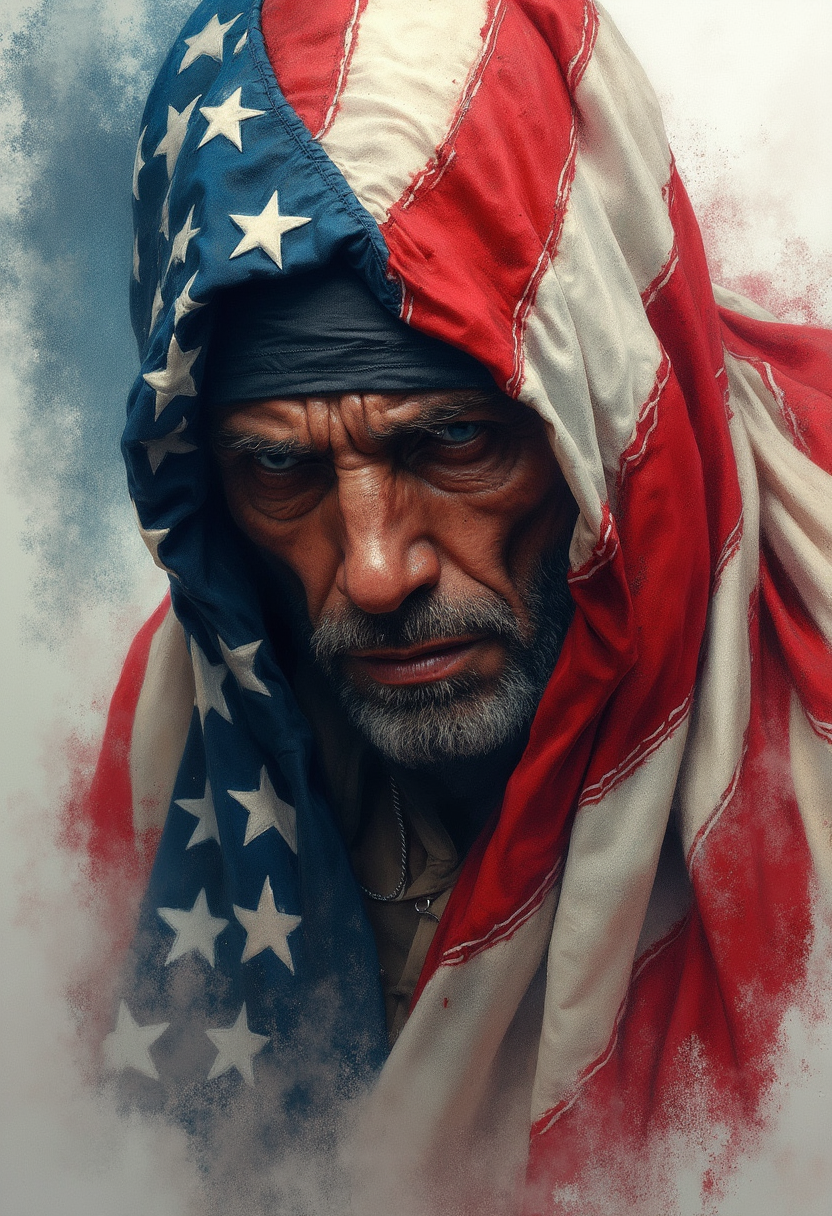
Colored penciled portrait of very sad years and distressed war soldier covered in the Amer…
flux
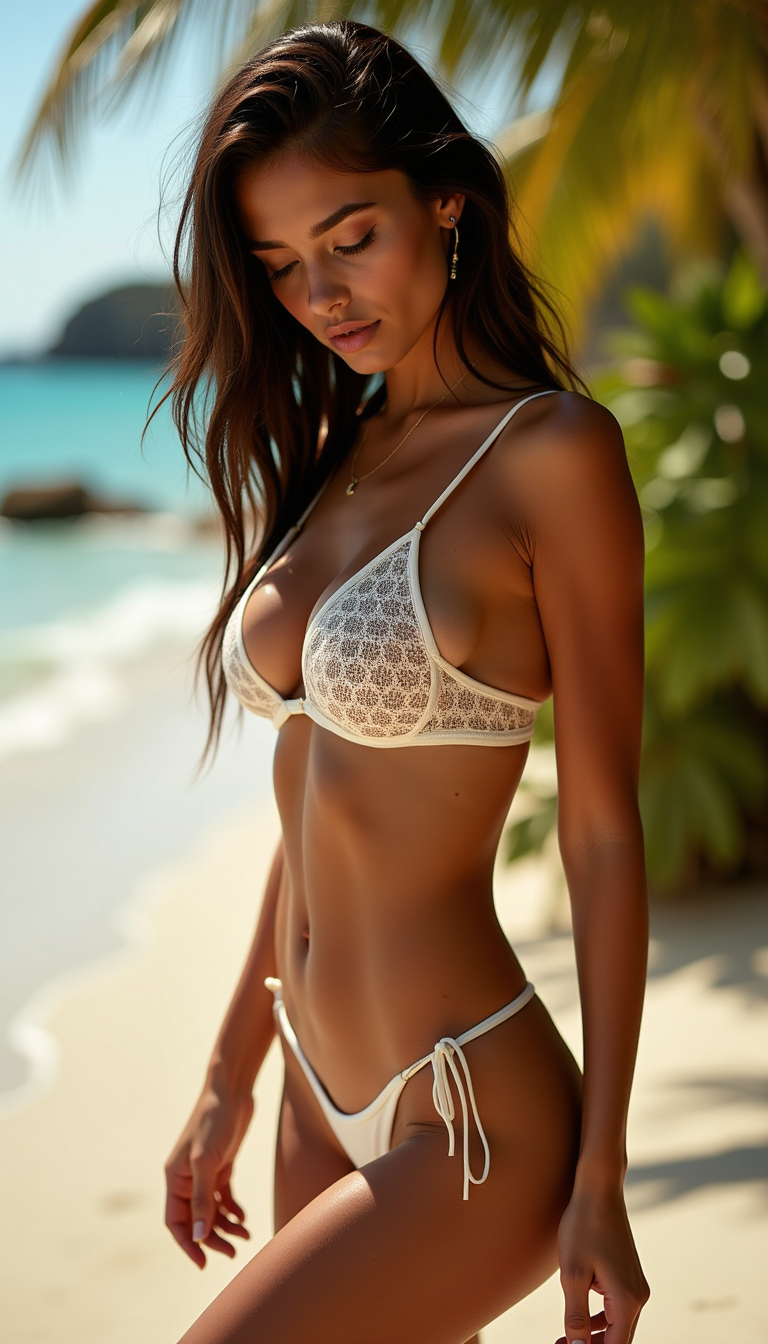
A sultry
flux
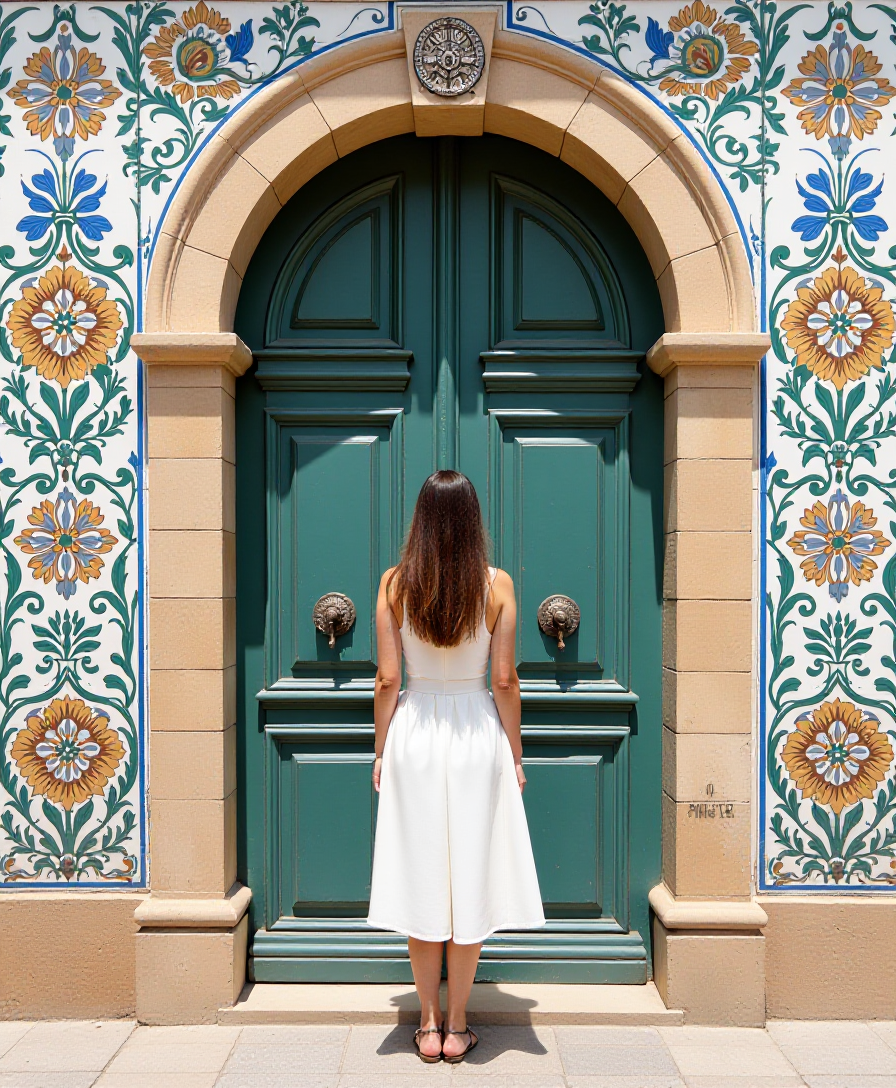
A beautiful woman standing in front of a Portuguese door surrounded by Azulejos
flux
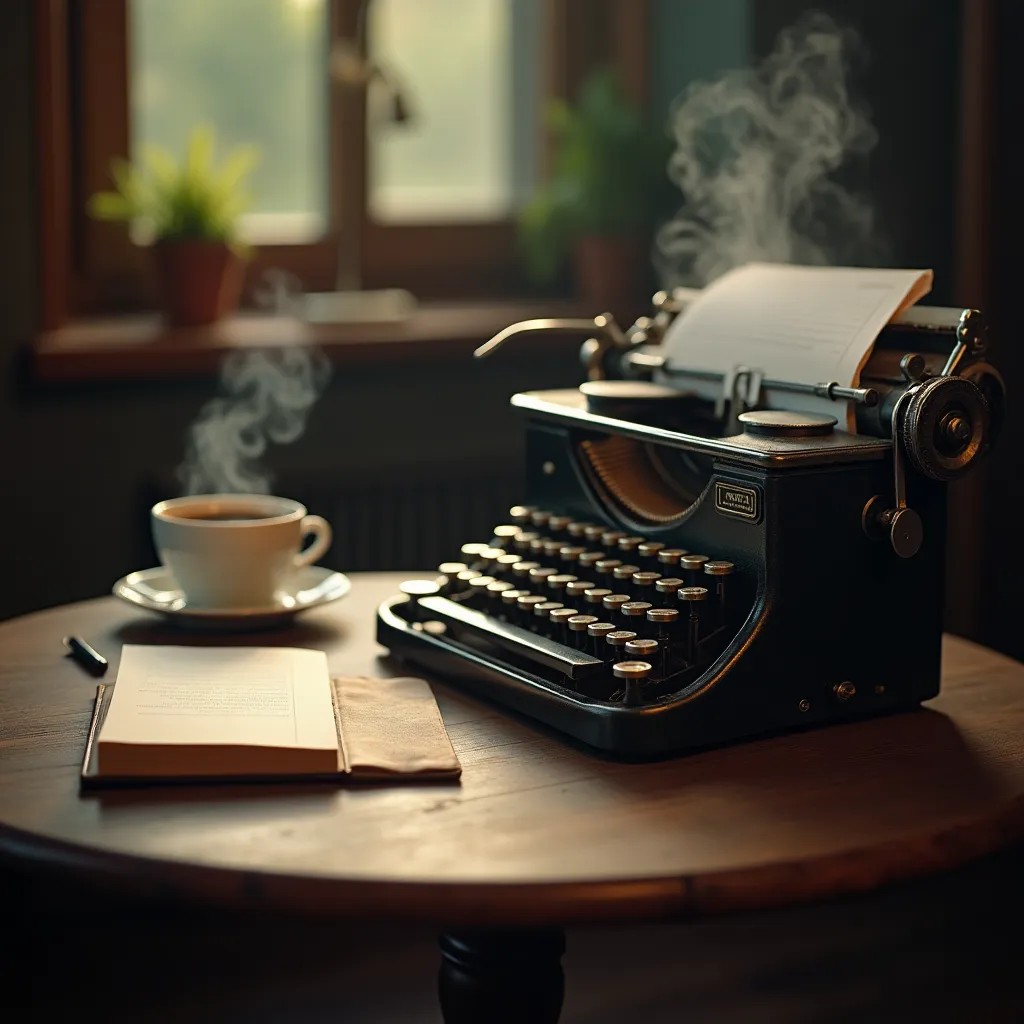
A vintage typewriter beside a steaming coffee and open notebook
flux-studio
Models you can run on PixelDojo for image enhancer
Switch models without switching tools. Each one runs in the same PixelDojo studio.
What you can do with image enhancer on PixelDojo
AI Image Upscaling
We enlarge generated images while keeping edges and textures intact so you can ship print-ready and high-res web versions.
Detail Recovery Pass
We bring back facial features, fabric weave, and small textures that often fade during generation, for cleaner close-ups.
Artifact and Noise Cleanup
We reduce grain, banding, and typical generation artifacts so your finals look more consistent across a set.
Batch Enhance Controls
We apply the same enhance settings across many images at once so you can finish a full batch without repeating work.
Loved by thousands of creators, photographers, and brands worldwide who enhance images daily for stunning, natural results. 40+ cutting-edge AI tools deliver professional quality faster than ever, with users praising the realistic textures and easy workflow. Cancel anytime and try it today.
Why Choose Pixel Dojo for image enhancer
Professional-quality results with cutting-edge AI technology
Restore Faded Family Photos into Vibrant Heirlooms
You can revive old, scratched, or low-quality family pictures with reconstructed details, natural colors, and modern sharpness so they look freshly captured while honoring the original moment.
Create Print-Ready High-Resolution Images Instantly
Turn any source photo or generated image into 4K-quality files perfect for large prints, product listings, or campaigns, with added realistic textures that hold up under close inspection.
Enhance Portraits with Natural, Lifelike Details
You achieve sharp eyes, realistic skin pores, and balanced lighting without plastic or waxy artifacts, making headshots and marketing photos look professionally shot.
How It Works
You can enhance any image quickly by selecting the right PixelDojo tool, uploading your photo, and downloading professional results. Follow these simple steps to restore, upscale, or polish photos using the latest natural-detail techniques.
Step 1: Choose Your Tool
Pick Magnific Upscaler for generative reconstruction of missing details on old or low-res photos, Portrait Upscaler to keep natural skin texture on faces, Clarity Pro for overall sharpness and noise reduction, Creative Upscaler for artistic boosts, or P-Image Upscale for versatile high-quality enlargement. Match the tool to your goal like restoration or print prep.
Step 2: Enter Your Prompt
Upload your image and choose settings like 2x or 4x scale for natural results, enable face restoration if needed, and add a simple description such as restore faded colors and add realistic detail while preserving original composition. Preview the enhancement to ensure it matches your vision before processing.
Step 3: Customize & Download
Generate the enhanced version, refine further with Reality Polisher for extra polish or Image Analyzer for insights, then download the high-resolution file. You can iterate instantly or combine with Background Remover for complete professional output ready for any use.
The Pixel Dojo Advantage
Why PixelDojo outperforms other options for image enhancer results that look natural and professional
| Others | Pixel Dojo |
|---|---|
| Traditional image restoration | You skip days of painstaking manual retouching and get reconstructed details, color revival, and sharpness in seconds using tools like Magnific Upscaler that understand context and textures. |
| Generic AI tools | Specialized options such as Portrait Upscaler and Clarity Pro deliver authentic skin texture and avoid common over-sharpening or plastic effects, giving you reliable high-quality output every time. |
| Manual photo editing | No expensive software or advanced skills required. You achieve print-ready, artifact-free enhancements instantly with one-click processing across 40+ tools and can cancel anytime. |
Loved by creators on PixelDojo
Real feedback from people using PixelDojo, pulled from our in-product surveys.
Qwen image 2 is amazing!!
Creative freedom, range of tools and options.
I love the training feature
the quality is the best
All the tools needed in one dashboard
Very fair and very broad in tools.
Explore more AI tools on PixelDojo
AI Tools
Compare & Switch
- Best AI Image Generators
- Best AI Video Generators
- Midjourney Alternatives
- Civitai Alternatives
- Runway Alternatives
- Leonardo Alternatives
- Pika Alternatives
- Luma Alternatives
- Magnific Alternatives
- Veo Alternatives
- Flux Alternatives
- Freepik Alternatives
- Seedance Alternatives
- Seedream Alternatives
- Pixverse Alternatives
- GPT Image Alternatives
- Synthesia Alternatives
- Playground Alternatives
- NightCafe Alternatives
- Canva AI Alternatives
- ElevenLabs Alternatives
- ComfyUI Alternatives
- Fal Alternatives
- Replicate Alternatives
Common Questions
Everything you need to know about image enhancer
What is the best AI image enhancer for restoring old family photos?
PixelDojo's Magnific Upscaler and Clarity Pro are ideal for restoring old family photos. You upload a faded or damaged scan, and the tools reconstruct lost details, revive colors, and add modern sharpness so the image looks as if taken today while keeping the original character. Thousands of users preserve heritage this way in seconds without artifacts.
How can I upscale images to 4K without losing quality or creating artifacts?
Use PixelDojo's P-Image Upscale or Creative Upscaler at 2x or 4x scale after light denoising. You get genuine detail reconstruction that stays natural, especially when pairing with Portrait Upscaler for faces. This approach follows current best practices for clean, print-ready results that hold up at large sizes.
Can an AI image enhancer make blurry product photos suitable for e-commerce?
Yes. Clarity Pro and Magnific Upscaler sharpen product shots, recover textures, and preserve logos or text so you can list high-quality images that convert better. You transform low-res phone photos into professional assets ready for zoom views and marketing without extra shooting.
How do I enhance portraits to look natural instead of plastic or waxy?
Select PixelDojo's Portrait Upscaler which is designed to recover realistic skin pores, hair, and eye details. Combine with Reality Polisher for lighting balance. You avoid the over-smoothed look common elsewhere and get authentic, high-end headshots perfect for professional use.
What PixelDojo tools work best together for complete image enhancement?
Start with Magnific Upscaler or P-Image Upscale for resolution, add Portrait Upscaler for faces, then finish with Reality Polisher and Background Remover. You create fully polished, versatile images for print, web, or social in one workflow using the 40+ specialized tools.
Is PixelDojo's AI image enhancer good for both personal and commercial projects?
Absolutely. You restore personal memories or produce commercial-ready visuals for products, marketing, and print. The natural results, fast processing, and ability to cancel anytime make it trusted by thousands of creators for any scale of work.