krea v2 online AI Generator
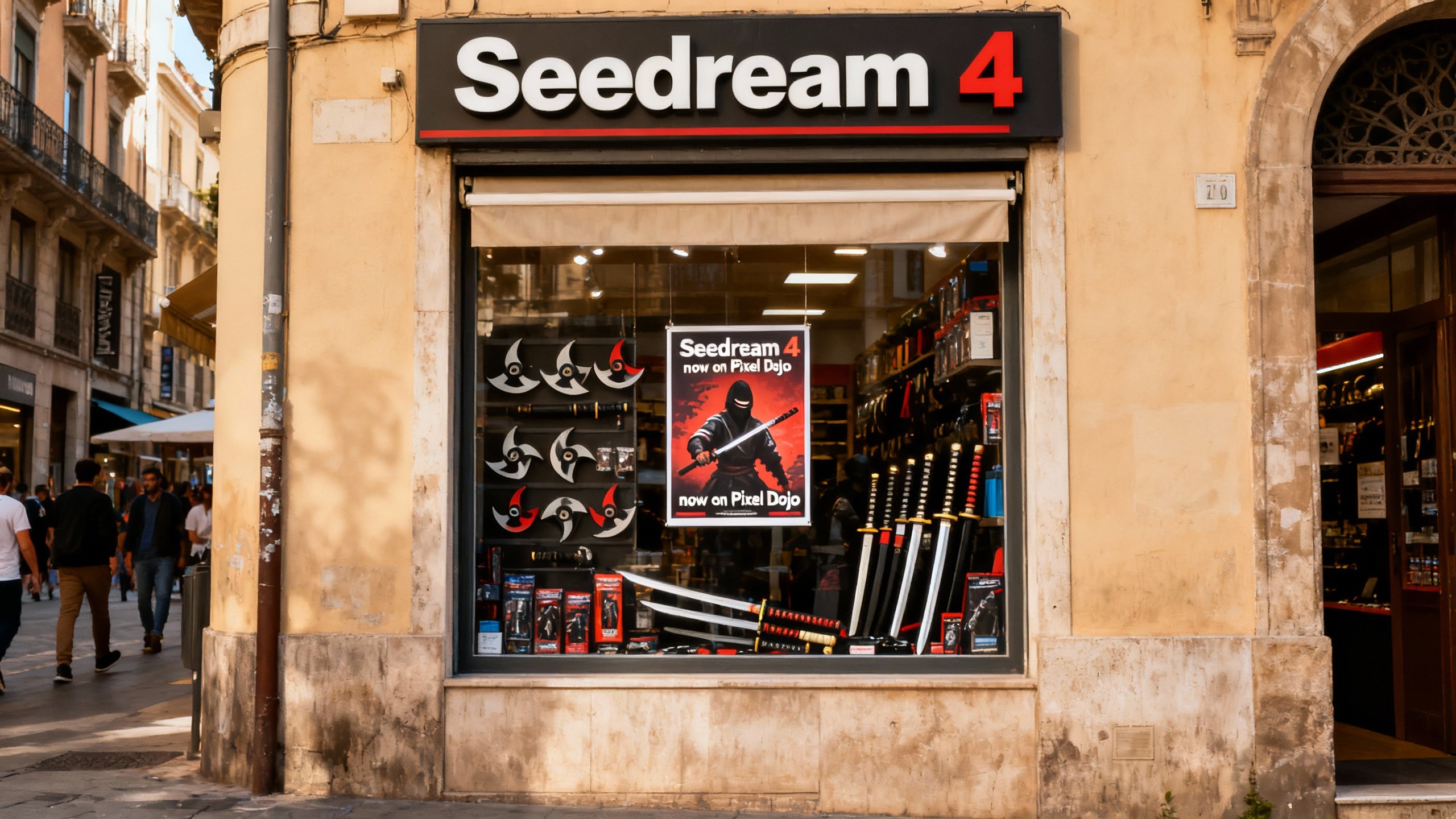
Generated on PixelDojo. Produced by PixelDojo's generation pipeline.
Imagine generating AI images that look like they were shot on film or painted by a master illustrator—without any of the usual artificial sheen. That's the promise of Krea V2 online, and PixelDojo makes it accessible to you right now. With Krea V2, you gain unprecedented control over aesthetics. Describe your vision, add a few style reference images, and watch as the model transfers lighting, texture, color palettes, and mood exactly as you intend. Whether you're a marketer needing campaign visuals, an artist exploring new styles, or a designer prototyping concepts, you'll achieve professional-grade results in seconds. PixelDojo's Krea Image tool brings this power to your browser. Combine it with our Image to Image, Style Transfer, and upscaling tools to refine every detail. Then take it further with video generation or 3D. All with 40+ cutting-edge AI tools, loved by thousands of creators worldwide. Cancel anytime. Your next stunning image is just a prompt away. Krea V2 online on PixelDojo lets you break through creative blocks and deliver visuals that feel authentic and distinctive, helping your projects stand out immediately.
Real image examples generated on PixelDojo
Every example below was produced on PixelDojo. Hover to see the prompt.
A photo of a store front called "Seedream 4"
seedream-4
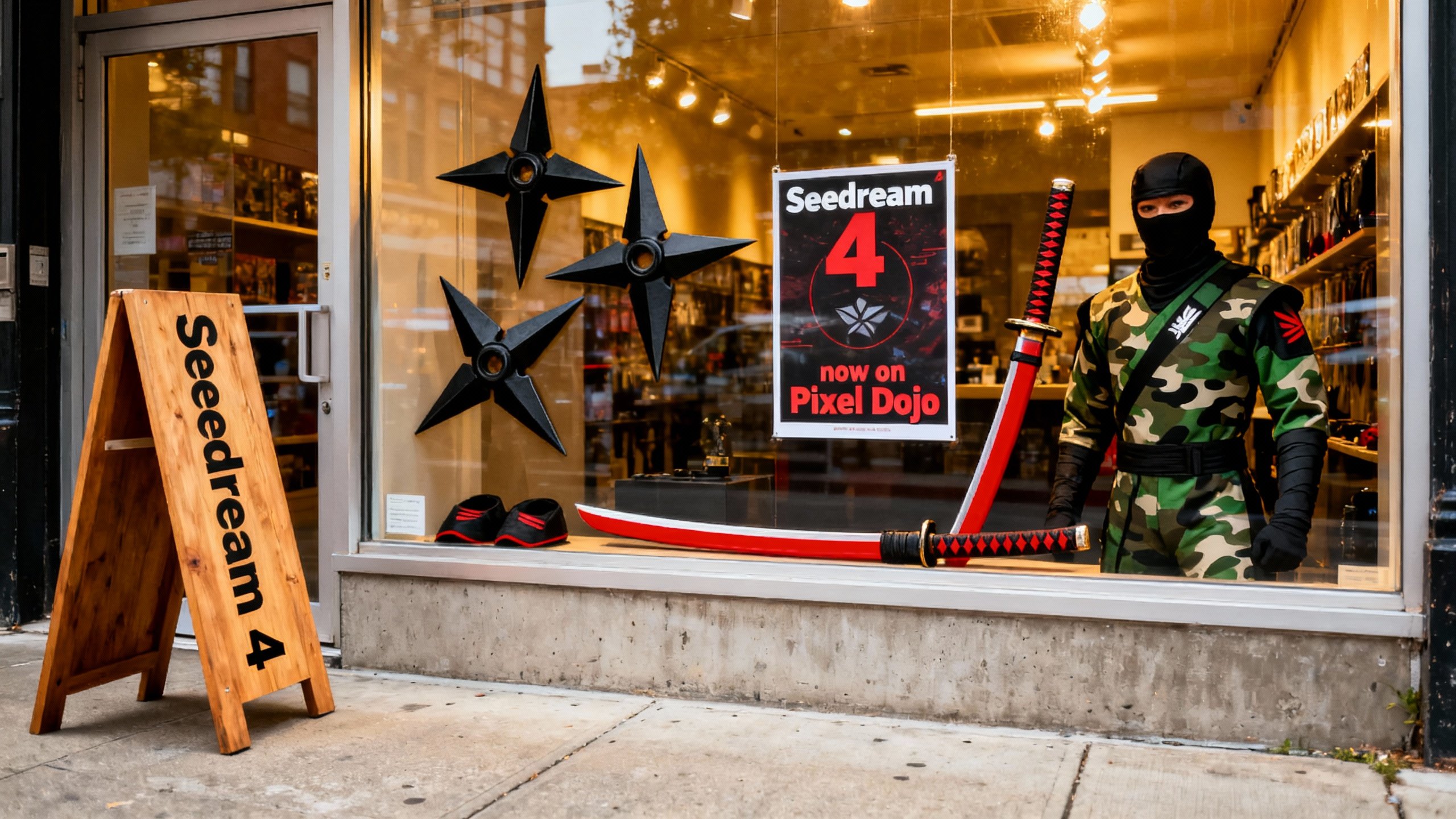
A photo of a store front called "Seedream 4"
seedream-4
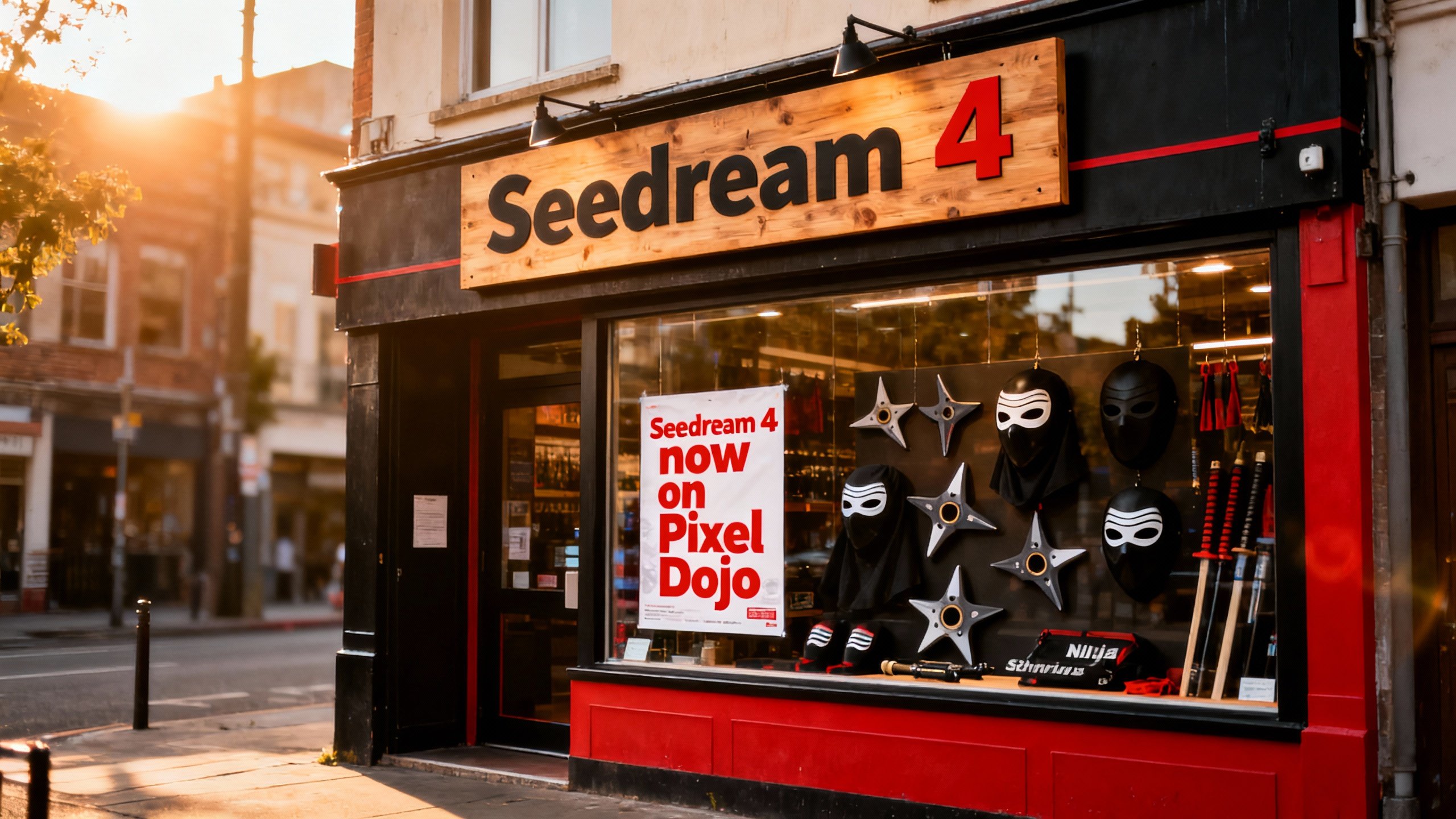
A photo of a store front called "Seedream 4"
seedream-4
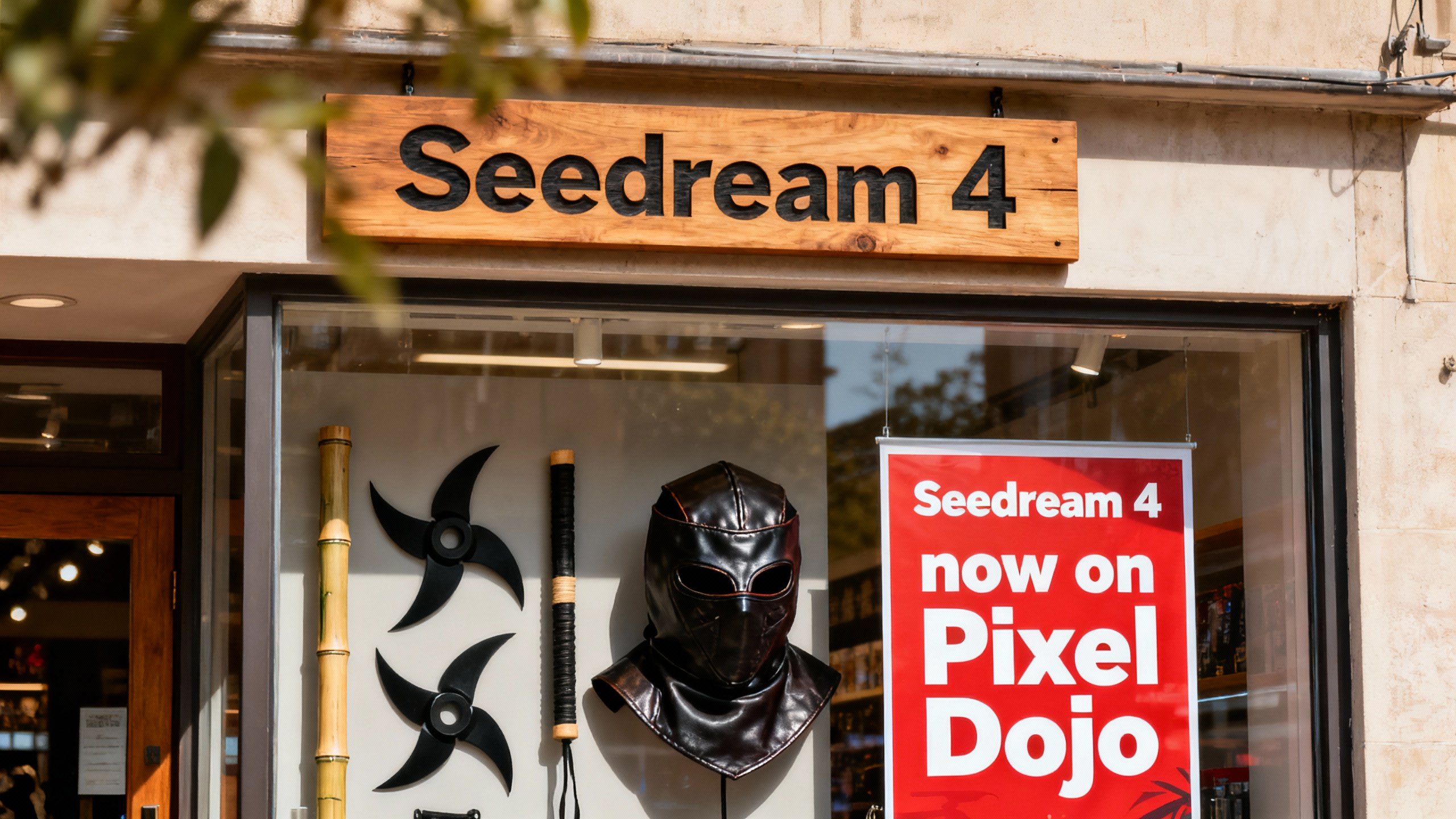
A photo of a store front called "Seedream 4"
seedream-4
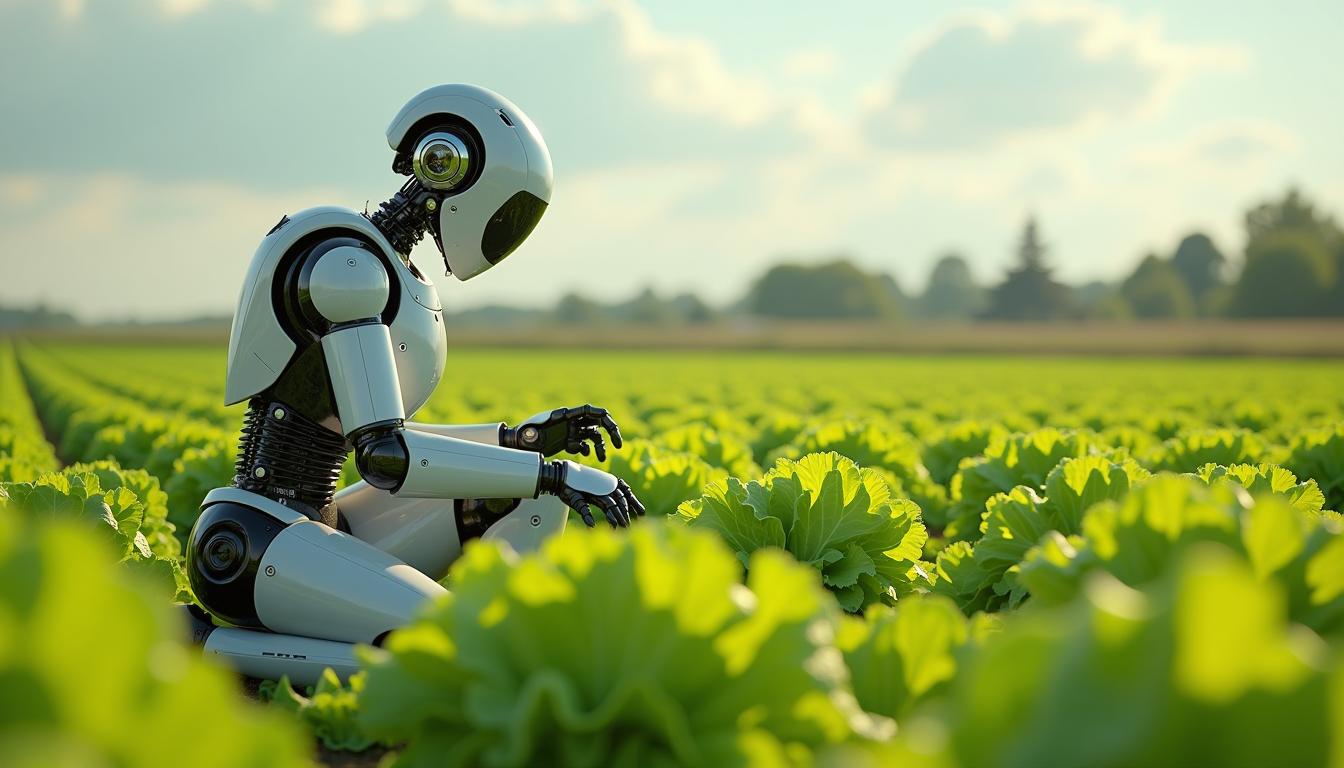
Create an image of a many lots 10 streampunk android robot on their knees picking lettuce
flux

Create an image of a many lots 10 streampunk androids robots on their knees picking lettuc…
flux
Models you can run on PixelDojo for krea v2 online
Switch models without switching tools. Each one runs in the same PixelDojo studio.
What you can do with krea v2 online on PixelDojo
Krea V2 In Browser
We run Krea V2 online so you can generate images from prompts without installing local models. Open PixelDojo, write a prompt, and render on the page.
Prompt To Image Control
We let you refine prompts, aspect ratios, and seed-style settings so outputs stay closer to your brief. Iterate in the same session instead of starting over each time.
Batch And Variation Renders
We support multiple takes from one idea so you can compare compositions and details. Pick the frames that fit the project and keep working from there.
Export Ready Image Files
We give you downloads you can drop into design, social, or production pipelines. Keep generations organized in PixelDojo so you can return to a look later.
Trusted by thousands of creators worldwide. PixelDojo offers 40+ AI tools with outstanding user satisfaction. Start for free and cancel anytime—no risk, just results.
Why Choose Pixel Dojo for krea v2 online
Professional-quality results with cutting-edge AI technology
Break Free from Generic AI Looks
Krea V2's aesthetic-first design lets you produce images with authentic grain, motion blur, and artistic depth. Your visuals will stand out in a sea of similar outputs, helping your brand or project capture attention immediately and convert viewers into customers.
Master Style with References and Moodboards
Upload your own images or build moodboards to guide every generation. Control the influence of each reference to match your exact creative direction, from cinematic photorealism to vibrant illustrations, ensuring brand consistency across all your work.
From Concept to Polished Asset in Minutes
Generate, edit with Inpainting or Background Remover, upscale with P-Image Upscale or Magnific Upscaler, and even turn into video with Kling Video. PixelDojo streamlines your entire workflow so you deliver faster and achieve professional outcomes without extra software.
How It Works
Creating stunning Krea V2 images online is straightforward on PixelDojo. Follow these three steps to go from idea to downloadable masterpiece, leveraging our Krea Image tool and complementary features for maximum creative control and speed.
Step 1: Choose Your Tool
Sign up or log in to PixelDojo.ai. Navigate to Generate Images and select Krea Image. This tool gives you access to Krea V2's Medium and Large variants for fast or high-fidelity generations. You can also explore Flux.2 Studio or Ideogram 4 for complementary styles that expand your options.
Step 2: Enter Your Prompt
Type a clear prompt describing your scene, subject, and desired mood. For best results with Krea V2, keep it concise yet specific, like a vintage car on a rainy street at dusk with cinematic lighting. Then upload 1-4 style reference images to transfer aesthetics. Adjust the creativity slider from raw to high for more interpretation and unique results.
Step 3: Customize & Download
Generate your images. Use Edit Images tools like Change Camera Angle, Magic Lighting, or Reality Polisher to refine. Upscale with Creative Upscaler or Portrait Upscaler for print quality. Download in high res, or proceed to Generate Videos like WAN 2.7 Video to animate. Your files are ready instantly for any project.
The Pixel Dojo Advantage
Why PixelDojo outperforms other options for Krea V2 image generation
| Others | Pixel Dojo |
|---|---|
| Traditional photography and illustration | Skip expensive shoots, models, and hours of drawing. Generate unlimited variations in seconds, iterate freely, and achieve similar or better aesthetics at a fraction of the cost and time while combining with video and 3D tools. |
| Generic AI tools | Unlike basic generators, PixelDojo's Krea Image plus 40+ specialized tools like Style Transfer, Consistent Characters, and Flux Pro Virtual Try-On give you precise control and a complete creative suite in one place for superior outcomes. |
| Manual photo editing | No more tedious sessions. Use AI-powered Inpainting, Background Remover, and Image Outpainting to make complex changes instantly, then enhance with upscalers for professional results without the steep learning curve or extra software. |
Loved by creators on PixelDojo
Real feedback from people using PixelDojo, pulled from our in-product surveys.
All the tools needed in one dashboard
Very fair and very broad in tools.
Accurate results
Great site and so much fun to use!
very useful set of tools for image creation, upscaling and enhancement
ease of use, variety of tools, high quality trainings, and a well-maintained discord channel
Explore more AI tools on PixelDojo
AI Tools
Compare & Switch
- Best AI Image Generators
- Best AI Video Generators
- Midjourney Alternatives
- Civitai Alternatives
- Runway Alternatives
- Leonardo Alternatives
- Pika Alternatives
- Luma Alternatives
- Magnific Alternatives
- Veo Alternatives
- Flux Alternatives
- Freepik Alternatives
- Seedance Alternatives
- Seedream Alternatives
- Pixverse Alternatives
- GPT Image Alternatives
- Synthesia Alternatives
- Playground Alternatives
- NightCafe Alternatives
- Canva AI Alternatives
- ElevenLabs Alternatives
- ComfyUI Alternatives
- Fal Alternatives
- Replicate Alternatives
Common Questions
Everything you need to know about krea v2 online
How do I access Krea V2 online image generation on PixelDojo?
Simply visit PixelDojo.ai, create a free account, and select the Krea Image tool from the Generate Images section. Krea V2 powers high-quality outputs with style control. You can start generating immediately, and with our 40+ tools, enhance your images using Image Analyzer or Reality Polisher. Thousands of creators already do this daily, and you can cancel anytime if it's not for you. This seamless access lets you achieve professional results without any installation.
What techniques work best for Krea V2 photorealistic images online?
For photorealism, use Krea V2 Large via PixelDojo's Krea Image. Include details like lighting, texture, and camera in your prompt. Add style references of real photos for grain and authenticity. Then apply Magic Lighting or Change Camera Angle in Edit Images. Follow with P-Image Upscale for crisp details. This combination delivers film-like results that look shot, not generated, helping you create campaign-ready visuals quickly.
Can I use moodboards and style transfer with Krea V2 on PixelDojo?
Yes, PixelDojo's Krea Image supports Krea V2's advanced style transfer. Upload reference images to influence color, composition, and mood. For moodboards, combine multiple images. Pair this with our dedicated Style Transfer tool in Edit Images for even more precision. This lets you maintain consistent branding across all your creations, from stills to videos using Kling Video Character Swap, ensuring your entire project feels cohesive.
Is Krea V2 online suitable for both illustrations and photos?
Absolutely. Krea V2 Medium excels at illustrations, anime, and paintings with expressive styles, while Large handles photorealism with rich textures. On PixelDojo, switch easily and use QWEN Image or Recraft V4.1 for more options. After generation, apply Character Stylist or Face Swap for custom characters. This versatility means one platform for all your visual needs, from concept art to final assets that convert viewers.
How much does it cost to generate Krea V2 images online with PixelDojo?
PixelDojo offers flexible plans starting with a free trial so you can test Krea V2 without commitment. Paid plans provide credits for generations, with cancel anytime. Compared to hiring artists or photographers, it's incredibly affordable. Plus, you get access to all 40+ tools including Train Models like Flux Trainer if you want custom styles. Loved by thousands, it's risk-free and designed to help you achieve more for less.
What can I do with my Krea V2 images after generating them on PixelDojo?
The possibilities are endless. Edit with Inpainting or Image Outpainting, upscale using Magnific Upscaler or Clarity Pro, create consistent characters, generate videos with VEO 3.1 or Seedance 2.5, even 3D with Rodin or Hunyuan 3D. Use Developer API for integration. PixelDojo turns your Krea V2 stills into a full multimedia campaign, all in one dashboard, so you can go from idea to published content faster than ever.