leonardo alternatives
Generated on PixelDojo. Produced by PixelDojo's generation pipeline.
You deserve an AI image platform that keeps up with your ideas, not one that limits them. PixelDojo puts 40+ cutting-edge generation, editing, and enhancement tools in one place so you can produce photorealistic product shots, on-brand marketing visuals, and story-ready characters in minutes. Whether you need a hero image for a campaign, a full character sheet for a game, or a series of consistent scenes, you get professional results without switching apps or waiting on credits. Thousands of creators already rely on PixelDojo to turn concepts into finished assets they can use commercially. Start creating today and see how much faster your workflow becomes when everything lives in a single, flexible studio.
Real image examples generated on PixelDojo
Every example below was produced on PixelDojo. Hover to see the prompt.
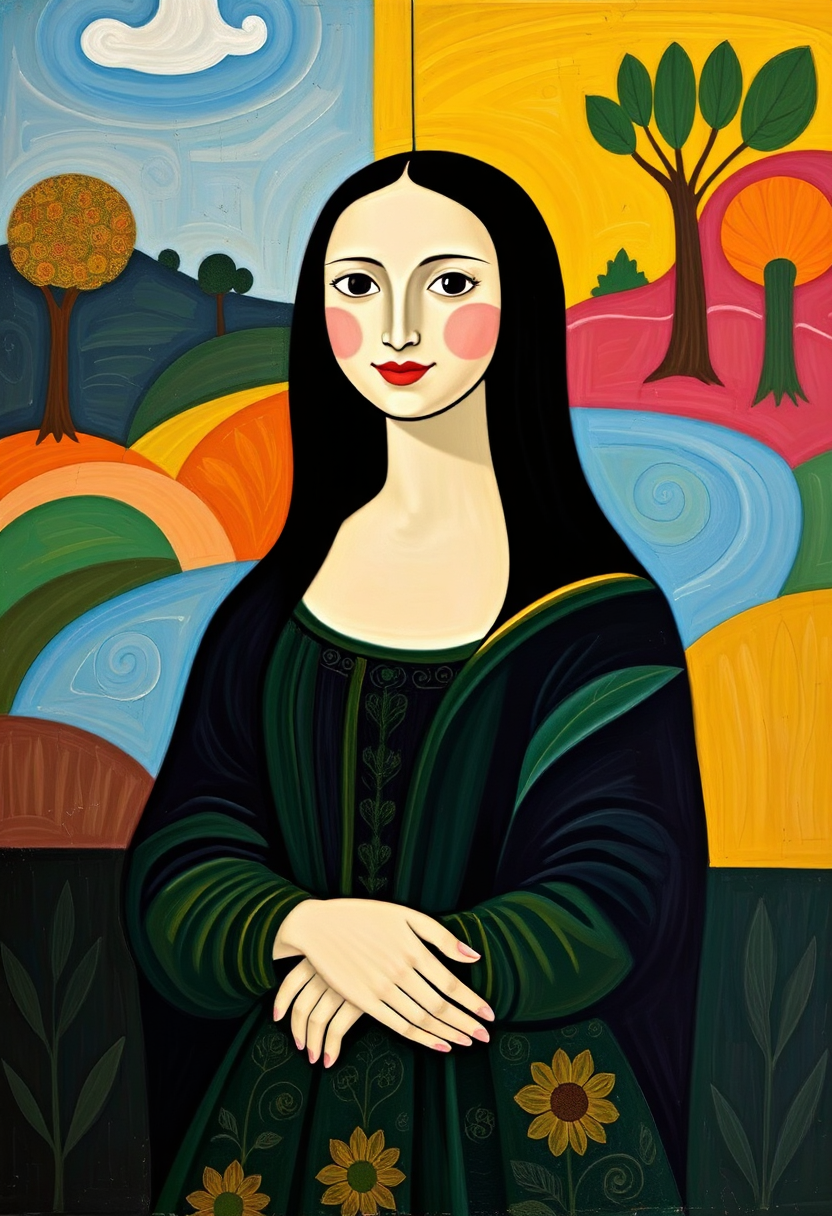
This image is a playful and modern interpretation of the famous painting Mona Lisa by Leon…
flux
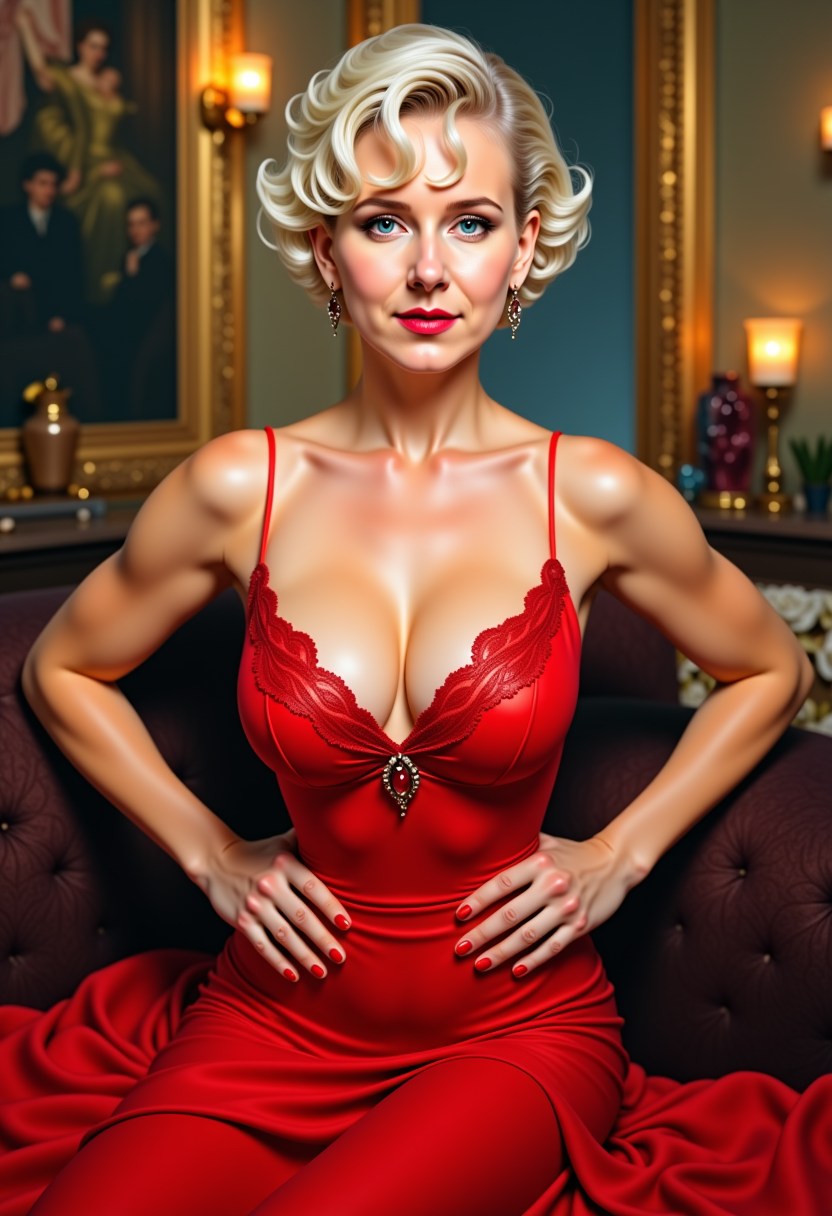
MO-LoRa-Multi
stable-diffusion
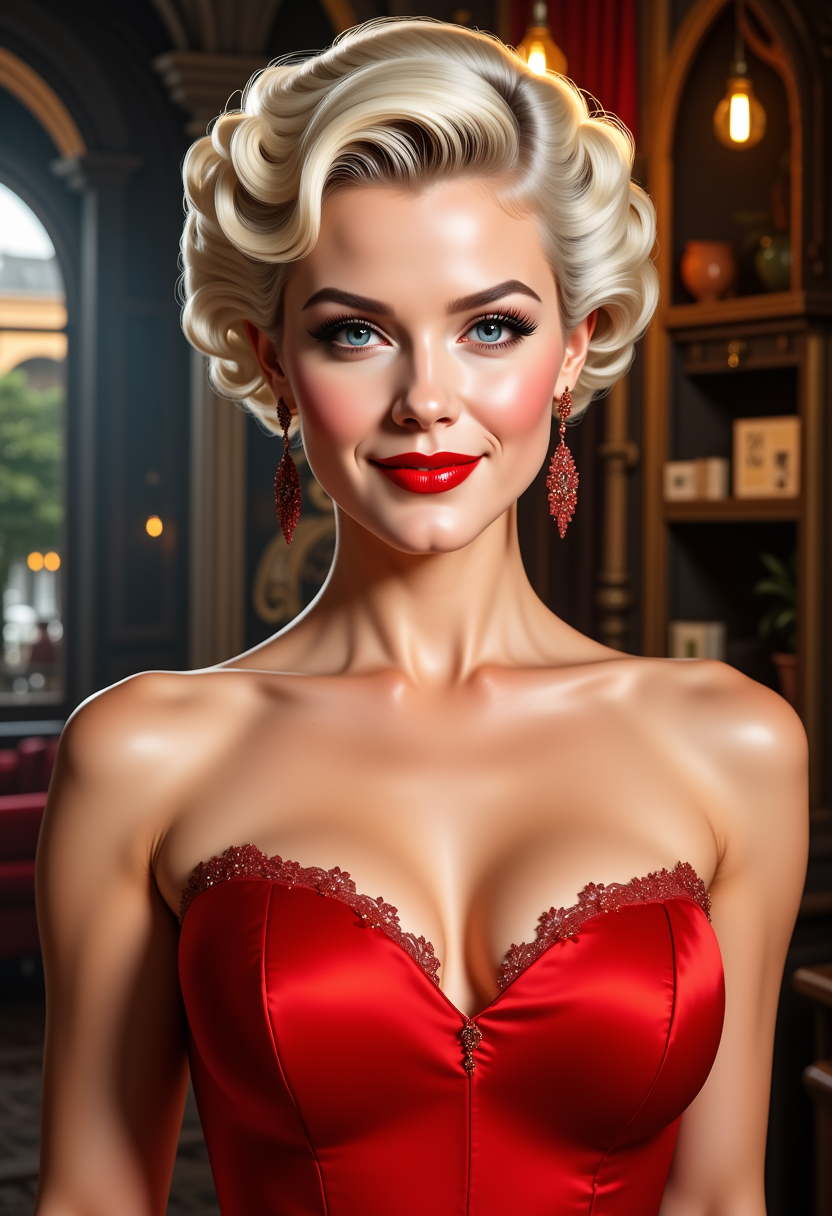
FantasyWomanLoRa
stable-diffusion

FantasyWomanLoRa
stable-diffusion
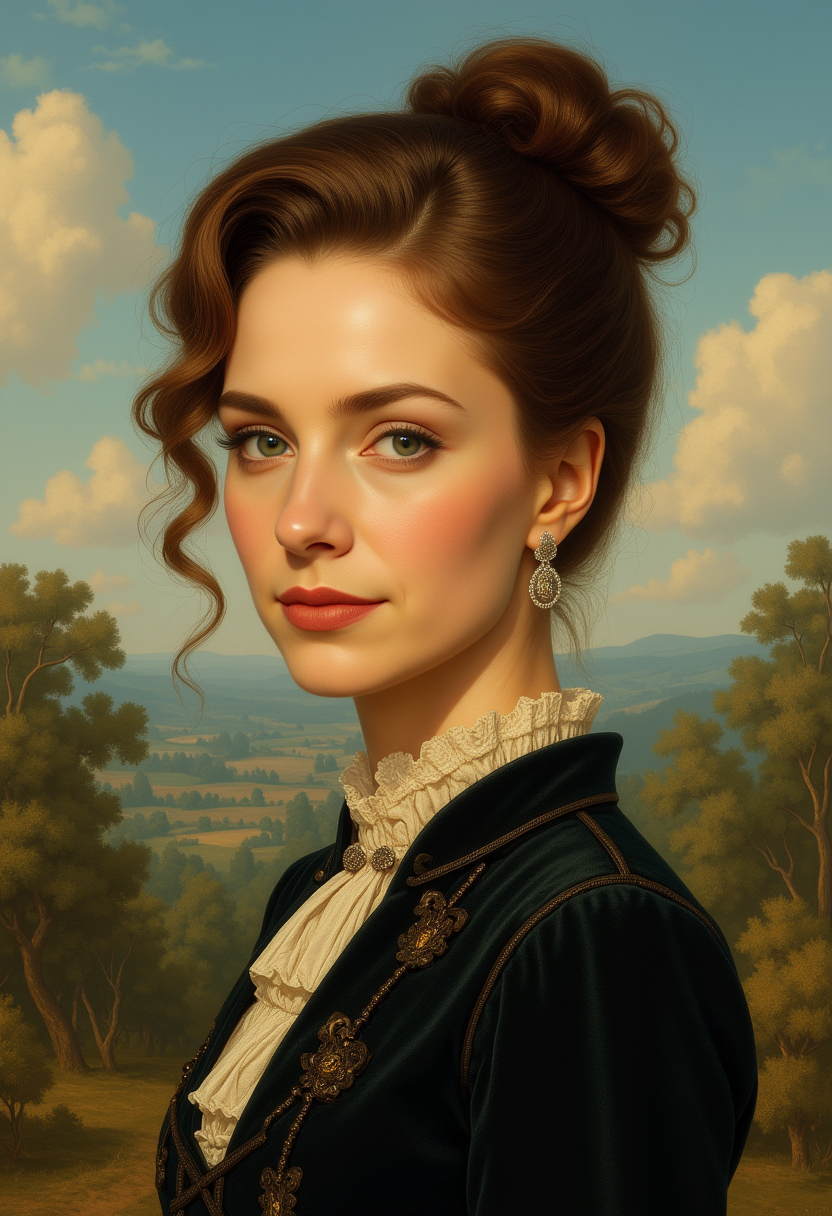
Kira-Lux-Flux
flux
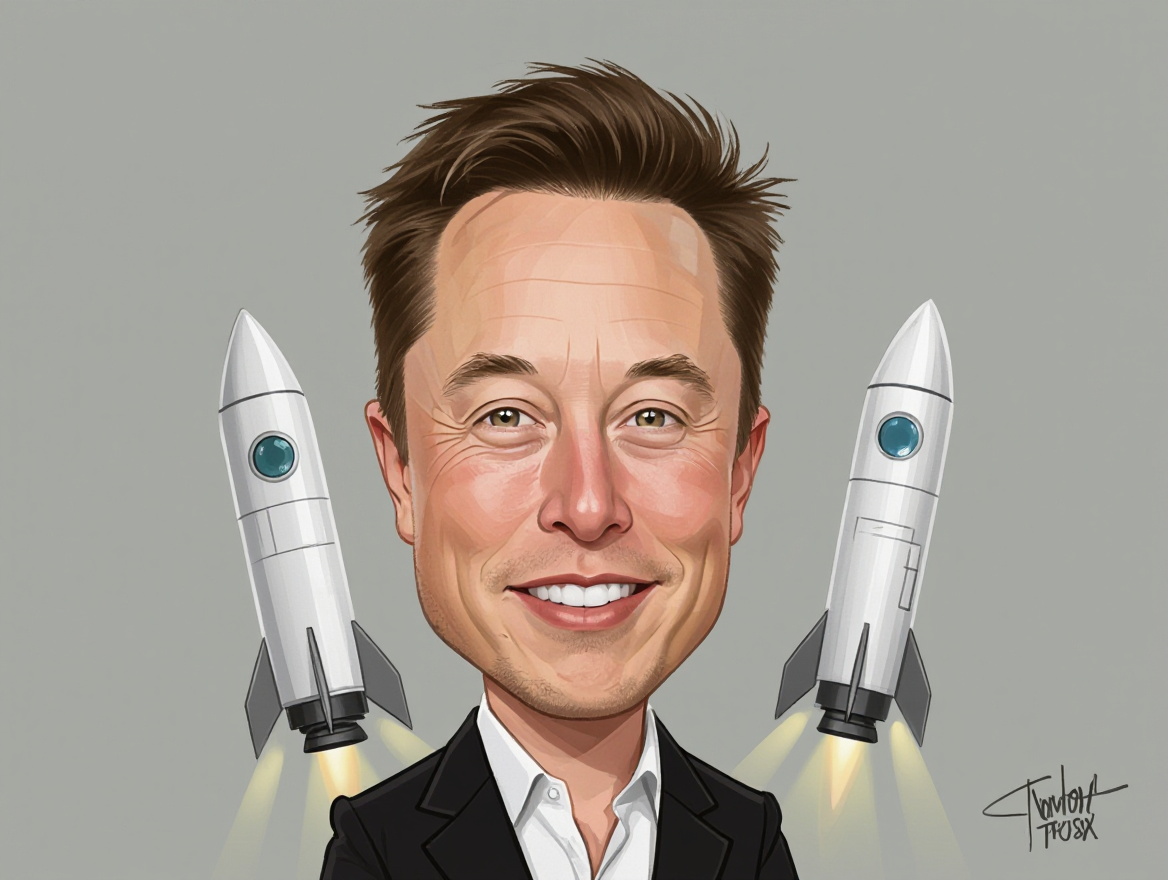
A caricature of elon musk
hidream
Models you can run on PixelDojo for leonardo alternatives
Switch models without switching tools. Each one runs in the same PixelDojo studio.
What you can do with leonardo alternatives on PixelDojo
Multiple generation models
We give you access to several image models in one place so you can try different looks without leaving PixelDojo. Pick a model, set your prompt, and generate.
Prompt and style control
We let you steer composition, style, and details with prompts, negative prompts, and common generation settings. Refine outputs until they match what you need.
Iterate in one workspace
We keep generations, variations, and edits together so you can compare results and continue from a previous image. That helps you move from draft to final art faster.
Export ready assets
We support downloading your images at usable sizes for mockups, concept art, and production. Use the files in your own projects according to our terms.
Loved by thousands of creators worldwide. 40+ cutting-edge AI tools, cancel anytime, commercial-ready output from day one.
Why Choose Pixel Dojo for leonardo alternatives
Professional-quality results with cutting-edge AI technology
Build Characters That Stay Consistent Across Every Scene
You can generate the same face, outfit, and personality in new poses, lighting, and environments without starting over. PixelDojo’s Consistent Characters, Character Sheets, Ideogram Character, and LoRA Face Swap tools lock identity so your hero looks identical from thumbnail to final frame. Perfect for comics, ads, or social series that need recognizable talent.
Produce Photorealistic Images Ready for Real-World Use
You get studio-quality lighting, textures, and details that look like they were shot, not generated. Tools such as Flux.2 Studio, Nano Banana 2, GPT Image 2, Seedream 5, and Recraft V4.1 deliver product photography, lifestyle shots, and editorial images you can drop straight into campaigns. No extra retouching required.
Edit, Enhance, and Scale Without Leaving the Platform
You refine any image with Inpainting, Change Camera Angle, Style Transfer, Magic Lighting, Background Remover, and Image Outpainting, then upscale with P-Image Upscale or Magnific Upscaler. Add video, 3D, or custom-trained models later. Everything stays in one workflow so you never lose momentum.
How It Works
You go from idea to finished image in three simple steps using PixelDojo’s specialized tools. No technical setup, no Discord, just results.
Step 1: Choose Your Tool
Open PixelDojo and pick the generator that matches your goal. Use Flux.2 Studio or Nano Banana 2 for photorealism, Ideogram 4 or Recraft V4.1 for text-heavy designs, Krea Image or Riverflow for artistic styles, or Seedream 5 and Hunyuan Image 3 for high-fidelity scenes. Select Consistent Characters or Character Sheets if you need identity lock from the start.
Step 2: Enter Your Prompt
Describe exactly what you want in plain language. Add reference images for character consistency or style matching. Include lighting, camera angle, and mood details. PixelDojo’s models understand complex requests so you get the composition, textures, and text you asked for on the first try. Generate multiple variations instantly.
Step 3: Customize & Download
Fine-tune with Image to Image, Inpainting, Change Camera Angle, or Style Transfer. Remove backgrounds, polish lighting, or outpaint for new compositions. Upscale with P-Image Upscale or Clarity Pro, then download high-resolution files ready for print, web, or video. Train a custom model with Flux Trainer if you need your own style forever.
The Pixel Dojo Advantage
Why PixelDojo outperforms other options for AI image generation
| Others | Pixel Dojo |
|---|---|
| Traditional [category] creation | You skip weeks of photoshoots, hiring models, and studio rental. Generate, iterate, and deliver photorealistic or stylized images in minutes with commercial rights included. |
| Generic AI tools | You access 40+ specialized models plus video, 3D, audio, and custom training in one subscription instead of juggling multiple platforms and credit systems. |
| Manual photo editing | You create the base image and then apply AI-powered Inpainting, Style Transfer, and Upscaling that would take hours in traditional software, all without leaving the browser. |
Loved by creators on PixelDojo
Real feedback from people using PixelDojo, pulled from our in-product surveys.
The site is easy to navigate and use.
All the tools, readily available and easy to understand
You guys, the LORA training is the BEST in the space right now, great job with that!
Tons of variety. Ease of use. Tools for beginners and advance users.
easiest workflow to get best output image or video
awesome functionality, UX, constant flood of improvements, discord interactivity
Explore more AI tools on PixelDojo
AI Tools
Compare & Switch
- Best AI Image Generators
- Best AI Video Generators
- Midjourney Alternatives
- Civitai Alternatives
- Runway Alternatives
- Leonardo Alternatives
- Pika Alternatives
- Luma Alternatives
- Magnific Alternatives
- Veo Alternatives
- Flux Alternatives
- Freepik Alternatives
- Seedance Alternatives
- Seedream Alternatives
- Pixverse Alternatives
- GPT Image Alternatives
- Synthesia Alternatives
- Playground Alternatives
- NightCafe Alternatives
- Canva AI Alternatives
- ElevenLabs Alternatives
- ComfyUI Alternatives
- Fal Alternatives
- Replicate Alternatives
Common Questions
Everything you need to know about leonardo alternatives
What is the best Leonardo alternative for AI image generation in 2026?
PixelDojo stands out as the most complete Leonardo alternative because you get 40+ models including Flux.2 Studio, Nano Banana 2, GPT Image 2, Ideogram 4, Recraft V4.1, and Seedream 5 plus dedicated character tools, video generation, and custom training. You create, edit, and scale everything in one place with no extra subscriptions.
How do I create consistent characters with a Leonardo alternative?
PixelDojo makes character consistency simple. Start with Consistent Characters or Character Sheets, upload a reference, then generate new poses and scenes. Use Ideogram Character, WAN Video Character Swap, Face Swap, or LoRA Face Swap for extra control. Train your own model with Flux Trainer or QWEN Trainer so the character is yours forever.
Can I generate photorealistic images as a Leonardo alternative?
Yes. PixelDojo’s Flux.2 Studio, Nano Banana 2, GPT Image 2, Seedream 5, and Hunyuan Image 3 deliver photorealistic lighting, skin texture, and material detail that look like professional photography. Combine with Reality Polisher and Magnific Upscaler for even higher fidelity.
Does PixelDojo offer a free trial and can I cancel anytime as a Leonardo alternative?
You can start creating immediately with PixelDojo’s 40+ tools. There is no long-term contract—cancel anytime. Thousands of creators already use the platform daily because they get professional output without the usual credit limits or lock-in.
What image editing tools come with this Leonardo alternative?
PixelDojo includes Image to Image, Inpainting, Change Camera Angle, Style Transfer, Magic Lighting, Background Remover, Image Analyzer, Reality Polisher, and Image Outpainting. You can also upscale with P-Image Upscale, Magnific Upscaler, or Portrait Upscaler and then move straight into video with VEO 3.1 or Kling Video.
Can I train custom models on PixelDojo as a Leonardo alternative?
Absolutely. Use Flux Trainer, QWEN Trainer, SDXL Trainer, Z-Image Trainer, or WAN 2.2 Image Trainer to teach the AI your brand style, product line, or original characters. Once trained, generate unlimited consistent assets that no one else has.