minimax alternatives
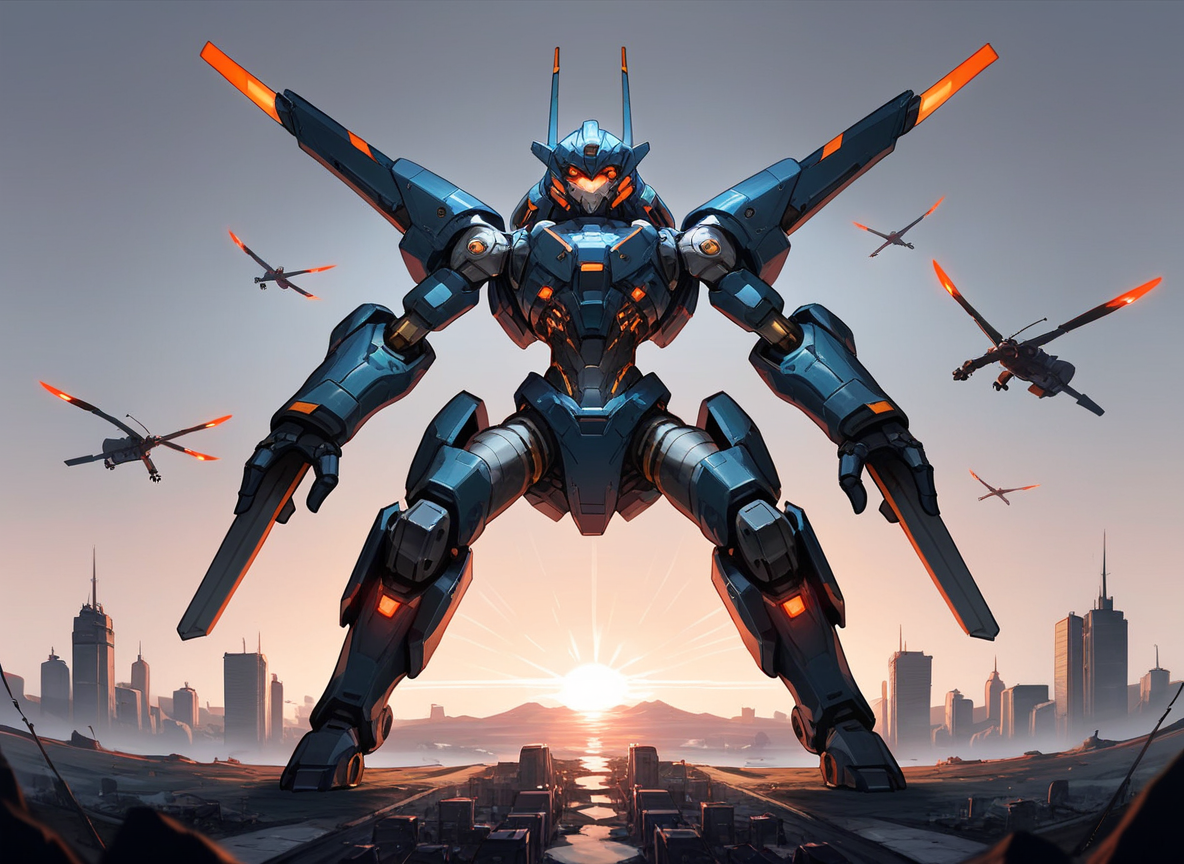
Generated on PixelDojo. Produced by PixelDojo's generation pipeline.
You want professional-grade AI images and videos without the limitations of a single-model platform. PixelDojo delivers exactly that as your complete MiniMax alternative. Access MiniMax H3 alongside Flux.2 Studio, Kling Image, WAN Image, Seedream 5, Ideogram 4 and dozens more in one seamless workspace. Generate photorealistic product shots, consistent brand characters, cinematic clips with native audio, and marketing assets in minutes instead of hours. Thousands of creators already produce client-ready work here every day because you get more models, more control, and more output without juggling multiple subscriptions. Start creating the visuals that grow your business, launch your campaign, or wow your audience – all from a single dashboard you can try today and cancel anytime.
Real image examples generated on PixelDojo
Every example below was produced on PixelDojo. Hover to see the prompt.
minimax alternatives on PixelDojo
image-to-image

Masterpiece
creative-upscaler
Pix-anime
image-to-video

Create an upper body cartoon in Pixar style of old man with grey hair hugged by a beautifu…
flux
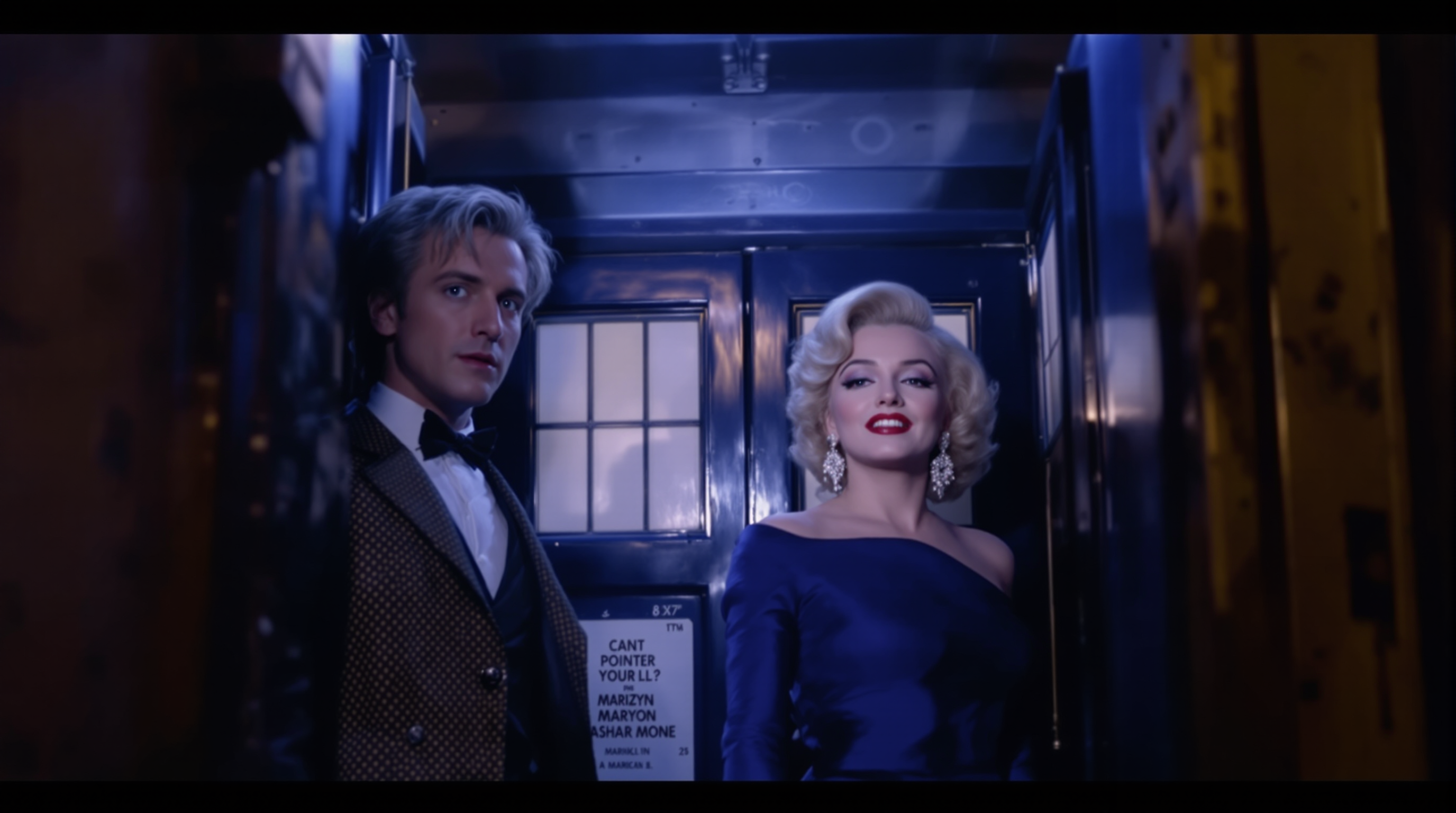
Doctor Who "Matt Smith" and Marilyn Monroe are inside the Tardis
flux
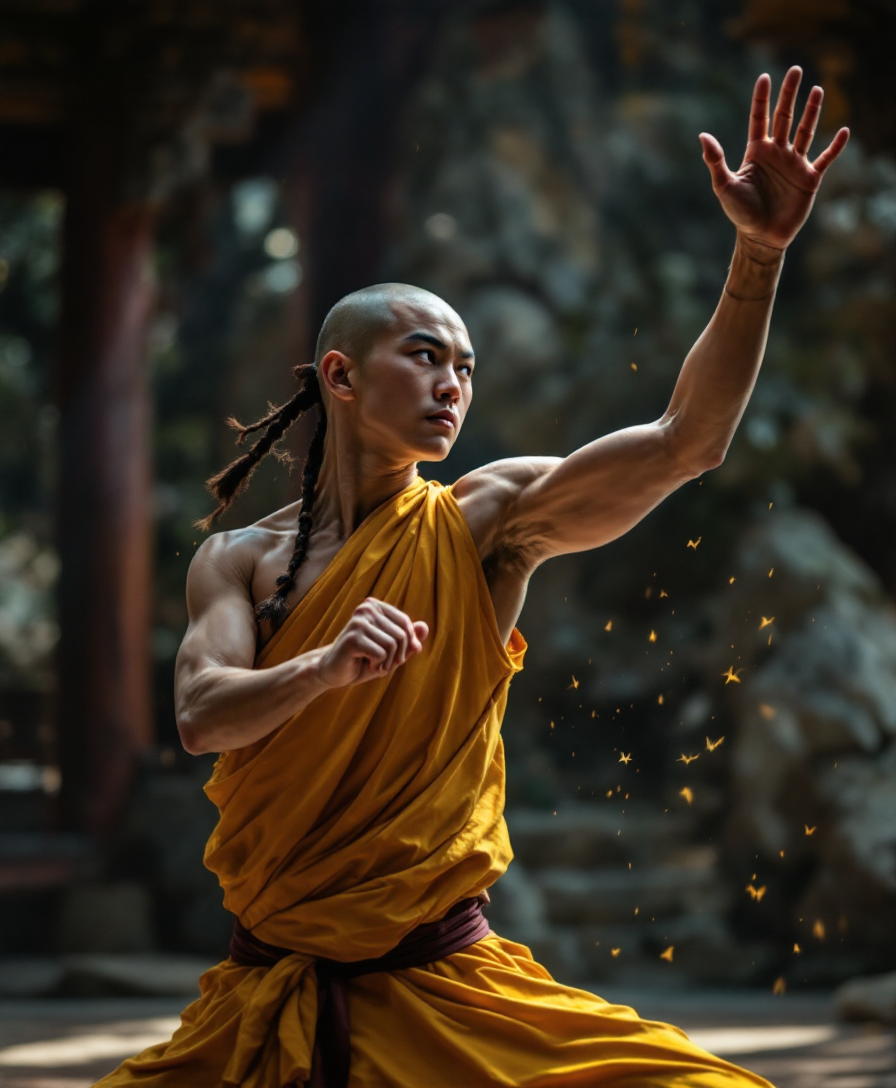
Athletic Shaolin monk
flux
Models you can run on PixelDojo for minimax alternatives
Switch models without switching tools. Each one runs in the same PixelDojo studio.
What you can do with minimax alternatives on PixelDojo
Multiple image models
We give you access to several image generation models in one place so you can try MiniMax-style looks and other styles without switching tools.
Prompt and style control
You can refine prompts, aspect ratios, and style presets to match brand or concept work and iterate until the frame is right.
High resolution outputs
We support larger image sizes suitable for social, mockups, and print-ready drafts so you spend less time upscaling elsewhere.
Creator-ready workspace
Save generations, organize projects, and reuse settings across sessions so your image pipeline stays consistent from idea to delivery.
Loved by thousands of creators worldwide who generate millions of images and videos monthly. 40+ cutting-edge AI tools in one platform, 4.8/5 average rating from real users, commercial rights included, cancel anytime.
Why Choose Pixel Dojo for minimax alternatives
Professional-quality results with cutting-edge AI technology
Produce Campaign-Ready Visuals 10x Faster
You skip the wait and the tool-switching. Generate high-resolution images with Flux.2 Studio or Kling Image, then turn them into motion with MiniMax H3 or WAN 3.0 – all inside PixelDojo. Your next product launch, social series, or client presentation ships in a fraction of the time traditional production or single-model platforms require.
Keep Characters and Brands Perfectly Consistent
You never lose your hero character or product look across dozens of images and videos. Use Consistent Characters, Ideogram Character, WAN Video Character Swap and Kling Avatar together with MiniMax H3 reference controls. Your entire campaign stays on-brand without extra training or expensive reshoots.
Own Every Creative Decision Without Extra Cost
You get photorealistic quality, native stereo audio in videos, 2K output, inpainting, style transfer, background removal and upscaling – all in one subscription. PixelDojo’s 40+ tools including Seedream 5, Recraft V4.1, P-Image Upscale and Marketing Studio replace multiple paid platforms while giving you full commercial rights and the freedom to cancel whenever you want.
How It Works
Creating professional MiniMax-alternative images and videos on PixelDojo takes three simple steps. No coding, no model management – just describe what you need and download production-ready files.
Step 1: Choose Your Tool
Open PixelDojo and pick the perfect model for your goal. Select MiniMax H3 or MiniMax H3 Turbo for cinematic video with native audio, Flux.2 Studio or Kling Image for ultra-realistic stills, WAN Image or Seedream 5 for stylized commercial work, or Ideogram 4 when you need perfect text inside the image. All tools live in the same dashboard so you never leave the platform.
Step 2: Enter Your Prompt
Type a natural-language description of the scene, product, character or motion you want. Add reference images for character consistency, upload a starting frame for image-to-video, or include style keywords. PixelDojo’s models understand complex instructions, lighting, camera angles and brand details so your first generation is already close to final.
Step 3: Customize & Download
Refine instantly with Inpainting, Change Camera Angle, Style Transfer, Magic Lighting or Background Remover. Upscale with P-Image Upscale or Magnific Upscaler, extend videos with Grok Imagine Video Extend or Kling Video Edit, then download in the resolution and format you need. Your files are ready for ads, websites, social or print – commercial use included.
The Pixel Dojo Advantage
Why PixelDojo outperforms other options for MiniMax-alternative image and video generation
| Others | Pixel Dojo |
|---|---|
| Traditional [category] creation | You replace weeks of photoshoots, 3D artists and video crews with minutes of prompting. PixelDojo’s MiniMax H3, Flux.2 Studio and Kling tools deliver photorealistic, on-brand assets at a fraction of the cost and time. |
| Generic AI tools | You stop bouncing between limited single-model sites. PixelDojo gives you MiniMax H3 plus Flux, WAN, Seedance, Ideogram, Recraft and 30 more models, plus editing, upscaling, character tools and a developer API – all in one place with one login. |
| Manual photo editing | You skip hours of Photoshop layers and After Effects keyframes. Generate, inpaint, reframe, add lighting, swap characters and upscale in a few clicks, then export ready-to-use files that already look professionally produced. |
Loved by creators on PixelDojo
Real feedback from people using PixelDojo, pulled from our in-product surveys.
Qwen image 2 is amazing!!
Creative freedom, range of tools and options.
I love the training feature
the quality is the best
All the tools needed in one dashboard
Very fair and very broad in tools.
Explore more AI tools on PixelDojo
AI Tools
Compare & Switch
- Best AI Image Generators
- Best AI Video Generators
- Midjourney Alternatives
- Civitai Alternatives
- Runway Alternatives
- Leonardo Alternatives
- Pika Alternatives
- Luma Alternatives
- Magnific Alternatives
- Veo Alternatives
- Flux Alternatives
- Freepik Alternatives
- Seedance Alternatives
- Seedream Alternatives
- Pixverse Alternatives
- GPT Image Alternatives
- Synthesia Alternatives
- Playground Alternatives
- NightCafe Alternatives
- Canva AI Alternatives
- ElevenLabs Alternatives
- ComfyUI Alternatives
- Fal Alternatives
- Replicate Alternatives
Common Questions
Everything you need to know about minimax alternatives
What are the best MiniMax alternatives for AI image generation in 2026?
PixelDojo is the strongest MiniMax alternative because you get MiniMax H3 itself plus Flux.2 Studio, Kling Image, WAN Image, Seedream 5, Ideogram 4, Recraft V4.1 and 30 more models in one platform. You create photorealistic images, consistent characters and cinematic videos with native audio without switching tools or paying multiple subscriptions.
Can I generate MiniMax-quality videos with audio on PixelDojo?
Yes. PixelDojo includes MiniMax H3 and MiniMax H3 Turbo for up to 15-second 2K clips with native stereo audio, plus Kling Video, WAN 3.0, Seedance 2.5 and Hailuo 2.3. You also get video editing, character swap, extend and reframe tools so your finished clips are campaign-ready.
How do I keep characters consistent across MiniMax-alternative images and videos?
Use PixelDojo’s Consistent Characters, Ideogram Character, Character Sheets, WAN Video Character Swap and Kling Avatar together with MiniMax H3’s multi-reference controls. Upload a few photos once and every new image or video matches the same face, outfit and style automatically.
Is PixelDojo cheaper than using MiniMax plus other AI tools separately?
Yes. One PixelDojo subscription replaces MiniMax, Flux, Kling, WAN, Seedream and several editing/upscaling services. You get commercial rights, 40+ models, training tools and an API, plus the ability to cancel anytime – far more value than stacking individual plans.
Can I edit and upscale MiniMax-generated images inside PixelDojo?
Absolutely. After generating with MiniMax H3, Flux.2 or any other model, use Inpainting, Style Transfer, Magic Lighting, Background Remover, Image Outpainting, Reality Polisher and P-Image Upscale or Magnific Upscaler. Everything stays in one workflow so you never export and re-import.
Does PixelDojo offer an API for MiniMax alternatives if I want to build my own app?
Yes. PixelDojo’s Developer API, API Keys and ComfyUI integration let you call MiniMax H3, Flux, Kling, WAN and dozens of other models programmatically. Buy API credits as needed and keep the same high-quality output your team already uses in the web app.