model poser AI Generator
Generated on PixelDojo. Produced by PixelDojo's generation pipeline.
Bring your creative visions to life with dynamic and lifelike model poses using PixelDojo's advanced AI tools. Whether you're a designer, artist, or content creator, our platform empowers you to generate professional-quality images effortlessly, eliminating the need for complex software or extensive experience.
Real image examples generated on PixelDojo
Every example below was produced on PixelDojo. Hover to see the prompt.
Scene from Posers
image-to-video
Fashion model is posing in studio
image-to-video
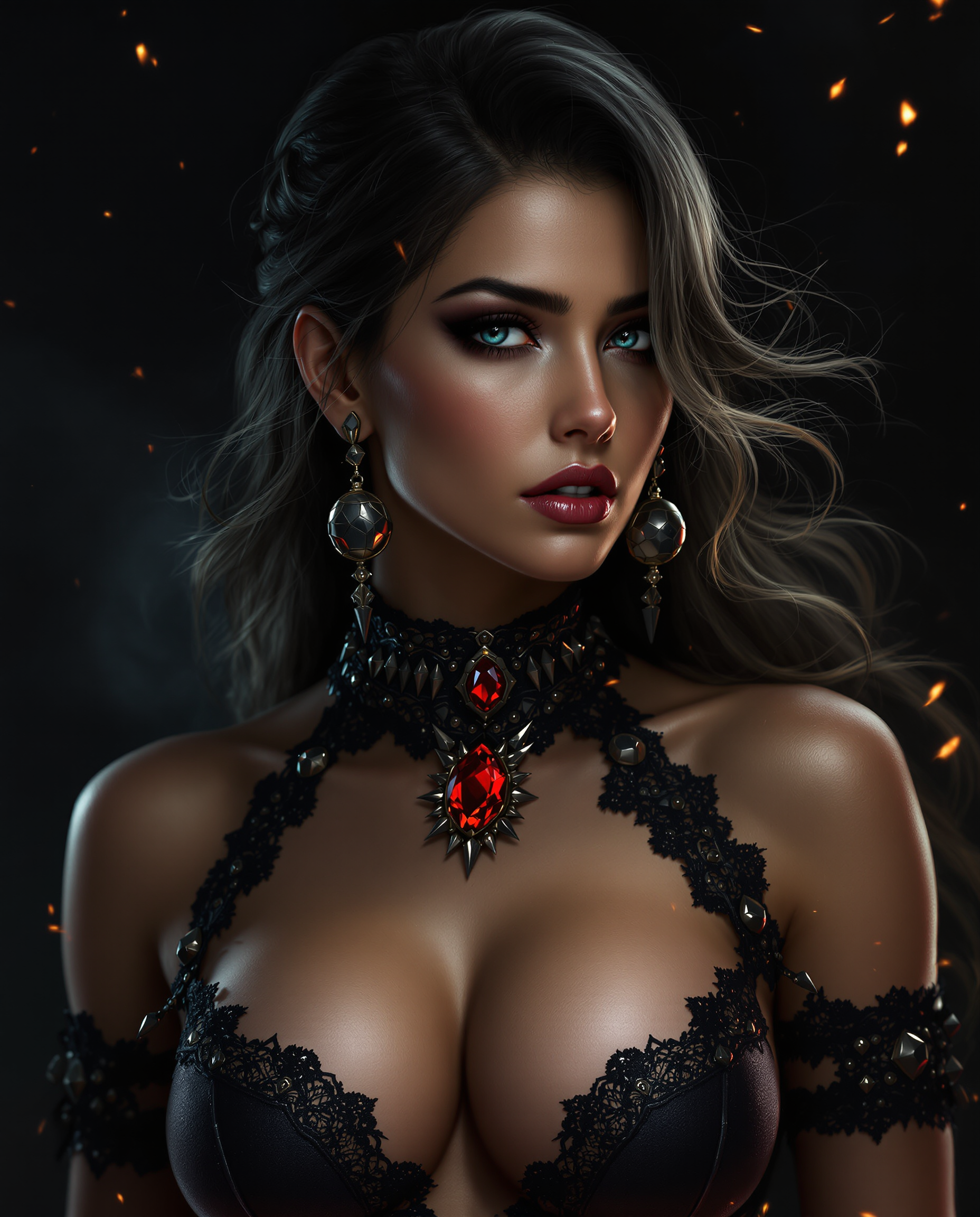
This is a realistic photo photograph of a female real person closeup digital artwork that…
flux
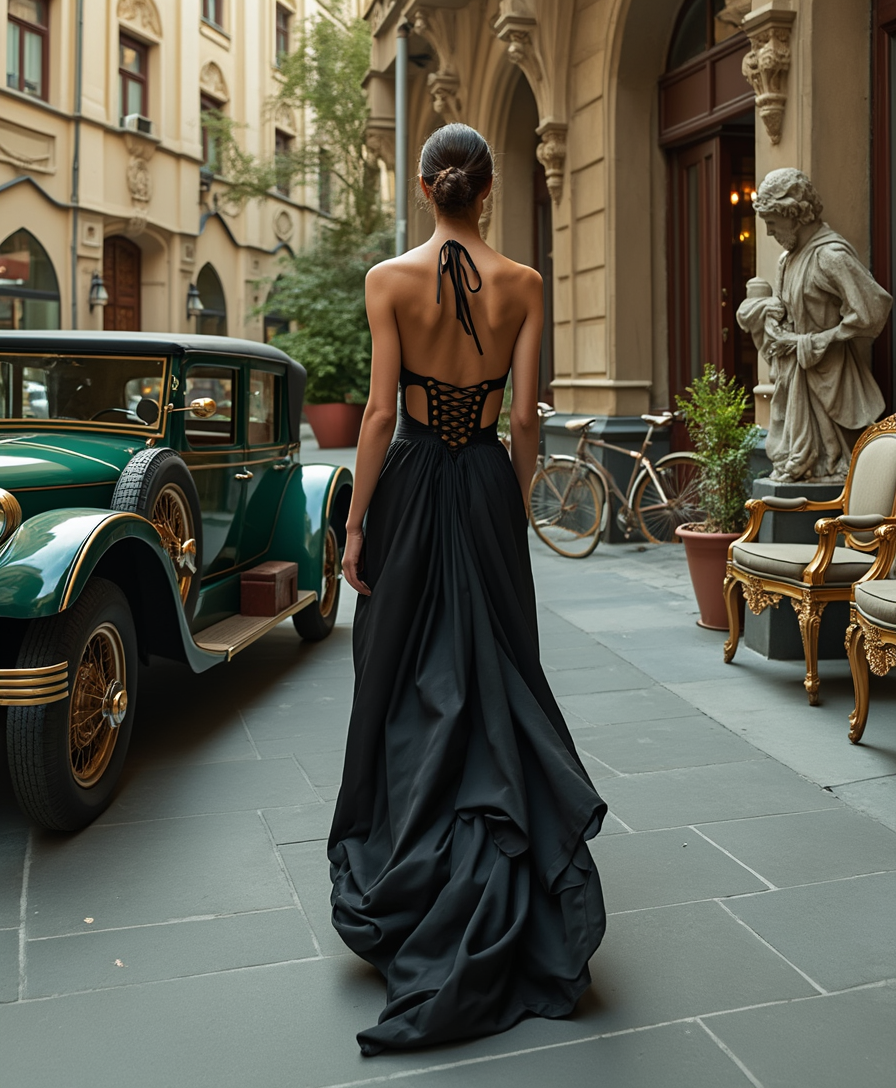
In a Victorian era style
flux
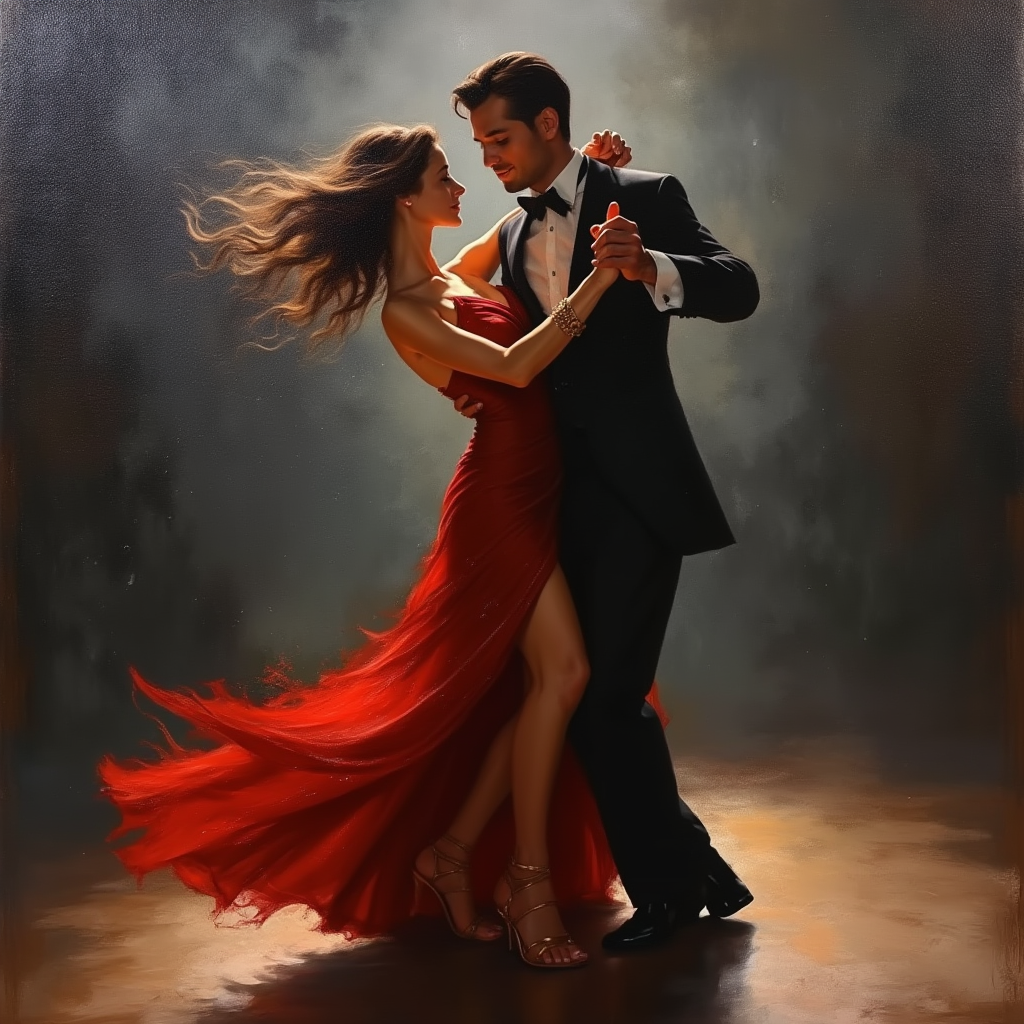
Create an oil painting showcasing a passionate tango dance between a man and a woman in a…
flux
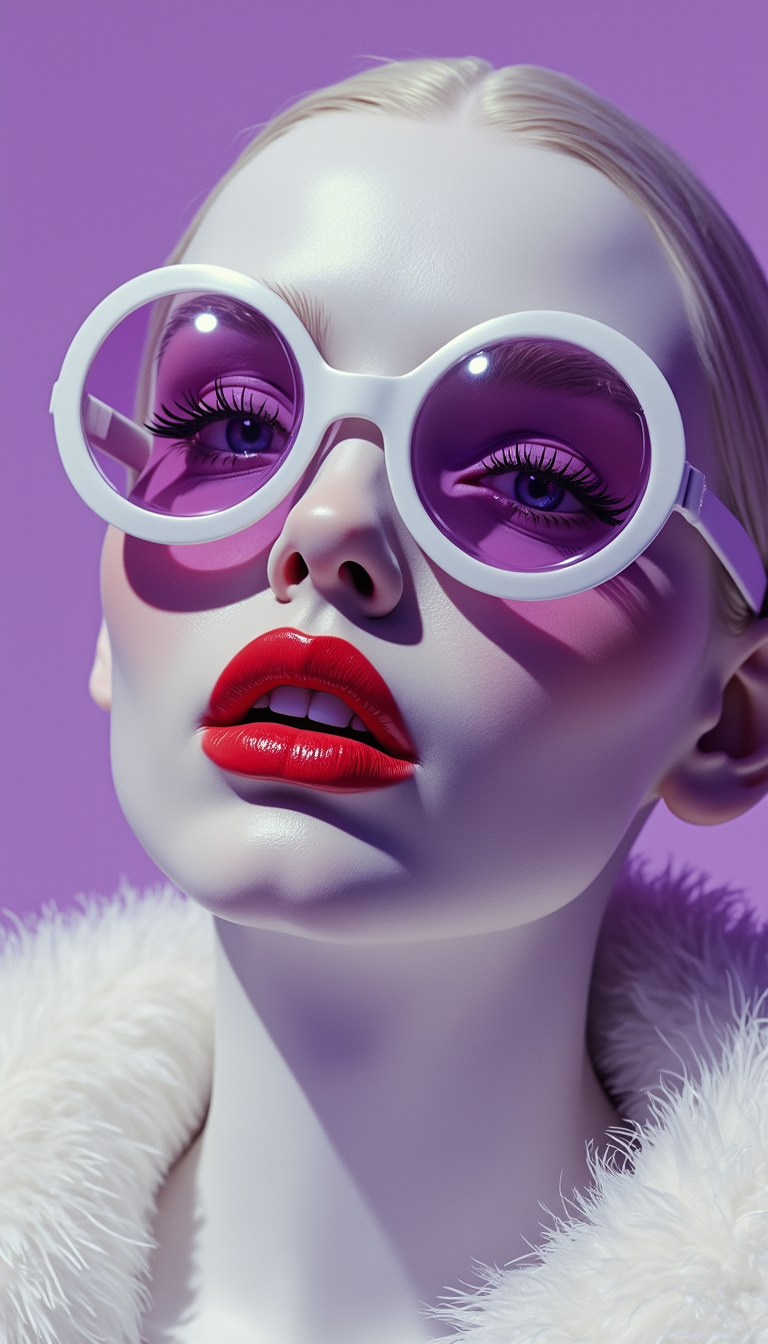
Highly stylized
flux
Models you can run on PixelDojo for model poser
Switch models without switching tools. Each one runs in the same PixelDojo studio.
What you can do with model poser on PixelDojo
Real Time Pose Adjustment
We enable precise control over model postures during setup.
Multi Model Scene Building
Creators arrange several models together before generating images.
Custom Camera Perspectives
We allow selection of different viewpoints for each generation.
Pose Preset Library
Access saved poses to apply quickly to new models.
Join over 10,000 creators who have generated more than 1 million models using PixelDojo's AI tools, achieving a 98% satisfaction rate.
Why Choose Pixel Dojo for model poser
Professional-quality results with cutting-edge AI technology
Effortless Pose Generation
Create complex model poses in minutes, significantly reducing your project timelines.
User-Friendly Interface
No coding skills required—our intuitive tools make model pose generation accessible to everyone.
High-Quality Outputs
Produce images with exceptional detail and accuracy, suitable for professional use.
How It Works
Creating dynamic model poses with PixelDojo is a straightforward process:
Step 1: Choose Your Tool
Select the appropriate AI tool from PixelDojo's suite, such as Flux Creator or Imagen 3.
Step 2: Enter Your Prompt
Input a detailed description of the pose you wish to create. The more specific your prompt, the better the results.
Step 3: Customize & Download
Review the generated image, make any necessary adjustments, and download the final output.
The Pixel Dojo Advantage
Why PixelDojo outperforms other options for AI model pose generation:
| Others | Pixel Dojo |
|---|---|
| Traditional Model Posing | Eliminates the need for manual posing, saving time and resources. |
| Generic AI Tools | Offers specialized tools tailored for high-quality pose generation. |
| Manual Photo Editing | Provides automated solutions that surpass the capabilities of manual editing. |
Loved by creators on PixelDojo
Real feedback from people using PixelDojo, pulled from our in-product surveys.
I love this app
It has all the tools I can think of...
deployment rate of splendid features is incredible. Legend
large selection of tools on one platform
the amount you can do on this site
all in one place
Explore more AI tools on PixelDojo
AI Tools
Compare & Switch
- Best AI Image Generators
- Best AI Video Generators
- Midjourney Alternatives
- Civitai Alternatives
- Runway Alternatives
- Leonardo Alternatives
- Pika Alternatives
- Luma Alternatives
- Magnific Alternatives
- Veo Alternatives
- Flux Alternatives
- Freepik Alternatives
- Seedance Alternatives
- Seedream Alternatives
- Pixverse Alternatives
- GPT Image Alternatives
- Synthesia Alternatives
- Playground Alternatives
- NightCafe Alternatives
- Canva AI Alternatives
- ElevenLabs Alternatives
- ComfyUI Alternatives
- Fal Alternatives
- Replicate Alternatives
Common Questions
Everything you need to know about model poser
How does PixelDojo's AI model poser work?
PixelDojo's AI model poser uses advanced algorithms to interpret your text prompts and create corresponding poses. Simply input a description, and the AI will generate an image that matches your specifications.
Do I need any technical skills to use PixelDojo's tools?
No, PixelDojo's tools are designed with a user-friendly interface that requires no coding or technical expertise. Anyone can create model poses with ease.
Can I customize the generated poses?
Yes, after the initial generation, you can make adjustments to refine the pose to your liking before downloading the final version.
What file formats are available for download?
You can download your images in various formats, including .jpg and .png, ensuring compatibility with different platforms.
Is there a limit to the number of poses I can create?
With our subscription plans, you have access to unlimited pose generation, allowing you to create as many images as you need.
How does PixelDojo ensure the quality of generated poses?
Our AI tools are trained on extensive datasets to produce high-quality, accurate images that meet professional standards.