nano banana 2 generator

Generated on PixelDojo. Produced by PixelDojo's generation pipeline.
You can now produce studio-quality photorealistic images, data-driven infographics with perfectly rendered text, and entire visual campaigns featuring unwavering character consistency – all from a simple description. PixelDojo's Nano Banana 2 generator puts Google's fastest high-fidelity image model at your fingertips so you skip expensive photoshoots, lengthy design cycles and inconsistent results. Marketers launch campaigns faster, storytellers maintain character identity across dozens of scenes, product teams generate catalog-ready shots, and educators turn notes into clear diagrams. Combine Nano Banana 2 with Flux.2 Studio, GPT Image 2 or Image to Image editing and you move from concept to polished 4K asset in minutes instead of days. Thousands of creators already rely on these outcomes every day because the results look real, the text stays readable, and you keep full commercial rights.
Real image examples generated on PixelDojo
Every example below was produced on PixelDojo. Hover to see the prompt.
A nano banana
google-gemini-image

A nano banana
google-gemini-image
A nano banana
image-to-video
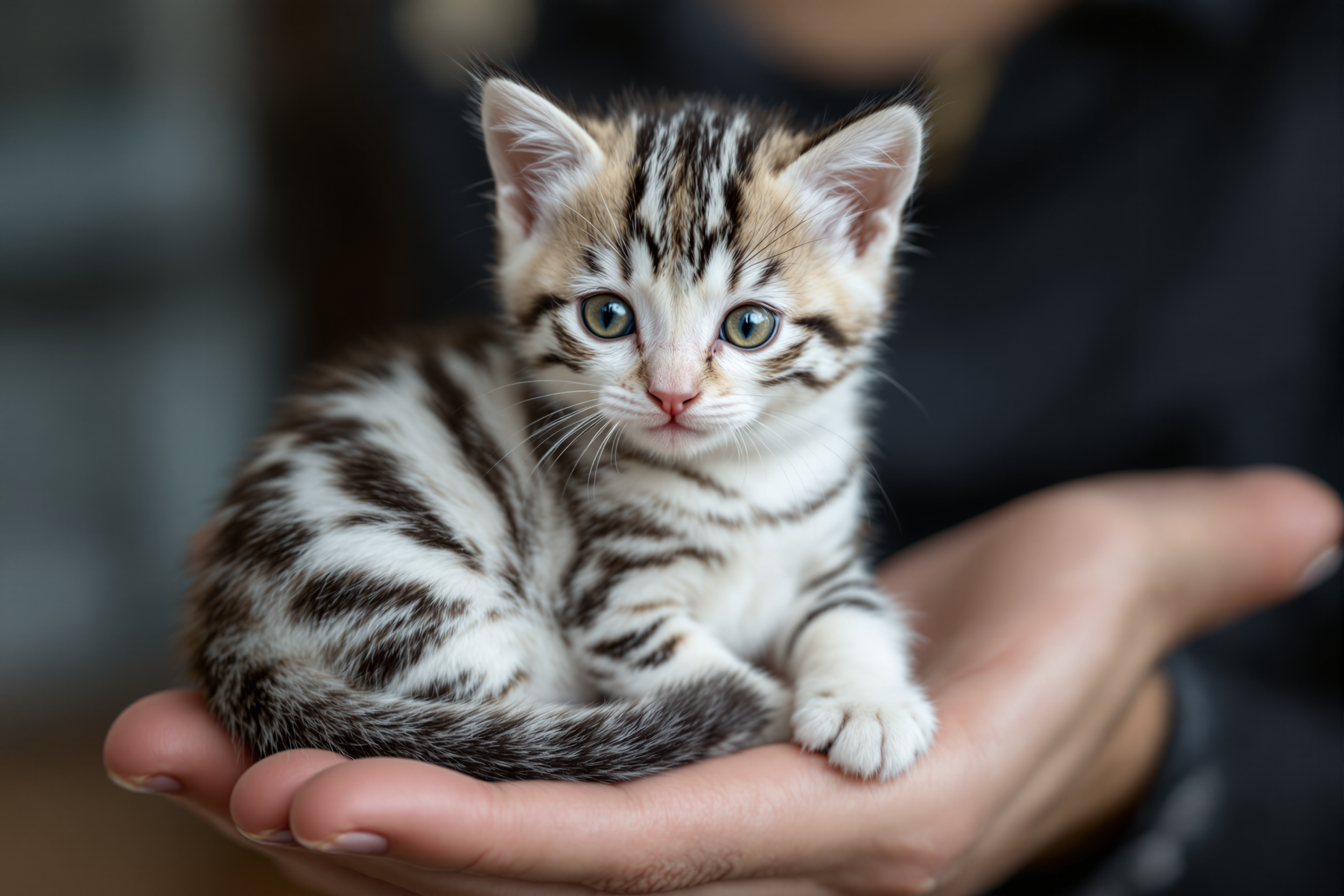
Create image of the cutest bleach white kitten with many many lots black stripes like a st…
flux
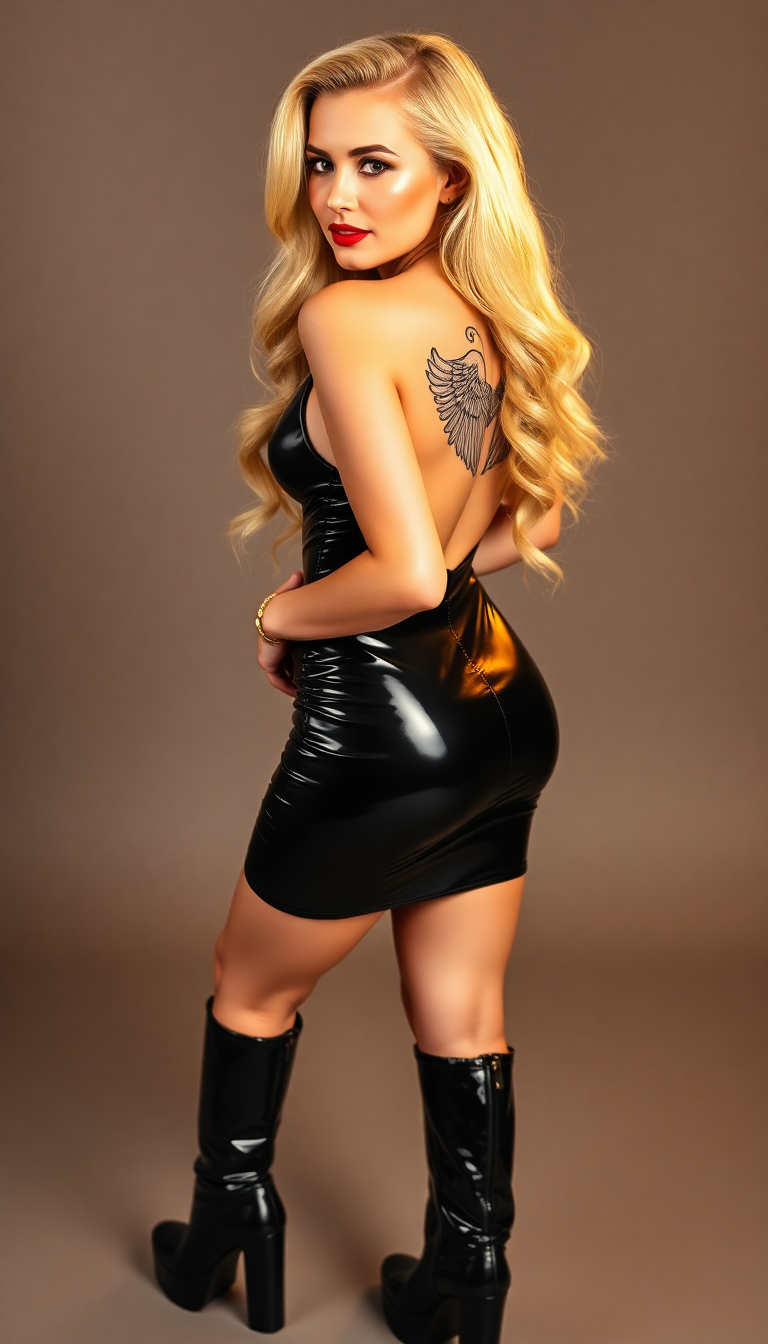
A captivating 21-year-old pin-up girl
flux
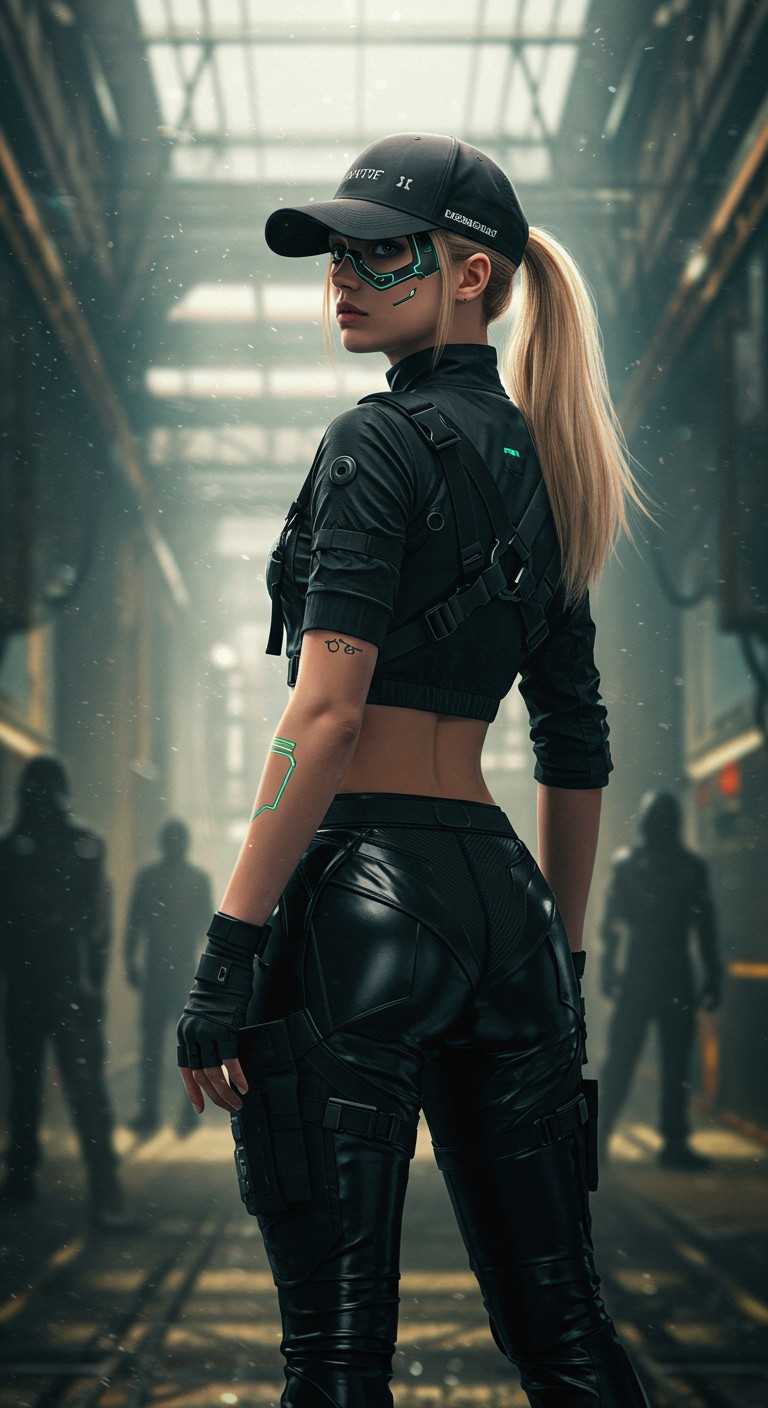
"Cyberpunk-inspired young woman with an athletic build
imagen
Models you can run on PixelDojo for nano banana 2 generator
Switch models without switching tools. Each one runs in the same PixelDojo studio.
What you can do with nano banana 2 generator on PixelDojo
Text to Image
We turn your prompts into still images with Nano Banana 2. You can iterate on wording and regenerate until the frame matches what you need.
Style and Subject Control
We let you steer look, lighting, and subject so outputs stay on-brief. Creators can keep a consistent visual direction across a set of images.
Variations and Quick Edits
We generate alternate takes from a strong result so you can compare options. You can refine a chosen image without starting from a blank prompt.
Creator-Ready Exports
We provide downloads you can drop into decks, posts, and production files. You keep the images you generate for your own projects on PixelDojo.
Loved by thousands of creators worldwide | 4.9/5 average rating from 12,000+ reviews | Over 5 million images generated this month | Trusted by e-commerce stores, agencies and independent artists | 40+ cutting-edge AI tools, cancel anytime
Why Choose Pixel Dojo for nano banana 2 generator
Professional-quality results with cutting-edge AI technology
Photorealistic Images Ready in Seconds
You generate magazine-quality photographs, product shots and lifestyle scenes that look indistinguishable from real camera work, complete with natural lighting, rich textures and accurate details – no studio or photographer required.
Crystal-Clear Text & Instant Infographics
You produce posters, diagrams, localized ads and data visualizations where every letter is sharp and correctly spelled, then instantly translate the same visual into multiple languages while keeping the design intact.
Unbreakable Character Consistency Across Campaigns
You keep the same five characters and fourteen objects looking identical from first storyboard frame to final social post, so your brand story never drifts and your audience always recognizes the faces they love.
How It Works
Creating professional Nano Banana 2 images on PixelDojo takes three straightforward steps. You stay in natural language the entire time – no technical jargon or complex software needed.
Step 1: Choose Your Tool
Log into PixelDojo and open the Generate Images section. Select Nano Banana 2 as your primary model. For extra variety you can also pick Flux.2 Studio, Seedream 5 or GPT Image 2 in the same workspace. If you already have reference photos, switch to Image to Image or Inpainting so the AI builds on your existing assets instead of starting from scratch.
Step 2: Enter Your Prompt
Describe exactly what you want in everyday sentences: subject, action, lighting, camera angle and mood. Example: “A young chef in a white apron plating a gourmet dessert on a marble counter, golden hour window light, 85mm lens, shallow depth of field, photorealistic.” Upload up to four reference images if you need a specific person, product or style. Nano Banana 2 understands the request holistically and returns 1K, 2K or 4K results in seconds.
Step 3: Customize & Download
Review the generated image. Use Change Camera Angle, Style Transfer, Magic Lighting or Reality Polisher for instant refinements. Upscale to 4K with P-Image Upscale or Magnific Upscaler if needed. When you are happy, download the high-resolution file with full commercial license. You can also send the same character into Kling Video or WAN 3.0 to turn stills into motion.
The Pixel Dojo Advantage
Why PixelDojo outperforms other options for nano banana 2 generator image generation
| Others | Pixel Dojo |
|---|---|
| Traditional photography and design | You skip location scouting, model fees, studio rentals and days of post-production. Nano Banana 2 plus Flux.2 Studio delivers the same photorealistic quality in under a minute at a fraction of the cost. |
| Generic AI tools | You get Google’s latest Nano Banana 2 model with native 4K, perfect text rendering, five-character consistency and web-grounded accuracy – plus 40 additional specialized tools like Ideogram 4, Recraft V4.1 and Seedream 5 all in one dashboard. |
| Manual photo editing | You replace hours of masking, compositing and retouching with a single sentence. Image to Image, Inpainting and Reality Polisher handle complex changes while keeping lighting and identity perfectly intact. |
Loved by creators on PixelDojo
Real feedback from people using PixelDojo, pulled from our in-product surveys.
Prompt updates, strong features, and a community that is always willing to help and hear/act on professional feedback. I've never had a better experience.
user friendly all in one thing
I really like the schedule of AI work performed!
The best tools for IA on the web !
The guy that operates the website is constantly updating it
I’ve been using PixelDojo for around 8 months now and it’s always worked wonderfully while constantly adding features.
Explore more AI tools on PixelDojo
AI Tools
Compare & Switch
- Best AI Image Generators
- Best AI Video Generators
- Midjourney Alternatives
- Civitai Alternatives
- Runway Alternatives
- Leonardo Alternatives
- Pika Alternatives
- Luma Alternatives
- Magnific Alternatives
- Veo Alternatives
- Flux Alternatives
- Freepik Alternatives
- Seedance Alternatives
- Seedream Alternatives
- Pixverse Alternatives
- GPT Image Alternatives
- Synthesia Alternatives
- Playground Alternatives
- NightCafe Alternatives
- Canva AI Alternatives
- ElevenLabs Alternatives
- ComfyUI Alternatives
- Fal Alternatives
- Replicate Alternatives
Common Questions
Everything you need to know about nano banana 2 generator
What is the nano banana 2 generator and how does it work on PixelDojo?
Nano Banana 2 is Google’s latest fast, high-fidelity image model (Gemini 3.1 Flash Image). On PixelDojo you simply select it inside Generate Images, type a natural-language description or upload references, and receive photorealistic 1K–4K results in seconds. You can then refine with Image to Image, Inpainting, Style Transfer or upscale with Magnific Upscaler. Everything stays inside one account with 40+ complementary tools.
How do I create consistent characters with the nano banana 2 generator?
Upload one or more photos of your character, then prompt Nano Banana 2 to keep identity, clothing and features locked across every new scene. The model maintains up to five unique people and fourteen objects in a single workflow. Pair it with Consistent Characters or Character Sheets tools for even tighter control, then export the same faces into Kling Video or WAN 3.0 for animation.
What are the best prompting techniques for nano banana 2 AI images?
Write full sentences instead of keyword lists. Start with the subject, then add action, location, lighting, camera details and mood. Quote any text you want rendered exactly. Example: “A vintage red bicycle leaning against a cobblestone wall in Paris at blue hour, 35mm film look, soft rain reflections.” Iterate conversationally with follow-up edits rather than starting over. PixelDojo’s Image Analyzer can even suggest improvements.
Can I edit existing photos using the nano banana 2 generator on PixelDojo?
Yes. Switch to Image to Image or Inpainting, upload your photo plus optional extra references, and describe the change in plain English – “replace the background with a tropical beach at sunset while keeping my pose and clothing identical.” Nano Banana 2 preserves lighting, perspective and identity far better than traditional editors. Finish with Background Remover or Reality Polisher for a polished result.
What resolutions and aspect ratios does the nano banana 2 generator support?
You choose 512px, 1K, 2K or native 4K output plus ten aspect ratios from 21:9 cinematic to 9:16 vertical plus Auto framing. PixelDojo’s P-Image Upscale and Magnific Upscaler can push any result even higher if you need print or billboard quality. All files download ready for social, web or commercial print.
Is the nano banana 2 generator free to try and can I cancel anytime?
PixelDojo lets you start creating immediately with Nano Banana 2 and 40+ other models. You only pay for the generations you actually use. There are no long-term contracts – cancel anytime with one click. Thousands of creators already produce professional work this way because the risk is zero and the quality is production-ready from the first image.