nano banana edit AI Generator

Generated on PixelDojo. Produced by PixelDojo's generation pipeline.
Imagine turning your everyday photos into jaw-dropping, professional-quality nano banana edits that look like they took hours of expert work – but actually take just seconds. With PixelDojo you upload a picture of your pet, family member or product and describe the change in plain language. Instantly you get a tiny collectible figurine sitting on a gift-wrapped desk, a perfectly blended family portrait that never happened, or a product shot that looks studio-ready. You keep every facial feature, fur texture and brand detail exactly the same while the rest of the scene transforms around it. No more fighting inconsistent faces or mismatched lighting. PixelDojo’s Nano Banana 2 together with Image to Image, Inpainting and Style Transfer lets you achieve the precise, photorealistic control that used to require expensive software and years of practice. Whether you want to place yourself in a vintage magazine cover, restyle your living room with new furniture, or create a series of matching character sheets for a story, you walk away with share-ready images that feel personal and polished. Thousands of creators already use these tools daily to produce social posts, marketing assets and personal keepsakes that stand out. You can start today, experiment freely and cancel anytime – the only limit is your imagination.
Real image examples generated on PixelDojo
Every example below was produced on PixelDojo. Hover to see the prompt.
A nano banana
google-gemini-image

A nano banana
google-gemini-image
A nano banana
image-to-video
A macro close-up shot of a tiny yellow nano banana curved with stem upright
image-to-video
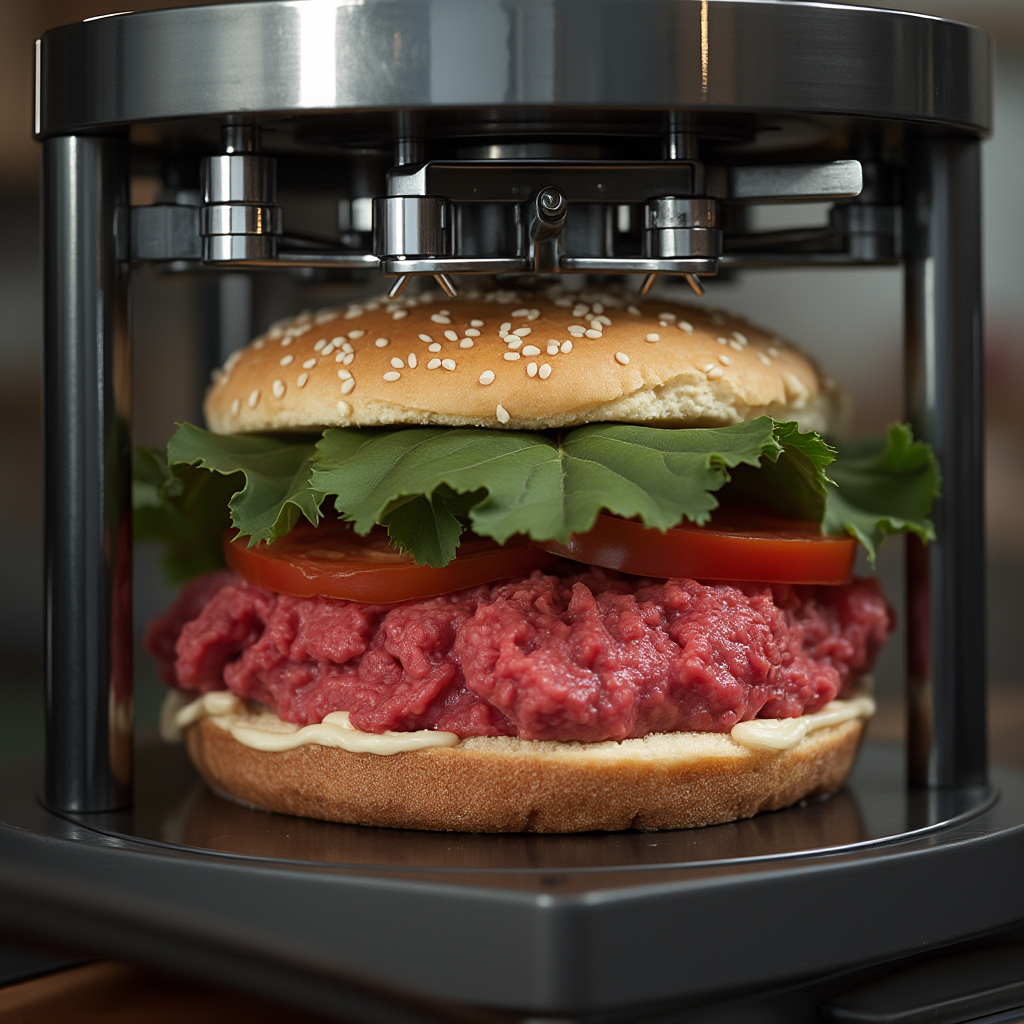
An atomic replicator creating a beef wellington
flux
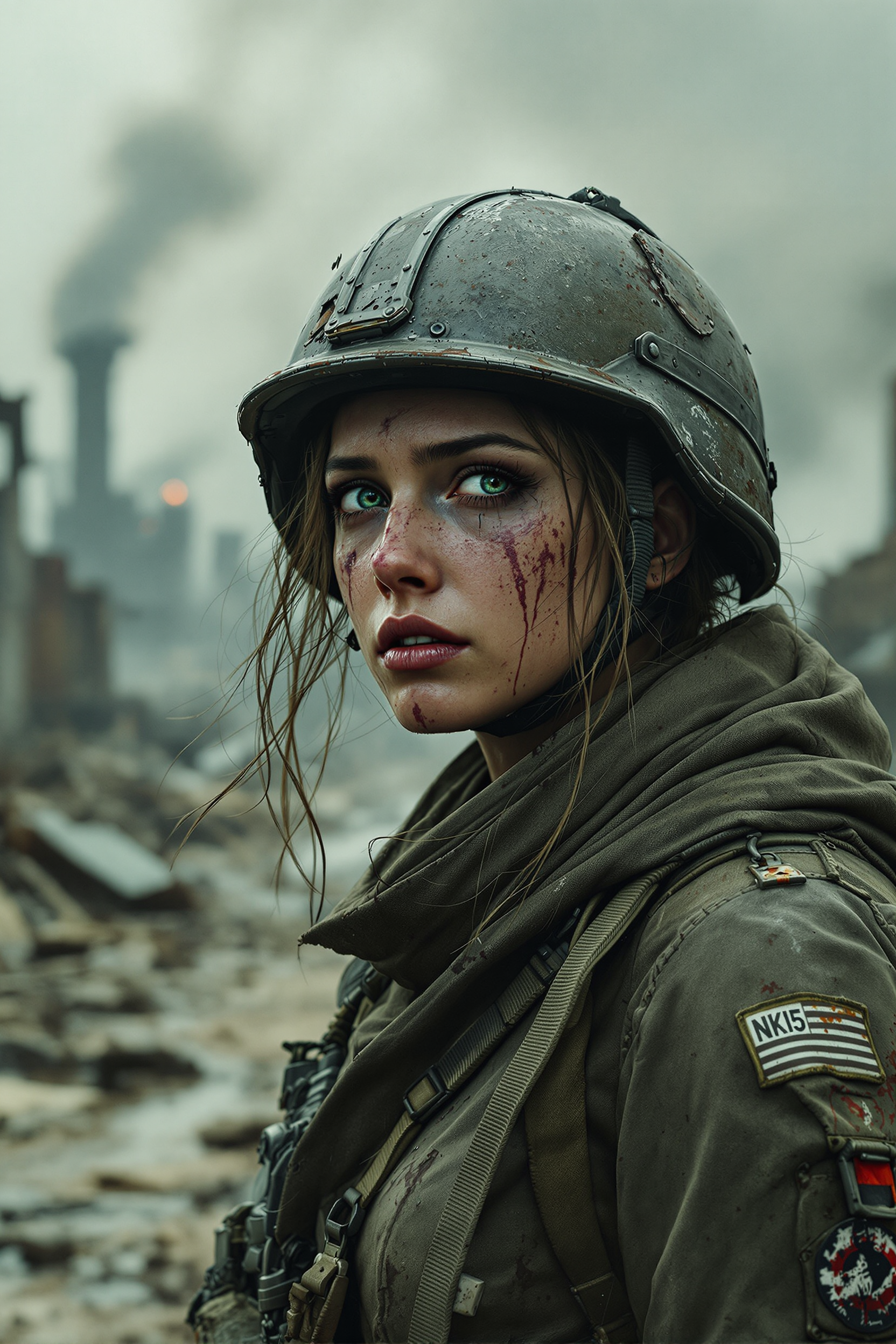
A battle-weary female soldier stands amidst a desolate
flux
Models you can run on PixelDojo for nano banana edit
Switch models without switching tools. Each one runs in the same PixelDojo studio.
What you can do with nano banana edit on PixelDojo
Prompt-Based Local Edits
We apply Nano Banana edits to the area you specify so you can change objects, outfits, or backgrounds without regenerating the whole image.
Keep Scene Consistency
We preserve lighting, composition, and subject identity across passes so successive edits stay aligned with the original frame.
Iterate In One Workspace
We queue multiple Nano Banana variants from the same source so you can compare options and pick a direction quickly.
Export For Production Use
We deliver finished stills in standard resolutions and formats you can drop into posts, decks, and design files.
Trusted by over 75,000 creators worldwide with a 4.9/5 average rating. More than 2 million nano banana-style images generated last month alone. Loved by marketers, hobbyists and small businesses who cancel anytime after seeing results.
Why Choose Pixel Dojo for nano banana edit
Professional-quality results with cutting-edge AI technology
Keep Faces and Pets Perfectly Consistent
You never lose the unique look of a person or animal. Upload one photo and generate dozens of new scenes, outfits or styles while every wrinkle, smile and whisker stays identical. Perfect for character sheets, family collages or branded campaigns that feel authentic.
Blend Multiple Photos Into One Seamless Scene
Drop in several images and watch PixelDojo fuse them into a single photorealistic picture. Place a new sofa into your living room, add missing relatives to a group shot or create product mock-ups that look like they were photographed together. Lighting and shadows match automatically so nothing looks pasted on.
Change One Tiny Detail Without Touching Anything Else
Need the sofa a different color, the sky turned to night, or a logo swapped on a t-shirt? Nano Banana 2 plus Inpainting and Magic Lighting lets you target exactly that element. The rest of the photo stays pixel-perfect, giving you the control of a professional retoucher in a single sentence.
How It Works
Creating professional nano banana edits on PixelDojo is as simple as chatting with a friend. You pick the right tool, describe what you want and refine until it is perfect – all inside one browser tab.
Step 1: Choose Your Tool
Open PixelDojo and select Nano Banana 2 for generation or Image to Image for editing an existing photo. Upload one or more pictures – a portrait, a product shot or even a sketch. The platform automatically prepares them for consistent, high-fidelity results.
Step 2: Enter Your Prompt
Type a natural-language instruction such as “Turn this golden retriever into a 1/7 scale collectible figurine sitting on a wooden desk next to unwrapped birthday packaging” or “Blend these two family photos so everyone is together at a sunny picnic, keeping every face identical.” Add extra details like lighting, camera angle or style. Nano Banana 2 understands context and world knowledge so even simple words produce studio-quality output.
Step 3: Customize & Download
Fine-tune with Inpainting to fix a small area, Style Transfer to apply a new artistic look, Magic Lighting to change day into night, or Change Camera Angle for a fresh viewpoint. Use Background Remover or Reality Polisher if needed. When you are happy, download in high resolution ready for social media, print or client delivery. Iterate as many times as you like – there is no extra charge per generation.
The Pixel Dojo Advantage
Why PixelDojo outperforms other options for nano banana edit image generation
| Others | Pixel Dojo |
|---|---|
| Traditional photo-editing software | You skip hours of layers, masks and color matching. PixelDojo delivers the same professional consistency and blending in one prompt, so you finish campaigns and personal projects the same afternoon you start them. |
| Generic AI image tools | Most tools change faces or lighting every time you generate. PixelDojo’s Nano Banana 2 plus dedicated Inpainting, Style Transfer and Magic Lighting keep every detail locked while giving you 40+ specialized editors in one place. |
| Manual photo editing | You no longer need years of training or expensive plugins. Describe the exact change you want – new background, different outfit, added text – and PixelDojo handles the rest, letting you focus on ideas instead of pixels. |
Loved by creators on PixelDojo
Real feedback from people using PixelDojo, pulled from our in-product surveys.
Great for all your ideas use it encourage more people to use it
Because it is awesome
exceptional quality and great overall design of platform and interface. very intuative. love the creative freedom.
Qwen image 2 is amazing!!
Creative freedom, range of tools and options.
I love the training feature
Explore more AI tools on PixelDojo
AI Tools
Compare & Switch
- Best AI Image Generators
- Best AI Video Generators
- Midjourney Alternatives
- Civitai Alternatives
- Runway Alternatives
- Leonardo Alternatives
- Pika Alternatives
- Luma Alternatives
- Magnific Alternatives
- Veo Alternatives
- Flux Alternatives
- Freepik Alternatives
- Seedance Alternatives
- Seedream Alternatives
- Pixverse Alternatives
- GPT Image Alternatives
- Synthesia Alternatives
- Playground Alternatives
- NightCafe Alternatives
- Canva AI Alternatives
- ElevenLabs Alternatives
- ComfyUI Alternatives
- Fal Alternatives
- Replicate Alternatives
Common Questions
Everything you need to know about nano banana edit
What is a nano banana edit and how does PixelDojo make it easy?
A nano banana edit is a precise, natural-language image transformation that keeps original subjects looking identical while changing scenes, styles or details. PixelDojo makes it easy by combining Nano Banana 2 generation with Image to Image, Inpainting and Style Transfer so you simply upload a photo, type what you want and receive photorealistic results in seconds. You can iterate conversationally until every lighting and texture match is perfect.
Can I keep character consistency across multiple nano banana edits?
Yes. PixelDojo’s Nano Banana 2 is built for this exact outcome. Upload one reference photo of a person or pet and generate unlimited new images – different outfits, locations or even figurine versions – while facial features, fur patterns and expressions stay locked. Pair it with Character Sheets or Consistent Characters tools for even larger sets of matching assets.
How do I blend several photos into one nano banana style composite?
Select Image to Image or Nano Banana 2, upload two to five source pictures and write a prompt such as “Combine these family photos into a single picnic scene with matching lighting.” PixelDojo automatically aligns perspectives, shadows and colors so the result looks like it was shot together. Follow up with Magic Lighting or Reality Polisher for extra polish.
Which PixelDojo tools work best for pixel-perfect local nano banana edits?
Inpainting lets you change only the sofa color or remove an object while everything else stays untouched. Magic Lighting adjusts time of day or adds dramatic shadows. Style Transfer applies a new artistic look to just one element. Combine them with Nano Banana 2 for the most accurate, professional-grade local edits you can achieve without traditional software.
Can I create product mock-ups and marketing images with nano banana editing?
Absolutely. Upload your product photo plus a lifestyle background, then prompt PixelDojo to place the item naturally into the scene with correct lighting and shadows. Add legible text, change camera angles or generate matching packaging using Nano Banana 2, Flux.2 Studio and Image Outpainting. Thousands of small businesses already use these workflows for ads, social posts and e-commerce listings.
Is there a free way to try nano banana edits on PixelDojo?
Yes. PixelDojo offers 40+ cutting-edge AI tools including Nano Banana 2 with a generous free trial. You can generate and edit images immediately, see the quality for yourself and upgrade only if you love the results. Cancel anytime – no long-term commitment required.