nano banana pro AI Generator

Generated on PixelDojo. Produced by PixelDojo's generation pipeline.
You can now produce magazine-cover posters with perfectly spelled headlines in any language, photorealistic product shots that look like they came from a real photoshoot, and entire visual campaigns where your brand character never changes appearance. PixelDojo puts Nano Banana Pro power in your hands so you generate print-ready 4K images, viral thumbnails and data-accurate infographics in minutes instead of days. No studio rental, no models, no complex software. You simply describe what you want and watch professional results appear. Combine Nano Banana 2 with Image to Image, Inpainting, Change Camera Angle, Magic Lighting, Consistent Characters and P-Image Upscale to refine every detail until it converts viewers into customers. Thousands of creators already use these tools daily to launch products faster, grow social followings and close more sales. Start creating today and cancel anytime.
Real image examples generated on PixelDojo
Every example below was produced on PixelDojo. Hover to see the prompt.
A nano banana
google-gemini-image

A nano banana
google-gemini-image
A nano banana
image-to-video
A macro close-up shot of a tiny yellow nano banana curved with stem upright
image-to-video
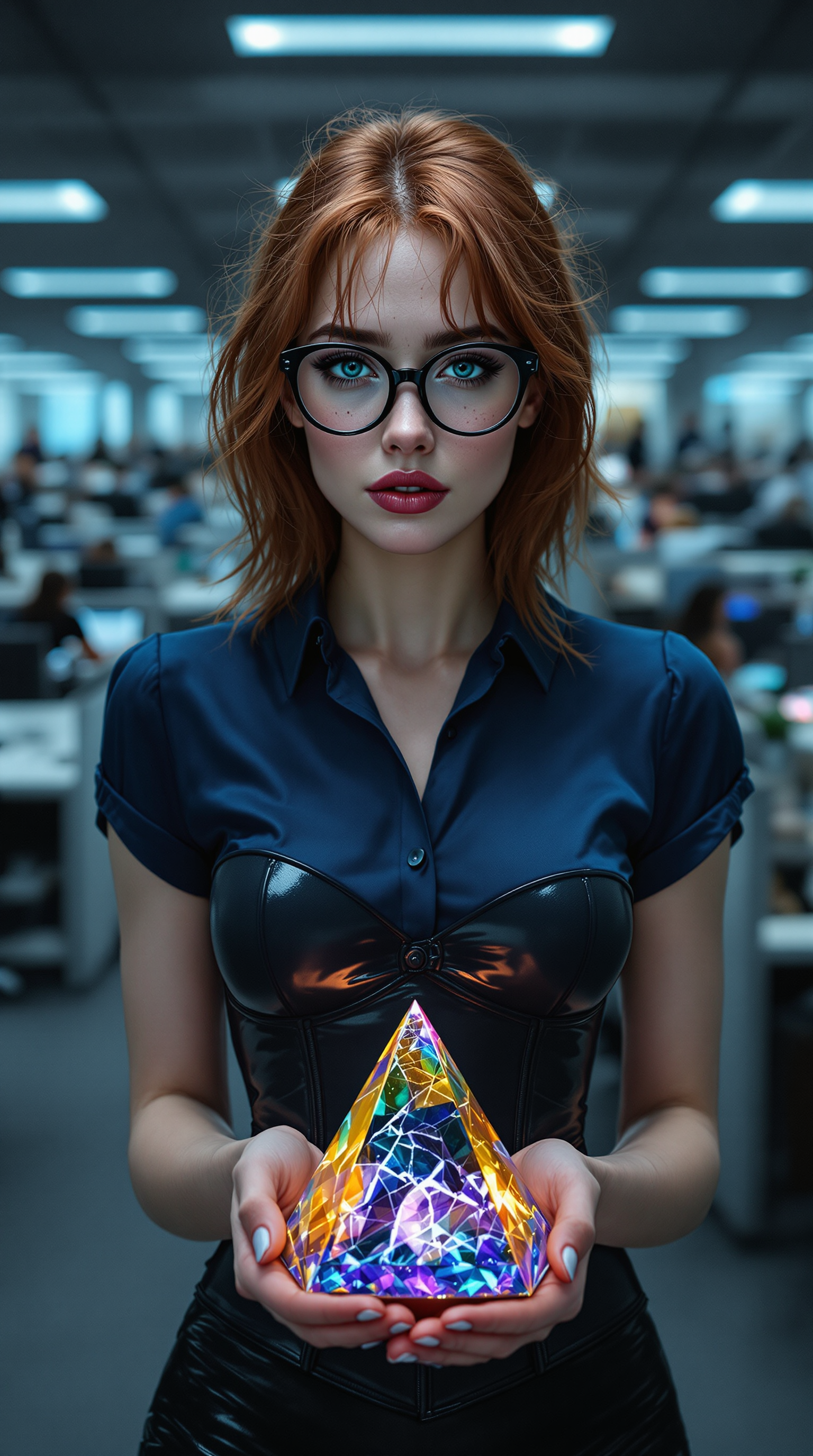
A strikingly beautiful woman in her late 20s
flux
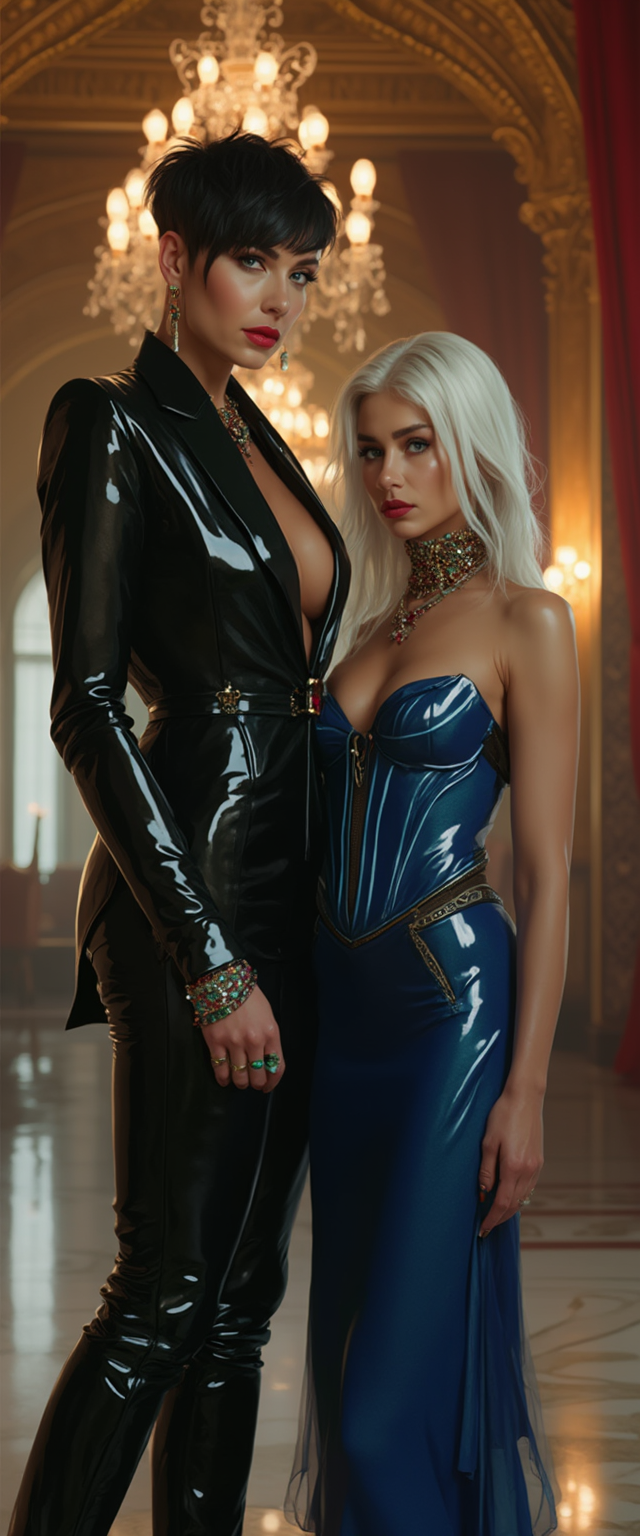
A breathtaking portrait of wrestler Becky Lynch and a striking white-haired woman
flux
Models you can run on PixelDojo for nano banana pro
Switch models without switching tools. Each one runs in the same PixelDojo studio.
What you can do with nano banana pro on PixelDojo
Prompt to Finished Image
We run Nano Banana Pro on PixelDojo so you can turn a written brief into stills for ads, storyboards, and product mockups.
Control Look and Layout
We give you prompt and parameter controls for style, lighting, and framing so each batch stays on-brief.
Iterate Without Switching Tools
We keep variations, regenerations, and crops in one workspace so you can refine a shot before you export.
Exports for Everyday Work
We output images at common aspect ratios you can drop into posts, decks, and client files.
Loved by thousands of creators worldwide. 40+ cutting-edge AI tools in one platform. Join the community generating professional visuals every day. Cancel anytime.
Why Choose Pixel Dojo for nano banana pro
Professional-quality results with cutting-edge AI technology
Flawless Text That Sells
You create posters, ads and infographics with sharp, correctly spelled text in multiple languages. Headlines stay perfectly legible even at 4K. Pair Nano Banana 2 with Image Analyzer and Background Remover so your marketing assets look agency-made and drive clicks immediately.
Characters That Never Change
Your spokesperson or mascot looks identical across unlimited images. Upload references to Nano Banana 2 then lock identity with Consistent Characters and Character Sheets. You build cohesive ad series, storyboards and social campaigns that strengthen brand recognition without recasting.
Photorealistic 4K Without a Studio
Generate images that mimic real phone photography or professional cameras complete with natural lighting, skin texture and physics. Follow with Portrait Upscaler or Magnific Upscaler. You get scroll-stopping content that looks expensive but costs a fraction of a traditional shoot.
How It Works
Creating nano banana pro images on PixelDojo takes three simple steps. You go from idea to downloadable 4K masterpiece using Nano Banana 2 plus complementary editing and upscaling tools.
Step 1: Choose Your Tool
Log into PixelDojo and open Generate Images. Select Nano Banana 2 for Nano Banana Pro quality including 4K output, advanced reasoning and superior text rendering. Upload reference photos if you need character consistency. You can also explore Flux.2 Studio or Seedream 5 for extra style options. This choice gives you professional-grade results from the first generation.
Step 2: Enter Your Prompt
Write a natural-language prompt that includes subject, action, scene, camera and lighting. Example: 'Photorealistic 16:9 4K poster of a confident entrepreneur in a sunlit modern office holding a tablet, golden hour lighting, 85mm lens, visible skin texture, bold clean text overlay Scale Faster in 2026'. The model reasons through composition and physics before rendering. Stay conversational for follow-up edits.
Step 3: Customize & Download
Generate then refine with Edit Images tools: Inpainting for local changes, Change Camera Angle for new viewpoints, Magic Lighting or Style Transfer for mood. Use Face Swap or LoRA Face Swap for portraits. Upscale with P-Image Upscale, Clarity Pro or Creative Upscaler. Download the finished 4K file ready for print or social. You can even feed it into Marketing Studio or Kling Video for motion.
The Pixel Dojo Advantage
Why PixelDojo outperforms other options for nano banana pro image generation
| Others | Pixel Dojo |
|---|---|
| Traditional photography and design studios | You eliminate studio fees, model bookings and multi-day shoots. Generate unlimited 4K variations in minutes using Nano Banana 2, then polish with Inpainting and Magic Lighting at a fraction of the cost. |
| Generic AI image tools | PixelDojo combines Nano Banana 2 with 40+ specialized tools including Consistent Characters, Change Camera Angle, Reality Polisher and multiple upscalers. You get better text, identity lock and a complete workflow that standalone generators lack. |
| Manual photo editing software | Replace hours of layer work with simple text instructions. Change lighting, camera angle or background instantly while keeping photorealism. PixelDojo’s natural-language edits plus upscalers deliver professional results without the learning curve. |
Loved by creators on PixelDojo
Real feedback from people using PixelDojo, pulled from our in-product surveys.
A well resourced sunscription with attention to updates.
Easy to use and there's lots of options.
super lora download
Great variety of tools to create and modify images and video.
Lots of Tools, and the one time I needed support I got help right away
Easy to use once you get the hang of it
Explore more AI tools on PixelDojo
AI Tools
Compare & Switch
- Best AI Image Generators
- Best AI Video Generators
- Midjourney Alternatives
- Civitai Alternatives
- Runway Alternatives
- Leonardo Alternatives
- Pika Alternatives
- Luma Alternatives
- Magnific Alternatives
- Veo Alternatives
- Flux Alternatives
- Freepik Alternatives
- Seedance Alternatives
- Seedream Alternatives
- Pixverse Alternatives
- GPT Image Alternatives
- Synthesia Alternatives
- Playground Alternatives
- NightCafe Alternatives
- Canva AI Alternatives
- ElevenLabs Alternatives
- ComfyUI Alternatives
- Fal Alternatives
- Replicate Alternatives
Common Questions
Everything you need to know about nano banana pro
How do I create nano banana pro images with perfect text rendering on PixelDojo?
Open Generate Images and choose Nano Banana 2. In your prompt clearly state the exact wording, font style, size, color and placement. The model renders long paragraphs and multiple languages with high accuracy. After generation use Inpainting or Image Outpainting for tiny tweaks. Combine with Background Remover for clean posters. Thousands of users produce print-ready ads this way every day.
What are the best nano banana pro prompting techniques for photorealistic results?
Describe the scene in natural language: specific subject, action, location, time of day, camera body, lens and lighting. Add texture cues such as visible pores, natural imperfections and film stock. Avoid old keyword lists. Example: ‘Photorealistic close-up of a ceramic coffee mug on a wooden table, morning window light, 50mm lens, shallow depth of field, 4K’. Iterate with Change Camera Angle or Magic Lighting. PixelDojo’s Nano Banana 2 understands intent and physics for realistic output.
Can I maintain character consistency across nano banana pro generations with PixelDojo?
Yes. Upload one or more reference images to Nano Banana 2 and add the instruction to keep facial features, hair and clothing identical. Then use Consistent Characters, Character Sheets or Ideogram Character for extra lock. Generate new scenes, expressions or outfits while identity stays intact. Perfect for ad series, comics and brand avatars. Follow with Face Swap if you need a final polish.
How do I generate and upscale 4K nano banana pro images on PixelDojo?
Select 4K resolution when you run Nano Banana 2. After generation apply P-Image Upscale, Magnific Upscaler, Creative Upscaler or Portrait Upscaler depending on the subject. Clarity Pro works well for landscapes. The combination produces print-ready files with fine detail. You can also reframe with Video Reframe if you later turn the still into motion.
Is PixelDojo’s nano banana pro good for infographics and data visualization?
It excels because the underlying model reasons about layout, text hierarchy and real-world knowledge. Prompt for current-year statistics or process diagrams and you receive clean, accurate graphics with perfect labels. Use Image Analyzer to check details then refine with Inpainting. The result is educational content that looks professionally designed and actually informs your audience.
How much does nano banana pro cost on PixelDojo and can I cancel anytime?
PixelDojo offers flexible access to Nano Banana 2 plus 40+ other tools. You can start creating immediately and cancel at any time with no long-term contract. Commercial-use rights are included so your images are ready for ads, products and social. Thousands of creators choose this combination for speed, quality and peace of mind.