nano banana pro images

Generated on PixelDojo. Produced by PixelDojo's generation pipeline.
You want visuals that look like they came from a professional studio—infographics people actually read, product shots ready for ads, character-consistent scenes, and posters with crisp, spelled-correct text. PixelDojo puts Nano Banana 2, GPT Image 2, Flux.2 Studio, Krea Image and more than 40 other generators in one place so you can produce those nano banana pro images in minutes instead of days. Upload references, describe the lighting and camera, blend up to a dozen elements, then refine with Change Camera Angle, Magic Lighting or Reality Polisher. The result is print-ready 4K artwork you can download, iterate or feed straight into Marketing Studio for campaigns. Thousands of creators already ship client work, social posts and presentations this way because the tools focus on the outcome you need, not the model name.
Real image examples generated on PixelDojo
Every example below was produced on PixelDojo. Hover to see the prompt.
A nano banana
google-gemini-image

A nano banana
google-gemini-image
A nano banana
image-to-video
A macro close-up shot of a tiny yellow nano banana curved with stem upright
image-to-video
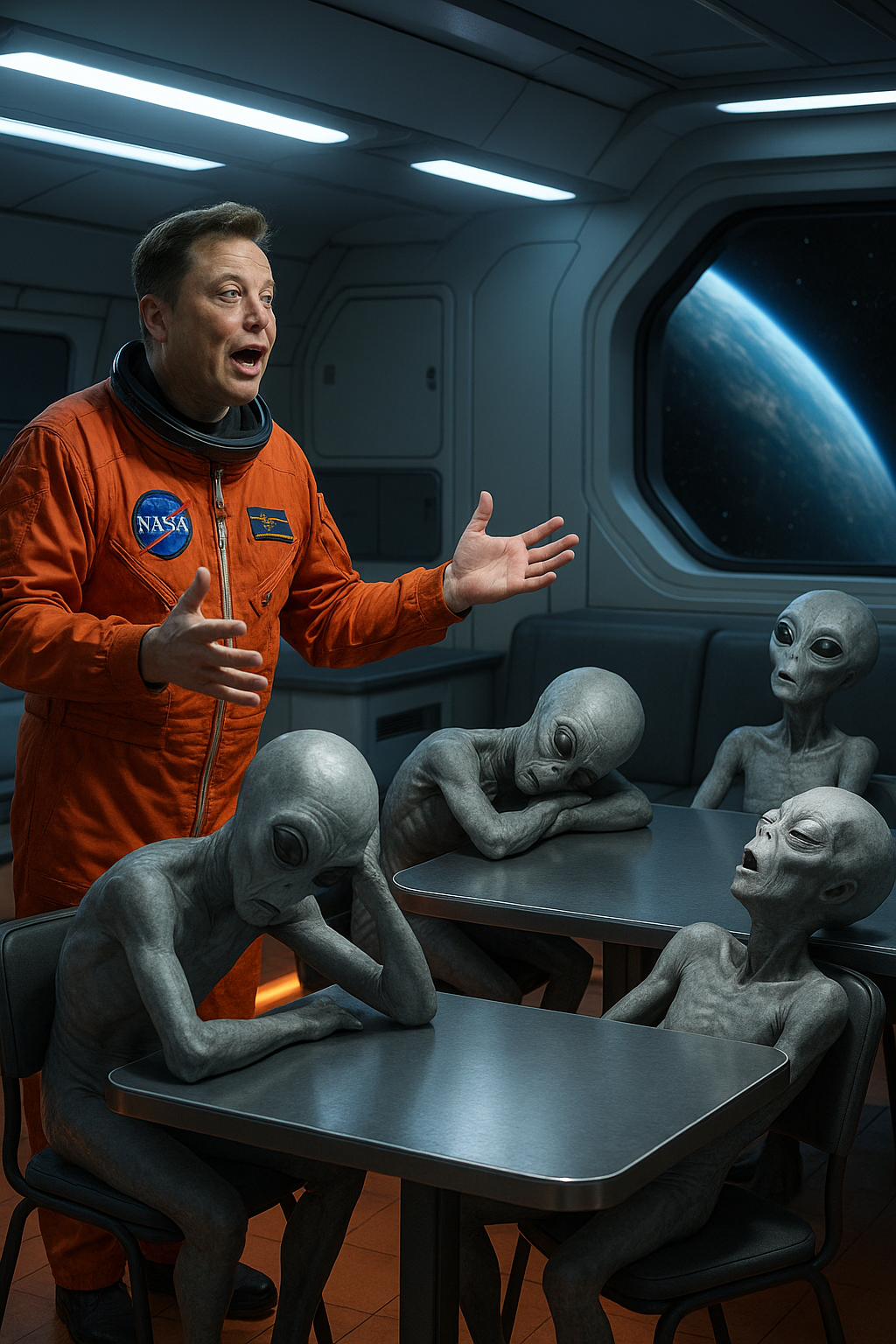
Photo-realistic image: Elon Musk onboard futuristic spaceship dining hall in nasa flight-s…
stable-diffusion
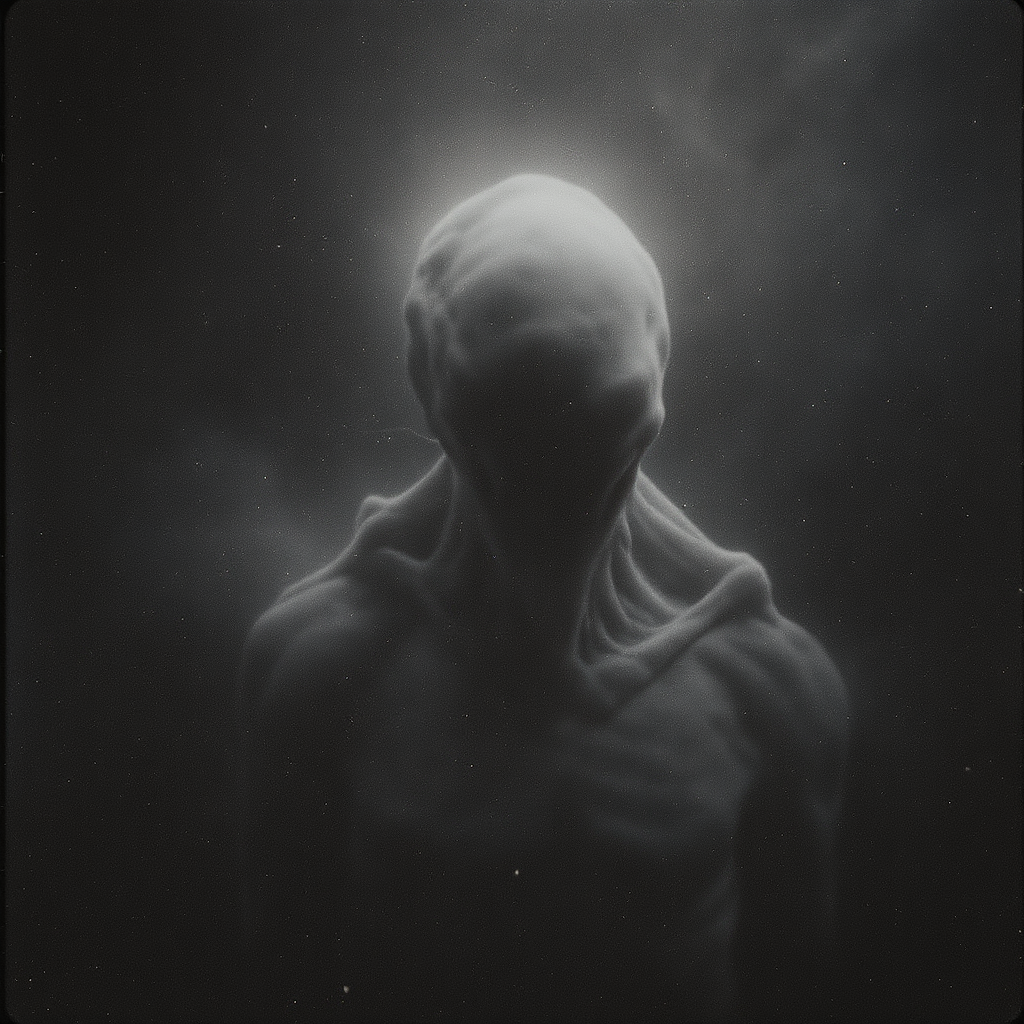
Shot composition: Close-up framing on the anomalous entity centered in the frame
flux-studio
Models you can run on PixelDojo for nano banana pro images
Switch models without switching tools. Each one runs in the same PixelDojo studio.
What you can do with nano banana pro images on PixelDojo
Nano Banana Pro Generation
We generate images with Nano Banana Pro so you can turn prompts into finished stills without leaving PixelDojo.
Prompt And Style Control
We let you set subject, composition, and visual style so each run matches the look you need for the project.
Iterate And Compare Outputs
We keep generations in one workspace so you can refine prompts, rerun, and pick the frames that work.
Export For Creative Use
We provide downloads you can take into editing, social, or client delivery as part of your usual workflow.
Loved by thousands of creators worldwide who generate professional nano banana pro images every day. 40+ cutting-edge AI tools, cancel anytime, try it today.
Why Choose Pixel Dojo for nano banana pro images
Professional-quality results with cutting-edge AI technology
Flawless Text That Actually Sells
You get infographics, menus, posters and product labels with readable, correctly spelled copy in multiple languages so your designs look finished, not generated.
Blend Photos Into One Cohesive Scene
You combine product shots, logos and people into a single high-fidelity composition while keeping faces and branding consistent across every variation.
4K Print-Ready Files Without Extra Steps
You walk away with studio-quality resolution, accurate lighting and camera control so your nano banana pro images drop straight into ads, decks or print without upscaling later.
How It Works
You create nano banana pro images by picking a generator, describing the exact look you want, then polishing with PixelDojo’s dedicated edit tools until the file is client-ready.
Step 1: Choose Your Tool
Open Generate Images and select Nano Banana 2 for reasoning-driven compositions, or switch to Flux.2 Studio, Seedream 5 or Ideogram 4 when you need extra style control. Upload up to several reference photos if you want character or product lock.
Step 2: Enter Your Prompt
Write a clear description: subject, action, lighting, camera, aspect ratio and any text that must appear. Nano Banana 2 understands real-world knowledge so you can ask for accurate infographics or localized copy without extra research.
Step 3: Customize & Download
Use Change Camera Angle, Magic Lighting, Inpainting or Reality Polisher to refine any area, then upscale with P-Image Upscale or Magnific Upscaler. Download the 4K file or send it to Marketing Studio for video and captions.
The Pixel Dojo Advantage
Why PixelDojo outperforms other options for nano banana pro image generation
| Others | Pixel Dojo |
|---|---|
| Traditional design studios | You skip weeks of briefs and revisions; generate, blend and polish studio-quality files in a single session with Nano Banana 2 and edit tools. |
| Generic AI tools | You get dedicated high-res, text-accurate generators plus Change Camera Angle, Magic Lighting and consistent-character tools that generic platforms lack. |
| Manual photo editing | You avoid hours of masking and compositing; describe the change once and PixelDojo applies lighting, perspective and text in seconds. |
Loved by creators on PixelDojo
Real feedback from people using PixelDojo, pulled from our in-product surveys.
Love you guys!!
Trained my Lora super fast. Still working out how to creat content wit it, but I love it so far.
I love this app
It has all the tools I can think of...
deployment rate of splendid features is incredible. Legend
large selection of tools on one platform
Explore more AI tools on PixelDojo
AI Tools
Compare & Switch
- Best AI Image Generators
- Best AI Video Generators
- Midjourney Alternatives
- Civitai Alternatives
- Runway Alternatives
- Leonardo Alternatives
- Pika Alternatives
- Luma Alternatives
- Magnific Alternatives
- Veo Alternatives
- Flux Alternatives
- Freepik Alternatives
- Seedance Alternatives
- Seedream Alternatives
- Pixverse Alternatives
- GPT Image Alternatives
- Synthesia Alternatives
- Playground Alternatives
- NightCafe Alternatives
- Canva AI Alternatives
- ElevenLabs Alternatives
- ComfyUI Alternatives
- Fal Alternatives
- Replicate Alternatives
Common Questions
Everything you need to know about nano banana pro images
How do I generate nano banana pro images with perfect text overlays?
Select Nano Banana 2 or Ideogram 4 inside PixelDojo Generate Images, include the exact wording and language in your prompt, then refine any lettering with Inpainting or Reality Polisher. The combination produces readable, professional copy ready for print or web.
Can I blend multiple photos into one nano banana pro image on PixelDojo?
Yes. Upload your product, logo and people references, choose Nano Banana 2 or Flux.2 Studio, and describe the final composition. Follow up with Image to Image or Change Camera Angle to lock lighting and perspective so every element looks like it belongs together.
What resolution can I get for nano banana pro images?
PixelDojo lets you generate and then enhance to 4K using P-Image Upscale, Magnific Upscaler or Clarity Pro. Start with Nano Banana 2 at native high resolution, then apply Portrait Upscaler or FLUX Video Upscale if you later need motion.
How do I keep characters consistent across nano banana pro image series?
Use Consistent Characters or Ideogram Character together with Nano Banana 2. Upload a face or full-body reference once, then generate new scenes; WAN Video Character Swap and Kling Avatar extend the same look into video if you need it.
Is there a way to edit lighting and camera after generating a nano banana pro image?
Absolutely. After generation, open Edit Images and apply Magic Lighting, Change Camera Angle or Style Transfer. These tools let you shift day to night, add bokeh or reframe without starting over, keeping the original composition intact.
Can I use nano banana pro images commercially with PixelDojo?
Yes. All images you create with Nano Banana 2, Seedream 5, Recraft V4.1 and the rest of the 40+ tools are yours to use in ads, products and client work. Cancel anytime, no lock-in, and you can train custom models with Flux Trainer if you need brand-specific looks.